














Step 1
Upload
Add a clear female portrait (front-facing works best). The AI detects the subject and prepares the image for token conversion and background removal.
Convert female portraits into clean token-style images and remove backgrounds instantly. Fast AI processing for avatars, profiles, and icons—try it now.
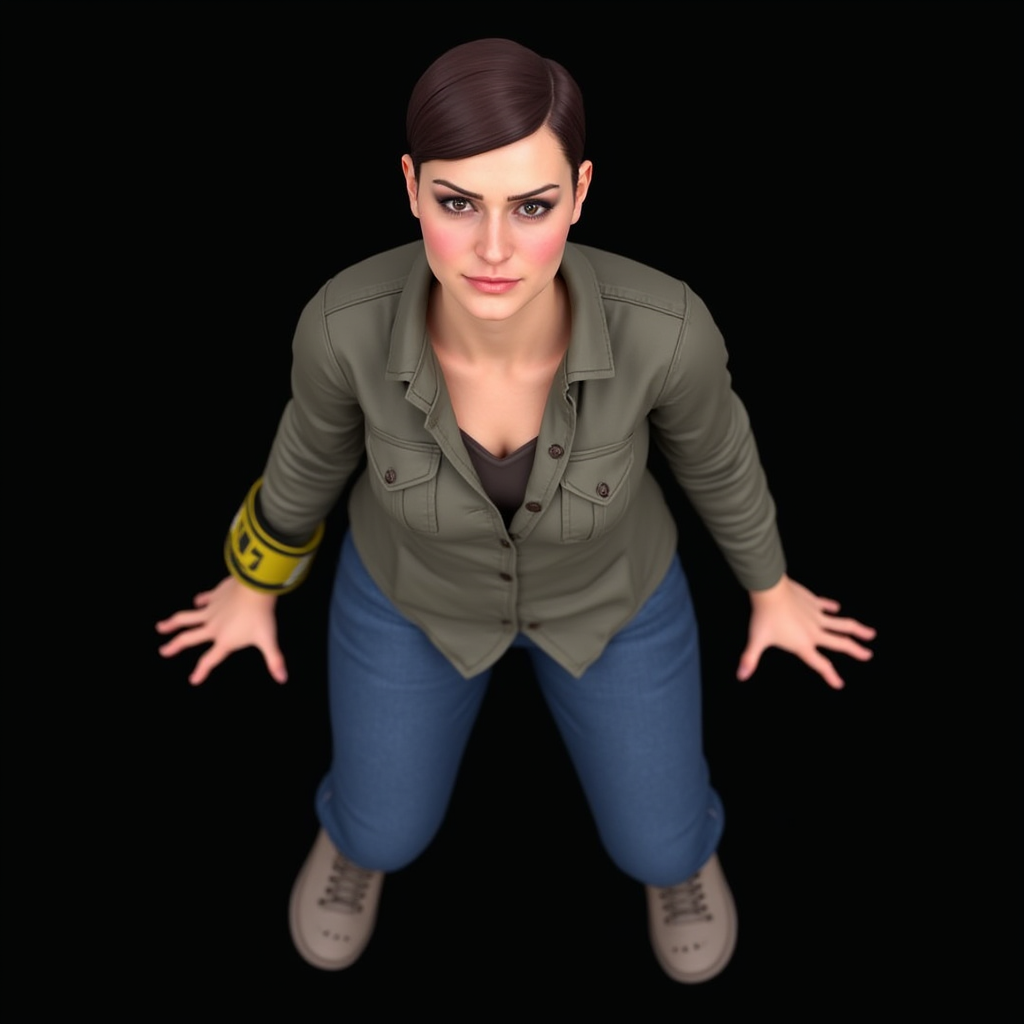
How to use Female Portrait to Token 2
Create token-style portraits with a transparent background using Female Portrait to Token 2. Follow these steps to upload a photo, choose your output preferences, and download a ready-to-use PNG for any project.
Step 1
Add a clear female portrait (front-facing works best). The AI detects the subject and prepares the image for token conversion and background removal.

Step 2
Run the token portrait generator to stylize the face and remove the background. Review the preview and adjust input if you want cleaner edges.

Step 3
Export your token image with a transparent background. Use the PNG for profile pictures, stickers, icons, or design mockups without extra editing.
Features
Female Portrait to Token 2 transforms female photos into token-style portraits while removing the background automatically. Get clean cutouts suitable for UI, social profiles, and game assets. The AI pipeline focuses on consistent stylization, fast processing, and export-ready results—no manual masking required.
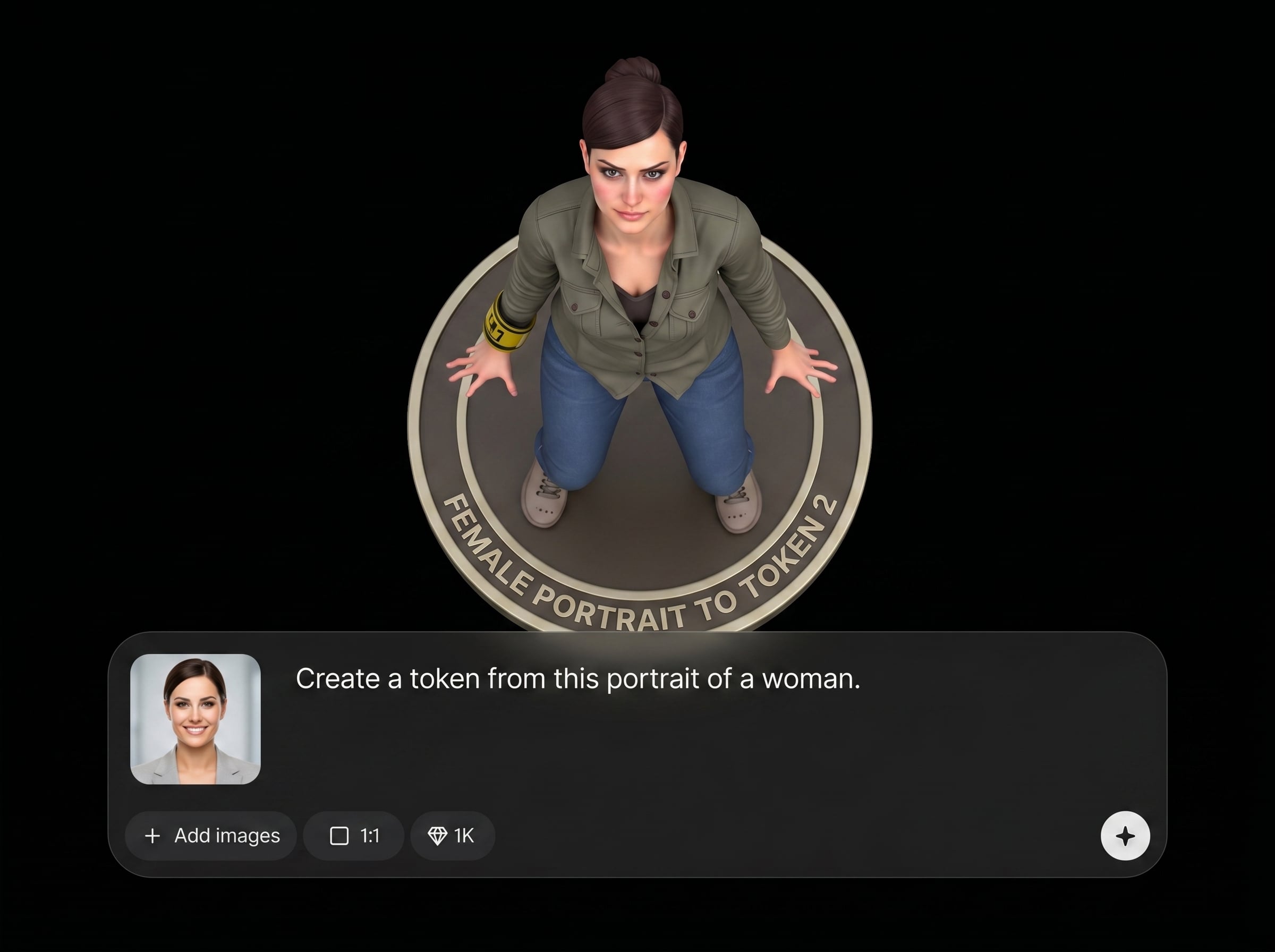
Convert a female portrait into a polished token look with consistent style and clarity. Ideal for avatars, profile images, and digital identity assets that need a unified visual treatment.
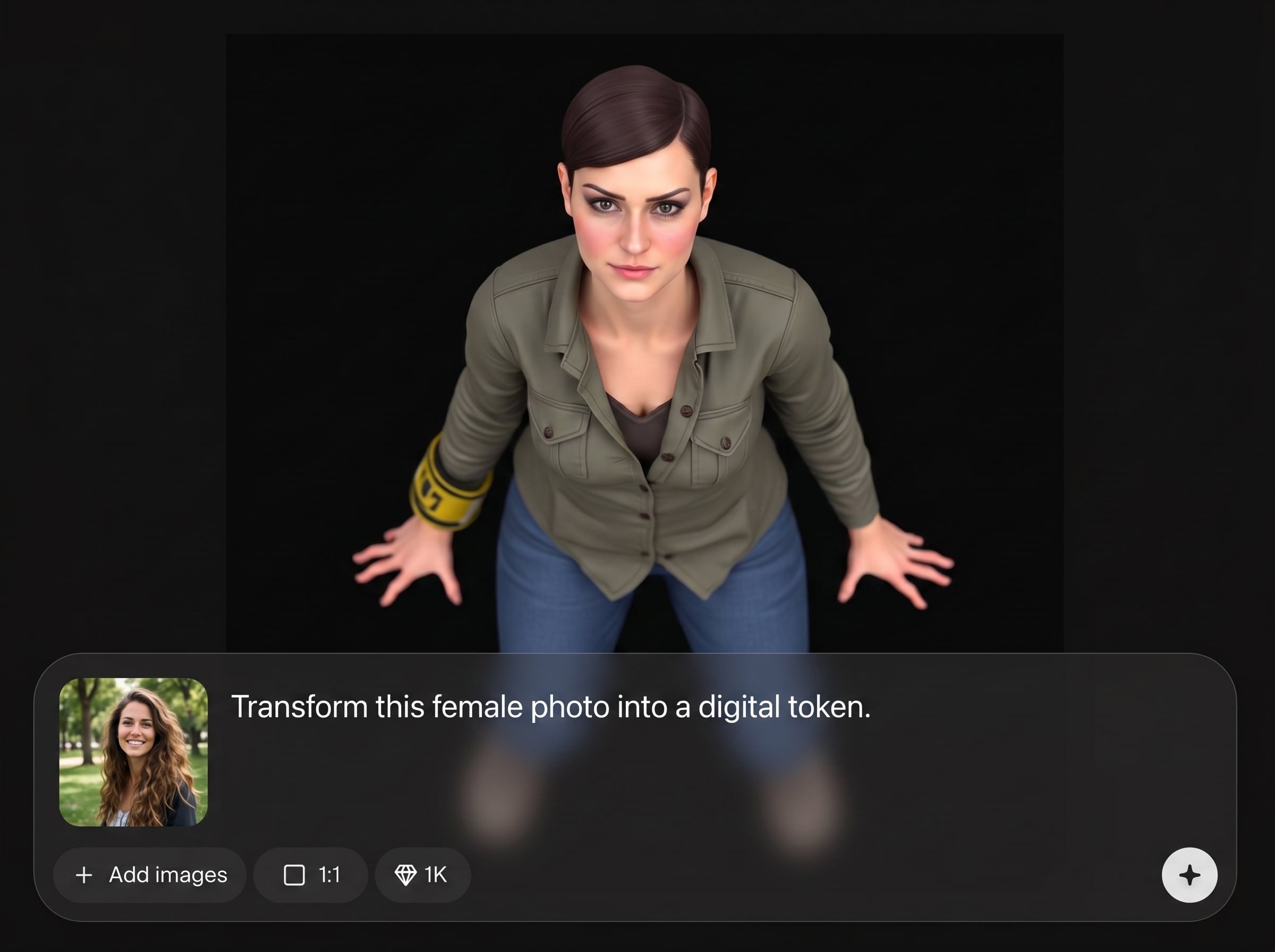
Remove backgrounds instantly to generate a clean subject cutout. Produce transparent PNG outputs that drop into designs, presentations, and product UI without extra editing steps.
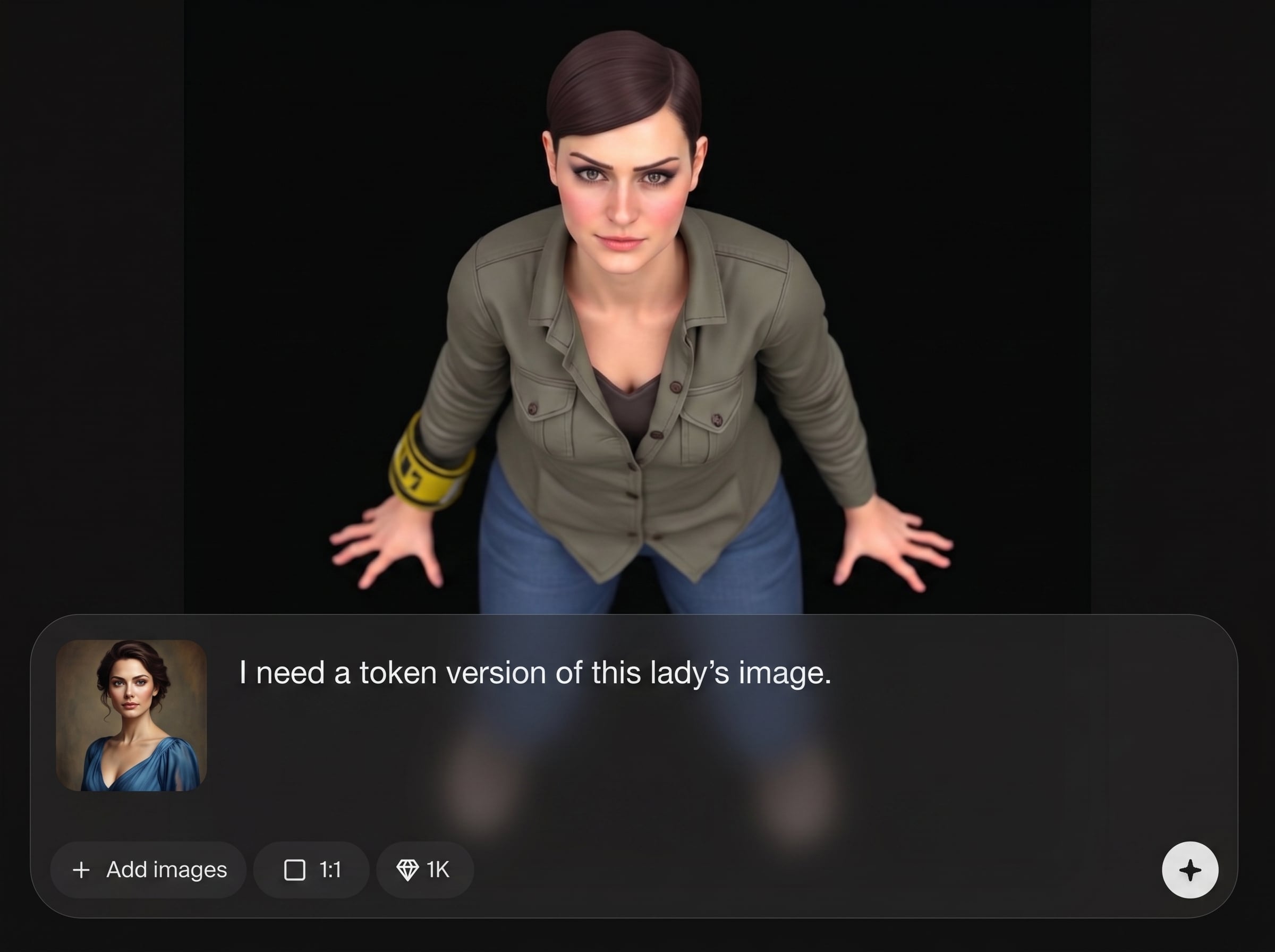
Get quick AI processing with outputs optimized for reuse. Save time on retouching and masking, and keep quality consistent across batches of portraits for teams and workflows.
About
Female Portrait to Token 2 converts a female portrait into a crisp token-style image and removes the background in one step. Upload a photo, get a clean cutout with a stylized token look, ready for avatars, profiles, and UI assets. Quick, consistent results with AI-powered processing for sharp edges and polished output.
Female Portrait to Token 2 combines token-style portrait conversion with automatic background removal for a faster workflow. Get consistent, clean cutouts optimized for avatars and UI. AI processing reduces manual edits, helping you produce polished assets quickly and reliably.
Upload a clear female portrait, run the AI conversion, and download your token image as a transparent PNG. Use it immediately in profiles, designs, apps, or game interfaces.
Use cases
Discover how different creators use this app in their workflow.
Create token-style female avatars with transparent backgrounds for social profiles, community apps, and team directories that need a clean, consistent look.
Generate portrait tokens for interfaces, character lists, and game UI. Export PNG cutouts that fit neatly into cards, badges, and menus.
Turn portraits into ready-to-place token images for stickers, thumbnails, and promos. Background removal keeps layouts clean and brand visuals consistent.
Krea is one of the world's leading generative AI platforms. See what others say.
Real reviews on TrustpilotSo many AI tools out there but I always come back to Krea. It's really the one AI platform that 'just works'.

FYN
Krea's interfaces are still the best in the industry. Everything looks and feels so clean and easy to use! Imo the easiest to use gen AI website.

Lynn
Ultra fast generations. Extremely simple to use. All the latest AI models.

Daniel
KREA is the only AI subscription I have right now besides ChatGPT.

Sophia M.
Quick answers about token portrait conversion, AI background removal, and best results.
It converts a female portrait into a token-style image and removes the background automatically. You get a clean, stylized result suitable for avatars, icons, and UI assets.
Use a sharp, well-lit portrait with a clear face and minimal motion blur. Front-facing photos with good contrast help the AI create cleaner edges and more consistent token styling.
Yes. The background remover outputs a cutout that you can download as a transparent PNG, making it easy to place the token portrait on any color or design.
Yes. The token conversion is designed to keep a consistent look across different female portraits. For best consistency, use similar lighting and framing across your inputs.
No. The artificial intelligence background remover handles segmentation automatically. You simply upload, generate, and download—no manual masking, brushes, or layers required.
Upload a portrait and get a token-style cutout with a transparent background in seconds.

