














Step 1
Upload
Add a clear female portrait photo. Crop to center the face and keep good lighting for sharper edges and better AI token conversion.
Convert female portraits into clean token-style images with AI. Upload a photo, tweak style, and generate consistent avatars for games, UI, and design—try it now.
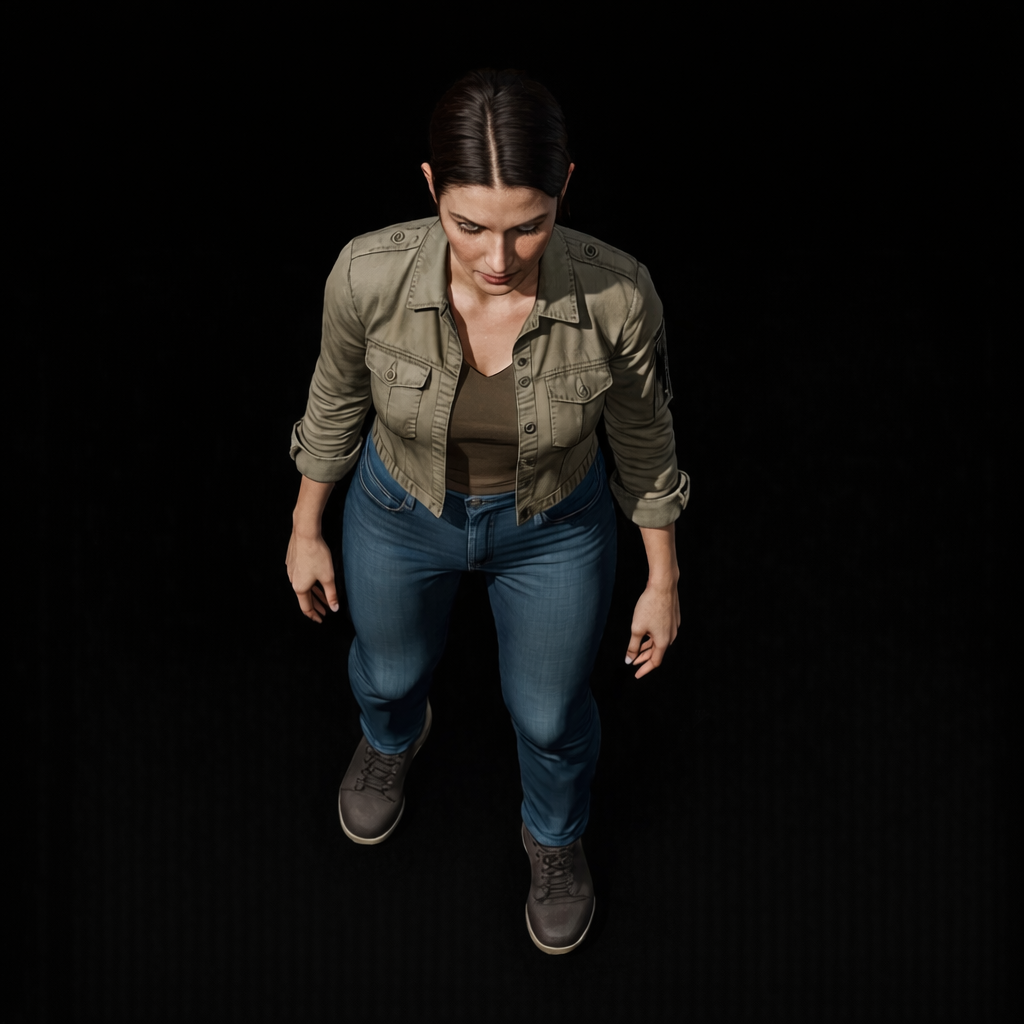
How to use Female Portrait to Token 4
Turn a female portrait into a token-ready image in minutes. Follow these steps to upload your photo, set the style, and generate consistent results for games, UI, and design.
Step 1
Add a clear female portrait photo. Crop to center the face and keep good lighting for sharper edges and better AI token conversion.

Step 2
Pick token style options like background, outline, and color tone. Adjust intensity to match your game tokens, UI icons, or character sheets.

Step 3
Run the AI generator to create token portraits. Review variations, regenerate if needed, then download the best image for your project.
Features
Female Portrait to Token 4 is an AI token portrait generator built for clean, readable results. Convert photos into token-style avatars with balanced contrast, crisp outlines, and cohesive styling across a set. Ideal for tabletop tokens, game UI, and character libraries where consistency matters as much as speed.
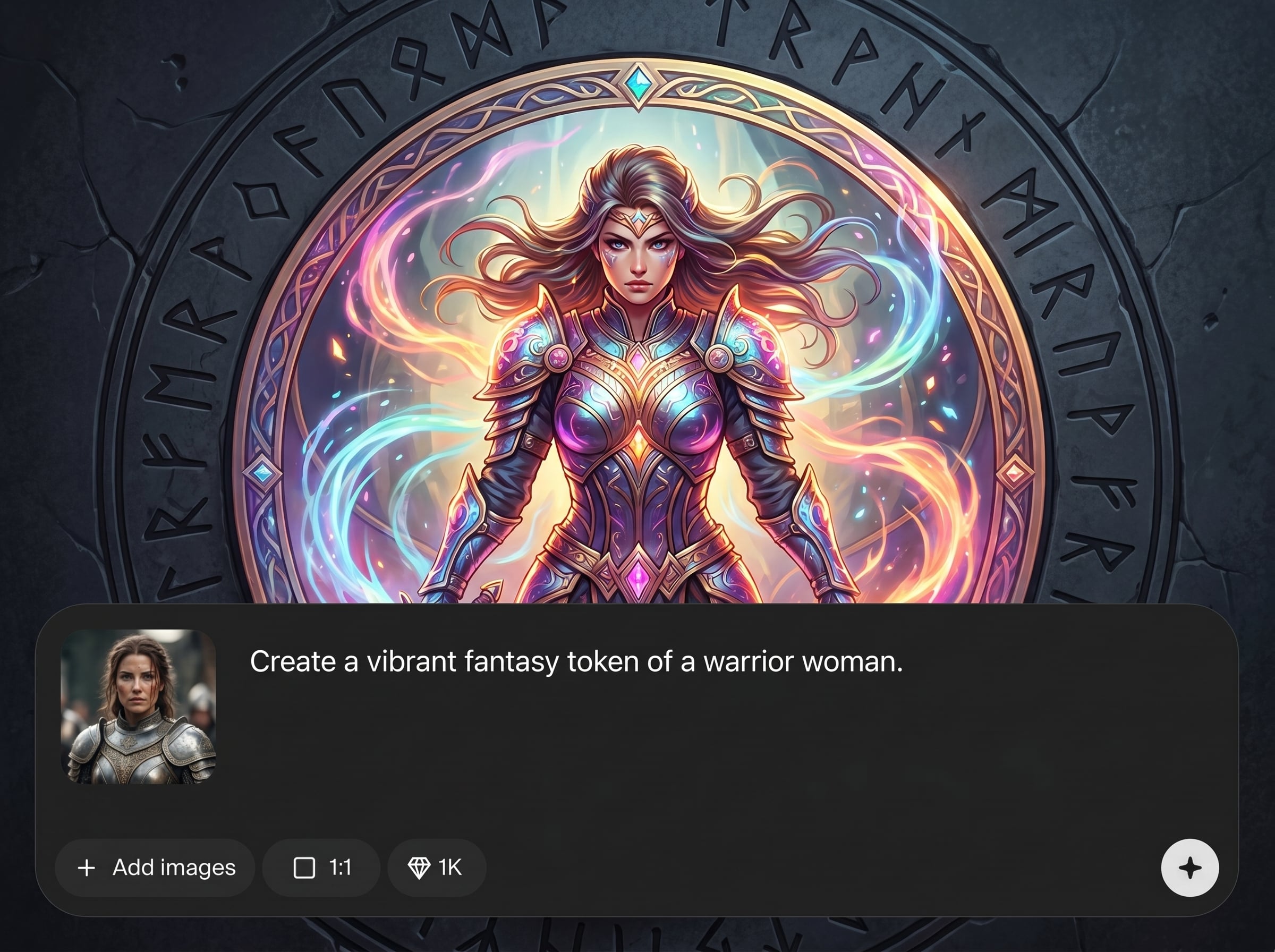
Transform a female portrait into a token-style image with AI. The output is optimized for readability at small sizes, with cleaner edges and simplified details.
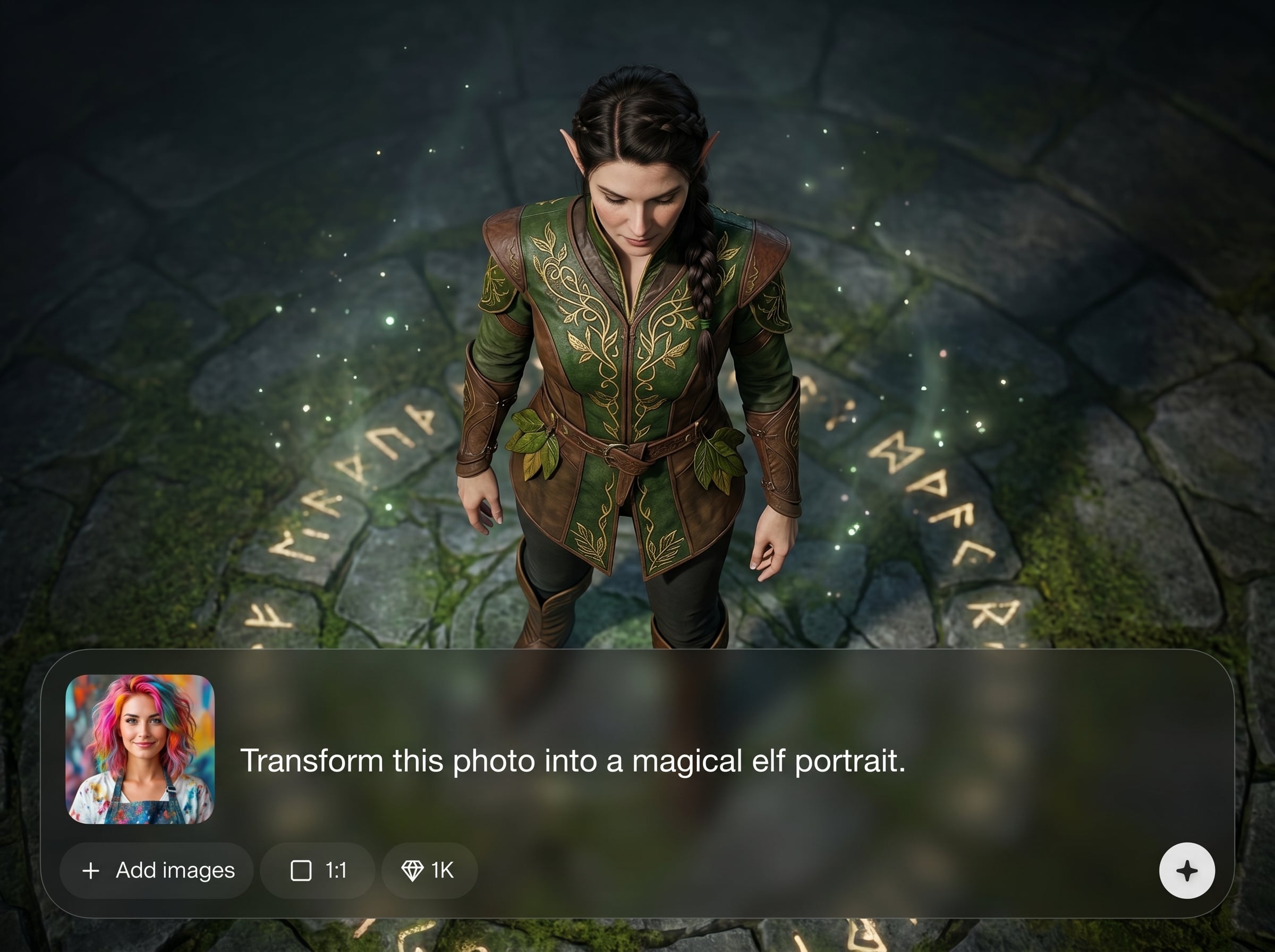
Generate multiple variations quickly and keep a consistent look across characters. Save time when building sets of avatars for games, UI elements, and design boards.
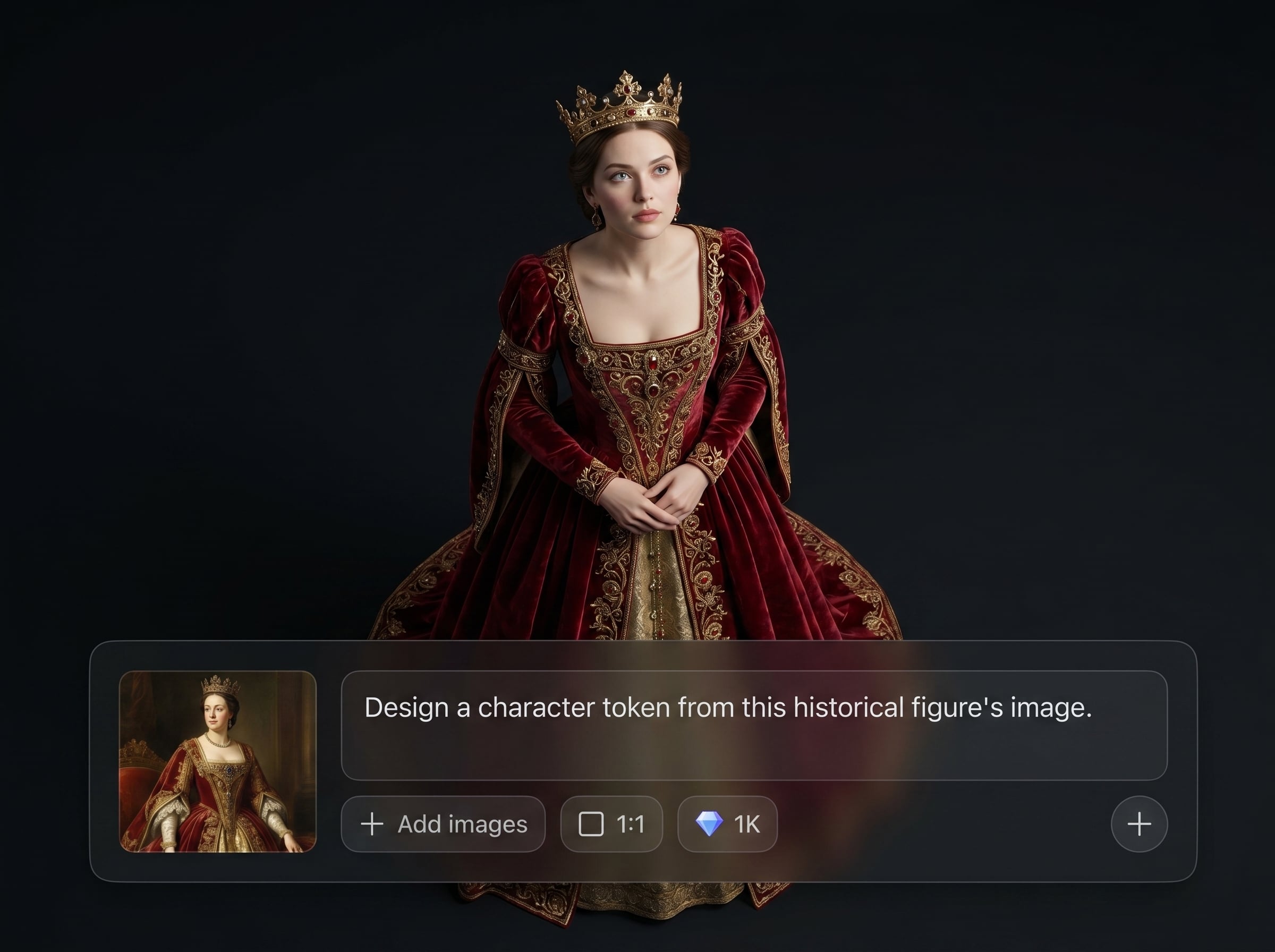
Adjust backgrounds, outlines, and overall tone to fit your token template. Produce cohesive character tokens that match your visual system without extra editing steps.
About
Female Portrait to Token 4 turns a female photo into a polished token-style portrait using AI. Upload an image, choose a look, and generate consistent, high-contrast tokens ready for games, apps, and design mockups. Fast outputs, clean edges, and repeatable results help you build cohesive character sets in minutes.
Get consistent token portraits without tedious manual editing. The AI conversion prioritizes clean silhouettes, readable contrast, and repeatable styling—so your character sets look cohesive across games, UI kits, and design systems.
Open the app, upload a female portrait, and choose your preferred token style. Generate a few variations, pick the best result, and download a ready-to-use token image.
Use cases
Discover how different creators use this app in their workflow.
Convert female portraits into consistent character tokens for virtual tabletops and printable sheets, with clean borders and strong contrast for small icon views.
Create token-style portraits sized for UI panels, menus, and party frames. Keep a unified look across characters while generating variations quickly.
Generate token portraits for wireframes and concept decks. Replace placeholder headshots with consistent AI avatars that match your product style.
Krea is one of the world's leading generative AI platforms. See what others say.
Real reviews on TrustpilotSo many AI tools out there but I always come back to Krea. It's really the one AI platform that 'just works'.

FYN
Krea's interfaces are still the best in the industry. Everything looks and feels so clean and easy to use! Imo the easiest to use gen AI website.

Lynn
Ultra fast generations. Extremely simple to use. All the latest AI models.

Daniel
KREA is the only AI subscription I have right now besides ChatGPT.

Sophia M.
Common questions about converting female portraits into token-style images with AI.
It converts a female portrait photo into a token-style portrait using AI. You can generate clean, consistent avatars suitable for tabletop tokens, game UI, and design assets.
Use a clear, front-facing portrait with good lighting and minimal blur. Center the face and avoid heavy shadows to help the AI create crisp outlines and readable details.
Yes. Generate several outputs to explore different token styles and tones. This makes it easy to build a cohesive set of character tokens while keeping the source identity consistent.
They’re designed for readability at small sizes, with simplified details and higher contrast. For best results, choose styles with clear outlines and download at higher resolution.
No. Upload a portrait, choose a token style, and generate. The AI handles the conversion so you can get usable token portraits without manual masking, outlining, or retouching.
Upload a female portrait and generate clean token-style avatars for games, UI, and design in minutes.

