














Step 1
Describe
Enter a clear text prompt with character traits, outfit, mood, and setting. Add optional negatives to avoid unwanted styles, features, or artifacts in the result.
 App by iO Den Bosch
AI Character Builder helps you generate consistent characters with prompts and style controls. Create concept art, avatars, and references fast—try it now.
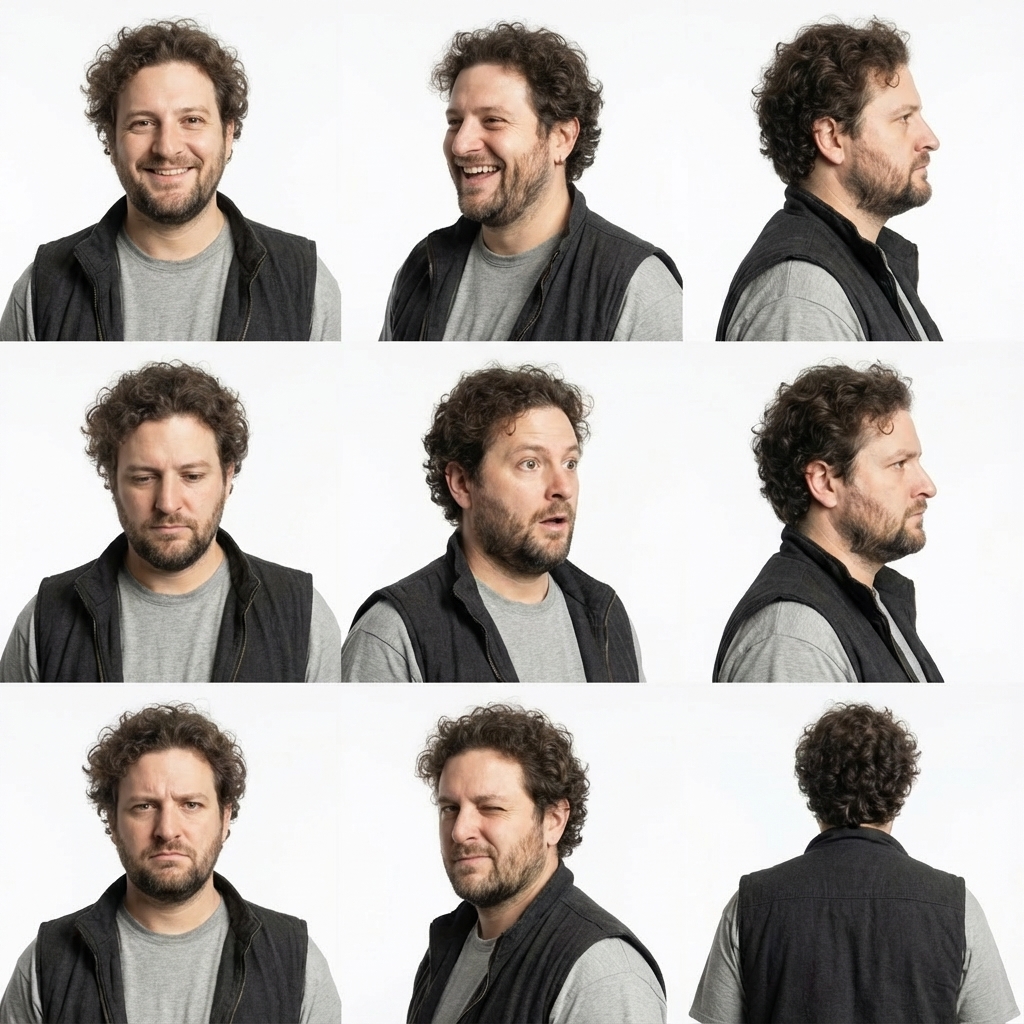
How to use AI Character Builder
Follow these quick steps to generate a character with the right style and details. Add a prompt, choose key settings, then iterate variations until the design matches your concept.
Step 1
Enter a clear text prompt with character traits, outfit, mood, and setting. Add optional negatives to avoid unwanted styles, features, or artifacts in the result.

Step 2
Select a style, aspect ratio, and detail level. Adjust guidance and seed options to keep characters consistent across iterations and to explore controlled variations.

Step 3
Create multiple variations, then refine by updating the prompt or settings. Download the best image as a reference, avatar, or concept sheet for your project.
Features
AI Character Builder turns prompts into polished character visuals with flexible style controls and fast iteration. Generate consistent character concepts, explore variations without losing identity, and export images ready for pipelines like game design, comics, and storyboarding. Build faster while keeping creative control over key details.
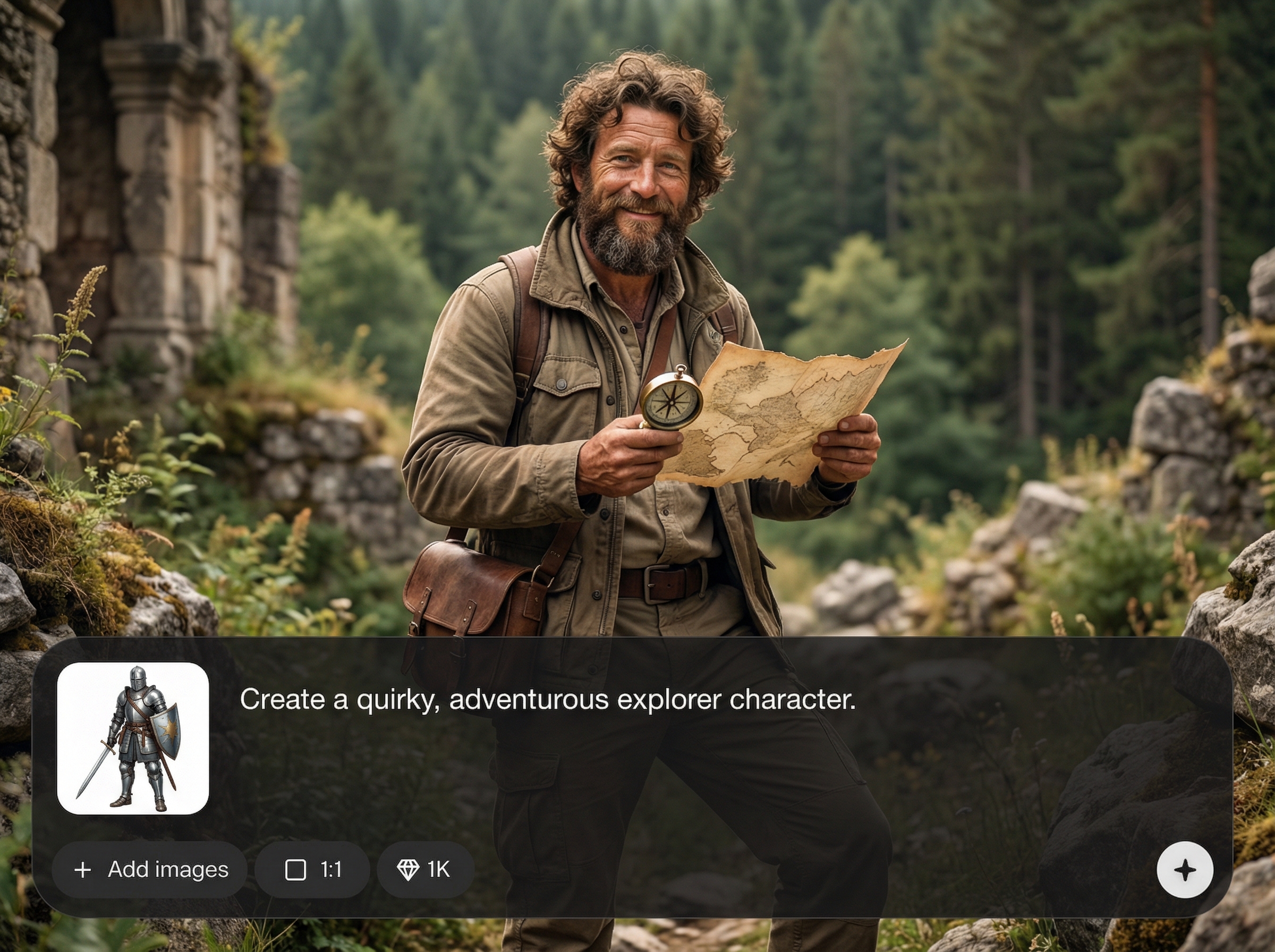
Generate character designs from detailed text prompts, including facial features, clothing, props, and environment. Quickly iterate concepts while keeping the overall direction consistent and on brief.
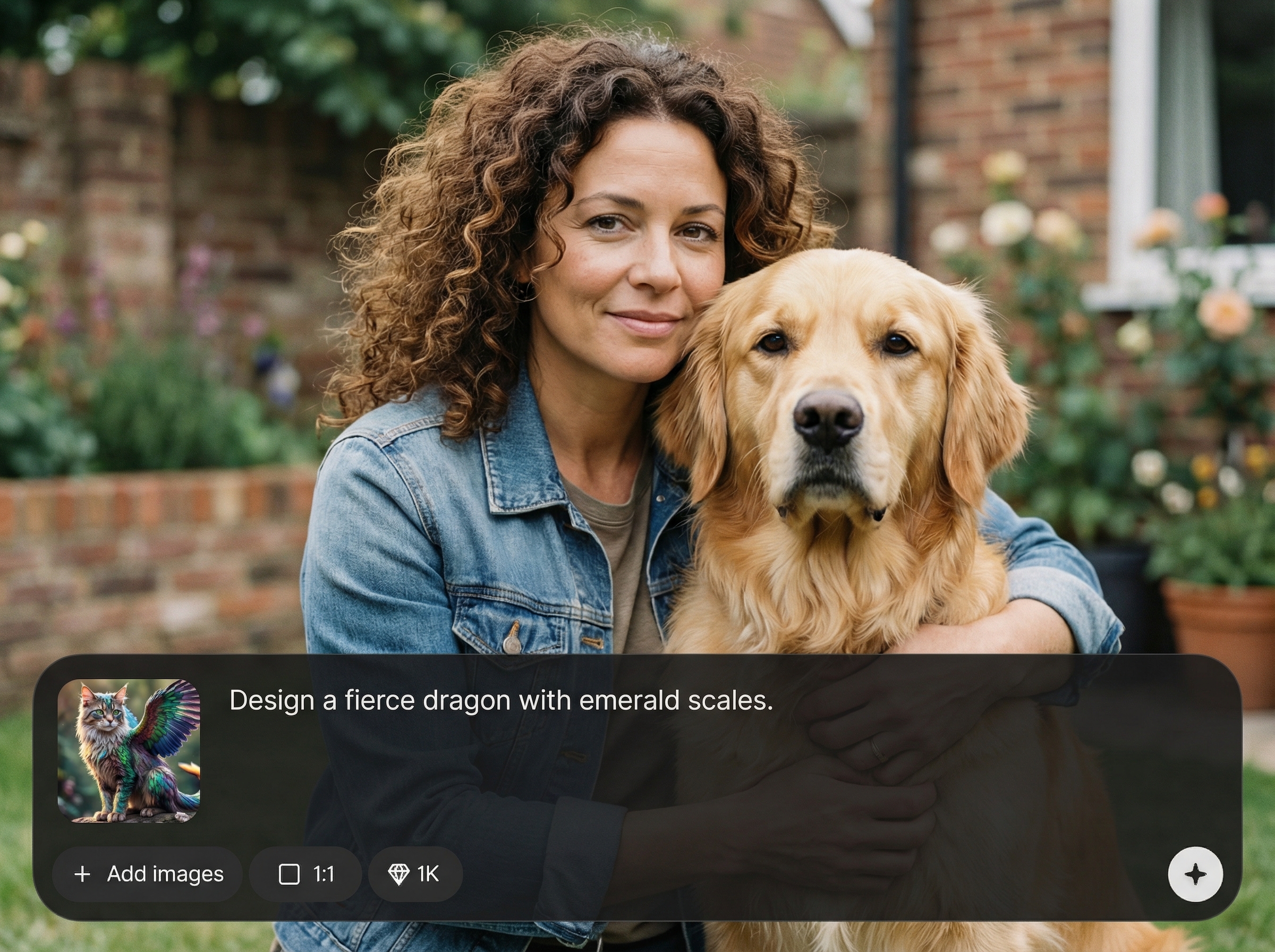
Use seeds and guidance settings to preserve identity across variations. Create a recognizable character across poses, outfits, and scenes without restarting from scratch each time.
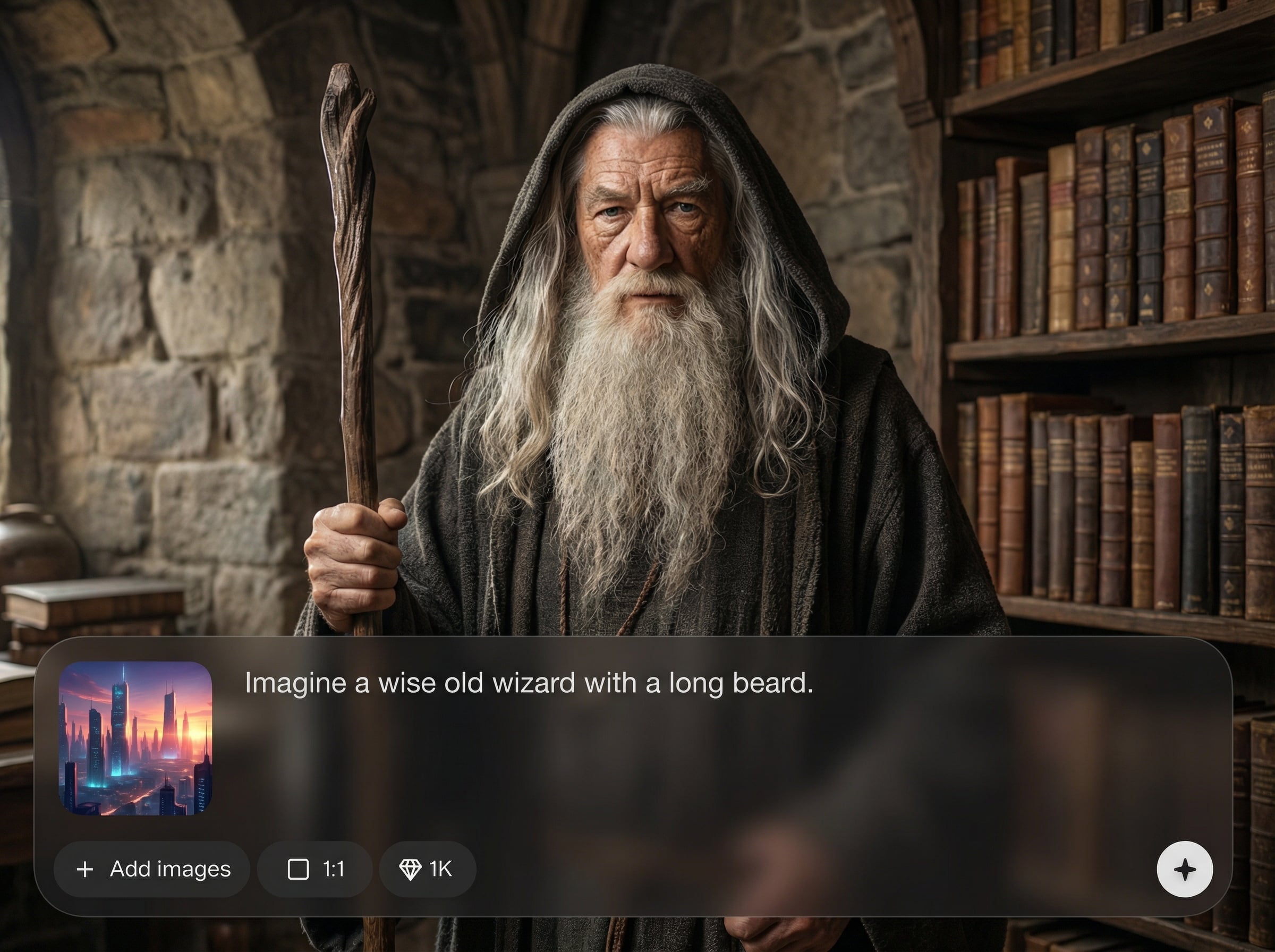
Produce multiple options in seconds, compare results, and download high-quality images for references, avatars, or concept boards. Speed up ideation and reduce rework during early design.
About
AI Character Builder is an AI character generator for designing original characters from text prompts and visual preferences. Create consistent looks across poses and outfits, iterate quickly, and export ready-to-use character images for games, comics, and storyboards. Fine-tune style, details, and composition with simple controls for faster concept-to-final results.
AI Character Builder balances speed and control for reliable character generation. Use prompt-driven design with consistency settings to reduce trial-and-error, explore variations safely, and keep identity stable across outputs. Get production-friendly visuals that fit common creative workflows.
Type a character prompt, choose a style and aspect ratio, then generate variations. Keep the best results by reusing seeds and refining small details until the character matches your concept.
Use cases
Discover how different creators use this app in their workflow.
Generate NPC and hero designs quickly, explore styles, and export references for modeling, rigging, and production art workflows.
Create consistent characters for panels and scenes, test outfits and moods, and keep continuity across visual drafts.
Design distinctive avatar characters for profiles, apps, or campaigns with controlled style and repeatable variations.
Krea is one of the world's leading generative AI platforms. See what others say.
Real reviews on TrustpilotSo many AI tools out there but I always come back to Krea. It's really the one AI platform that 'just works'.

FYN
Krea's interfaces are still the best in the industry. Everything looks and feels so clean and easy to use! Imo the easiest to use gen AI website.

Lynn
Ultra fast generations. Extremely simple to use. All the latest AI models.

Daniel
KREA is the only AI subscription I have right now besides ChatGPT.

Sophia M.
Answers to common questions about AI character generation, consistency, and outputs.
AI Character Builder is an AI character generator that creates original character images from prompts and settings. It helps you iterate faster, explore styles, and produce consistent character visuals for different use cases.
Use the same seed and maintain core prompt details like face, hair, and key clothing elements. Adjust guidance and make small changes per iteration to vary poses or scenes without changing identity.
Yes. Choose style options and set the aspect ratio to match avatars, concept sheets, or wide scenes. You can also refine detail levels and prompts to push realism, illustration, or stylized looks.
Use outputs as concept art, character references, avatars, and storyboard assets. They’re ideal for early exploration, pitch decks, and design alignment before moving into production pipelines.
Make prompts more specific, add negative keywords to remove artifacts, and adjust guidance for stronger prompt adherence. Generate multiple variations, then refine incrementally to converge on the character you want.
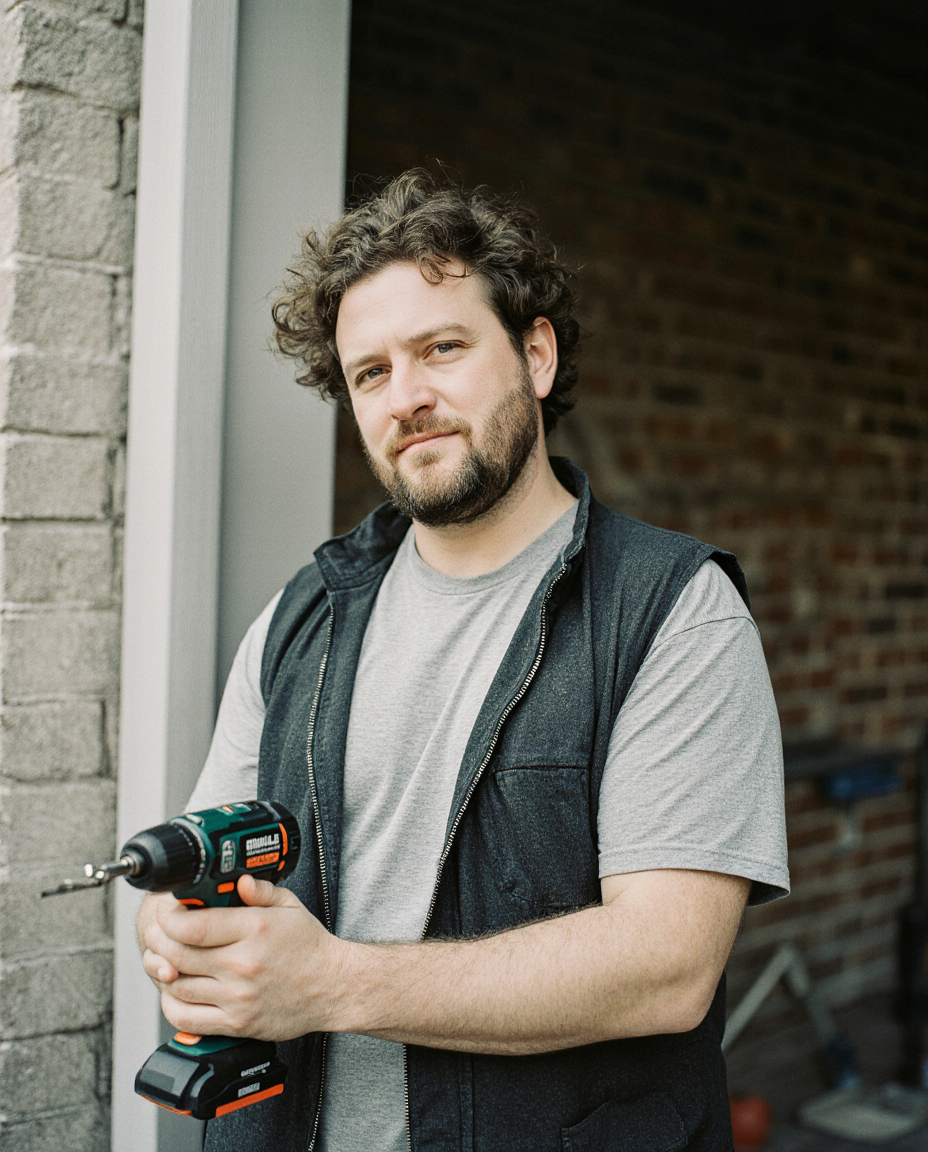
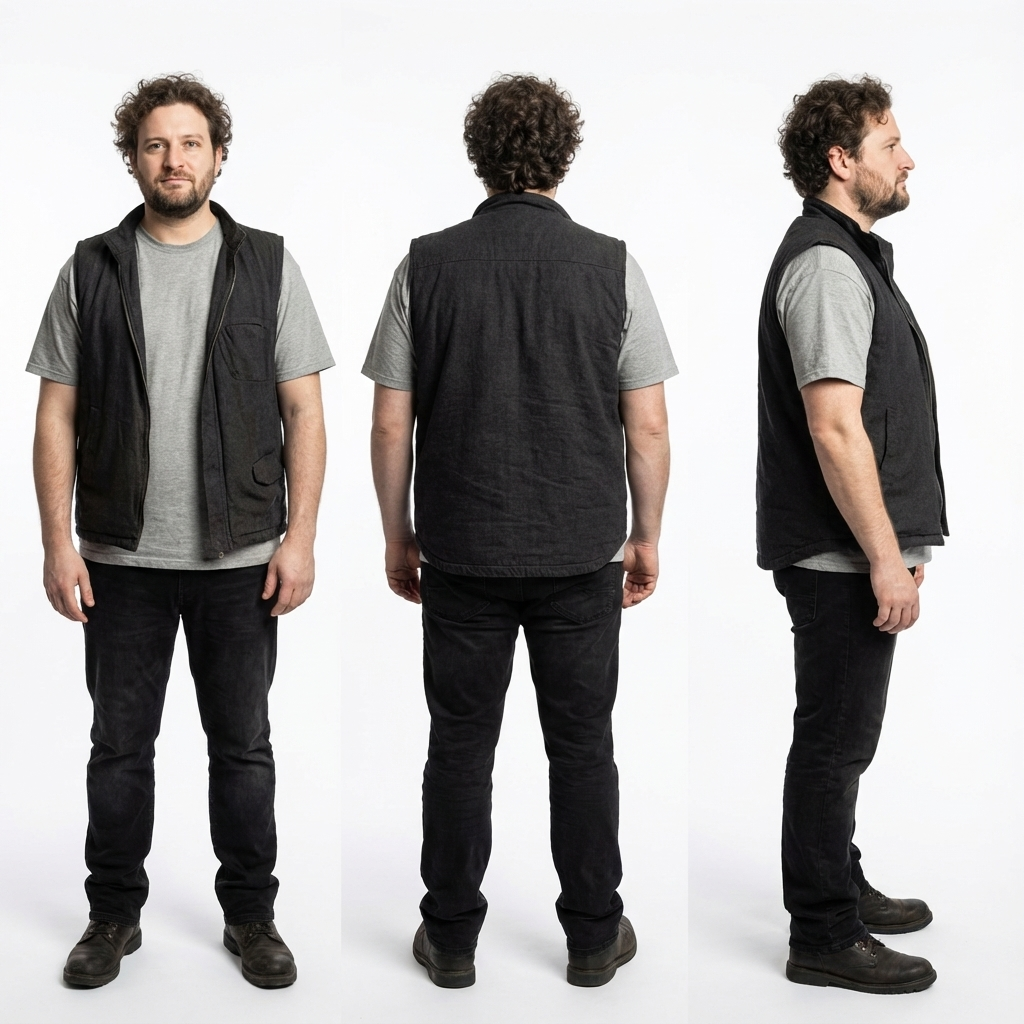
Generate consistent character concepts in seconds with prompt controls, fast variations, and ready-to-export images.

