














Step 1
Describe your illustration
Enter a clear prompt with subject, style, and mood. Add details like color palette, line weight, background, and camera angle to guide the AI illustration output.
PRCTCM ILLUSTRATION 🖼️ is an AI illustration generator to create clean, stylized artwork fast. Customize prompts, styles, and export files—try it now.
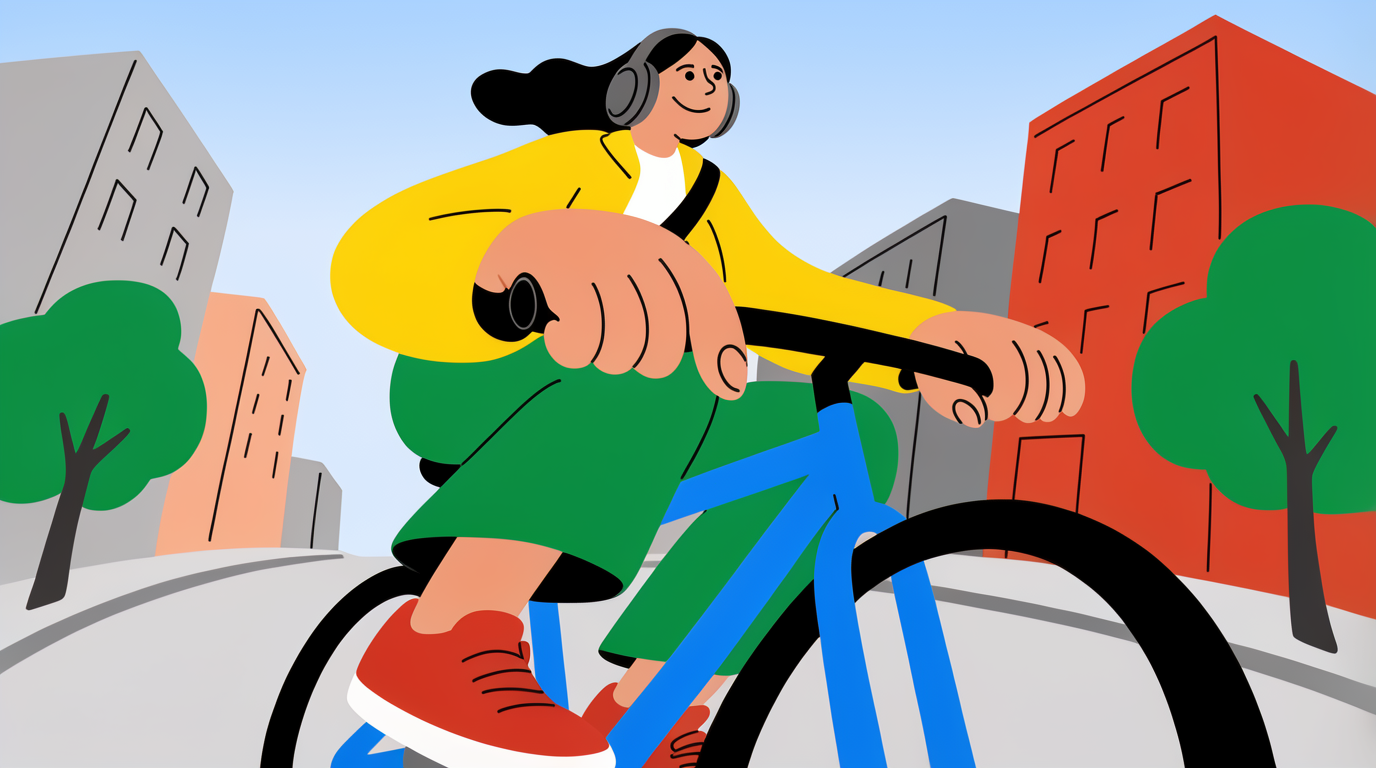
How to use PRCTCM ILLUSTRATION 🖼️
This quick guide shows how to generate illustrations with PRCTCM ILLUSTRATION 🖼️ using simple prompts and style controls. Follow three steps to create, refine, and export AI artwork for any project.
Step 1
Enter a clear prompt with subject, style, and mood. Add details like color palette, line weight, background, and camera angle to guide the AI illustration output.

Step 2
Select an illustration style and set aspect ratio and detail level. Iterate with variations to refine composition, consistency, and visual clarity until it matches your brief.

Step 3
Download your generated illustration in high resolution. Re-run with the same prompt structure to keep a consistent look across series, assets, and campaign visuals.
Features
PRCTCM ILLUSTRATION 🖼️ helps you generate high-quality AI illustrations from text with reliable style control and fast iteration. Fine-tune prompts, composition, and color to match a specific visual direction. Create cohesive sets of images for brands, products, and content, then export assets ready for digital use.
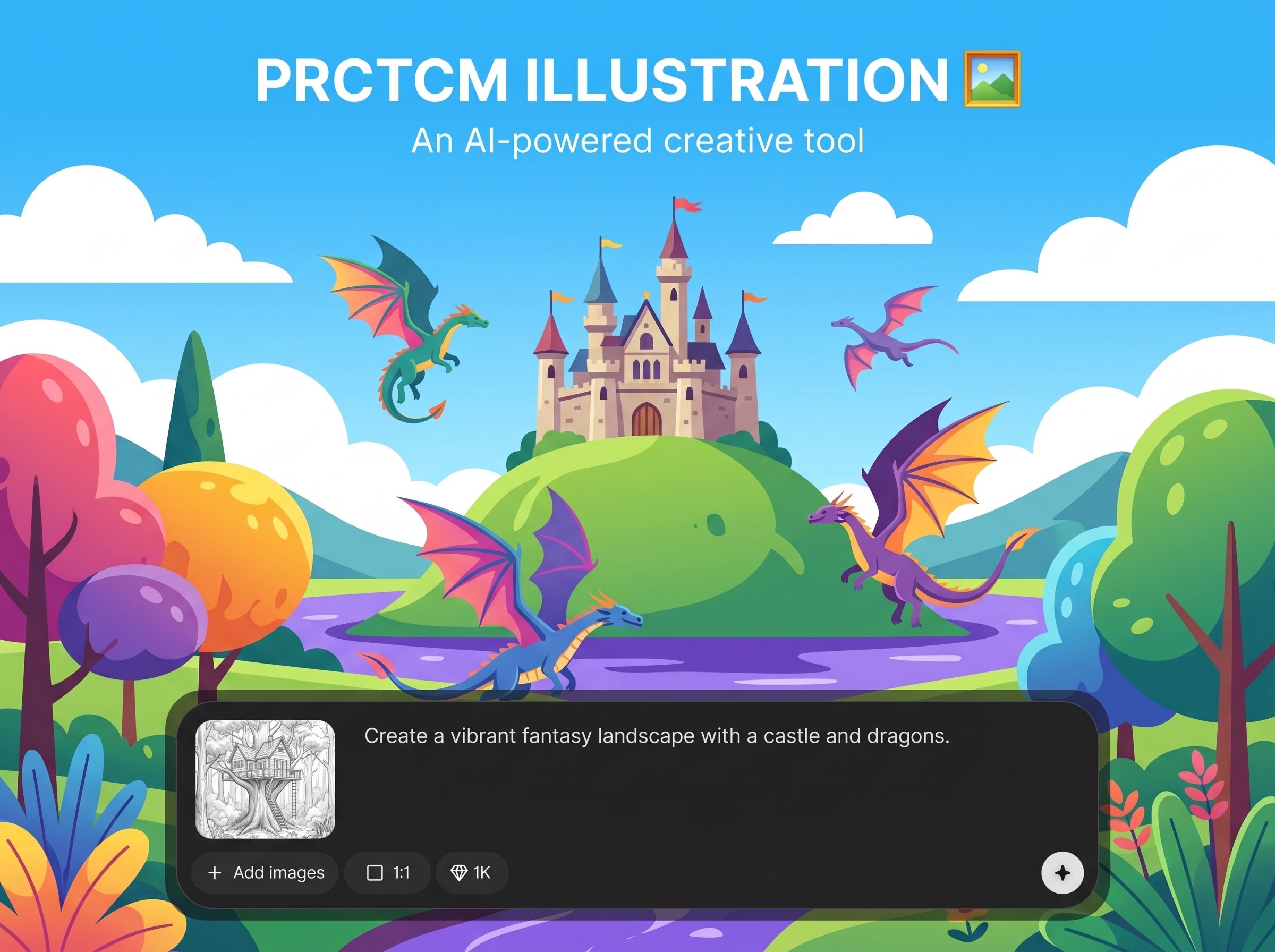
Turn text into clean illustrations with strong shapes and readable details. Guide results with subject cues, style keywords, and constraints to get artwork aligned with your intended look.
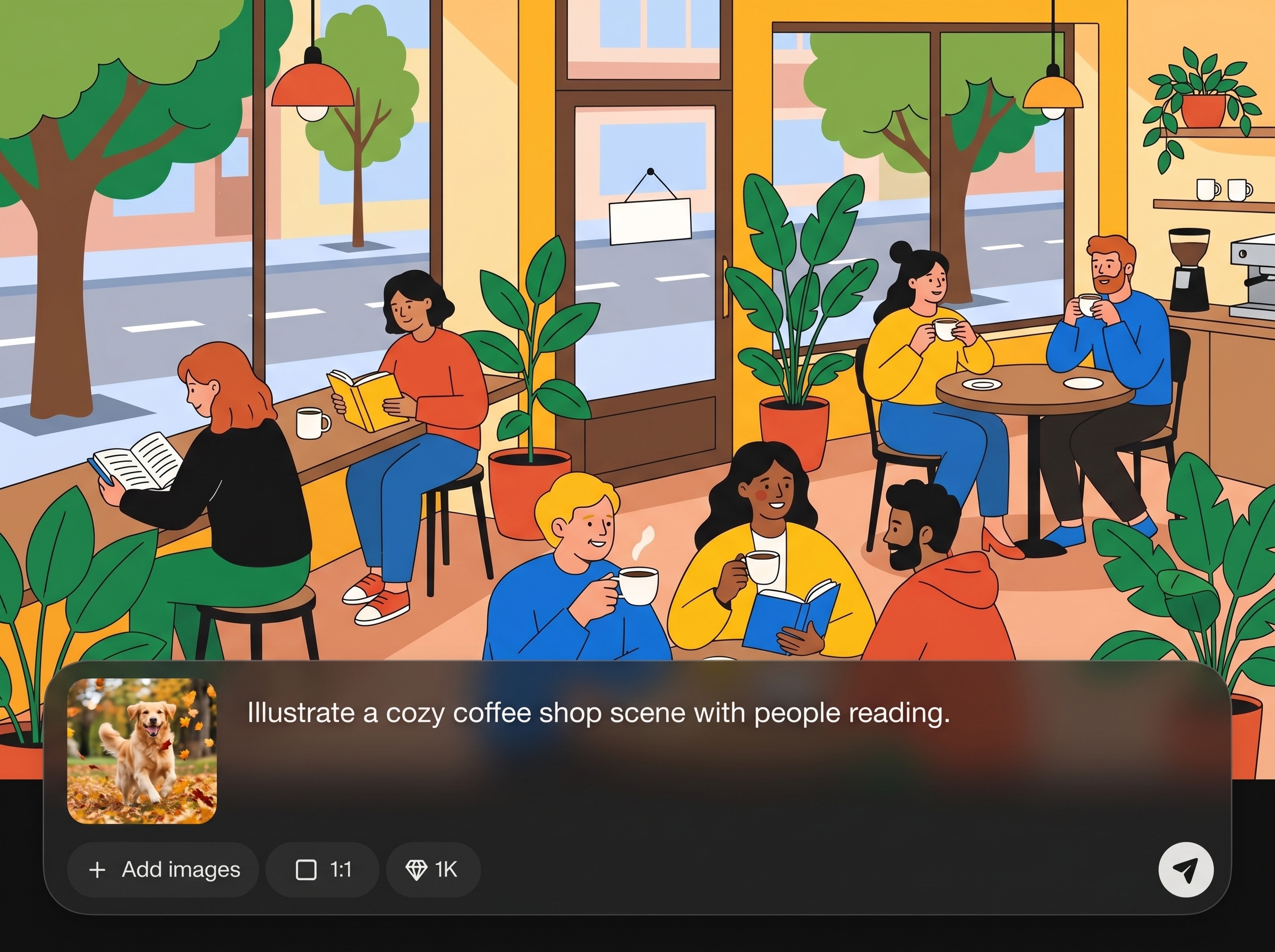
Choose styles and adjust aspect ratio for posters, thumbnails, or banners. Generate variations to explore composition quickly while keeping colors and visual hierarchy consistent across outputs.
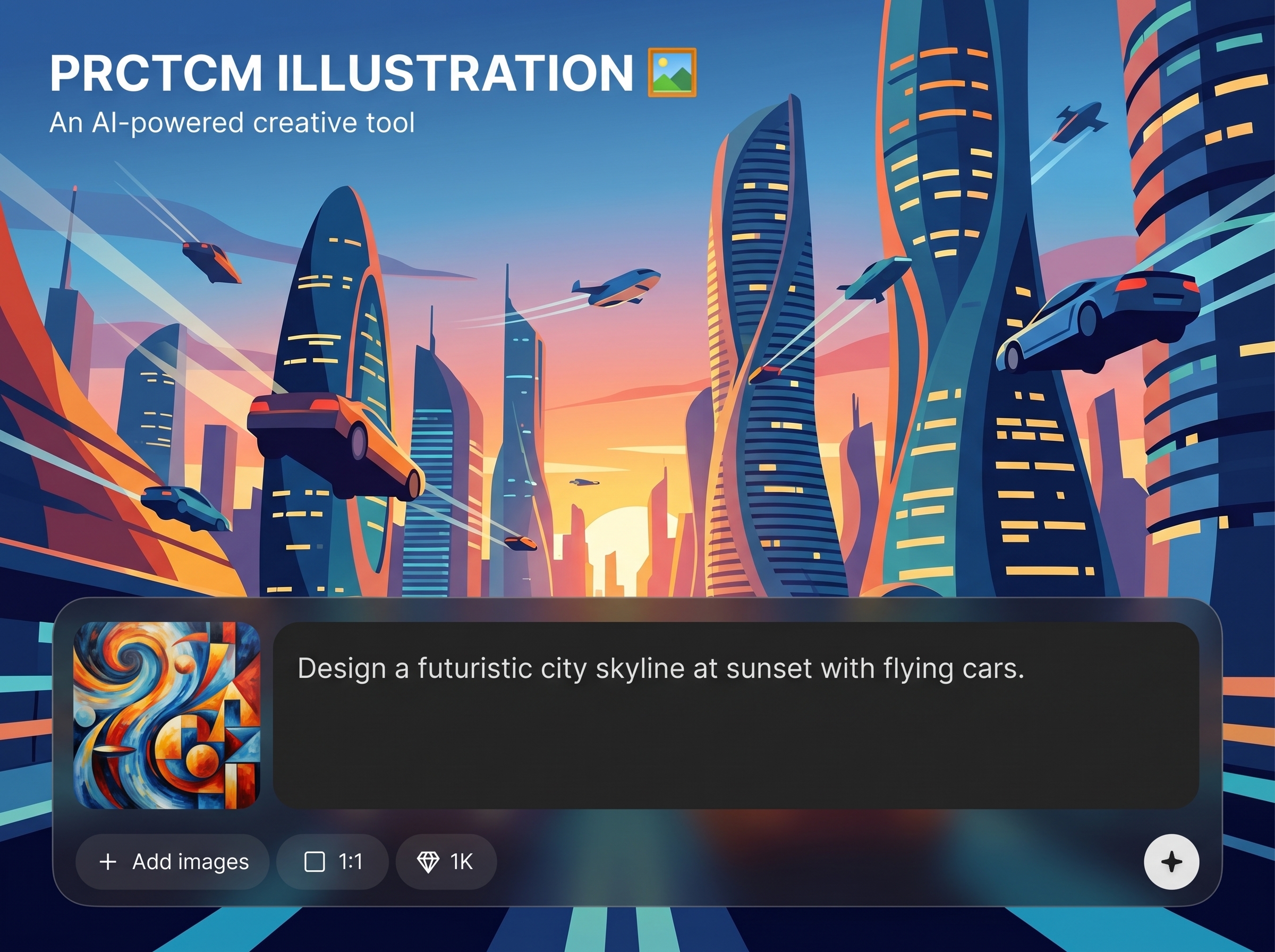
Iterate quickly to compare options and refine a direction without restarting. Export high-resolution images suitable for web, presentations, and production handoff when you need sharper details.
About
PRCTCM ILLUSTRATION 🖼️ is an AI illustration generator for turning text prompts into polished, stylized artwork in minutes. Choose an art style, refine composition and color, and iterate quickly with consistent results. Export high-quality images for branding, product mockups, social posts, and concept exploration—without complex software or long workflows.
PRCTCM ILLUSTRATION 🖼️ delivers fast, controllable AI illustration generation with results that are easy to refine. Use prompt-driven direction to shape style, composition, and color, then iterate quickly to reach a final look. Export high-resolution assets that fit real design and content needs.
Type a prompt describing the subject and style, pick your aspect ratio, and generate. Iterate with small prompt changes to refine details and download the best result in high resolution.
Use cases
Discover how different creators use this app in their workflow.
Create consistent illustration assets for landing pages, ads, and social posts. Match brand tone with style prompts and generate sets of visuals with a cohesive look.
Generate illustrative elements for feature callouts, onboarding screens, and icons. Rapidly test styles and compositions before committing to a full design system.
Explore characters, scenes, and props from short briefs. Produce multiple directions quickly, then refine the strongest concepts with targeted prompt edits and iterations.
Krea is one of the world's leading generative AI platforms. See what others say.
Real reviews on TrustpilotSo many AI tools out there but I always come back to Krea. It's really the one AI platform that 'just works'.

FYN
Krea's interfaces are still the best in the industry. Everything looks and feels so clean and easy to use! Imo the easiest to use gen AI website.

Lynn
Ultra fast generations. Extremely simple to use. All the latest AI models.

Daniel
KREA is the only AI subscription I have right now besides ChatGPT.

Sophia M.
Answers to common questions about AI illustration generation with PRCTCM ILLUSTRATION 🖼️.
PRCTCM ILLUSTRATION 🖼️ is an AI illustration generator that creates stylized artwork from text prompts. It helps you explore concepts fast, control visual style, and export high-quality images for digital projects.
Include the subject, style, and key details like color palette, line weight, and background. Add constraints such as “minimal,” “flat vector,” or “ink outline” to steer the model toward cleaner results.
Yes. Reuse a stable prompt structure, keep style keywords consistent, and iterate in small changes. This approach improves cohesion across multiple images for campaigns, UI sets, or brand libraries.
Yes. Set the aspect ratio based on your target output, such as square for social, wide for banners, or vertical for stories. This helps the AI compose the illustration for your layout needs.
Make targeted prompt edits: adjust composition cues, simplify details, or specify lighting and palette. Generate variations to compare options, then keep the best direction and continue refining iteratively.
It can generate logo-like and icon-style illustrations, especially with prompts like “simple,” “flat,” and “high contrast.” For best results, request clean shapes and minimal detail, then export at high resolution.
You can export high-resolution images suitable for web, presentations, and design workflows. If you need sharper edges, generate with simpler linework and higher detail settings, then choose the highest available export option.
Yes. Use prompts that specify character traits, outfit materials, and pose, plus a clear art style. Generate multiple variations to explore designs, then refine anatomy and props with incremental prompt changes.
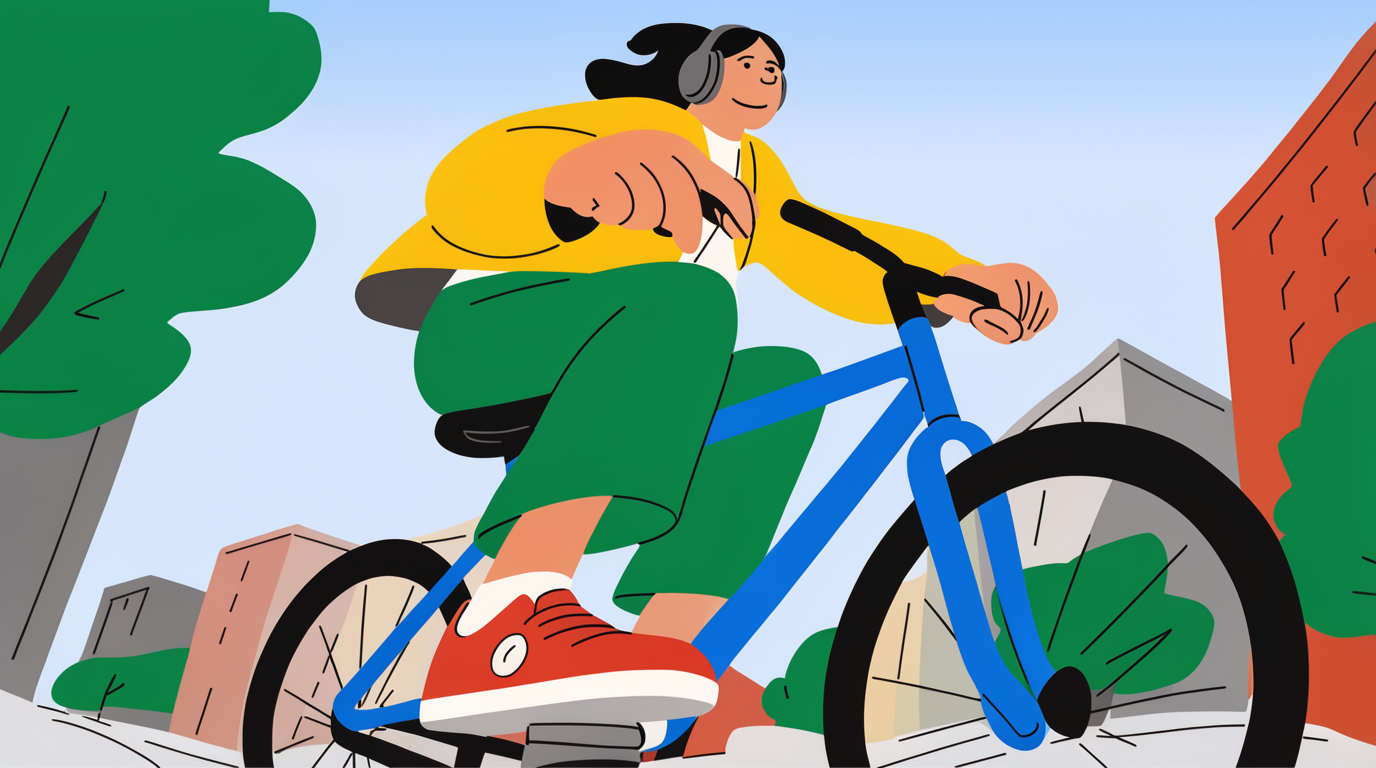
Generate AI illustrations from text, iterate fast, and export high-quality artwork for any workflow.

