
















Step 1
Add your topic
Enter a topic or short brief and include key details like audience, mood, and format. The workflow analyzes intent and suggests illustration-ready directions.
 App by ilya_sizov
Generate custom illustrations from any topic. Default illustrations analyzes your idea, proposes concepts, and renders images in your reference style. Try it now.

How to use Default illustrations
Learn how to turn a simple topic into polished, style-matched illustrations. In a few steps, you’ll provide a topic, add a style reference, and generate multiple concepts and final images.
Step 1
Enter a topic or short brief and include key details like audience, mood, and format. The workflow analyzes intent and suggests illustration-ready directions.

Step 2
Attach a reference image that represents the look you want. The system uses it to match linework, color, and composition for consistent outputs.

Step 3
Review the proposed concepts, generate illustrations, and rerun with tweaks if needed. Export your favorite images for web, product, or editorial use.
Features
Default illustrations combines topic analysis, concept ideation, and style-referenced image generation in one AI workflow. It helps you move from vague ideas to usable illustrations quickly, while keeping a consistent visual system across a set. Run it on Nano Banana (Gemini 2.5 Flash Image) for fast, reliable rendering.
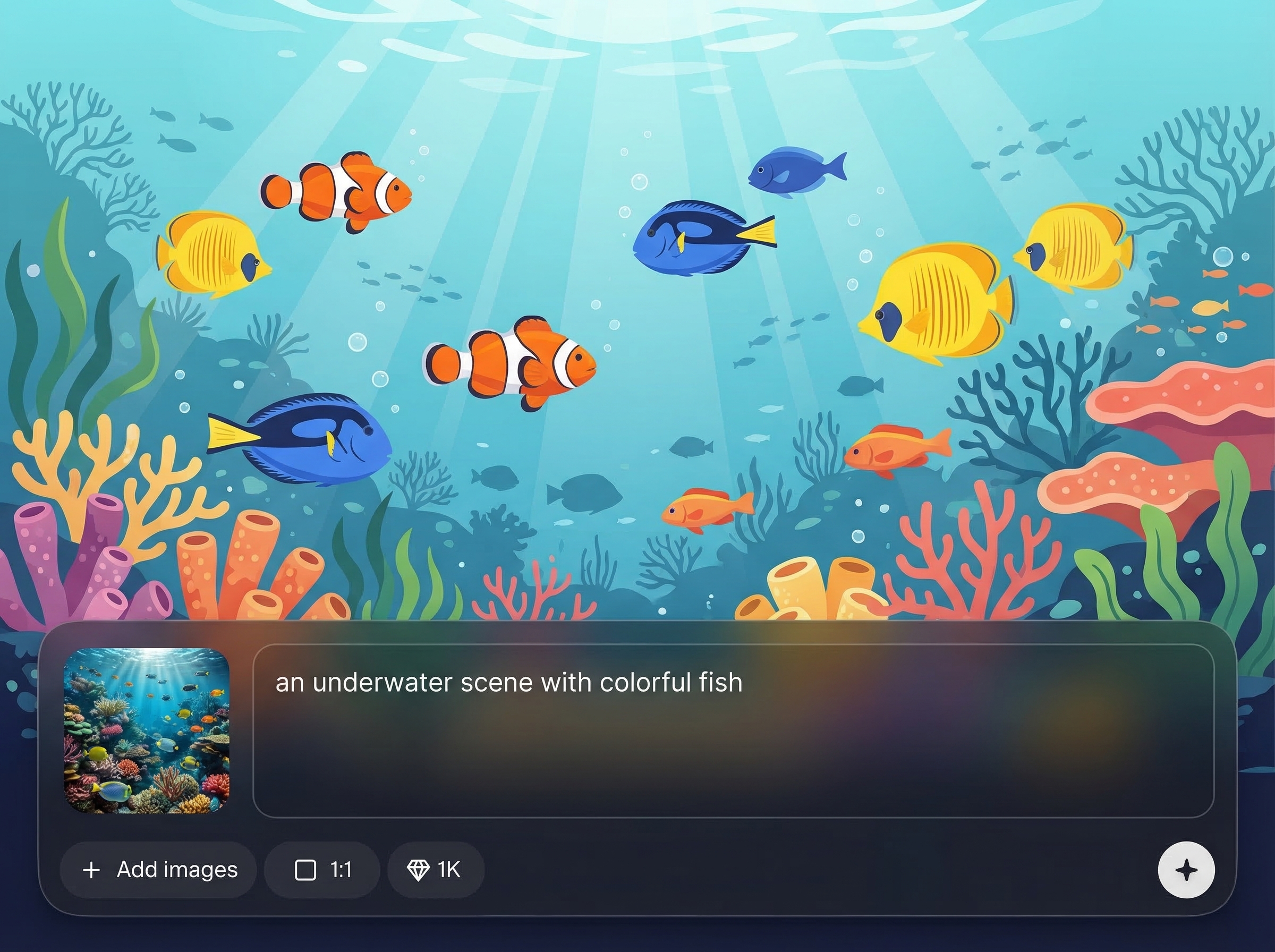
Automatically analyzes your topic and produces multiple illustration concepts that fit the intent. Get clearer directions, better prompts, and fewer dead ends before you generate.
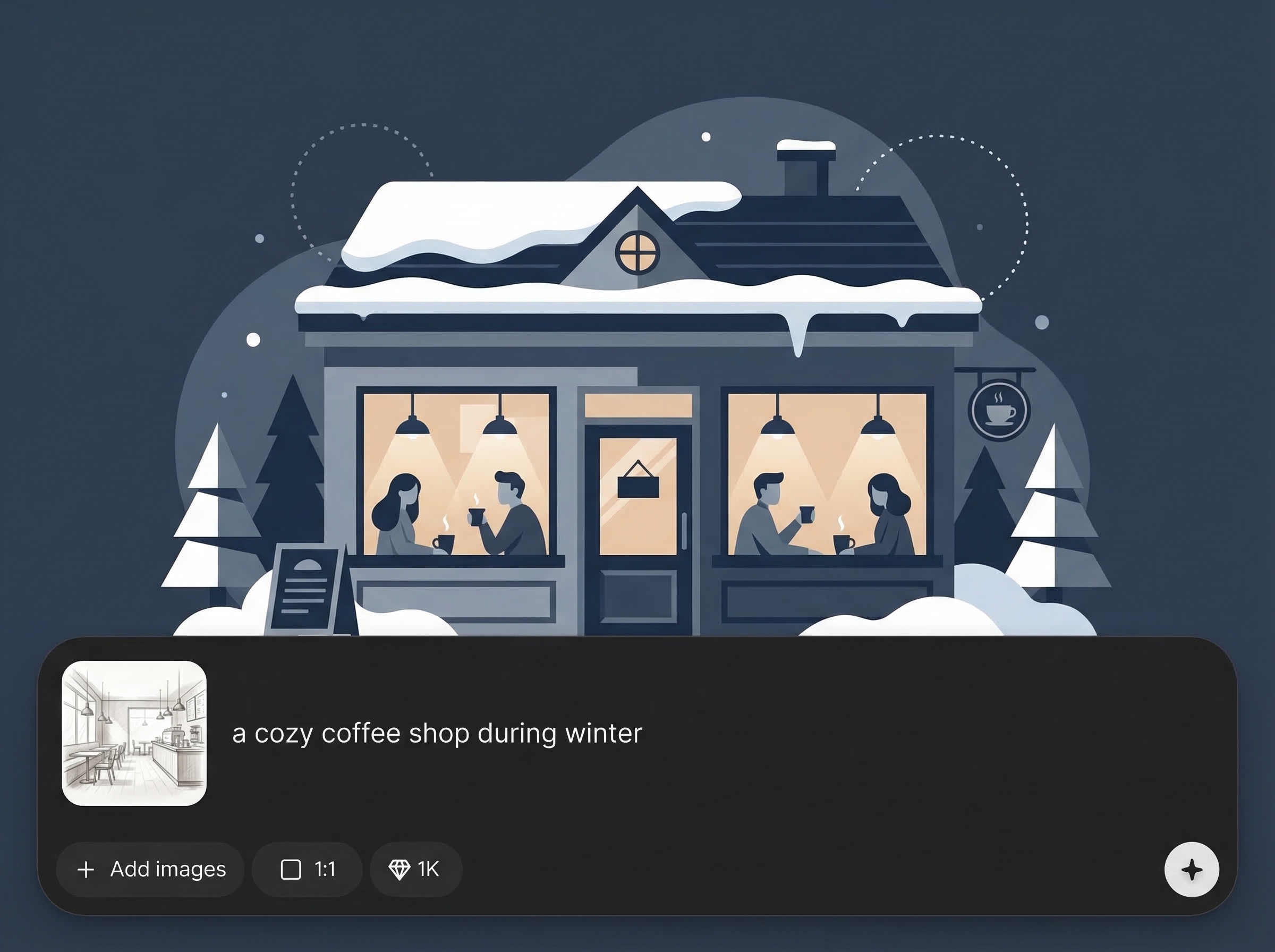
Upload a style reference to guide color, line, and overall aesthetics. Create a cohesive set of illustrations that looks like one system, not random generations.
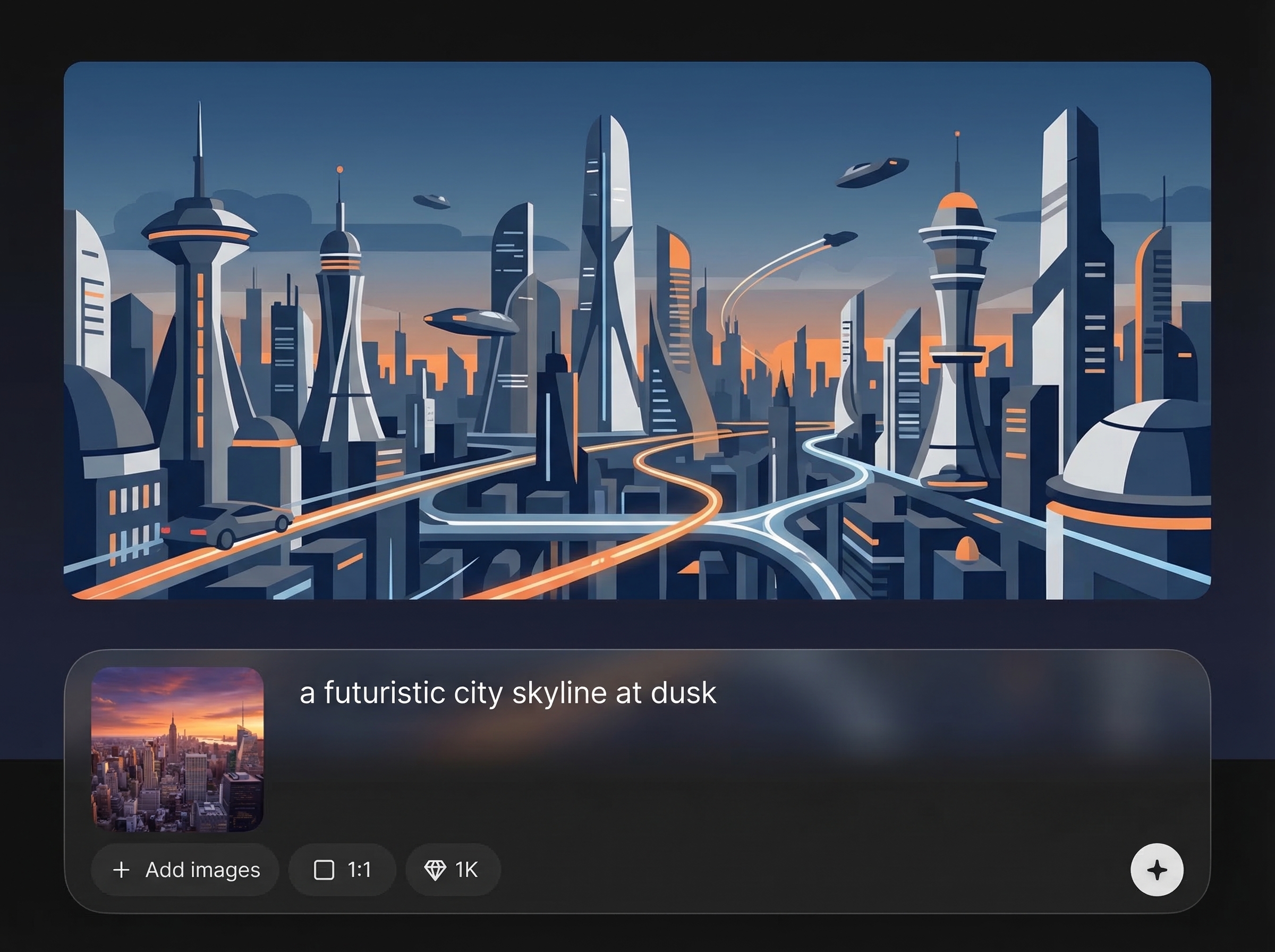
Runs on Nano Banana (Gemini 2.5 Flash Image) for quick iteration. Generate, compare variations, and refine results without long waits or complex setup.
About
Default illustrations is an AI workflow that turns any topic into clear illustration concepts, then generates finished illustrations in your provided reference style. Paste a topic, upload a style image, and get consistent visuals fast for product pages, articles, and UI. Powered by Nano Banana (Gemini 2.5 Flash Image) for quick, high-quality results.
Default illustrations reduces guesswork by combining topic understanding, concept generation, and style-referenced rendering in one flow. It’s built for consistency across a set, fast iteration, and practical outputs you can use immediately. Powered by Nano Banana (Gemini 2.5 Flash Image) for speed and quality.
Add your topic, upload a style reference image, and run the workflow to get concepts plus finished illustrations. Refine by tweaking your topic details or swapping the reference to explore new directions.
Use cases
Discover how different creators use this app in their workflow.
Turn article topics into on-brand illustrations that explain ideas clearly. Generate consistent headers, spot illustrations, and series assets in a unified style.
Create custom illustrations for features, workflows, and value props. Keep visuals consistent across sections by reusing the same style reference and topic structure.
Generate empty states, onboarding scenes, and icon-like illustrations. Maintain a coherent look across screens while rapidly exploring concepts and variations.
Krea is one of the world's leading generative AI platforms. See what others say.
Real reviews on TrustpilotSo many AI tools out there but I always come back to Krea. It's really the one AI platform that 'just works'.

FYN
Krea's interfaces are still the best in the industry. Everything looks and feels so clean and easy to use! Imo the easiest to use gen AI website.

Lynn
Ultra fast generations. Extremely simple to use. All the latest AI models.

Daniel
KREA is the only AI subscription I have right now besides ChatGPT.

Sophia M.
Quick answers about topic analysis, style references, and AI illustration generation.
It analyzes your topic, proposes illustration concepts, and then generates final images based on a provided style reference. You get both ideation and outputs in one streamlined AI workflow.
Upload the same style reference image for each run and keep key constraints consistent (palette, line weight, composition notes). The workflow uses that reference to guide each generated illustration.
Nano Banana powers the image generation step, producing fast, high-quality renders from the selected concepts and your style reference. It’s optimized for quick iterations and consistent visual results.
Yes. The workflow outputs several concepts, and you can generate multiple image variations from any concept. Adjust the topic details or reference style and rerun to explore alternatives.
Use a clear image that represents the desired look—line style, shading, palette, and composition. Higher-resolution references with strong visual cues typically produce more accurate style matching.



Enter a topic, add a style reference, and generate consistent illustrations with AI—ready for web, product, or editorial use.

