














Step 1
Upload
Add a clear, front-facing photo with good lighting. The AI uses your pose and proportions to build a realistic suit mockup aligned to your body.
Use Suit Mockup to preview how you look in any suit. Upload a photo, choose a style, and generate realistic AI suit try-ons in seconds—start now.
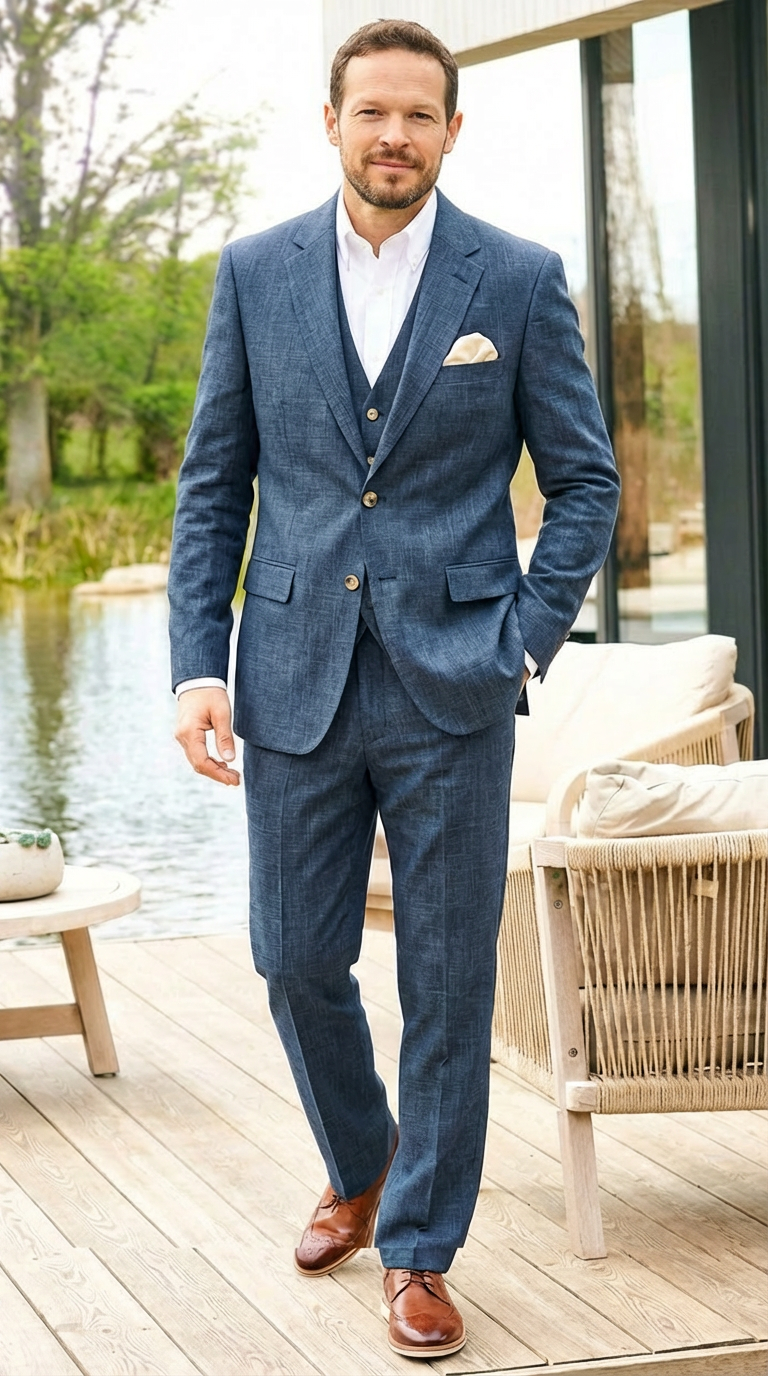
How to use Suit Mockup
Create realistic suit try-ons with a simple upload-and-generate workflow. Follow these steps to select a suit style, refine details like color and fit, and export a polished mockup fast.
Step 1
Add a clear, front-facing photo with good lighting. The AI uses your pose and proportions to build a realistic suit mockup aligned to your body.

Step 2
Choose the suit type, color, pattern, and fit. Adjust lapels, tie, shirt, and background to match a formal, casual, or corporate look.

Step 3
Click generate to preview multiple variations. Download your favorite suit mockup or iterate with small tweaks until the suit looks exactly right.
Features
Suit Mockup creates realistic suit try-ons from a single photo, helping you visualize fit, color, and style before you commit. Generate multiple options quickly, refine key details, and export clean images for profiles, proposals, or planning. It’s a fast AI tool for confident suit selection without in-person trials.
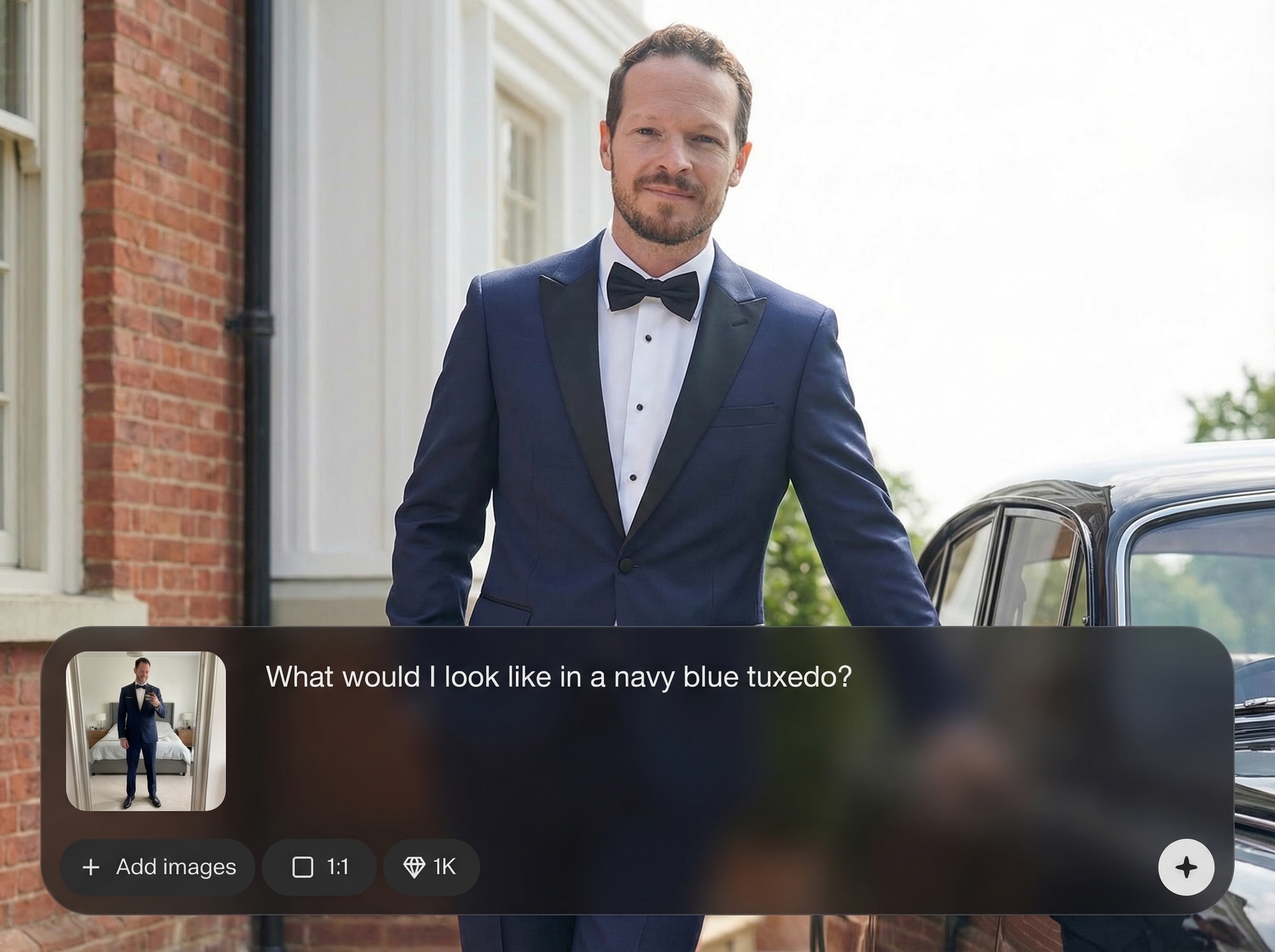
Generate believable suit overlays that respect your posture, body shape, and lighting. Get natural-looking lapels, sleeves, and drape for a professional final mockup.
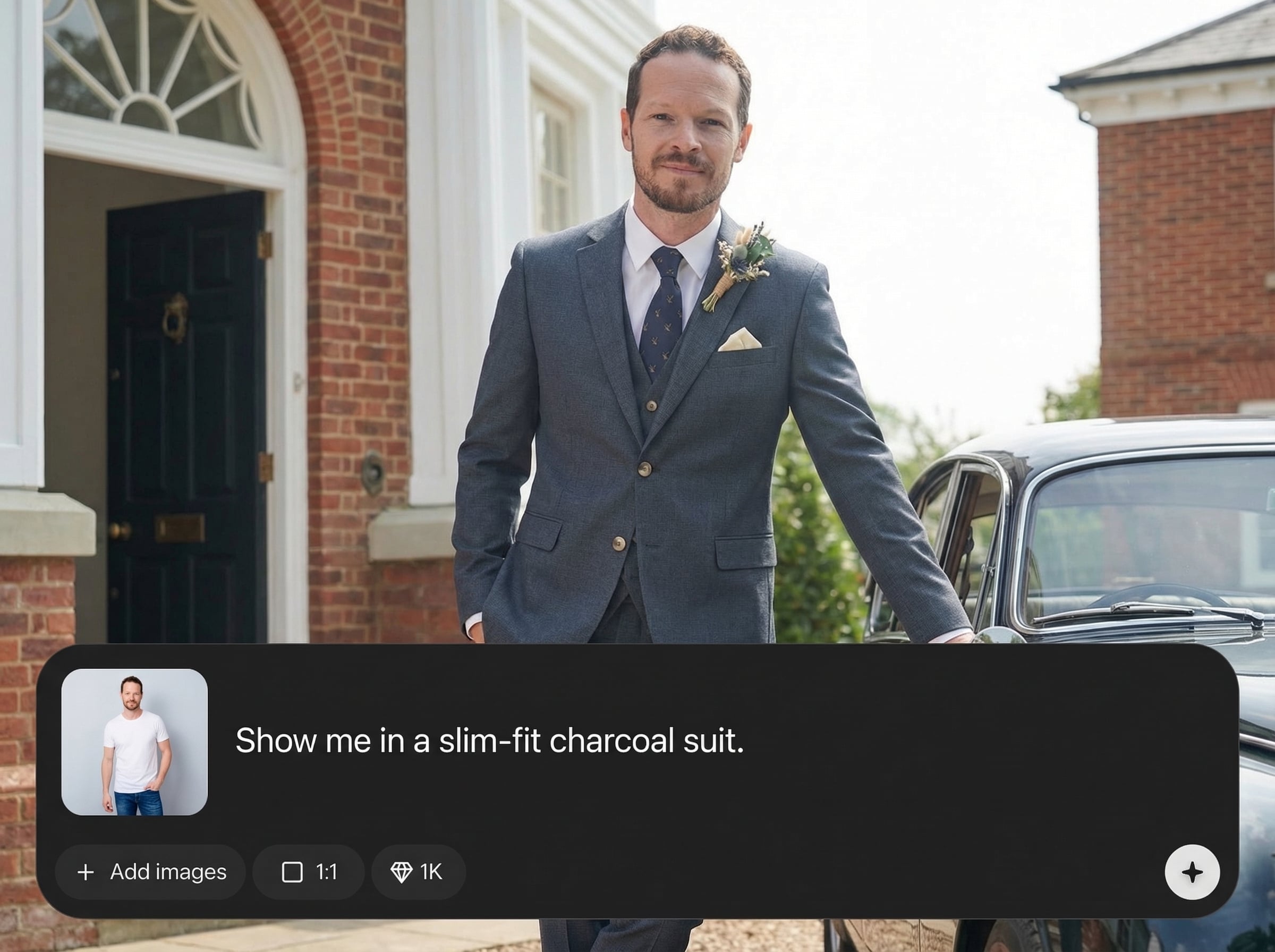
Create multiple suit options in seconds to compare colors, patterns, and fits. Iterate quickly to find the best look for interviews, weddings, or business portraits.
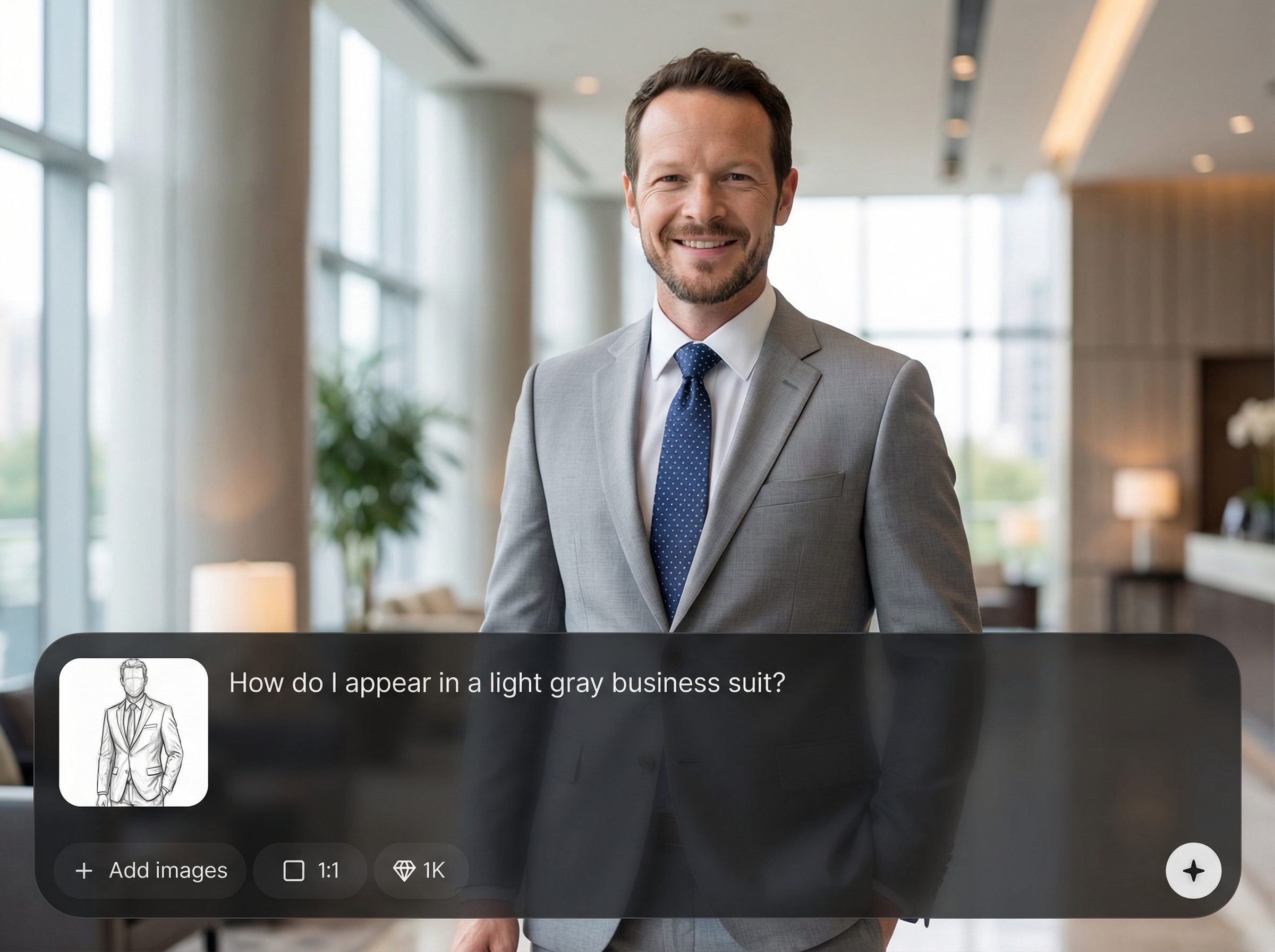
Fine-tune key elements like jacket cut, shirt, tie, and background for a cohesive result. Produce clean, consistent images ready for sharing or decision-making.
About
Suit Mockup lets you see how you’d look in a specific suit using realistic AI image generation. Upload a photo, pick a suit style, color, and fit, then generate clean, professional previews in seconds. Compare options side by side to choose the right look for interviews, events, or brand photos—without needing a fitting or photoshoot.
Suit Mockup focuses on realistic suit visualization with fast iteration and clean outputs. Compare multiple suit styles without fittings, refine key details for a natural look, and save time choosing the right outfit for any occasion.
Upload a clear photo, choose your suit details, and click generate. Review variations, adjust fit or color, and download the mockup that best matches your desired style.
Use cases
Discover how different creators use this app in their workflow.
Preview professional suit looks before updating your profile photo. Generate clean variations that match corporate style and help you choose the best outfit.
Try specific suit colors and styles for weddings, galas, or formal dinners. Compare options quickly to coordinate with themes and dress codes.
Standardize a polished suit look across headshots without scheduling fittings. Generate consistent mockups that align with your company’s visual identity.
Krea is one of the world's leading generative AI platforms. See what others say.
Real reviews on TrustpilotSo many AI tools out there but I always come back to Krea. It's really the one AI platform that 'just works'.

FYN
Krea's interfaces are still the best in the industry. Everything looks and feels so clean and easy to use! Imo the easiest to use gen AI website.

Lynn
Ultra fast generations. Extremely simple to use. All the latest AI models.

Daniel
KREA is the only AI subscription I have right now besides ChatGPT.

Sophia M.
Answers to common questions about AI suit mockups, photo input, and realistic results.
Upload a portrait photo, select a suit style and details, and the model generates a realistic suit try-on image. It aligns the suit to your body and preserves facial features for natural results.
Use a clear, front-facing image with good lighting and minimal motion blur. Neutral backgrounds help, but aren’t required. Avoid heavy filters so the AI can match tones and edges accurately.
Yes. You can set suit color, pattern, and overall fit, plus common details like shirt and tie. Generate multiple options to compare and iterate until the look matches your target style.
Suit Mockup is designed for realistic alignment across shoulders, sleeves, and torso. Results depend on photo quality and pose, so generating a few variations usually produces the most natural drape.
You can export high-quality mockups for planning, previews, and profile concepts. For formal use cases, review the final image for accuracy and consistency with your intended dress standards.
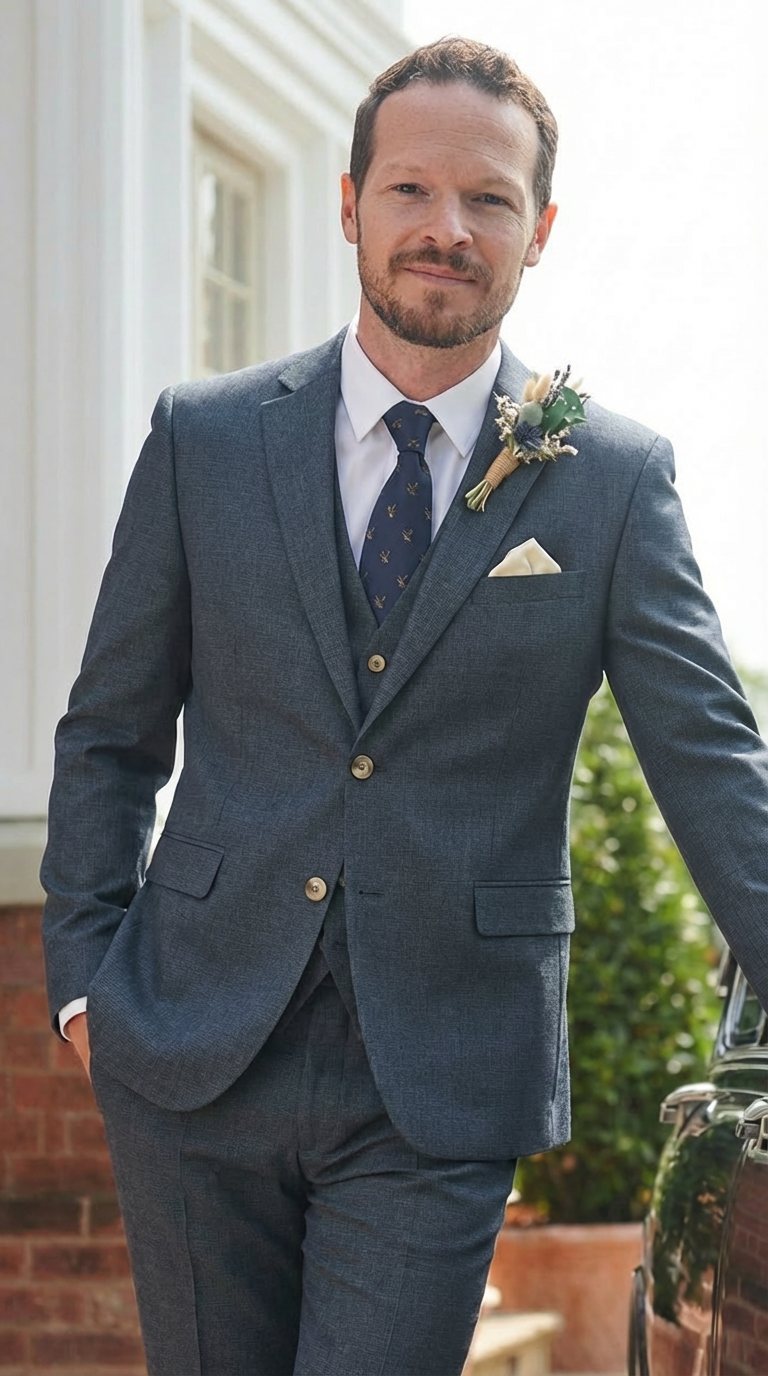
Upload a photo, pick a suit style, and generate realistic AI suit mockups in seconds for faster decisions.

