














Step 1
Choose Style
Select a royal or luxury preset, set aspect ratio, and pick a quality level. Add optional references to guide color, composition, and overall tone.
 App by Marks GmbH
Generate royal, luxury-style visuals with 260407 Hermes Royal App 0001. Use AI prompts, presets, and fast rendering to create premium designs online.
How to use 260407 Hermes Royal App 0001
This quick tutorial shows how to create luxury, royal-inspired images with 260407 Hermes Royal App 0001. Choose a style, write a prompt, then refine details until the look matches your brand or concept.
Step 1
Select a royal or luxury preset, set aspect ratio, and pick a quality level. Add optional references to guide color, composition, and overall tone.

Step 2
Describe the subject, materials, lighting, and mood using clear keywords. Add negative terms to avoid unwanted elements and keep the output clean and premium.

Step 3
Generate multiple variations, then adjust prompt, settings, or references. Upscale the best result and export in a high-resolution format for immediate use.
Features
260407 Hermes Royal App 0001 helps you generate royal, premium-looking visuals with AI precision. Combine prompt control, curated style presets, and fast iteration to explore concepts quickly. Produce consistent aesthetics for campaigns, mockups, and design explorations, with exports optimized for web and high-quality presentation.
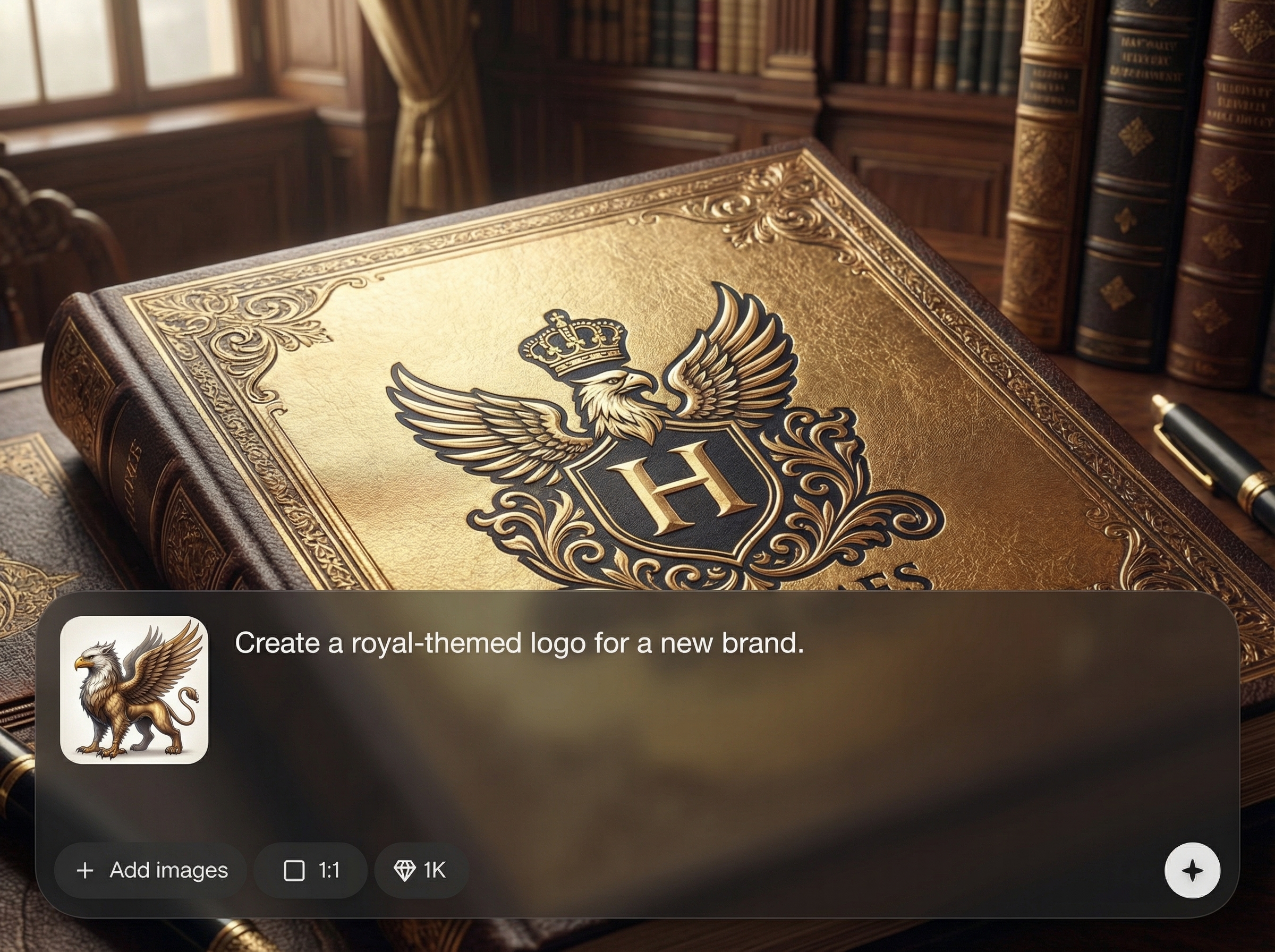
Apply luxury and royal-inspired presets to instantly shape palette, textures, and composition. Keep outputs consistent across a set, while still allowing prompt-driven customization for unique results.
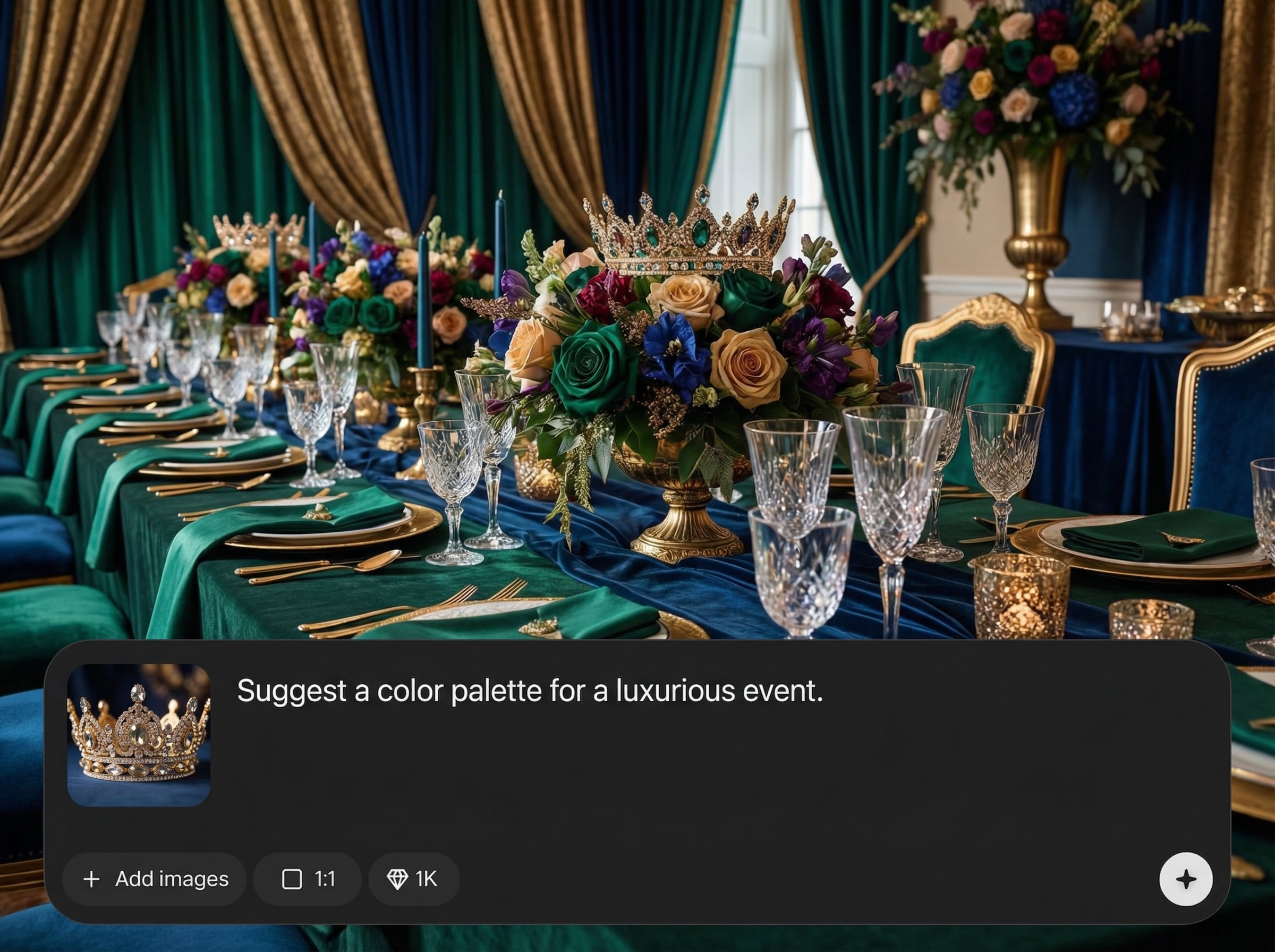
Generate multiple variations quickly to compare layouts, lighting, and details. Refine with small prompt changes and settings tweaks to converge on a polished, premium final look.
Export sharp, presentation-ready images suited for branding mockups, social media, and web. Upscale selected outputs for cleaner edges, improved detail, and a more professional finish.
About
260407 Hermes Royal App 0001 is an AI royal art generator for creating luxury-inspired visuals in minutes. Use prompts and style presets to produce elegant compositions for branding, social posts, and concept mockups. Generate consistent, premium looks with fast iterations, easy refinements, and high-quality outputs ready for download and reuse.
260407 Hermes Royal App 0001 combines luxury style presets with precise prompt control for reliable, premium outputs. Iterate quickly, compare variations, and refine details without complex workflows. Get consistent aesthetics for branding and campaign needs, plus export options that keep results sharp and presentation-ready.
Pick a royal preset, enter a clear prompt, and generate several variations. Refine with small keyword edits, then upscale and download the best result for your project.
Use cases
Discover how different creators use this app in their workflow.
Create premium visual directions for packaging, labels, and brand moodboards. Generate consistent royal aesthetics to test themes quickly before committing to production design.
Produce elegant hero images and background art for ads, landing pages, and posts. Iterate on styles and compositions to match seasonal drops or product launches.
Explore royal interiors, accessories, and editorial-style scenes for pitches and presentations. Use AI generation to accelerate ideation and show multiple options fast.
Krea is one of the world's leading generative AI platforms. See what others say.
Real reviews on TrustpilotSo many AI tools out there but I always come back to Krea. It's really the one AI platform that 'just works'.

FYN
Krea's interfaces are still the best in the industry. Everything looks and feels so clean and easy to use! Imo the easiest to use gen AI website.

Lynn
Ultra fast generations. Extremely simple to use. All the latest AI models.

Daniel
KREA is the only AI subscription I have right now besides ChatGPT.

Sophia M.
Answers to common questions about generating royal, luxury-style visuals with AI.
It’s an AI image generator focused on royal, luxury-inspired aesthetics. Use prompts and presets to create premium visuals for branding concepts, social graphics, mockups, and rapid design exploration.
No. Start with a preset, write a simple prompt, and generate variations. You can refine results by adjusting keywords, adding references, and using negative prompts to reduce unwanted elements.
Reuse the same style preset, keep prompt structure consistent, and lock key descriptors like materials, lighting, and palette. Generate batches and refine incrementally to maintain a cohesive visual identity.
Include subject, setting, materials, and lighting—like “gold filigree,” “velvet,” “soft studio light,” or “baroque details.” Add negatives such as “low quality” or “text artifacts” for cleaner results.
Yes. Generate your preferred variation, then upscale for improved clarity and detail. Export in a high-quality format suitable for web use, presentations, and creative mockups.
Turn prompts into premium-looking images with fast iterations, curated styles, and high-quality exports.

