












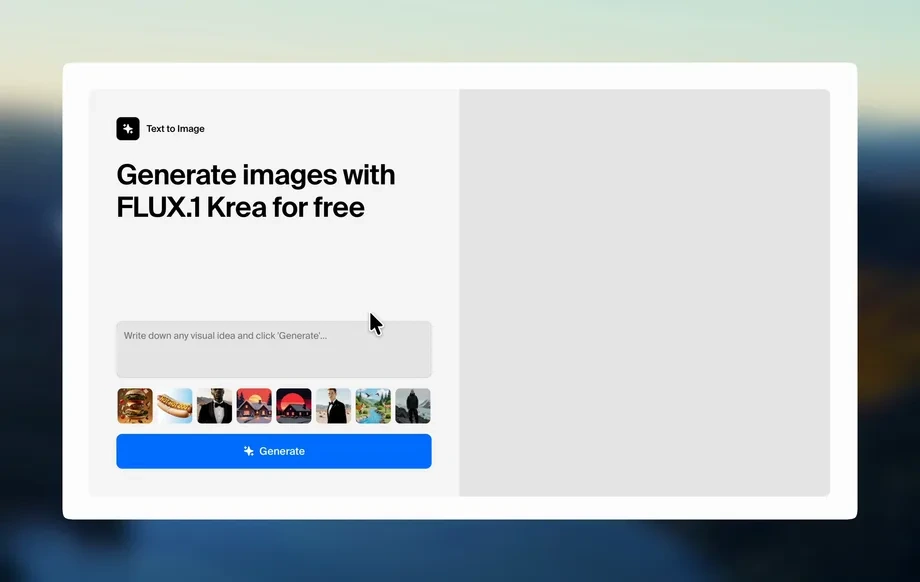
Step 1
Prompt
Write a clear scene prompt and include key subjects, setting, and camera notes. Add style cues to guide the Flux-to-Grok translation and overall visual tone.
 App by jjwjj
Generate 8-second Flux-to-Grok videos fast with Flux2K_Grok_8s. Control prompts, style, and motion, then export share-ready clips in minutes.
How to use Flux2K_Grok_8s
This quick guide shows how to generate an 8-second video with Flux2K_Grok_8s. Add your prompt, tune the style and motion, then render and export a clean clip ready to share.
Step 1
Write a clear scene prompt and include key subjects, setting, and camera notes. Add style cues to guide the Flux-to-Grok translation and overall visual tone.
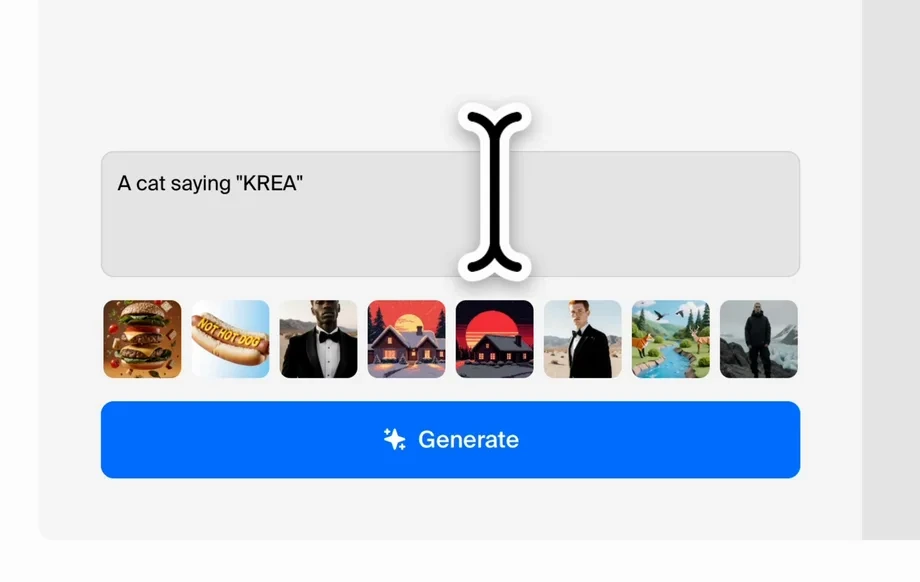
Step 2
Set duration to 8 seconds, then adjust pacing, motion intensity, and framing. Refine details with negative prompts to reduce artifacts and keep the look consistent.
Step 3
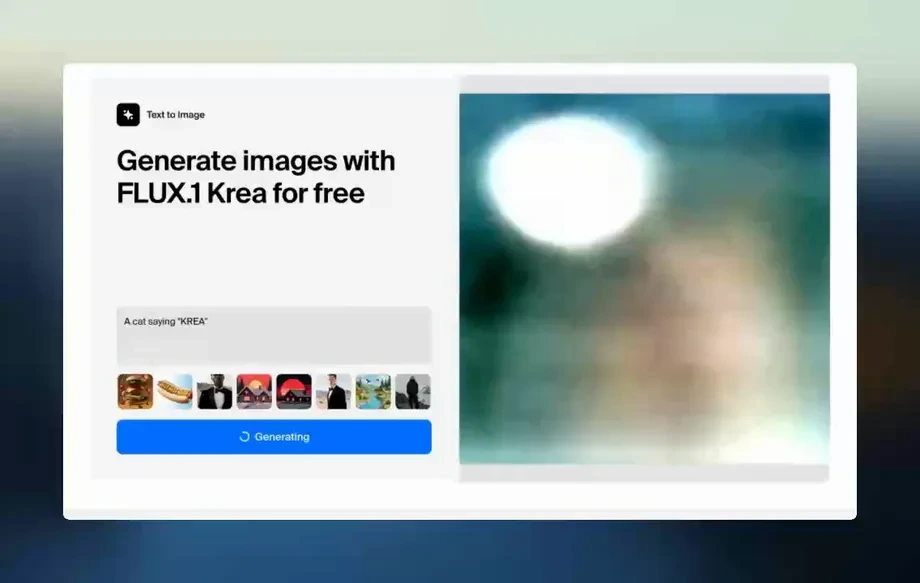
Render the video and review the preview for motion, clarity, and style match. Iterate with small prompt changes, then export the final clip for download or sharing.
Features
Flux2K_Grok_8s turns simple prompts into 8-second videos with a Flux 2 to Grok Imagine visual translation. Use controls for motion, pacing, and framing to keep results consistent. Generate previews quickly, iterate without timelines, and export clean short clips for social, ads, and product storytelling.
Convert a Flux 2-inspired look into a Grok Imagine-style video while preserving the core scene and mood. Get coherent visuals that stay aligned with your prompt across the full 8 seconds.
Dial in movement, tempo, and framing to match your goal, from subtle product pans to dynamic action beats. Fine-tune results with iterative prompts and targeted constraints.
Generate quick previews to validate style, motion, and composition before exporting. Produce share-ready short videos in minutes, without manual editing workflows or complex render settings.
About
Flux2K_Grok_8s generates 8-second videos that translate a Flux 2 look into a Grok Imagine-style clip with consistent motion and style. Enter a prompt, set pacing and visual tone, and preview results quickly. Export short, share-ready videos for ads, social posts, product shots, and concept tests without complex editing.
Flux2K_Grok_8s is purpose-built for short, consistent 8-second videos with a clear Flux-to-Grok visual translation. It emphasizes controllable motion, predictable pacing, and rapid iteration so you can test ideas quickly and export results without a full editing pipeline.
Enter a prompt, set motion and pacing, and generate a preview. Make small refinements, then render the final 8-second clip and export it for social, ads, or product storytelling.
Use cases
Discover how different creators use this app in their workflow.
Create 8-second visuals for reels, shorts, and posts with controlled motion and a consistent aesthetic. Iterate fast to match trends, hooks, and brand tone.
Generate quick product shots, feature reveals, and concept animations from text. Keep pacing tight and export lightweight clips for pitches, landing pages, and tests.
Produce multiple creative directions from the same prompt to A/B test messaging and style. Use motion controls to keep focus on the subject and CTA moment.
Krea is one of the world's leading generative AI platforms. See what others say.
Real reviews on TrustpilotSo many AI tools out there but I always come back to Krea. It's really the one AI platform that 'just works'.

FYN
Krea's interfaces are still the best in the industry. Everything looks and feels so clean and easy to use! Imo the easiest to use gen AI website.

Lynn
Ultra fast generations. Extremely simple to use. All the latest AI models.

Daniel
KREA is the only AI subscription I have right now besides ChatGPT.

Sophia M.
Answers to common questions about Flux2K_Grok_8s, 8-second AI video generation, and export options.
Flux2K_Grok_8s generates an 8-second AI video based on your prompt, translating a Flux 2 look into a Grok Imagine-style clip. It focuses on coherent motion, consistent style, and quick iteration.
Use specific nouns, actions, and camera cues like “slow dolly in” or “wide shot.” Add lighting and style tags, then refine with small edits. Negative prompts can reduce blur, extra limbs, and artifacts.
Flux2K_Grok_8s is optimized for an 8-second duration to keep motion stable and results predictable. This fixed length helps produce consistent pacing and makes output ideal for social and ad placements.
Yes. You can tune motion intensity and pacing to get subtle movement or more dynamic action. Adjust framing and prompt details to keep the subject centered and avoid unnecessary camera shake.
Short scenes with clear subjects and simple actions perform best, such as product spins, environment reveals, or character walk cycles. Highly complex multi-subject choreography may require more iterations and tighter constraints.
It’s designed to maintain a consistent look across the full 8 seconds using prompt-driven style guidance. For best consistency, keep the style terms stable, avoid conflicting descriptors, and iterate with small incremental changes.
Export the generated 8-second video as a share-ready clip suitable for web and social. If you need a specific resolution or format, adjust project settings before rendering to match your delivery requirements.
Generation time depends on scene complexity and settings, but the workflow is built for quick previews and rapid iteration. Start with a simple prompt, validate motion, then refine details for the final render.
Yes. Duplicate your prompt and change one variable at a time—camera, lighting, or motion—to produce controlled variations. This approach helps you compare options and pick the strongest short clip quickly.
Turn a prompt into a polished 8-second clip with controlled motion, fast previews, and clean exports.

