















Step 1
Upload
Upload a sketch, line art, or photo of your drawing. Crop and adjust contrast so the AI can read edges clearly and preserve your original composition.
Turn sketches into stunning images with SKETCH TO IMAGE. Use AI to refine lines, add color, and generate styles in seconds. Try it online now.
How to use SKETCH TO IMAGE
Use SKETCH TO IMAGE to transform a sketch into a refined image with AI. Start with a photo of your drawing or a clean line file, then guide the output with style and detail settings.
Step 1
Upload a sketch, line art, or photo of your drawing. Crop and adjust contrast so the AI can read edges clearly and preserve your original composition.

Step 2
Choose an art style, add a short prompt, and set output options like detail, color strength, and resolution. Preview variations to steer the look you want.

Step 3
Generate multiple results, pick the best version, and refine with quick re-runs. Download your final image for presentations, mockups, or further editing workflows.
Features
SKETCH TO IMAGE uses AI to convert rough drawings into clean, styled images while keeping your original layout. Control style, color, and detail with simple settings, then generate multiple variations fast. Export high-resolution outputs for concept art, product ideas, storyboards, or design exploration—without complex editing steps.
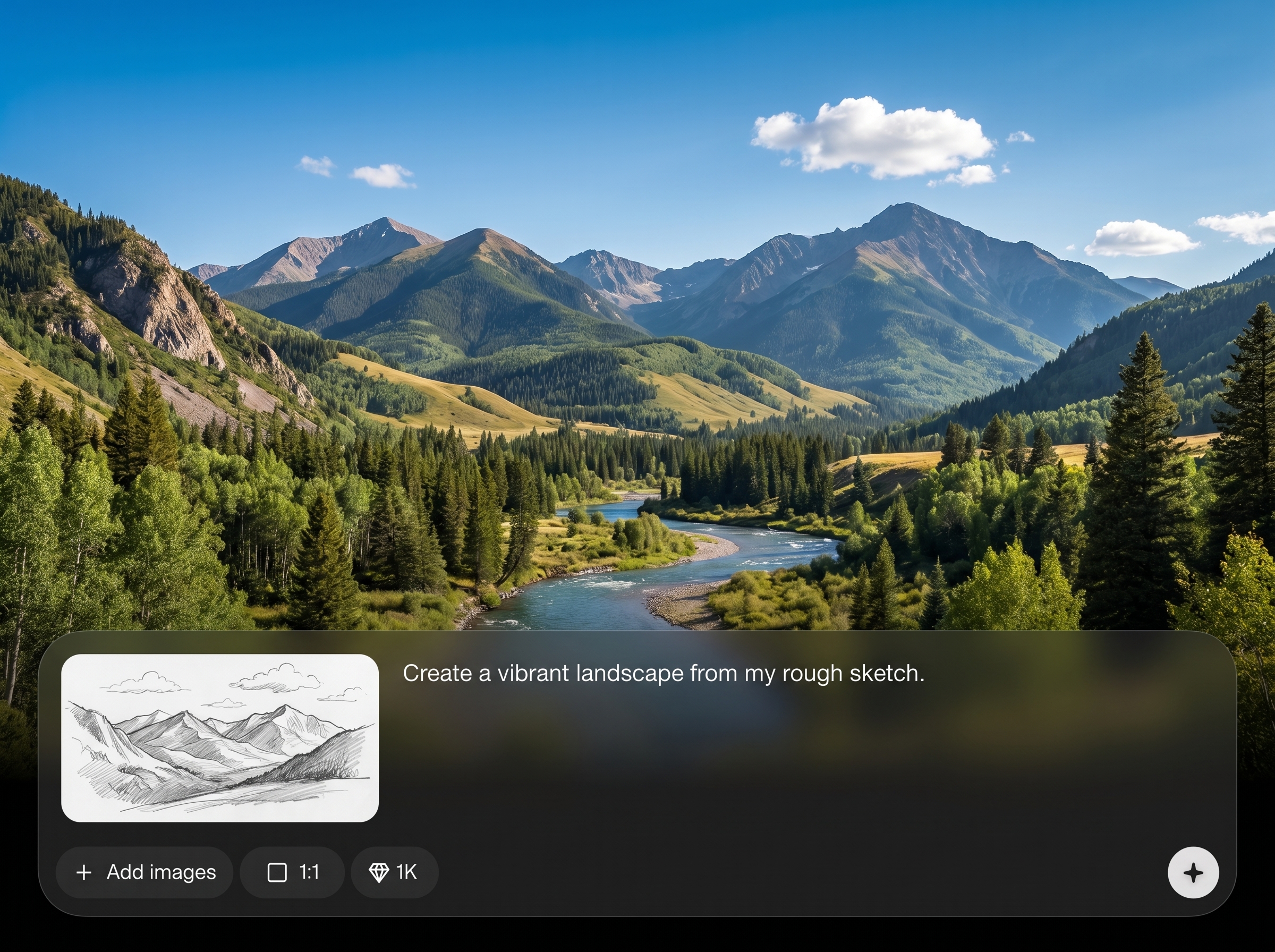
Intelligently reads lines, shapes, and shading to produce a coherent image. Keeps your composition intact while enhancing edges, forms, lighting, and texture for a more finished result.
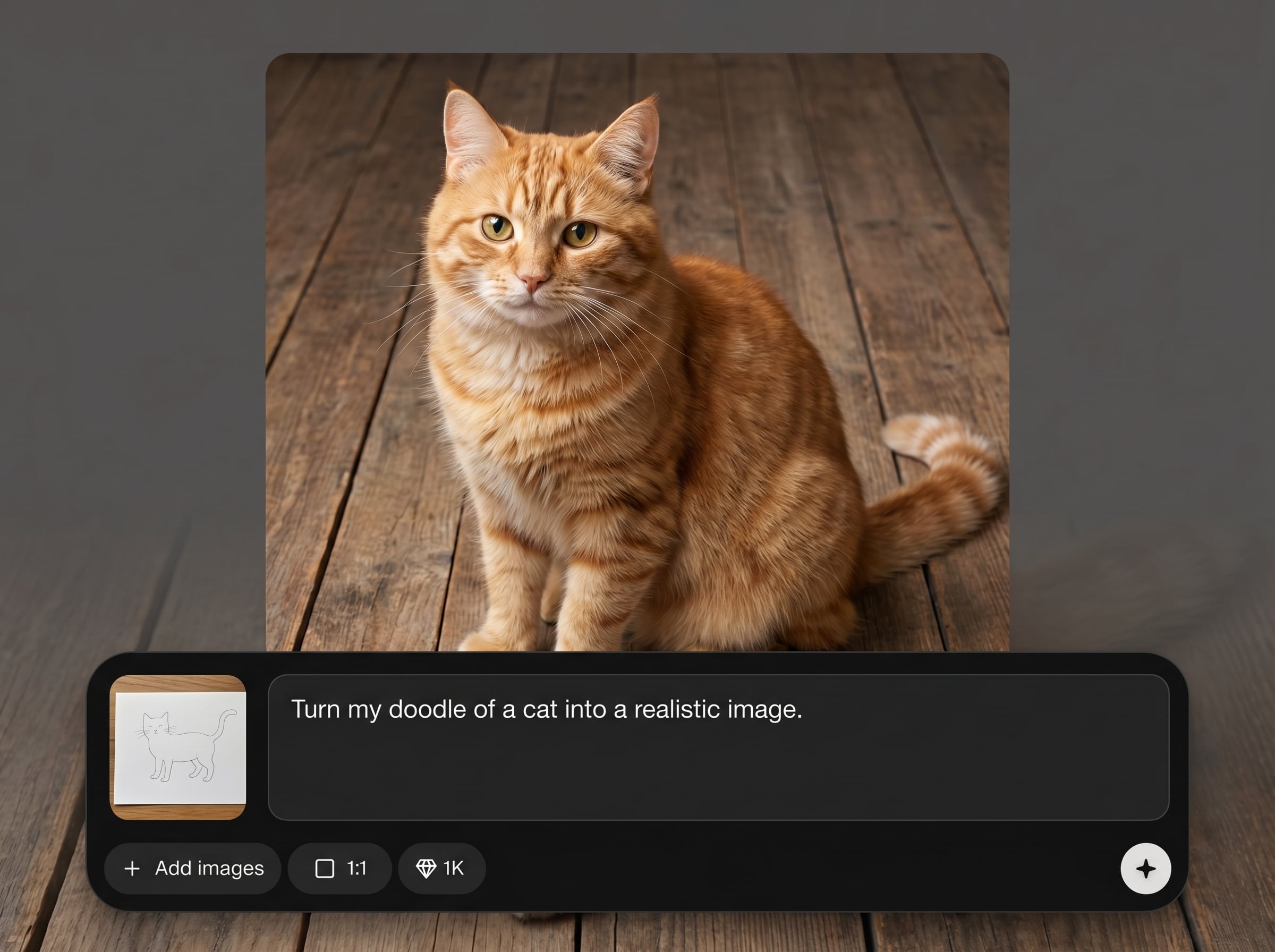
Pick visual styles and tune color intensity, realism, and detail. Add a prompt to guide materials and mood, then iterate quickly with consistent outputs across variations.
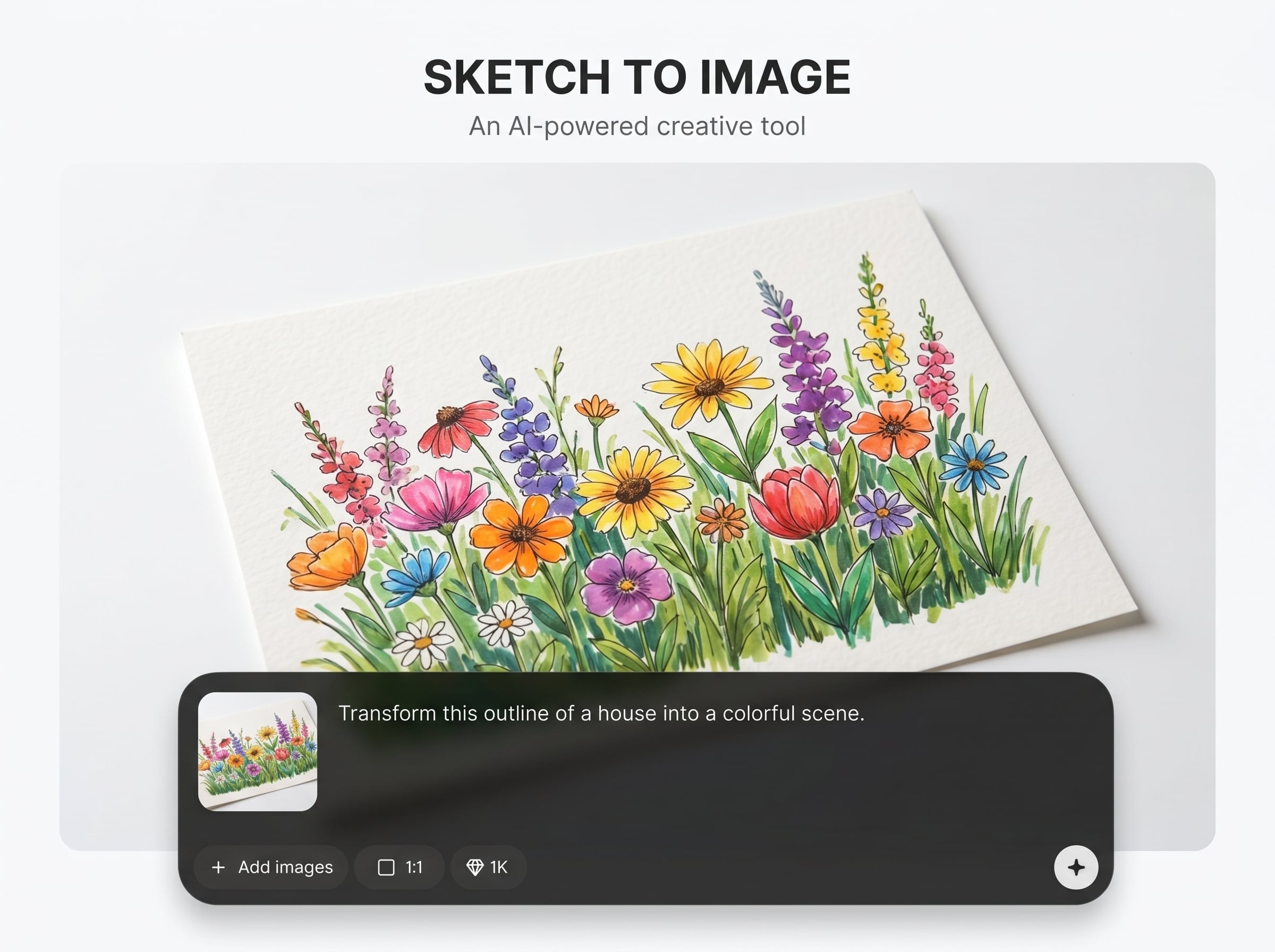
Generate multiple options in seconds to explore directions. Choose the best image and export in high quality for decks, prototypes, print drafts, or downstream editing in your design tools.
About
SKETCH TO IMAGE turns rough sketches into polished, high-quality images using AI. Upload a drawing or line art, choose a style, and generate clean visuals with better lighting, color, and detail. Ideal for fast ideation, concept art, product drafts, and visual brainstorming—right in your browser, with results ready in seconds.
SKETCH TO IMAGE focuses on fast, controllable sketch-to-image results with clean outputs and flexible styles. Generate multiple variations quickly, keep your composition, and refine with simple settings. It’s a practical AI workflow for turning rough ideas into visuals you can share, present, or iterate on immediately.
Upload a sketch or line art file, pick a style preset, and add a short prompt. Generate a few variations, adjust detail and color, then export the best image at high quality.
Use cases
Discover how different creators use this app in their workflow.
Turn quick thumbnails into polished visuals for characters, environments, and props. Explore style directions and iterate rapidly without redrawing from scratch.
Convert hand sketches into clean images for early-stage product visuals. Useful for pitch decks, stakeholder reviews, and fast exploration before high-fidelity design.
Upgrade storyboard frames into clearer, styled shots. Maintain framing while generating consistent lighting and atmosphere for animatics, ads, and scene planning.
Krea is one of the world's leading generative AI platforms. See what others say.
Real reviews on TrustpilotSo many AI tools out there but I always come back to Krea. It's really the one AI platform that 'just works'.

FYN
Krea's interfaces are still the best in the industry. Everything looks and feels so clean and easy to use! Imo the easiest to use gen AI website.

Lynn
Ultra fast generations. Extremely simple to use. All the latest AI models.

Daniel
KREA is the only AI subscription I have right now besides ChatGPT.

Sophia M.
Answers to common questions about turning sketches into images with AI.
SKETCH TO IMAGE is an AI sketch-to-image generator that converts drawings or line art into finished images. Upload a sketch, choose a style, and generate high-quality visuals with improved detail and color.
Clean line art, high-contrast pencil sketches, and ink drawings work best. Use PNG or JPG, crop to the subject, and increase contrast so edges are readable for more accurate AI results.
Yes. Select a style preset and add a short prompt to guide the look, materials, and mood. You can also adjust detail and color strength to keep results closer to the original sketch.
The AI is designed to follow your sketch structure, preserving placement and proportions while enhancing quality. For best consistency, avoid cluttered backgrounds and keep key shapes clearly defined.
Use a clean sketch, choose a realistic style, and describe materials and lighting in your prompt (e.g., “soft studio light, matte plastic”). Increase detail gradually and compare multiple variants.
Generate several outputs with the same sketch and tweak the prompt or style between runs. Small changes—like “minimal,” “high detail,” or “flat colors”—help explore different directions quickly.
Yes. It’s suited for concept art, product sketches, storyboards, and mockups. Turn rough drafts into clearer visuals for reviews, iteration, and communication—without rebuilding from scratch.
Yes, it runs in your browser as an online AI tool. Upload your sketch, generate results, and download your images without installing software, making it easy to use across devices.
You can export high-quality images suitable for presentations and design workflows. If you need sharper outputs, increase resolution settings and start from a larger, cleaner sketch file when possible.
Simplify the sketch, darken key outlines, and remove stray marks. A quick cleanup pass and better contrast dramatically improves how the AI interprets forms, leading to cleaner, more consistent images.
Upload a sketch, set a style, and generate polished images with AI in seconds—right from your browser.

