













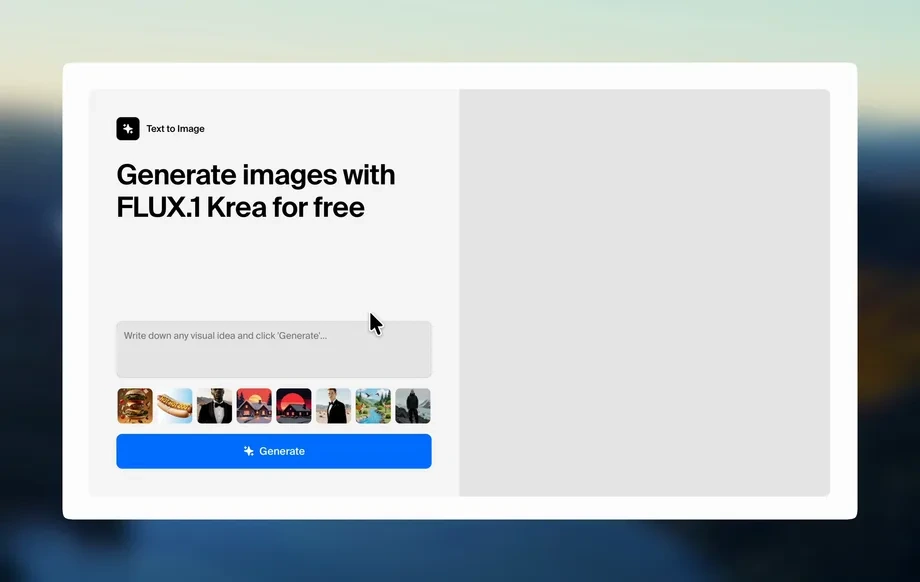
Step 1
Add Recipe Text
Paste the recipe title and step-by-step instructions. Keep steps clear and separated so the AI can turn each action into an easy-to-follow visual sequence.
Convert recipe text into clear step-by-step images with AI. Add a title, steps, and an optional reference photo to generate visuals fast—try it now.
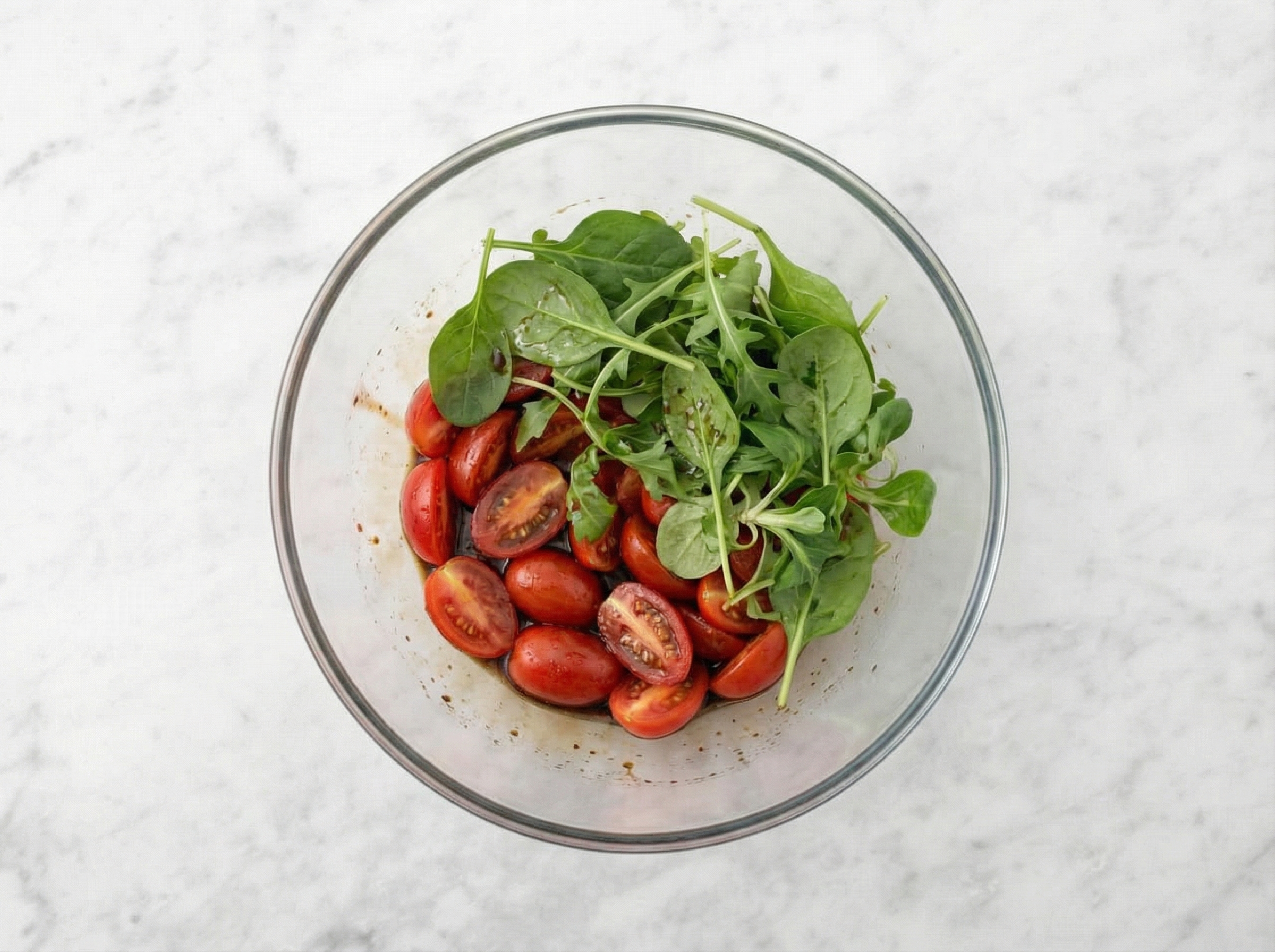
How to use Recipe to Images - Mathias 8thJan2026
Create step visuals from any recipe in minutes. Add your recipe title and instructions, include an optional reference image, then generate clean images you can download and reuse anywhere.
Step 1
Paste the recipe title and step-by-step instructions. Keep steps clear and separated so the AI can turn each action into an easy-to-follow visual sequence.
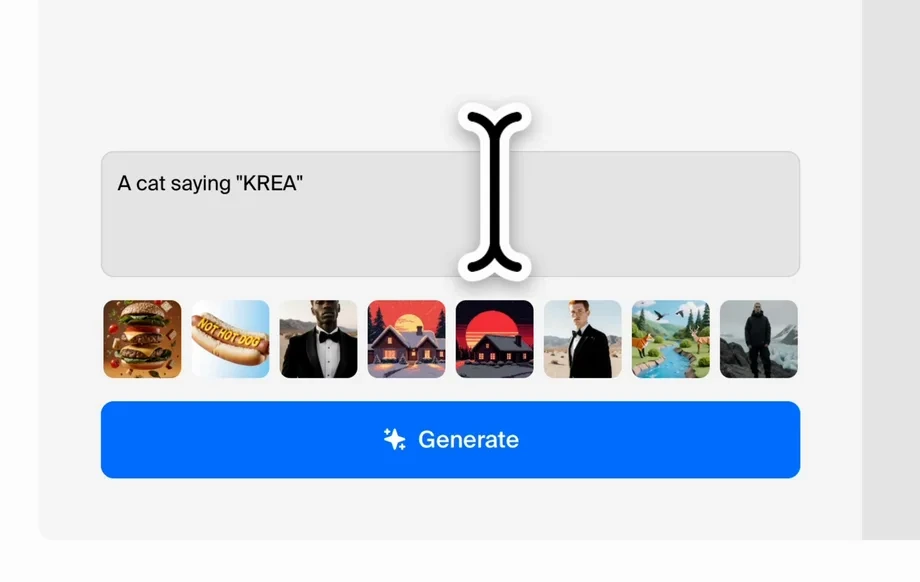
Step 2
Optionally add a developer/reference image to guide style and ingredients. This helps the AI match plating, lighting, or kitchen context for more consistent outputs.
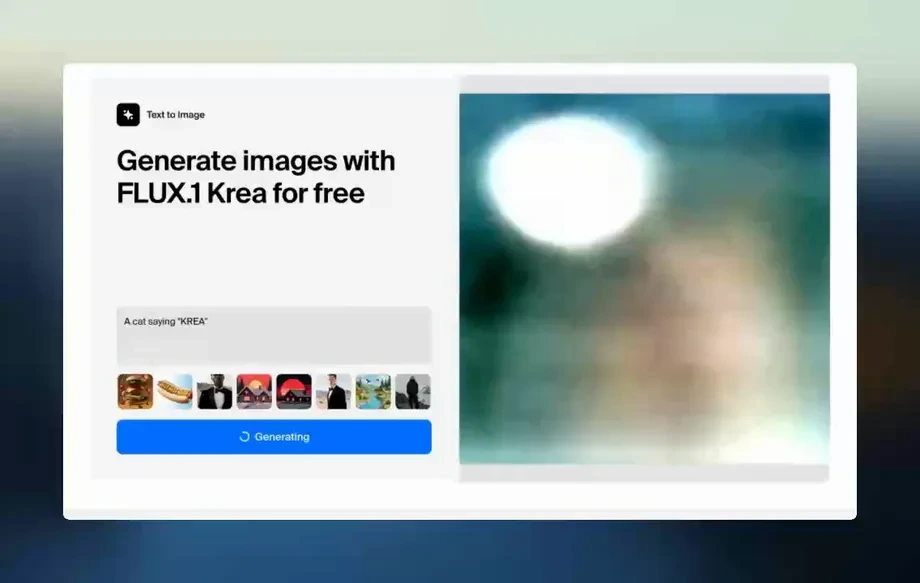
Step 3
Run the generator to produce step images. Review results, regenerate if needed, then download your images for recipe cards, posts, docs, or product pages.
Features
Turn written recipes into visual instructions with an AI image generator built for cooking steps. Add a title, paste directions, and optionally upload a reference photo to guide output style. Get consistent, step-based images that improve clarity, reduce guesswork, and make recipes more engaging across formats.
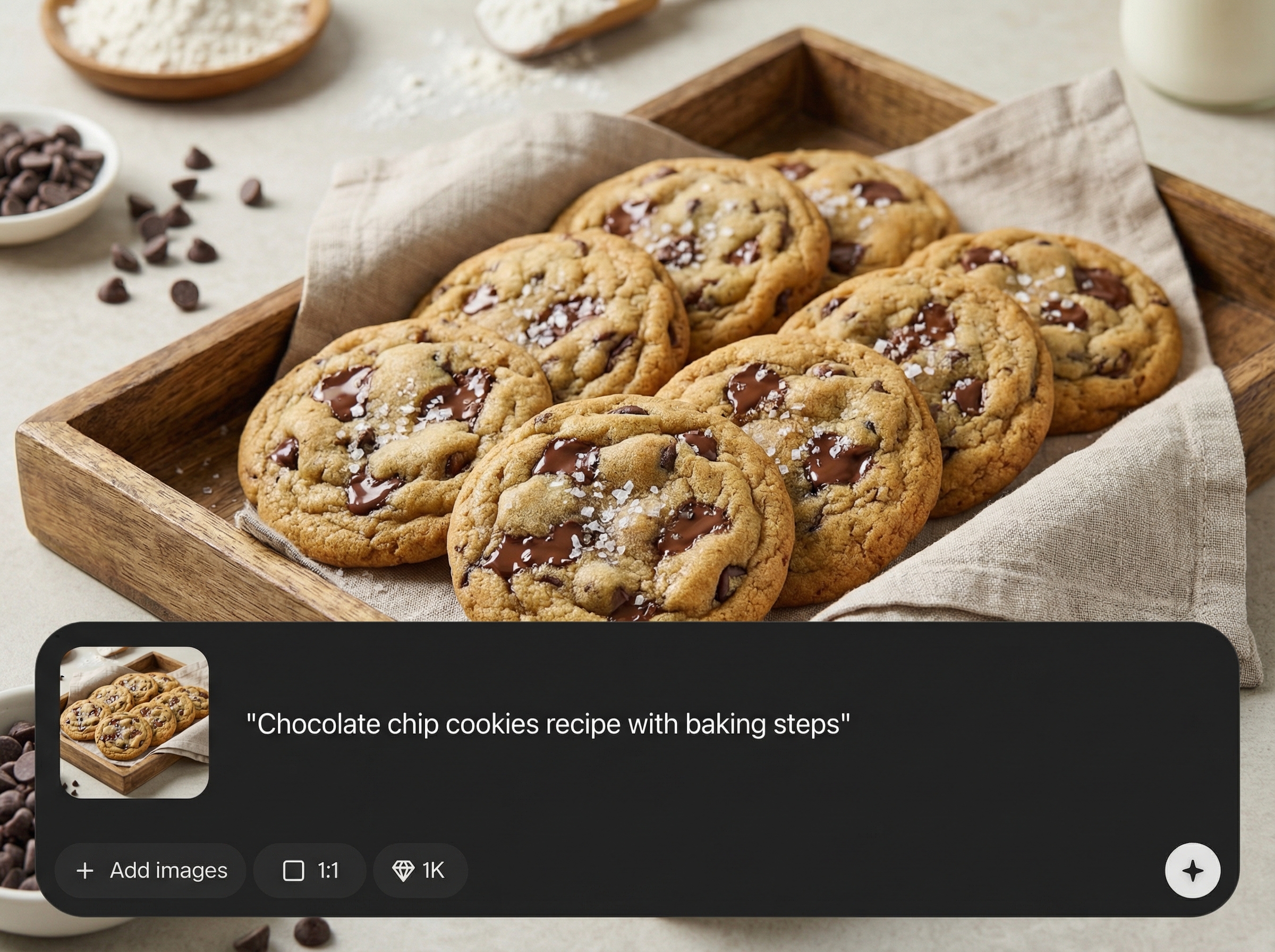
Transforms each instruction into a matching visual, helping readers understand timing, texture, and actions. Great for multi-step recipes where clarity matters most.
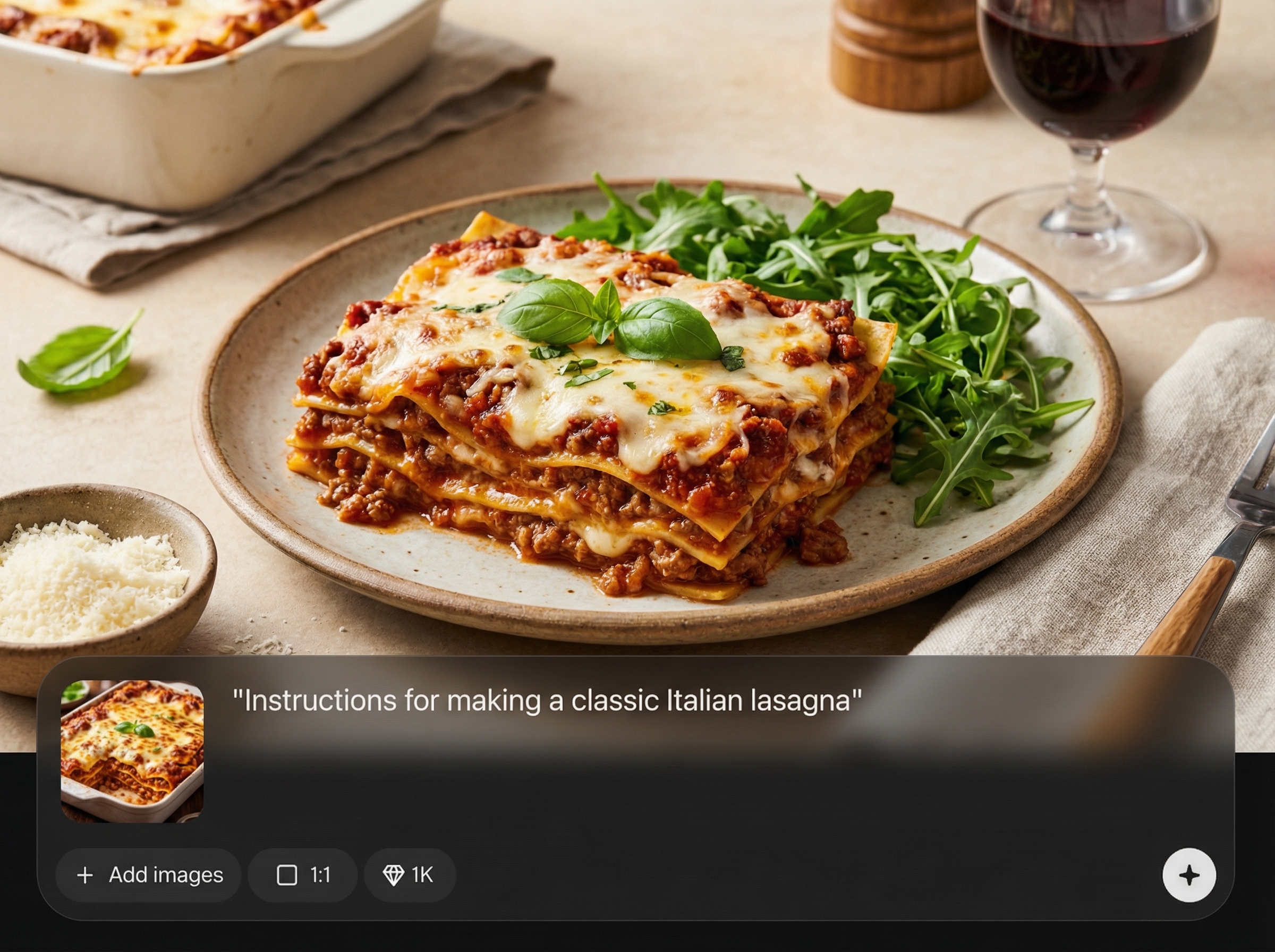
Upload an optional reference image to steer composition and look. Produce visuals that feel cohesive across steps, useful for recipe cards, blog posts, and documentation.
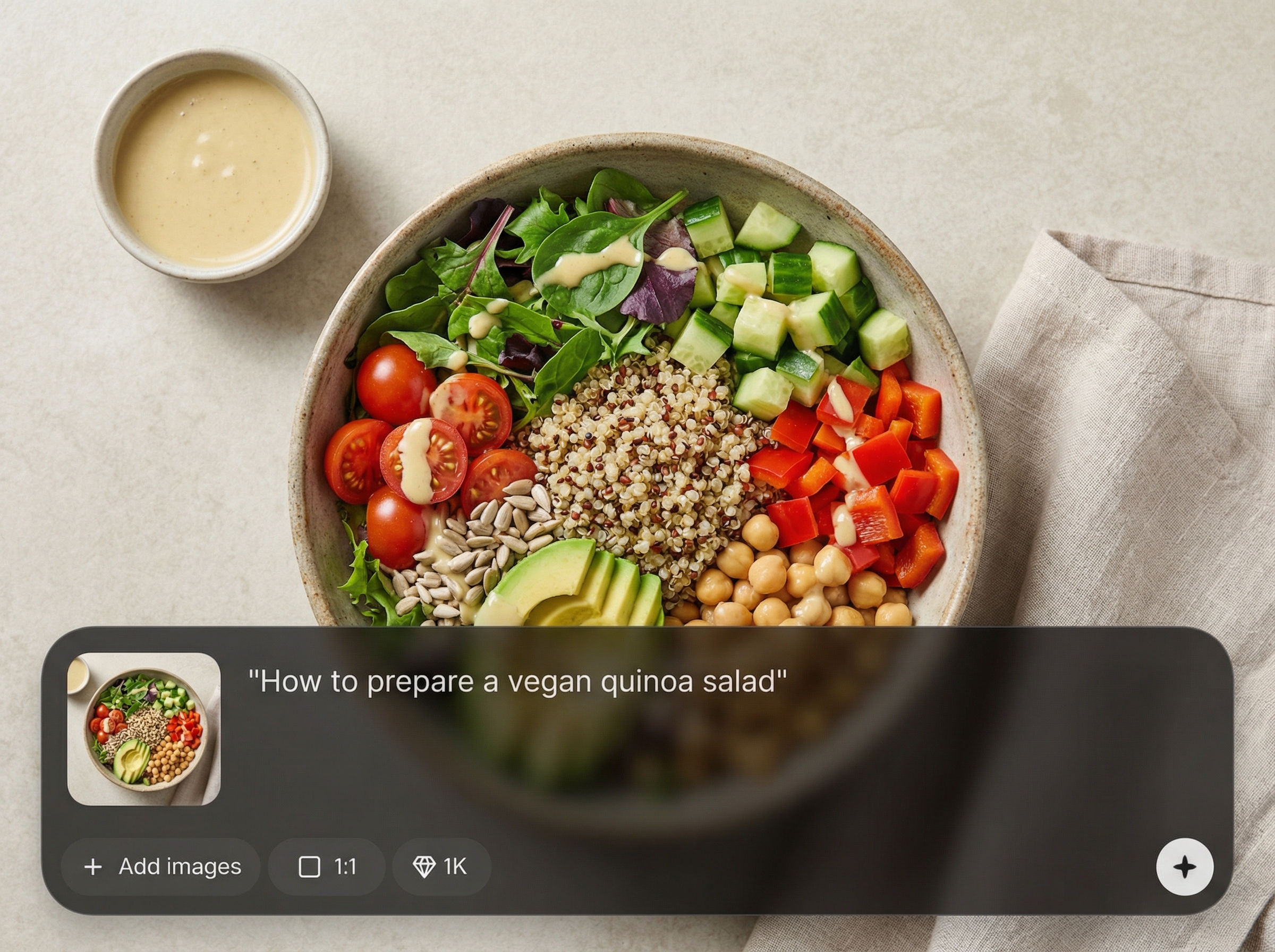
Generate, review, and rerun outputs quickly when you tweak wording or steps. Save time versus manual staging, and keep visuals aligned with the latest recipe version.
About
Recipe to Images - Mathias 8thJan2026 turns recipe titles and steps into polished, easy-to-follow images using AI. Paste your recipe text, optionally add a reference photo, and generate consistent visuals for each step in seconds. Perfect for making recipes clearer, more shareable, and faster to follow across web, mobile, and print layouts.
Recipe to Images - Mathias 8thJan2026 focuses on turning instructions into clear visuals, not generic art. With step-aware generation and optional reference guidance, it produces consistent images that improve comprehension and presentation. Save time, reduce manual staging, and keep visuals aligned with your latest recipe text.
Enter your recipe title and steps, then optionally upload a reference image. Click generate to create step-by-step visuals, review the output, and download images for posts, recipe cards, or documentation.
Use cases
Discover how different creators use this app in their workflow.
Create clean step images that fit into recipe cards, PDFs, and cookbooks, improving readability and reducing ambiguity for home cooks.
Add visual step content that increases time on page and comprehension. Great for structured recipes where images support each instruction.
Turn preparation steps into clear visuals for packaging inserts and support docs, reducing confusion and helping customers complete recipes correctly.
Krea is one of the world's leading generative AI platforms. See what others say.
Real reviews on TrustpilotSo many AI tools out there but I always come back to Krea. It's really the one AI platform that 'just works'.

FYN
Krea's interfaces are still the best in the industry. Everything looks and feels so clean and easy to use! Imo the easiest to use gen AI website.

Lynn
Ultra fast generations. Extremely simple to use. All the latest AI models.

Daniel
KREA is the only AI subscription I have right now besides ChatGPT.

Sophia M.
Answers to common questions about generating recipe images with AI.
Add a recipe title and step-by-step instructions. A reference image is optional but helpful for style consistency. The AI uses your text to create images aligned with each step.
Yes. Write your instructions as separate steps and the tool generates a visual for each one. Clear, specific verbs and ingredient details improve step accuracy.
A reference image helps the AI match the look and context—such as plating, lighting, or ingredients. It’s ideal when you want consistent visuals across an entire recipe sequence.
It’s an AI image generator that converts recipe text into visuals. Unlike static templates, it creates new images from your instructions, allowing rapid iteration when steps change.
Short, numbered steps with clear actions work best. Include key ingredients and cookware when relevant. If a step has multiple actions, split it into two steps for cleaner images.
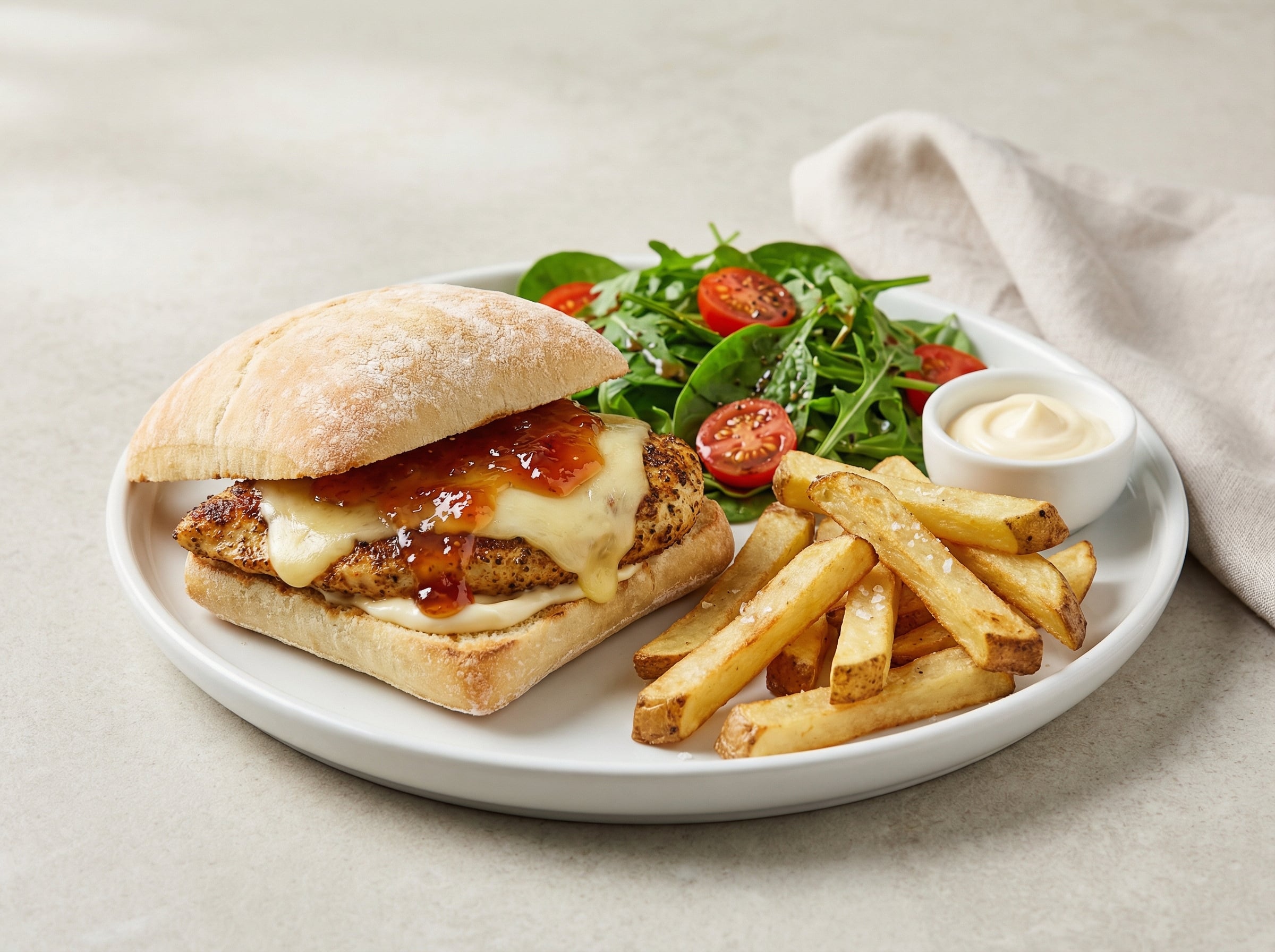
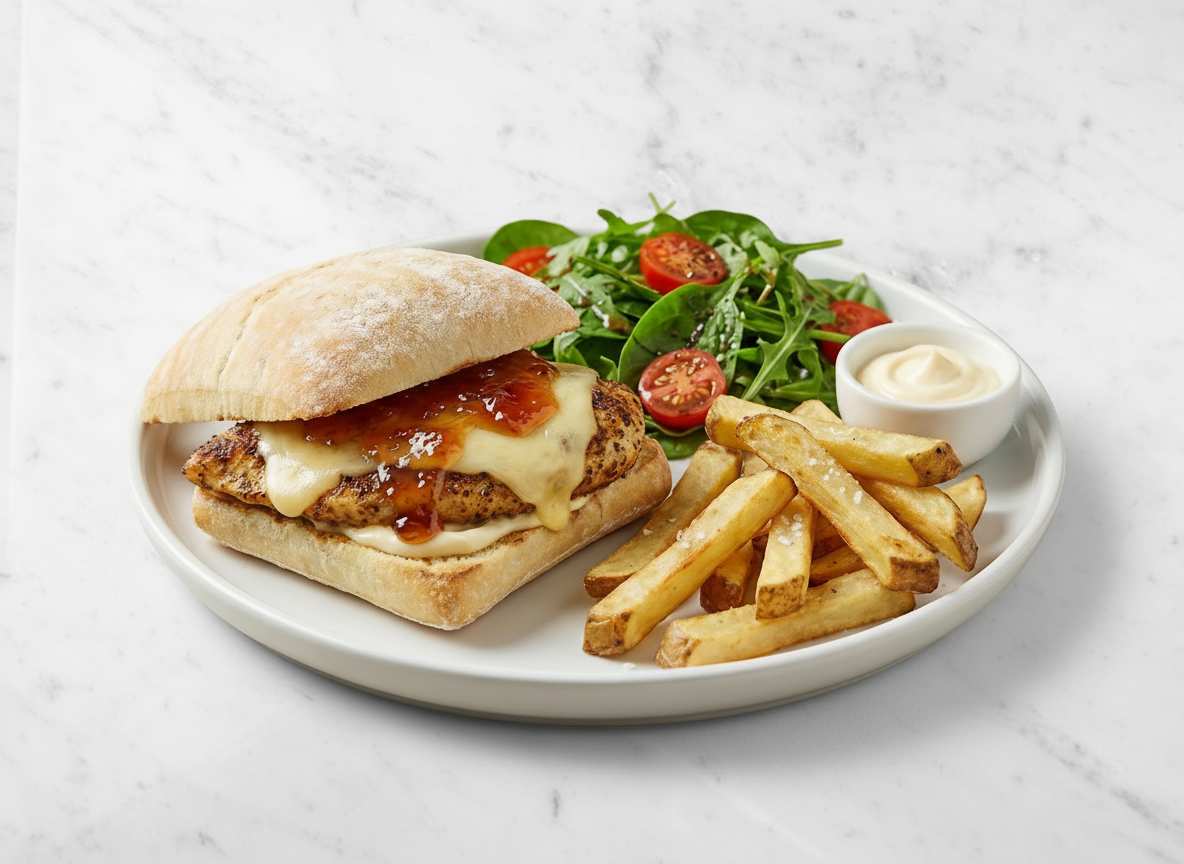
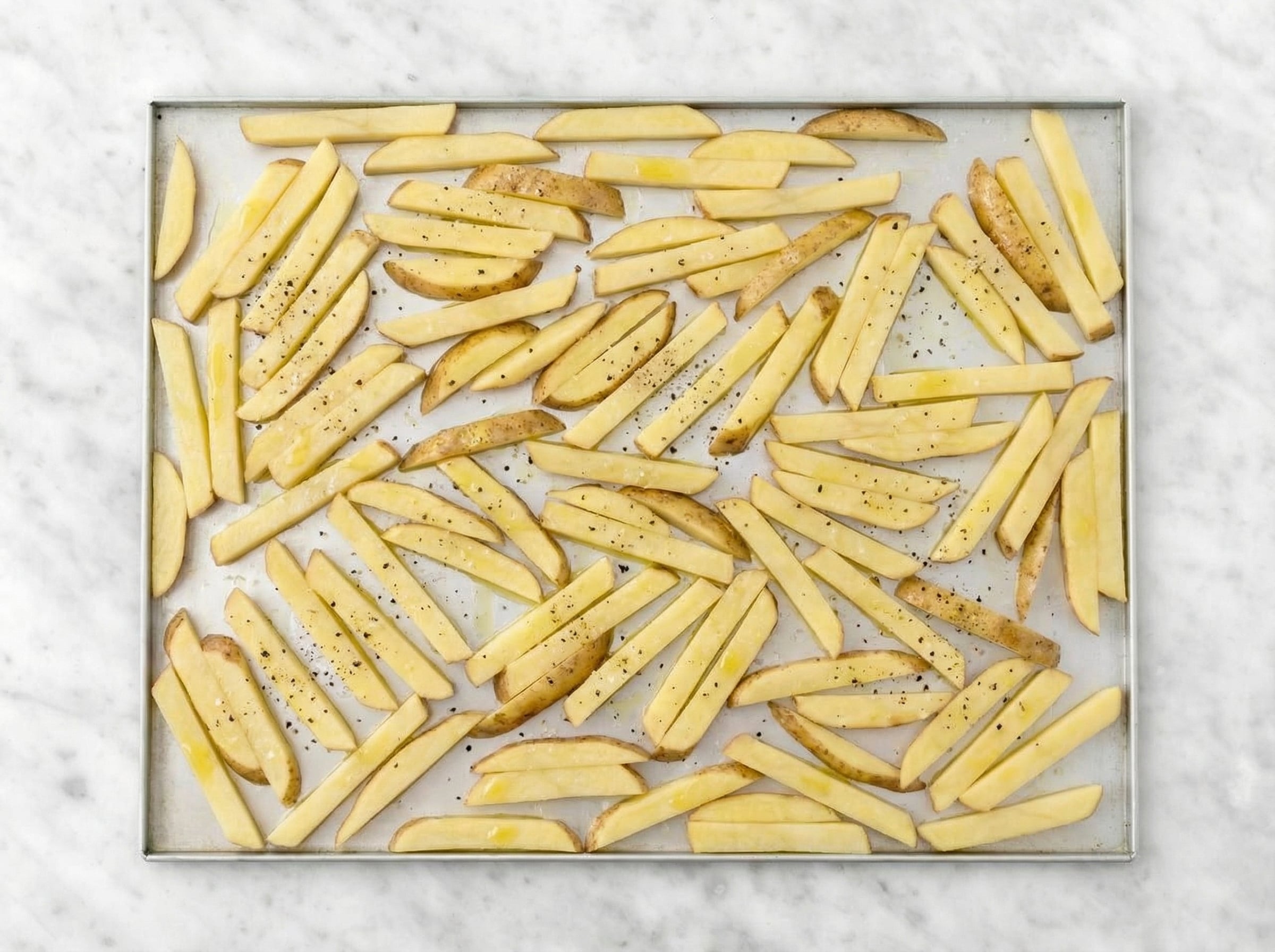
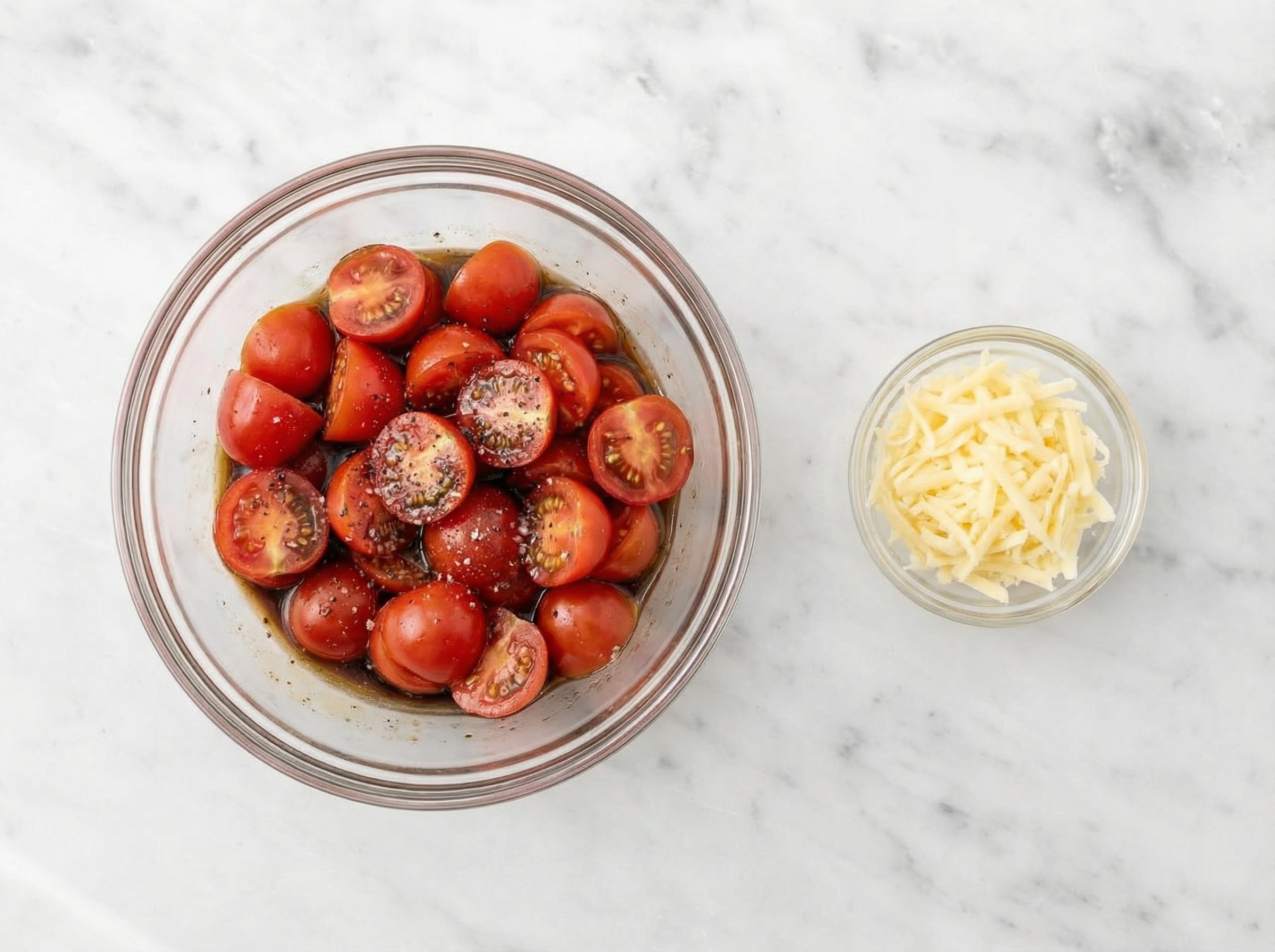
Paste a recipe, add an optional reference photo, and generate step images you can use anywhere in minutes.

