














Step 1
Prompt
Enter a clear text prompt and choose image size and style. Add details like lighting, composition, and color to guide the AI image generator output.
Use Testing app to generate and edit images with AI. Turn prompts into high-quality visuals, refine styles, and export fast. Try it online now.
How to use Testing app
This quick tutorial shows how to create AI-generated images with Testing app, fine-tune style and quality, and export files ready for marketing, social, or product use.
Step 1
Enter a clear text prompt and choose image size and style. Add details like lighting, composition, and color to guide the AI image generator output.

Step 2
Click generate to produce multiple variations. Review results, adjust the prompt or settings, and rerun to quickly iterate until the image matches your goal.

Step 3
Use built-in AI editing to enhance details, remove backgrounds, or adjust style. Upscale if needed, then download or export in formats optimized for your workflow.
Features
Testing app combines text-to-image generation with practical AI editing to move from idea to deliverable faster. Create variations, control style, and refine outputs without switching tools. From concept images to production-ready assets, it supports consistent quality, quick iteration, and clean exports for web and marketing.
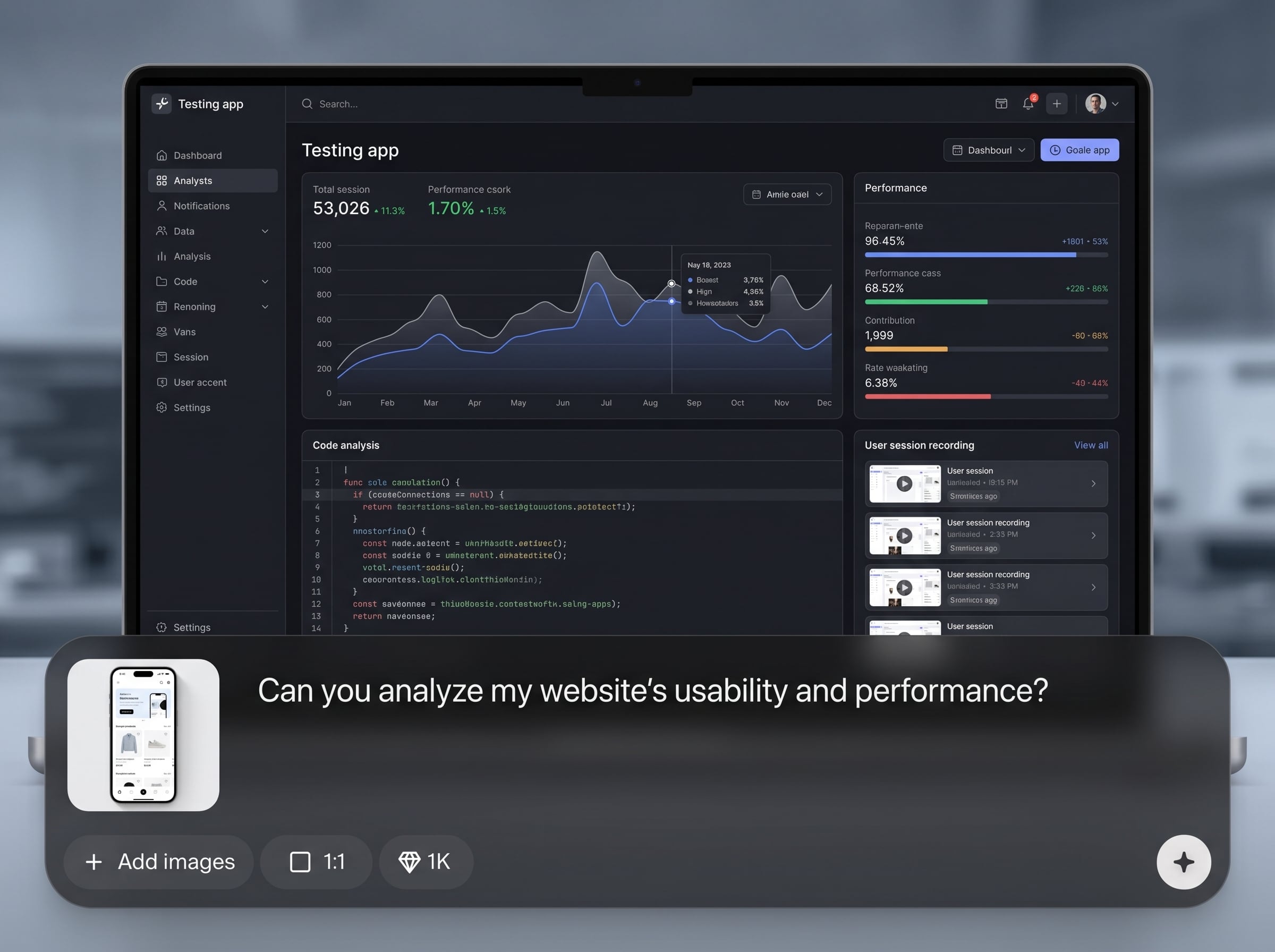
Generate high-quality images from prompts using AI. Get multiple variations per run, explore compositions and styles, and iterate quickly to reach the exact look you need.
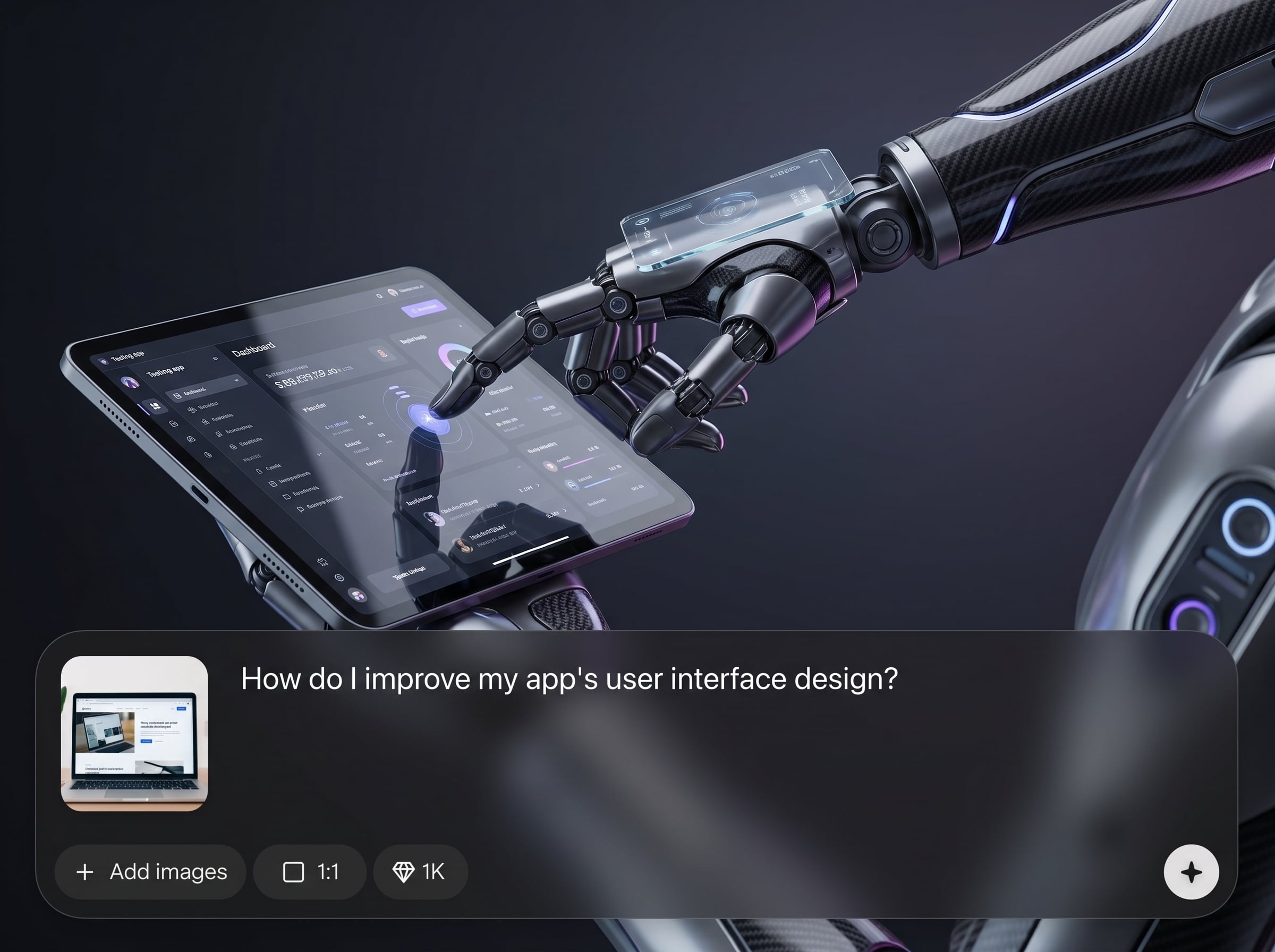
Refine results with AI-powered tools like background removal, enhancement, and style adjustments. Make targeted changes without restarting, keeping your workflow fast and consistent.
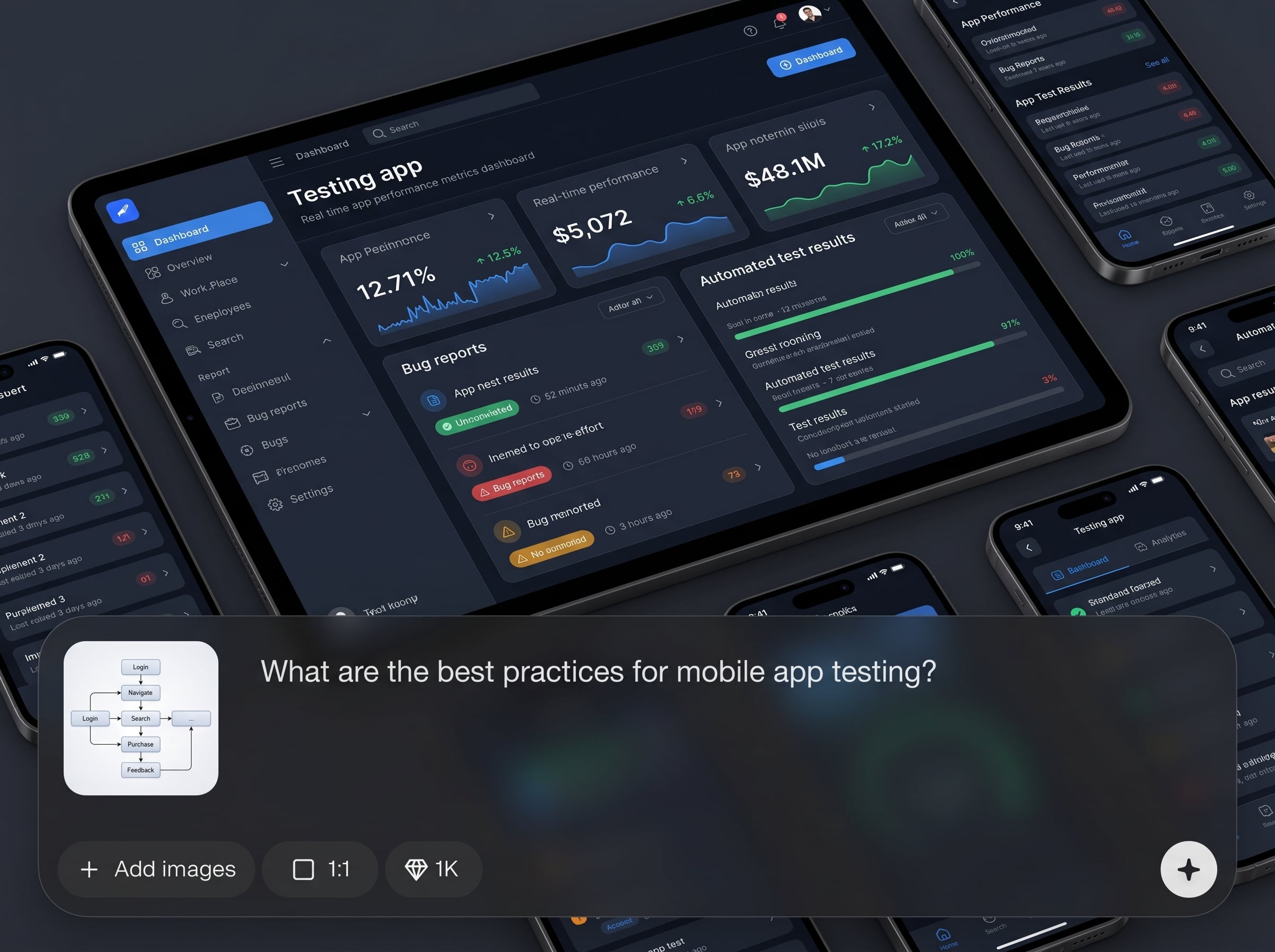
Upscale and export assets optimized for web, ads, and product pages. Keep details crisp, maintain consistent sizing, and download files that fit real production needs.
About
Testing app is an AI image generator that turns text prompts into polished visuals and helps you refine results with fast editing controls. Generate concepts, variations, and styles in seconds, then upscale and export for web, ads, and product pages. Built for quick iteration, consistent outputs, and efficient workflows across creative projects.
Testing app delivers an efficient AI workflow from generation to editing in one place. Produce consistent variations, refine quickly with practical tools, and export assets ready for real use. It’s built for speed, quality control, and repeatable results across marketing and product imagery.
Open Testing app, enter a text prompt, and choose a style and size. Generate variations, refine with AI editing tools, then upscale and export your final image for immediate use.
Use cases
Discover how different creators use this app in their workflow.
Create campaign images, social posts, and ad variations with an AI image generator. Iterate quickly across styles and formats to match brand goals and deadlines.
Generate clean product concepts, backgrounds, and hero visuals, then refine with AI editing. Export consistent assets for ecommerce listings and landing pages.
Turn ideas into moodboards, concepts, and visual directions. Use prompt-based generation to explore options fast, then polish the best outputs for presentation.
Krea is one of the world's leading generative AI platforms. See what others say.
Real reviews on TrustpilotSo many AI tools out there but I always come back to Krea. It's really the one AI platform that 'just works'.

FYN
Krea's interfaces are still the best in the industry. Everything looks and feels so clean and easy to use! Imo the easiest to use gen AI website.

Lynn
Ultra fast generations. Extremely simple to use. All the latest AI models.

Daniel
KREA is the only AI subscription I have right now besides ChatGPT.

Sophia M.
Common questions about Testing app, AI image generation, and exporting results.
Testing app is used to generate images from text prompts and refine them with AI editing tools. It helps you create variations, control style, and export assets for marketing, web, and product use.
Yes. Testing app includes text-to-image AI generation for creating multiple image variations from a prompt. You can adjust style, size, and details to guide outputs and iterate quickly.
Yes. Testing app supports AI-based editing such as background removal, enhancement, and style refinement. This lets you improve images without regenerating everything from scratch.
Use specific descriptions for subject, lighting, composition, and color. Add style references and constraints, then iterate by adjusting a few keywords at a time to steer the AI toward your target look.
Export options depend on your workflow, but Testing app is designed for download-ready outputs suitable for web and marketing. Use upscaling and consistent sizing to ensure clean, sharp exports.
Start with a prompt, create variations, refine with AI editing, and export production-ready visuals in minutes.

