















Step 1
Set the style
Choose persona variants or floral-only mode, then add a prompt describing mood, palette, and composition. Adjust guidance and aspect ratio to match your series format.
Generate dream-like illustrations with Project Blue Beam. Create persona variants or floral-only compositions fast with AI styling controls. Try it online now.
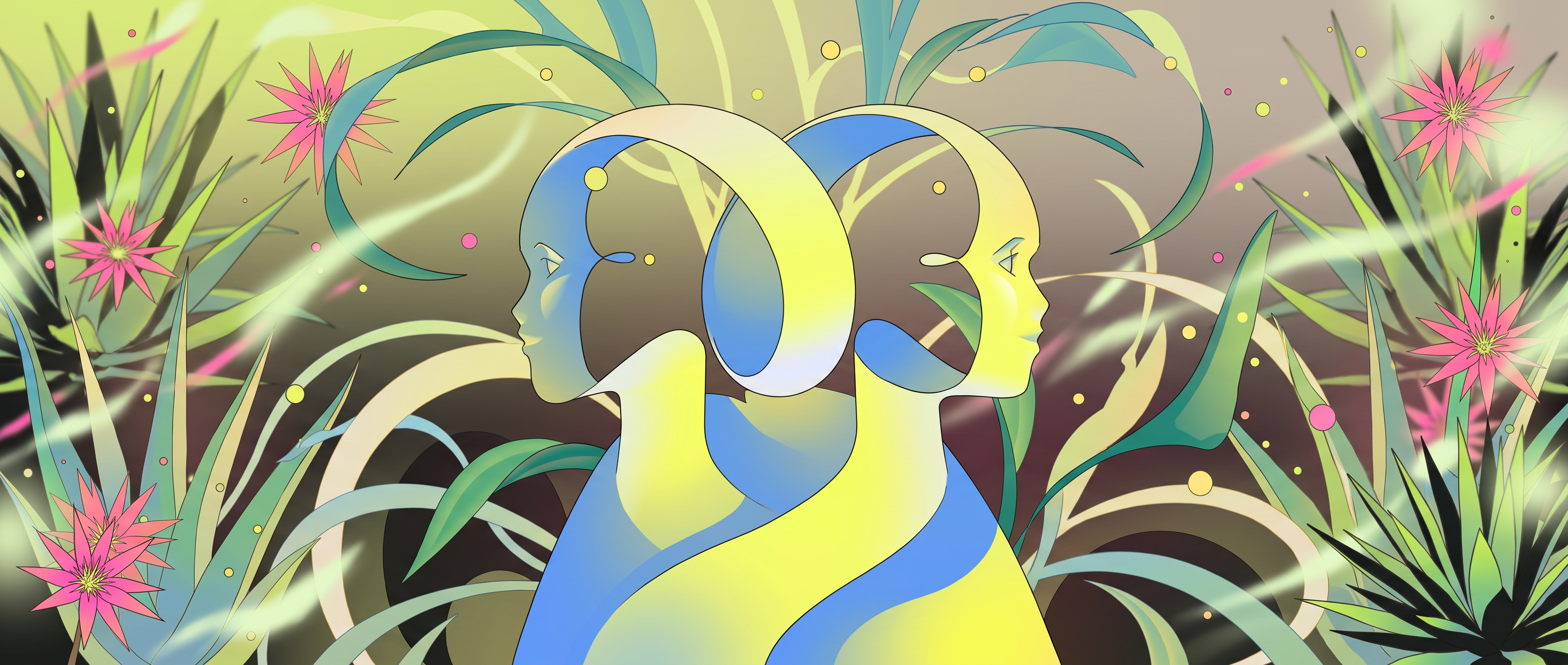
How to use Project Blue Beam
Use Project Blue Beam to produce cohesive, dream-like illustrations with persona variations or floral-only compositions. Follow these steps to set your style, generate variants, and refine results for a consistent series.
Step 1
Choose persona variants or floral-only mode, then add a prompt describing mood, palette, and composition. Adjust guidance and aspect ratio to match your series format.

Step 2
Click generate to create multiple dream-like illustration options. Review outputs for consistent motifs, lighting, and linework, then select favorites for further iteration.

Step 3
Tweak prompts and settings to polish details, simplify backgrounds, or amplify florals. Upscale when needed and export high-quality images ready for web, print, or decks.
Features
Project Blue Beam helps you generate cohesive illustrative artwork with a surreal, dreamy finish. Create persona variants for series continuity or produce floral-only compositions for clean, design-forward layouts. Fine-tune prompts and settings to keep style consistent while exploring fresh variations quickly for production-ready visuals.
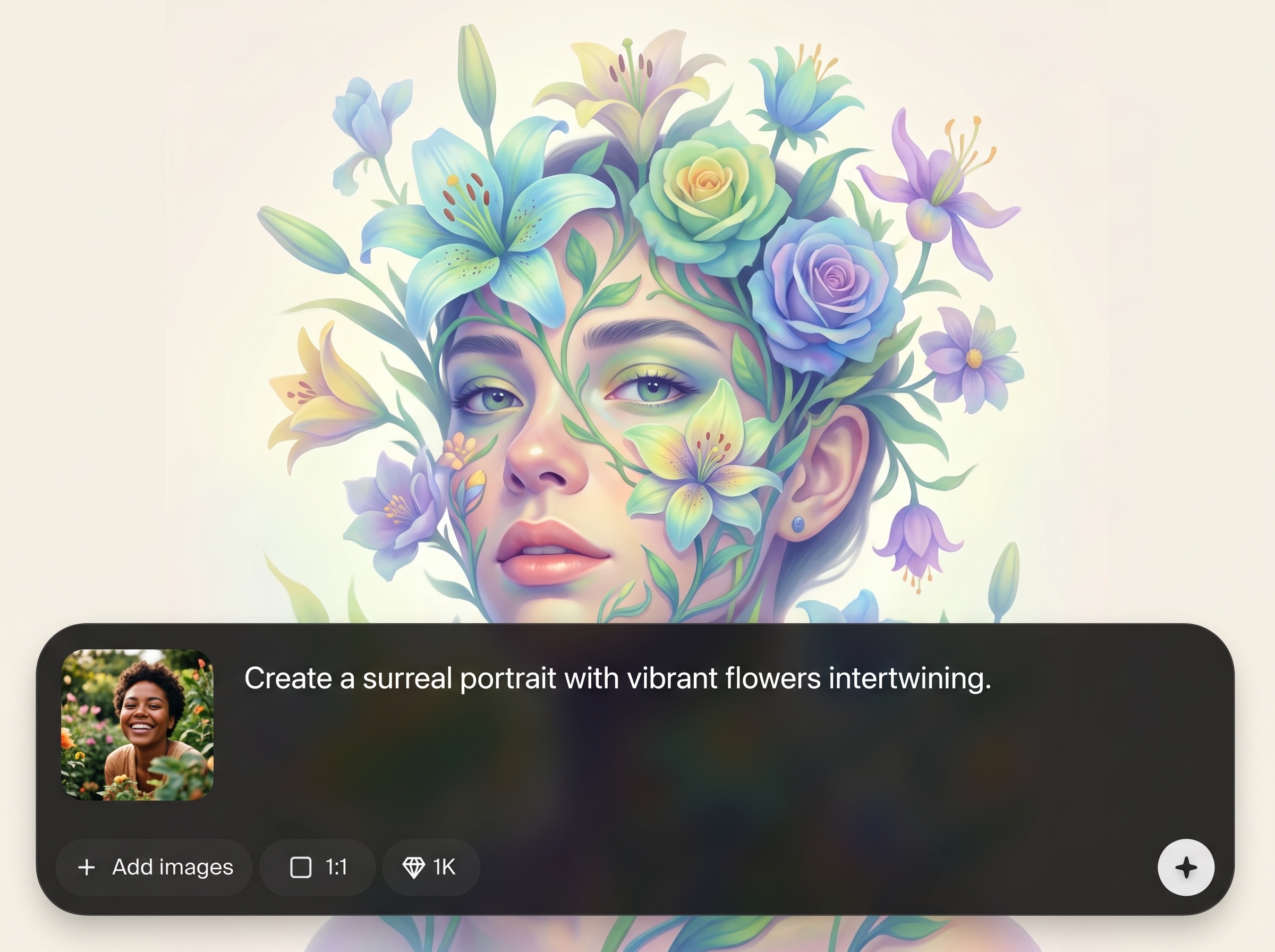
Generate multiple character-like personas in a unified illustrative style. Keep mood, palette, and composition consistent while exploring distinct variants for storyboards, covers, and themed sets.
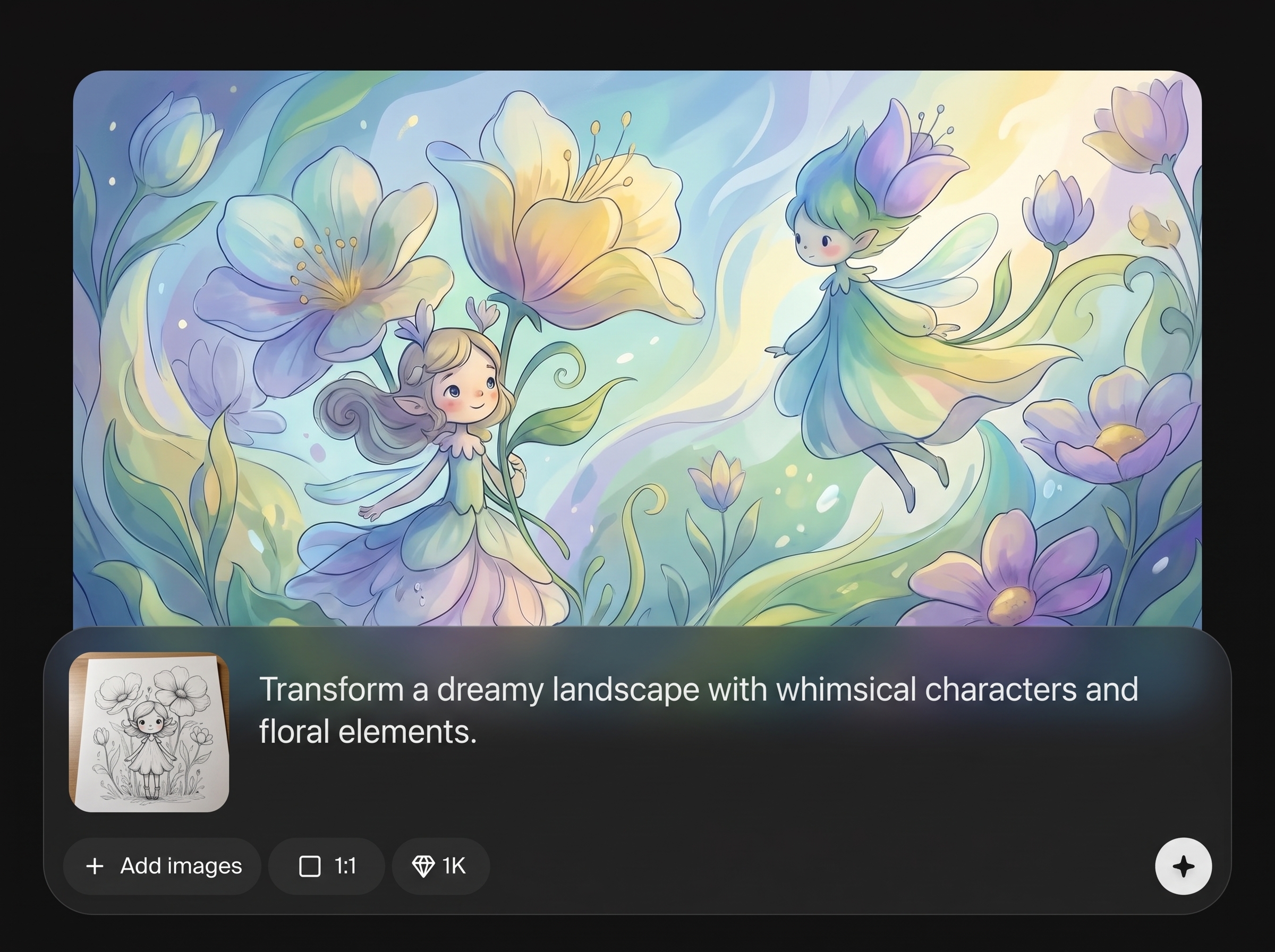
Switch to floral-only outputs for elegant, minimal scenes. Create petals, botanicals, and ornamental arrangements that work as backgrounds, posters, packaging concepts, or brand visuals.
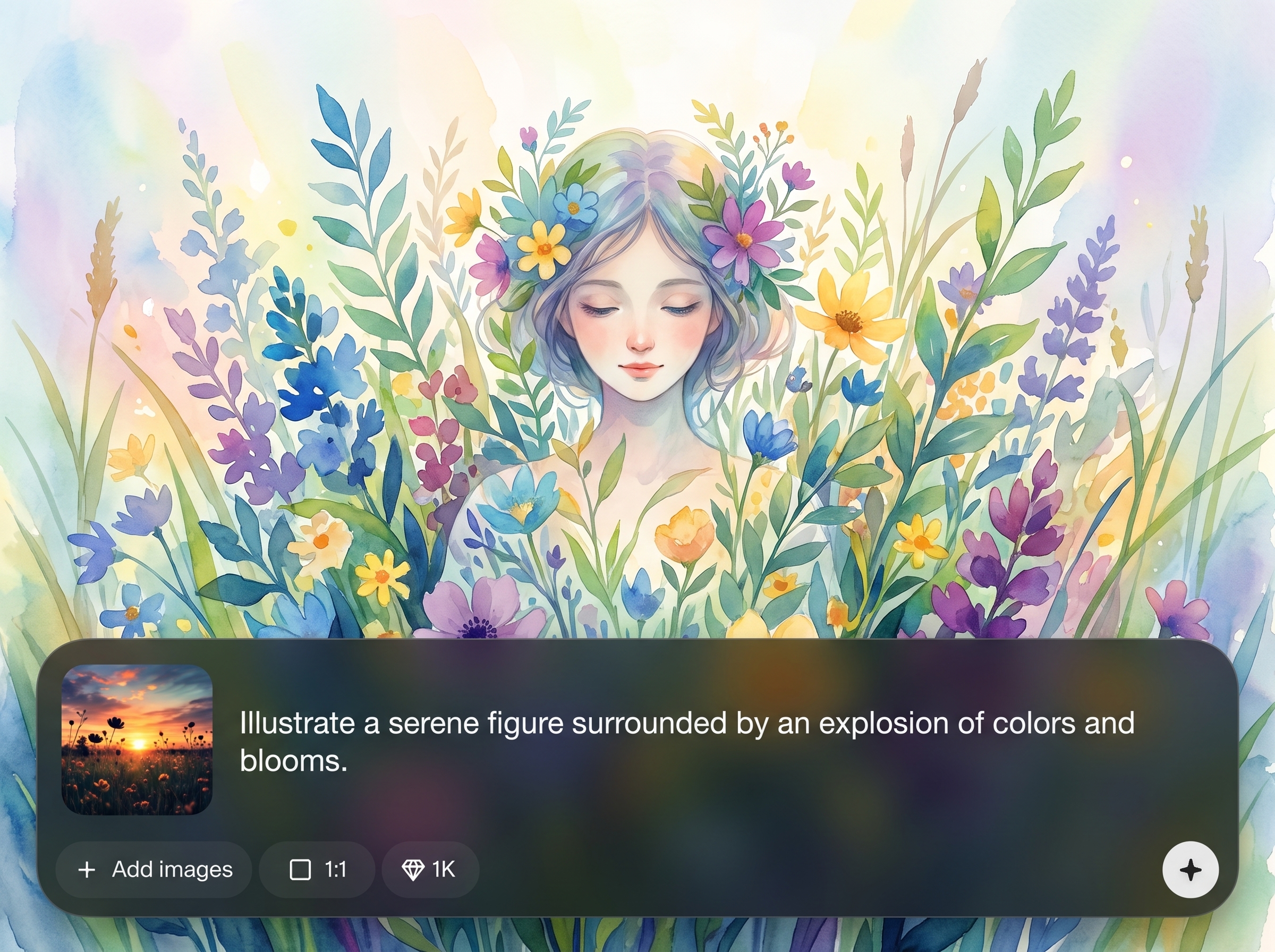
Adjust prompts, aspect ratio, and guidance to steer results without losing the dreamy look. Generate batches, compare options, and refine details quickly to hit the right direction.
About
Project Blue Beam is an AI illustration generator for dream-like, editorial visuals. Create series-ready persona variants or switch to floral-only compositions with consistent style, color, and mood. Use prompts and controls to iterate quickly, explore surreal details, and export polished artwork for campaigns, covers, and concept boards—right in your browser.
Project Blue Beam focuses on cohesive, dream-like illustration with practical controls for iteration. Create persona variants or floral-only artwork while keeping a consistent aesthetic across a series. Generate multiple options quickly, refine with prompt and layout settings, and export production-ready visuals for real-world design needs.
Open Project Blue Beam, choose persona or floral-only mode, and write a short prompt for mood and palette. Generate a batch, refine with small prompt edits, then export the strongest images for your set.
Use cases
Discover how different creators use this app in their workflow.
Produce dream-like illustration sets for ads, landing pages, and social posts. Create consistent persona variants or floral backgrounds that match a defined aesthetic.
Generate surreal, illustrative compositions for articles, posters, and covers. Iterate quickly while maintaining a cohesive visual language across a full series.
Explore palettes, motifs, and composition ideas in minutes. Use variants to test directions, then export high-quality images for presentations and pitch decks.
Krea is one of the world's leading generative AI platforms. See what others say.
Real reviews on TrustpilotSo many AI tools out there but I always come back to Krea. It's really the one AI platform that 'just works'.

FYN
Krea's interfaces are still the best in the industry. Everything looks and feels so clean and easy to use! Imo the easiest to use gen AI website.

Lynn
Ultra fast generations. Extremely simple to use. All the latest AI models.

Daniel
KREA is the only AI subscription I have right now besides ChatGPT.

Sophia M.
Answers to common questions about Project Blue Beam and dream-like AI illustration generation.
Project Blue Beam is an AI illustration generator that creates dream-like, surreal artwork. It supports persona variants for series continuity and floral-only compositions for clean, design-forward visuals.
Yes. Use floral-only mode to generate botanicals, petals, and ornamental arrangements without personas. It’s ideal for backgrounds, packaging concepts, posters, and decorative layouts.
Persona variants let you explore multiple character-like looks while keeping a consistent illustrative style. Adjust your prompt for mood and details, then generate batches to compare and refine.
Yes. Enter a prompt describing the dreamy illustration you want, then generate images using artificial intelligence. You can iterate with prompt edits and settings to steer style and composition.
Reuse a stable prompt structure with the same mood, palette, and keywords, then adjust only one variable at a time. Generate variants in batches and select outputs that match your series baseline.
Start with aspect ratio and guidance strength to control composition and prompt adherence. Then refine with concise style descriptors, subject constraints, and iteration cycles to reduce randomness and improve cohesion.
In most workflows, you can use generated images for marketing, editorial, and product concepts, depending on your plan and terms. Always review licensing and usage rules before publishing final assets.
Export high-quality images suitable for web and print workflows. For best results, generate at the target aspect ratio, then upscale or re-render for sharper edges and cleaner detail retention.
Generate persona series or floral-only compositions in minutes with AI controls for consistent, polished results.

