














Step 1
Upload
Drag and drop one image or a batch. The tool reads dimensions, transparency, and format so conversions keep the right look without extra setup.
Convert images instantly with AI-powered converting images. Change JPG, PNG, WebP, and more with quality controls and fast batch exports. Try it now.
How to use converting images
This quick tutorial shows how to convert image formats with converting images using AI-assisted settings. Upload files, choose your target format and quality, then export clean, optimized results for web, apps, or sharing.
Step 1
Drag and drop one image or a batch. The tool reads dimensions, transparency, and format so conversions keep the right look without extra setup.

Step 2
Choose the output format (JPG, PNG, WebP, HEIC) and set quality, compression, and resizing. Preview changes to balance file size and clarity.

Step 3
Generate and download the converted files instantly. Save individual images or export batches as a consistent set, ready for websites, apps, or email.
Features
Converting images delivers fast, accurate format changes with AI-assisted optimization. Convert JPG, PNG, WebP, and HEIC while preserving sharpness, colors, and transparency. Use batch processing, resizing, and compression controls to produce lightweight files for web performance, product listings, and everyday sharing—without complex software or manual rework.
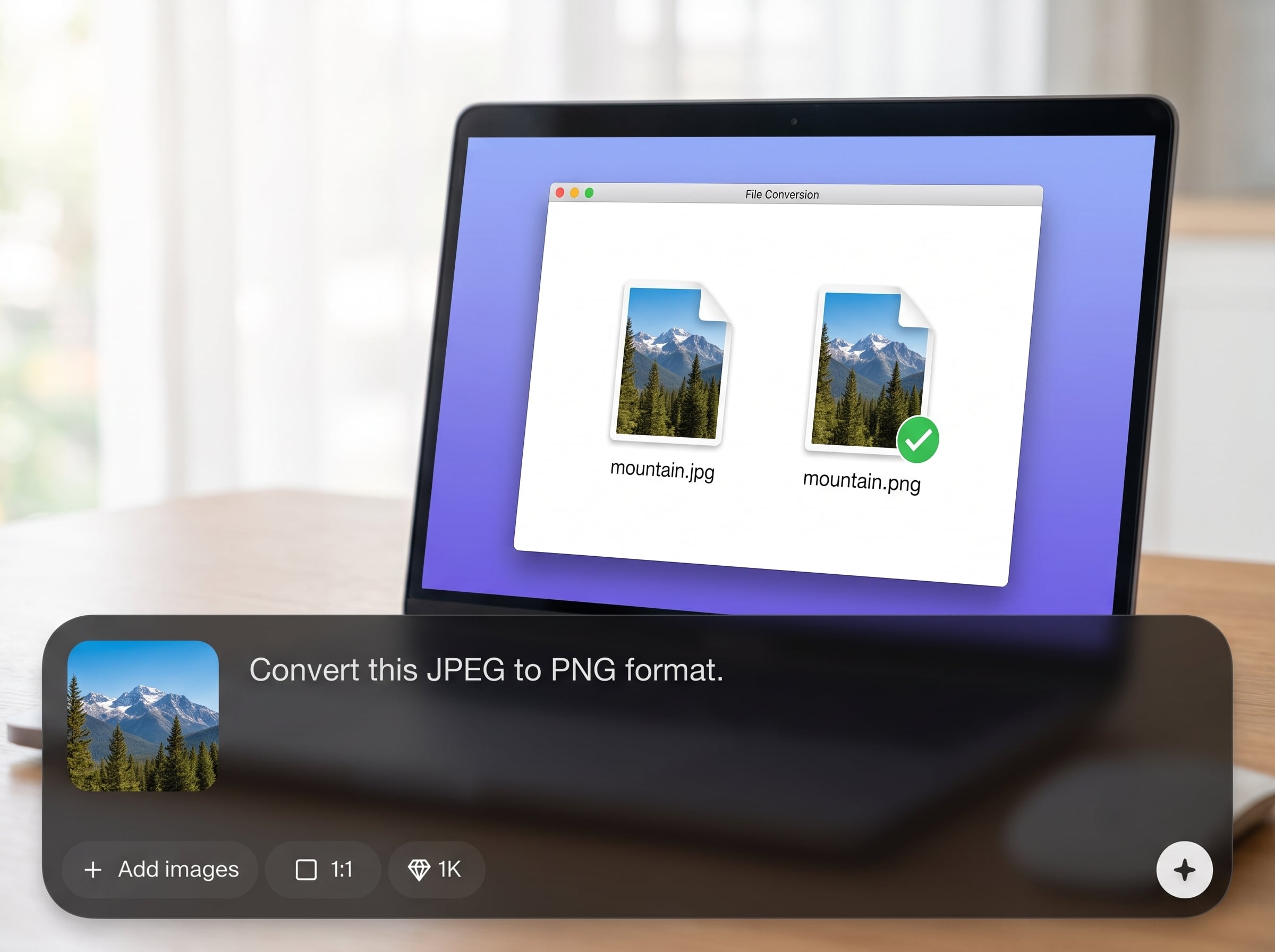
Convert images between common formats while keeping details intact. AI helps maintain color fidelity and edge clarity, with support for transparency and predictable results across different source files.
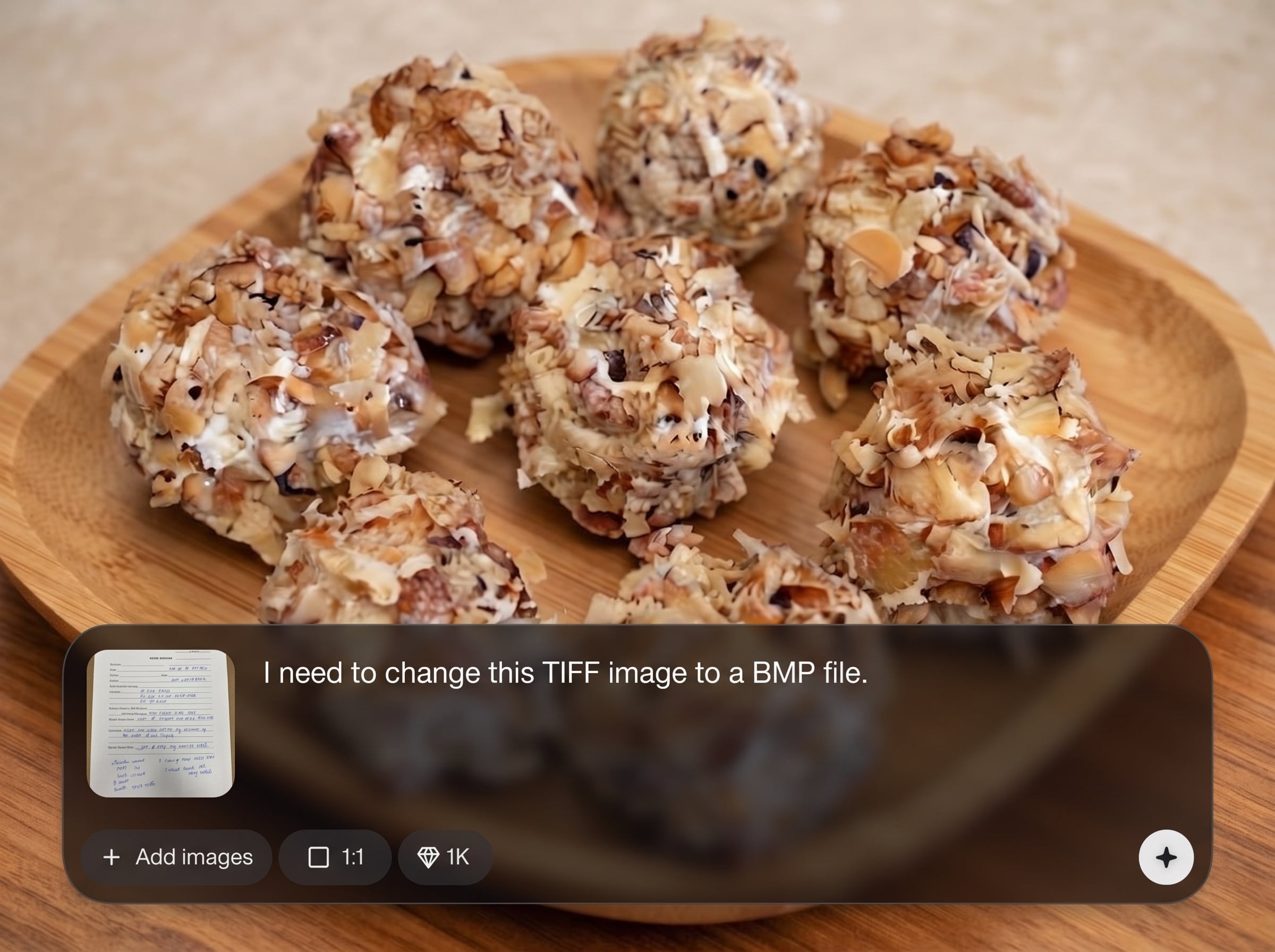
Upload multiple files and convert them in one run. Keep consistent output settings across a whole folder, saving time on repetitive tasks and speeding up delivery.
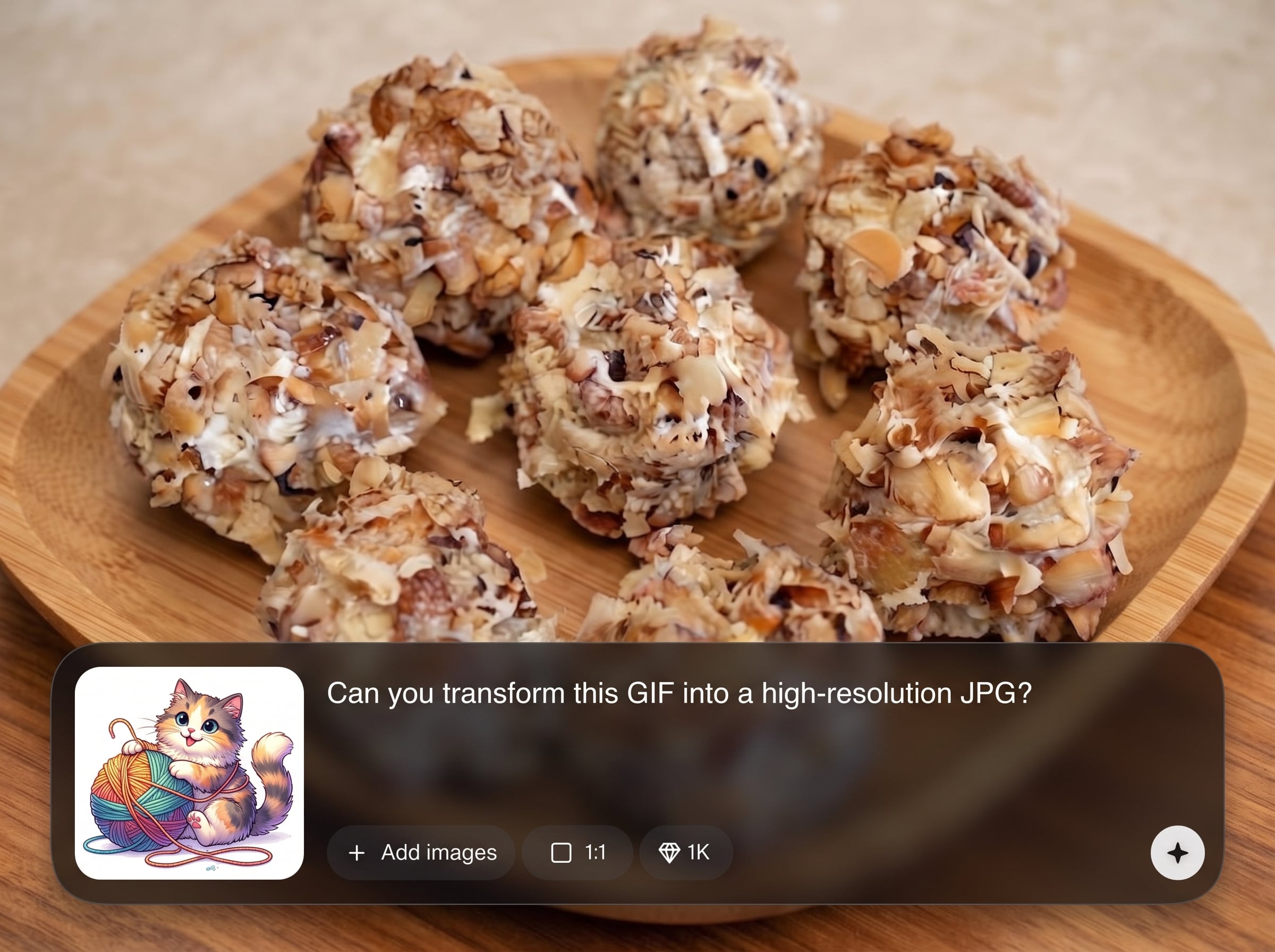
Control compression, quality, and resizing to hit your target file size. Generate web-ready assets that load quickly while staying sharp for previews, listings, and social posts.
About
Converting images is an AI image converter that transforms files between JPG, PNG, WebP, HEIC, and more in seconds. Use smart settings to keep sharp details while reducing file size for web, apps, and sharing. Convert single images or run batch conversions with consistent output quality, transparent backgrounds, and reliable downloads—right in your browser.
Converting images combines AI-assisted optimization with simple controls for format, quality, and size. Get consistent exports, transparent background support, and fast batch processing in one clean workflow. It’s built for dependable results that improve performance and compatibility across platforms.
Open converting images, upload one file or a batch, then choose your output format and quality. Preview, export, and download instantly—no complex setup required.
Use cases
Discover how different creators use this app in their workflow.
Convert large PNG or JPG files to WebP for faster pages. Reduce weight with quality controls while keeping crisp visuals for landing pages and blogs.
Standardize product images into consistent formats and sizes. Batch convert and compress to meet marketplace requirements and speed up upload workflows.
Turn HEIC photos into JPG or PNG for universal sharing. Convert quickly for email, messaging, and cross-platform use without compatibility issues.
Krea is one of the world's leading generative AI platforms. See what others say.
Real reviews on TrustpilotSo many AI tools out there but I always come back to Krea. It's really the one AI platform that 'just works'.

FYN
Krea's interfaces are still the best in the industry. Everything looks and feels so clean and easy to use! Imo the easiest to use gen AI website.

Lynn
Ultra fast generations. Extremely simple to use. All the latest AI models.

Daniel
KREA is the only AI subscription I have right now besides ChatGPT.

Sophia M.
Answers to common questions about AI image conversion, supported formats, and export options.
It converts image files between formats like JPG, PNG, WebP, and HEIC. You can also adjust quality, compression, and resizing to create optimized exports for web, apps, or sharing.
Common formats are supported, including JPG/JPEG, PNG, WebP, and HEIC. Availability can vary by browser, but the tool is designed for reliable, modern format conversion online.
Yes. Upload multiple files, apply one set of conversion settings, and export everything together. Batch processing helps keep output consistent across a whole project or folder.
Quality depends on your settings and target format. You can choose higher quality for minimal loss or stronger compression for smaller files, with previews to guide the best balance.
Yes, when converting to formats that support transparency, like PNG or WebP. If converting to JPG, transparency is flattened because JPG does not support alpha channels.
Upload your PNG, select WebP as the output format, then adjust quality or compression if needed. Export the converted file to get a smaller, web-ready image.
Yes. Set target dimensions during conversion to standardize assets. Resizing plus compression can significantly reduce file size while keeping images consistent for web or product catalogs.
It runs online in your browser, so you can convert formats without installing software. Upload images, configure output settings, and download results immediately.
JPG is best for photos and small sizes but no transparency. PNG supports transparency and crisp graphics. WebP offers strong compression and can support transparency for web performance.
Use WebP when possible, lower quality slightly, and resize to your actual display dimensions. Testing a few settings helps find the smallest file that still looks sharp.
Upload your files, pick a format, and download optimized results for web, eCommerce, and sharing.

