














Step 1
Describe or upload
Enter a text prompt for the city vibe you want, or upload a photo to restyle. Add details like neon, rain, skyline, streetwear, or night lighting.
City Style is an AI city style generator for urban, street, and cinematic looks. Create, customize, and export high-res visuals online fast.
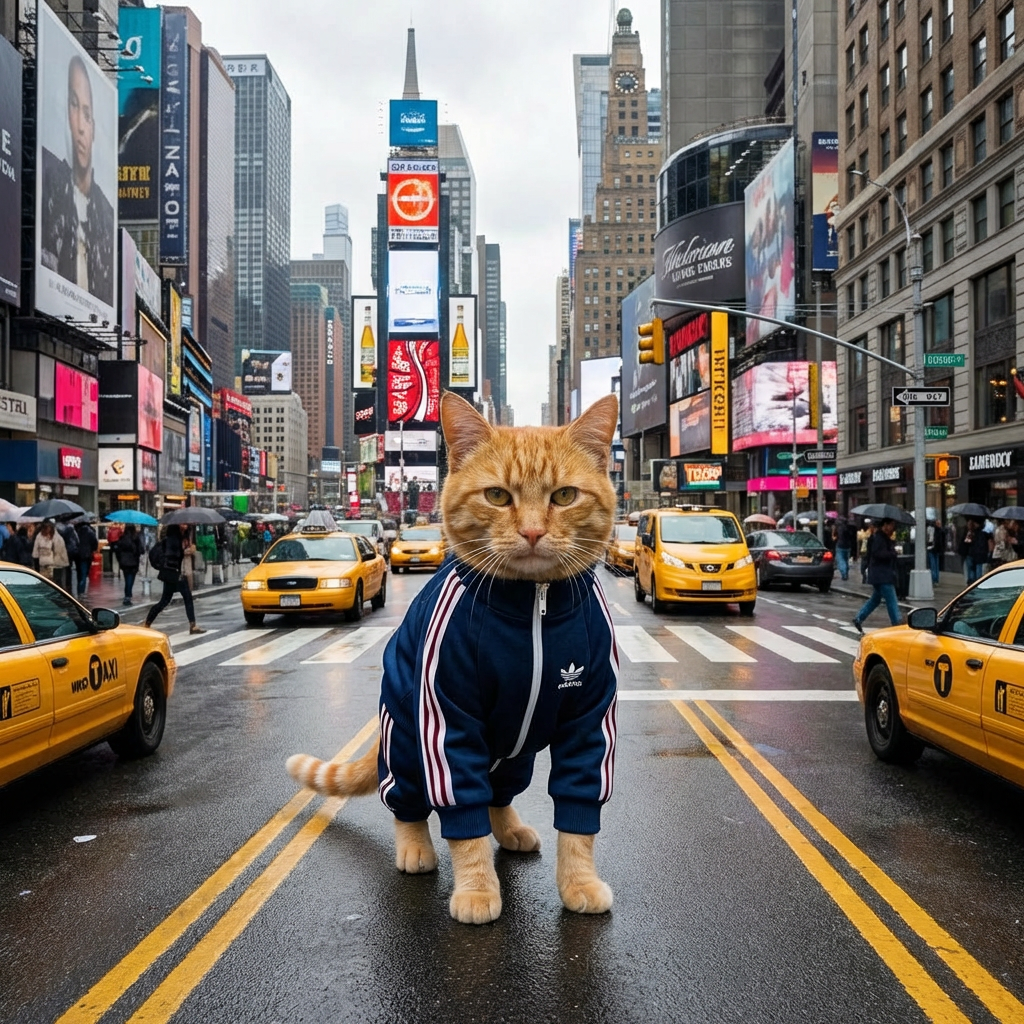
How to use City Style
Use City Style to turn a text prompt or an image into a polished urban aesthetic. Follow these quick steps to pick a look, fine-tune settings, and export clean, high-resolution results online.
Step 1
Enter a text prompt for the city vibe you want, or upload a photo to restyle. Add details like neon, rain, skyline, streetwear, or night lighting.

Step 2
Select an urban preset and adjust composition, color grading, contrast, and detail. Iterate with small prompt edits to lock in consistent architecture, mood, and atmosphere.

Step 3
Click generate to preview variations, then choose your favorite. Upscale and export in high resolution for social posts, presentations, mockups, or creative production workflows.
Features
City Style applies AI-powered urban aesthetics to your images and prompts with consistent, controllable results. Generate neon nights, gritty street tones, futuristic skylines, and clean architectural looks. Fine-tune lighting and color grading, iterate quickly, and export high-resolution outputs ready for design, marketing, or concept work—without complex editing.
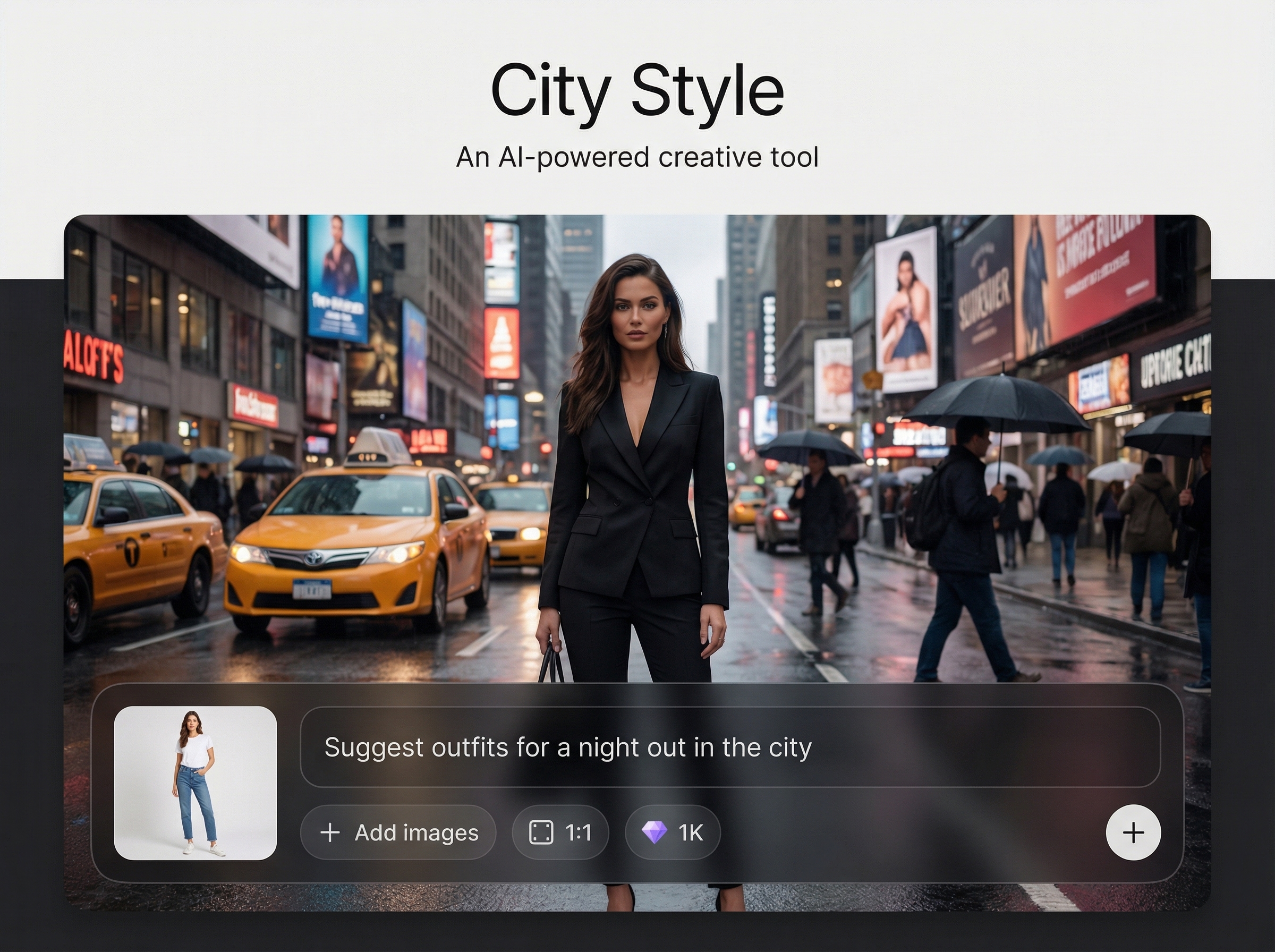
Choose street, cinematic, neon, or architectural modes to guide the AI. Presets keep results on-theme while still letting you steer mood, palette, and visual intensity with simple edits.
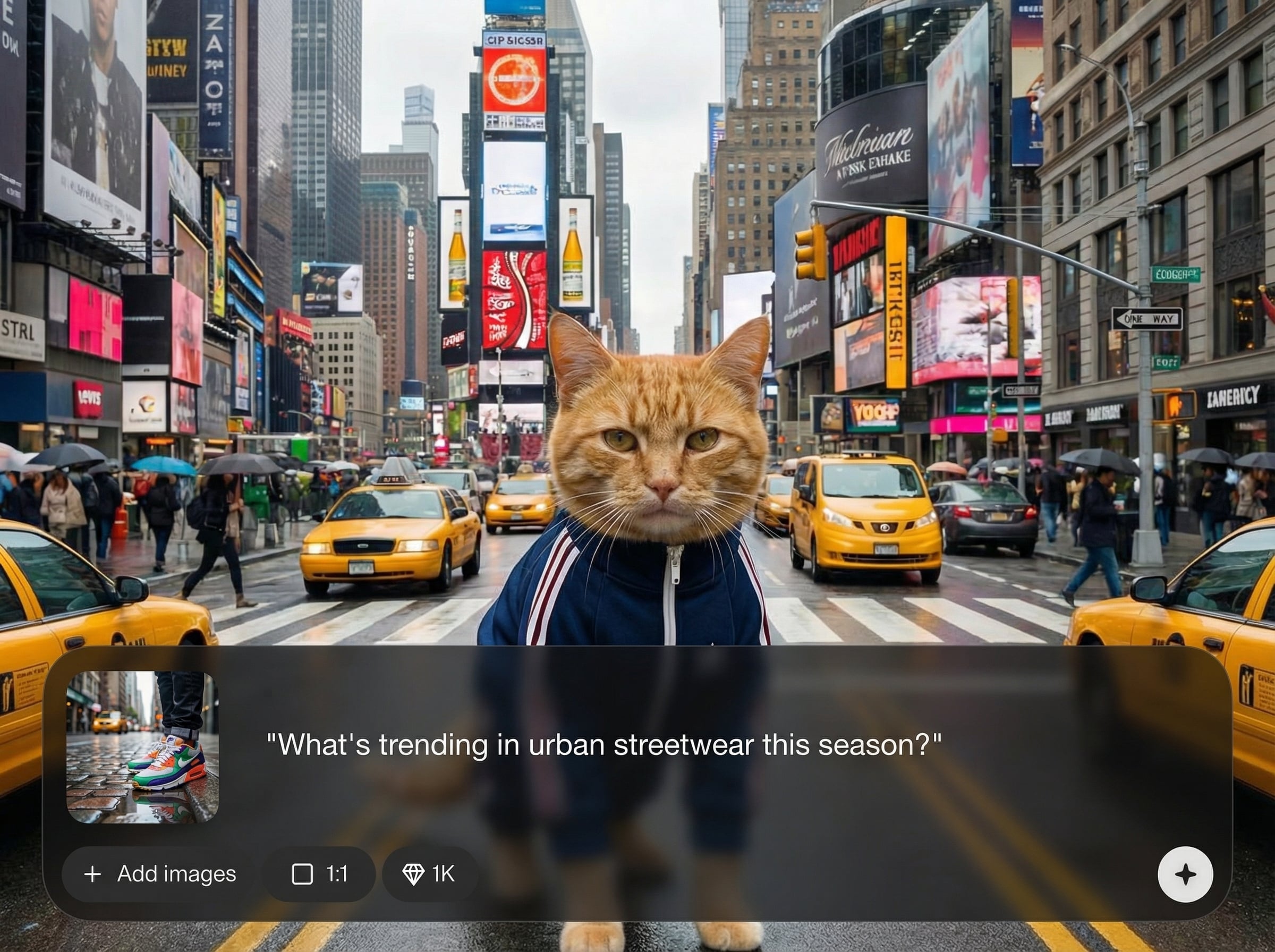
Turn detailed prompts into city visuals quickly, then iterate with variations. Adjust lighting, weather, time of day, and scene density to match brand visuals or concept direction.
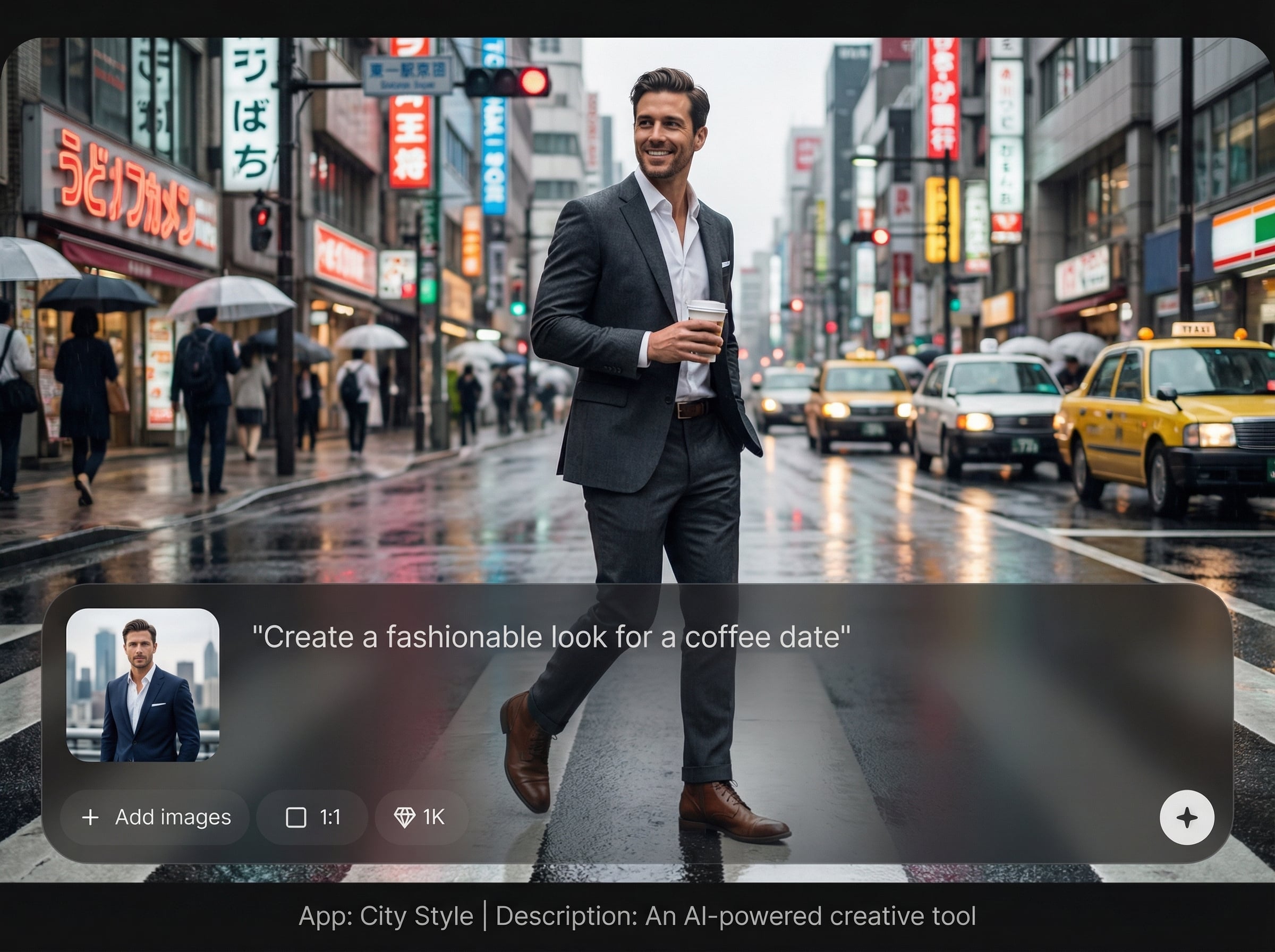
Generate clean, high-resolution images suitable for posts, decks, and mockups. Keep sharp edges, readable signage, and consistent color grading for professional-looking urban compositions.
About
City Style is an AI image generator that transforms prompts or photos into bold urban visuals with modern city vibes. Choose street, neon, cinematic, or architectural looks, then refine color, lighting, and detail in seconds. Export high-resolution results for posts, concepts, mood boards, and design comps—fast, consistent, and ready to share.
City Style gives you controllable, on-theme urban outputs without complex editing. Combine text-to-image and image-to-image workflows, iterate quickly with variations, and keep consistent color grading across assets. It’s built for speed, clarity, and high-resolution results you can use immediately.
Type a prompt or upload a reference image, choose an urban preset, and generate variations. Refine lighting and color with quick adjustments, then export a high-resolution image for your workflow.
Use cases
Discover how different creators use this app in their workflow.
Create scroll-stopping city scenes for posts, thumbnails, and banners. Match a consistent urban aesthetic across a campaign without manual photo editing.
Generate city-themed backgrounds, key art, and mood boards fast. Explore color grading and lighting directions before committing to final production assets.
Prototype skylines, streetscapes, and futuristic districts from text or references. Iterate on composition, atmosphere, and materials to support early-stage concept work.
Krea is one of the world's leading generative AI platforms. See what others say.
Real reviews on TrustpilotSo many AI tools out there but I always come back to Krea. It's really the one AI platform that 'just works'.

FYN
Krea's interfaces are still the best in the industry. Everything looks and feels so clean and easy to use! Imo the easiest to use gen AI website.

Lynn
Ultra fast generations. Extremely simple to use. All the latest AI models.

Daniel
KREA is the only AI subscription I have right now besides ChatGPT.

Sophia M.
Answers to common questions about City Style, AI generation, and exporting high-quality city-style images.
City Style is an AI city style generator that creates urban-themed visuals from text prompts or images. It helps you produce consistent street, neon, cinematic, or architectural looks with quick customization and export.
Yes. Upload an image and apply an urban aesthetic while keeping key structure. Adjust strength, color grading, and detail to balance the original composition with a new city-inspired style.
Use specific prompts with clear subjects, location cues, and lighting, like “rainy neon alley, 35mm, reflections.” Iterate with small edits and keep style keywords consistent to stabilize the look.
City Style supports high-resolution exports for professional use. Generate variations, pick the best result, then upscale and download for social, presentations, mockups, or production-ready design workflows.
You can create street photography vibes, cinematic cityscapes, cyberpunk neon nights, clean modern architecture, and more. Combine prompts and settings to control weather, time of day, color tone, and atmosphere.
Create urban visuals from text or photos, fine-tune the vibe, and export high-res images in minutes.

