














Step 1
Upload
Add your static non-human image, such as products, objects, or artwork. The tool analyzes the content to prepare a clean resize while keeping key details visible.
Resize static non-human images with AI to perfect 1x1 and 4x5 ratios. Keep quality, fit social specs, and export fast—try it online now.
How to use Resize Static NonHuman to 1x1 & 4x5
Use this quick workflow to resize static non-human images with AI. Choose a 1x1 or 4x5 output, preview the framing, then export a ready-to-use file for your platform specs.
Step 1
Add your static non-human image, such as products, objects, or artwork. The tool analyzes the content to prepare a clean resize while keeping key details visible.

Step 2
Pick 1x1 for square or 4x5 for portrait. Adjust framing if needed to keep the subject centered and avoid awkward crops.

Step 3
Run the AI resize, review the result, and download instantly. Use the exported file for social posts, product listings, or consistent thumbnail sizing.
Features
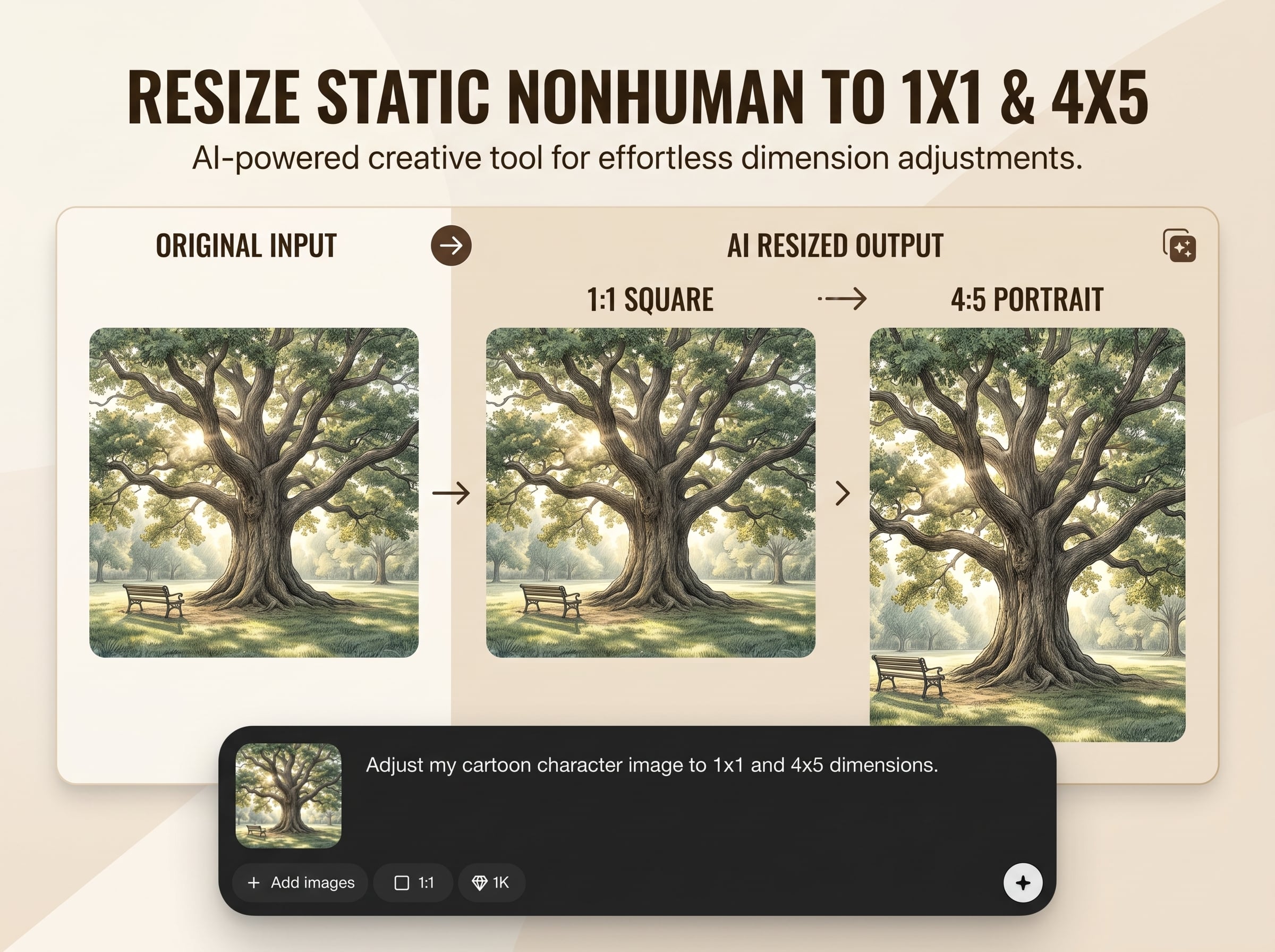
Resize Static NonHuman to 1x1 & 4x5 delivers AI-powered resizing for static non-human images with dependable framing and clean outputs. Convert visuals to square and 4:5 portrait formats for social media, ecommerce, and catalogs. Generate consistent sizes quickly while reducing manual cropping and repetitive editing across multiple platforms.
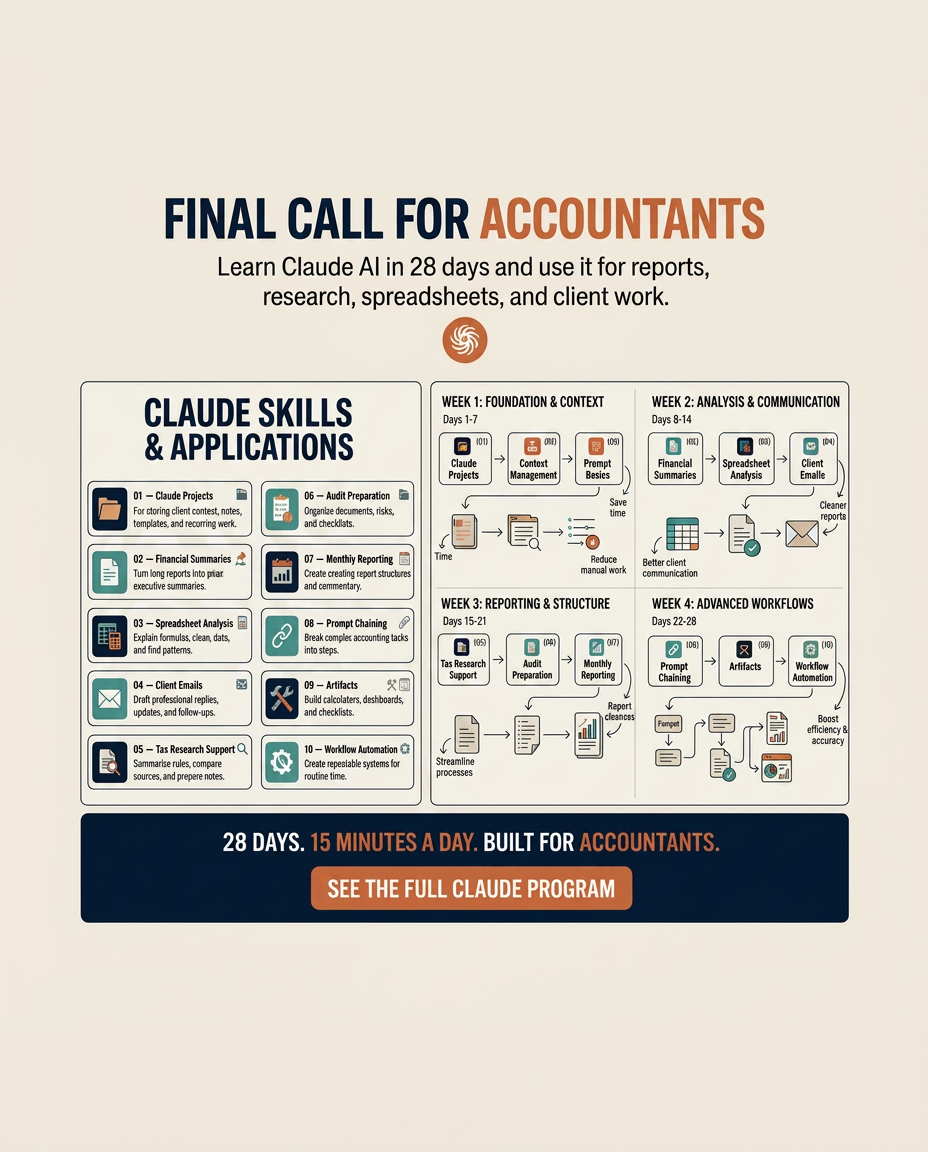
Automatically prioritizes the main subject during resizing, helping keep objects centered and readable. Get more consistent crops for non-human visuals like products, icons, packaging, and artwork.
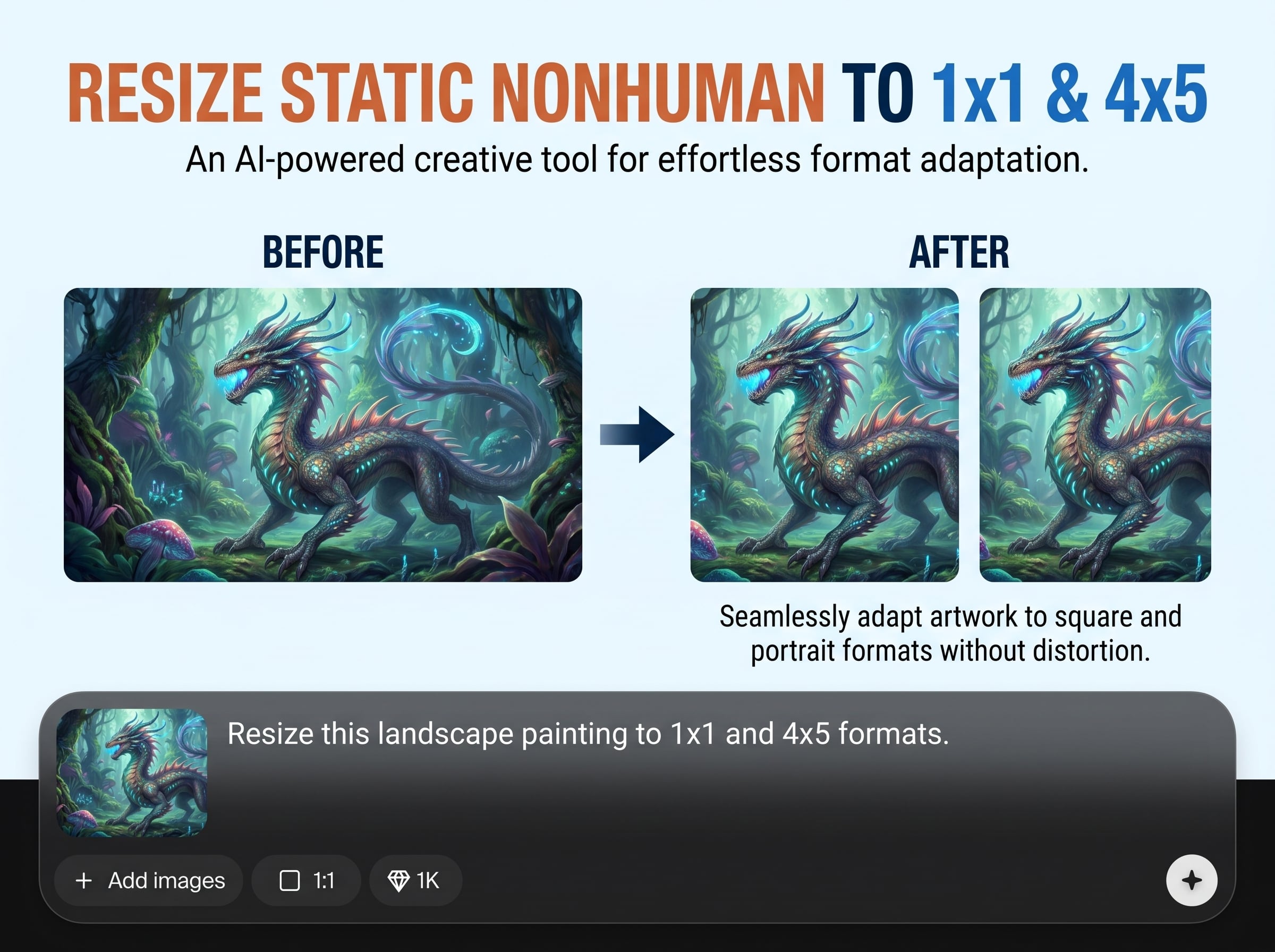
Generate the two most common platform ratios in seconds. Switch between 1:1 and 4:5 to match feed posts, listing images, and thumbnails without rebuilding your edit.
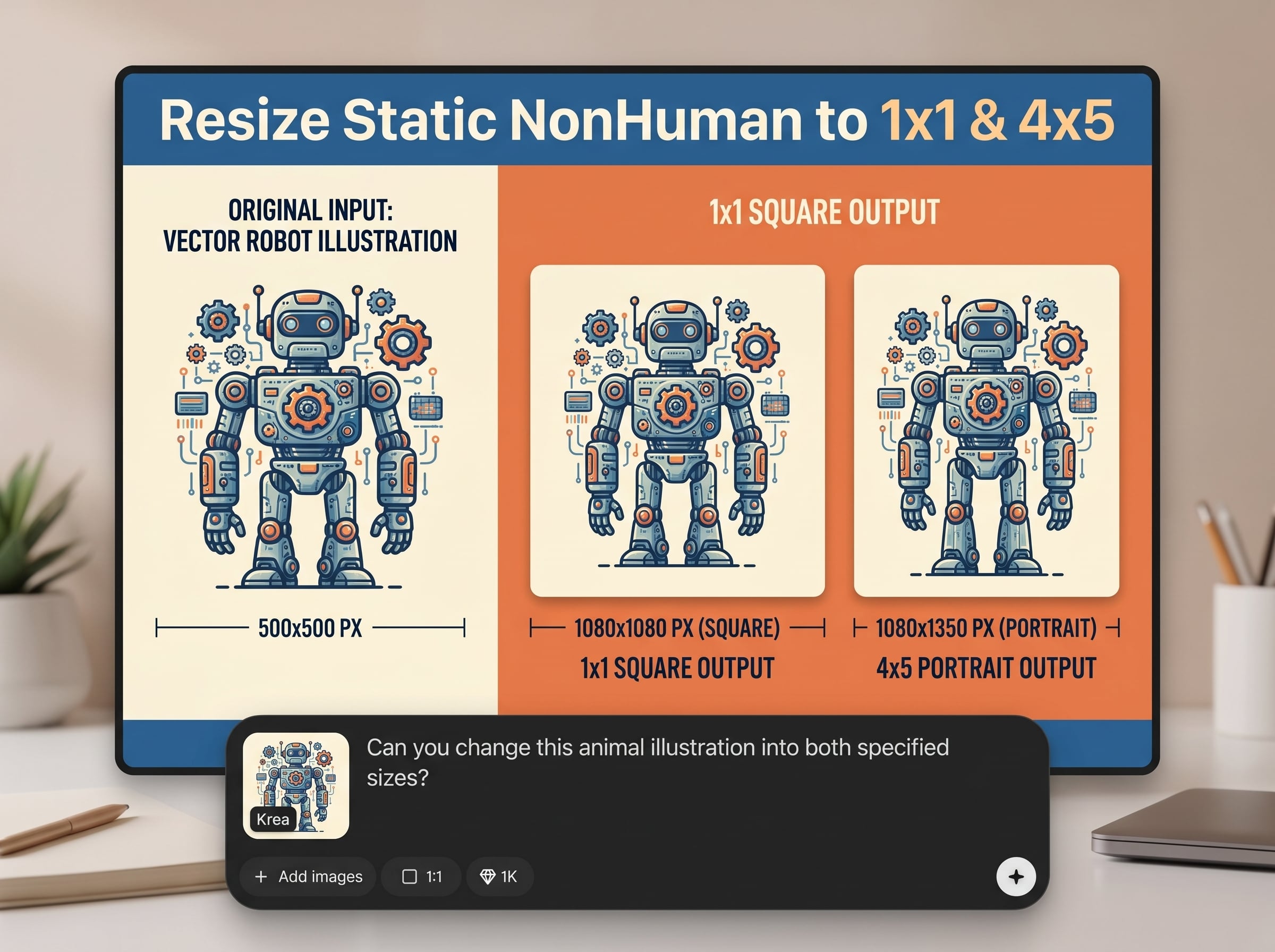
Replace repetitive crop-and-export steps with one simple AI resize flow. Produce consistent aspect ratios across sets, reduce rework, and keep your image prep predictable and efficient.
About
Resize Static NonHuman to 1x1 & 4x5 is an AI image resize generator that converts static non-human visuals into clean 1:1 and 4:5 formats without unnecessary quality loss. Upload your image, choose the target aspect ratio, and generate platform-ready outputs for listings, posts, and thumbnails. Get consistent framing, faster prep, and reliable sizing in one simple tool.
Get dependable 1x1 and 4x5 resizing built for static non-human visuals. The AI-driven workflow reduces repetitive cropping, helps maintain consistent framing, and speeds up delivery for social, ecommerce, and design asset pipelines—all from a simple online tool.
Open the app, upload your image, select 1x1 or 4x5, and generate. Preview the framing, make quick adjustments if needed, then download the resized file instantly.
Use cases
Discover how different creators use this app in their workflow.
Resize product photos into 1x1 for grids and 4x5 for detail-first listings. Maintain consistent presentation across storefronts, marketplaces, and catalog pages.
Convert static visuals to platform-friendly square and portrait formats. Publish faster with cleaner framing, fewer crop errors, and consistent specs for campaigns.
Standardize icons, illustrations, and static graphics to 1x1 and 4x5. Keep layouts aligned, improve readability, and streamline asset delivery to teams.
Krea is one of the world's leading generative AI platforms. See what others say.
Real reviews on TrustpilotSo many AI tools out there but I always come back to Krea. It's really the one AI platform that 'just works'.

FYN
Krea's interfaces are still the best in the industry. Everything looks and feels so clean and easy to use! Imo the easiest to use gen AI website.

Lynn
Ultra fast generations. Extremely simple to use. All the latest AI models.

Daniel
KREA is the only AI subscription I have right now besides ChatGPT.

Sophia M.
Answers to common questions about AI resizing to 1x1 and 4x5 aspect ratios.
It resizes static non-human images into two standard aspect ratios: 1x1 (square) and 4x5 (portrait). Upload an image, choose a ratio, and generate a ready-to-export resized result.
It’s an AI image resizer designed to produce clean aspect-ratio conversions. You can refine framing when needed, but the workflow focuses on quick, consistent 1:1 and 4:5 outputs.
Static, non-human visuals work best—products, objects, packaging, artwork, icons, and graphics. Clear subjects and good contrast typically produce more reliable framing when converting to 1x1 or 4x5.
The tool is designed to preserve visual clarity during resizing, but results depend on the original file resolution and compression. Start with higher-resolution images for the best-looking 1x1 and 4x5 exports.
Yes. 1x1 and 4x5 are widely used for social feeds and ads. Generate both versions to test placements and keep your creative consistent across platforms.
If available in your workflow, batch processing helps resize multiple images to 1x1 and 4x5 faster. When working one-by-one, you can still reuse the same settings for consistent outputs.
Choose the target ratio and review the preview framing before exporting. Small adjustments can ensure the main object stays centered and important details aren’t clipped in 1:1 or 4:5.
Export options depend on the platform settings, but common image formats are typically supported for download. Use a loss-minimizing format when you need sharper edges for graphics and product photos.
It’s optimized for static non-human visuals where consistent framing matters most for products and assets. For portraits or faces, consider tools specialized for human subjects and face-aware composition.
Manual resizing often requires repeated crop, reposition, and export steps for each ratio. This AI workflow speeds up the process, improves consistency, and reduces errors when producing 1x1 and 4x5 sets.
Upload a static non-human image, choose 1x1 or 4x5, and export a clean, platform-ready result.

