














Step 1
Set the scene
Choose a background style and lighting mood, then describe the sphere size, color tint, and environment. Add keywords like refraction, caustics, and studio reflections.
Generate photoreal glass sphere images with AI. Control reflections, lighting, and backgrounds in seconds—perfect for product shots and design. Try it now.
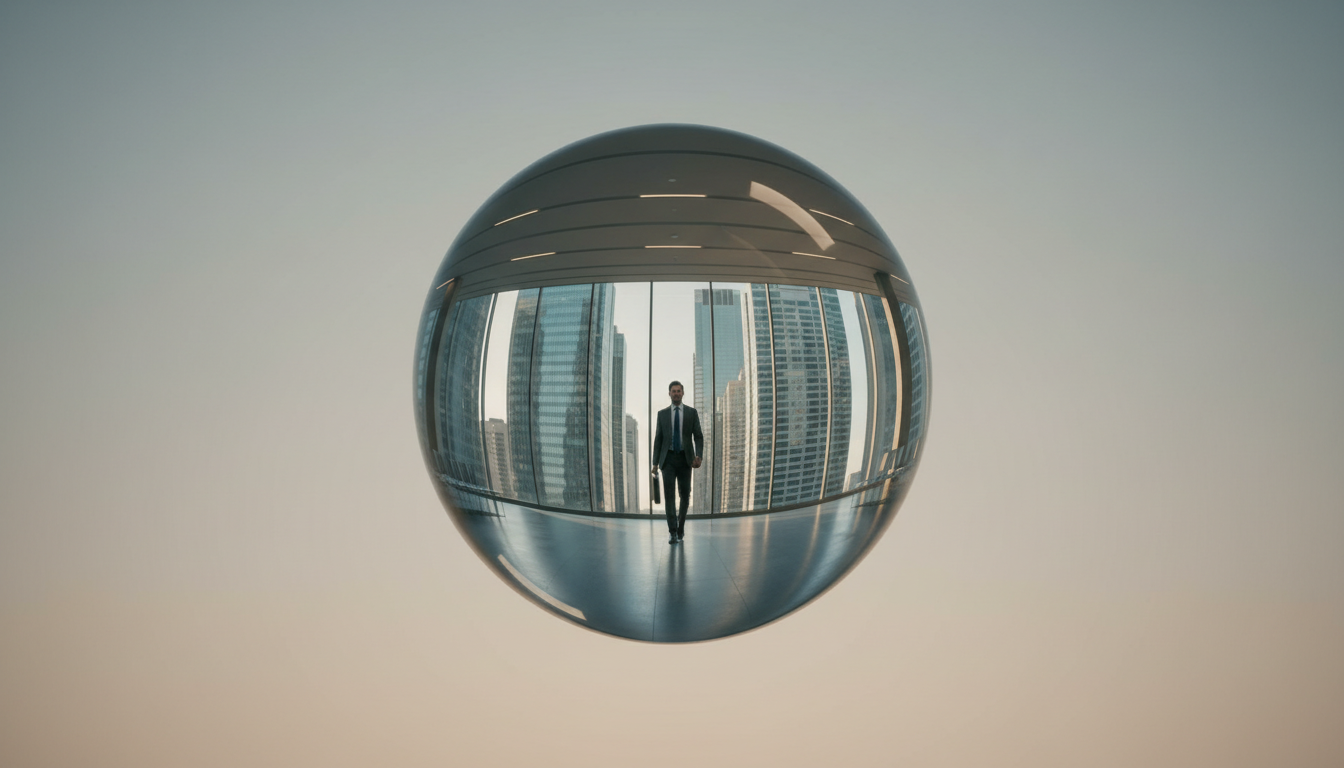
How to use GLASS SPHERE PHOTOREAL
Use GLASS SPHERE PHOTOREAL to generate realistic glass spheres with accurate reflections and lighting. Follow these steps to set your scene, refine material details, and export clean, photoreal results for any project.
Step 1
Choose a background style and lighting mood, then describe the sphere size, color tint, and environment. Add keywords like refraction, caustics, and studio reflections.

Step 2
Run multiple outputs to explore reflection patterns and compositions. Iterate on prompts to reduce noise, sharpen highlights, and match a consistent photoreal look across images.

Step 3
Fine-tune the prompt for cleaner edges and realistic glass thickness. Export your favorite result for product mockups, design comps, or presentation-ready visuals.
Features
Generate highly realistic glass sphere renders with convincing refraction, reflections, and specular highlights. Control lighting direction, background context, and material cues for consistent photoreal outputs. Ideal for product-style visuals, design exploration, and CGI-inspired images—without complex 3D setup or manual rendering workflows.
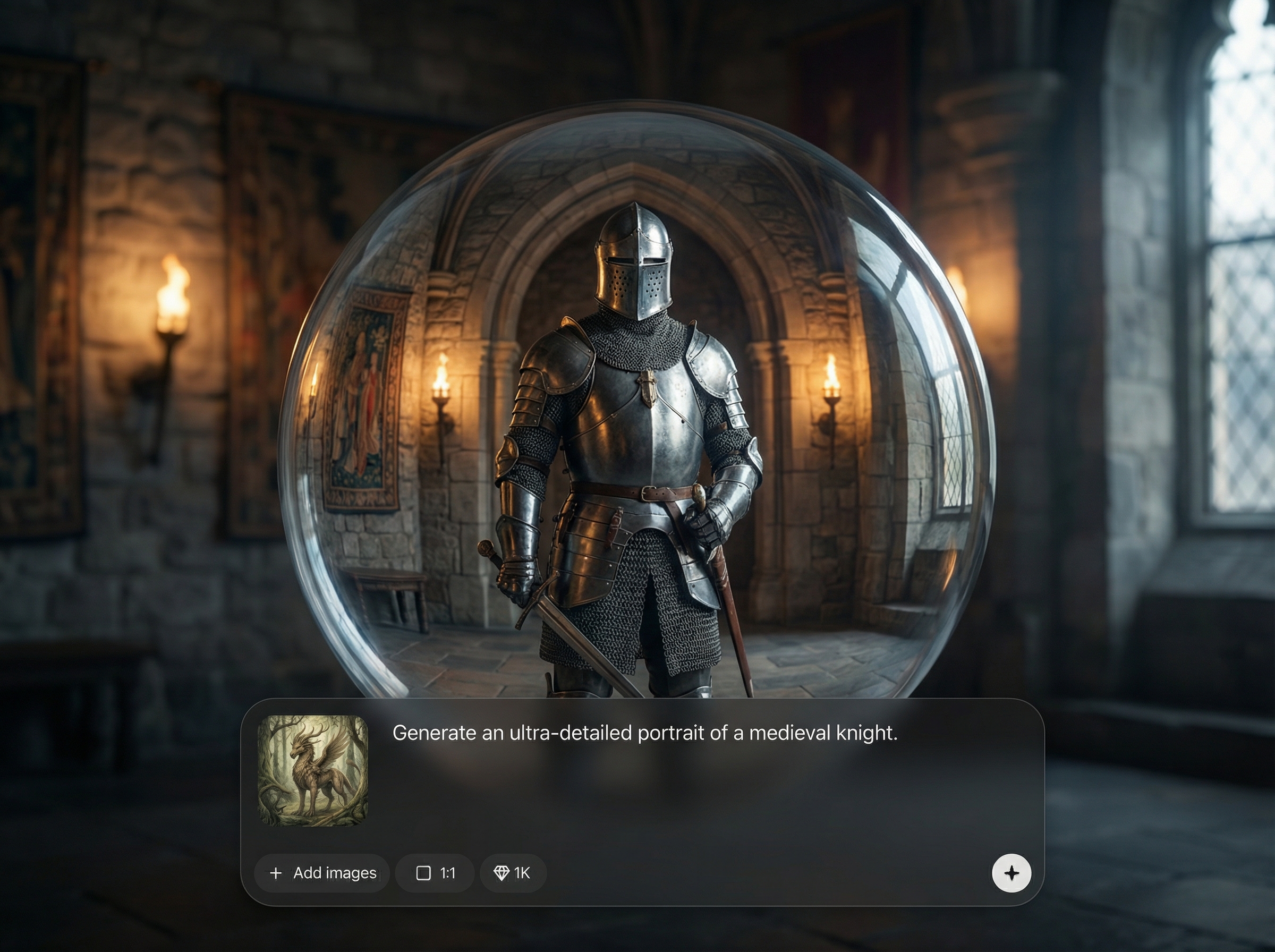
Create glass spheres with natural-looking refraction, environment reflections, and crisp highlights. Produce believable materials that read as real glass for high-end, photoreal image outputs.
Generate multiple photoreal options quickly while keeping the same look and lighting intent. Explore compositions, angles, and background changes to land on a final, production-ready image.
Guide studio-style lighting, shadow softness, and background context using clear prompts. Dial in clean reflections, realistic glass thickness, and minimal artifacts for polished results.
About
GLASS SPHERE PHOTOREAL generates photoreal glass sphere imagery with realistic refraction, reflections, and studio-style lighting. Create polished visuals for product mockups, branding, or concept art by adjusting prompts and scene settings. Get high-detail results fast, with clean highlights, accurate materials, and controllable backgrounds for consistent outputs across variations.
GLASS SPHERE PHOTOREAL focuses on believable glass materials: sharp specular highlights, convincing refraction, and controllable reflections. Generate consistent results across variations, iterate quickly, and produce clean images suitable for product-style compositions and polished design workflows.
Enter a scene prompt, specify lighting and background, then generate variations. Refine with small adjustments for glass thickness and reflections, and export the best photoreal result.
Use cases
Discover how different creators use this app in their workflow.
Generate premium-looking glass sphere visuals for packaging, hero banners, and ads. Quickly test backgrounds, lighting setups, and reflection styles for brand-consistent imagery.
Create photoreal glass elements for posters, identity systems, and campaign concepts. Maintain a cohesive CGI aesthetic while iterating rapidly on composition and lighting.
Build mood boards with realistic glass materials and reflective scenes. Explore color tints, environments, and dramatic lighting to communicate ideas clearly and quickly.
Krea is one of the world's leading generative AI platforms. See what others say.
Real reviews on TrustpilotSo many AI tools out there but I always come back to Krea. It's really the one AI platform that 'just works'.

FYN
Krea's interfaces are still the best in the industry. Everything looks and feels so clean and easy to use! Imo the easiest to use gen AI website.

Lynn
Ultra fast generations. Extremely simple to use. All the latest AI models.

Daniel
KREA is the only AI subscription I have right now besides ChatGPT.

Sophia M.
Common questions about generating photoreal glass sphere images with AI.
It generates photoreal images of glass spheres with realistic refraction, reflections, and lighting cues. You can specify environments, background styles, and material details to match studio or natural scenes.
Describe the environment clearly and include terms like studio softbox, HDR reflections, refraction, glass thickness, and caustics. Iterating with small prompt changes helps stabilize highlights and realism.
Yes. It’s well-suited for product-style visuals where clean lighting and controlled backgrounds matter. Generate multiple variations to match brand direction, then export the most consistent result.
Use precise prompts and avoid conflicting lighting instructions. Request sharp focus, clean edges, and high detail, then regenerate variations. Simplifying backgrounds often improves edge clarity and reflections.
Yes. You can generate spheres in studio setups, outdoor scenes, or abstract environments. Specify lighting direction, softness, and background type to keep results photoreal and consistent across outputs.
Create realistic refraction, reflections, and studio lighting in seconds for mockups, branding, and concept visuals.

