














Step 1
Upload
Drop in a photo or image file, then preview it instantly. The tool analyzes the content to prepare smart cropping and reframing suggestions for your target format.
Experience Image Crop uses AI to crop, resize, and reframe images fast. Get perfect aspect ratios for web, social, and ads—try it online now.

How to use Experience Image Crop
Use Experience Image Crop to create accurate, platform-ready crops without manual trial and error. Follow these steps to upload your image, set an aspect ratio, and export a clean result fast.
Step 1
Drop in a photo or image file, then preview it instantly. The tool analyzes the content to prepare smart cropping and reframing suggestions for your target format.

Step 2
Choose an aspect ratio or enter custom dimensions for web, social, or ads. Adjust the crop area if needed while AI keeps the subject centered and well framed.

Step 3
Generate the final crop and download in a ready-to-use size. Create multiple versions quickly for different channels, while keeping consistent composition and quality.
Features
Experience Image Crop uses AI to auto-crop and reframe images for the exact dimensions you need. Get consistent, balanced compositions across social, web, and marketing assets. Create multiple aspect ratios from one source image, reduce manual editing, and export clean results that keep key subjects in view.
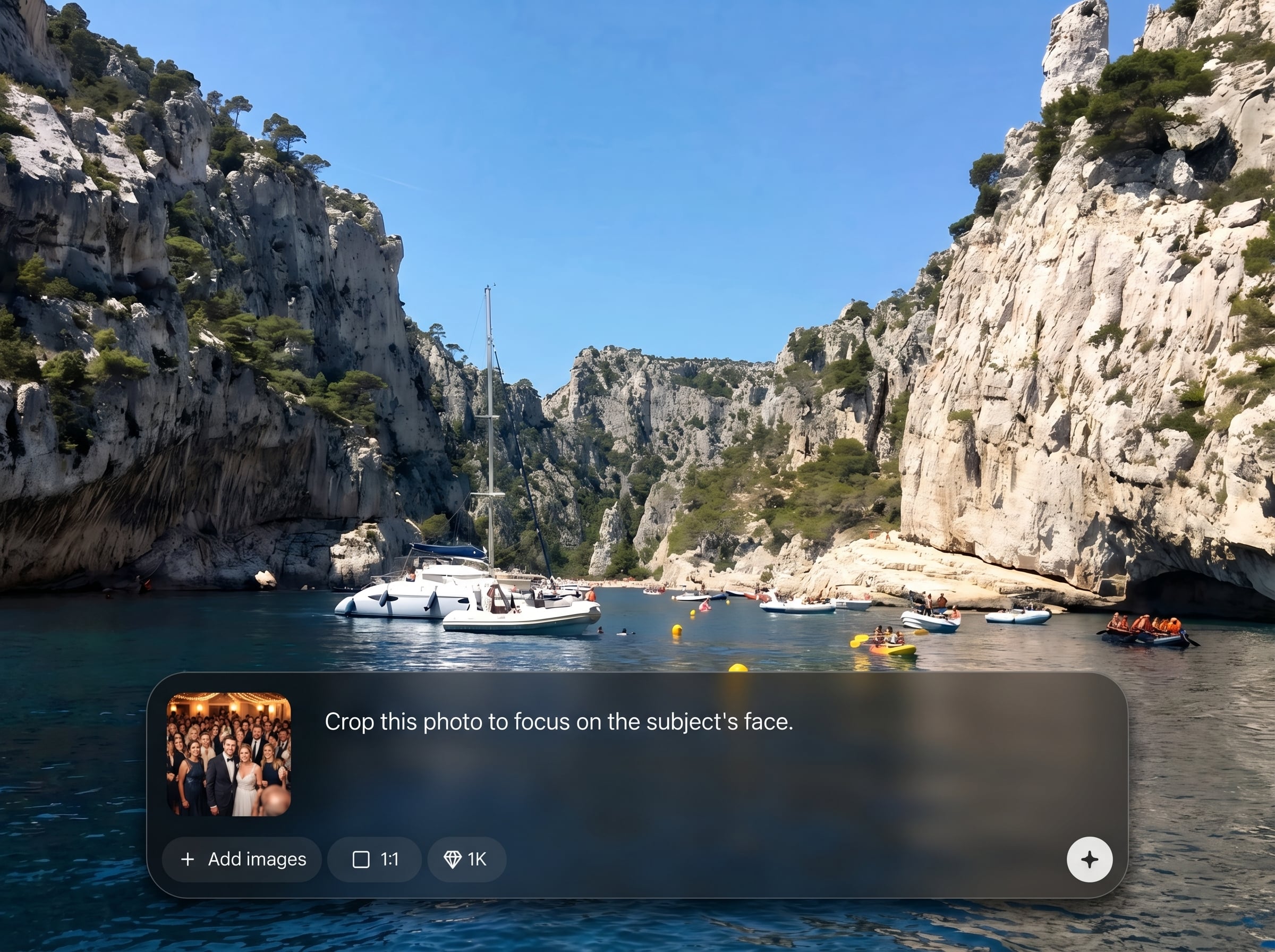
AI detects faces, products, and key objects to place them in the optimal frame. Get cleaner crops with fewer cutoffs and better composition, even when resizing to tight formats.
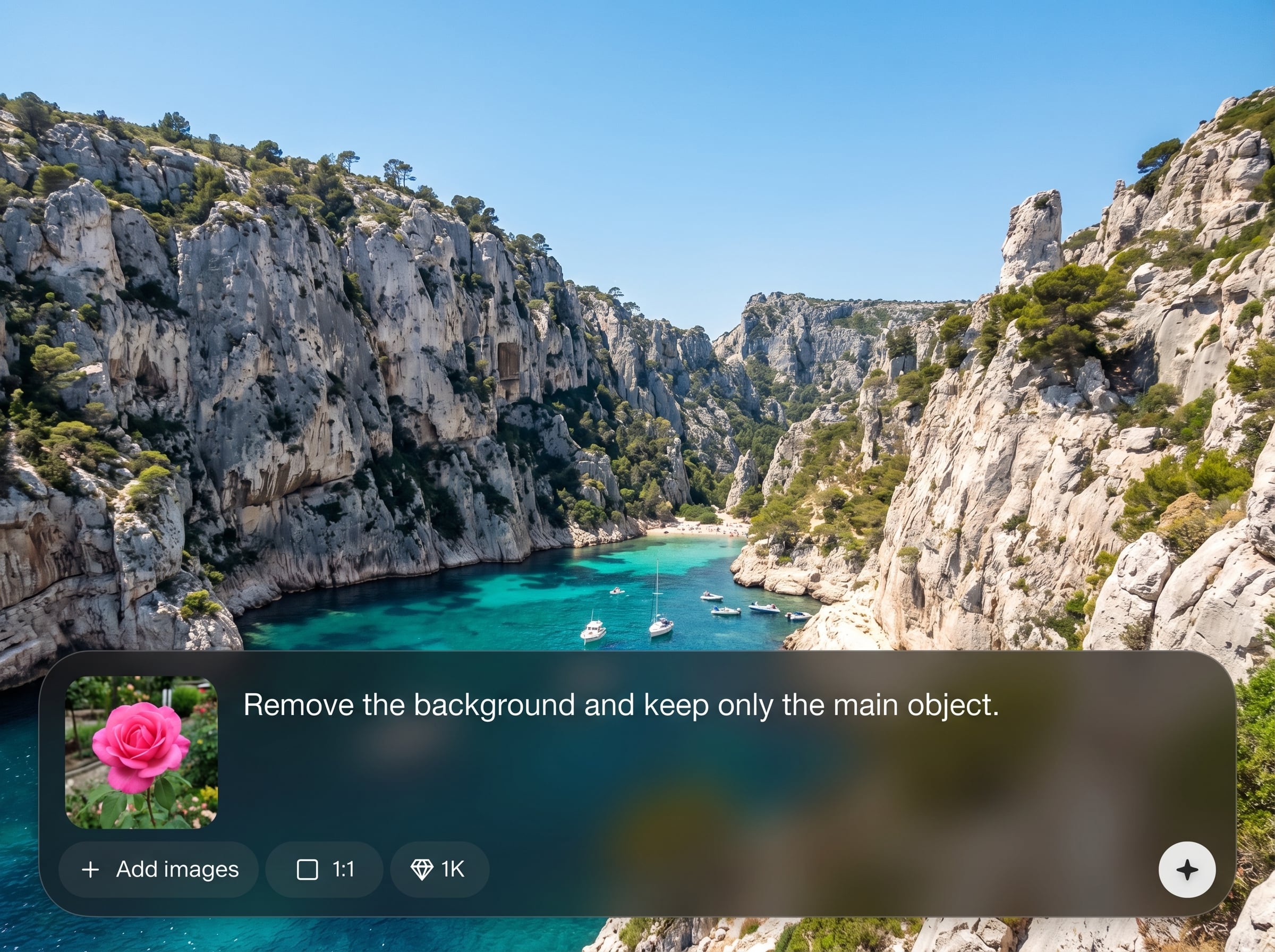
Create several aspect ratios in seconds for posts, stories, banners, and thumbnails. Keep visual consistency while generating variants quickly, without repeating manual crop and resize steps.
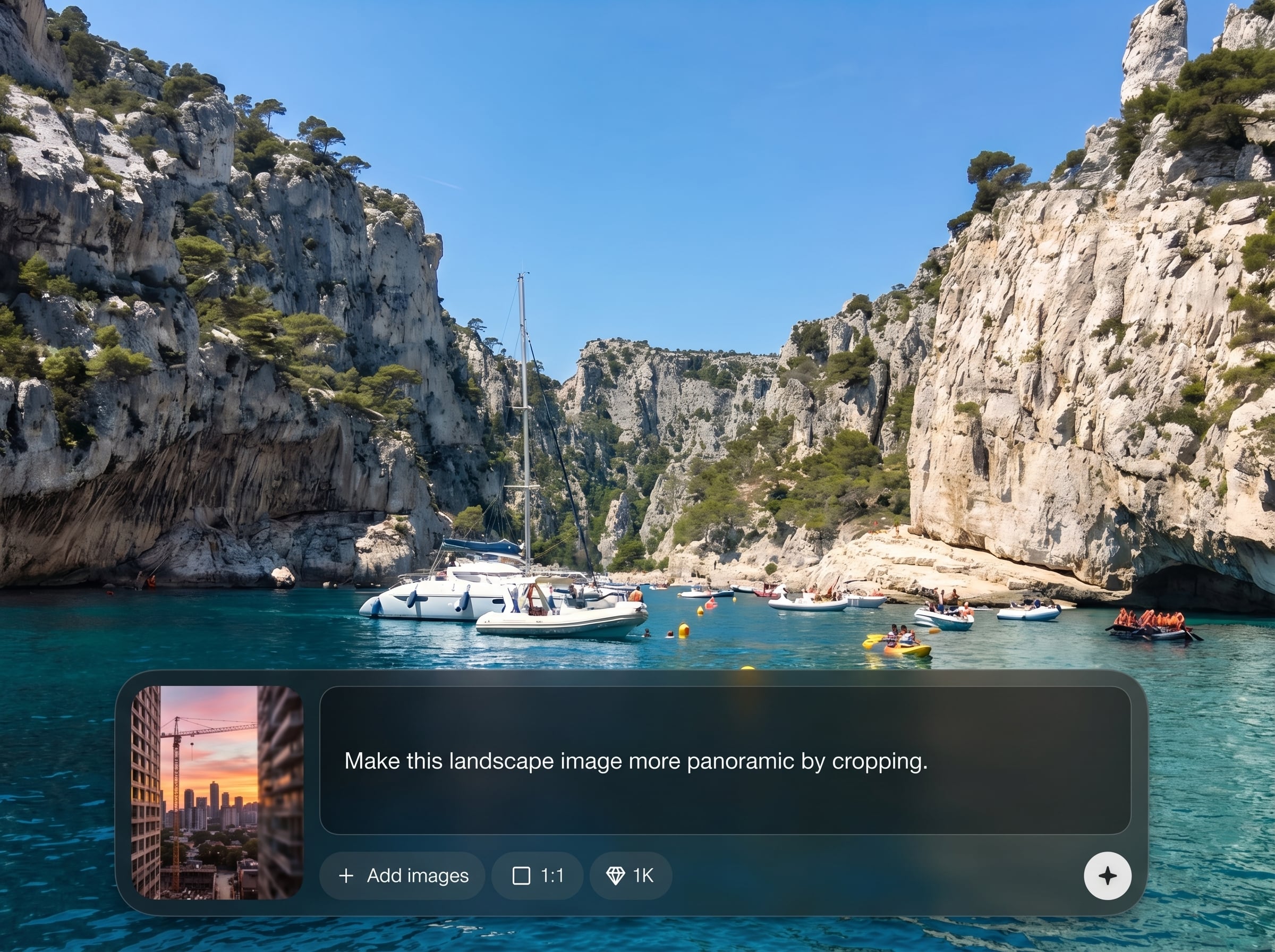
Enter exact pixel sizes and lock aspect ratios for web and ad requirements. Fine-tune the crop window when needed, then export a sharp, platform-ready image every time.
About
Experience Image Crop is an AI-powered image crop tool that automatically finds the best framing, trims backgrounds, and fits any aspect ratio. Upload a photo, choose a target size, and generate clean crops for social media, ads, product pages, and thumbnails in seconds. Save time while keeping subjects centered and compositions balanced across formats.
Experience Image Crop streamlines image preparation with fast AI auto-cropping and precise dimension controls. Create consistent compositions across channels, reduce manual editing time, and generate multiple aspect ratios from one source image with reliable, repeatable results.
Open Experience Image Crop, upload a photo, and choose an aspect ratio or custom dimensions. Review the AI framing, make quick adjustments if needed, then export your cropped image for immediate use.
Use cases
Discover how different creators use this app in their workflow.
Crop photos to the right aspect ratios for feeds, stories, and headers. Keep faces and key subjects centered while producing consistent, scroll-stopping visuals.
Create clean, consistent product crops for listings and marketplaces. Maintain focus on the item, reduce distractions, and match required image dimensions quickly.
Generate multiple versions for campaigns and video thumbnails. Fit key content into narrow layouts while preserving composition and improving click-ready presentation.
Krea is one of the world's leading generative AI platforms. See what others say.
Real reviews on TrustpilotSo many AI tools out there but I always come back to Krea. It's really the one AI platform that 'just works'.

FYN
Krea's interfaces are still the best in the industry. Everything looks and feels so clean and easy to use! Imo the easiest to use gen AI website.

Lynn
Ultra fast generations. Extremely simple to use. All the latest AI models.

Daniel
KREA is the only AI subscription I have right now besides ChatGPT.

Sophia M.
Answers to common questions about AI image cropping, resizing, and exporting.
Experience Image Crop is an AI image crop and resize tool that helps you reframe photos automatically. It creates clean crops for specific aspect ratios and dimensions while keeping important subjects in view.
The AI analyzes the image to identify key regions like faces, products, or prominent objects. It then suggests a crop that preserves composition and minimizes awkward cutoffs when changing sizes.
Yes. You can select common aspect ratios or enter exact pixel dimensions for your needs. You can also adjust the crop area manually while keeping framing guidance from the AI.
Upload common image formats and export a resized, cropped file ready for web, social, or ads. Output settings focus on preserving clarity while matching the dimensions you set.
Cropping removes parts of the image but can keep the subject sharper by focusing the frame. For best results, start with a higher-resolution source and export at the required target size.

Upload an image, pick a size, and export AI-cropped results optimized for any platform.

