















Step 1
Upload Swatch
Import a swatch image or enter hex values. Choose a vibe like alpine, minimalist, cinematic, or editorial to guide the AI color story direction.
ALPINE SUMMIT turns color swatches into cohesive visual stories with AI. Generate palettes, scenes, and style prompts fast—try it online now.
How to use ALPINE SUMMIT
Start with a swatch, then let ALPINE SUMMIT expand it into a story-driven palette and prompt set. Follow these quick steps to generate consistent color direction for any project, fast.
Step 1
Import a swatch image or enter hex values. Choose a vibe like alpine, minimalist, cinematic, or editorial to guide the AI color story direction.

Step 2
Create a cohesive palette, moodboard notes, and scene prompts. Adjust warmth, contrast, and saturation to keep outputs aligned with your original swatch.

Step 3
Download palette codes, prompt text, and style notes. Use them in design tools, brand docs, or AI image generation workflows for consistent results.
Features
ALPINE SUMMIT converts swatches into structured color stories with AI-driven palettes, moodboard guidance, and prompt-ready descriptions. Keep visual direction consistent across campaigns by controlling tone, context, and style. Export usable hex codes, gradients, and concise prompts that plug directly into design and AI imaging workflows.
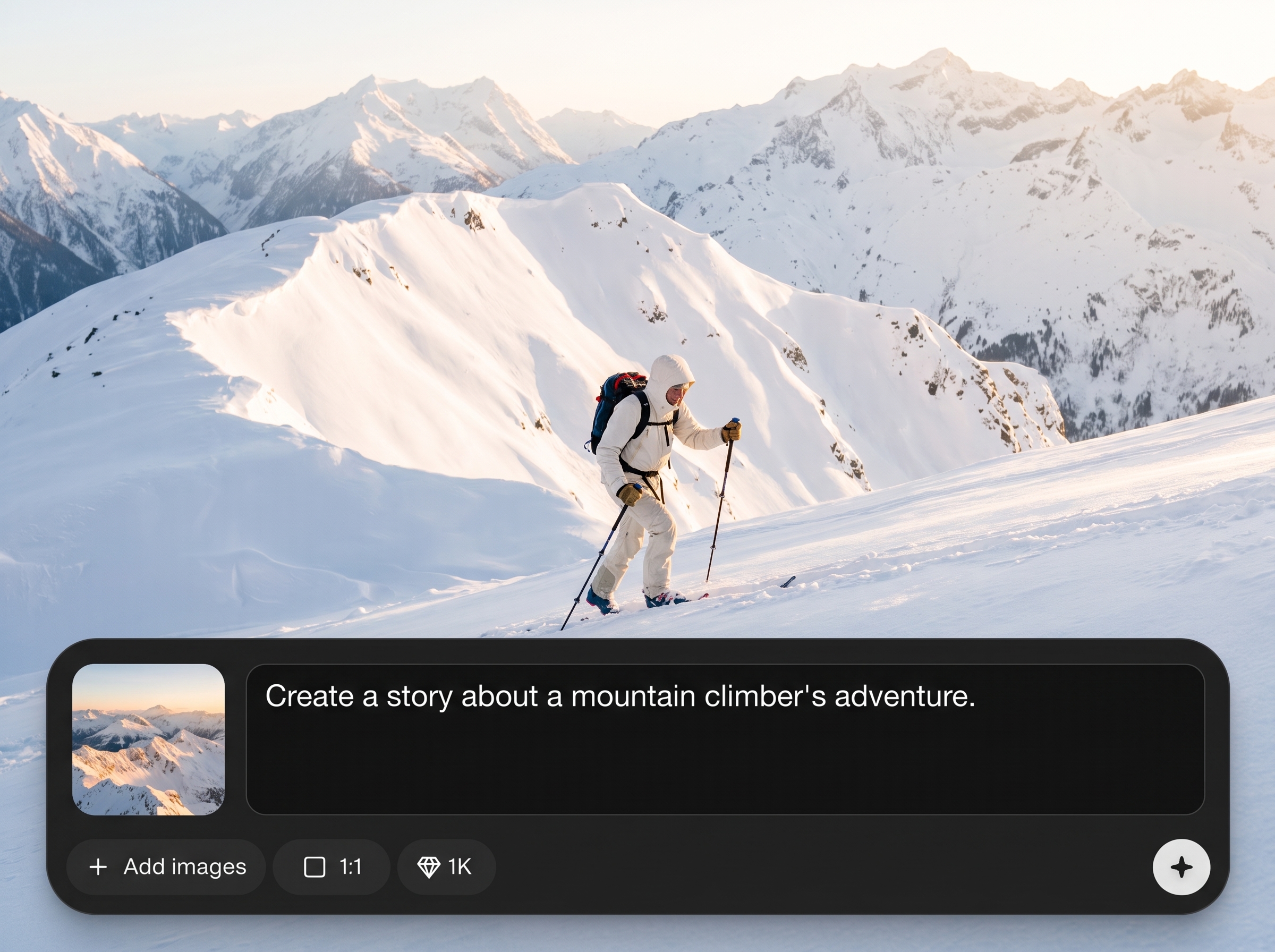
Turn any swatch into a narrative-ready palette with context, mood, and styling notes. The AI preserves your base colors while expanding into cohesive supporting tones.
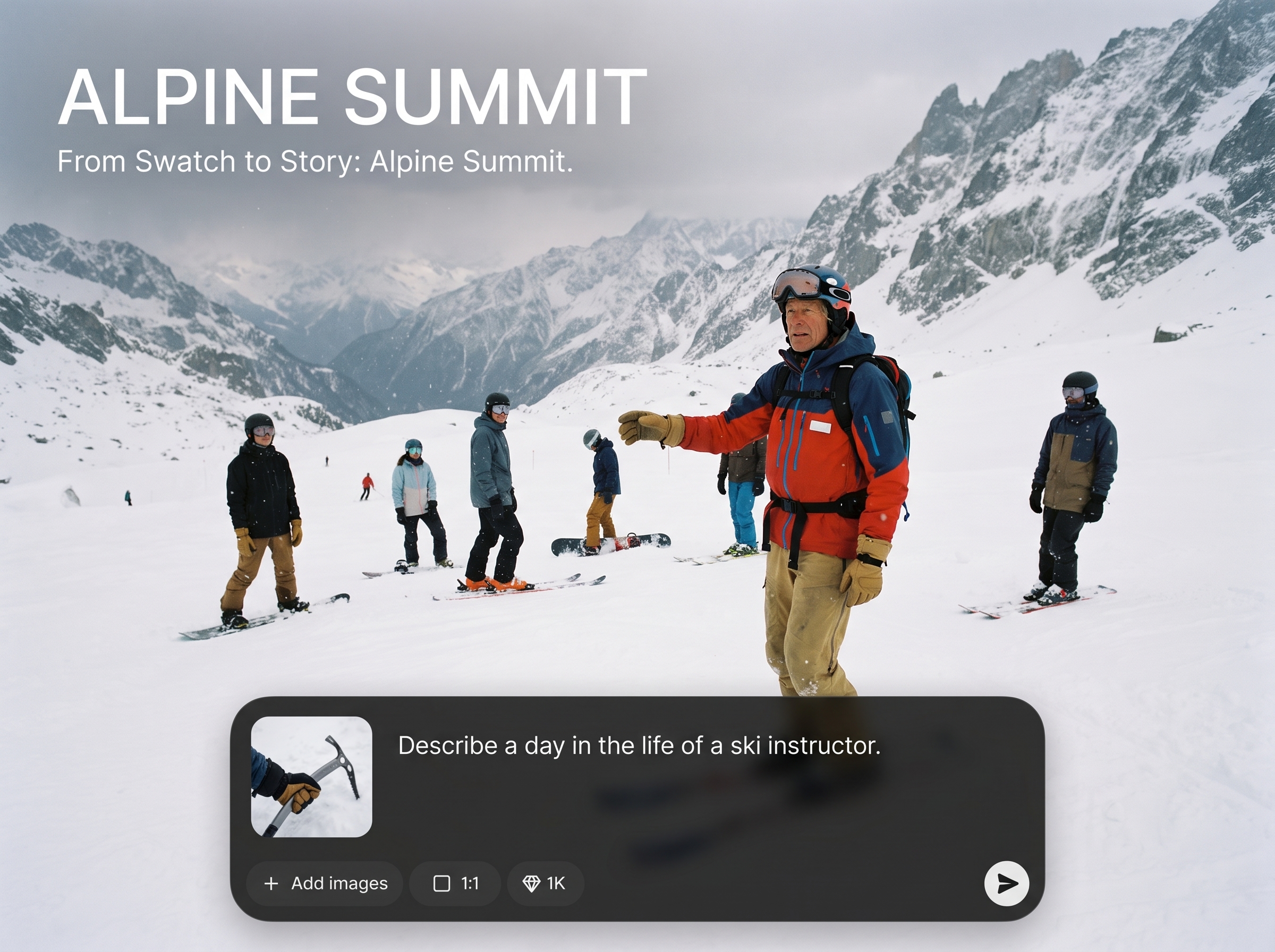
Generate multiple palette options instantly—seasonal, brand-safe, high-contrast, or muted. Compare variations side by side to pick the best direction without manual tweaking.
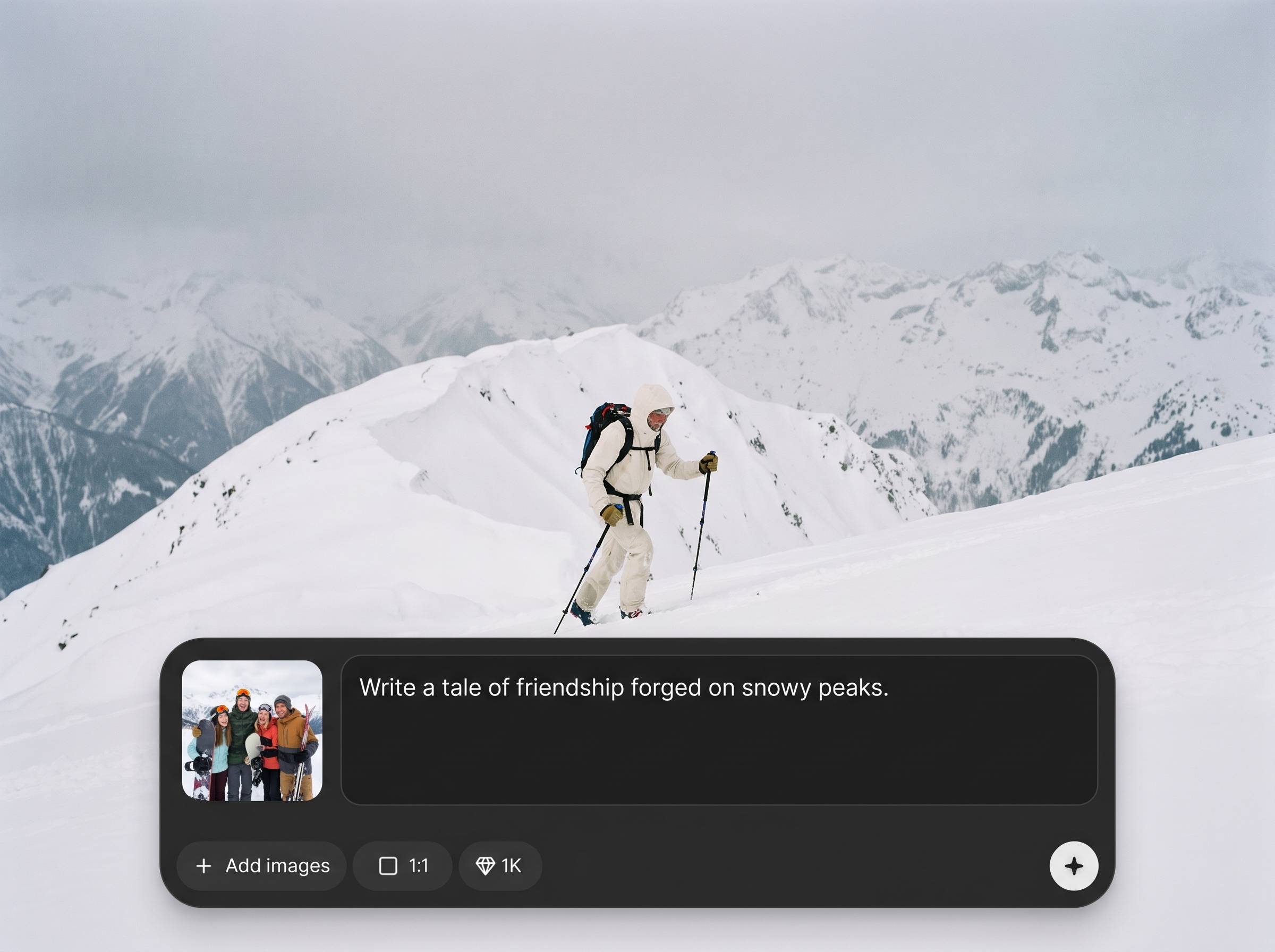
Get concise scene prompts and moodboard descriptors designed for AI image generation and creative briefs. Export text and hex values to keep teams and tools aligned.
About
ALPINE SUMMIT transforms simple swatches into complete visual stories using AI. Generate cohesive palettes, moodboard directions, and scene-ready prompts that match your aesthetic in seconds. Refine colors, tone, and context to create consistent outputs for branding, product concepts, and campaign visuals—without losing the original swatch intent.
ALPINE SUMMIT focuses on consistency: it expands your swatch into harmonized palettes plus usable context and prompts. You get structured outputs that reduce guesswork, speed iteration, and keep visual direction aligned across design tools and AI generation workflows.
Upload a swatch or enter hex codes, choose a vibe, and generate your color story. Refine with simple controls, then export palettes and prompts to apply immediately across your projects.
Use cases
Discover how different creators use this app in their workflow.
Create consistent palette systems and style notes from a single swatch, ideal for brand refreshes, guidelines, and multi-channel campaign continuity.
Translate material or fabric swatches into color stories that guide packaging, product renders, and merchandising visuals with a unified look.
Produce prompt text and palette constraints that keep AI-generated scenes consistent across iterations, reducing drift and rework.
Krea is one of the world's leading generative AI platforms. See what others say.
Real reviews on TrustpilotSo many AI tools out there but I always come back to Krea. It's really the one AI platform that 'just works'.

FYN
Krea's interfaces are still the best in the industry. Everything looks and feels so clean and easy to use! Imo the easiest to use gen AI website.

Lynn
Ultra fast generations. Extremely simple to use. All the latest AI models.

Daniel
KREA is the only AI subscription I have right now besides ChatGPT.

Sophia M.
Answers to common questions about swatch-based AI color storytelling.
ALPINE SUMMIT turns a color swatch into a complete visual story: expanded palettes, moodboard guidance, and prompt-ready descriptions. It helps maintain consistent color direction across design, branding, and AI-generated visuals.
Yes. Enter hex codes or upload a swatch image, then generate supporting colors, gradients, and style notes. You can refine warmth, contrast, and saturation to better match your target aesthetic.
Both. It’s an AI palette generator that also produces mood and context—tone, materials, lighting, and scene cues—so your palette becomes a usable direction, not just a color list.
The system anchors the story to your primary swatch colors and expands with harmonized supporting tones. Controls help you limit shifts in temperature, intensity, and contrast to prevent color drift.
Export hex codes, palette names, gradient suggestions, and prompt text for briefs or AI image generation. Outputs are structured so they can be reused across tools and repeated iterations.
Yes. Use it to generate brand-safe palette families, neutrals, accents, and usage notes. It’s especially useful for aligning campaigns, templates, and product visuals to one consistent color story.
Yes. Create alternative palettes such as muted, high-contrast, seasonal, or editorial variations. Compare results and lock the direction that best fits your project’s visual goals.
Yes. It produces concise, style-aware prompts and color constraints that reduce inconsistency across generations. Use the outputs to keep scenes, lighting, and palette aligned across iterations.
No. Upload a swatch, pick a vibe, and generate results instantly. The tool provides clear palette outputs and practical guidance, so you can apply them quickly in real projects.
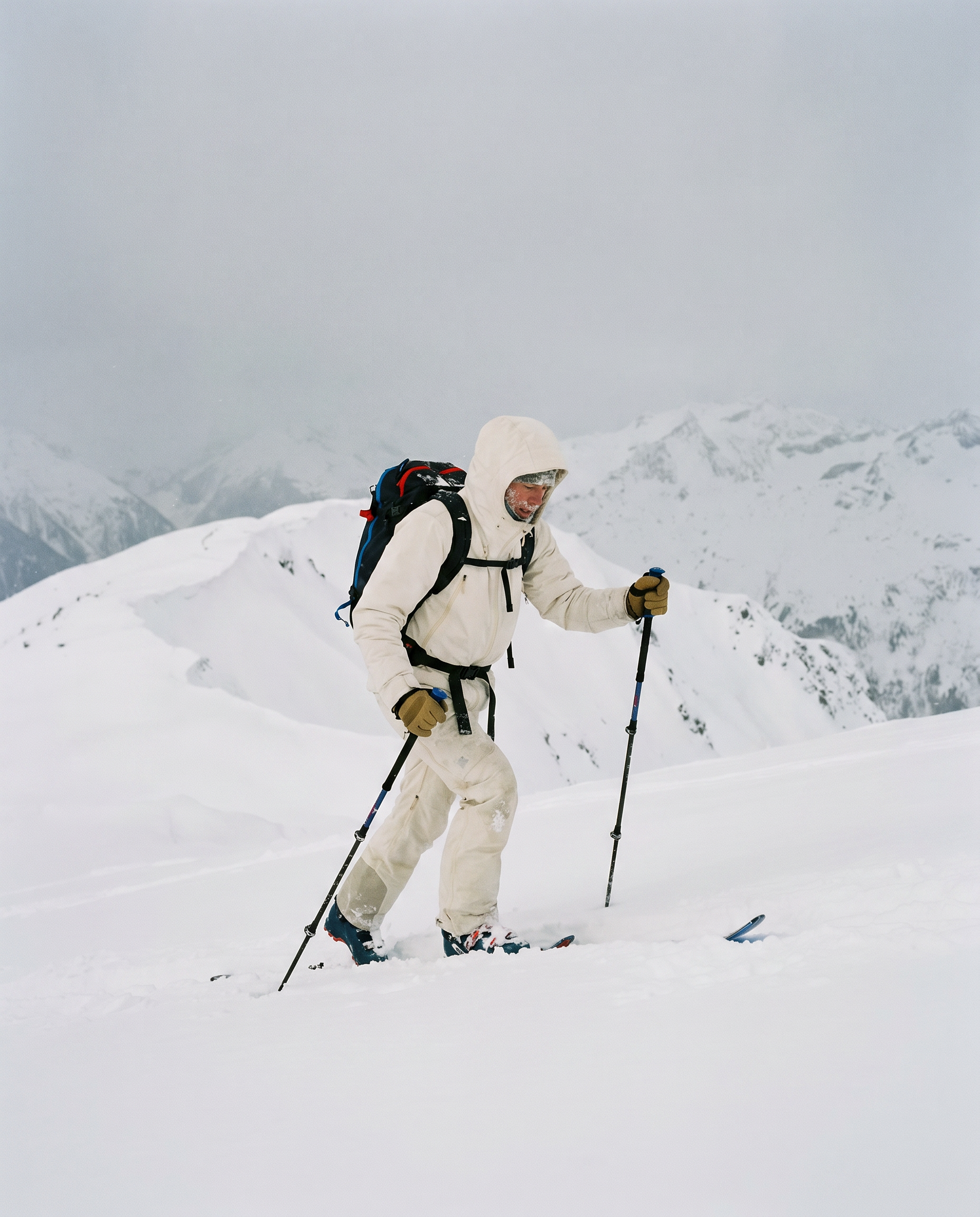
Generate palettes, mood, and prompt-ready direction from any swatch in seconds—online, fast, and consistent.

