















Step 1
Upload
Drop in a swatch, palette image, or hex codes. Choose a genre, tone, and format such as storyboard beats, scene list, or prompt pack.
ON THE RUN turns color swatches into storyboards, scenes, and prompts with AI. Generate cohesive visuals fast, refine styles, and export ready-to-use ideas.

How to use ON THE RUN
Start with a color swatch or palette and let AI build a structured story direction. In a few steps, generate scenes, refine style, and export prompts or boards for production-ready planning.
Step 1
Drop in a swatch, palette image, or hex codes. Choose a genre, tone, and format such as storyboard beats, scene list, or prompt pack.

Step 2
Create story beats and scene concepts mapped to your colors. Adjust pacing, characters, camera notes, and style tags to keep everything visually consistent.

Step 3
Download your storyboard outline, scene prompts, and palette notes. Re-run variations for alternate moods while keeping the same core color identity.
Features
ON THE RUN converts color palettes into structured storyboards and scene concepts with AI. It keeps visual continuity by anchoring mood, lighting, and style to your swatch. Generate multiple directions fast, then fine-tune beats and prompts to match your narrative goals and production needs.
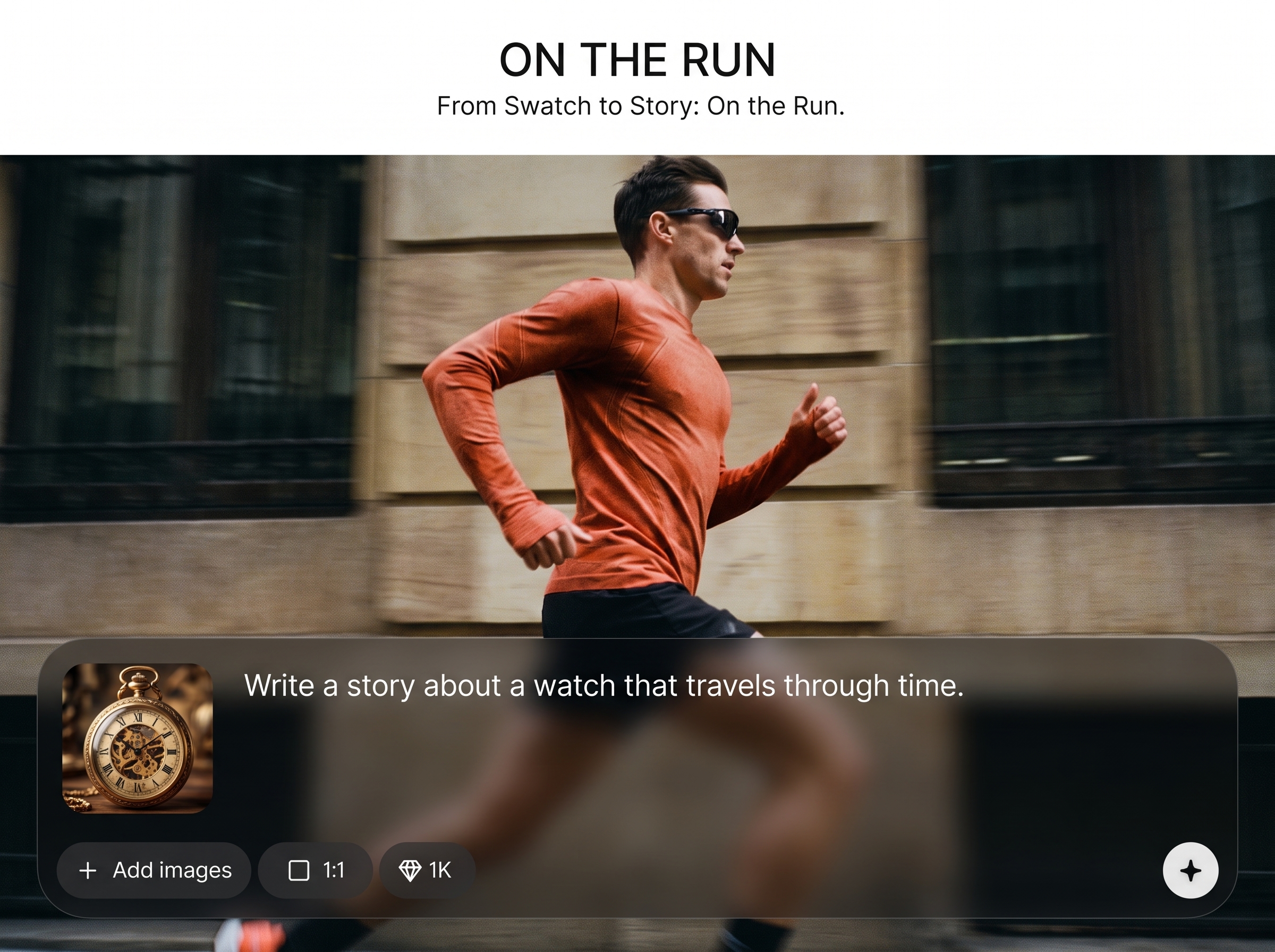
Turn swatches into narrative beats, settings, and visual mood. The AI aligns lighting, atmosphere, and style choices to your palette for cohesive storytelling outputs.
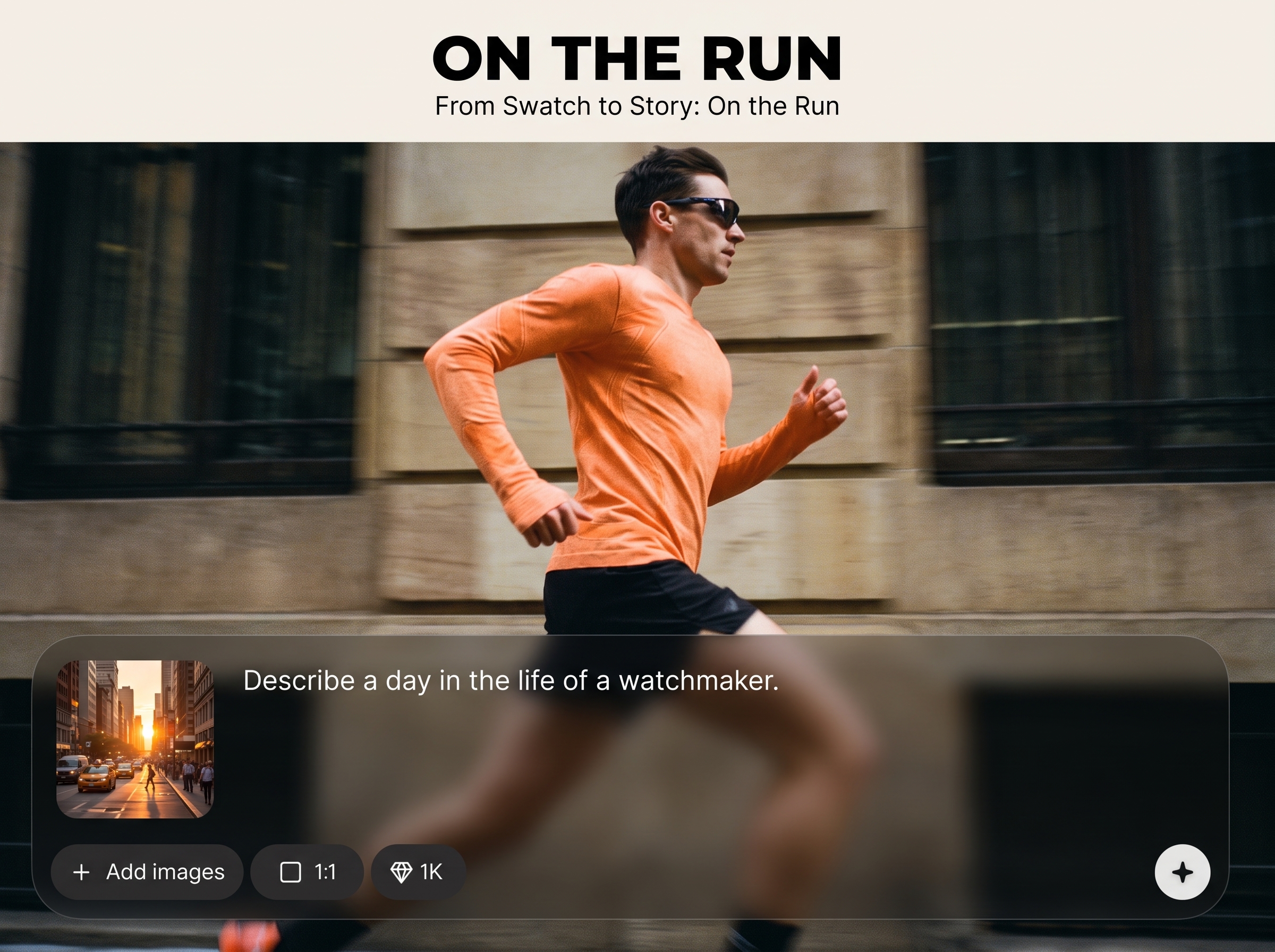
Create multiple story directions from the same colors in seconds. Compare tones, genres, and pacing while preserving palette consistency across every generated scene.
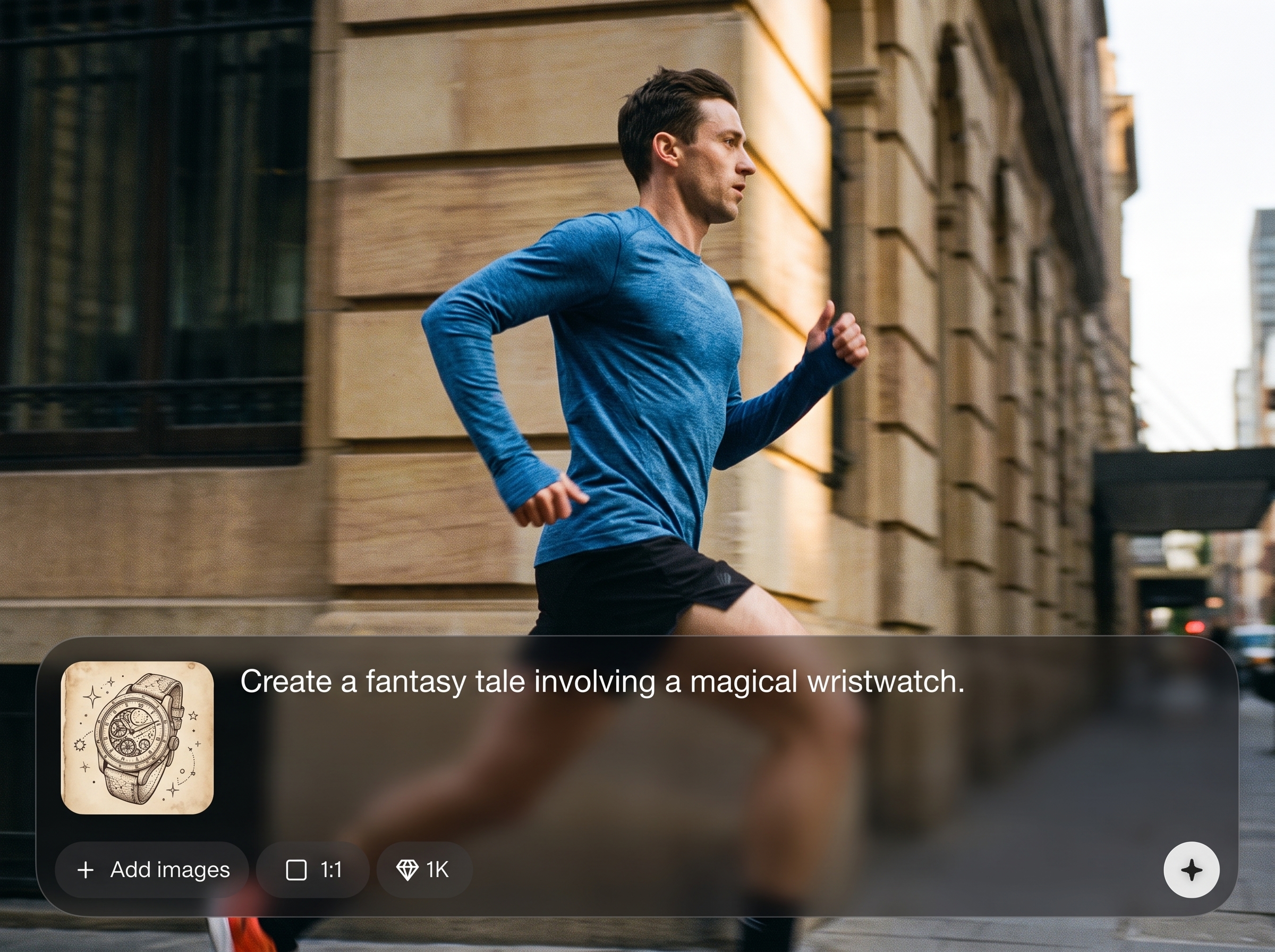
Export clean scene prompts, shot notes, and storyboard outlines ready for pipelines. Keep palette references attached so downstream visuals stay on-brand and aligned.
About
ON THE RUN transforms a simple color swatch into a complete visual story using AI. Generate mood, setting, characters, and scene beats that match your palette, then refine style and pacing in seconds. Build cohesive storyboards, concept scenes, and prompts for fast ideation and consistent look across every frame.
ON THE RUN bridges color design and narrative structure with AI, so ideas stay visually coherent from the first frame. Generate storyboards, scene concepts, and prompts tied to your palette, then iterate fast without losing continuity. It’s built for speed, clarity, and consistent visual direction.
Add a swatch, palette image, or hex codes, then choose genre and output type. Generate scenes, refine style tags and pacing, and export prompts or storyboard outlines for immediate use.
Use cases
Discover how different creators use this app in their workflow.
Generate scene beats and shot-ready outlines from a palette to quickly plan sequences, transitions, and visual rhythm without losing color continuity.
Explore settings, lighting, and mood variations driven by your swatch. Produce consistent concept directions for worlds, props, and environments.
Create reusable prompt sets tied to specific palettes. Maintain a consistent look across multiple assets, scenes, and iterations with minimal manual rewriting.
Krea is one of the world's leading generative AI platforms. See what others say.
Real reviews on TrustpilotSo many AI tools out there but I always come back to Krea. It's really the one AI platform that 'just works'.

FYN
Krea's interfaces are still the best in the industry. Everything looks and feels so clean and easy to use! Imo the easiest to use gen AI website.

Lynn
Ultra fast generations. Extremely simple to use. All the latest AI models.

Daniel
KREA is the only AI subscription I have right now besides ChatGPT.

Sophia M.
Answers to common questions about ON THE RUN and palette-based AI story generation.
It generates story beats, scene concepts, mood notes, and prompts anchored to your color swatch. Outputs help you plan lighting, tone, and visual consistency across a storyboard or concept set.
You can start with hex codes, palette images, or extracted swatches. The tool reads your colors and uses them to guide style, atmosphere, and scene direction during generation.
The AI treats your palette as the visual anchor and maps it to mood, lighting, and material cues. This helps maintain continuity across scenes, even when you generate variations.
Yes. It produces structured storyboard beats, scene lists, and shot notes, then converts them into exportable prompts and references so you can iterate quickly and stay aligned to a palette.
Yes. Select genre and tone, then adjust pacing and intensity to shape the narrative flow. The tool adapts scene beats while keeping your chosen palette’s visual logic intact.
Export storyboard outlines, scene prompts, and palette notes for easy reuse. You can also regenerate versions to compare directions while keeping the same core swatch reference.
It can support brand-aligned visuals by anchoring story direction to a defined palette. Generate consistent scene concepts and prompts that match brand mood, lighting, and color hierarchy.
Yes. ON THE RUN is built for fast iteration: generate, tweak constraints, and rerun variations quickly. You get multiple cohesive directions without rebuilding prompts from scratch each time.
No. The interface is designed for simple inputs like swatches and selections. The machine learning runs in the background so you can focus on story intent and visual outcomes.

Upload a palette, pick a tone, and generate storyboard-ready scenes and prompts in minutes.

