















Step 1
Brain dump
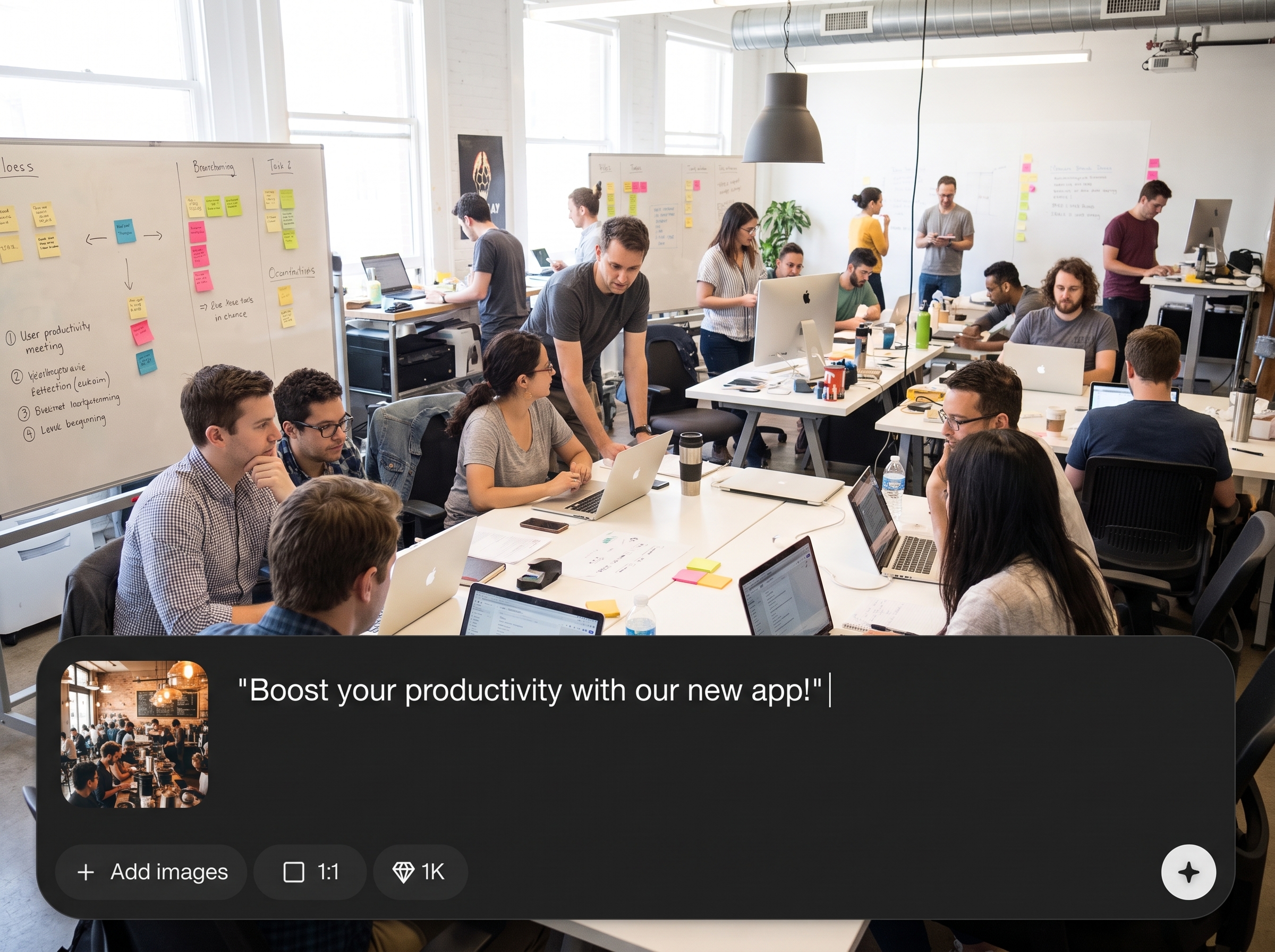
Write your ad idea: audience, pain point, hook, and desired outcome. Keep it simple—just enough detail for the AI video ad generator to structure the message.
Turn a quick idea and image references into an 8–15s AI video ad. Generate polished growth ads fast with Hackday Pain Points App v2—try it now.
How to use Hackday Pain Points App v2
Start with a rough concept, then guide the visuals with image references. Hackday Pain Points App v2 uses AI to generate a short, cohesive video ad you can refine and export quickly.
Step 1
Write your ad idea: audience, pain point, hook, and desired outcome. Keep it simple—just enough detail for the AI video ad generator to structure the message.

Step 2
Upload image references to steer style, product context, and composition. The tool uses these visuals to keep your AI-generated ad aligned with your brand direction.

Step 3
Generate the 8–15s video ad, review pacing and visuals, then iterate prompts or references as needed. Export a ready-to-post growth ad for your campaigns.
Features
Turn messy notes into a complete short-form ad with a clear hook, pain point, and payoff. Hackday Pain Points App v2 combines your prompt and reference images to generate consistent visuals and tight pacing for 8–15s growth ads. Create more variants faster, reduce production overhead, and test creative angles efficiently.
Convert a quick creative brief into a structured 8–15s video ad. The AI focuses on hook, pain point, and resolution to keep messaging sharp and scannable.

Upload image references to guide style, tone, and on-screen context. Keep outputs closer to your intended look while exploring multiple creative directions quickly.

Generate multiple ad variants to test hooks, angles, and pacing without reshoots. Speed up campaign experimentation and find winning creatives with less manual editing.
About
Hackday Pain Points App v2 turns a fast brain dump into a fully AI-generated 8–15s growth video ad. Add a short concept, highlight the pain point, and attach image references to guide the look and feel. Generate punchy, platform-ready video ads faster, with consistent style and clear messaging for testing multiple angles.
Hackday Pain Points App v2 is built for speed and clarity: turn rough ideas into structured, short-form growth ads with reference-guided visuals. Generate multiple variants for testing, keep creative direction consistent, and reduce the time and cost of producing new ad concepts.
Type a quick brief that names the audience, pain point, and hook, then upload a few image references. Click generate, review the result, and iterate with small tweaks until you have winning ad variations.
Use cases
Discover how different creators use this app in their workflow.
Generate short, punchy AI video ads for rapid A/B testing across Meta, TikTok, and Shorts. Iterate hooks and angles without slowing down your launch timeline.
Turn product benefits and pain points into an 8–15s promo video. Use image references to keep visuals aligned with your UI, packaging, or brand style.
Produce multiple ad concepts from quick briefs to fill a testing plan. Move from idea to exportable video assets in minutes, not days.
Krea is one of the world's leading generative AI platforms. See what others say.
Real reviews on TrustpilotSo many AI tools out there but I always come back to Krea. It's really the one AI platform that 'just works'.

FYN
Krea's interfaces are still the best in the industry. Everything looks and feels so clean and easy to use! Imo the easiest to use gen AI website.

Lynn
Ultra fast generations. Extremely simple to use. All the latest AI models.

Daniel
KREA is the only AI subscription I have right now besides ChatGPT.

Sophia M.
Answers to common questions about generating AI growth video ads with Hackday Pain Points App v2.
It generates a fully AI-created 8–15 second video ad from your idea and optional image references. The output is designed for short-form growth ads with clear messaging and fast pacing.
No. You provide a brain dump and references, then generate. You can iterate by adjusting prompts and images, but you don’t need timeline editing to create usable ad variants.
References guide the visual direction—style, composition, product context, and mood. They help the AI stay closer to your intended look, reducing randomness and improving consistency across variations.
Yes. Generate several versions by changing hooks, pain points, or reference images. This supports fast A/B testing so you can compare creative angles and refine what performs best.
The tool is optimized for 8–15 second ads, ideal for TikTok, Reels, and Shorts. Short duration helps maintain attention while delivering a strong hook and simple value proposition.
Include the target audience, the core pain point, the hook, the product benefit, and the desired call-to-action. Clear, simple inputs usually produce more focused AI-generated video ads.
It’s designed for growth ads, but you can also use it for product promos, landing page hero videos, or quick concept demos. Any short, punchy message works well in 8–15 seconds.
Add more specific references, simplify your message, and state the hook and payoff explicitly. Try generating multiple variants and keep the best structure while swapping visuals or wording.
Using consistent reference images and repeating key style cues helps maintain a cohesive look across outputs. This makes it easier to build a recognizable campaign while testing different angles.
Once your idea and references are ready, generation is quick, and iteration is even faster. You can produce multiple concepts in a single session to fill a testing pipeline.
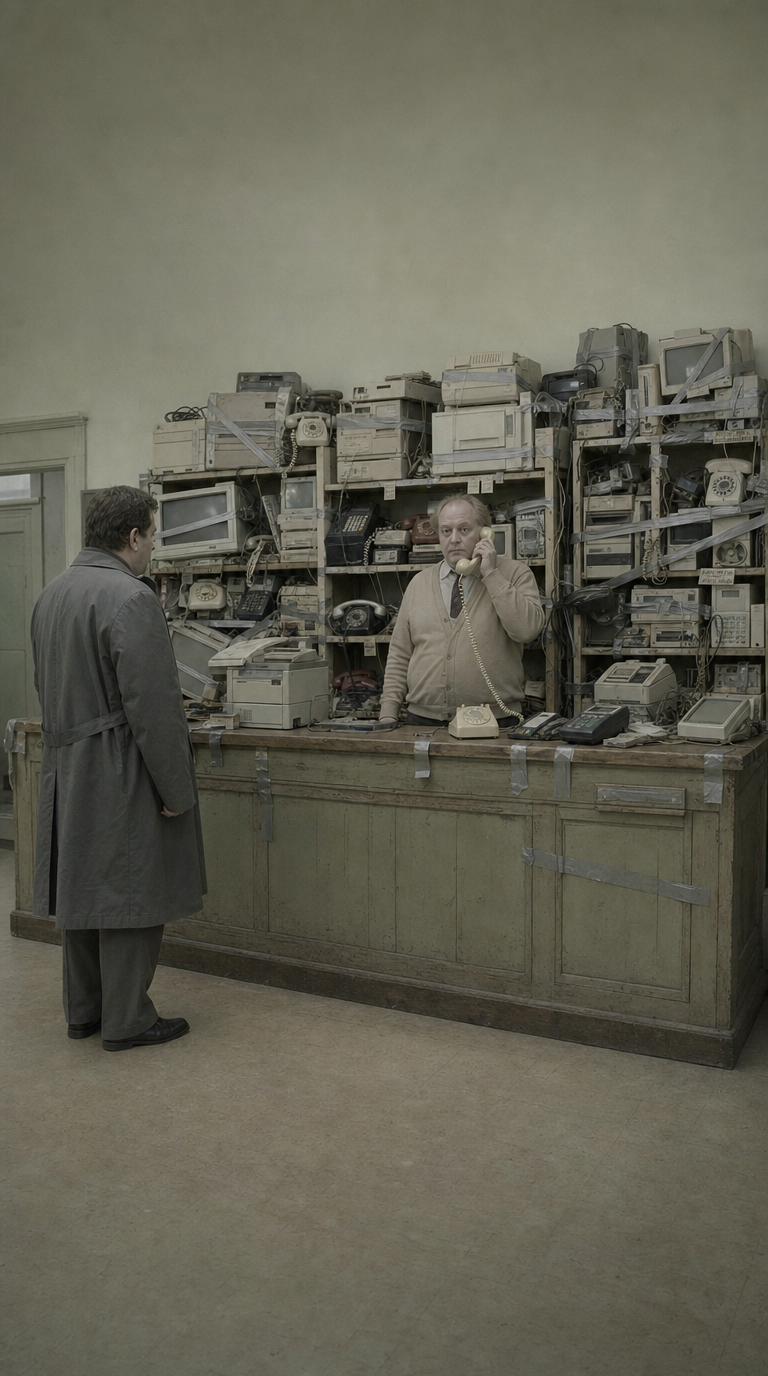


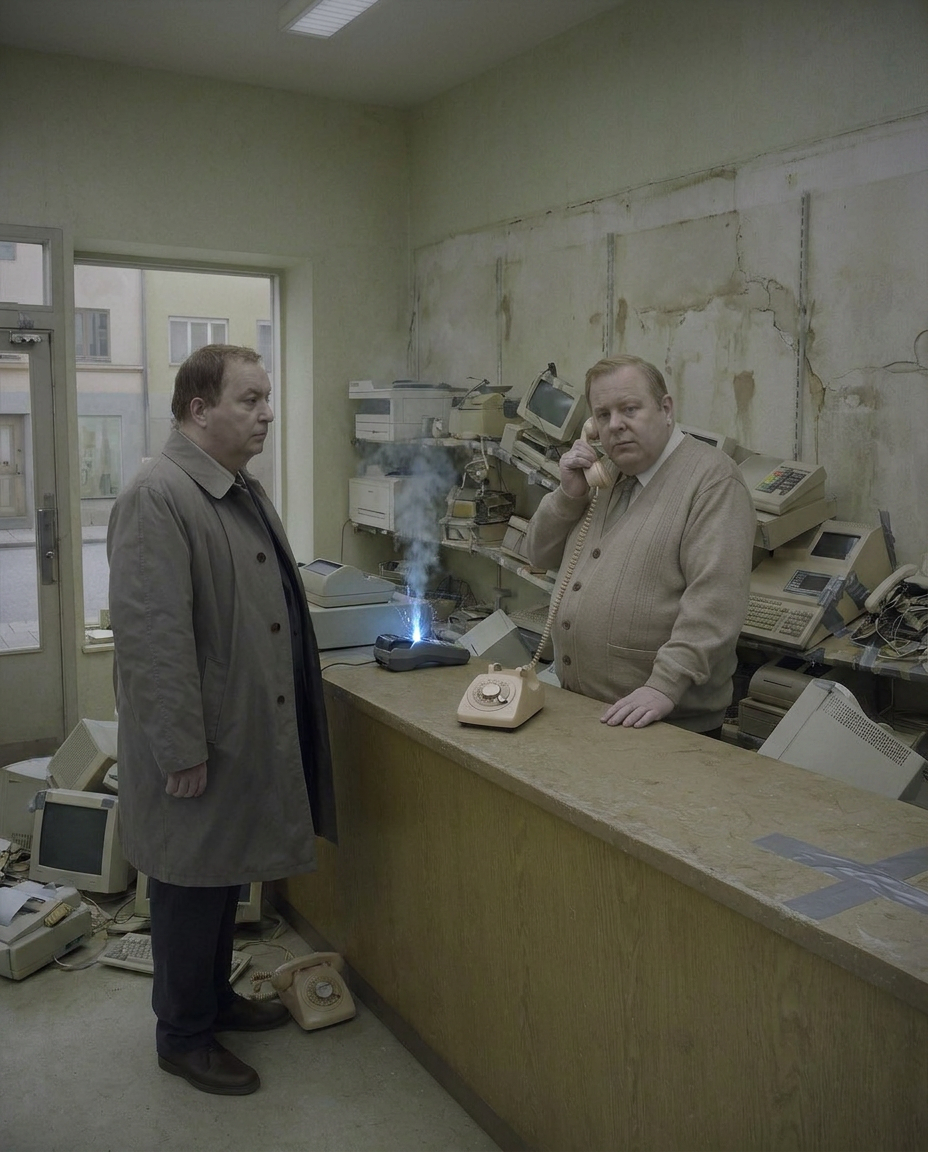
Brain dump the concept, add image references, and generate AI video ads ready for rapid testing.

