















Step 1
Choose
Select an OVERWOLF 3D asset style and set the goal for your image. Pick format, background type, and a clean or dramatic look for consistent branding.
Generate OVERWOLF 3D branded assets fast with AI. Customize angles, lighting, colors, and backgrounds, then export ready-to-use visuals. Try it now.
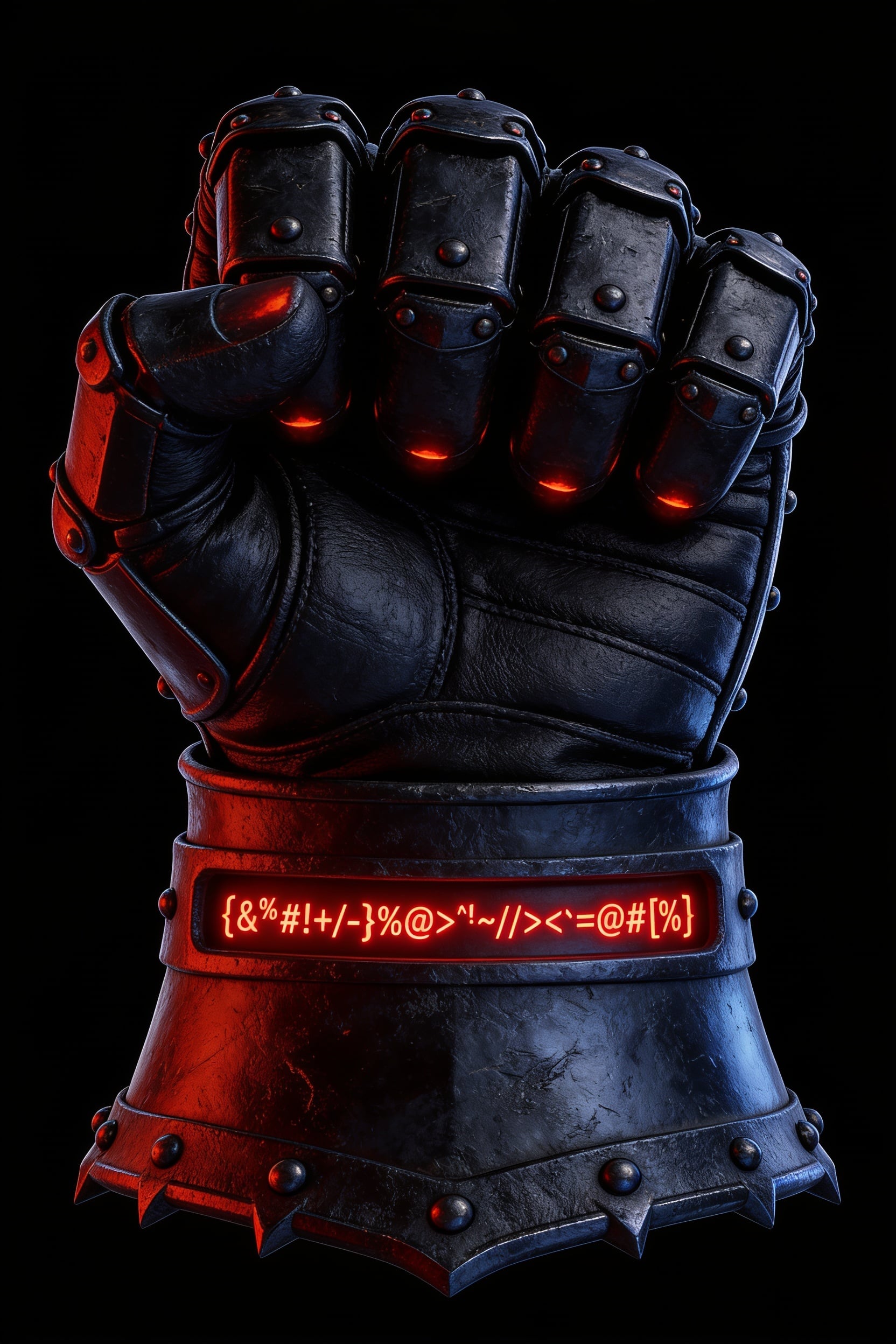
How to use Overwolf 3D Assets
Create a high-quality OVERWOLF 3D branded asset visual in a few guided steps. Pick a style, refine the render settings, preview variations, and export a ready-to-share image for any channel.
Step 1
Select an OVERWOLF 3D asset style and set the goal for your image. Pick format, background type, and a clean or dramatic look for consistent branding.

Step 2
Adjust camera angle, lighting, materials, and color to match your brand. Add prompts for details like gloss, metal, soft shadows, or studio backdrops.

Step 3
Preview results, generate variations, and select the best render. Download in the size you need for web, decks, or social, with a background-ready output.
Features
Generate consistent OVERWOLF 3D branded asset visuals with AI-driven styling and quick iteration. Control composition with camera, lighting, materials, and background settings. Create multiple variations to compare looks, then export clean renders sized for websites, presentations, and marketing workflows.
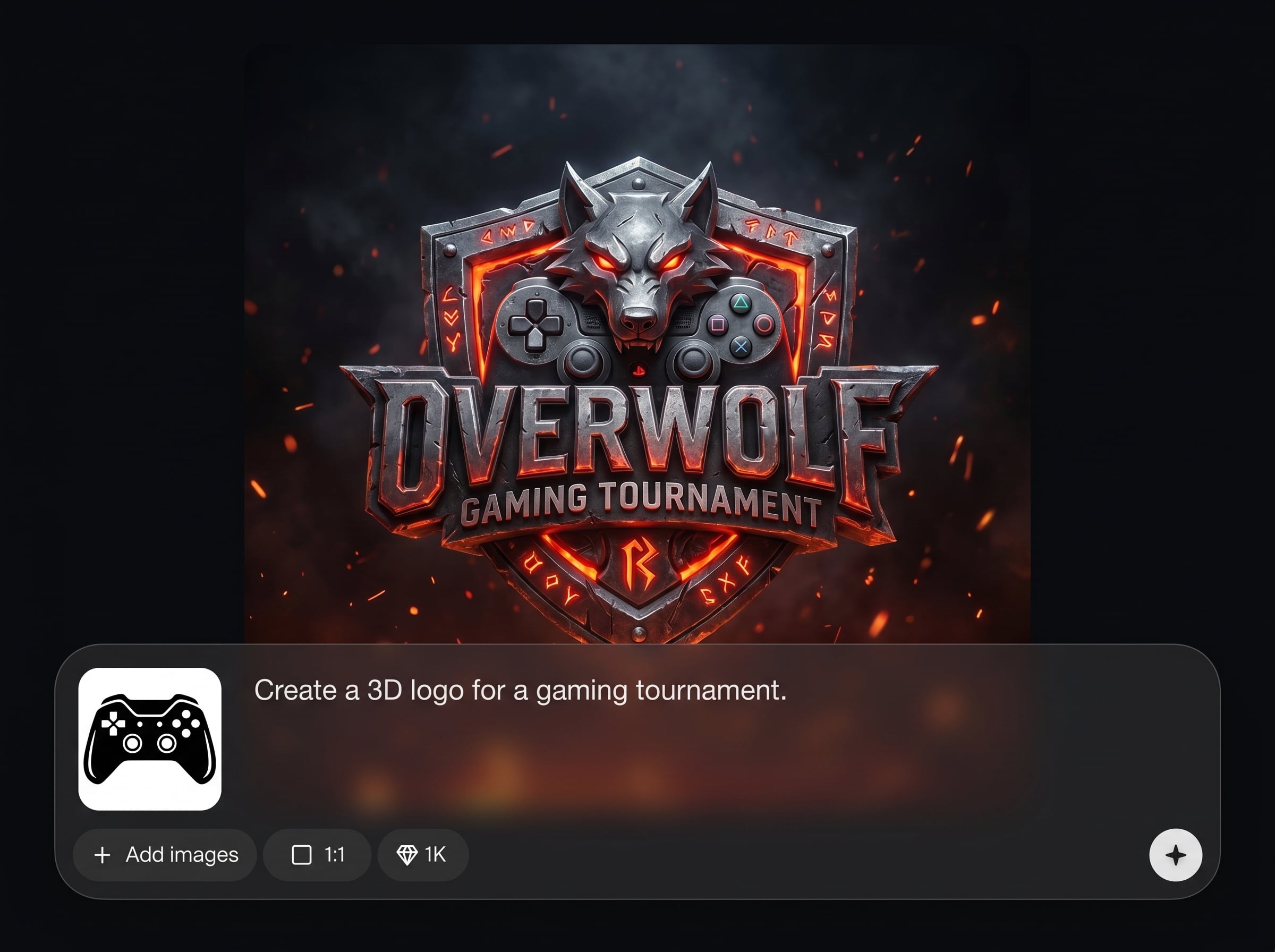
Turn an OVERWOLF 3D asset concept into a polished visual with AI. Get consistent shading, reflections, and shadows that look like a professional render—without manual scene setup.
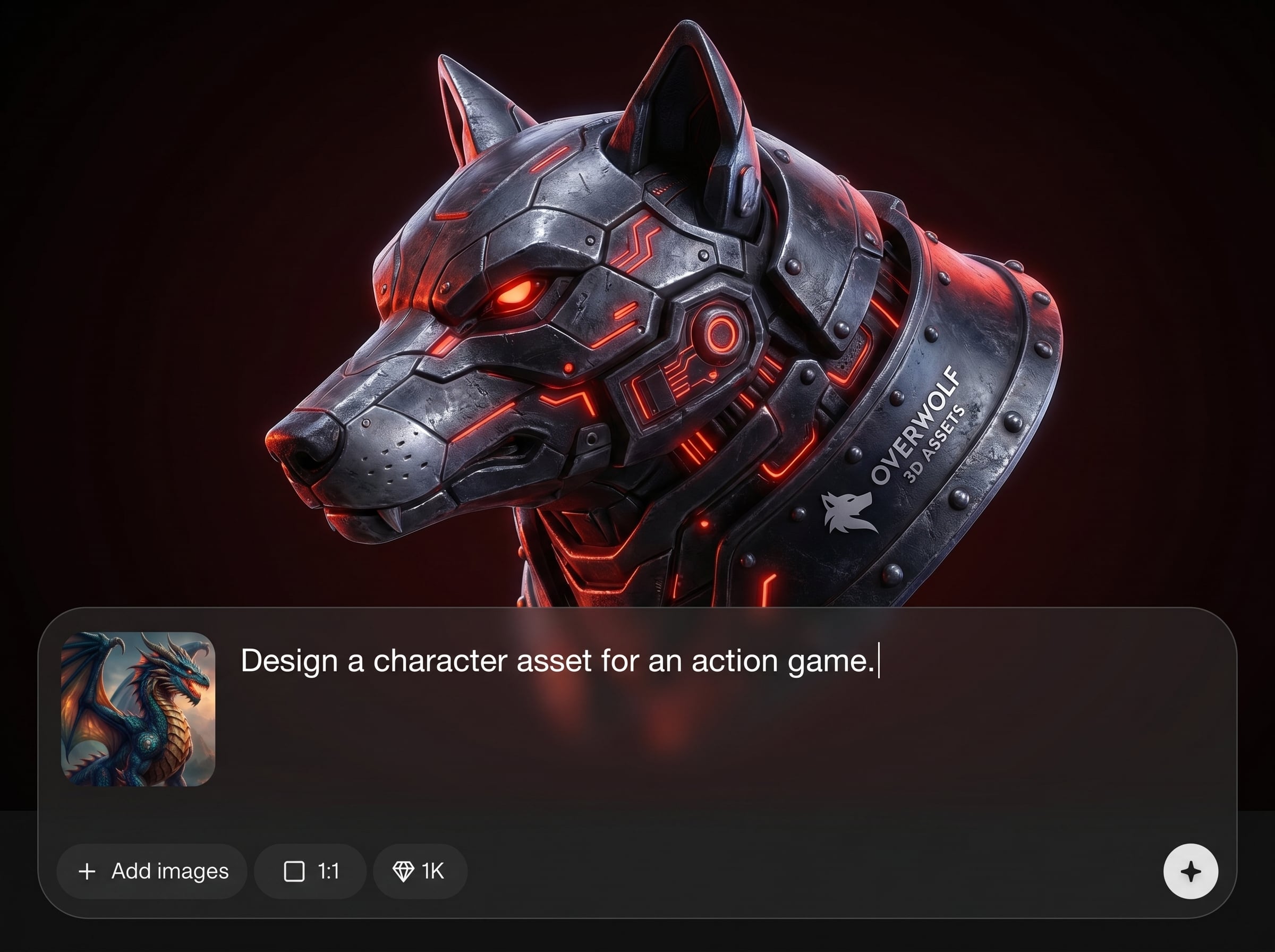
Generate multiple options quickly to explore angles, lighting setups, and backgrounds. Compare versions side by side and refine the best result with small, controlled tweaks.
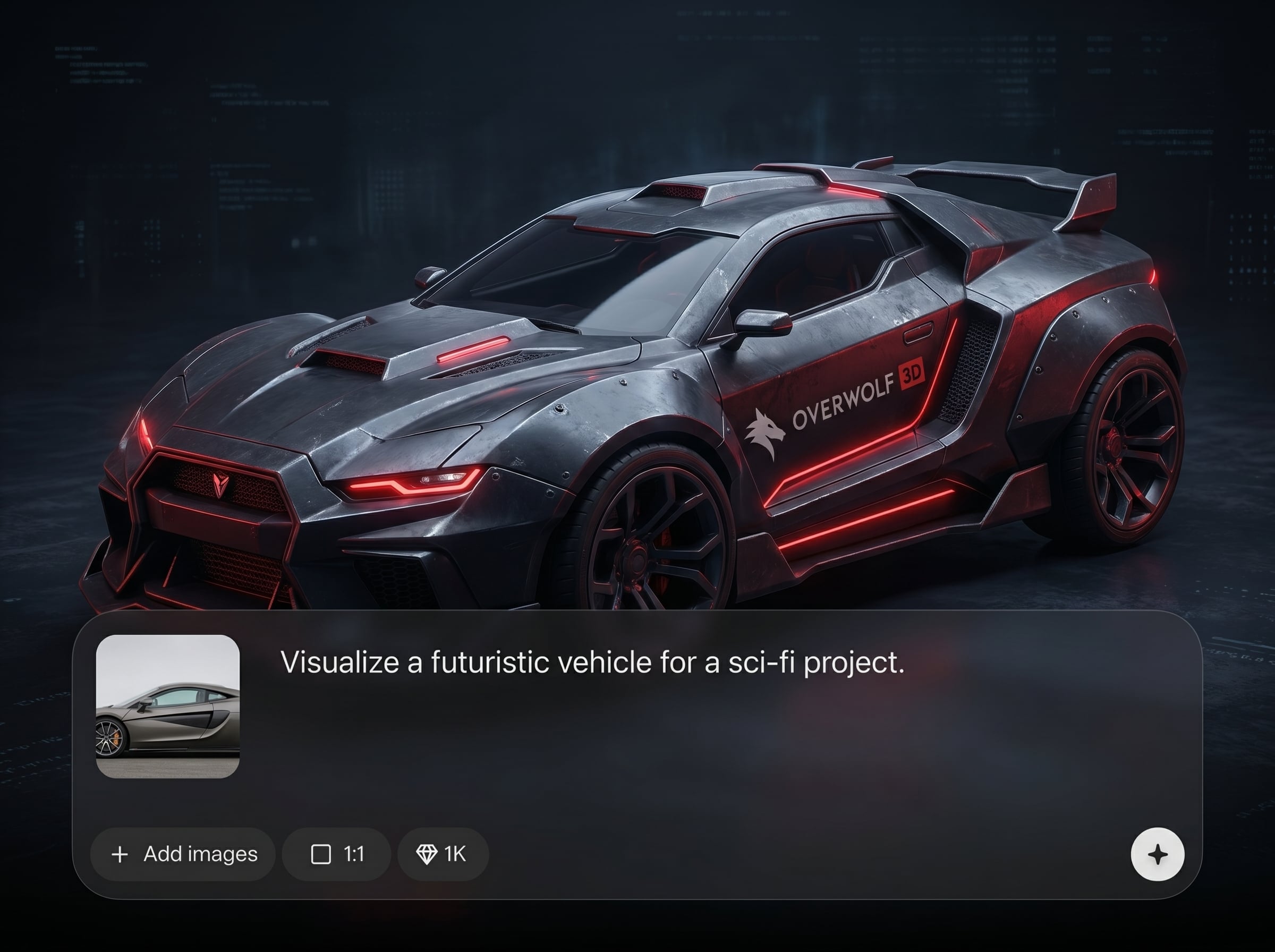
Download clean images sized for web and marketing. Keep branding consistent across placements with repeatable settings, and produce assets that drop directly into pages and decks.
About
Overwolf 3D Assets generates polished OVERWOLF 3D branded asset visuals in minutes. Use AI to shape the look with camera angle, lighting, material, color, and background options. Export clean, consistent renders for pages, presentations, and marketing—without complex 3D software or long render queues.
Overwolf 3D Assets focuses on speed, control, and consistency for branded 3D visuals. Get AI-powered styling with adjustable camera, lighting, and materials, plus fast variations for comparison. Export clean outputs that fit real marketing and product workflows without heavy 3D setup.
Open the tool, choose a style, and set your camera and lighting preferences. Generate a few variations, select the strongest option, then export the final image in the size you need.
Use cases
Discover how different creators use this app in their workflow.
Create OVERWOLF 3D branded asset images for landing pages, ads, and social posts. Keep lighting and style consistent across campaigns while generating fresh variations fast.
Generate clean 3D asset visuals for presentations, pitch decks, and documentation. Export the right size and background style to fit slides, PDFs, and web layouts.
Test different materials, colors, and studio setups to define a cohesive look. Use quick iterations to align stakeholders on a final branded 3D visual direction.
Krea is one of the world's leading generative AI platforms. See what others say.
Real reviews on TrustpilotSo many AI tools out there but I always come back to Krea. It's really the one AI platform that 'just works'.

FYN
Krea's interfaces are still the best in the industry. Everything looks and feels so clean and easy to use! Imo the easiest to use gen AI website.

Lynn
Ultra fast generations. Extremely simple to use. All the latest AI models.

Daniel
KREA is the only AI subscription I have right now besides ChatGPT.

Sophia M.
Quick answers about generating OVERWOLF 3D branded asset visuals with AI.
Overwolf 3D Assets is an AI tool that generates a visual of an OVERWOLF 3D branded asset. It helps you create polished renders with controllable style, lighting, and backgrounds for fast brand-ready outputs.
You choose a style and provide guidance through settings and prompts. The AI synthesizes camera, lighting, materials, and background into a cohesive render, then you can generate variations to refine the final image.
Yes. Adjust camera angle, perspective, and lighting direction to match a studio look or dramatic presentation. Small changes can produce distinct, consistent variations while keeping the OVERWOLF branded asset feel intact.
Create simple solid backgrounds, gradients, or studio-style environments depending on the look you need. You can also generate clean, minimal outputs designed to fit seamlessly into web layouts and slides.
It reduces the need for complex scene setup when you only need high-quality branded visuals. For advanced modeling or animation, traditional 3D software may still be useful alongside AI generation.
Export images in common web-ready formats and choose sizes suited for social, landing pages, or presentations. Generate multiple resolutions so your OVERWOLF 3D asset visuals stay sharp across placements.
Reuse the same prompt, style, and render settings for repeatability. Keep camera and lighting parameters stable, then change only one variable at a time—like background or material—to maintain brand consistency.
In many cases, yes—generated visuals can be used in marketing and product materials. Review your project’s brand and licensing requirements, especially for logo usage and any uploaded or referenced materials.
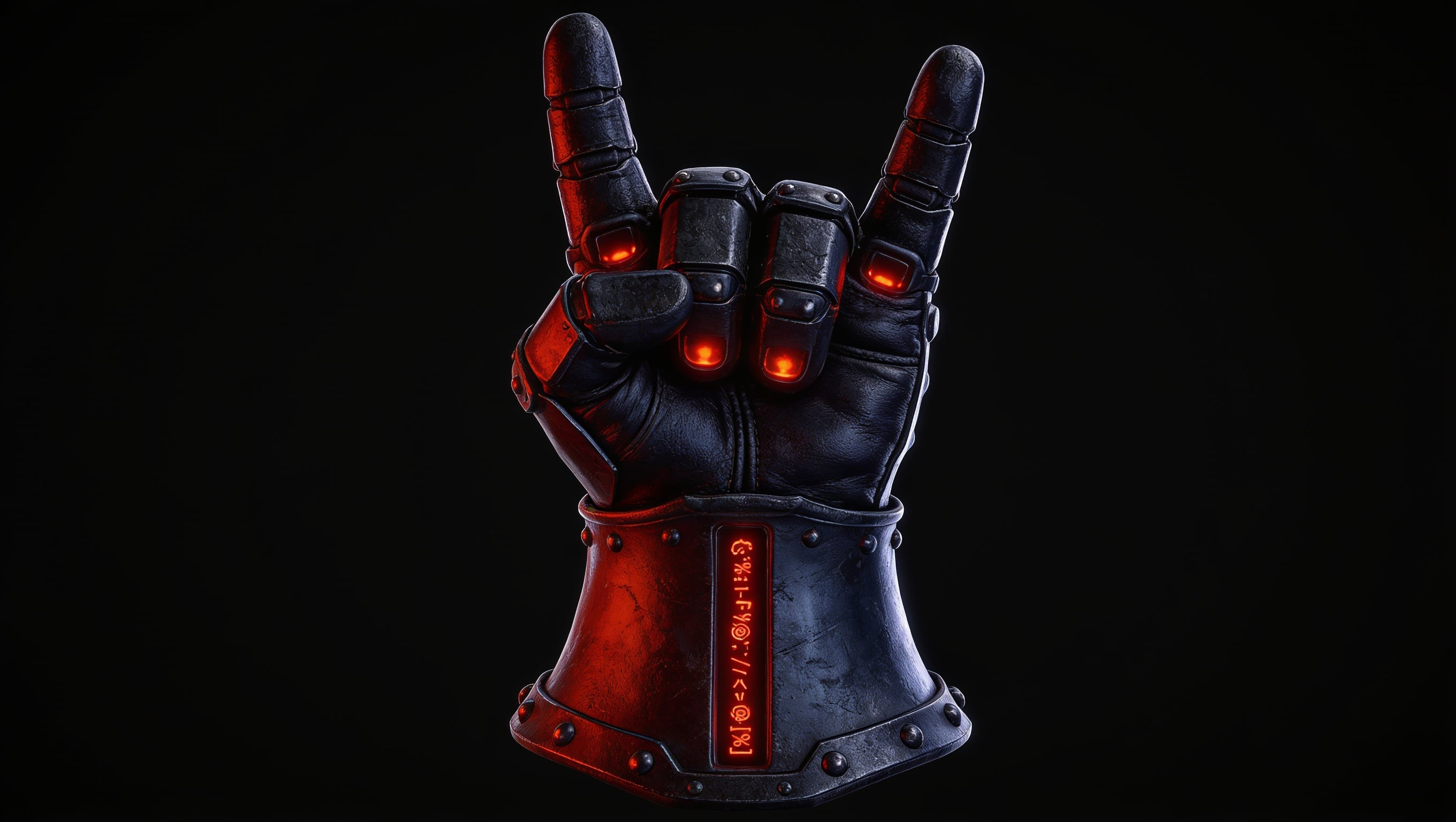
Create consistent 3D brand renders with AI, iterate fast, and export ready-to-use visuals for any channel.

