














Step 1
Upload
Add a reference action photo and, if needed, a product image. Choose your target format and set the overall visual direction for CGI styling and composition.
Generate high-impact key visuals with AI by blending CGI styling and reference action photos. Create campaign-ready KVs fast—try it online now.
How to use KVs generated (CGI + Ref action photo)
Use this AI key visual generator to combine a reference action photo with a CGI look. In a few steps, you’ll create on-brand KV variations optimized for marketing formats and fast iteration.
Step 1
Add a reference action photo and, if needed, a product image. Choose your target format and set the overall visual direction for CGI styling and composition.

Step 2
Run the AI to create multiple KV options. Adjust prompts and settings to refine lighting, camera angle, motion energy, and background details for better brand consistency.

Step 3
Select the best key visual and export in high quality. Create additional sizes for ads and social placements while keeping the CGI look consistent across variants.
Features
Generate key visuals that fuse CGI styling with reference action photos using AI. Produce consistent campaign variations with controlled composition, lighting, and motion cues. Quickly iterate, compare options, and export ready-to-use KVs for ads, product pages, and social formats without rebuilding from scratch.
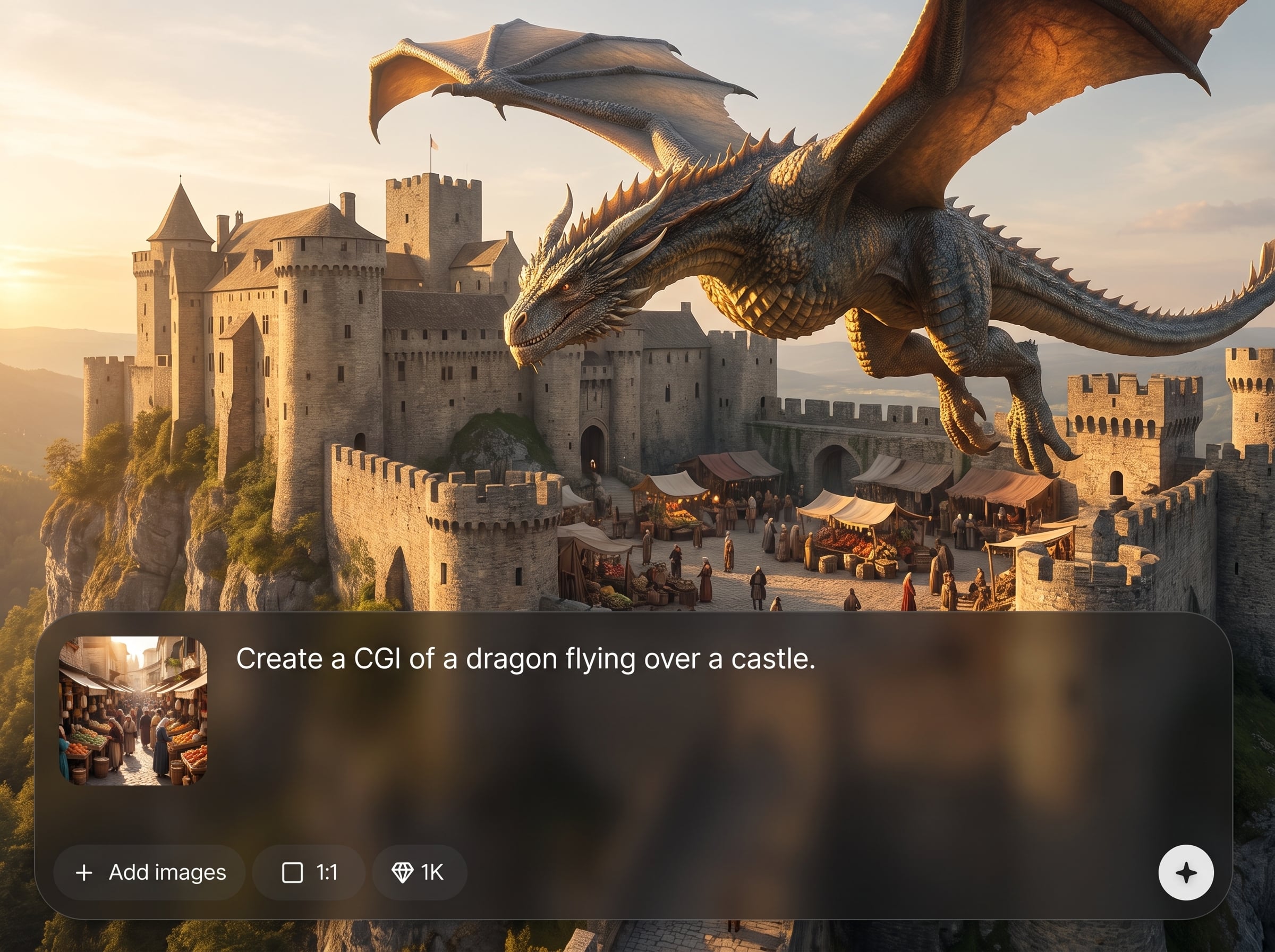
Combine reference action photos with a CGI finish to create premium key visuals. Keep realistic motion signals while elevating materials, lighting, and environment for a high-impact campaign look.
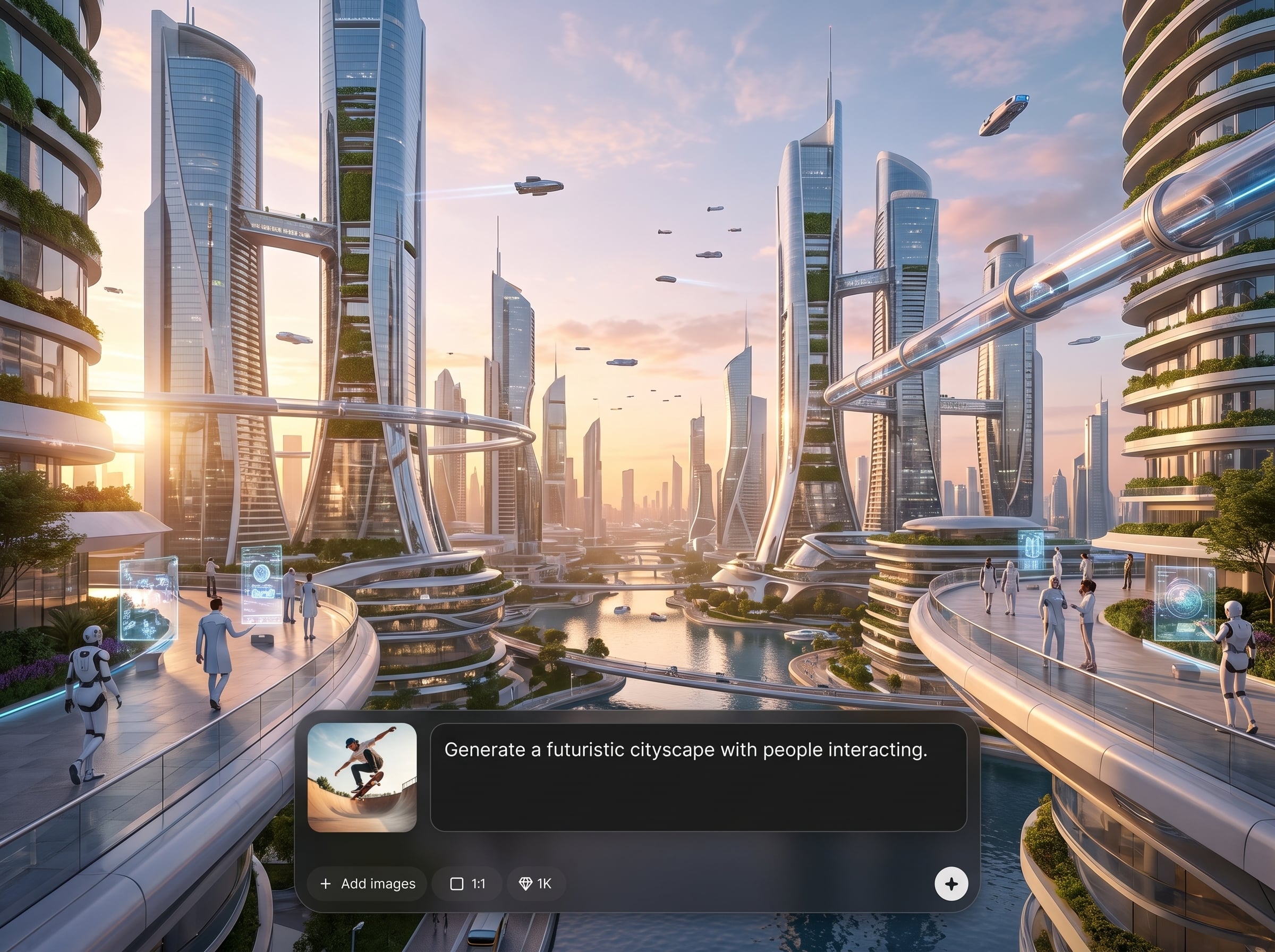
Generate multiple KV directions in minutes for quick creative testing. Explore angles, backgrounds, and lighting setups, then converge on a consistent visual system for every placement.
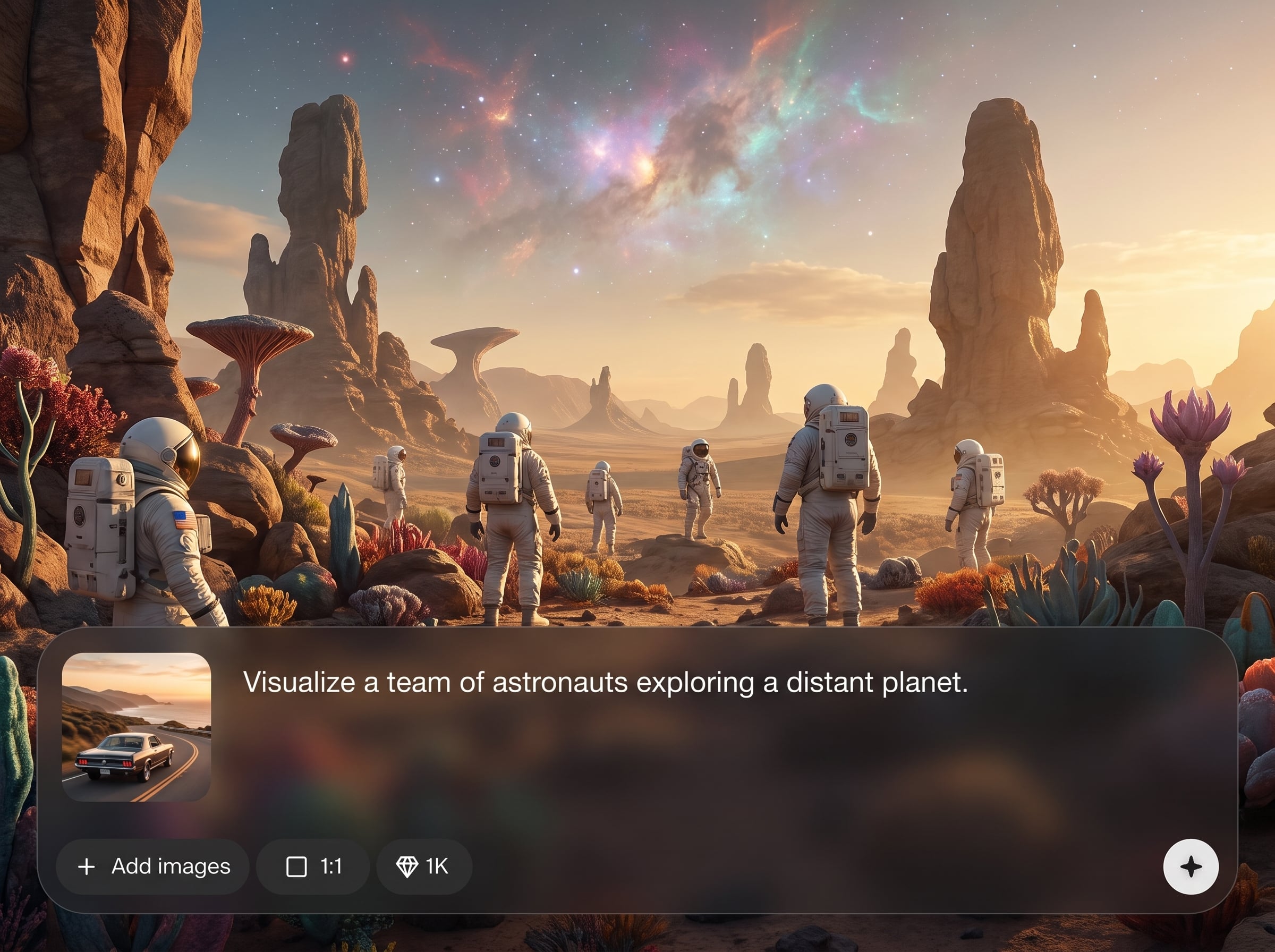
Create key visuals tailored to common marketing sizes and channels. Export high-quality outputs and maintain consistent styling across resized versions to reduce rework and production time.
About
KVs generated (CGI + Ref action photo) turns reference action photos into polished, campaign-ready key visuals with AI. Blend CGI aesthetics with real motion cues to produce consistent layouts, lighting, and style across variations. Generate multiple KV options quickly for ads, product launches, and brand campaigns, then refine outputs for different formats and channels.
KVs generated (CGI + Ref action photo) focuses on marketing-grade key visuals, not generic images. It blends real action reference with CGI polish, supports consistent variations, and speeds up iteration so you can move from concept to export-ready KVs faster.
Upload a reference action photo, describe the CGI look you want, and generate multiple KV options. Refine with quick iterations, then export the best version for your campaign formats.
Use cases
Discover how different creators use this app in their workflow.
Generate hero KVs for launches and seasonal campaigns with a CGI look grounded in real action references, keeping consistency across multiple creative routes.
Create product-focused KVs with dynamic action energy, controlled lighting, and clean composition—ideal for paid ads, banners, and landing pages.
Produce fast KV variations for different aspect ratios and placements while preserving the same CGI style, mood, and visual language across channels.
Krea is one of the world's leading generative AI platforms. See what others say.
Real reviews on TrustpilotSo many AI tools out there but I always come back to Krea. It's really the one AI platform that 'just works'.

FYN
Krea's interfaces are still the best in the industry. Everything looks and feels so clean and easy to use! Imo the easiest to use gen AI website.

Lynn
Ultra fast generations. Extremely simple to use. All the latest AI models.

Daniel
KREA is the only AI subscription I have right now besides ChatGPT.

Sophia M.
Find quick answers about generating CGI-style key visuals from reference action photos with AI.
It generates key visuals using AI by combining a reference action photo with a CGI-inspired style. The result is a polished KV suitable for campaigns, ads, and marketing layouts.
Use sharp, well-lit action photos with clear subject separation and minimal blur. Consistent angles and clean backgrounds help the AI interpret motion cues and produce stronger CGI-style compositions.
Yes. Generate multiple options from the same reference and reuse prompts and settings to maintain consistent lighting, materials, and overall CGI look across a set of campaign key visuals.
Adjust your prompt for materials, mood, and environment, then iterate on settings to refine highlights, shadows, and background detail. Small changes can shift the KV from glossy studio to cinematic.
Yes. You can generate product-focused key visuals that retain action context while enhancing surfaces, reflections, and set design. This helps create premium ad-ready visuals without manual 3D rebuilding.
Yes. Create versions for common formats such as square, portrait, and widescreen. Generate and compare variants to keep composition balanced and branding consistent across placements.
KV generation is designed for rapid iteration, producing multiple options quickly. This makes it easier to test creative directions, refine prompts, and select the best campaign-ready key visual.
It’s optimized for key visual production: combining action-photo reference with CGI styling, enabling consistent variations, and focusing on composition and marketing-ready outputs rather than one-off images.
Yes, generated KVs are intended for marketing use such as ads and campaigns. Always ensure you have rights to any uploaded reference photos, products, or brand assets used as inputs.
Turn reference action photos into CGI-style key visuals with AI, and export ready-to-use variants in minutes.

