














Step 1
Set your prompt
Describe the landscape, lighting, weather, and camera movement. Optionally upload a reference image to guide composition, style, and color for more consistent results.
Generate cinematic landscape videos from text or images with AI. Control style, motion, and aspect ratio in minutes. Try Landscape video v3 online.
How to use Landscape video v3
Use Landscape video v3 to generate high-quality landscape video clips from text or images. Follow these steps to set your look, generate variations, and export a ready-to-use video for any platform.
Step 1
Describe the landscape, lighting, weather, and camera movement. Optionally upload a reference image to guide composition, style, and color for more consistent results.

Step 2
Select duration, aspect ratio, and motion strength, then generate multiple takes. Compare outputs to pick the best timing, framing, and visual quality.

Step 3
Adjust prompt details, reuse seeds for consistency, and regenerate sections as needed. Export your final clip in a share-ready format for web, social, or editing timelines.
Features
Landscape video v3 is an AI video generator built for scenic shots—mountains, coasts, cities, deserts, and more. Create smooth motion, consistent aesthetics, and platform-ready framing with simple controls. Generate multiple versions quickly, iterate with targeted prompt edits, and export clips for ads, backgrounds, or storyboarding.
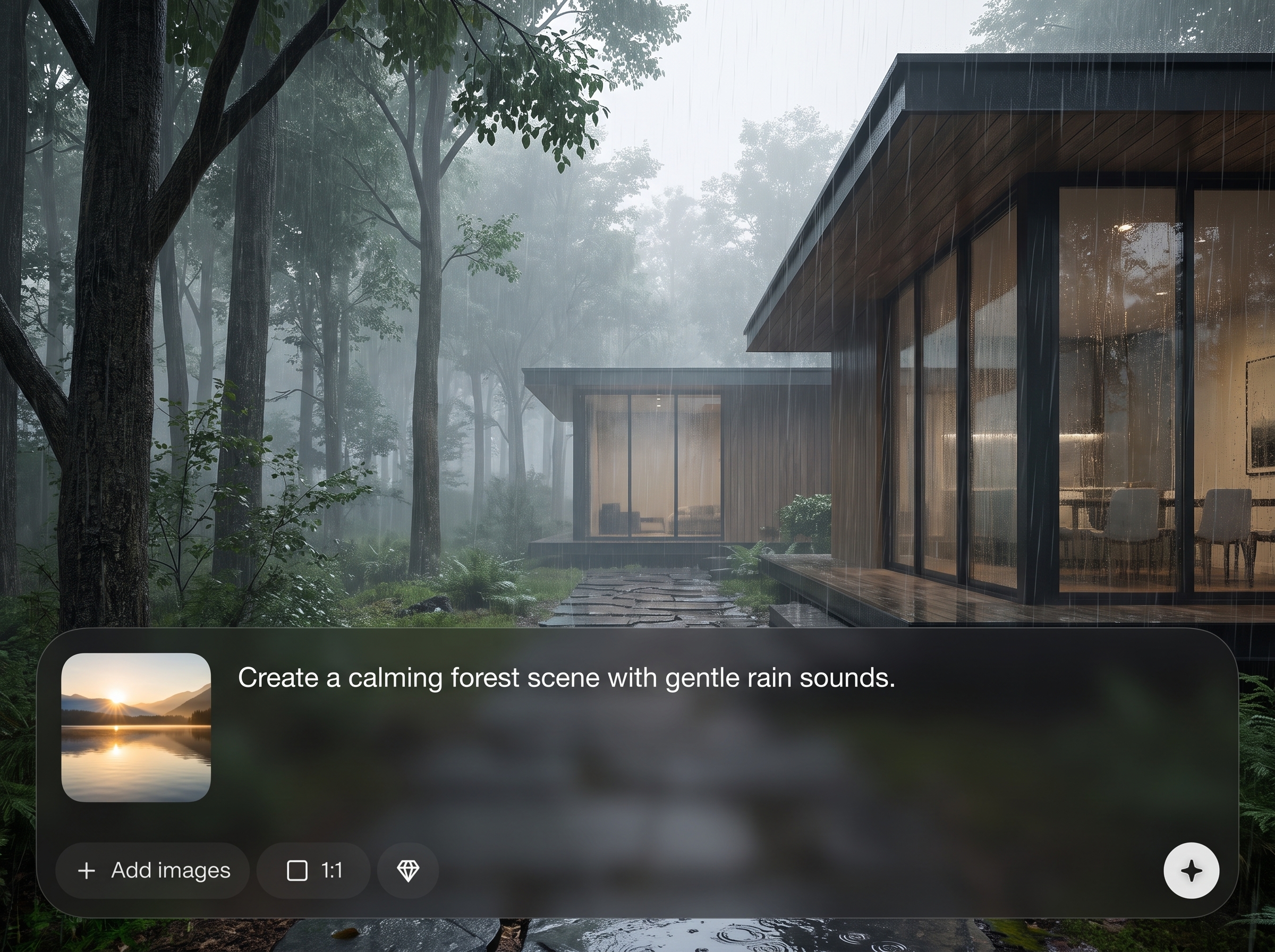
Turn a written prompt into a cinematic landscape video with coherent lighting, atmosphere, and motion. Great for concepting scenes, mood reels, and quick visual drafts.
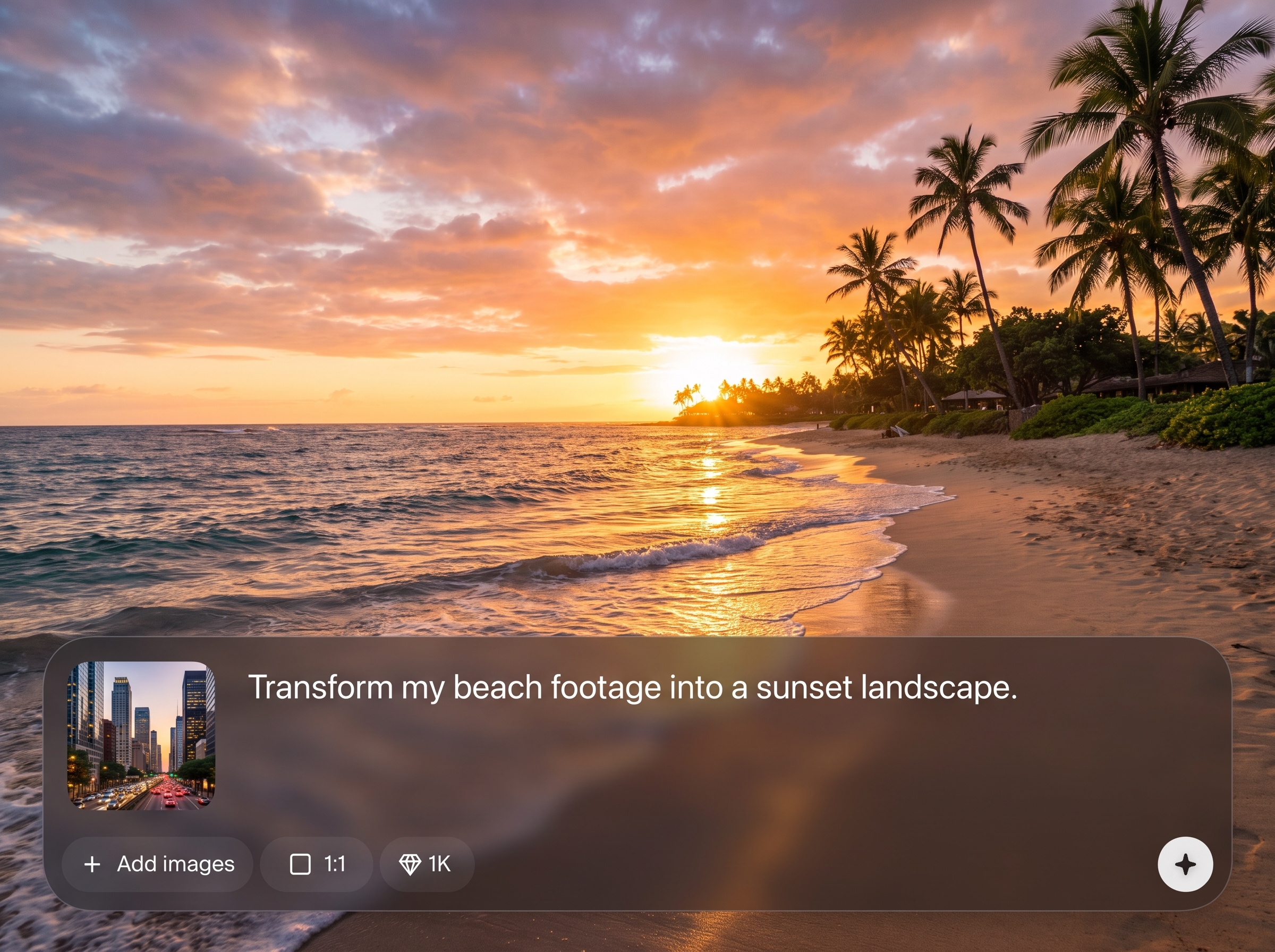
Animate a still landscape photo or reference frame into a moving shot. Maintain composition while adding camera movement, parallax, and subtle environmental motion for realism.
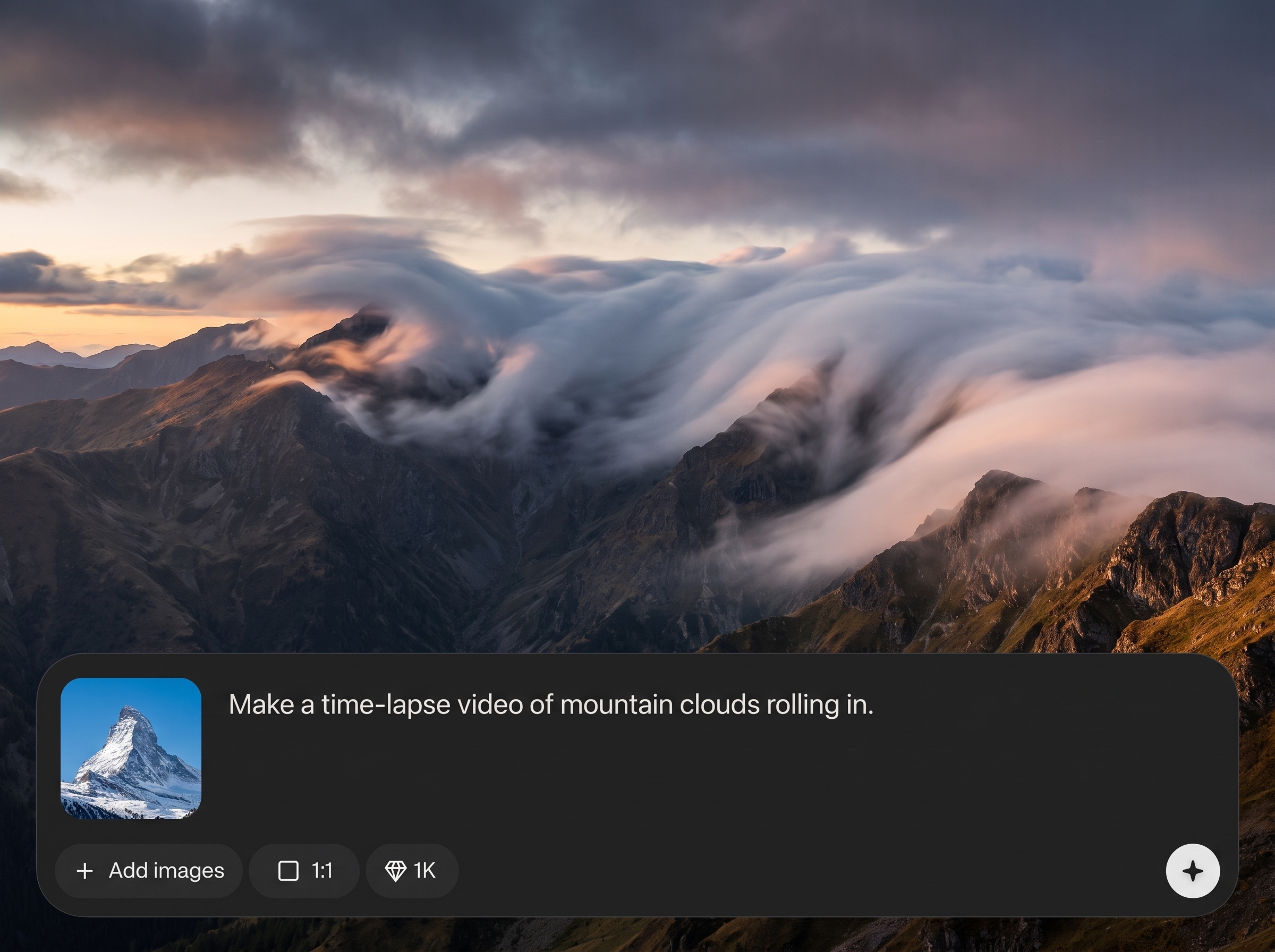
Fine-tune aspect ratio, duration, and motion strength to fit any use case. Generate variations quickly and keep results consistent by reusing prompts and settings.
About
Landscape video v3 turns prompts or images into cinematic landscape videos with realistic motion and consistent style. Choose aspect ratios, camera movement, and visual presets to match your project. Generate multiple variations fast, then refine the best result for ads, backgrounds, intros, or social clips—without complex editing.
Landscape video v3 helps you create scenic AI videos quickly while keeping a clean, cinematic look. Get controllable motion, consistent styling, and rapid variations for faster decisions. Export platform-ready clips for social, ads, backgrounds, or previsualization—without heavy video editing workflows.
Type a prompt or upload an image, choose duration and aspect ratio, then generate a few variations. Pick the best result, refine with small prompt tweaks, and export a ready-to-share landscape video clip.
Use cases
Discover how different creators use this app in their workflow.
Create eye-catching scenic video loops and openers sized for Reels, Shorts, and ads. Generate multiple variations quickly to match different hooks and brand styles.
Generate atmospheric landscape videos for websites, apps, and presentations. Produce clean, on-brand motion backdrops without sourcing stock footage or complex editing.
Visualize locations and mood for films, games, or campaigns. Rapidly test lighting, weather, time of day, and camera moves before committing to production.
Krea is one of the world's leading generative AI platforms. See what others say.
Real reviews on TrustpilotSo many AI tools out there but I always come back to Krea. It's really the one AI platform that 'just works'.

FYN
Krea's interfaces are still the best in the industry. Everything looks and feels so clean and easy to use! Imo the easiest to use gen AI website.

Lynn
Ultra fast generations. Extremely simple to use. All the latest AI models.

Daniel
KREA is the only AI subscription I have right now besides ChatGPT.

Sophia M.
Answers to common questions about generating landscape videos with AI.
Landscape video v3 is an AI landscape video generator that creates cinematic scenic clips from text prompts or reference images. It helps you produce motion-rich videos quickly with controllable style and framing.
Enter a prompt describing the scene, mood, lighting, and camera movement, then choose aspect ratio and duration. Generate variations and refine the prompt to improve composition, detail, and motion.
Yes. Upload a landscape image to use as a reference and generate an image-to-video animation. This keeps the composition stable while adding camera motion, parallax, and environmental movement.
Reuse the same prompt structure and settings, and keep key descriptors consistent (location, lighting, lens, camera move). Generate multiple takes and iterate with small changes instead of rewriting everything.
Landscape video v3 is designed for flexible framing, including widescreen and vertical formats. Choose the ratio that matches your target platform, then regenerate to preserve composition and key subject placement.
Use clear details like time of day, weather, lens style, and a specific camera move. Reduce motion strength if artifacts appear, and generate more variations to select the cleanest output.
It’s primarily an AI video generator for creating new landscape footage from prompts or images. You can refine outputs through prompt edits, settings adjustments, and regeneration rather than timeline-based editing.
Use clips for ads, social content, website backgrounds, presentations, storyboards, and mood reels. Export-ready videos help you move from idea to usable visuals faster than traditional production.
Generation time depends on duration and settings, but you can typically create variations in minutes. This makes it easy to compare multiple looks and quickly iterate toward a final shot.
No. If you can describe a scene, you can generate a video. Built-in controls for motion, style, and aspect ratio simplify the process and reduce the need for complex editing workflows.
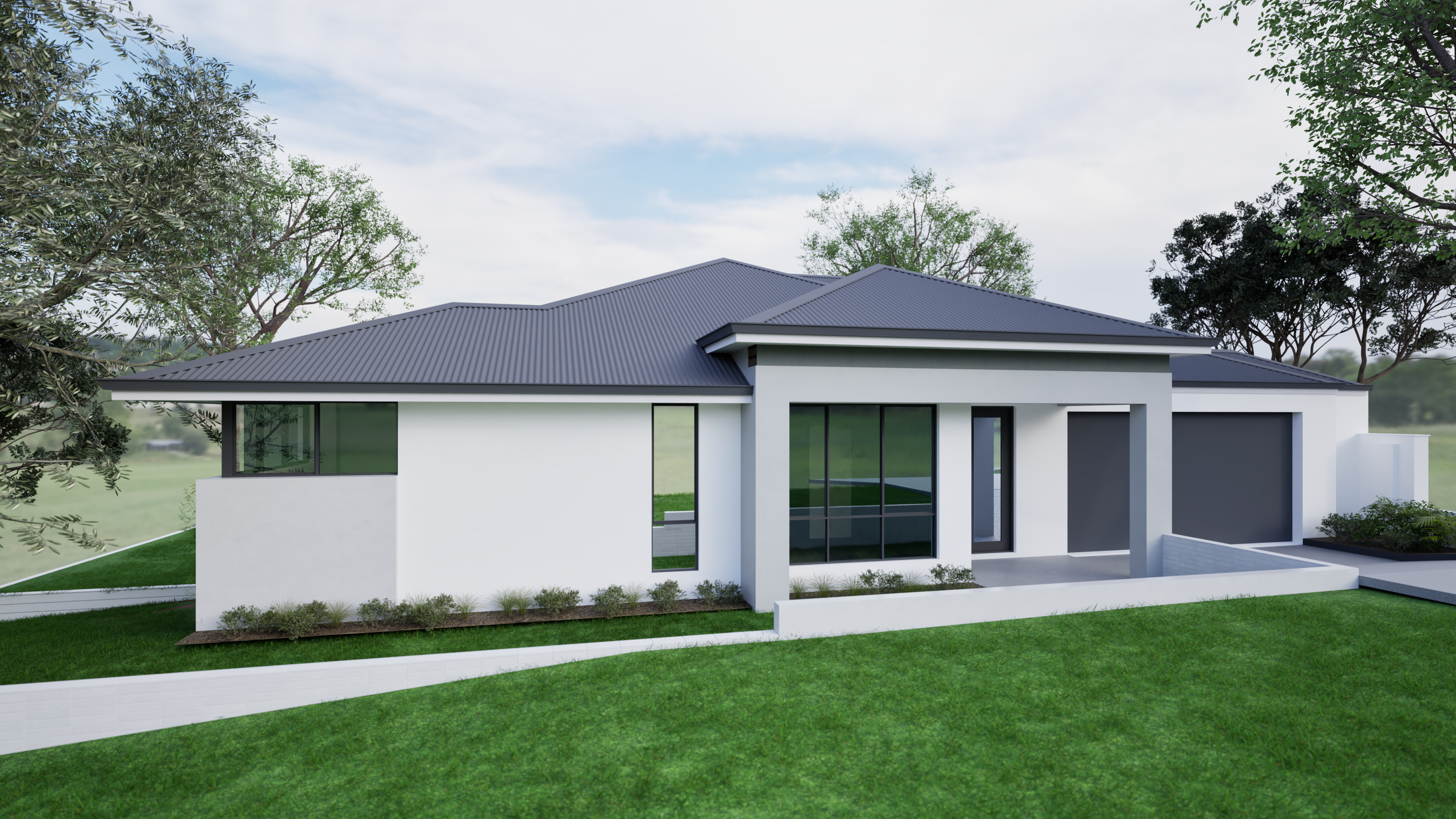
Turn prompts or images into cinematic scenic clips with flexible motion, style, and aspect ratio controls.

