














Step 1
Describe the event
Enter a clear text description of what happened, including key names, dates, outcomes, and any card-style details you want highlighted on the TBPN trading card.
Generate custom TBPN trading cards from event text plus uploaded photos and logos. Fast AI layout and export-ready results—try it online now.

How to use TBPN Trading Card Generator
Describe the event in a few lines, then add the images you want featured. TBPN Trading Card Generator uses AI to compose a complete trading card layout you can review and export.
Step 1
Enter a clear text description of what happened, including key names, dates, outcomes, and any card-style details you want highlighted on the TBPN trading card.

Step 2
Add photos of the people involved and upload company logos or brand marks. The AI uses your images to build a cohesive, on-brand card composition.

Step 3
Click generate to create the TBPN trading card. Review the layout and text, then export a shareable image for presentations, chats, or printable card formats.
Features
Generate TBPN-style trading cards from a text prompt and uploaded images. The AI automatically handles composition, typography, and placement of photos and logos to produce a consistent, share-ready card. Create repeatable results for multiple events while keeping branding clean and recognizable across every export.
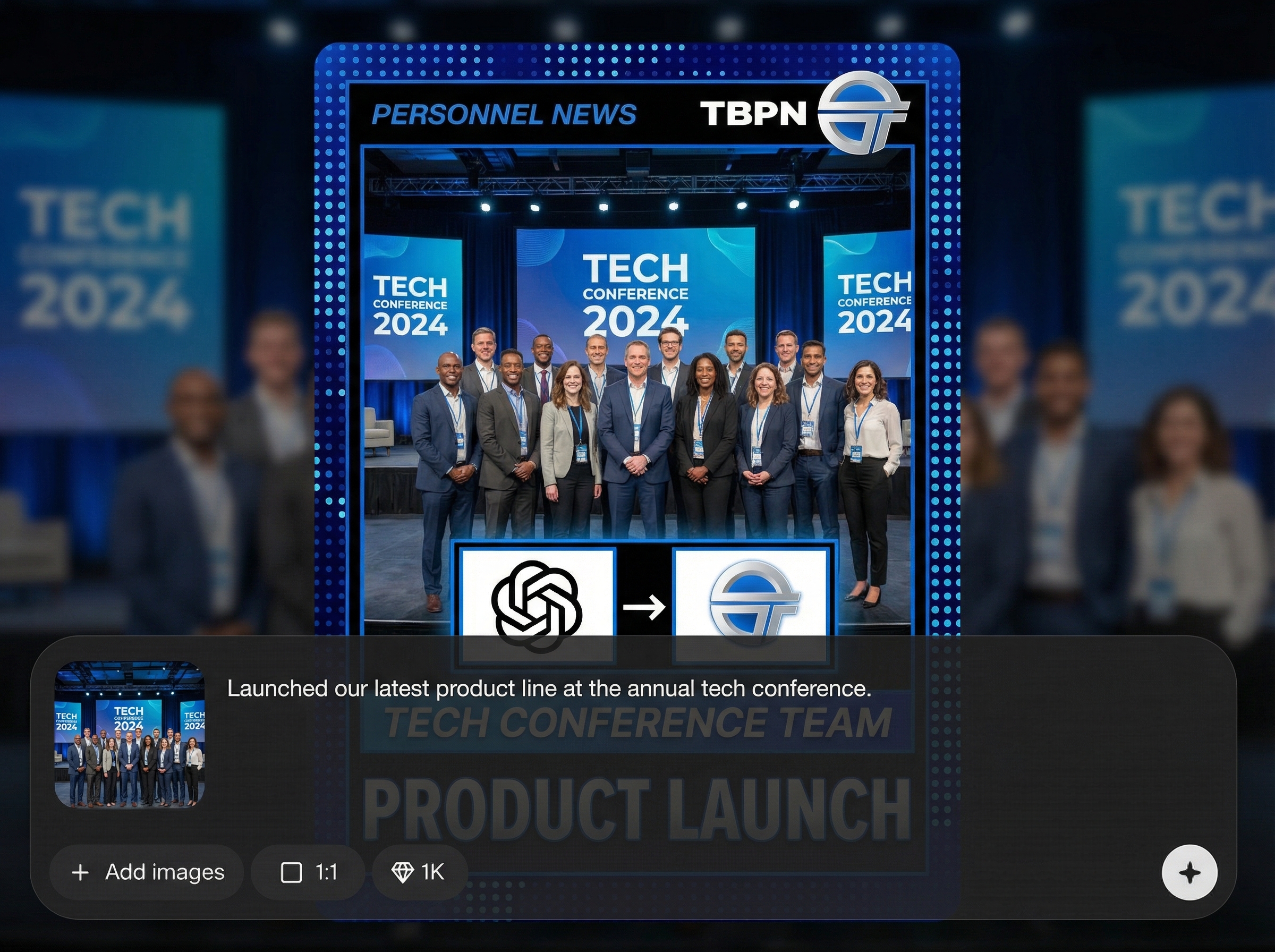
Turn a short event description into a complete trading card draft. AI structures the content into card-friendly text blocks so your highlight reads clearly and looks intentional.
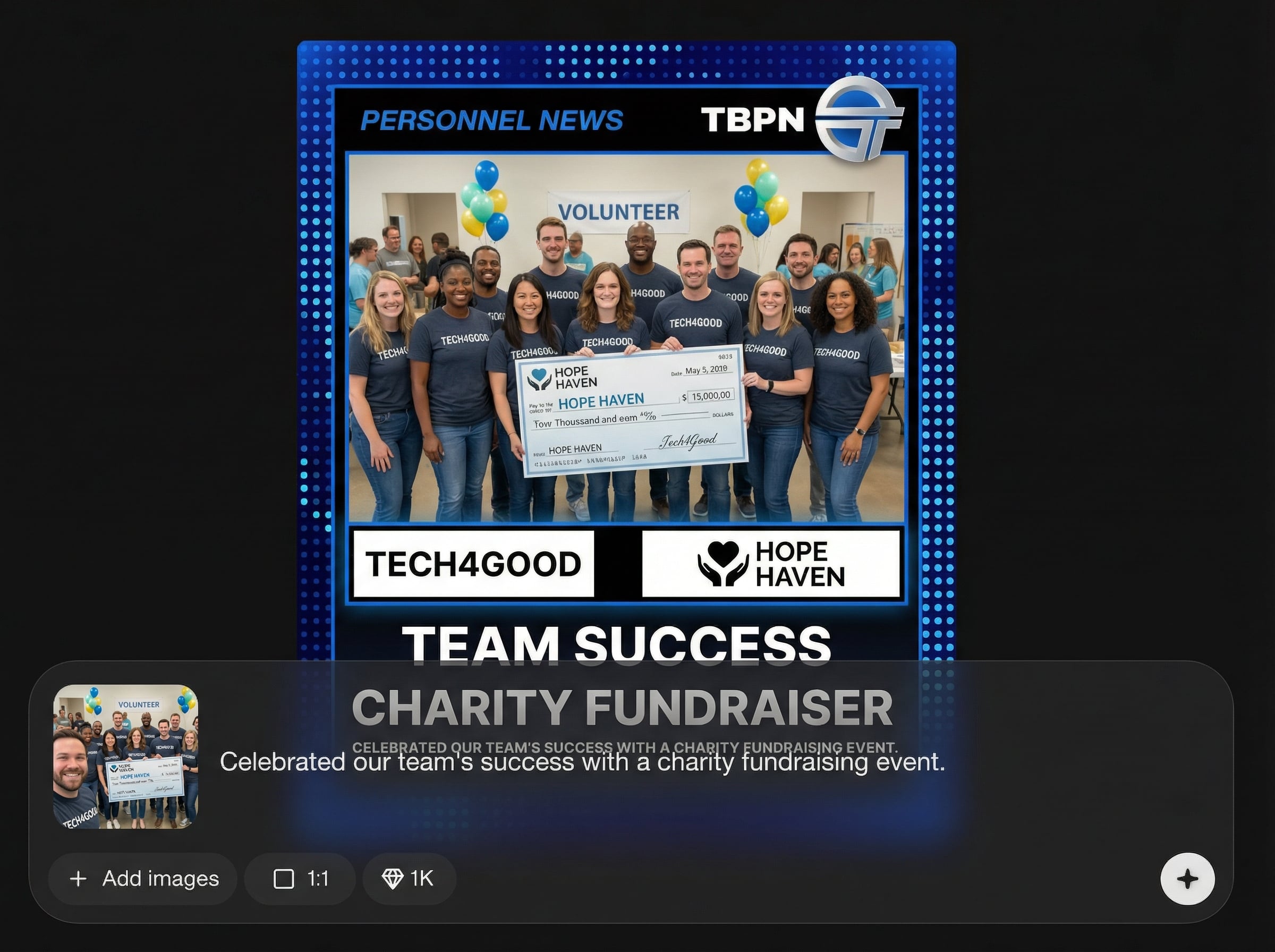
Upload headshots, team photos, and company logos. The generator intelligently places assets for balance and hierarchy, helping your TBPN trading card feel branded and professional.
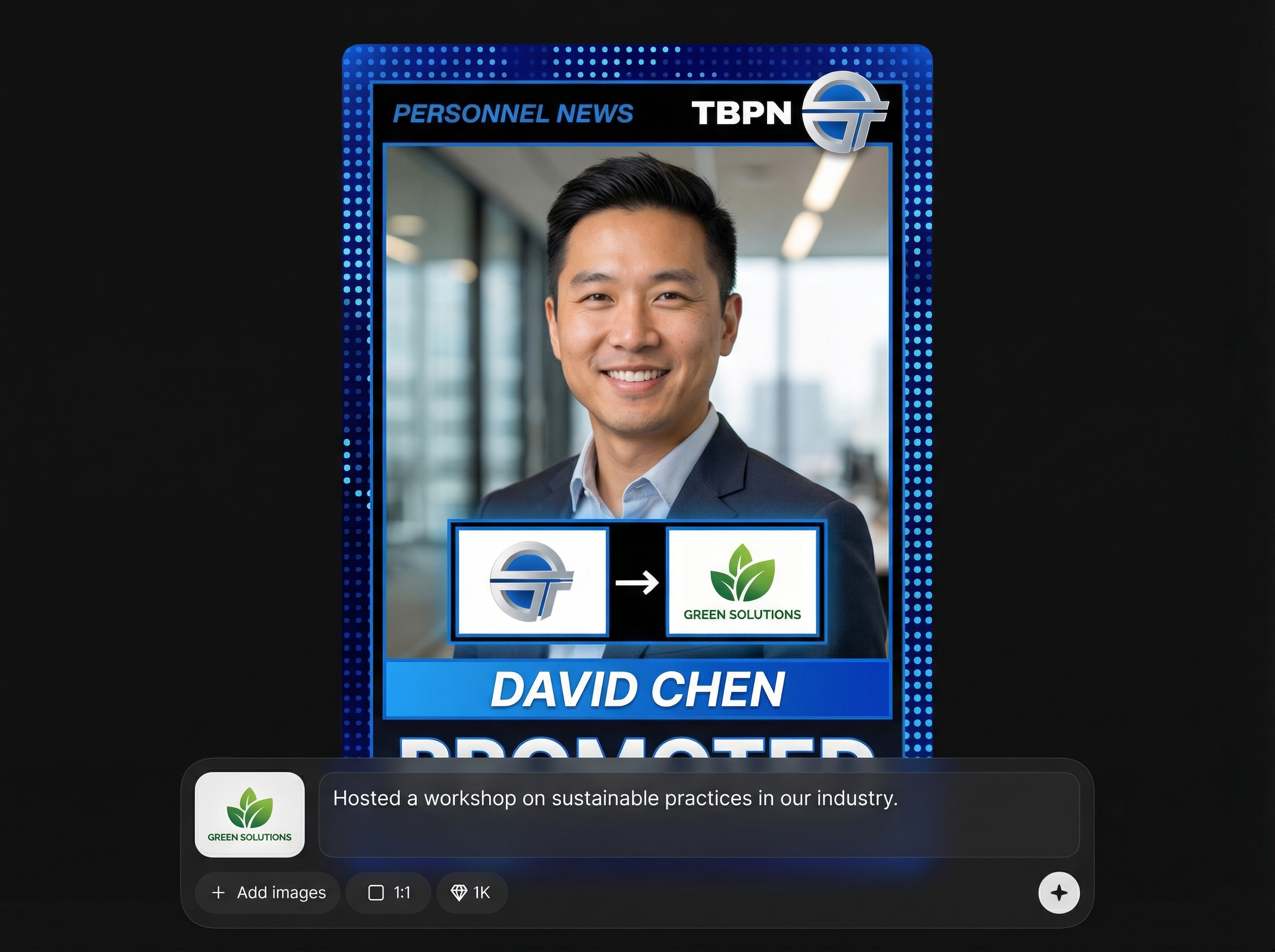
Create multiple cards quickly for ongoing updates and recaps. Machine learning-driven layout keeps styling consistent so every output is ready to share, present, or print.
About
TBPN Trading Card Generator turns your event description into a polished trading card using AI. Upload photos of the people involved and company logos, then generate a themed card with clean layout, stats-style text, and brand-ready visuals. Create consistent TBPN cards in minutes for announcements, recaps, and internal highlights—no manual design work required.
TBPN Trading Card Generator combines prompt-based storytelling with image-aware layout for clean, consistent cards. AI automates composition and typography so outputs look organized and on-brand. Generate repeatable trading card visuals quickly without rebuilding templates for every new event.
Add a short event description, then upload photos and company logos. Click generate to preview your TBPN trading card and export the final image for sharing or printing.
Use cases
Discover how different creators use this app in their workflow.
Summarize a key moment with a collectible-style TBPN trading card. Ideal for internal wins, launches, partnerships, and memorable updates.
Generate spotlight cards using uploaded photos and logos to highlight contributors, roles, and achievements with a consistent, branded trading card format.
Turn outcomes into shareable visuals for decks and messages. Create quick TBPN cards that communicate context, participants, and impact at a glance.
Krea is one of the world's leading generative AI platforms. See what others say.
Real reviews on TrustpilotSo many AI tools out there but I always come back to Krea. It's really the one AI platform that 'just works'.

FYN
Krea's interfaces are still the best in the industry. Everything looks and feels so clean and easy to use! Imo the easiest to use gen AI website.

Lynn
Ultra fast generations. Extremely simple to use. All the latest AI models.

Daniel
KREA is the only AI subscription I have right now besides ChatGPT.

Sophia M.
Quick answers about generating TBPN trading cards with AI from text, photos, and logos.
Provide a text description of the event plus uploaded images of the people involved and any company logos. The AI combines both to generate a complete TBPN trading card layout.
You can start with text, but uploading photos and logos produces stronger results. Images help the AI build a recognizable composition with clearer identity and branding cues.
Use the same logo set, similar photo crops, and consistent naming in your prompts. The generator’s layout logic helps maintain uniform structure across TBPN trading card exports.
Export as a high-quality image suitable for sharing in chat, slides, or documentation. The output is designed to be presentation-ready and easy to reuse across channels.
The app primarily uses your uploads for placement and composition within the card. For best results, upload clear, well-lit images and clean logo files with simple backgrounds.
Describe the moment, upload photos and logos, and generate a share-ready TBPN card in minutes.

