














Step 1
Write the prompt
Describe the event and key facts: who, what, when, and numbers (e.g., “Company X raised $12M Seed”). Add roles, locations, and a short tagline if needed.
Turn milestones into TBPN-style trading cards. Add a prompt, upload logos and photos, and generate share-ready cards fast with AI. Try it now.
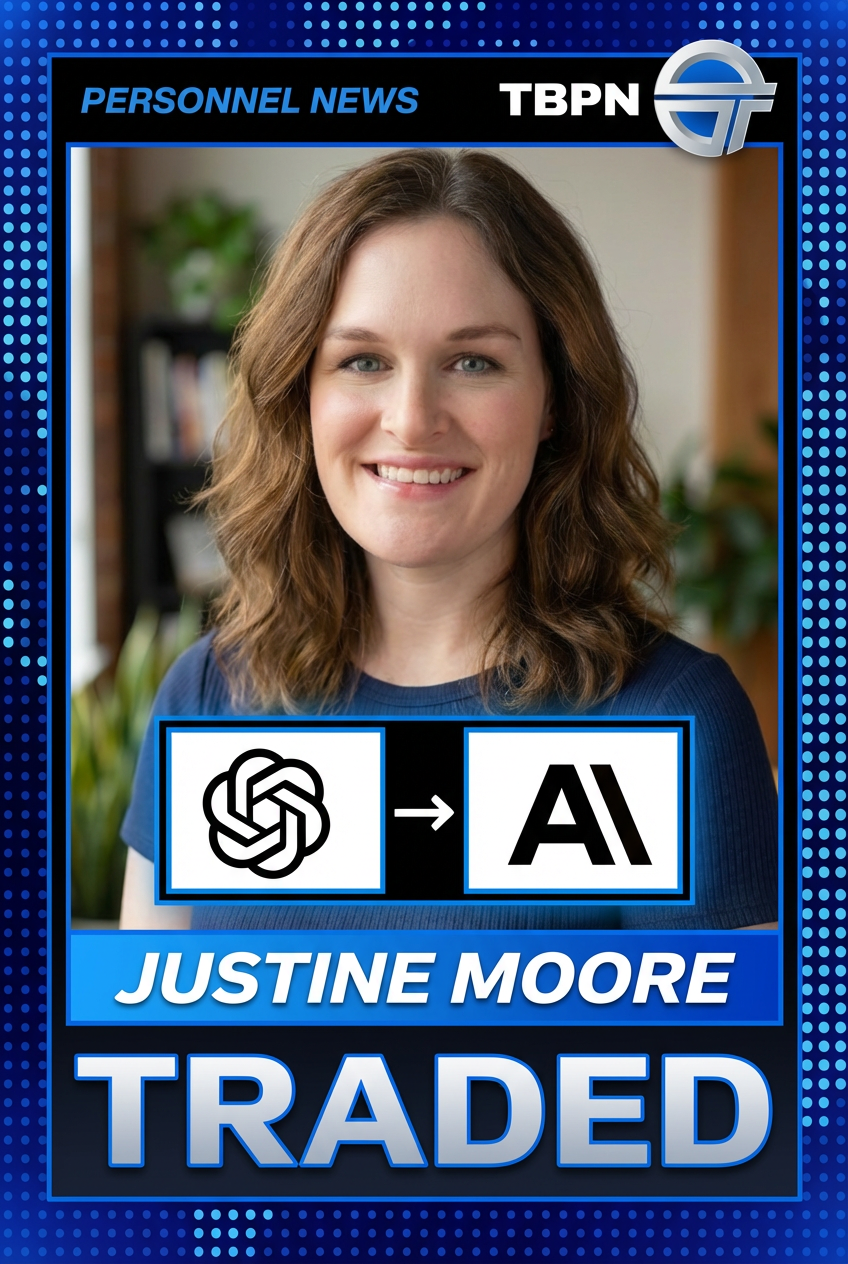
How to use TBPN Trading Card Generator
Create a TBPN-style trading card by combining a clear text prompt with your images. This quick walkthrough shows how to add event details, upload assets, and generate a polished, shareable card.
Step 1
Describe the event and key facts: who, what, when, and numbers (e.g., “Company X raised $12M Seed”). Add roles, locations, and a short tagline if needed.

Step 2
Add relevant photos and logos—founder headshot, company logo, and investor logos. Use high-resolution images for best results and consistent brand presentation.

Step 3
Generate the trading card, review the layout, and iterate on your prompt if needed. Export a share-ready image for social posts, decks, or internal updates.
Features
Generate TBPN trading cards from a simple prompt and your uploaded images. The AI composes a consistent card layout with clear hierarchy for titles, stats, and logos. Quickly iterate to refine wording and visuals, then export a crisp asset for announcements, recaps, and updates across channels.
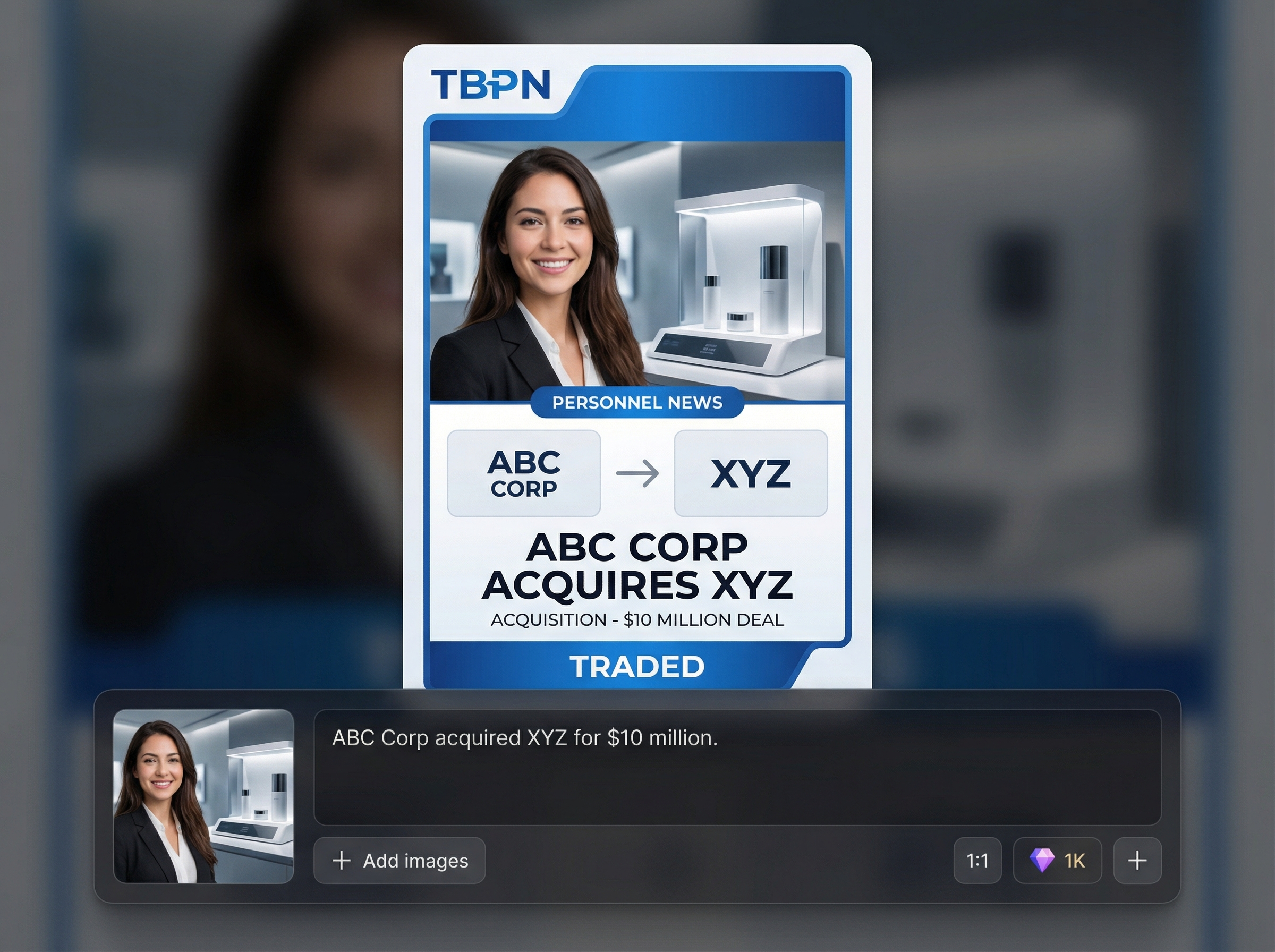
Turn event text into a structured trading card with titles, key stats, and supporting details. Perfect for fundraises, launches, hires, partnerships, and notable milestones.
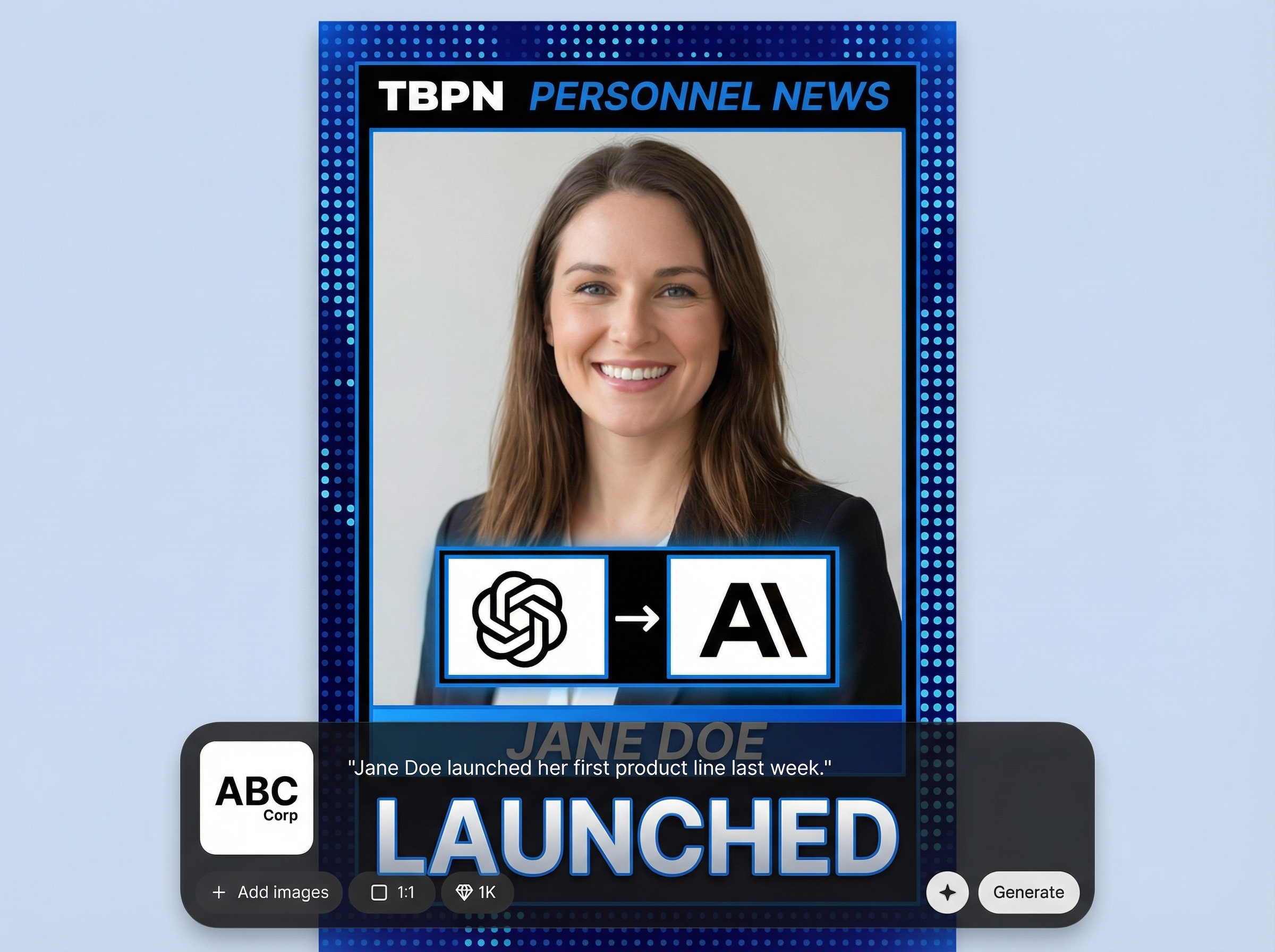
Upload a founder photo, company logo, and partner or VC logos. The generator places assets cleanly to keep branding recognizable and the card instantly readable.
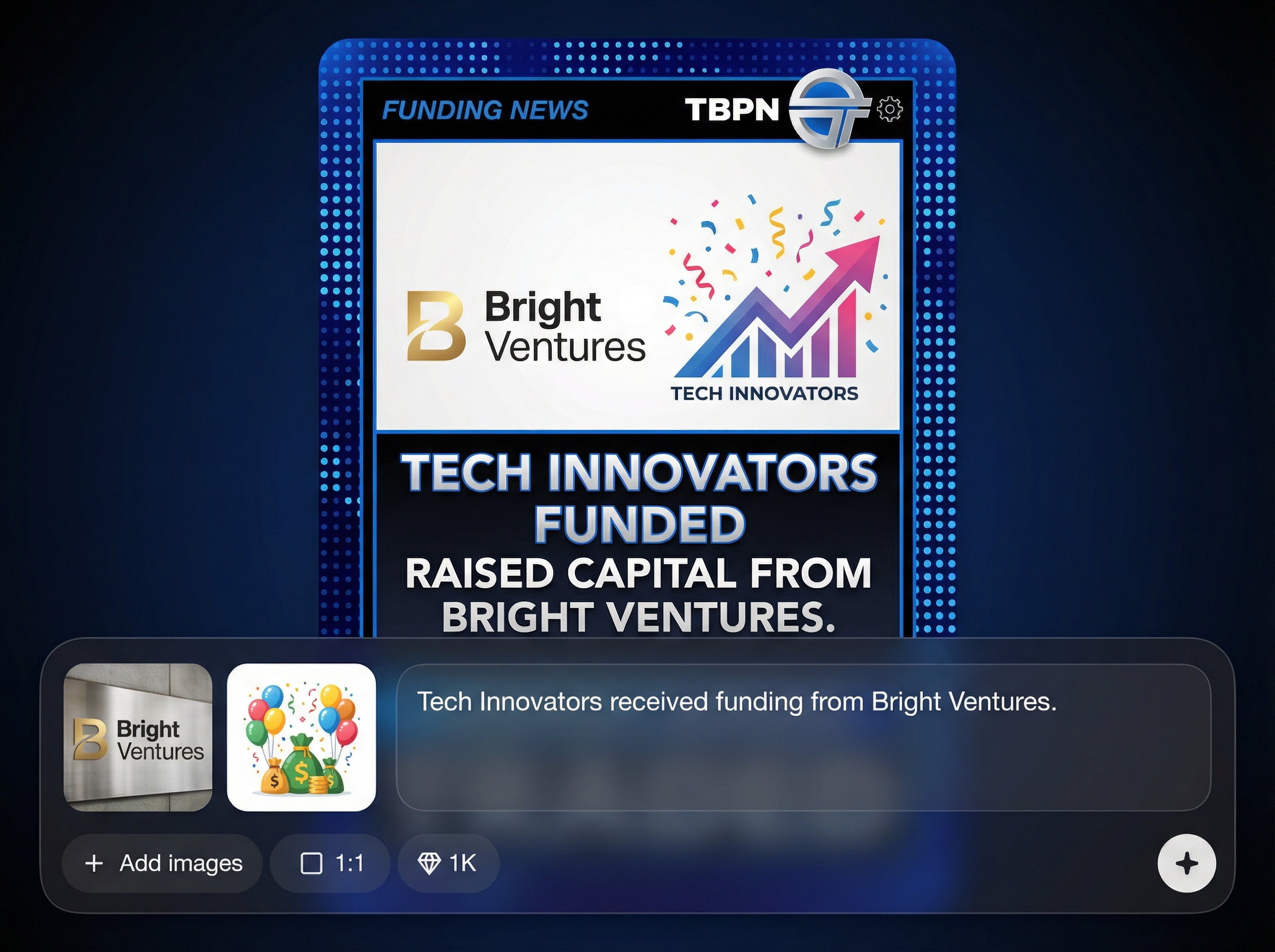
Regenerate in seconds to test alternate copy, different stats, or asset combinations. Export high-quality images that are ready for sharing on social, email, and slides.
About
TBPN Trading Card Generator turns life and company moments into TBPN-style trading cards using AI. Describe what happened in a prompt—fundraise, launch, hire, award—then upload photos and logos to generate a clean, share-ready card. Get consistent layouts, crisp typography, and on-brand visuals in minutes for announcements, internal updates, and social posts.
TBPN Trading Card Generator combines prompt-based structure with image-aware layout, so your cards look consistent and easy to scan. Upload logos and photos for recognizable branding, then iterate quickly to nail the headline, stats, and supporting details before exporting.
Enter a short description of what happened, then upload any relevant images like a founder photo and company or VC logos. Generate, review, and regenerate until the card matches the story you want to share.
Use cases
Discover how different creators use this app in their workflow.
Generate TBPN trading cards for seed, Series A, or growth rounds. Highlight amount raised, key investors, and a founder photo in a share-ready format.
Turn product launches, major hires, partnerships, and awards into consistent trading cards. Keep updates clear, visual, and easy to repost across channels.
Make trading cards for graduations, promotions, speaking gigs, or community wins. Add a short prompt and a photo to create a polished keepsake.
Krea is one of the world's leading generative AI platforms. See what others say.
Real reviews on TrustpilotSo many AI tools out there but I always come back to Krea. It's really the one AI platform that 'just works'.

FYN
Krea's interfaces are still the best in the industry. Everything looks and feels so clean and easy to use! Imo the easiest to use gen AI website.

Lynn
Ultra fast generations. Extremely simple to use. All the latest AI models.

Daniel
KREA is the only AI subscription I have right now besides ChatGPT.

Sophia M.
Answers to common questions about generating TBPN trading cards with AI.
It’s an AI tool that generates TBPN-style trading cards from your text prompt and uploaded images. Add event details plus logos or photos, then export a clean, shareable card.
Include the event type, names, roles, and key numbers (amount raised, date, location). A short tagline helps. Clear, specific prompts produce better hierarchy and more accurate card text.
Upload a founder or team photo, your company logo, and any partner or VC logos. Use high-resolution, well-cropped assets so the generator can place them crisply in the layout.
Yes—update the prompt, swap images, and regenerate to explore variations. Iteration is ideal for refining copy, adjusting stats, or testing different logo sets before exporting.
Use them for fundraising news, product launches, hiring updates, and milestone recaps. Exported cards work well for social posts, newsletters, internal updates, and pitch decks.
Add your event prompt, upload photos and logos, and generate a share-ready TBPN-style card in minutes.

