














Step 1
Upload
Add a pet photo with good lighting and a clear subject. The tool detects the pet and prepares the image for clean, studio-ready edits.
Create studio-style pet photos instantly with Groomers Photoshoot Final. Upload a photo, pick a look, and generate polished shots for ads and socials.
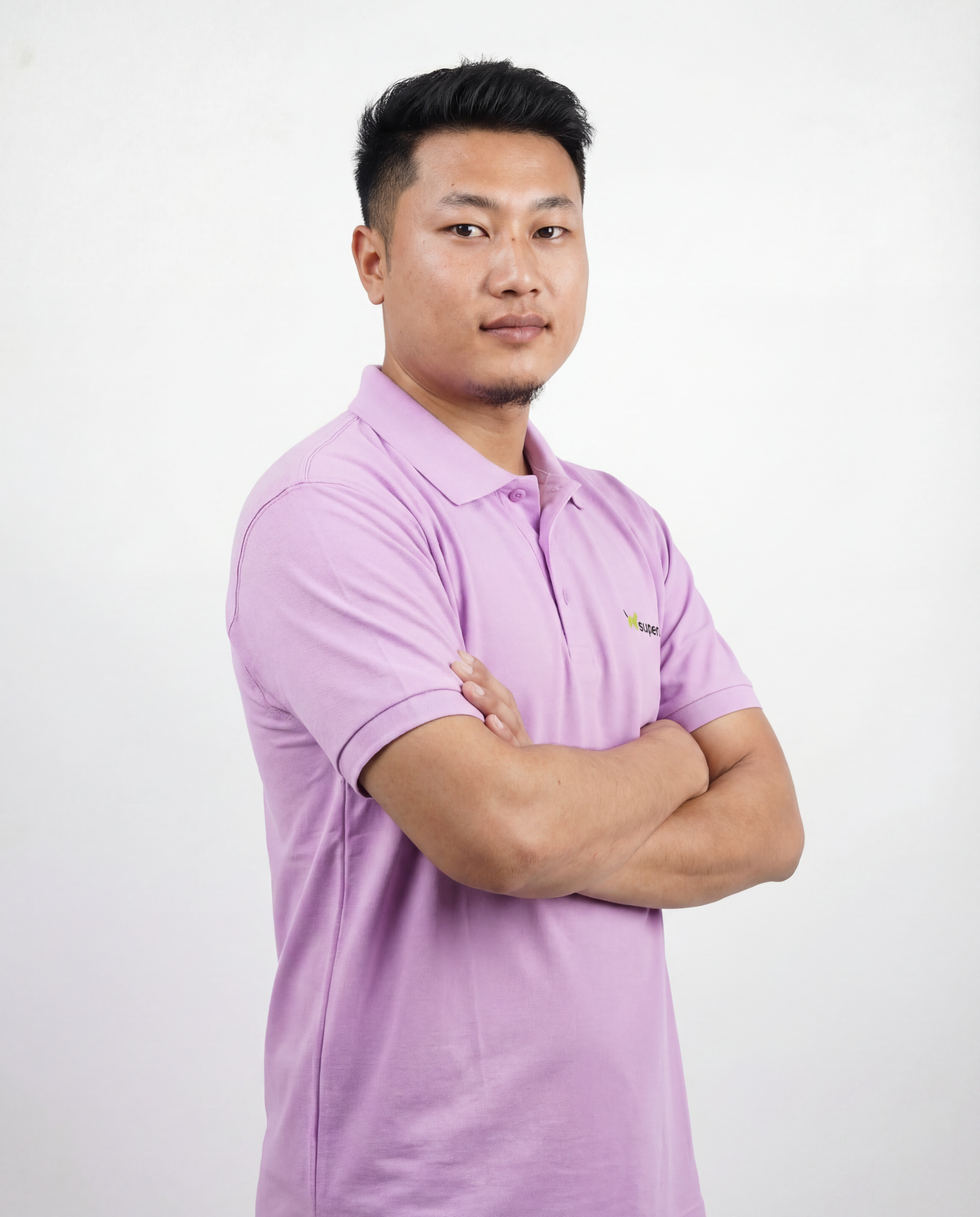
How to use Groomers Photoshoot Final
Create polished pet photos with a simple workflow. Upload a clear image, select a photoshoot style, and generate multiple AI-enhanced outputs you can download and share right away.
Step 1
Add a pet photo with good lighting and a clear subject. The tool detects the pet and prepares the image for clean, studio-ready edits.

Step 2
Choose backgrounds, lighting, and a photoshoot vibe that matches your brand. Set preferences for realism, color tone, and framing consistency.

Step 3
Click generate to create multiple variations fast. Review options, pick the best result, then download for websites, ads, and social media posts.
Features
Groomers Photoshoot Final uses AI image generation and enhancement to create professional pet photos from a single upload. Produce consistent lighting, clean backgrounds, and polished detail for marketing and portfolios. Export ready-to-post images for social media, websites, and print with minimal manual editing.
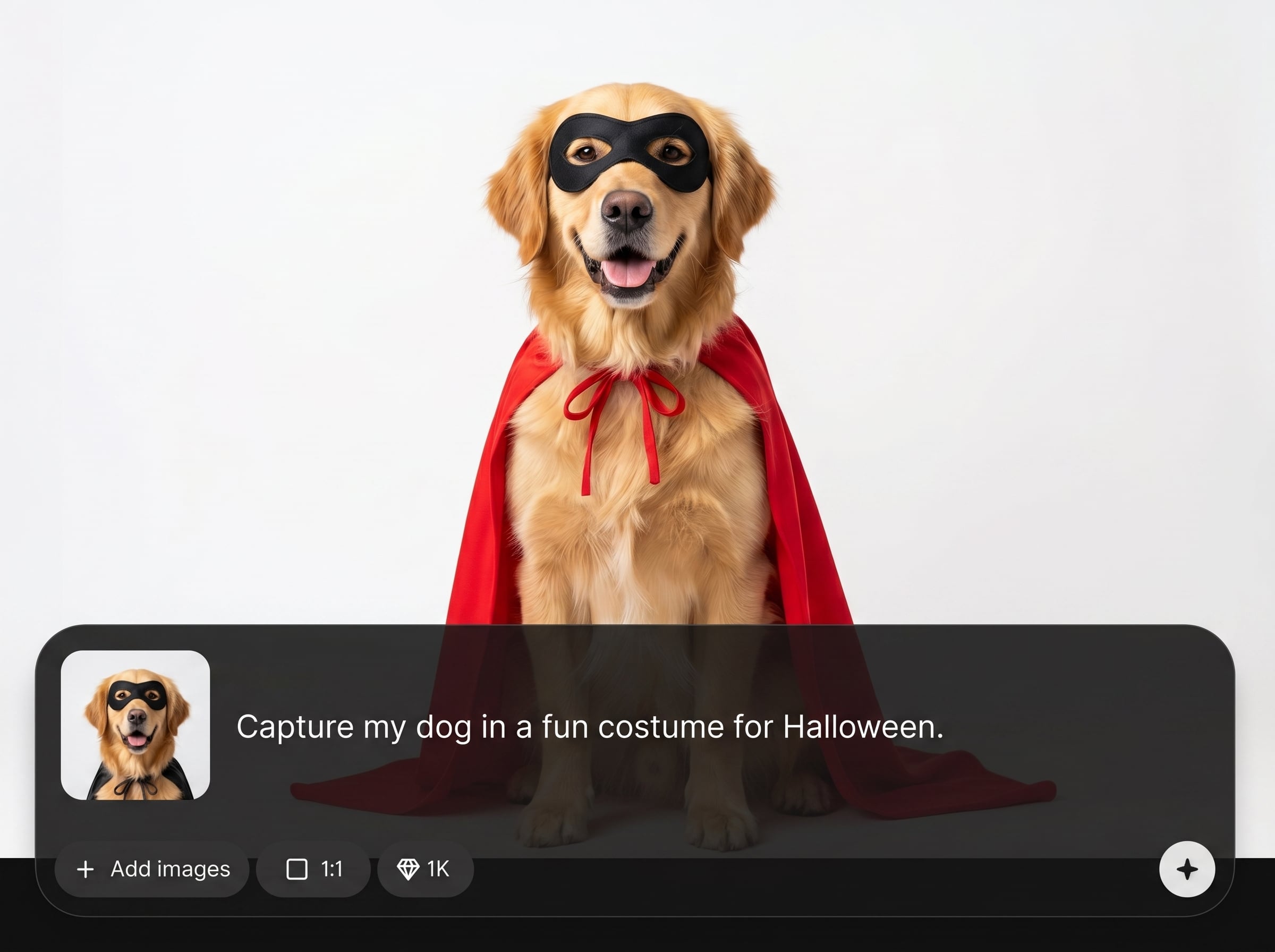
Automatically improves lighting, clarity, and color balance for a polished, professional look. Keep the pet as the focus while refining details for crisp, high-quality outputs.
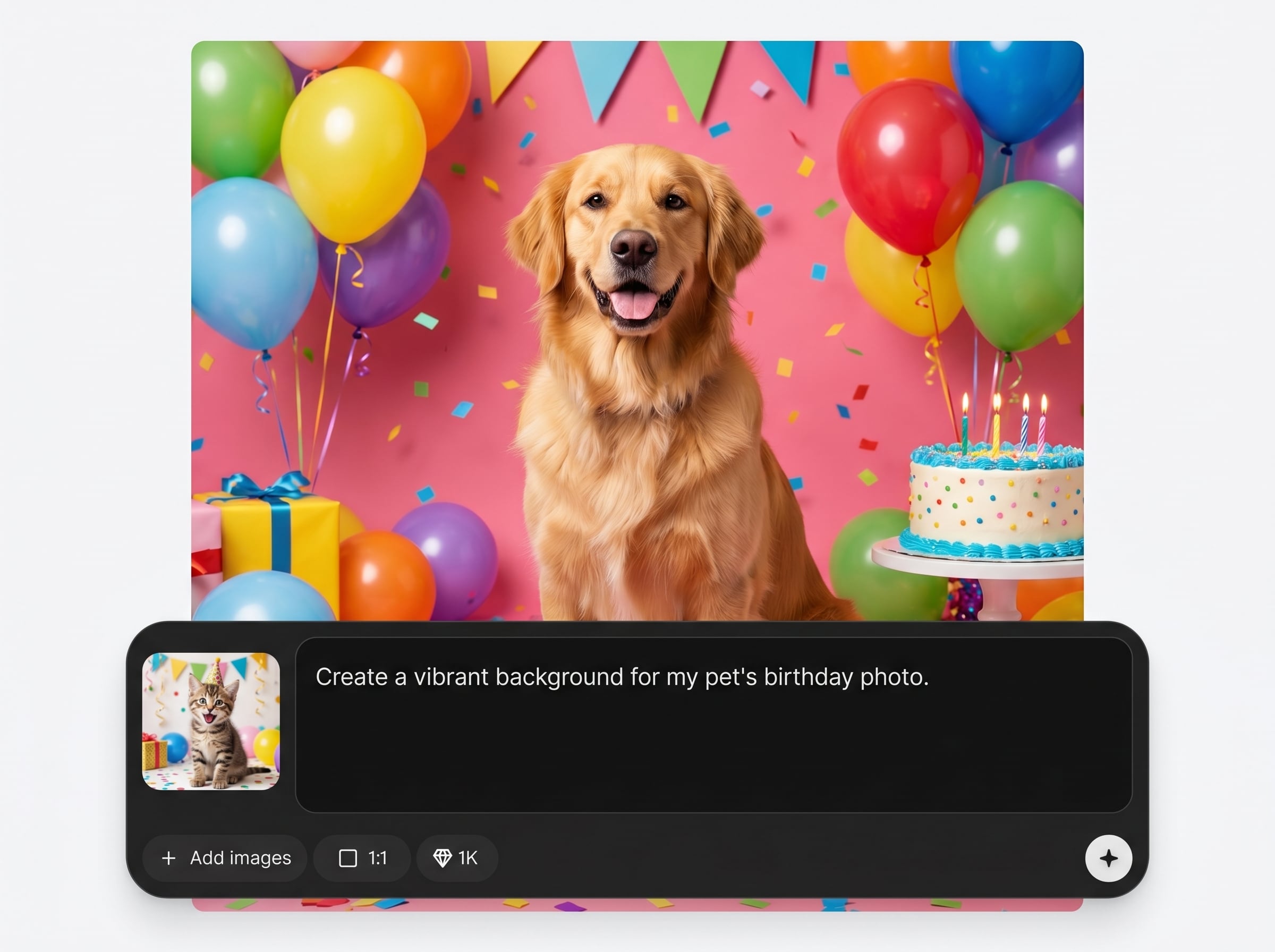
Swap in clean backdrops and photoshoot scenes without manual masking. Create consistent branding across images, perfect for promos, portfolios, and service listings.
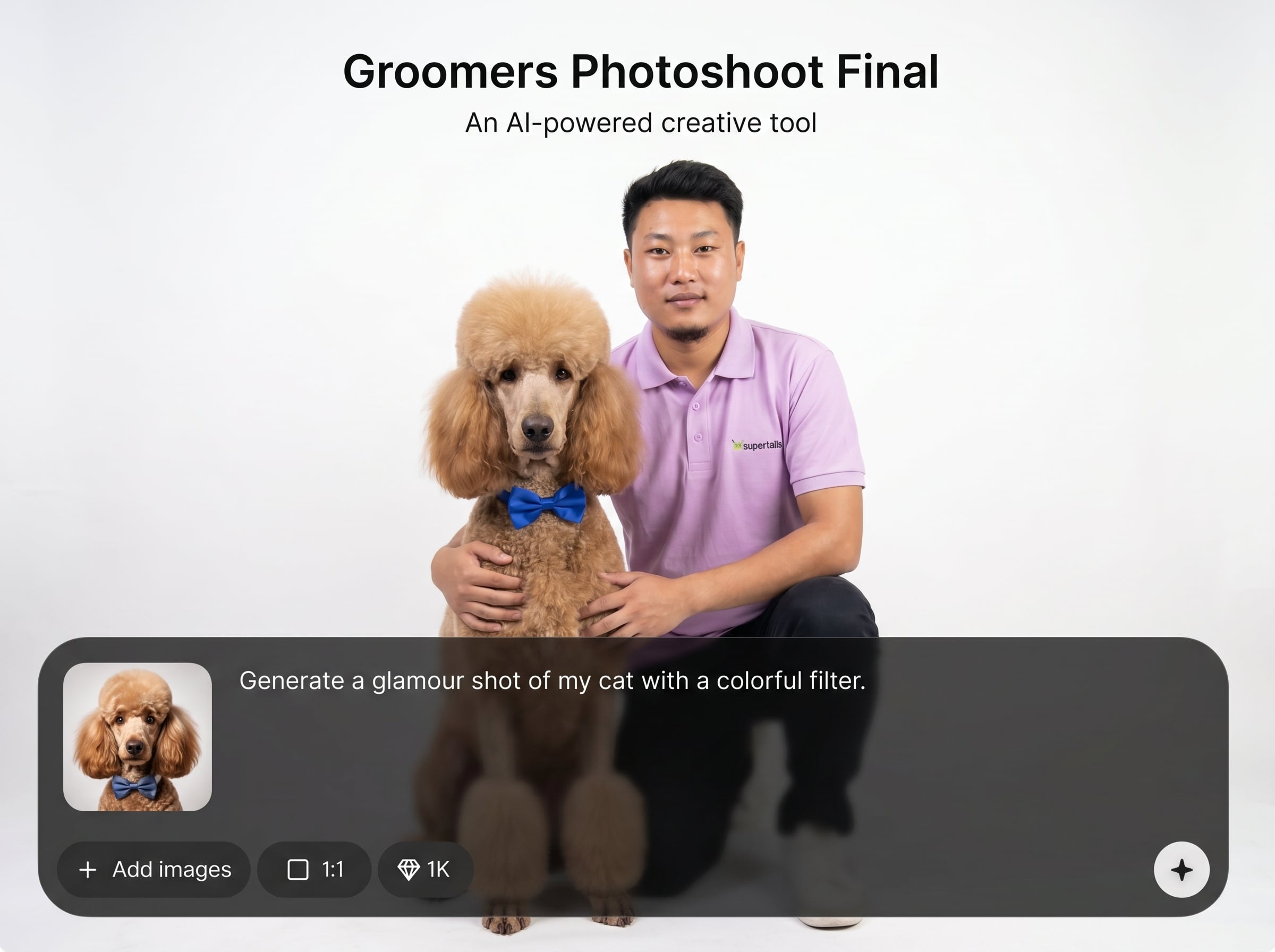
Generate multiple looks quickly to find the best shot. Reuse settings to maintain a consistent style across pets, sessions, and seasonal campaigns.
About
Groomers Photoshoot Final turns everyday pet photos into clean, studio-style images in minutes. Upload a picture, choose a backdrop and style, and let AI enhance lighting, detail, and composition. Generate consistent, professional results for grooming portfolios, promotions, and social posts—without complex editing or extra equipment.
Get professional-looking pet photos without a studio setup or time-consuming edits. Groomers Photoshoot Final combines AI enhancement, background control, and fast variations to deliver consistent, brand-ready results. Create polished visuals for marketing, portfolios, and listings with a streamlined workflow.
Open Groomers Photoshoot Final, upload a clear pet photo, and choose a photoshoot style. Generate multiple variations, pick your favorite, and download high-quality images ready for web and social.
Use cases
Discover how different creators use this app in their workflow.
Turn client photos into clean, consistent portfolio images. Showcase grooms with improved lighting and professional backgrounds that highlight details.
Create scroll-stopping pet visuals for discounts, packages, and seasonal offers. Generate multiple ad-ready variations for different platforms and formats.
Produce branded photoshoot posts quickly for reels, stories, and feeds. Keep a consistent look while rotating styles, colors, and themes.
Krea is one of the world's leading generative AI platforms. See what others say.
Real reviews on TrustpilotSo many AI tools out there but I always come back to Krea. It's really the one AI platform that 'just works'.

FYN
Krea's interfaces are still the best in the industry. Everything looks and feels so clean and easy to use! Imo the easiest to use gen AI website.

Lynn
Ultra fast generations. Extremely simple to use. All the latest AI models.

Daniel
KREA is the only AI subscription I have right now besides ChatGPT.

Sophia M.
Answers to common questions about AI pet photoshoots, quality, and downloads.
It generates studio-style pet photos from a single image using AI enhancement and scene styling. Upload a pet photo, choose a look, and export polished results for marketing and portfolios.
Use clear, well-lit images where the pet is fully visible and not heavily blurred. Simple backgrounds help, but the tool can still improve shots and apply clean scene options.
Yes. Save or repeat the same style settings—background, lighting, and tone—to keep a consistent look across sessions, helping your portfolio and ads feel unified and professional.
No. The workflow is designed to be simple: upload, select a style, and generate. The AI handles enhancement, background cleanup, and variation creation automatically.
Use them for websites, service pages, social media, promotions, and printed materials. Download ready-to-post images that make grooming results look clean, bright, and professional.
Upload a pet photo and generate studio-style images in minutes for ads, portfolios, and social posts.

