














Step 1
Upload
Import MRI studies in DICOM or NIfTI and organize them by project. The pipeline auto-checks basic metadata and prepares inputs for processing.
Automate MRI image processing with Aeon MRI Image Pipeline V3. Run an AI pipeline, apply brand-agent rules, and export consistent outputs fast.

How to use Aeon MRI Image Pipeline V3
This quick walkthrough shows how to upload MRI data, configure the pipeline with brand-agent rules, and export consistent results. Follow the steps to standardize preprocessing and accelerate analysis.
Step 1
Import MRI studies in DICOM or NIfTI and organize them by project. The pipeline auto-checks basic metadata and prepares inputs for processing.

Step 2
Select preprocessing and analysis stages, then apply brand-agent rules for naming, formatting, and output standards. Save presets to keep runs consistent across datasets.

Step 3
Execute the AI pipeline, review generated outputs, and export files and summaries. Download standardized assets for QA, reporting, and integration with downstream workflows.
Features
Aeon MRI Image Pipeline V3 runs MRI preprocessing and analysis in a repeatable, configurable flow. The brand agent enforces output conventions—file naming, formatting, and deliverable structure—so results stay consistent across runs. Use presets to standardize workflows, reduce manual errors, and produce clean exports for clinical, research, or QA pipelines.
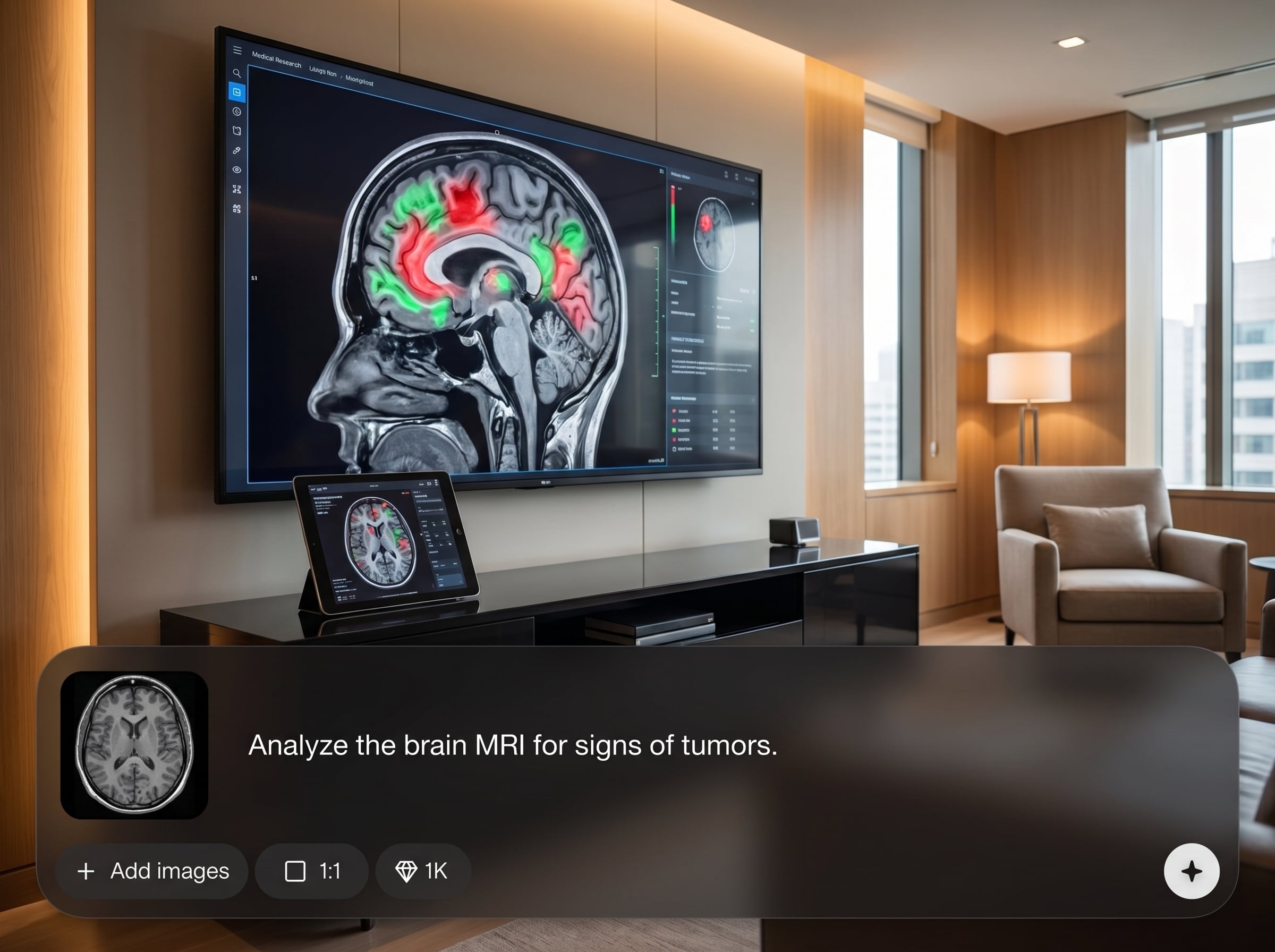
Run a complete MRI image pipeline from ingest to export. Automate preprocessing and analysis steps to reduce manual handling and keep workflows reliable across large datasets.
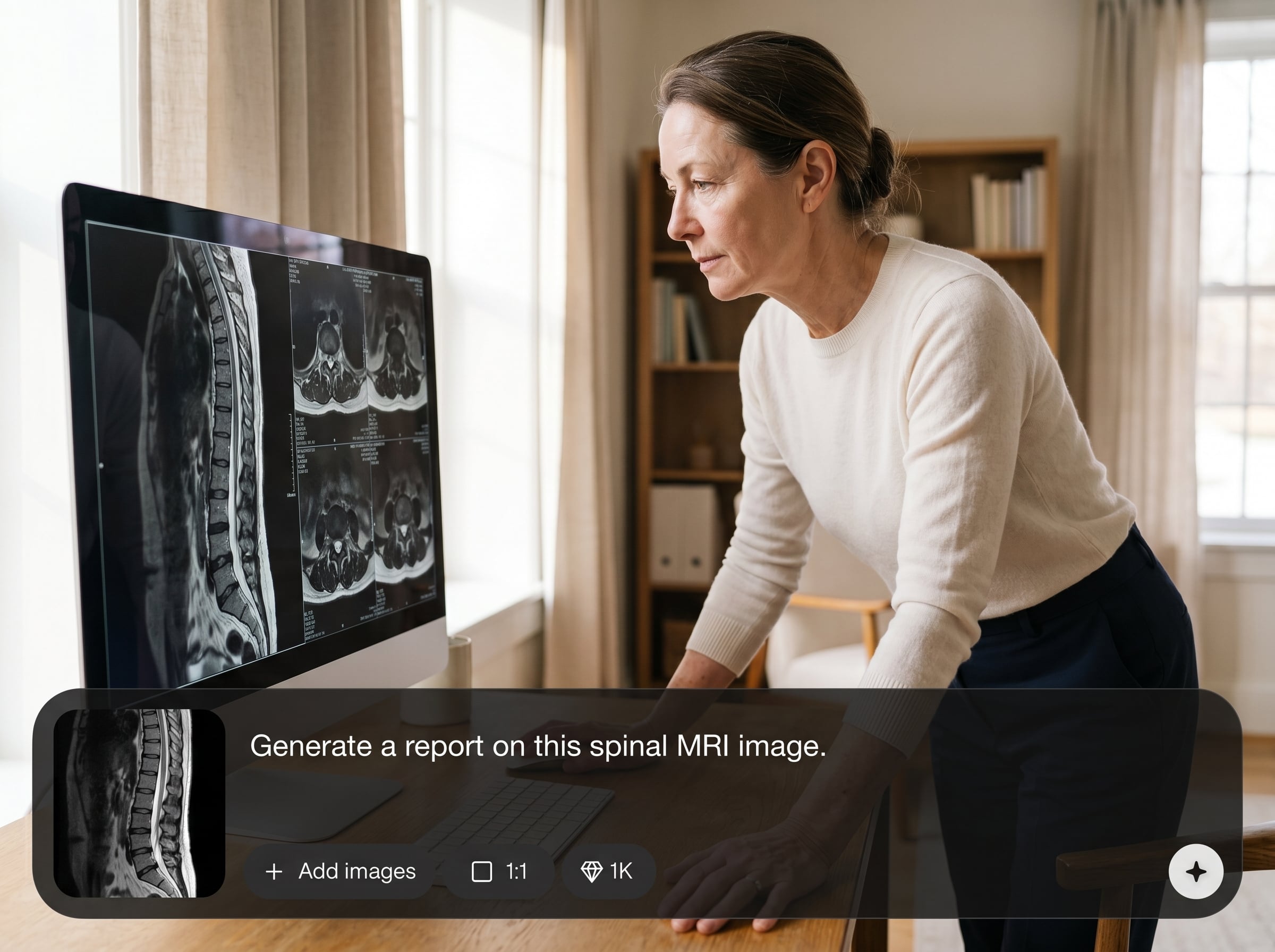
Apply brand-agent rules to enforce consistent naming, formatting, and packaging of outputs. Deliver standardized files and summaries that are easier to review, share, and integrate.

Save pipeline presets to rerun identical configurations in seconds. Maintain reproducibility across projects, support QA checks, and quickly compare results across cohorts or scans.
About
Aeon MRI Image Pipeline V3 streamlines MRI image processing with an end-to-end AI pipeline and a built-in brand agent for consistent outputs. Ingest DICOM or NIfTI, run preprocessing and analysis, then export standardized results for reporting, QA, and downstream tools. Reduce manual steps while keeping processing settings repeatable across projects and teams.
Aeon MRI Image Pipeline V3 combines AI-driven MRI processing with brand-agent enforcement to keep outputs consistent and audit-friendly. Presets reduce setup time, while standardized exports simplify QA, reporting, and integration. Build repeatable workflows that scale from single studies to large cohorts.
Create a project, upload DICOM or NIfTI scans, and choose a preset or configure the pipeline. Run processing, review outputs, then export standardized files and summaries in your preferred structure.
Use cases
Discover how different creators use this app in their workflow.
Standardize MRI preprocessing and outputs across studies with brand-agent rules. Reduce variation between runs and produce consistent deliverables for review and reporting.
Batch-process MRI datasets with repeatable presets and automated exports. Keep experiments reproducible while accelerating preprocessing and analysis for multi-subject studies.
Run the same MRI pipeline configuration across new data to validate consistency. Export standardized artifacts and summaries to support QA checks and audit-friendly workflows.
Krea is one of the world's leading generative AI platforms. See what others say.
Real reviews on TrustpilotSo many AI tools out there but I always come back to Krea. It's really the one AI platform that 'just works'.

FYN
Krea's interfaces are still the best in the industry. Everything looks and feels so clean and easy to use! Imo the easiest to use gen AI website.

Lynn
Ultra fast generations. Extremely simple to use. All the latest AI models.

Daniel
KREA is the only AI subscription I have right now besides ChatGPT.

Sophia M.
Answers to common questions about MRI image pipelines, AI automation, and standardized exports.
It automates MRI image processing with a configurable AI pipeline, from ingest to export. The brand agent applies output standards so file names, formatting, and deliverables remain consistent across runs.
Aeon MRI Image Pipeline V3 supports common medical imaging formats such as DICOM and NIfTI for pipeline inputs. Exported outputs follow your preset and brand-agent rules for standardized delivery.
The brand agent enforces rules for naming conventions, folder structure, and output formatting. This reduces manual cleanup and makes results easier to compare, review, and integrate into downstream systems.
Yes. Save presets for preprocessing and analysis configurations, then reuse them across datasets. This improves reproducibility, speeds up batch processing, and helps ensure consistent outputs over time.
It’s designed for repeatable, scalable runs. Upload multiple studies, apply a preset, and export standardized results with minimal manual intervention, helping teams process large MRI cohorts efficiently.
Upload scans, apply brand-agent standards, and export reproducible results in minutes.

