














Step 1
Upload
Import a depth map image or sequence. The tool reads depth values and prepares a point distribution that matches your frame size and depth range.
Convert depth maps into clean point cloud overlays with AI. Export for compositing, VFX, and 3D workflows. Fast previews and easy settings—try it now.
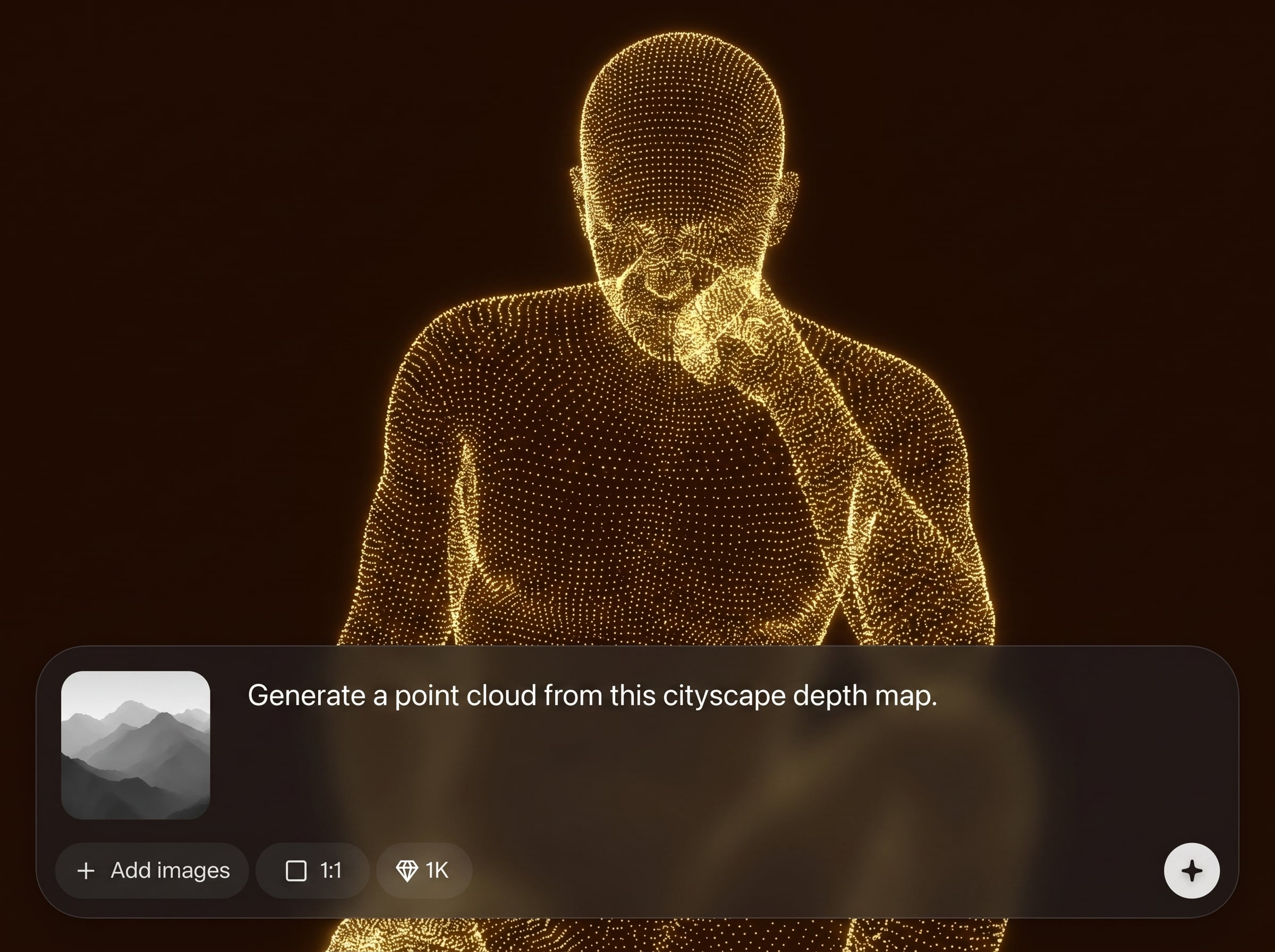
How to use Point cloud generator
This quick tutorial shows how to convert a depth map into a point cloud overlay for later compositing. Upload your depth, adjust point settings, preview the result, then export for your 3D or VFX workflow.
Step 1
Import a depth map image or sequence. The tool reads depth values and prepares a point distribution that matches your frame size and depth range.

Step 2
Tune point density, size, and depth scaling to match your scene. Adjust thresholds to reduce noise and keep only the depth regions you need.

Step 3
Preview the overlay, then export the point cloud output for compositing later. Save with consistent settings so multiple shots or frames align reliably.
Features
Convert depth maps to point cloud overlays with controls designed for compositing and 3D pipelines. Generate consistent point distributions, reduce depth noise, and adjust scale for believable spatial results. Fast previews help you iterate quickly, while export-ready outputs make it easy to combine the overlay later in your workflow.
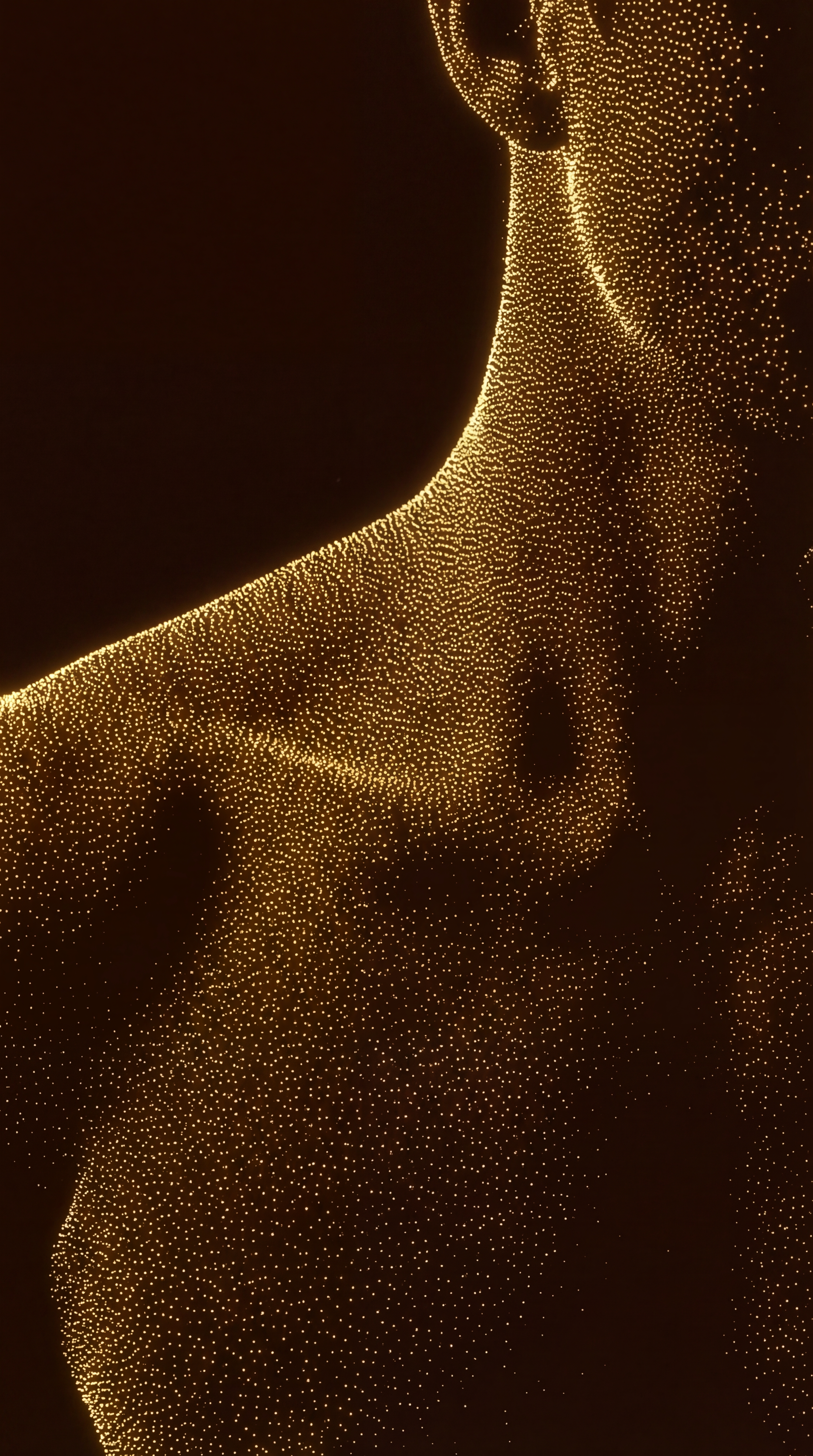
Transform grayscale or encoded depth maps into a structured point cloud overlay. Maintain spatial relationships while controlling density and point size for clear, readable depth visualization.

Refine results with thresholds and filters that remove speckling and unwanted depth regions. Keep foreground detail, reduce background clutter, and produce cleaner point cloud layers.

Preview point cloud changes in seconds and iterate settings without redoing your pipeline. Dial in scale and density quickly, then export consistent overlays for later compositing.
About
Point cloud generator turns any depth map into a precise point cloud overlay you can combine later in compositing or 3D scenes. Use AI-assisted processing to control density, scale, and alignment for clean depth visualization. Export a consistent overlay for VFX, motion graphics, and 3D pipelines with fast iteration and predictable results.
Point cloud generator focuses on practical depth-to-point results for production workflows. Get controllable density, noise reduction, and fast previews to iterate quickly. Export consistent overlays that align across frames, making it easy to combine depth-driven point clouds later in VFX and 3D pipelines.
Upload your depth map, adjust density, point size, and depth scaling, then preview instantly. When it looks right, export the point cloud overlay and reuse the same settings across shots for consistent alignment.
Use cases
Discover how different creators use this app in their workflow.
Generate a point cloud overlay from depth to guide atmospheric effects, holdouts, or depth-based grades, then combine it later with your final composite.
Use point clouds to validate depth scale and perspective, helping you align CG elements to plate depth before moving into heavier 3D reconstruction steps.
Turn depth maps into stylized point fields for titles and transitions. Control density and size to match art direction and keep results consistent across shots.
Krea is one of the world's leading generative AI platforms. See what others say.
Real reviews on TrustpilotSo many AI tools out there but I always come back to Krea. It's really the one AI platform that 'just works'.

FYN
Krea's interfaces are still the best in the industry. Everything looks and feels so clean and easy to use! Imo the easiest to use gen AI website.

Lynn
Ultra fast generations. Extremely simple to use. All the latest AI models.

Daniel
KREA is the only AI subscription I have right now besides ChatGPT.

Sophia M.
Answers to common questions about depth maps and AI point cloud overlays.
Most standard image depth maps work, including PNG and EXR-style depth exports, depending on your pipeline. Use clean, normalized depth for best results and consistent point distribution.
It generates a point cloud overlay from an existing depth map, not a full multi-view reconstruction. It’s ideal for visualization and compositing layers you plan to combine later.
Increase depth thresholds, lower density in noisy areas, and filter out extreme depth values. Starting with a denoised depth map also improves stability and produces cleaner point clusters.
Yes. Adjust depth scaling and point density to match your camera and scene units. Keep settings consistent across shots to maintain alignment when you export and composite later.
No. The tool uses AI-assisted processing to interpret depth values and generate an overlay. Your original depth map remains unchanged, and you control how points are sampled and displayed.
Upload a depth map, fine-tune density and scale, then export a clean point cloud layer for compositing later.

