















Step 1
Upload
Import your depth map image or sequence. Confirm the depth range looks correct so near and far areas convert into a usable 3D point distribution.
Convert depth maps into clean 3D point cloud overlays with AI. Export compatible layers for compositing, VFX, and 3D workflows. Try it now.
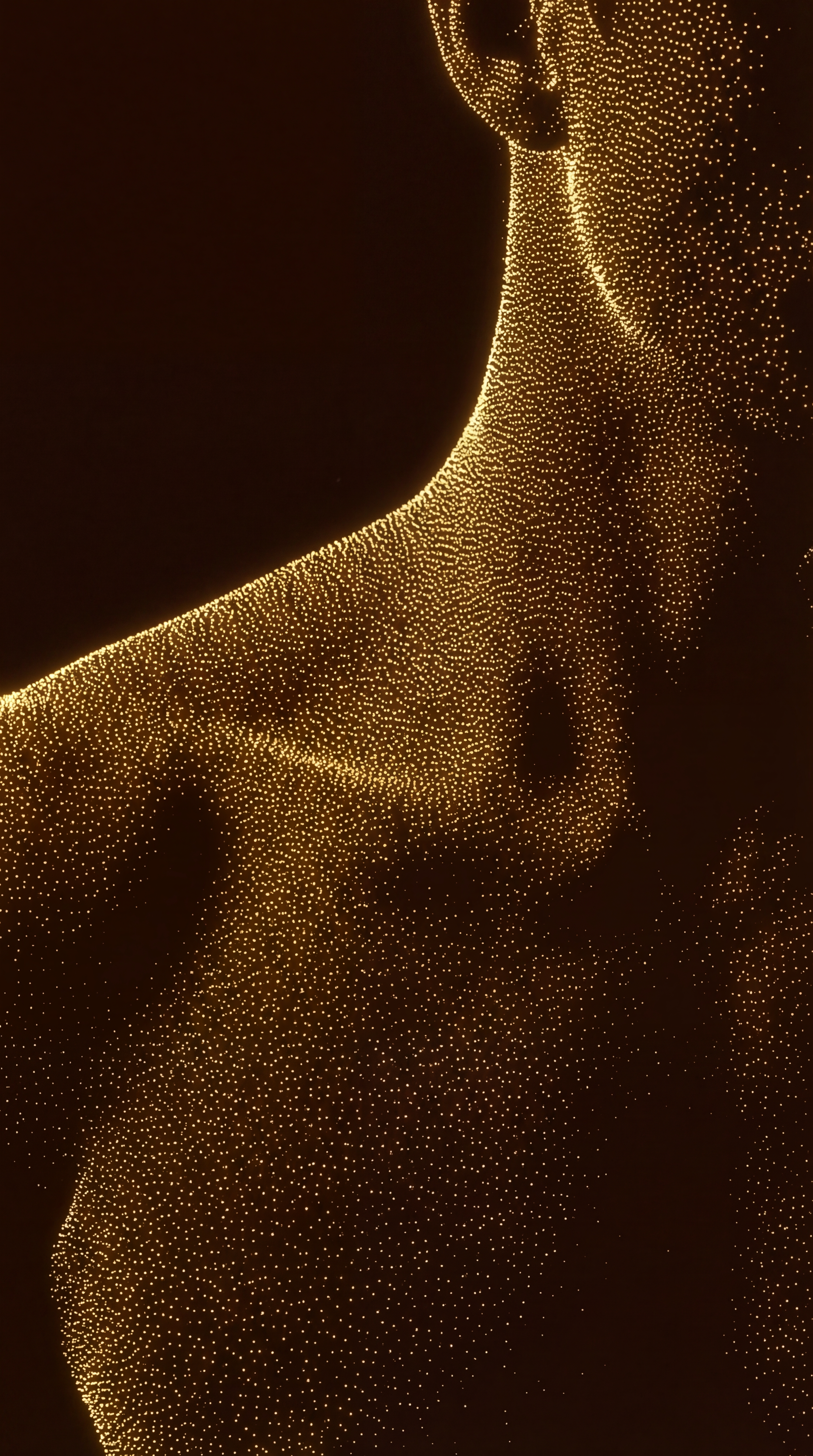
How to use Point cloud generator
Upload a depth map, choose point cloud settings, and generate an overlay ready for compositing. This quick workflow helps you visualize depth in 3D and export a layer you can combine later.
Step 1
Import your depth map image or sequence. Confirm the depth range looks correct so near and far areas convert into a usable 3D point distribution.

Step 2
Set point density, size, and sampling to balance detail and performance. Adjust alignment or scale so the point cloud overlay matches your target comp or scene.

Step 3
Generate the point cloud overlay and preview it over your source. Export the result as a compatible layer for later compositing, VFX, or 3D integration.
Features
Convert depth maps into a clean, structured point cloud overlay for downstream compositing and 3D workflows. The tool emphasizes controllable density and stable spatial mapping, so your output stays readable and easy to merge later. Generate quick previews, iterate fast, and export layers that fit into common VFX and 3D pipelines.
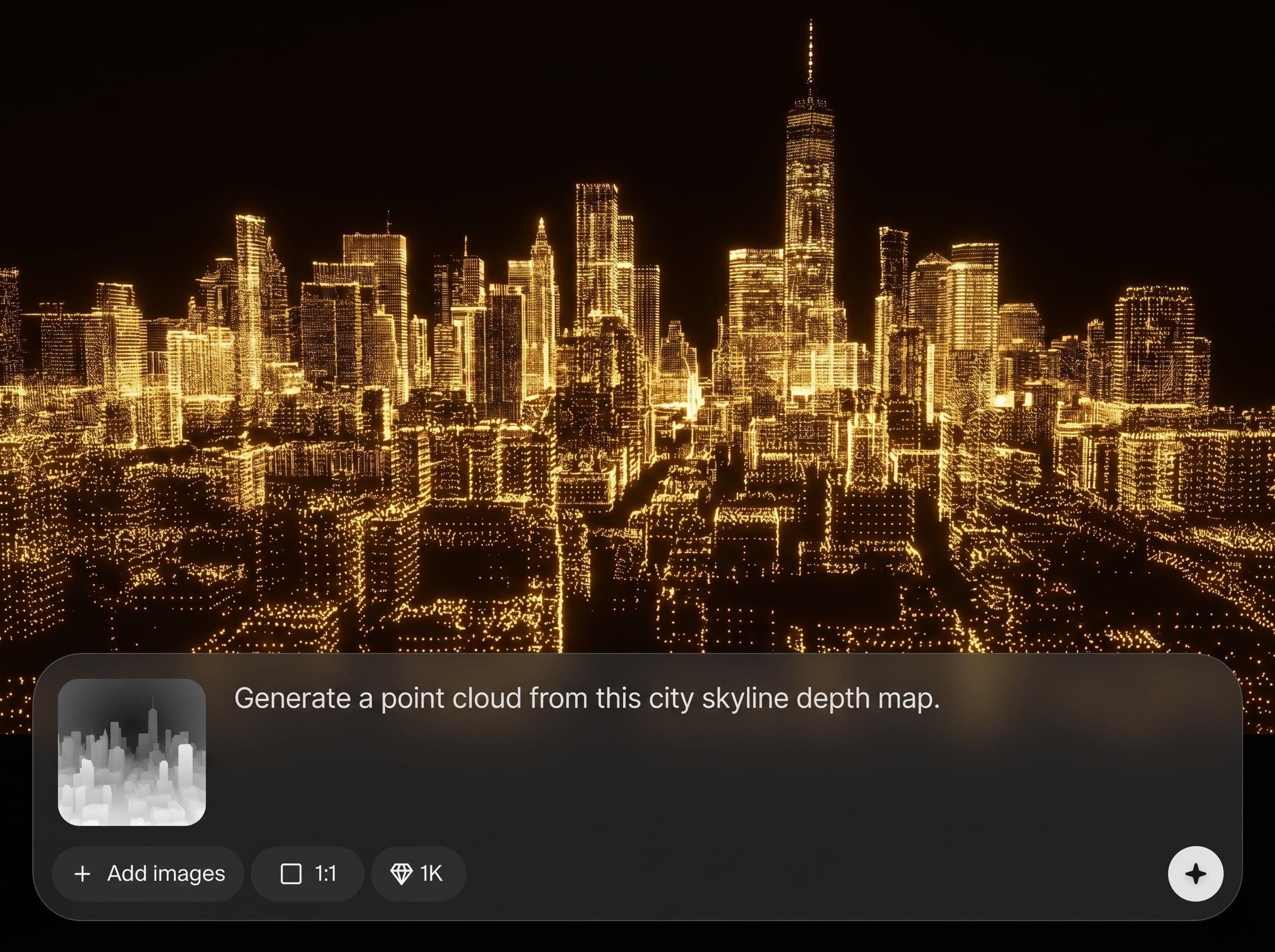
Transform a depth map into a 3D point cloud overlay with consistent spacing and depth fidelity. Get a clear visualization layer you can combine later without rebuilding geometry.
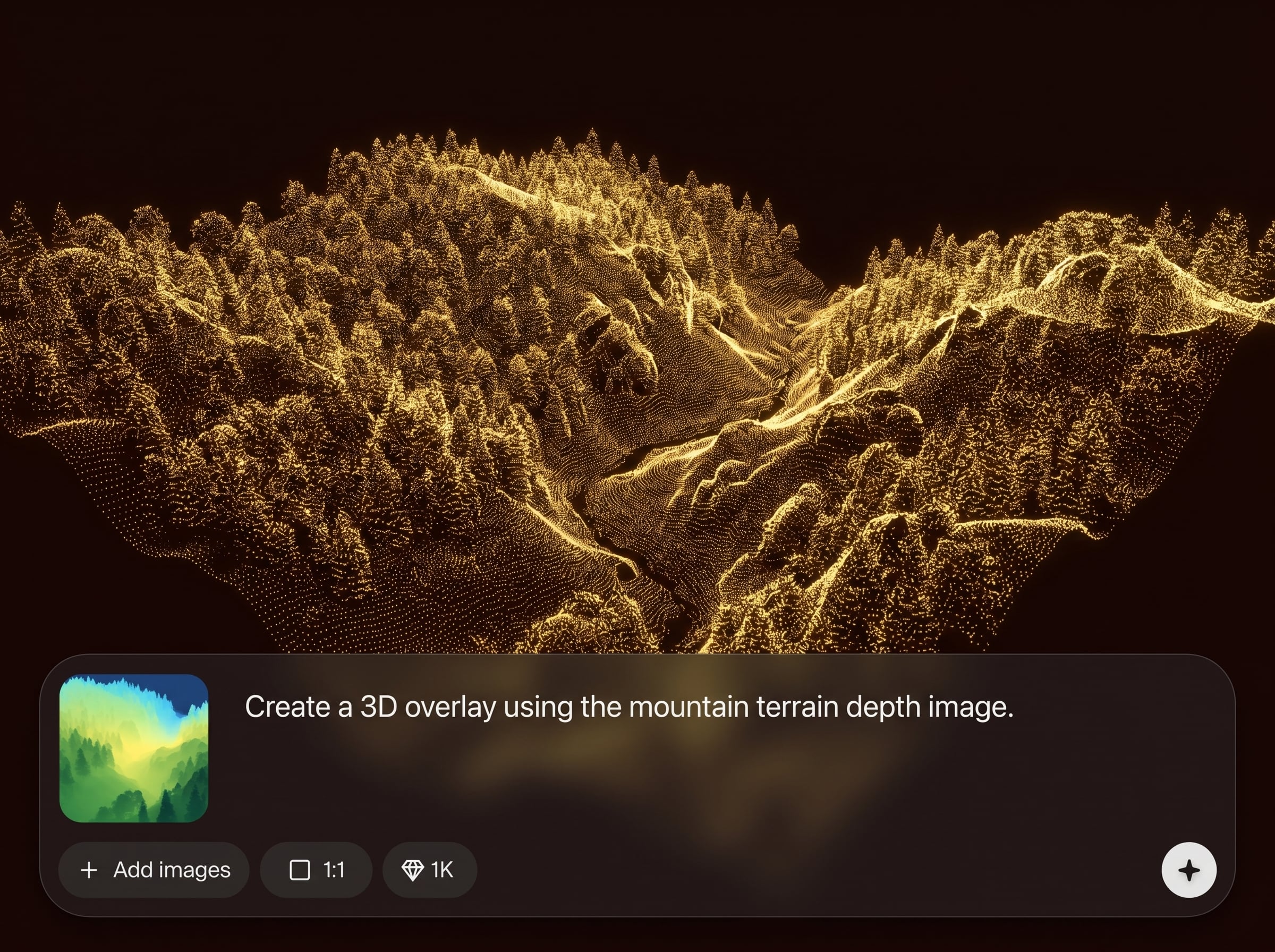
Tune point density, point size, and sampling to match your shot needs. Keep files lightweight for quick previews, or increase detail for more accurate compositing and blocking.
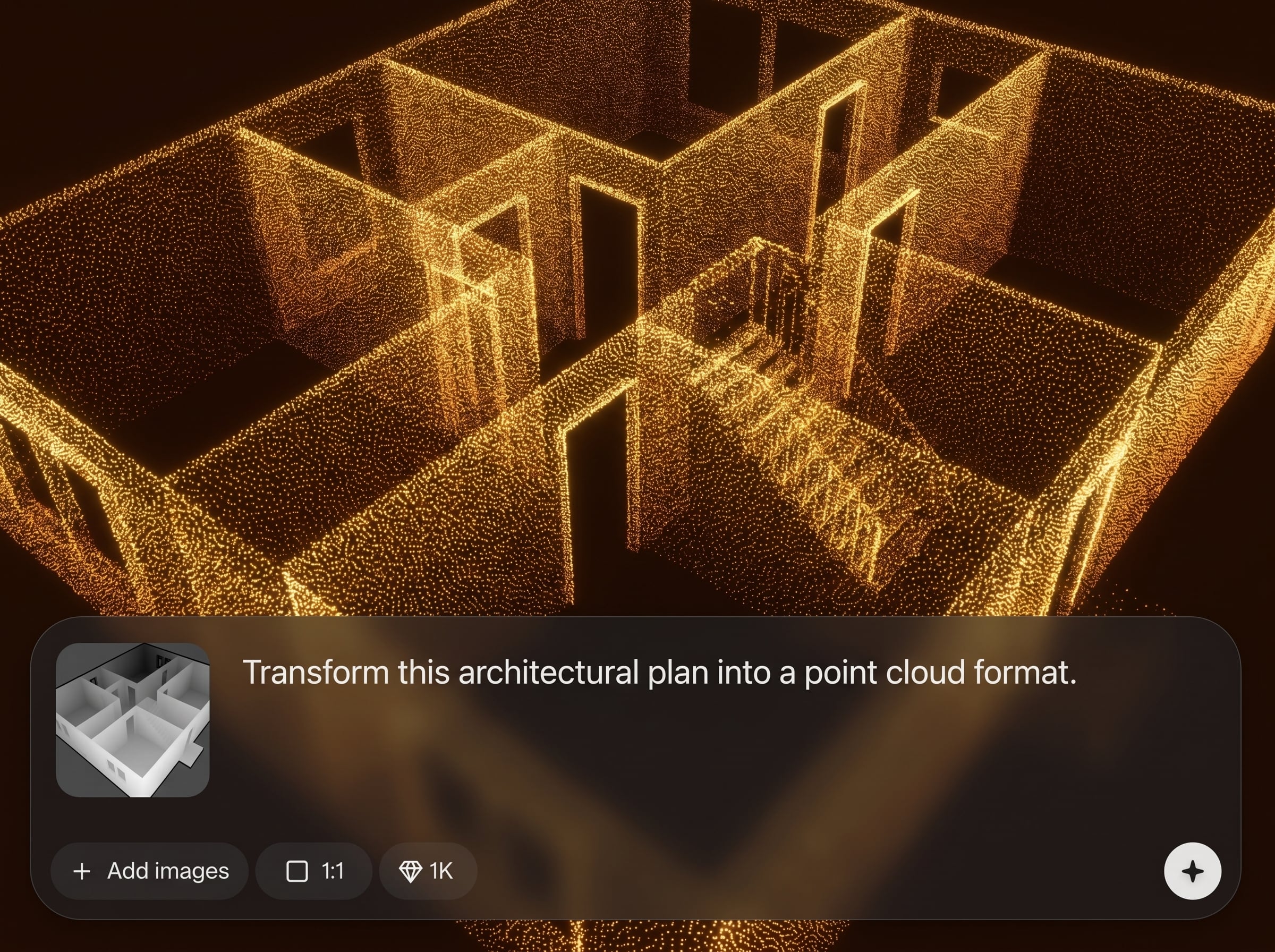
Generate overlays quickly for rapid iteration. Preview alignment against the source depth map, then export a clean layer that’s easy to stack, blend, and integrate later.
About
Point cloud generator turns depth maps into precise 3D point cloud overlays you can combine later in your pipeline. Use AI to convert depth data into a lightweight, readable layer for compositing, VFX, and 3D scene blocking. Control density and alignment so your point cloud matches the source depth map for fast iteration and cleaner merges.
Get a fast, controllable depth-to-point workflow built for practical compositing. Generate readable point cloud overlays, fine-tune density for performance, and export clean layers that integrate smoothly into VFX and 3D pipelines for later combination.
Upload a depth map, set point density and size, then generate a preview. Export the point cloud overlay as a separate layer and combine it later in your compositing or 3D workflow.
Use cases
Discover how different creators use this app in their workflow.
Create point cloud overlays to guide depth-aware compositing, masking, and integration. Keep a lightweight 3D reference layer you can combine later in the shot.
Turn depth maps into quick point-based layouts for rough 3D placement. Use the overlay to check scale, spacing, and camera-relative depth before heavier builds.
Generate point clouds from depth data for fast spatial previews. Validate depth structure and overlay placement before exporting assets into interactive 3D workflows.
Krea is one of the world's leading generative AI platforms. See what others say.
Real reviews on TrustpilotSo many AI tools out there but I always come back to Krea. It's really the one AI platform that 'just works'.

FYN
Krea's interfaces are still the best in the industry. Everything looks and feels so clean and easy to use! Imo the easiest to use gen AI website.

Lynn
Ultra fast generations. Extremely simple to use. All the latest AI models.

Daniel
KREA is the only AI subscription I have right now besides ChatGPT.

Sophia M.
Answers to common questions about depth map to point cloud conversion and exporting overlays.
It converts per-pixel depth values into 3D points, creating a point cloud overlay. This makes depth data easier to visualize, align, and composite as a lightweight layer later.
Clean, high-contrast depth maps with consistent near/far values work best. If your depth map is noisy or clipped, reduce artifacts first to improve point placement and readability.
Yes. Adjust density, sampling, and point size to trade detail for speed. Lower settings create lighter overlays for fast iteration, while higher settings preserve finer depth structure.
Export the generated overlay as a separate layer, then stack or blend it in your compositing or 3D tool. Use it as a depth reference for integration, blocking, or alignment.
Yes. It’s designed to produce stable, preview-ready point cloud overlays from depth maps. You can iterate quickly, validate depth structure, and export a clean layer for later merging.
Generate a clean point cloud overlay from depth data and export a layer ready to combine later.

