















Step 1
Upload
Upload a depth map or source image and choose the point cloud mode. Set canvas size and background to match your project’s output requirements.
Generate on-brand depth map point cloud images with AI. Control style, density, and lighting for clean assets ready to merge into 3D workflows. Try it now.
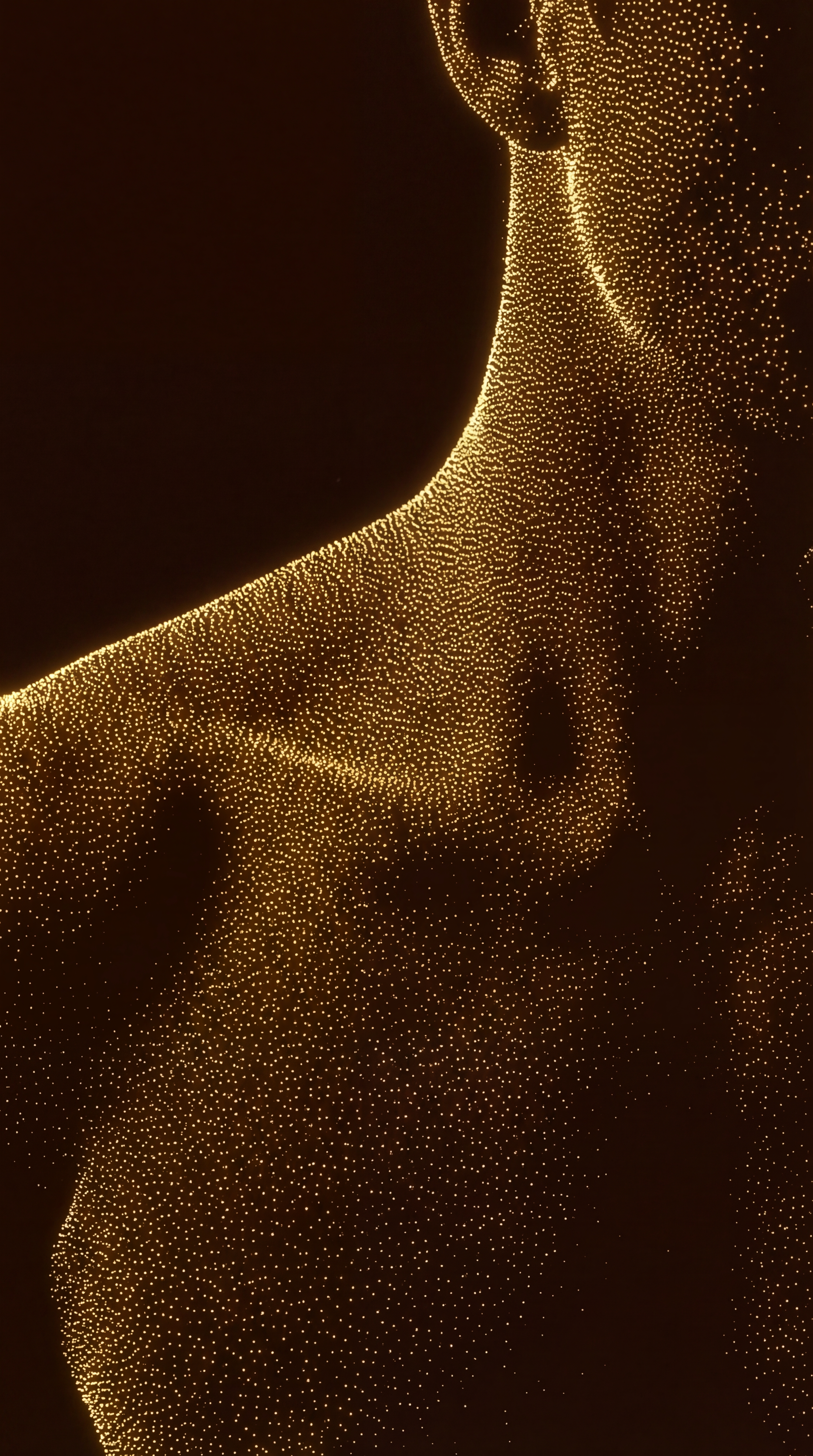
How to use Point cloud generator 2.0
Follow these steps to convert depth maps into brand-consistent point cloud images. Adjust style controls, preview results, and export clean assets designed for later merging in 3D or compositing workflows.
Step 1
Upload a depth map or source image and choose the point cloud mode. Set canvas size and background to match your project’s output requirements.

Step 2
Tune point density, depth range, and contrast. Apply on-brand color, lighting, and noise controls to keep the look consistent across a full asset set.

Step 3
Preview the point cloud image and export in a merge-ready format. Save variations for different scenes, then combine assets later with consistent depth alignment.
Features
Create depth map point cloud images with consistent styling and clean geometry cues. Point cloud generator 2.0 helps you control density, depth thresholds, and visual treatments so outputs stay on brand. Generate fast previews, iterate quickly, and export assets optimized for later merging into 3D scenes, composites, or renders.
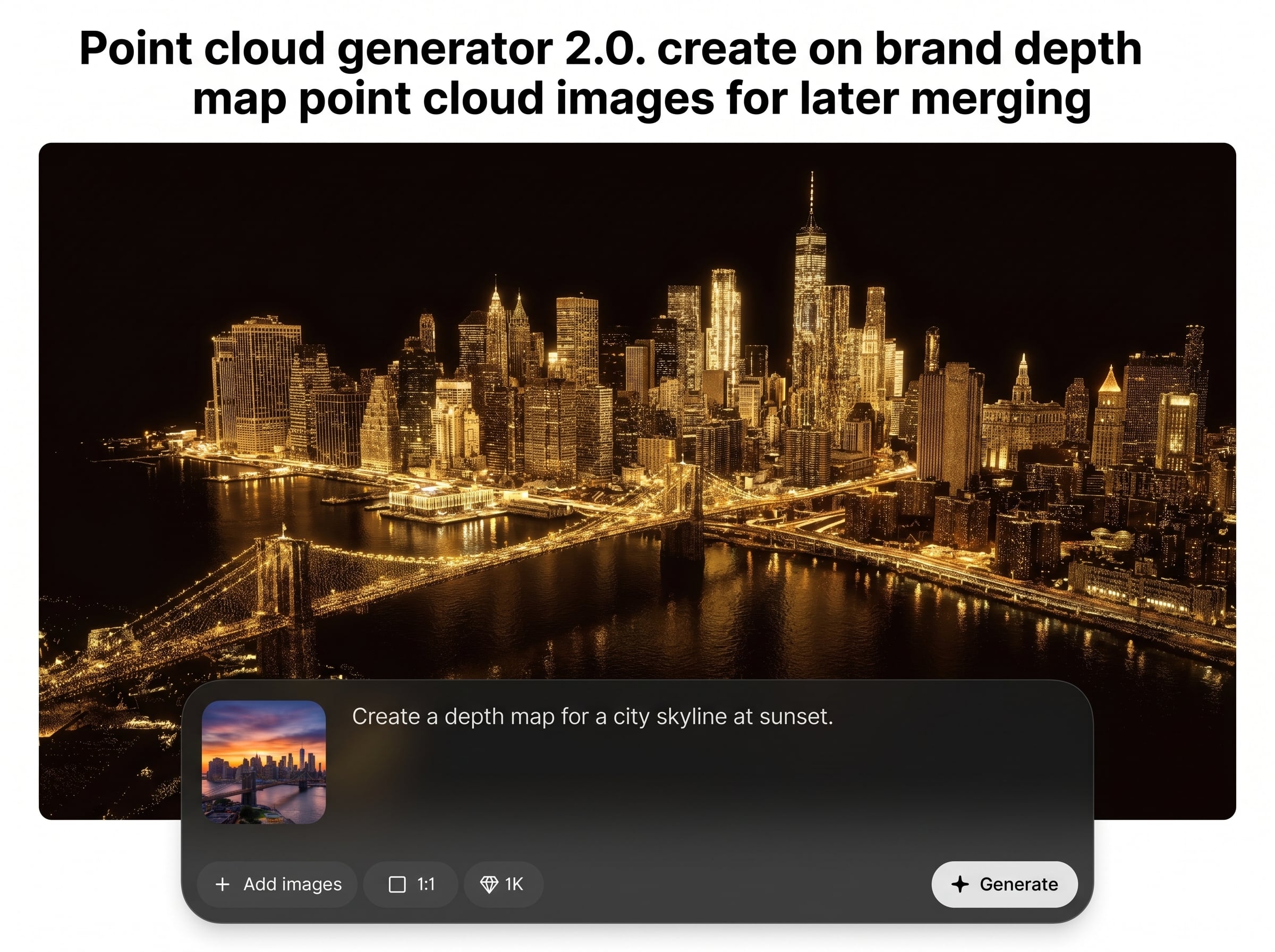
Convert depth maps into point cloud images with adjustable depth range, thresholding, and falloff. Keep structure readable while reducing artifacts, so merges look clean and intentional.
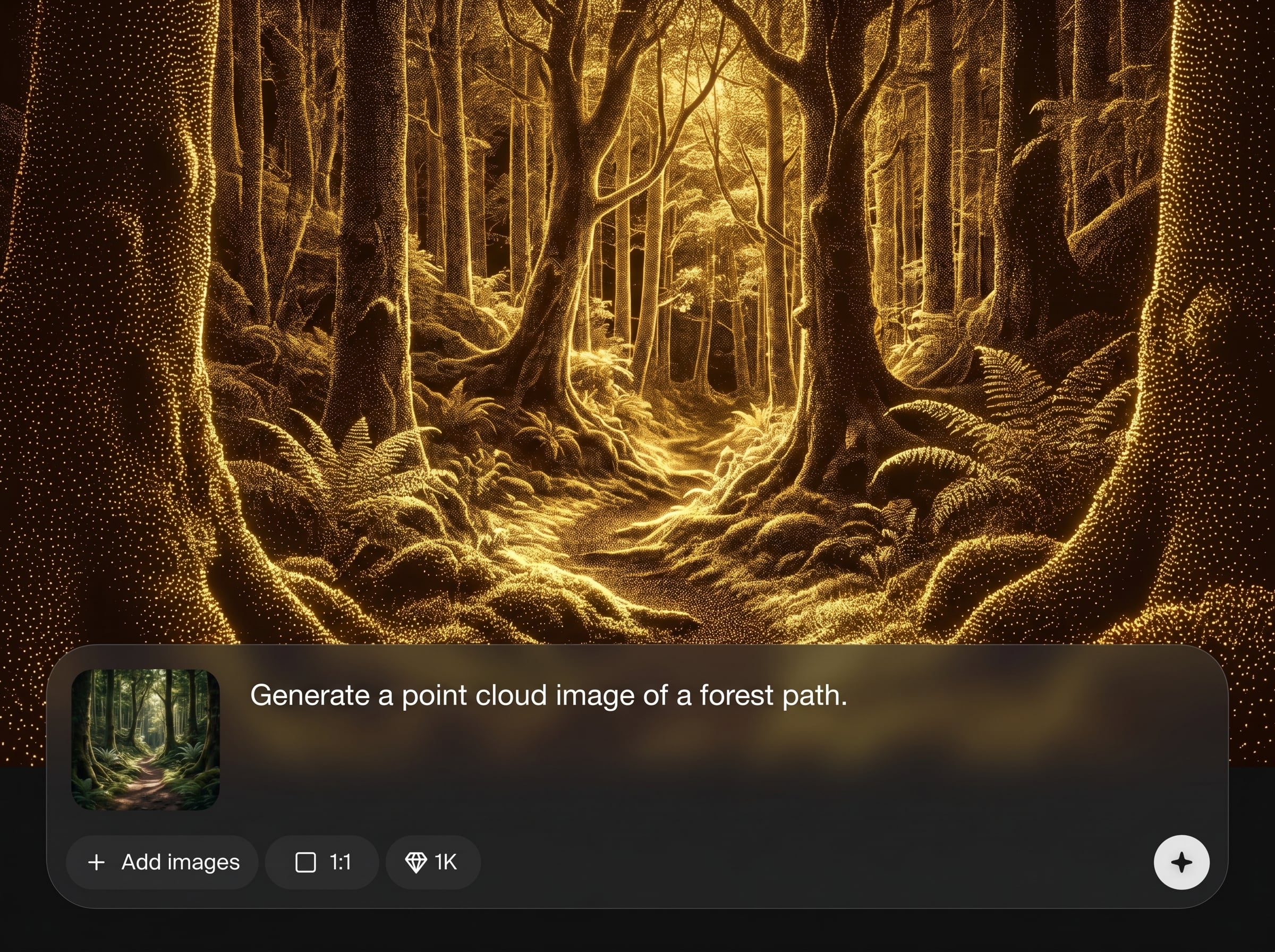
Apply brand-aligned color palettes, lighting, and contrast while preserving depth relationships. Produce consistent point cloud imagery across batches for cohesive visuals and reliable downstream compositing.
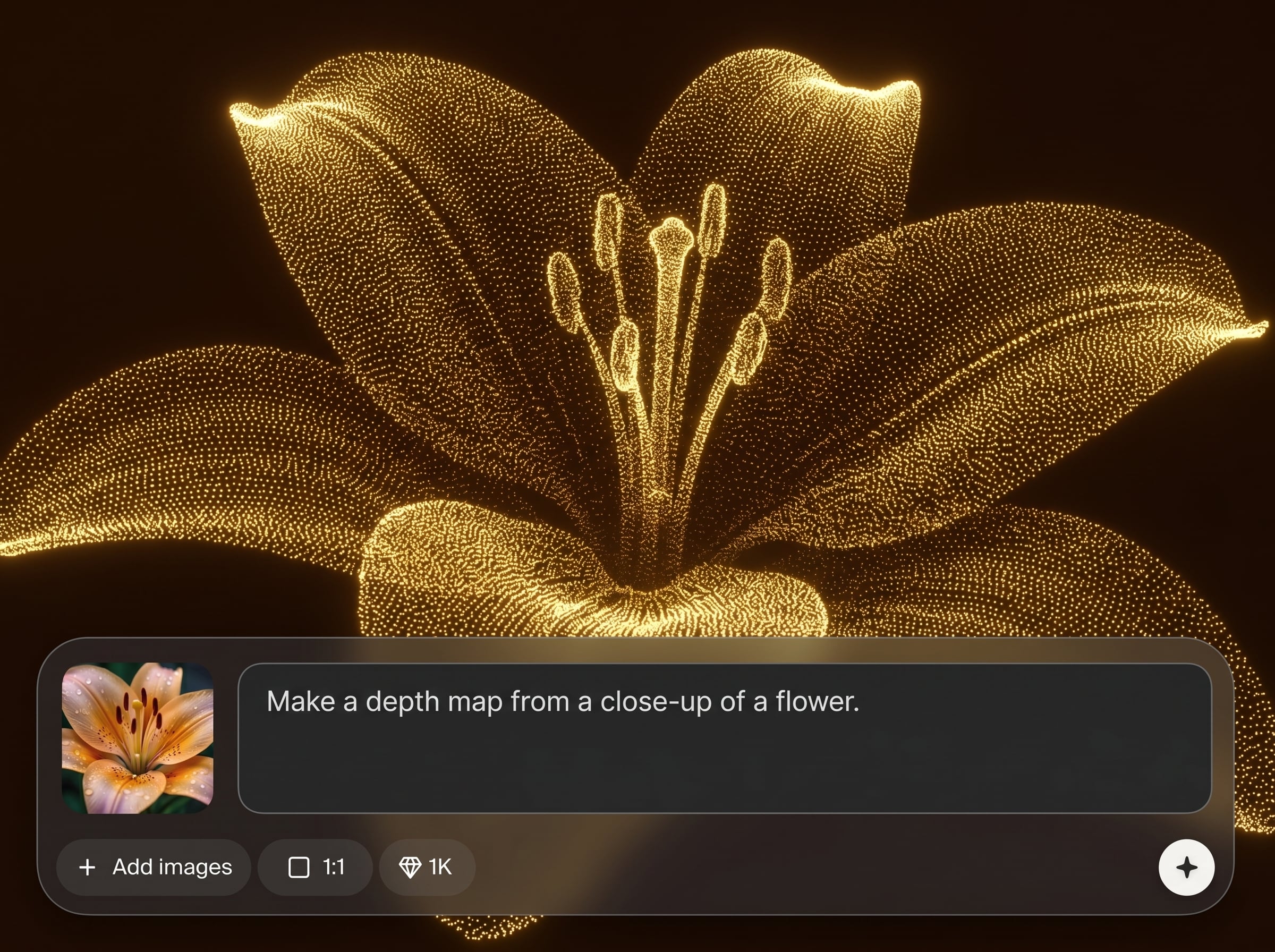
Preview changes instantly and generate multiple variants quickly. Export merge-ready outputs for 3D workflows, VFX plates, or design comps, minimizing manual cleanup and rework.
About
Point cloud generator 2.0 turns depth maps into on-brand point cloud images for fast, consistent visual assets. Customize density, contrast, and styling to match your brand while keeping depth structure clean. Export merge-ready point clouds that slot into 3D pipelines, compositing, and downstream rendering with minimal cleanup.
Point cloud generator 2.0 is built for consistent, merge-ready depth visuals. Fine-tune density and depth thresholds, apply brand-aligned styling, and iterate quickly with clean previews. The workflow reduces manual cleanup so your point cloud imagery stays cohesive across projects and pipelines.
Upload a depth map, set density and depth range, then apply styling that matches your brand. Preview instantly, export your point cloud image, and keep variations ready for later merging in your workflow.
Use cases
Discover how different creators use this app in their workflow.
Generate depth-based point cloud images to block scenes, test composition, and plan merges before committing to heavier 3D or render workloads.
Create stylized point cloud layers from depth maps for cinematic overlays, transitions, and depth-driven effects that stay consistent across shots.
Produce repeatable point cloud imagery that matches color and style guidelines, making it easy to merge assets into campaigns and product visuals.
Krea is one of the world's leading generative AI platforms. See what others say.
Real reviews on TrustpilotSo many AI tools out there but I always come back to Krea. It's really the one AI platform that 'just works'.

FYN
Krea's interfaces are still the best in the industry. Everything looks and feels so clean and easy to use! Imo the easiest to use gen AI website.

Lynn
Ultra fast generations. Extremely simple to use. All the latest AI models.

Daniel
KREA is the only AI subscription I have right now besides ChatGPT.

Sophia M.
Answers to common questions about AI point cloud generation and depth map workflows.
It generates point cloud images derived from depth maps, with controls for density, depth range, and styling. Outputs are designed to be merge-ready for later compositing or 3D integration.
A depth map produces the most accurate point structure, but you can also start from supported images depending on your workflow. The tool focuses on preserving depth relationships for clean merges.
Use palette, contrast, lighting, and noise controls to match your brand’s visual system. Save consistent settings and reuse them across batches for uniform point cloud styling.
Export options are geared toward merge-ready assets used in design and 3D workflows. Choose the output that fits your pipeline, then layer, composite, or combine with consistent depth alignment.
It’s a faster alternative for generating stylized, depth-driven point cloud imagery, not a full photogrammetry reconstruction. Use it when you need consistent visuals and quick iteration for merges.
Turn depth maps into merge-ready point cloud visuals with AI controls for style, density, and depth clarity.

