














Step 1
Upload or Prompt
Start with a photo or describe your scene in a prompt. Choose a subject focus and framing to guide composition and create panel-ready artwork.
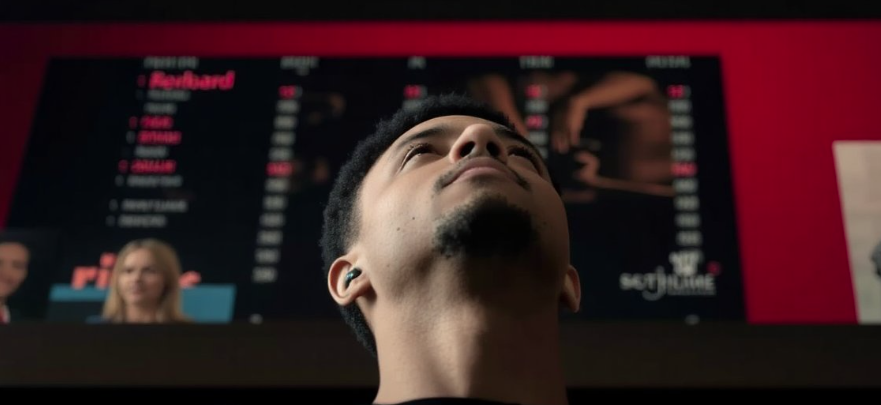 App by Seanp
Create a printed comic book style in seconds with Print Comic. Turn photos or prompts into inked panels with halftones, lines, and layout. Try it now.
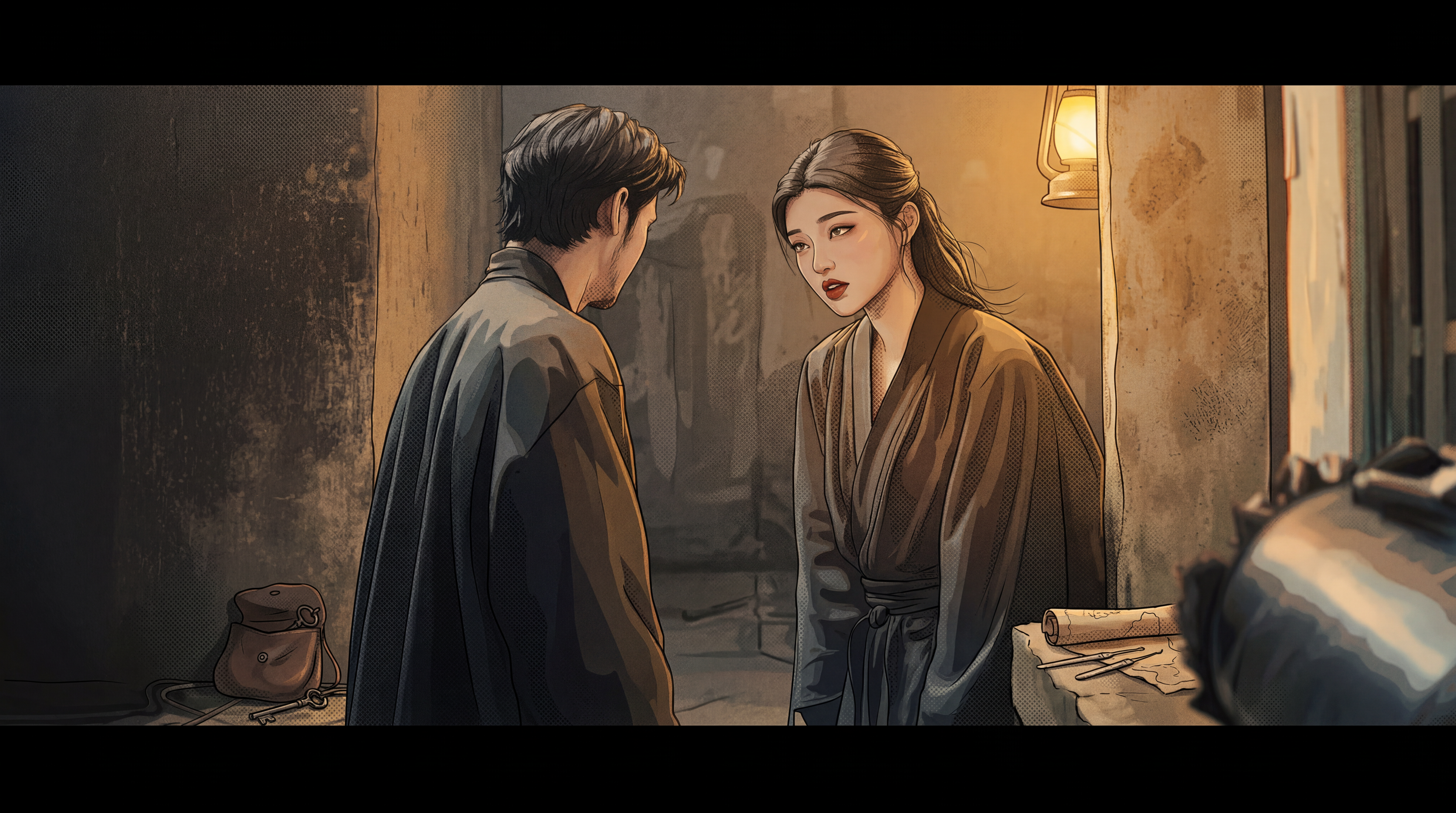
How to use Print Comic
Learn how to generate a printed comic book style using Print Comic. Upload a photo or write a prompt, choose your print settings, and export clean, high-resolution comic art in minutes.
Step 1
Start with a photo or describe your scene in a prompt. Choose a subject focus and framing to guide composition and create panel-ready artwork.

Step 2
Adjust ink strength, halftone dots, paper texture, and contrast. Pick a palette and line weight to match classic newsprint or bold graphic-novel looks.

Step 3
Generate variations, then select the sharpest result. Export high-resolution images for printing, posting, or combining into multi-panel pages and covers.
Features
Print Comic delivers a printed comic book style with authentic halftones, clean inking, and punchy contrast. Convert photos or prompts into panel-friendly art, control texture and dot patterns, and keep results consistent across multiple images. Export high-resolution outputs designed for print and digital sharing.
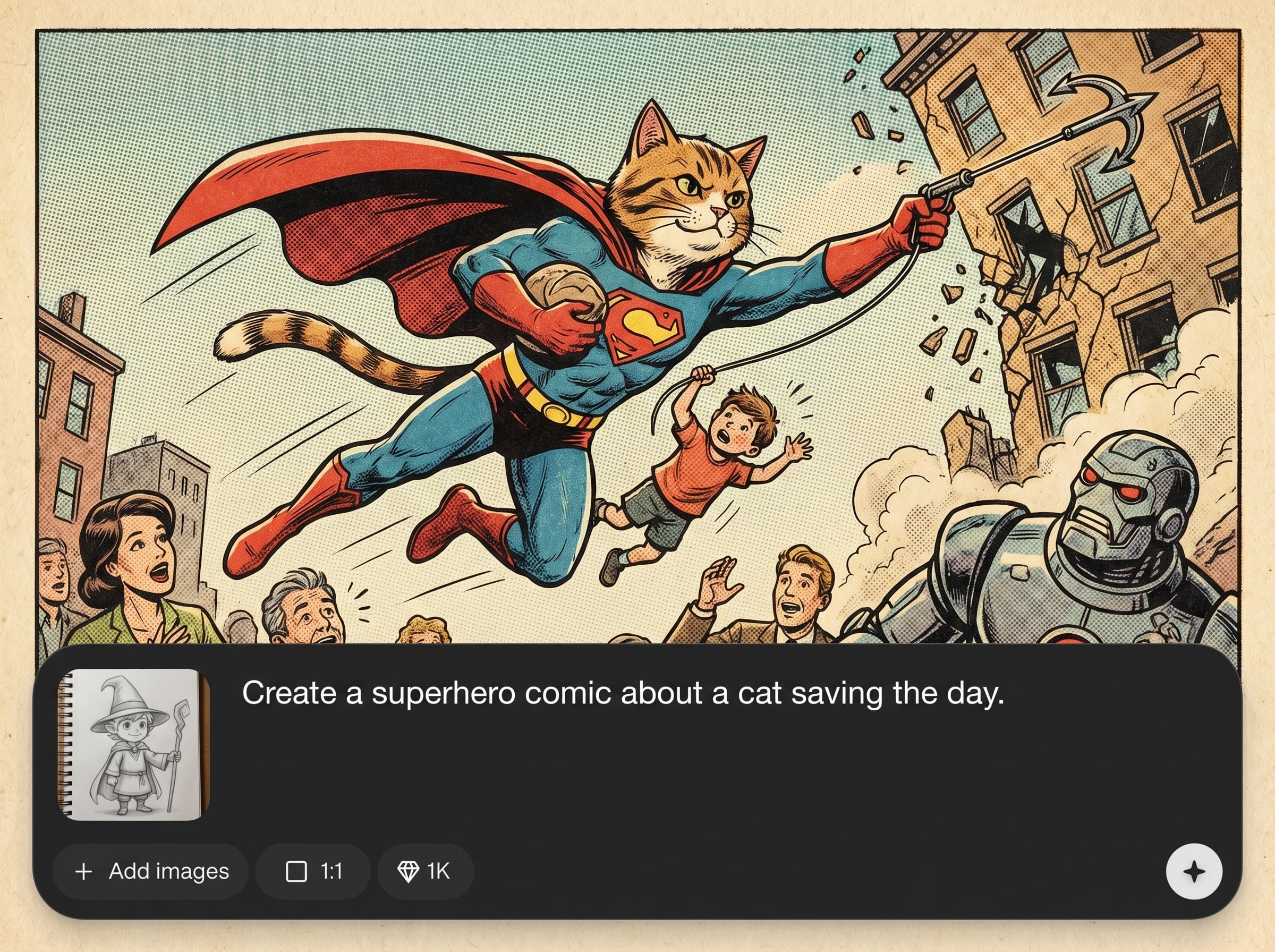
Create classic halftone dots, ink traps, and paper texture for a true printed comic feel. Dial in dot size and density to match vintage newsprint or modern print finishes.
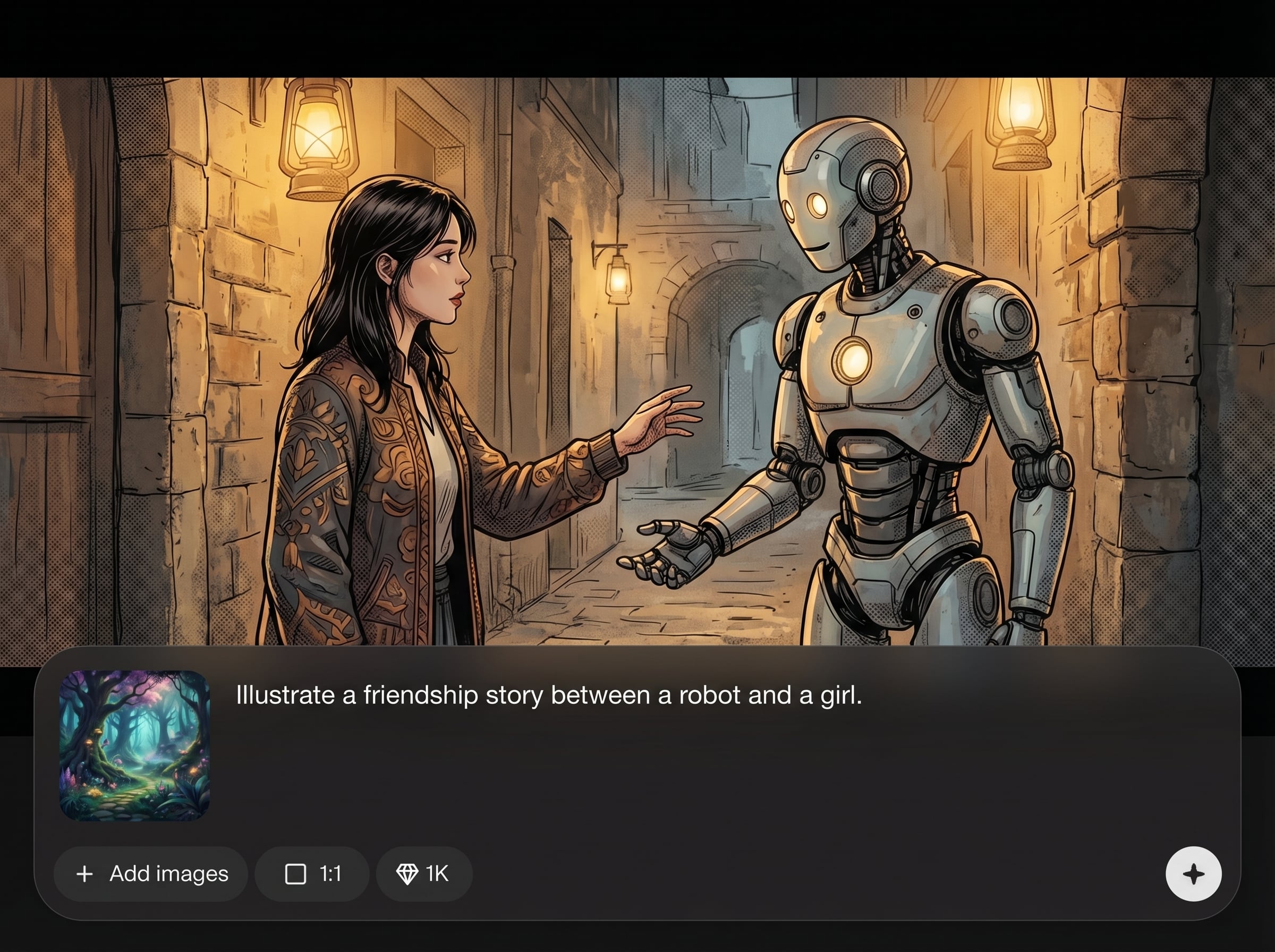
Control line weight, edge sharpness, and contrast to get clean, readable comic inking. Preserve important facial and object details while simplifying noise for bold, graphic results.
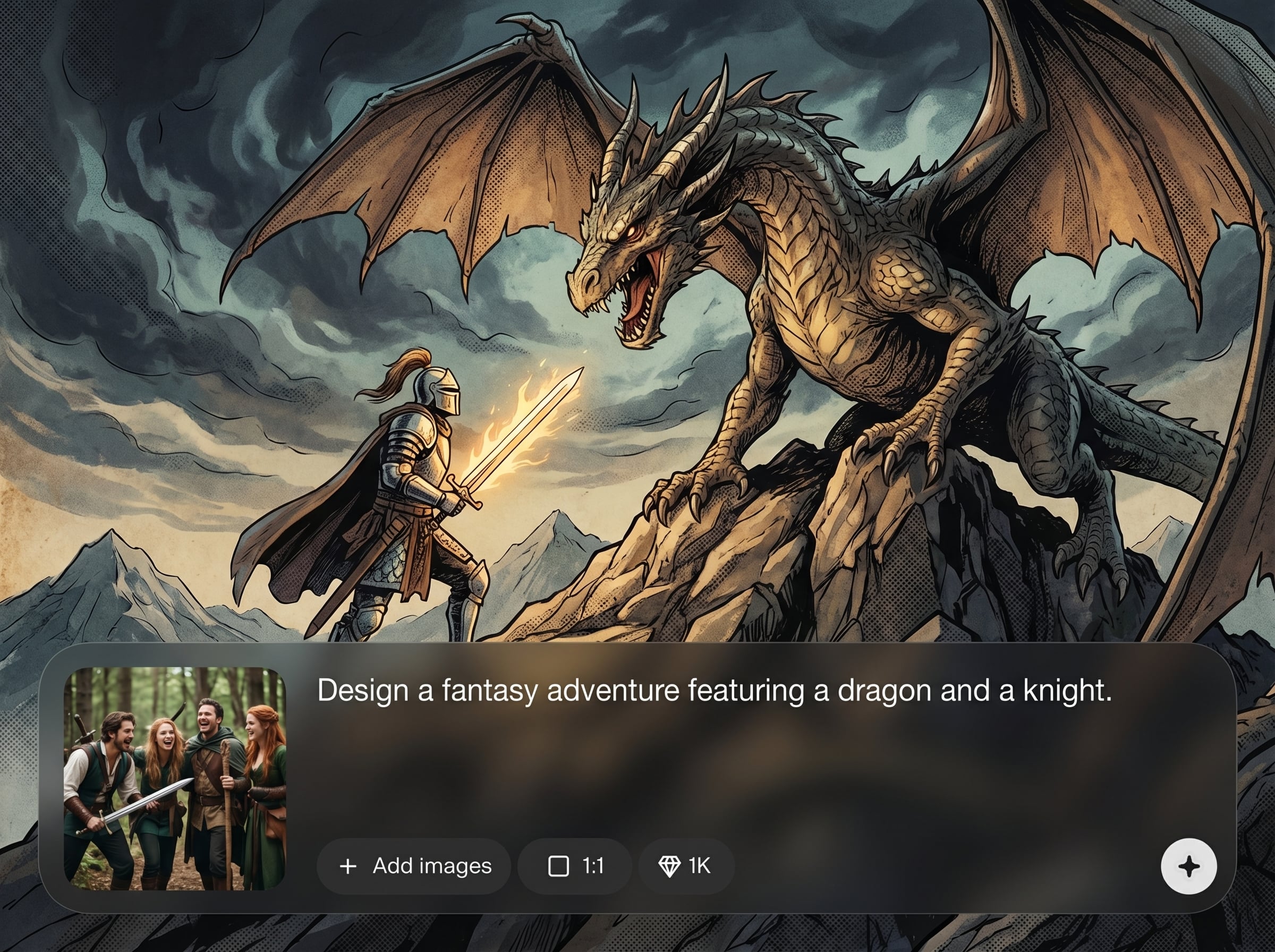
Generate high-resolution outputs suitable for printing and resizing without muddy textures. Export consistent images for covers, posters, social posts, and multi-panel layouts.
About
Print Comic transforms images or text prompts into a printed comic book style with crisp ink lines, halftone shading, and paper-like texture. Generate consistent panels, captions-ready compositions, and high-contrast results built for sharing or printing. Fine-tune the look with simple controls to match classic newsprint or modern graphic-novel finishes.
Print Comic focuses on authentic printed comic details—halftone dots, crisp inking, and paper texture—without complicated setup. Fine-tune style controls for repeatable results across images, then export high-resolution art built for print, layouts, and fast publishing.
Open Print Comic, upload an image or enter a prompt, and choose your print settings. Generate a few variations, refine dots and ink, then export a high-resolution comic print look instantly.
Use cases
Discover how different creators use this app in their workflow.
Turn portraits, pets, and products into a printed comic book style with halftones and ink lines. Ideal for posters, profile images, and promotional graphics.
Generate comic-style scenes from text prompts with strong composition and contrast. Create panel-ready images for storyboards, pitch decks, and quick visual concepts.
Apply a consistent comic print aesthetic to ads and announcements. Keep line weight, texture, and palette aligned across a series for cohesive campaigns.
Krea is one of the world's leading generative AI platforms. See what others say.
Real reviews on TrustpilotSo many AI tools out there but I always come back to Krea. It's really the one AI platform that 'just works'.

FYN
Krea's interfaces are still the best in the industry. Everything looks and feels so clean and easy to use! Imo the easiest to use gen AI website.

Lynn
Ultra fast generations. Extremely simple to use. All the latest AI models.

Daniel
KREA is the only AI subscription I have right now besides ChatGPT.

Sophia M.
Common questions about Print Comic, the AI printed comic book style generator.
Print Comic is an AI tool that generates a printed comic book style from photos or text prompts. It adds inked line art, halftone shading, and paper texture for punchy, print-ready visuals.
Yes. You can adjust halftone dot size and density, ink strength, contrast, and paper-like grain. These controls help match specific comic print looks, from vintage newsprint to cleaner modern styles.
It’s designed to keep a consistent printed comic aesthetic across multiple generations. Reuse similar settings and prompts to maintain line weight, texture, and contrast so panels feel like one cohesive page.
Export high-resolution image outputs suitable for print and digital use. Choose the best variation, then download a clean file for resizing, layout in design tools, or combining into covers and pages.
Use a clear, well-lit image and increase contrast while reducing excessive texture. Tighten line weight and edge sharpness, then regenerate a few variations to select the cleanest inking result.
Generate inked, halftone comic prints from photos or prompts and export high-resolution results in minutes.

