














Step 1
Upload or Prompt
Upload an image or enter a text prompt. Choose a charcoal preset to set the overall look, from soft shading to gritty, high-contrast linework.
Turn photos or prompts into charcoal-style art with Charcoal-image. Generate high-contrast sketch renders fast, customize texture, and download instantly.
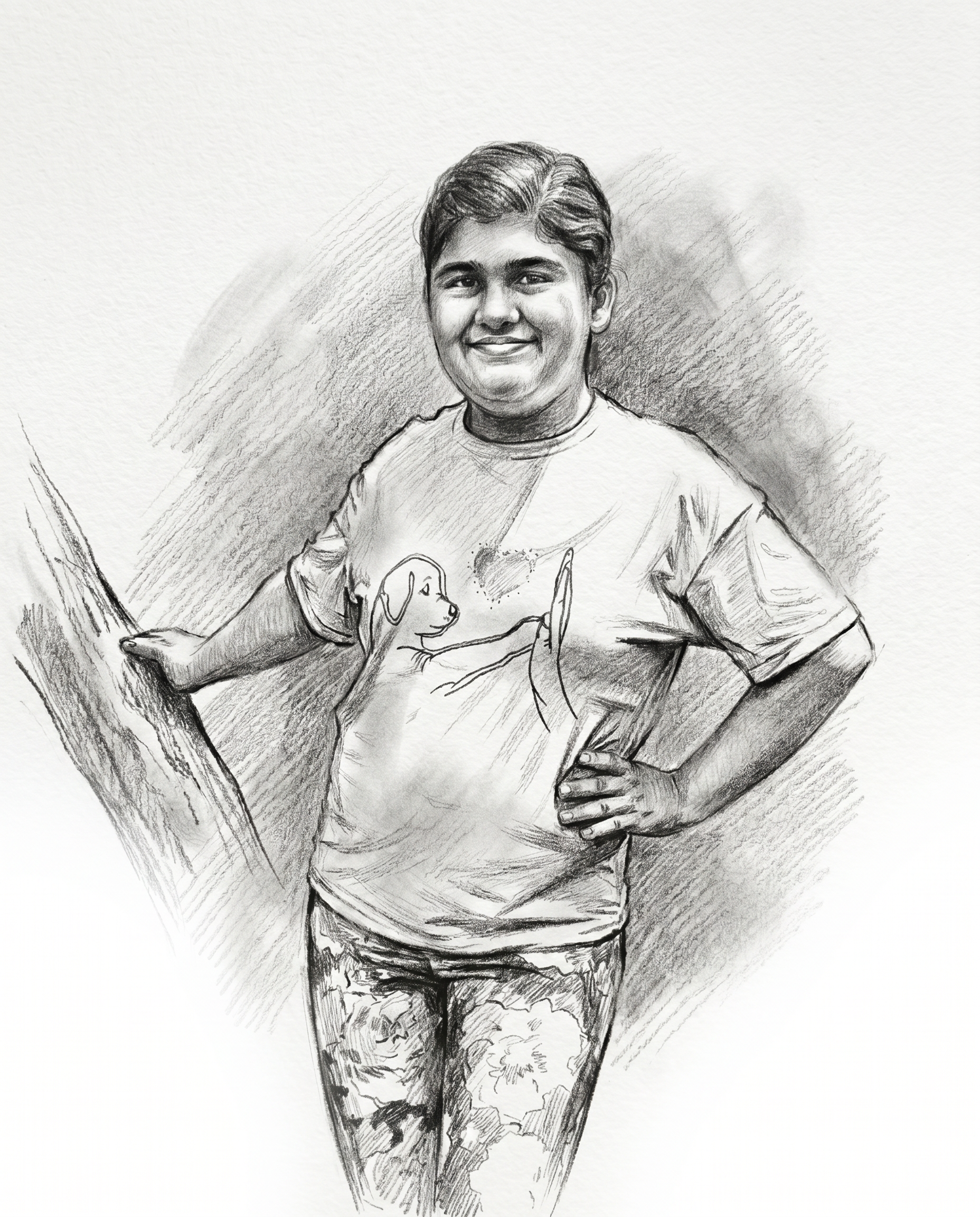
How to use Charcoal-image
Use Charcoal-image to convert a photo or prompt into charcoal-style artwork. Adjust key style settings for contrast and texture, then export a clean, high-resolution result for web or print.
Step 1
Upload an image or enter a text prompt. Choose a charcoal preset to set the overall look, from soft shading to gritty, high-contrast linework.

Step 2
Tune contrast, grain, edge intensity, and paper tone to shape the drawing. Preview variations quickly until the charcoal texture and shading match your target style.

Step 3
Generate the final charcoal render and download instantly. Export in high resolution for print, or use web-friendly sizes for social posts, thumbnails, and mockups.
Features
Create authentic charcoal-style images with AI-driven texture and edge control. Charcoal-image helps you produce consistent monochrome sketches from photos or prompts, with adjustable grain, contrast, and paper tone. Export crisp results for digital use, print layouts, concept boards, and fast visual exploration.
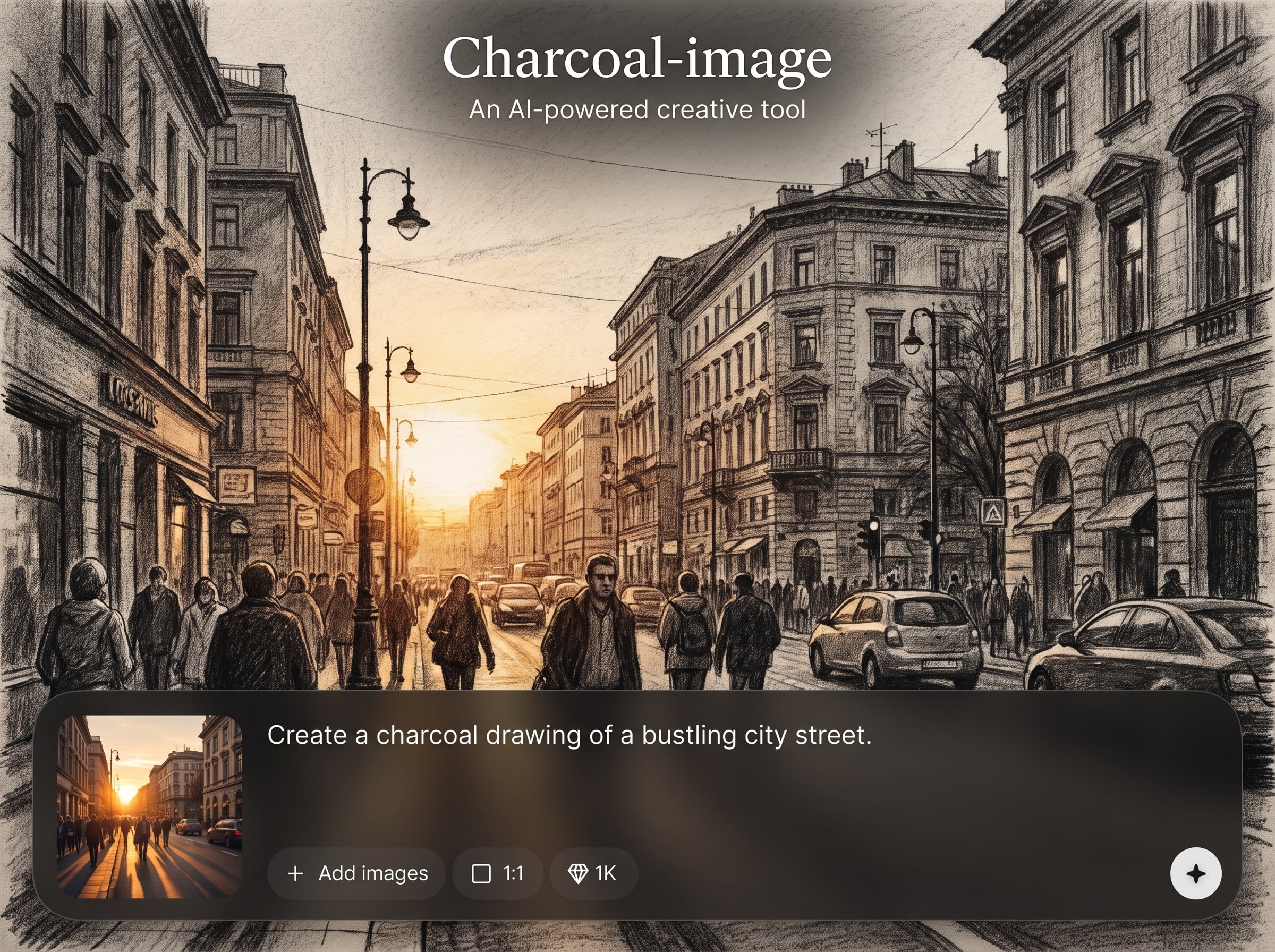
Turn portraits, products, or scenes into charcoal drawings with natural shading and clean edges. Preserve structure while adding classic sketch texture for a hand-rendered look.
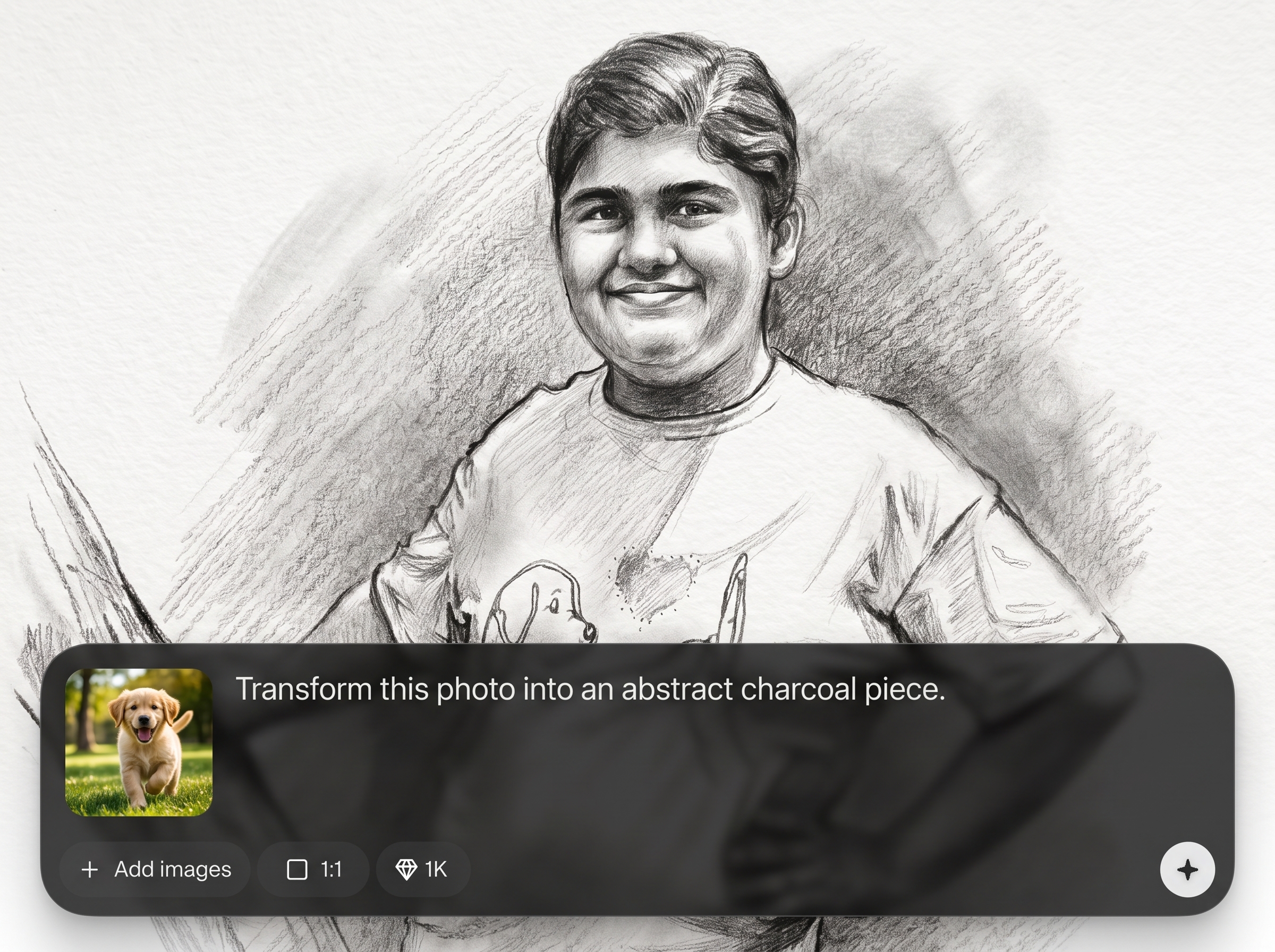
Adjust grain, smudge softness, edge strength, and blacks-to-whites balance. Fine-tune the charcoal effect for subtle tonal studies or bold, poster-ready contrast.
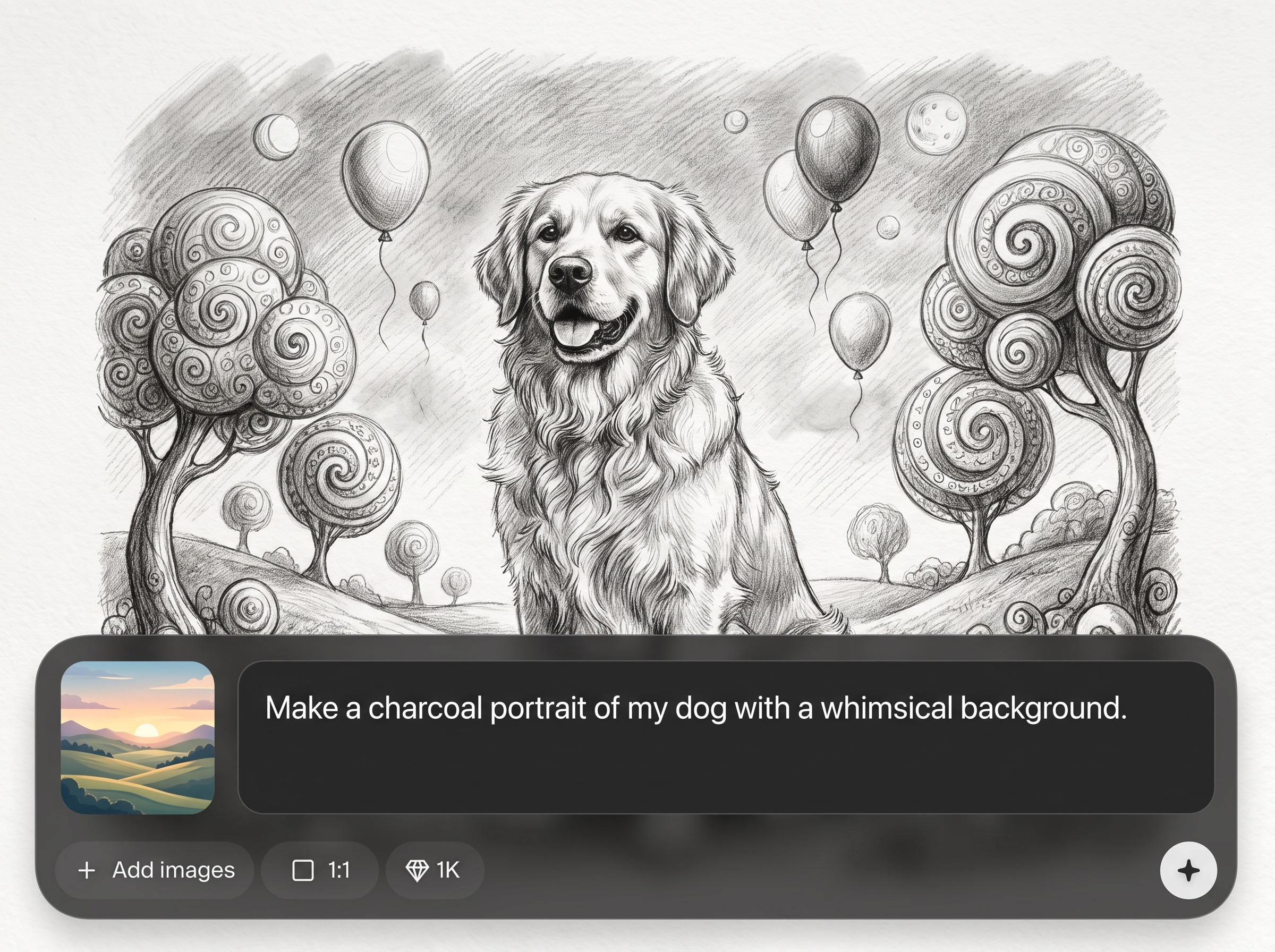
Generate results quickly and export sharp monochrome images suitable for print and web. Keep outputs consistent across variations for series, layouts, and style matching.
About
Charcoal-image is an AI charcoal art generator that transforms photos or text prompts into bold, textured charcoal drawings. Control contrast, grain, edge strength, and paper tone to match classic sketch styles. Generate consistent monochrome renders in seconds for posters, concepts, thumbnails, and print-ready artwork with clean, high-resolution exports.
Charcoal-image delivers realistic charcoal texture with precise control over contrast, edges, and paper tone. Generate consistent monochrome sketches fast, from photo-to-charcoal conversions to prompt-based images. Export high-resolution results that fit design, concept, and print workflows without complex editing.
Open Charcoal-image, upload an image or enter a prompt, then select a charcoal preset. Adjust grain and contrast, generate variations, and download the best result at the resolution you need.
Use cases
Discover how different creators use this app in their workflow.
Produce charcoal-style studies for environments, characters, and props. Iterate quickly with consistent shading and texture to explore compositions and lighting.
Create bold monochrome visuals with gritty charcoal grain. Generate print-ready sketches for covers, posters, and layouts that need striking contrast.
Convert product shots or portraits into refined charcoal drawings. Maintain recognizable detail while adding a classic, artistic finish for branding and profiles.
Krea is one of the world's leading generative AI platforms. See what others say.
Real reviews on TrustpilotSo many AI tools out there but I always come back to Krea. It's really the one AI platform that 'just works'.

FYN
Krea's interfaces are still the best in the industry. Everything looks and feels so clean and easy to use! Imo the easiest to use gen AI website.

Lynn
Ultra fast generations. Extremely simple to use. All the latest AI models.

Daniel
KREA is the only AI subscription I have right now besides ChatGPT.

Sophia M.
Common questions about Charcoal-image, AI charcoal generation, and export options.
Charcoal-image is an AI charcoal generator that creates charcoal-style drawings from photos or text prompts. It applies controlled texture, edges, and tonal shading to produce clean monochrome sketch results.
Yes. Upload a photo and Charcoal-image converts it into a charcoal drawing with adjustable grain, contrast, and edge strength. This keeps important details while adding authentic charcoal texture.
Yes. Enter a prompt to generate original charcoal-style images using artificial intelligence and machine learning. Use style terms like “soft shading” or “high-contrast” to guide the output.
Use settings for grain intensity, smudge softness, edge definition, and contrast. Small adjustments can shift results from smooth tonal sketches to gritty, textured charcoal renders.
Yes. Start from the same input and keep settings consistent to produce a cohesive series. Adjust one parameter at a time to explore controlled variations without changing the overall style.
Download high-resolution outputs suitable for web and print workflows. Choose sizes based on your use case, such as social graphics, thumbnails, or larger print layouts.
Yes. Charcoal-image can stylize portraits into charcoal drawings while preserving facial structure. Refine edge strength and contrast to keep features readable without over-darkening shadows.
Yes. Charcoal-image runs online, so you can generate charcoal-style images without installing software. Upload, adjust settings, and download results directly from your browser.
Upload a photo or write a prompt, fine-tune texture, then download a crisp charcoal render in minutes.

