














Step 1
Upload
Upload a render, site image, or Google Maps capture. Choose the region you want to feature so the sketch focuses on the right project context.
Convert renders or Google Maps images into clean cover-page sketches fast. Export for InDesign and use Lighten opacity for polished layouts. Try it now.
How to use AUK Cover Sketch
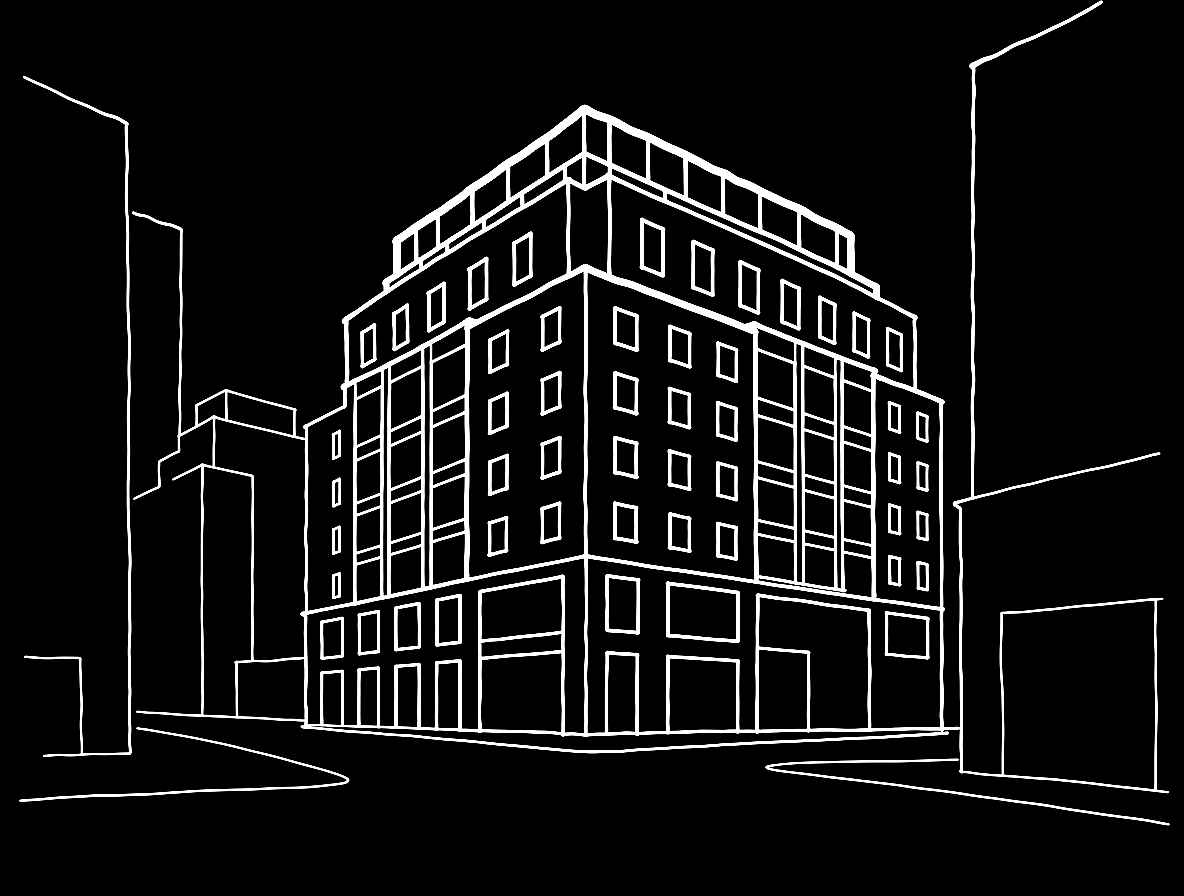
Turn a project render or Google Maps screenshot into a refined cover sketch with a simple workflow. Generate the sketch, export the output, then overlay it in InDesign using Lighten for a clean presentation.
Step 1
Upload a render, site image, or Google Maps capture. Choose the region you want to feature so the sketch focuses on the right project context.

Step 2
Run the AI sketch conversion to produce simplified linework and tone. Adjust output intensity to balance detail with a clean, cover-ready look.

Step 3
Export and place the sketch into your InDesign document. Set the placed image blend mode to Lighten and fine-tune opacity for a sharp overlay.
Features
Convert project imagery into cover-ready sketches with consistent, printable linework. AUK Cover Sketch simplifies renders and map captures into clean visuals that overlay well in layout tools. Export quickly, then use Lighten opacity in InDesign to keep typography, grids, and diagrams clear and readable.
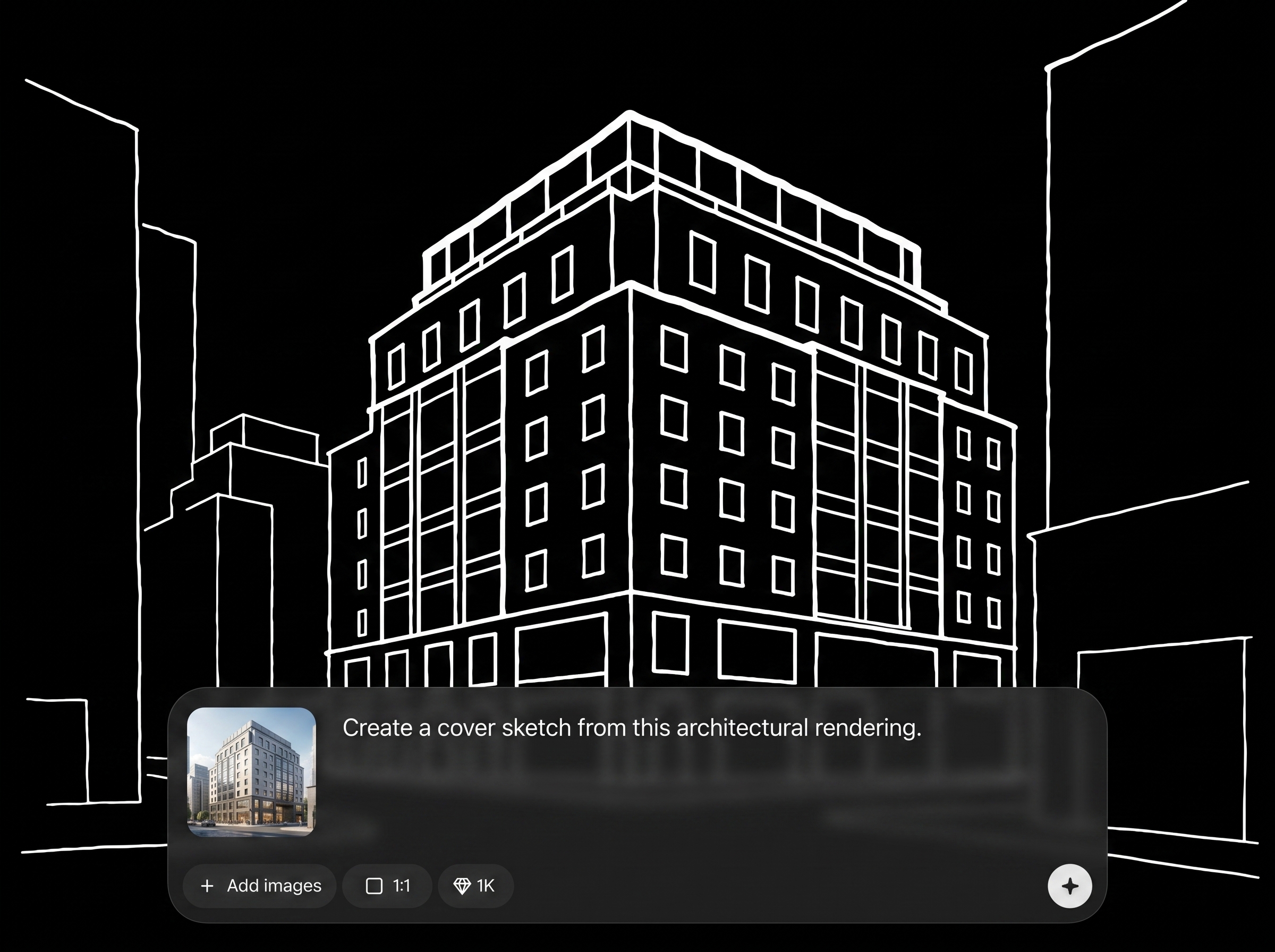
Upload renders, aerials, or Google Maps screenshots to generate a unified sketch style. Keep project context while reducing visual noise for a stronger cover composition.
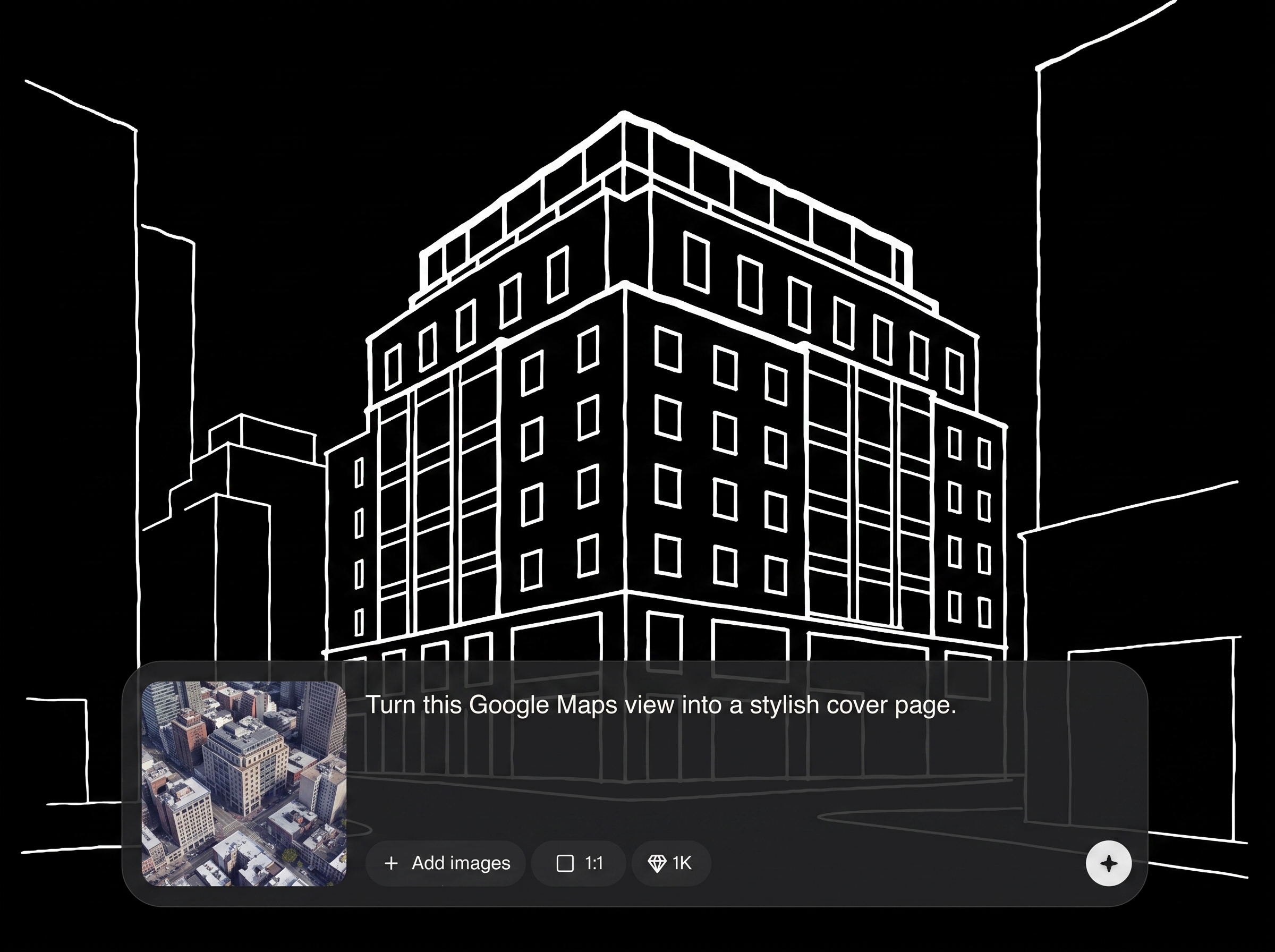
Create simplified outlines and tonal structure optimized for covers. The AI sketch generator produces visuals that reproduce well in print and remain legible behind titles and metadata.
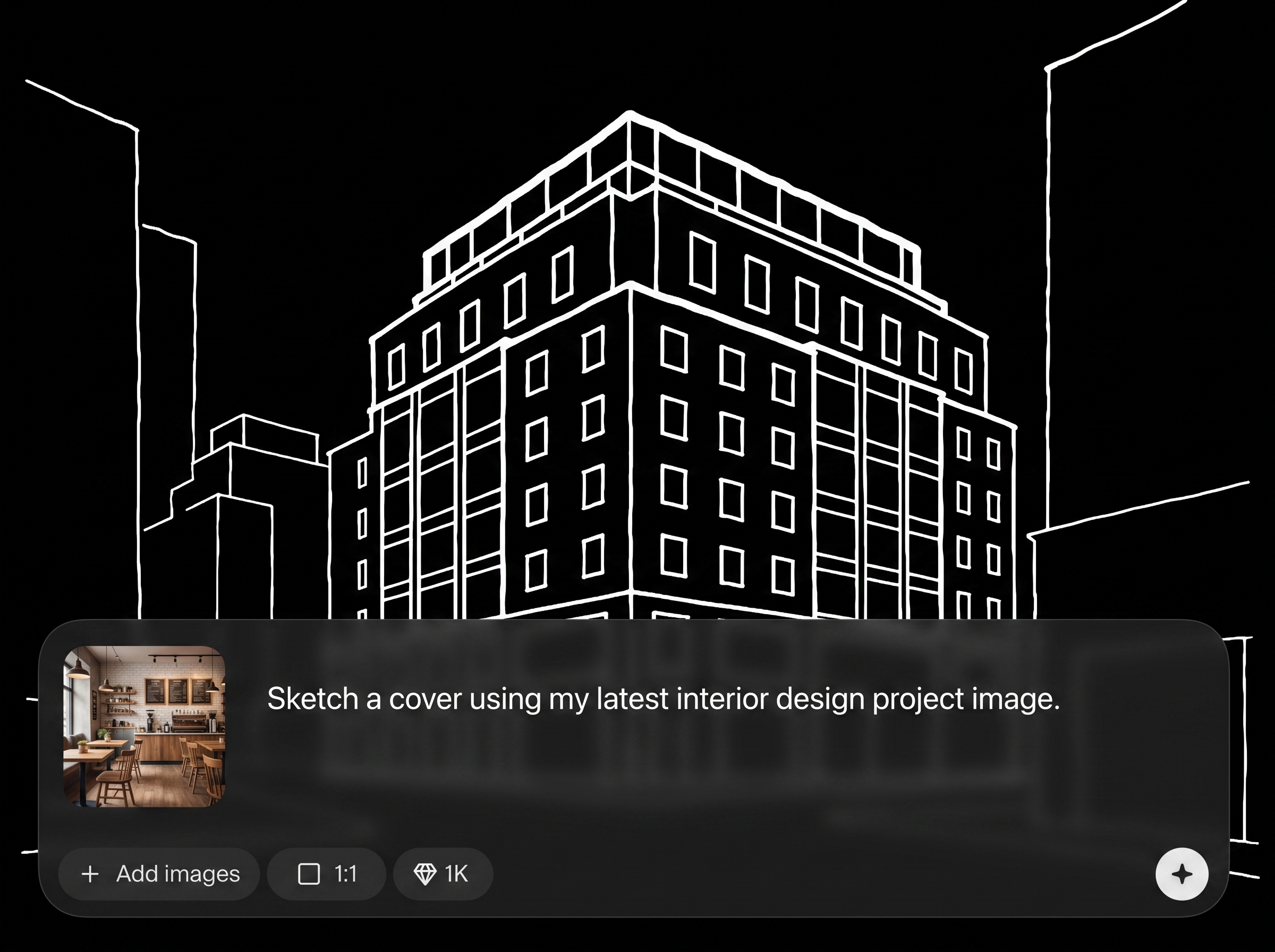
Export an image that drops directly into InDesign. Use Lighten blend mode and opacity control to overlay the sketch cleanly without muddying text, grids, or diagrams.
About
AUK Cover Sketch turns a render or Google Maps image into a clean cover-page sketch in seconds. Generate stylized linework that reads clearly on portfolios, reports, and boards. Export your sketch and place it in InDesign using Lighten opacity for a crisp overlay that keeps text and grids readable.
AUK Cover Sketch delivers clean, consistent cover-page sketches from common project imagery. It’s built for fast iteration and layout-friendly output, helping you reduce visual noise while keeping context. Export-ready results integrate smoothly into an InDesign workflow with Lighten opacity overlays.
Upload a render or Google Maps capture, generate your sketch, and export the image. Place it in InDesign, switch blend mode to Lighten, and adjust opacity until the cover feels balanced.
Use cases
Discover how different creators use this app in their workflow.
Turn project renders into minimal cover sketches that support bold titles. Keep the page clean while still showing form, site, and context at a glance.
Generate consistent sketch-style covers for PDFs and print sets. Overlay in InDesign with Lighten opacity to preserve readability and hierarchy.
Convert Google Maps captures into sketch overlays for context pages. Highlight streets, parcels, and massing while keeping annotations and callouts clear.
Krea is one of the world's leading generative AI platforms. See what others say.
Real reviews on TrustpilotSo many AI tools out there but I always come back to Krea. It's really the one AI platform that 'just works'.

FYN
Krea's interfaces are still the best in the industry. Everything looks and feels so clean and easy to use! Imo the easiest to use gen AI website.

Lynn
Ultra fast generations. Extremely simple to use. All the latest AI models.

Daniel
KREA is the only AI subscription I have right now besides ChatGPT.

Sophia M.
Quick answers about converting images into cover-page sketches and using the output in InDesign.
AUK Cover Sketch converts an input image—such as a render or Google Maps capture—into a cover-page sketch. It simplifies detail into clean linework suitable for overlays in layout tools like InDesign.
Yes. Upload a Google Maps screenshot or aerial capture and generate a sketch-style output. The result is designed to reduce noise while keeping enough context for a strong cover composition.
Export the generated sketch as an image file and place it into your InDesign document. Then set the placed layer to Lighten and adjust opacity to control prominence.
Lighten blend mode helps the sketch sit above darker page elements without blocking typography. Combined with opacity control, it creates a crisp overlay that keeps titles, grids, and notes readable.
It’s an AI sketch generator that uses machine learning to simplify structure and tone from your image. The goal is consistent, cover-ready linework rather than a heavy stylized filter look.
The tool generates simplified linework intended for cover layouts and print-friendly use. For best results, start with a clear input image and tune opacity in InDesign for your final resolution.
Adjust output intensity to balance detail and minimalism. Lower intensity helps keep covers uncluttered, while higher intensity can retain more site or facade information for context-driven pages.
Yes. Renders, massing views, and diagram-style images can be converted into a unified sketch look. Cleaner inputs typically produce clearer linework and better results when overlaid in InDesign.
No special setup is required. Place the exported image, set the blend mode to Lighten, and fine-tune opacity. You can also adjust layer order to keep text and graphics on top.
Upload a render or map image, generate a sketch, then overlay it in InDesign using Lighten opacity.

