














Step 1
Input details
Enter your location focus, region boundaries, key points, labels, and style preferences. Add any notes for tone, density, or emphasis so the AI builds the right map.
Globus Maps Builder turns small inputs into detailed, ready-to-use maps in three sizes. Use AI to generate, refine, and export maps fast—try it now.
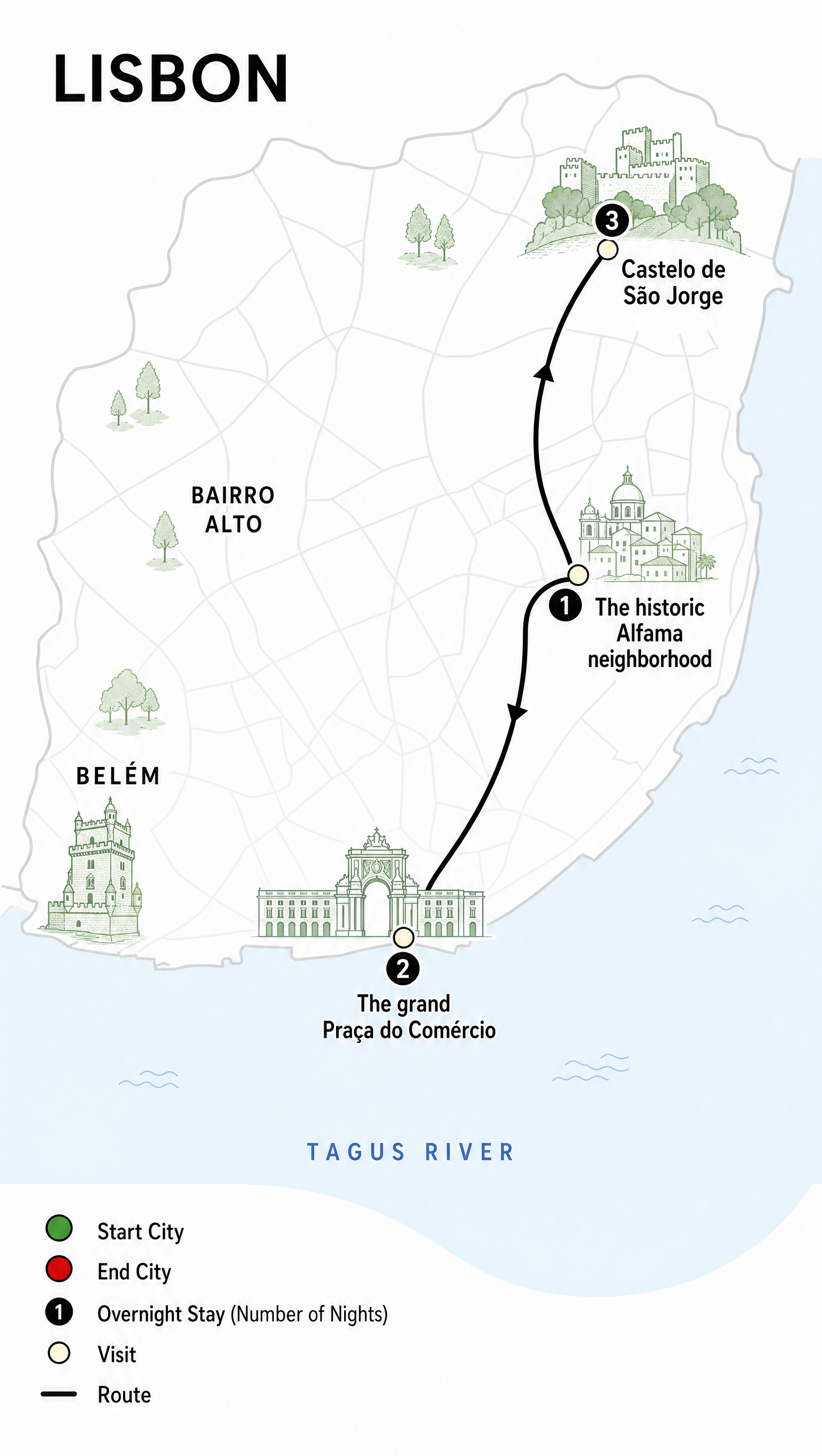
How to use Globus Maps Builder
Create a map by entering a few key details, then let AI handle layout, labeling, and styling. In minutes, you’ll have detailed outputs prepared in three sizes, ready to export and use anywhere.
Step 1
Enter your location focus, region boundaries, key points, labels, and style preferences. Add any notes for tone, density, or emphasis so the AI builds the right map.

Step 2
Run the AI map generator and review the result. Adjust details like label priority, zoom level, and visual style, then regenerate variations until the map matches your needs.

Step 3
Choose from three preset sizes for consistent delivery. Download the detailed map outputs for web, slides, or print workflows, with clean composition and readable labels.
Features
Globus Maps Builder uses AI to convert minimal input into detailed, presentation-ready maps. Generate consistent layouts, readable labeling, and clear hierarchy without manual cartography work. Export the same map in three sizes to fit websites, slide decks, and print assets while maintaining visual consistency and speed.
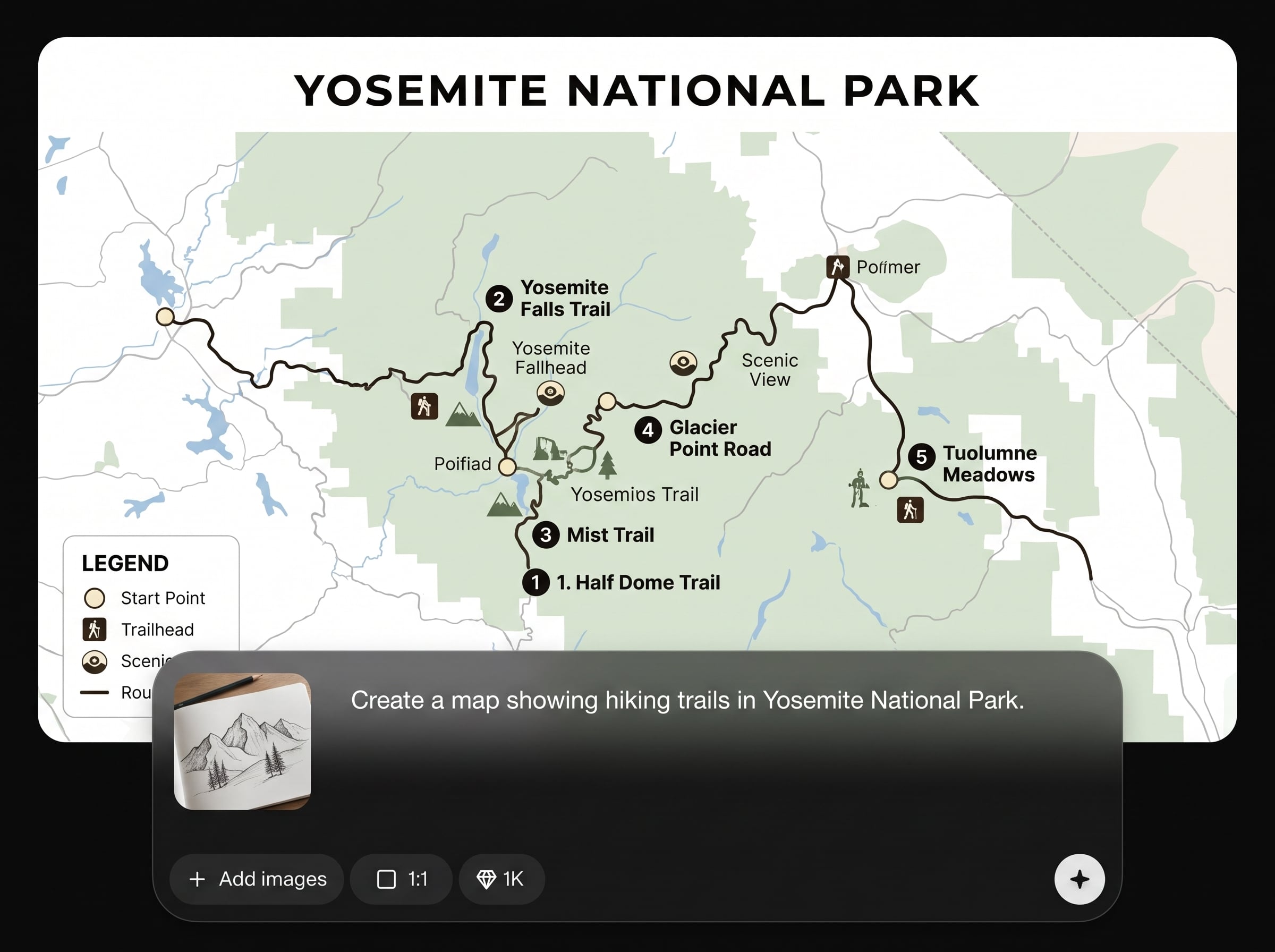
Provide a few specifics—coverage, key places, labels, and style cues—and the AI generates a complete, detailed map. Get clean hierarchy and clear composition without time-consuming manual adjustments.
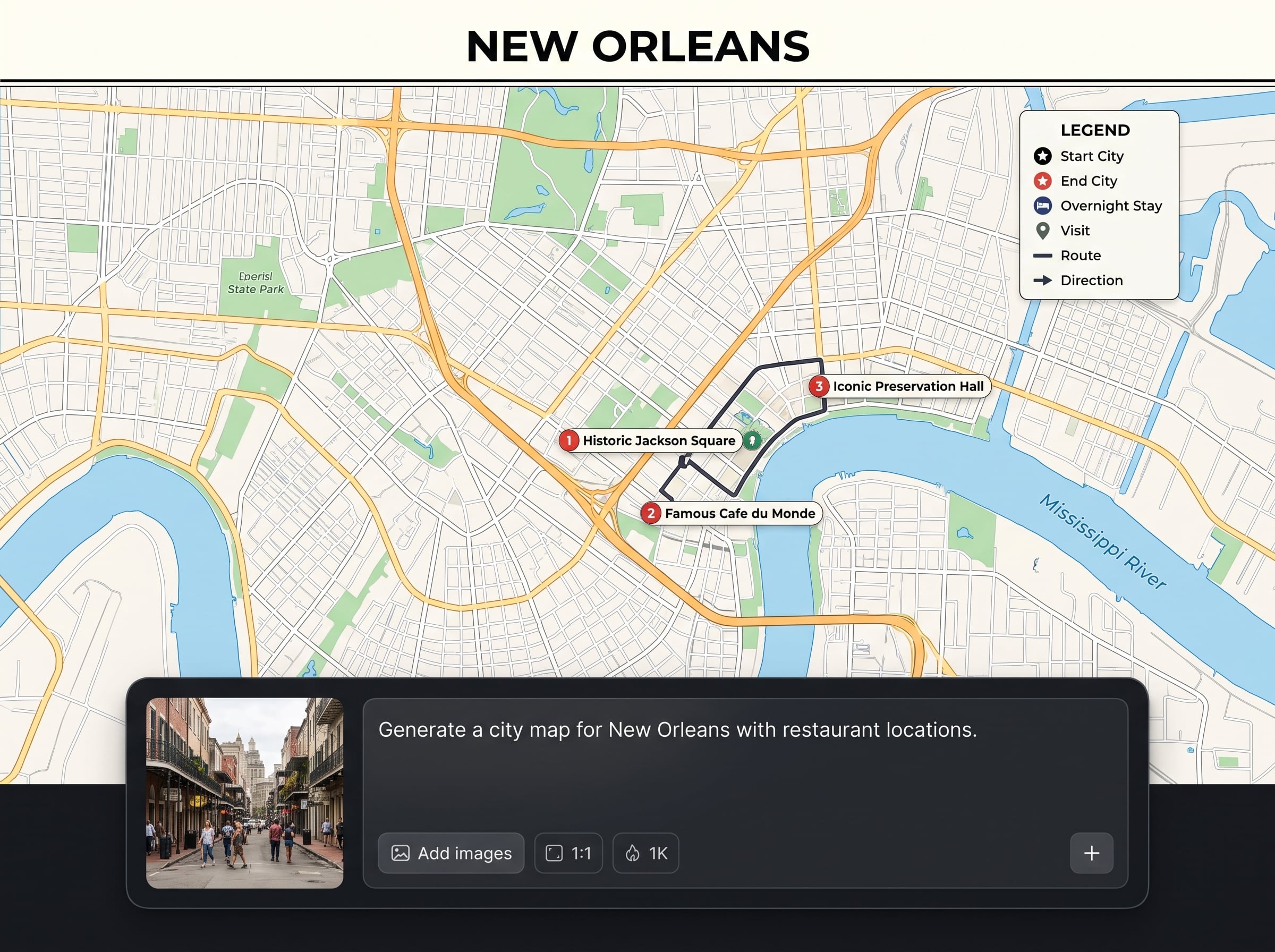
Export your map in three ready-made sizes to match common placements. Keep consistent framing, typography, and visual balance across formats for web embeds, presentations, and print-ready assets.
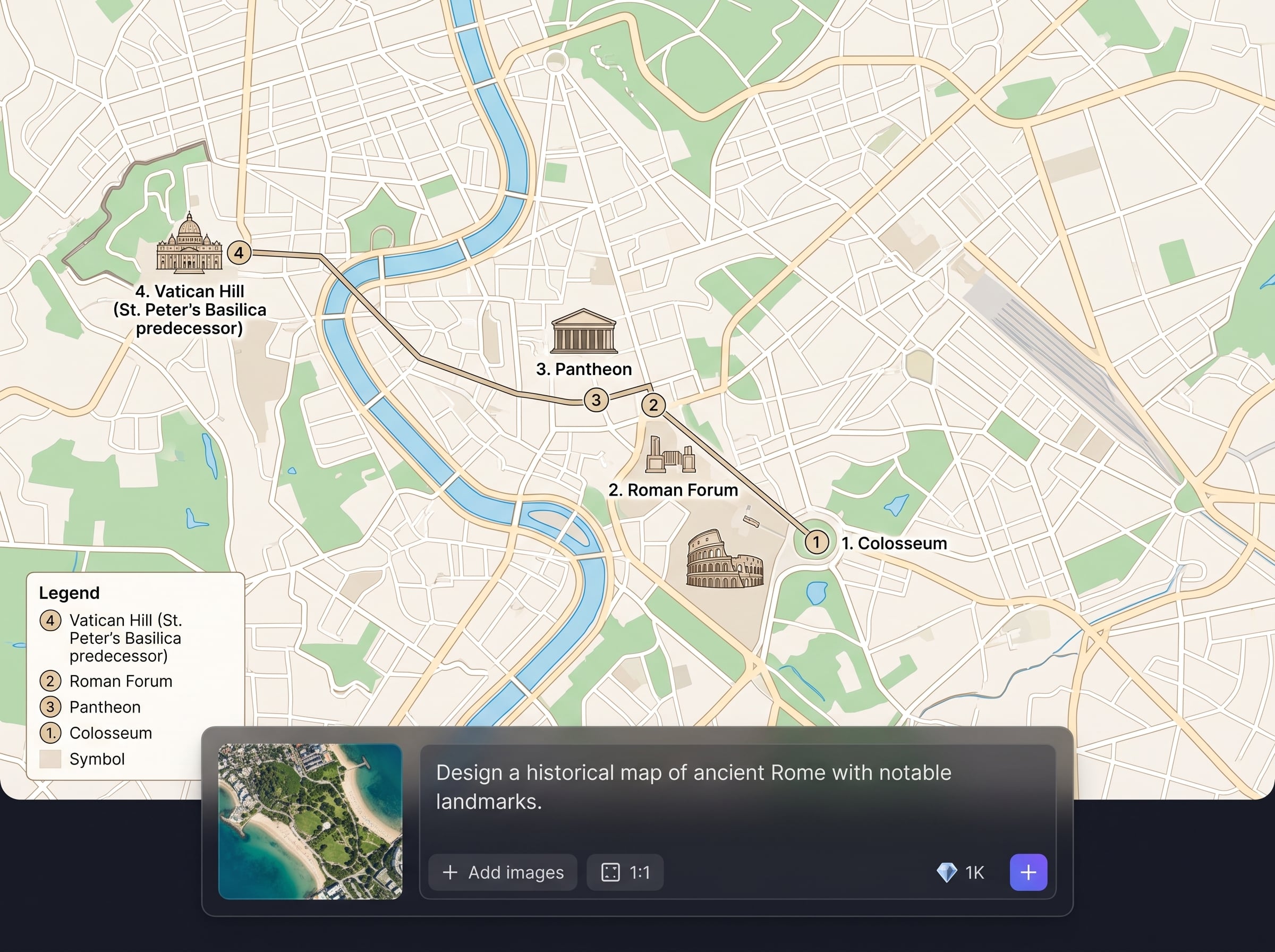
Regenerate quickly to test different zoom levels, label density, and styling options. Compare versions and refine details until you reach the best map design for your specific use case.
About
Globus Maps Builder is an AI map generator that transforms a few details into polished, detailed maps in minutes. Add locations, labels, style cues, and coverage, then generate results ready in three sizes for web, print, and presentations. Export consistent outputs quickly, iterate on variations, and keep map quality high without manual layout work.
Globus Maps Builder focuses on speed, consistency, and detail. With AI-driven layout and labeling, you can go from brief inputs to polished maps quickly, then export in three sizes for reliable placement across channels and workflows.
Type the region and key points you need, choose style preferences, and generate. Refine zoom and labels as needed, then download the map in the best of three sizes.
Use cases
Discover how different creators use this app in their workflow.
Generate clean, detailed maps for store locators, service areas, and event pages. Export in the right size for fast page updates and consistent visuals.
Create readable maps for slide decks and documents with clear labeling and hierarchy. Use three-size exports to fit charts, callouts, and full-page layouts.
Produce detailed maps for lessons, handouts, and internal training materials. Adjust emphasis and label density to match learning goals and audience readability.
Krea is one of the world's leading generative AI platforms. See what others say.
Real reviews on TrustpilotSo many AI tools out there but I always come back to Krea. It's really the one AI platform that 'just works'.

FYN
Krea's interfaces are still the best in the industry. Everything looks and feels so clean and easy to use! Imo the easiest to use gen AI website.

Lynn
Ultra fast generations. Extremely simple to use. All the latest AI models.

Daniel
KREA is the only AI subscription I have right now besides ChatGPT.

Sophia M.
Answers to common questions about generating detailed maps with AI, exporting sizes, and refining results.
Globus Maps Builder is an AI map generator that turns small inputs into detailed maps. Add locations, labels, and style cues, then export consistent results in three sizes for different placements.
The system uses artificial intelligence to interpret your coverage, points of interest, and styling notes. It automatically arranges hierarchy, labeling, and composition to produce a polished, readable map output.
The three sizes help you reuse the same map across common formats. They’re designed to fit web sections, slide layouts, and larger print-style placements while keeping framing and readability consistent.
Yes. You can specify label priorities, zoom level, density, and style preferences. Regenerate variations to fine-tune the look, then export the version that best matches your intended use.
Yes, it works as an online map builder with AI-assisted generation. Enter details, generate a detailed map, refine quickly, and download outputs in three sizes without complex manual setup.
Most maps generate in minutes, depending on complexity and requested detail. You can iterate quickly by adjusting inputs and regenerating, which is faster than rebuilding layouts manually each time.
Yes. Generate variations with different label density, emphasis, or zoom framing. This makes it easy to produce a detailed map for executives, customers, or internal teams from the same inputs.
No. The AI handles map composition, labeling hierarchy, and visual balance. You only provide key details and preferences, then refine results with simple adjustments before exporting.
Include the primary region, key locations, desired labels, and any style notes like minimal or detailed. Adding priorities—what must stand out—helps the AI produce clearer hierarchy and results.
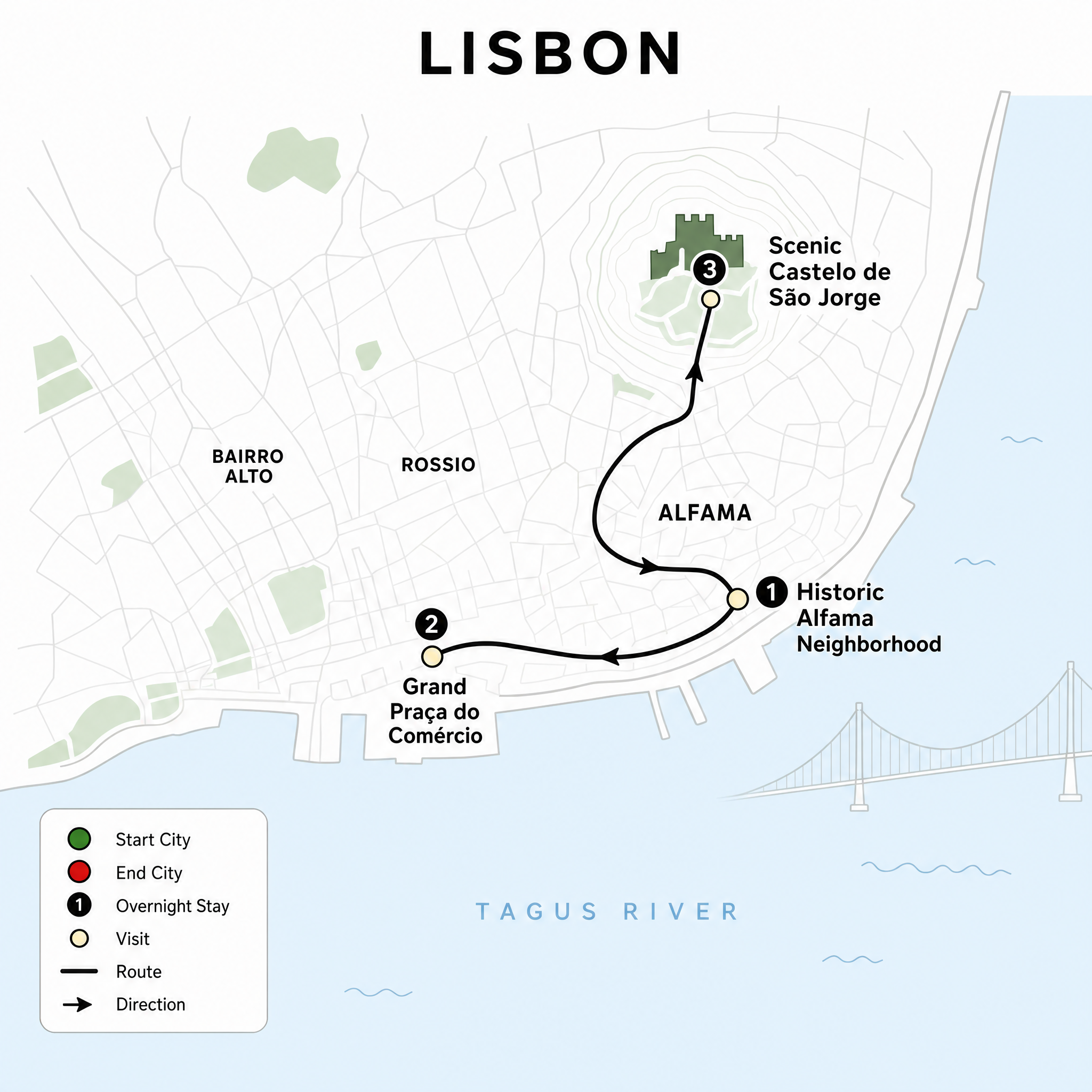
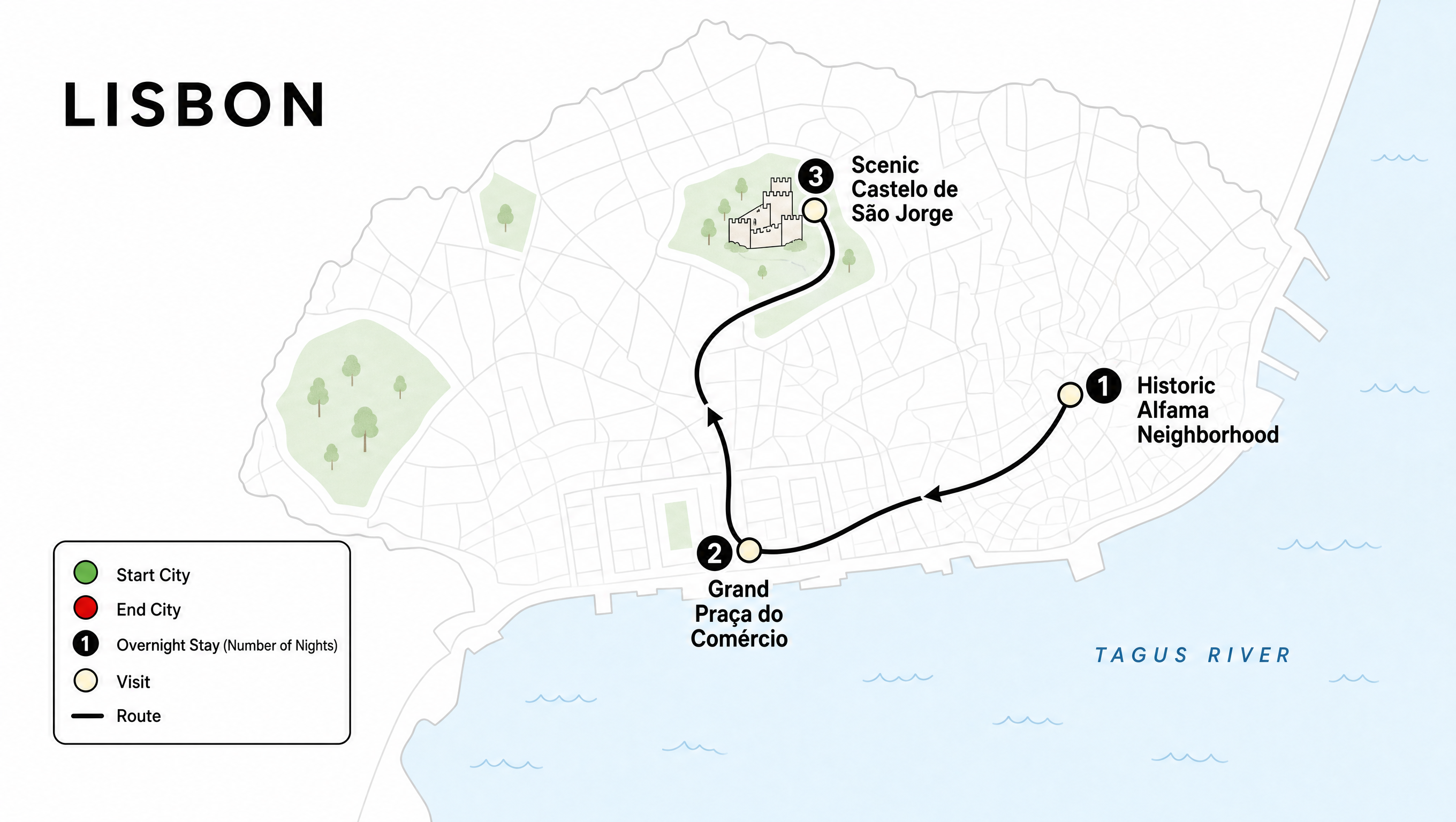
Input a few details and export AI-generated maps in three sizes for web, slides, and print.

