















Step 1
Upload
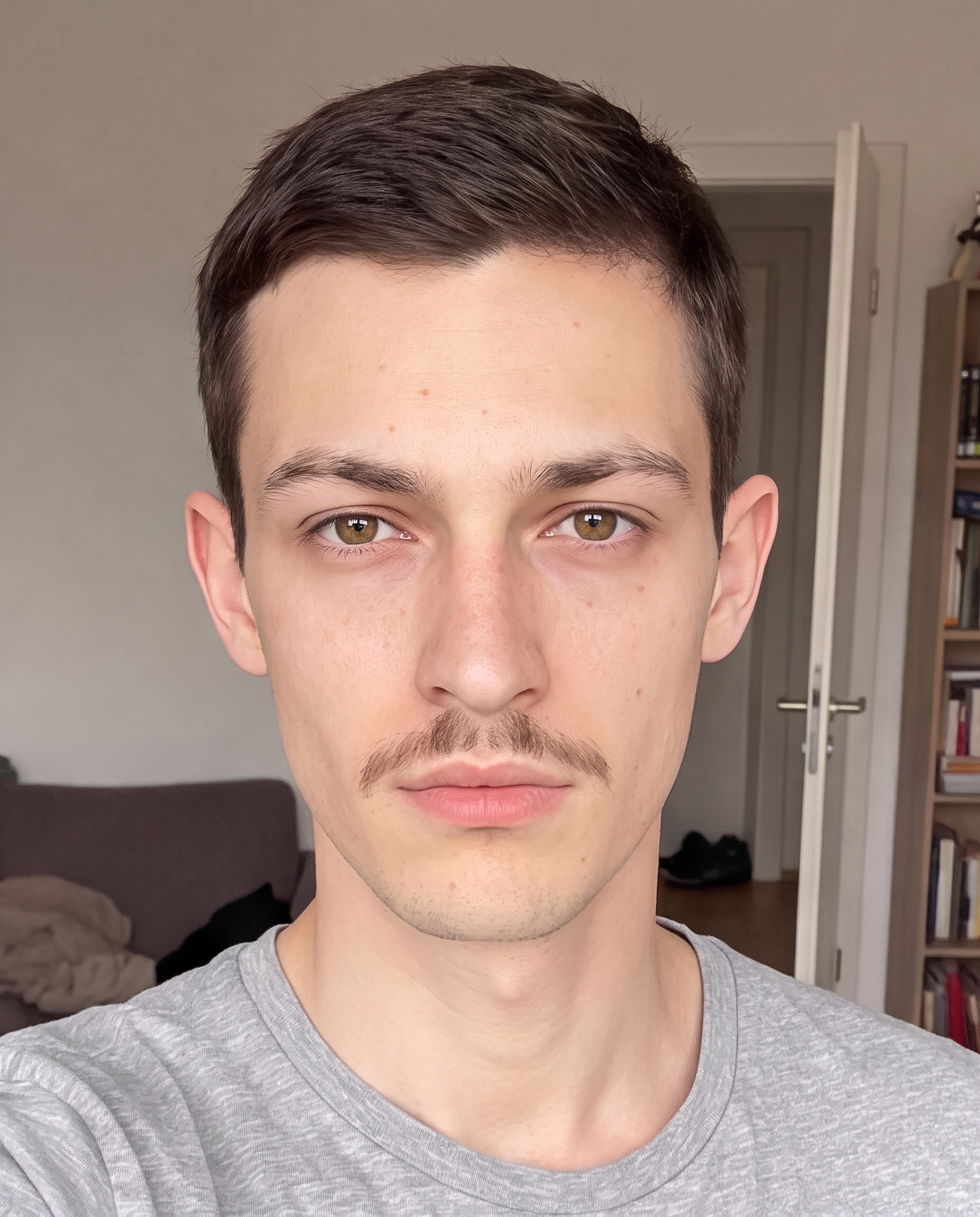
Add your selfie or portrait photo from your device. The AI automatically detects facial skin areas and prepares a targeted retouch pass.
Remove blemishes, acne, and uneven texture in seconds with Selfie Skin Imperfections. AI retouching keeps skin natural—try it online now.
How to use Selfie Skin Imperfections
Clean up skin imperfections fast with an AI-powered workflow designed for natural results. Follow these steps to upload your photo, fine-tune retouch settings, and export a polished selfie.
Step 1
Add your selfie or portrait photo from your device. The AI automatically detects facial skin areas and prepares a targeted retouch pass.

Step 2
Choose how much smoothing and blemish removal you want. Preview changes to keep texture realistic while reducing acne, spots, and redness.

Step 3
Download your retouched image in high quality. Use it instantly for profiles, resumes, social posts, or professional headshots.
Features
Selfie Skin Imperfections uses AI and machine learning to remove blemishes and even out skin tone without turning faces into plastic. Target common issues like acne, spots, redness, and rough texture, then control the intensity with simple settings. Get clean results fast for selfies, portraits, and headshots—right in your browser.
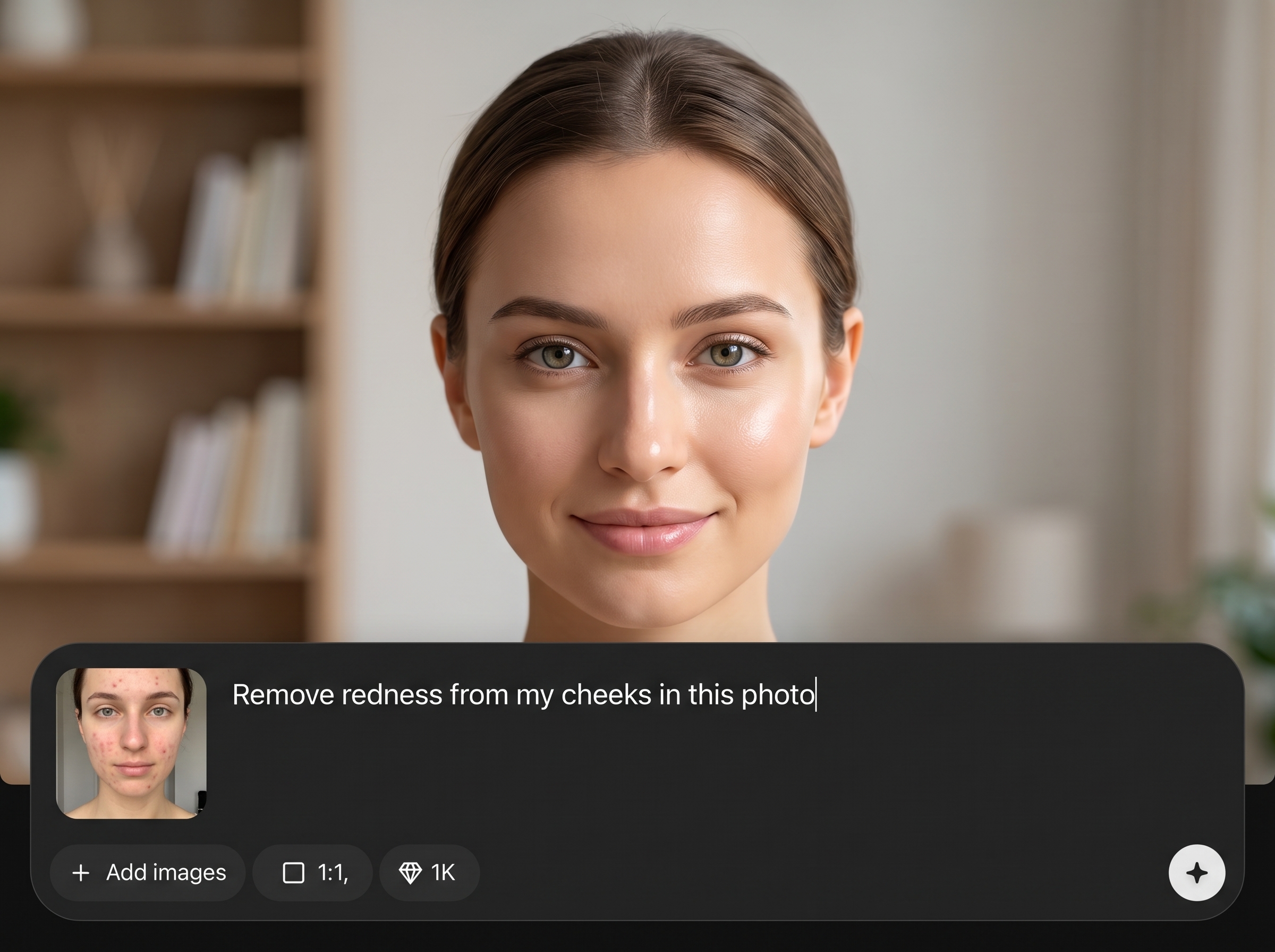
Reduce acne, spots, and small marks while keeping pores and facial detail intact. The AI focuses on skin areas, avoiding heavy blur on eyes, hair, and edges.
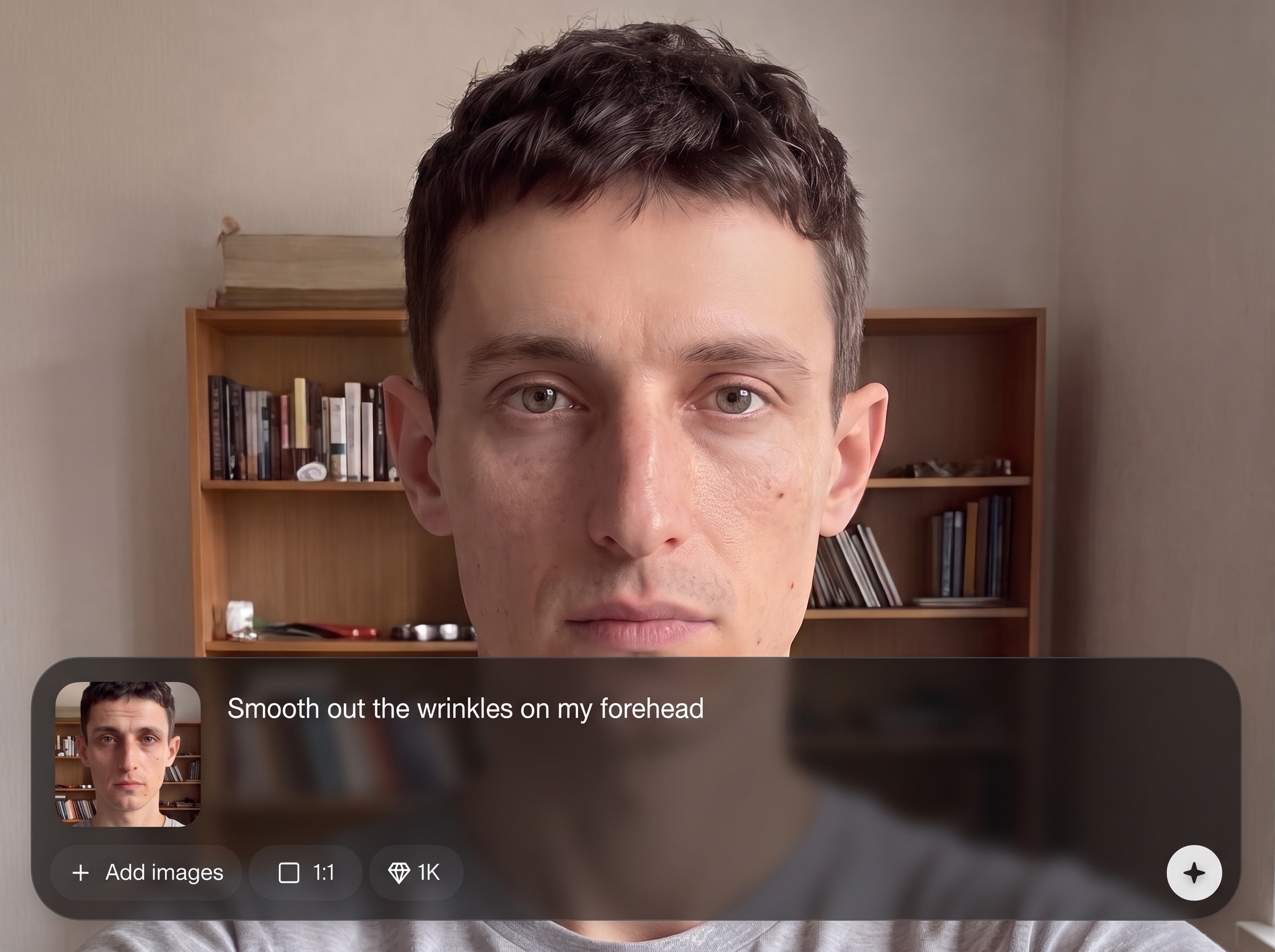
Upload, preview, and export in seconds with streamlined AI retouching. No installs or complex tools—perfect for quick profile photo updates and batch touch-ups.
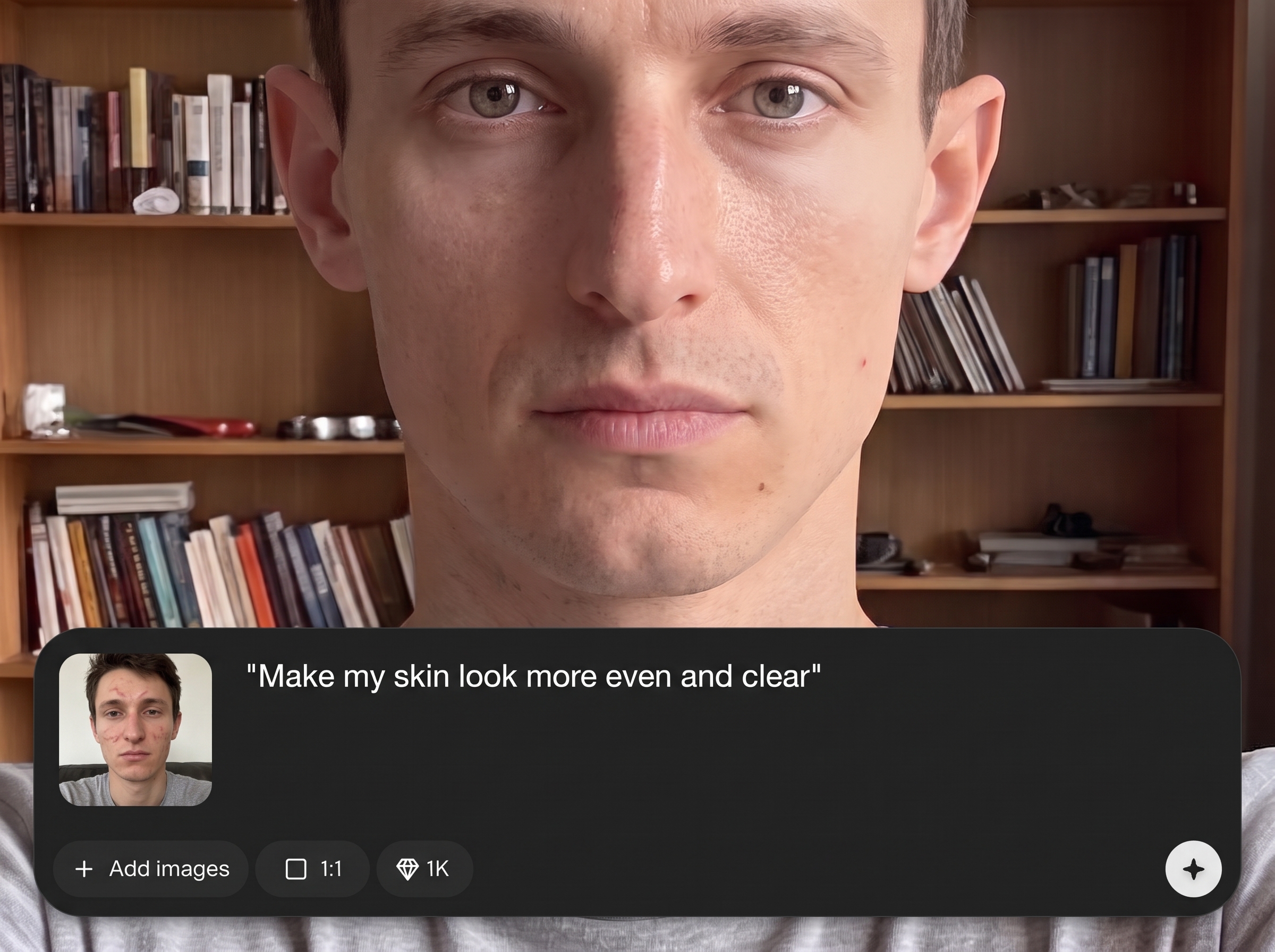
Dial in subtle cleanup or stronger smoothing with easy controls. Maintain a realistic look while minimizing redness and uneven texture for different lighting conditions.
About
Selfie Skin Imperfections is an AI skin retouching tool that removes blemishes, acne spots, redness, and uneven texture while preserving natural pores and detail. Upload a selfie, adjust the retouch strength, and get a clean, realistic portrait in seconds. Ideal for profile photos, headshots, and everyday social posts without the over-smoothed look.
Get realistic AI blemish removal without complicated editing tools. Selfie Skin Imperfections combines machine learning precision with simple controls, so you can clean up spots and redness while preserving true skin texture. Fast previews help you match the look to every photo.
Open the tool, upload your selfie, and choose your retouch strength. Preview the result, make quick adjustments, then export a high-quality image ready for profiles and posts.
Use cases
Discover how different creators use this app in their workflow.
Upgrade LinkedIn, dating, and messaging profile pics with quick AI blemish removal and natural skin smoothing that still looks like you.
Create polished portraits for job applications and team pages by reducing acne, redness, and uneven tone while keeping facial details professional.
Clean up selfies for posts and stories with consistent, realistic retouching—great for mixed lighting, phone cameras, and fast edits on the go.
Krea is one of the world's leading generative AI platforms. See what others say.
Real reviews on TrustpilotSo many AI tools out there but I always come back to Krea. It's really the one AI platform that 'just works'.

FYN
Krea's interfaces are still the best in the industry. Everything looks and feels so clean and easy to use! Imo the easiest to use gen AI website.

Lynn
Ultra fast generations. Extremely simple to use. All the latest AI models.

Daniel
KREA is the only AI subscription I have right now besides ChatGPT.

Sophia M.
Answers to common questions about AI skin retouching, blemish removal, and exporting high-quality selfies.
It’s an AI photo retouch tool that removes blemishes, acne spots, and minor texture issues from selfies and portraits. You can adjust strength to keep skin looking natural and detailed.
You control the intensity, so results can stay subtle and realistic. The AI aims to preserve pores and facial features while reducing spots, redness, and uneven tone.
Yes. The tool is designed for acne spot removal, small blemishes, and temporary marks. For best results, use a clear, well-lit photo and moderate retouch strength.
It’s built to retouch skin across a wide range of tones by targeting texture and localized imperfections. Preview the result and adjust settings to maintain accurate color and realism.
It can improve skin for portraits with multiple faces, depending on image clarity and size. For the most consistent results, use higher-resolution photos and check each face in preview.
No. It’s an online AI retouch workflow with simple controls and live preview. Upload your image, adjust the effect, and export—no layers, brushes, or manual masking required.
Common image formats like JPG and PNG work best for selfies and portraits. Export options prioritize high-quality results suitable for social media, profiles, and professional headshots.
Start with low-to-medium strength and increase only as needed. Use a sharp, well-lit selfie, and avoid pushing smoothing too far so texture and facial contours stay believable.
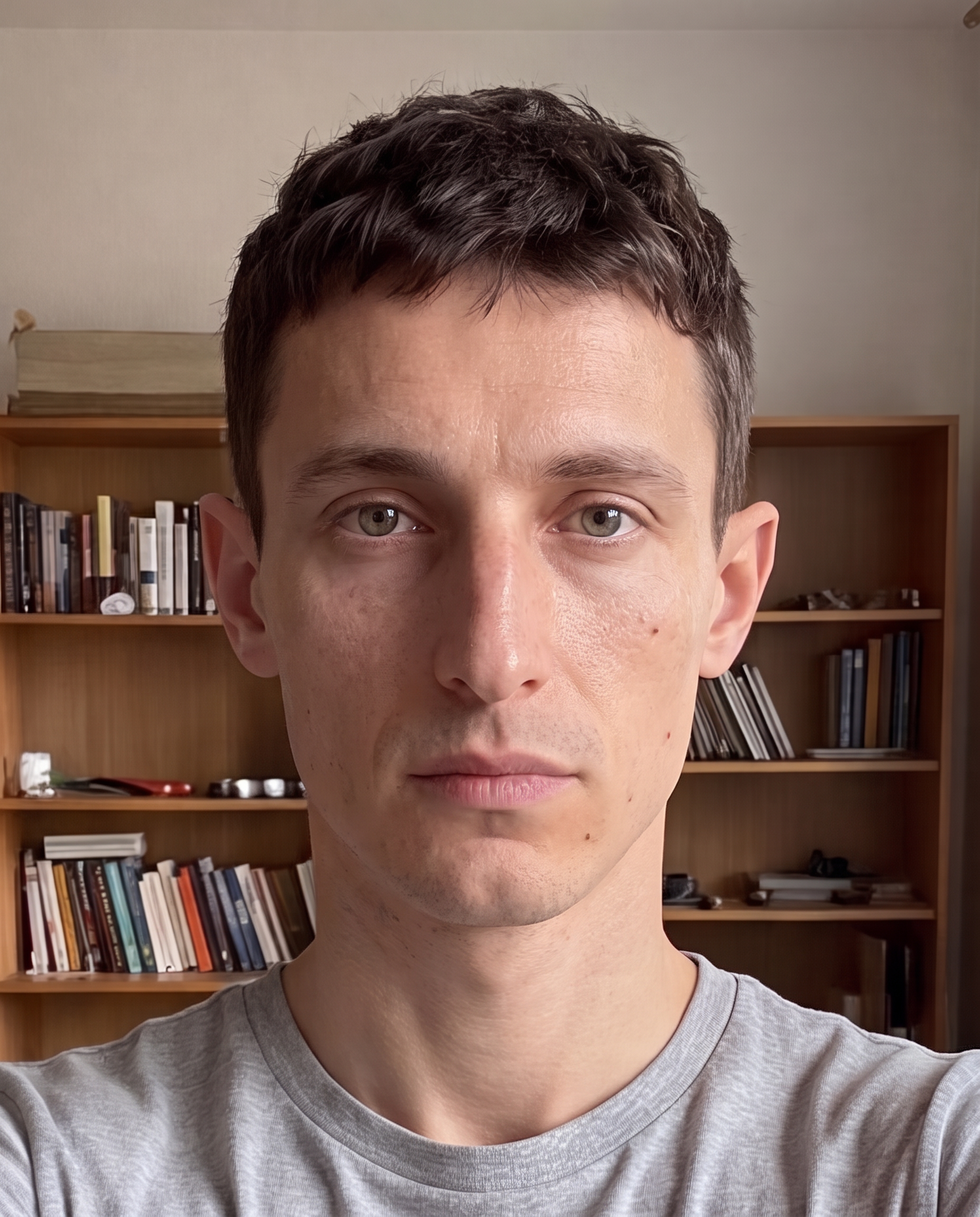

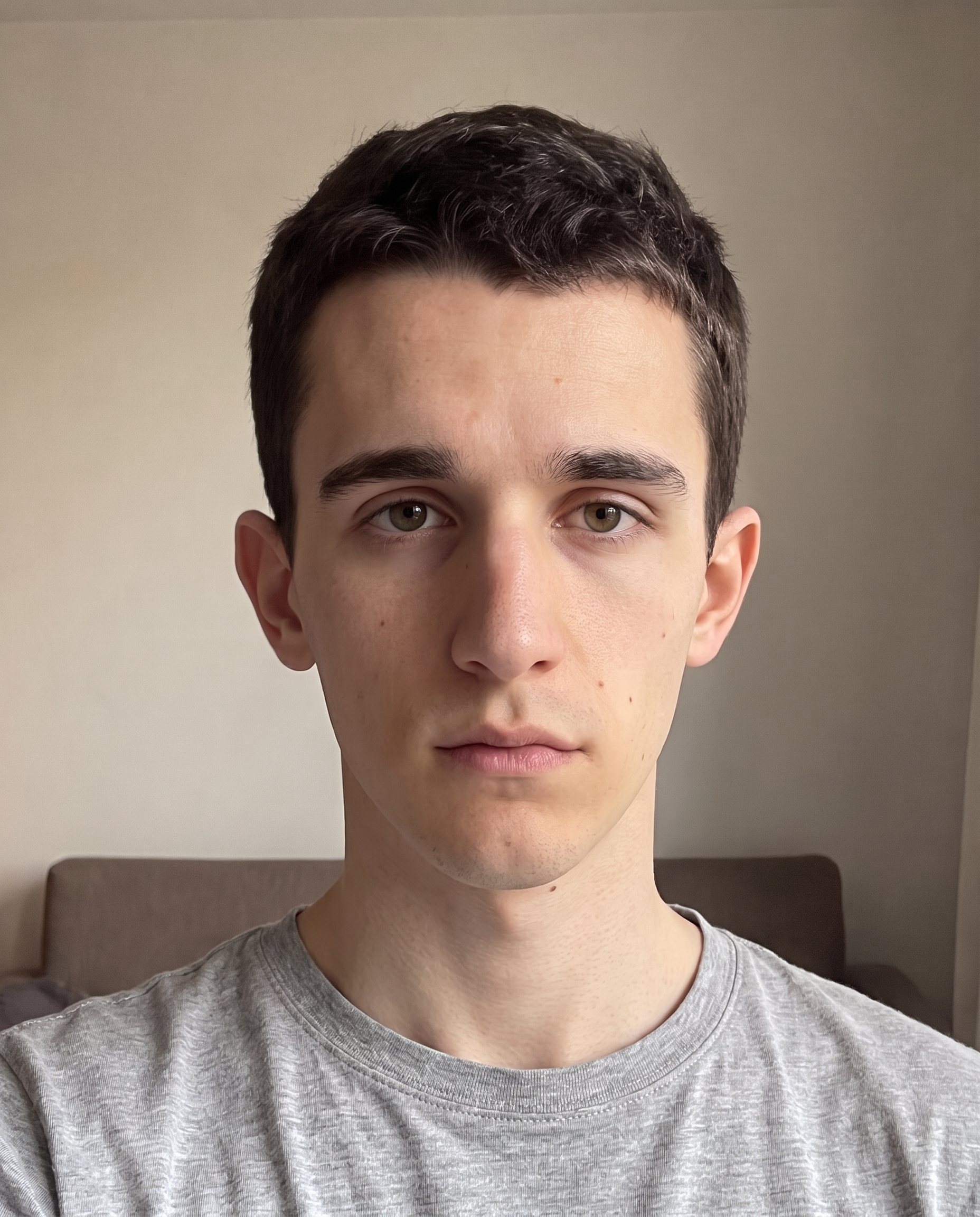
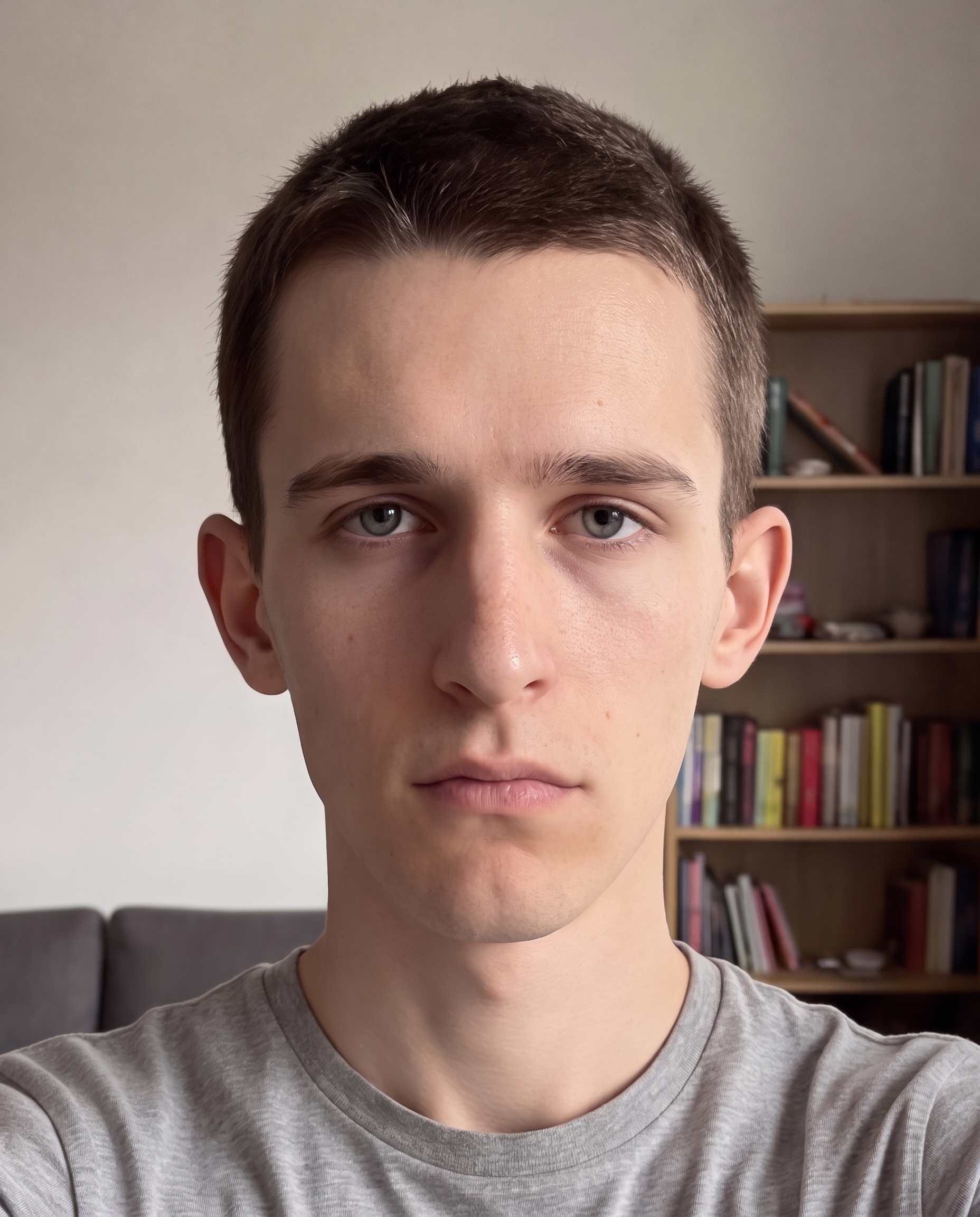
Upload a selfie, fine-tune the retouch level, and download a natural-looking portrait instantly.

