














Step 1
Describe
Enter a prompt describing the top, fabric texture, pattern, color palette, and details like collar, sleeves, and fit. Add brand style notes to guide consistent results.
Design custom textile top visuals fast with INTERSPORT_TEXTILE_HAUT. Use AI prompts to generate patterns, colors, and mockups—try it online now.
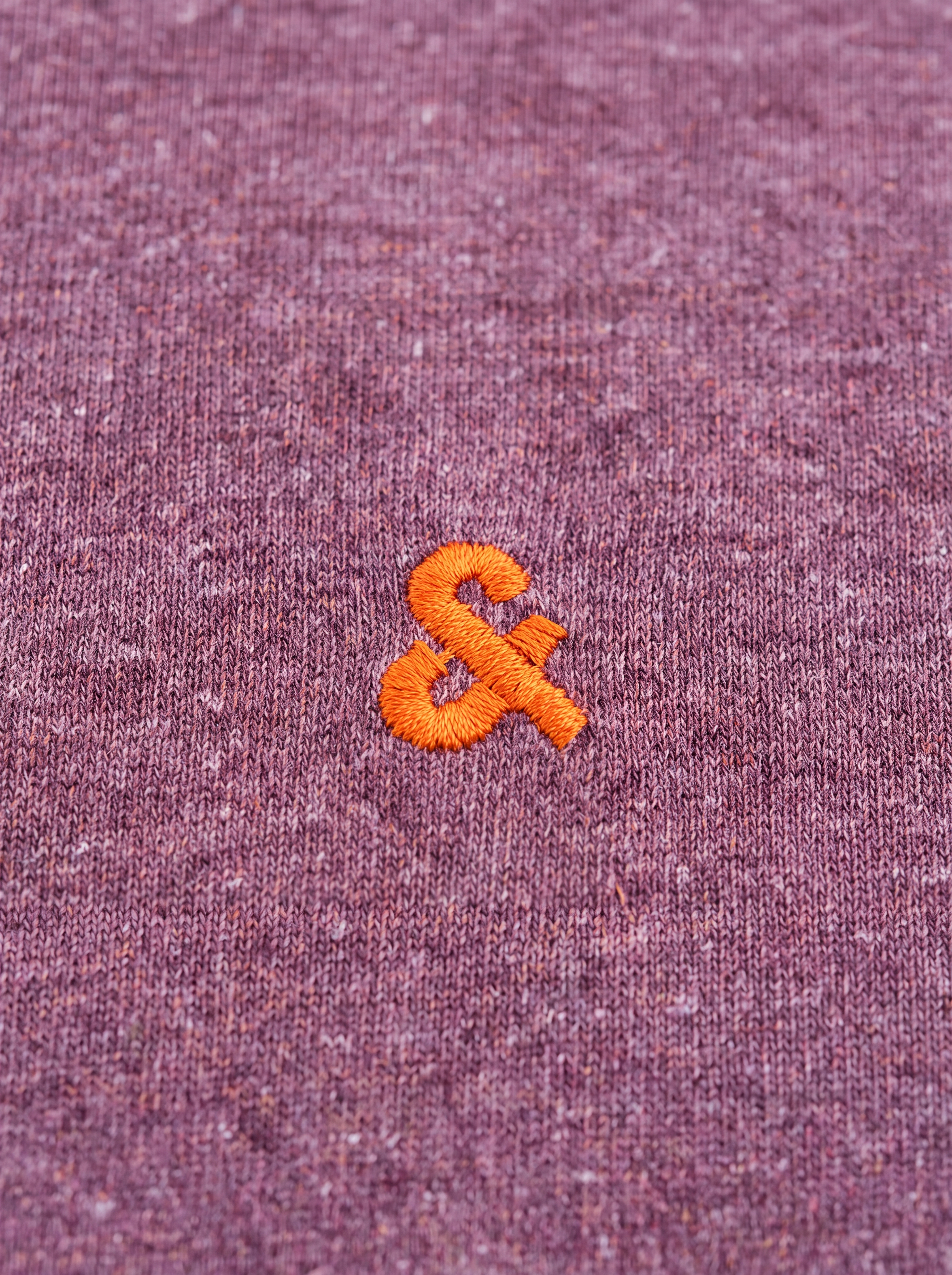
How to use INTERSPORT_TEXTILE_HAUT
Follow these steps to generate textile top visuals with INTERSPORT_TEXTILE_HAUT. Add your design prompt, choose style settings, and produce high-quality mockups you can review, refine, and export for workflows.
Step 1
Enter a prompt describing the top, fabric texture, pattern, color palette, and details like collar, sleeves, and fit. Add brand style notes to guide consistent results.

Step 2
Choose output options such as resolution and variation count, then generate. Review multiple AI results to pick the strongest composition, colors, and pattern placement for your goal.

Step 3
Adjust the prompt or settings to fix details, try new colorways, or improve realism. Generate again until the textile and top mockup match your reference and intent.
Features
INTERSPORT_TEXTILE_HAUT helps you create textile top concepts with AI-driven patterning and realistic mockups. Generate multiple variations from one brief, explore colorways, and align outputs with a consistent style direction. Save time on early-stage ideation, product visualization, and presentation-ready assets without heavy manual editing.
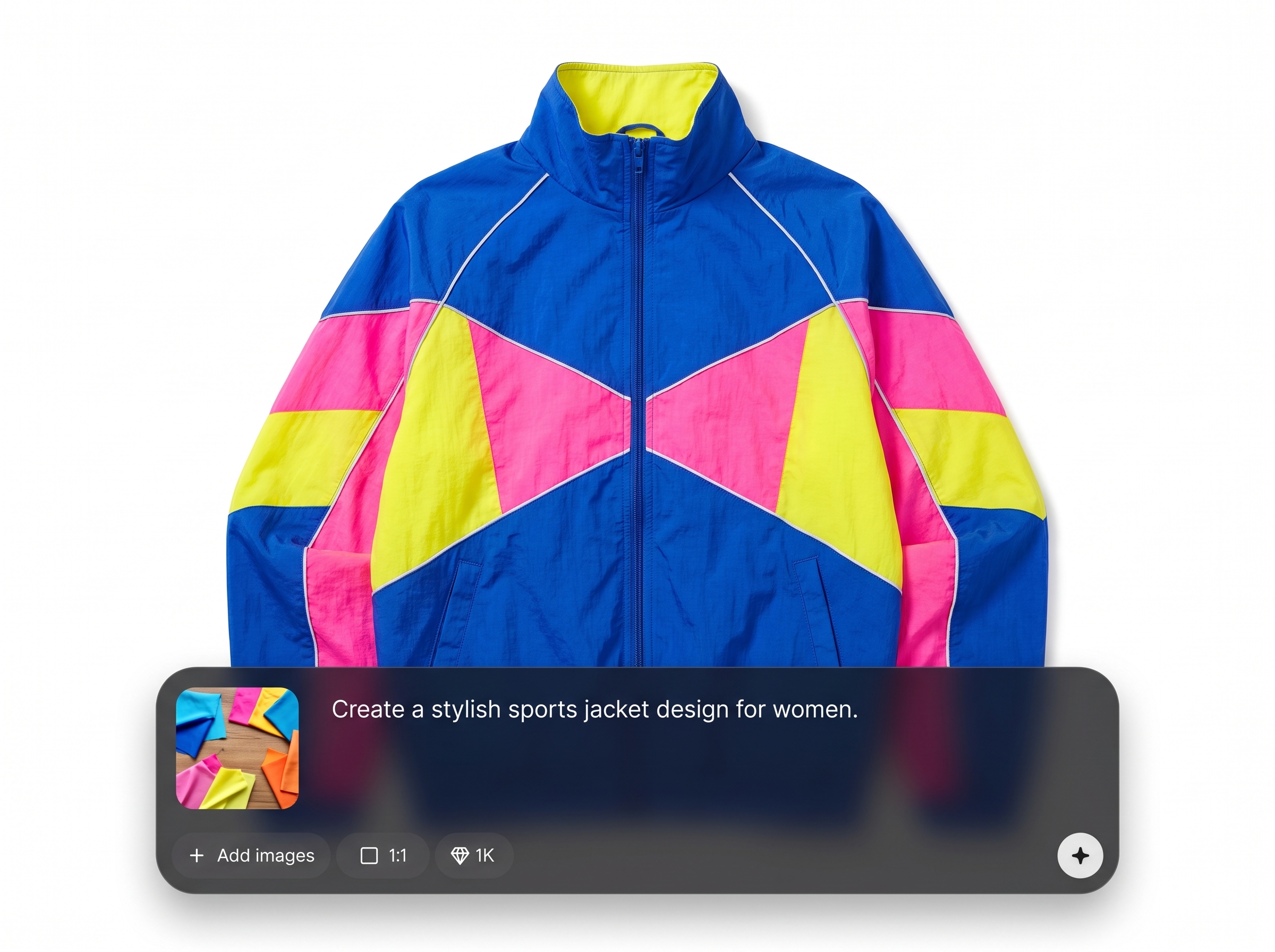
Turn text prompts into realistic top mockups with fabric texture, pattern placement, and lighting. Quickly visualize concepts for reviews, listings, or internal presentations with minimal setup.
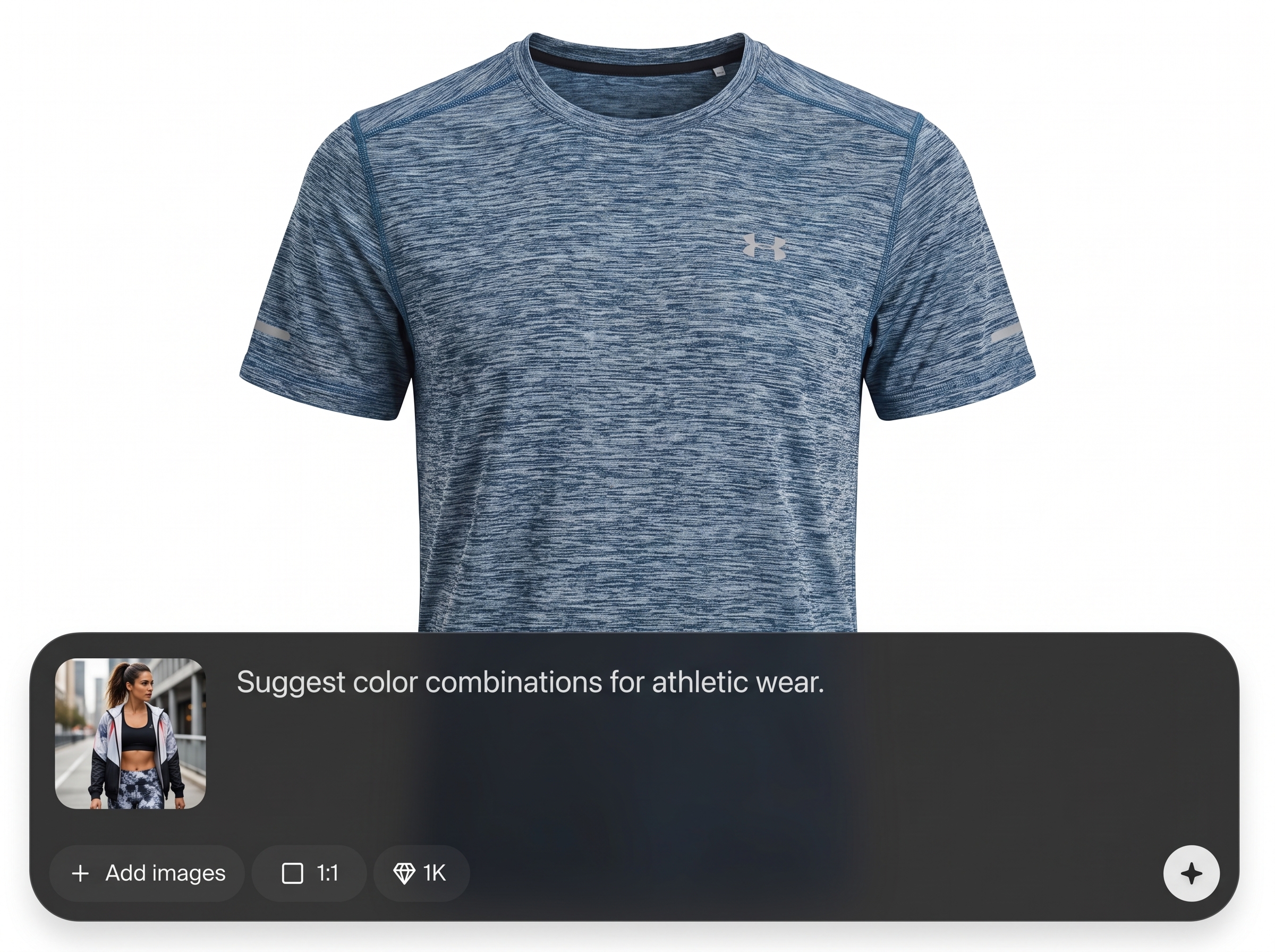
Create multiple design options in one run to compare patterns, palettes, and details. Use rapid iteration to explore alternatives and converge on a final direction faster.
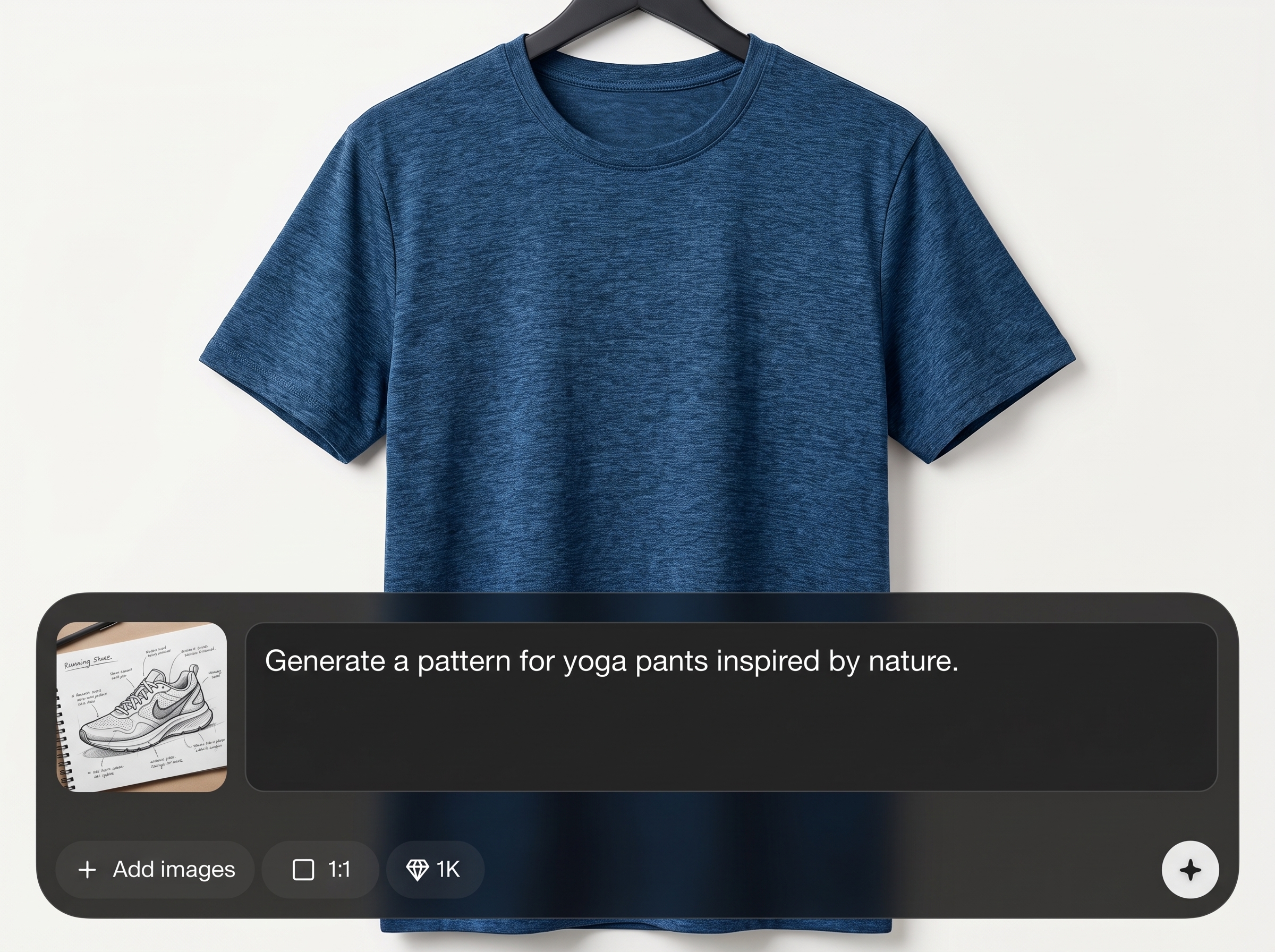
Guide the AI with clear constraints like brand colors, motif rules, and fit details. Produce cohesive sets of designs that look related across a collection or campaign.
About
INTERSPORT_TEXTILE_HAUT is an AI textile top generator that turns prompts into apparel-ready visuals in minutes. Create standout patterns, colorways, and top mockups for product pages, design reviews, or rapid concepting. Iterate quickly with AI-assisted variations, keeping your look consistent while exploring new ideas without complex design software.
INTERSPORT_TEXTILE_HAUT streamlines textile top ideation with AI that produces fast, realistic mockups and consistent variations. Get multiple options from one brief, control palettes and pattern direction, and refine outputs quickly to match product and brand needs without heavy manual work.
Type a clear prompt describing the top, fabric, pattern, and colors, then generate variations. Review results, refine details, and export your best mockups for presentations, planning, or ecommerce use.
Use cases
Discover how different creators use this app in their workflow.
Generate early apparel concepts for tops, compare pattern directions, and shortlist options for further development without starting from scratch in design tools.
Create clean, consistent top visuals for product pages, A/B testing, and merchandising previews. Produce multiple colorways quickly for catalog planning.
Design themed textile patterns and coordinated tops for seasonal drops or promotions. Keep style guidelines consistent while exploring fresh variations.
Krea is one of the world's leading generative AI platforms. See what others say.
Real reviews on TrustpilotSo many AI tools out there but I always come back to Krea. It's really the one AI platform that 'just works'.

FYN
Krea's interfaces are still the best in the industry. Everything looks and feels so clean and easy to use! Imo the easiest to use gen AI website.

Lynn
Ultra fast generations. Extremely simple to use. All the latest AI models.

Daniel
KREA is the only AI subscription I have right now besides ChatGPT.

Sophia M.
Answers to common questions about AI textile top generation and using INTERSPORT_TEXTILE_HAUT effectively.
INTERSPORT_TEXTILE_HAUT is an AI tool for generating textile top designs and mockups from text prompts. It helps create patterns, colorways, and apparel visuals quickly for concepting, review, and presentation.
Include garment type, fit, fabric, pattern style, color palette, and key details like sleeves or collar. Add constraints such as “minimal,” “high contrast,” or “repeat pattern” to steer outputs.
Yes. Generate variations or specify exact color codes and palette notes in your prompt. This helps produce consistent layouts while exploring alternative colorways for merchandising and selection.
It can generate repeat-style patterns when you request “seamless” or “tileable” in the prompt. For best results, describe repeat scale, motif spacing, and background texture to reduce artifacts.
Downloads typically include high-resolution images suitable for mockups and presentations. Choose the highest resolution available for clearer fabric detail, especially when reviewing pattern scale and texture.
Ask for “studio lighting,” “realistic fabric drape,” and specify material like jersey, fleece, or polyester. Mention camera angle and background style to improve product-like consistency and realism.
Yes. It’s designed for fast iteration—generate multiple options, evaluate placement and palette, then refine prompts. This shortens the time from idea to review-ready visual concepts.
Use fixed constraints such as brand colors, motif rules, and recurring descriptors. Reuse a base prompt and adjust only one variable at a time to maintain cohesion across a set.
Add negative constraints like “no logos, no text, no extra graphics,” and regenerate. Tightening garment details and simplifying the prompt often reduces stray artifacts in patterns and mockups.
No. The workflow is prompt-based: describe what you want, generate, and refine. Clear references and simple constraints help you achieve strong results even without advanced design skills.
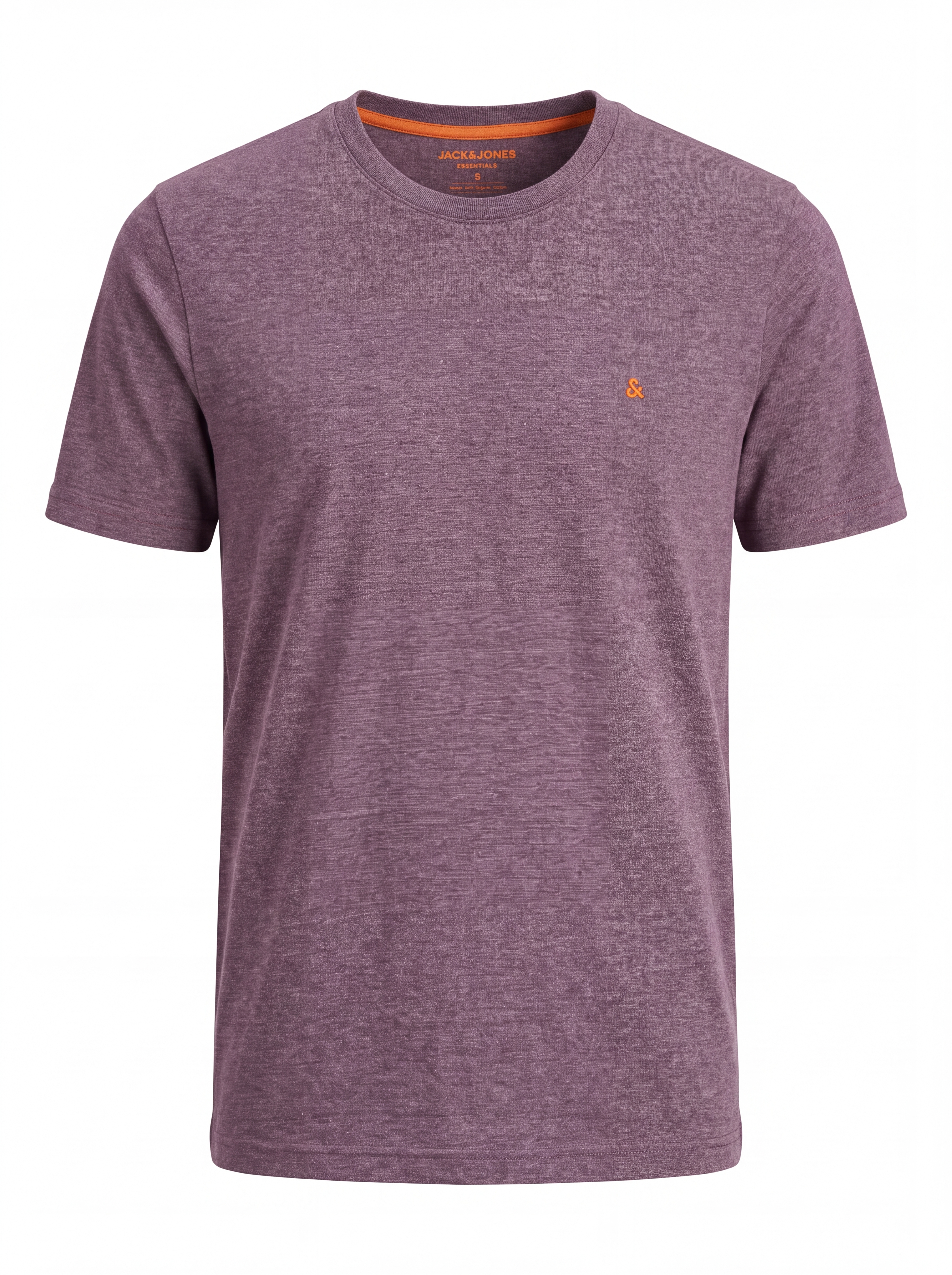
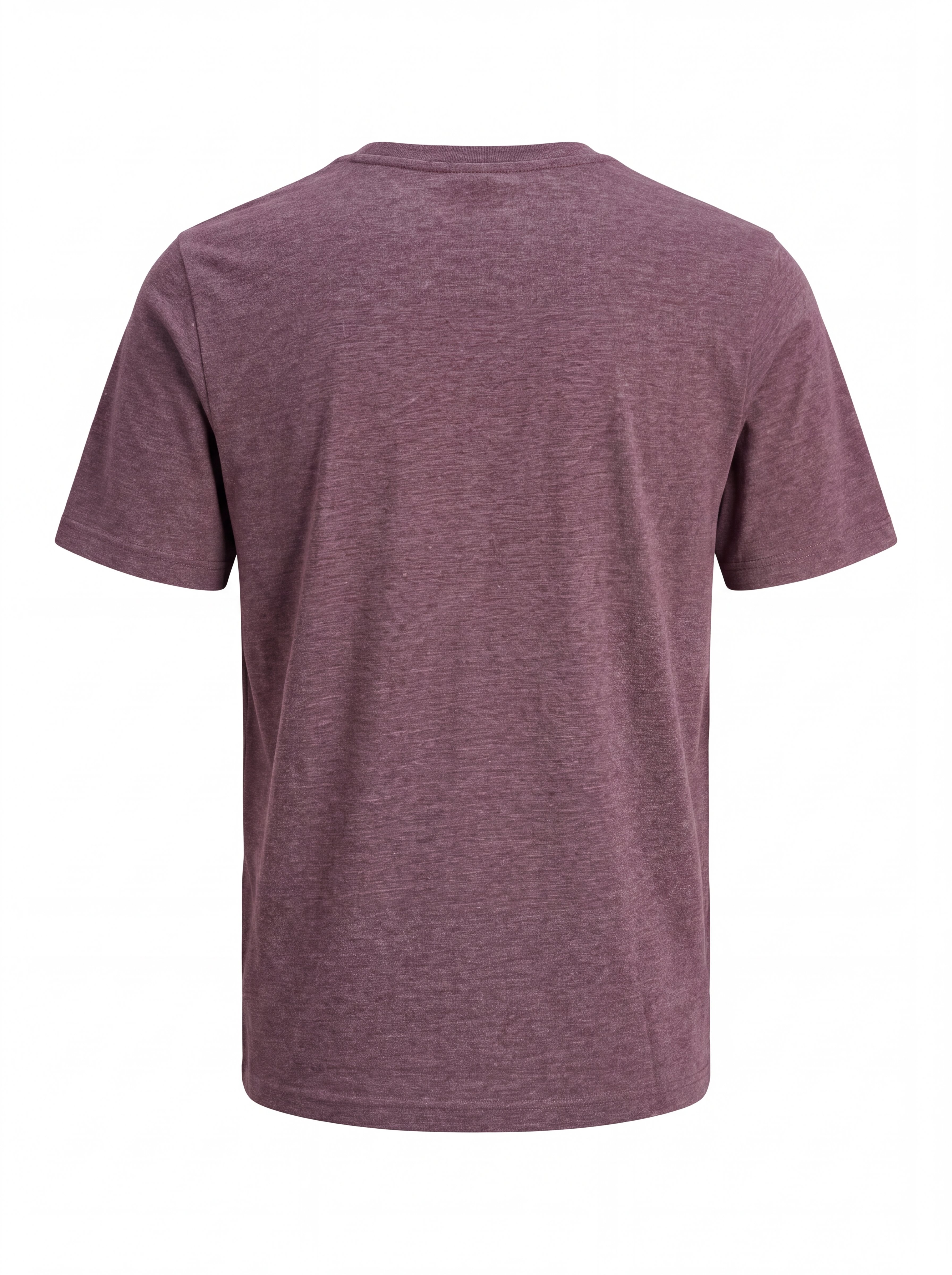
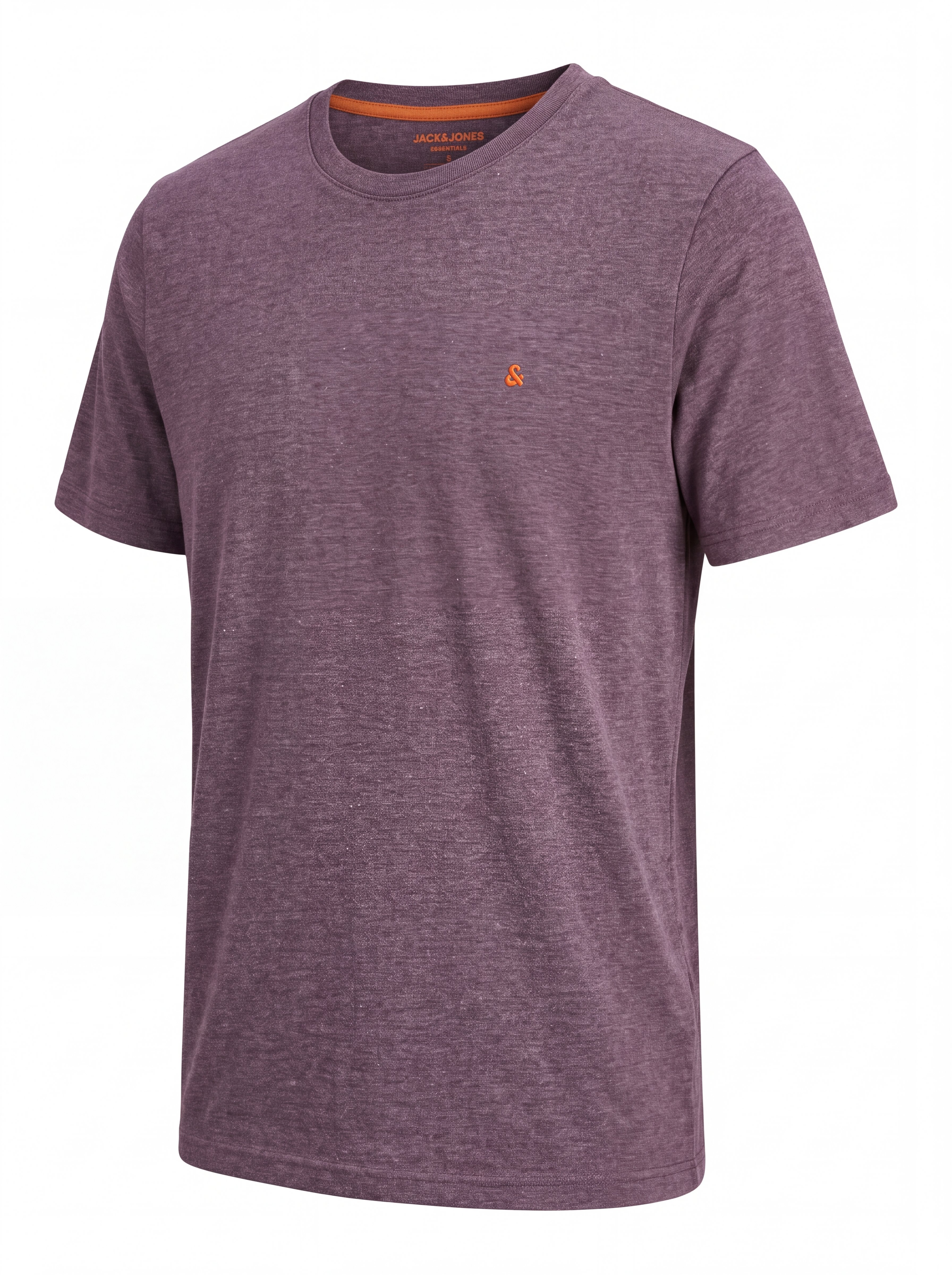
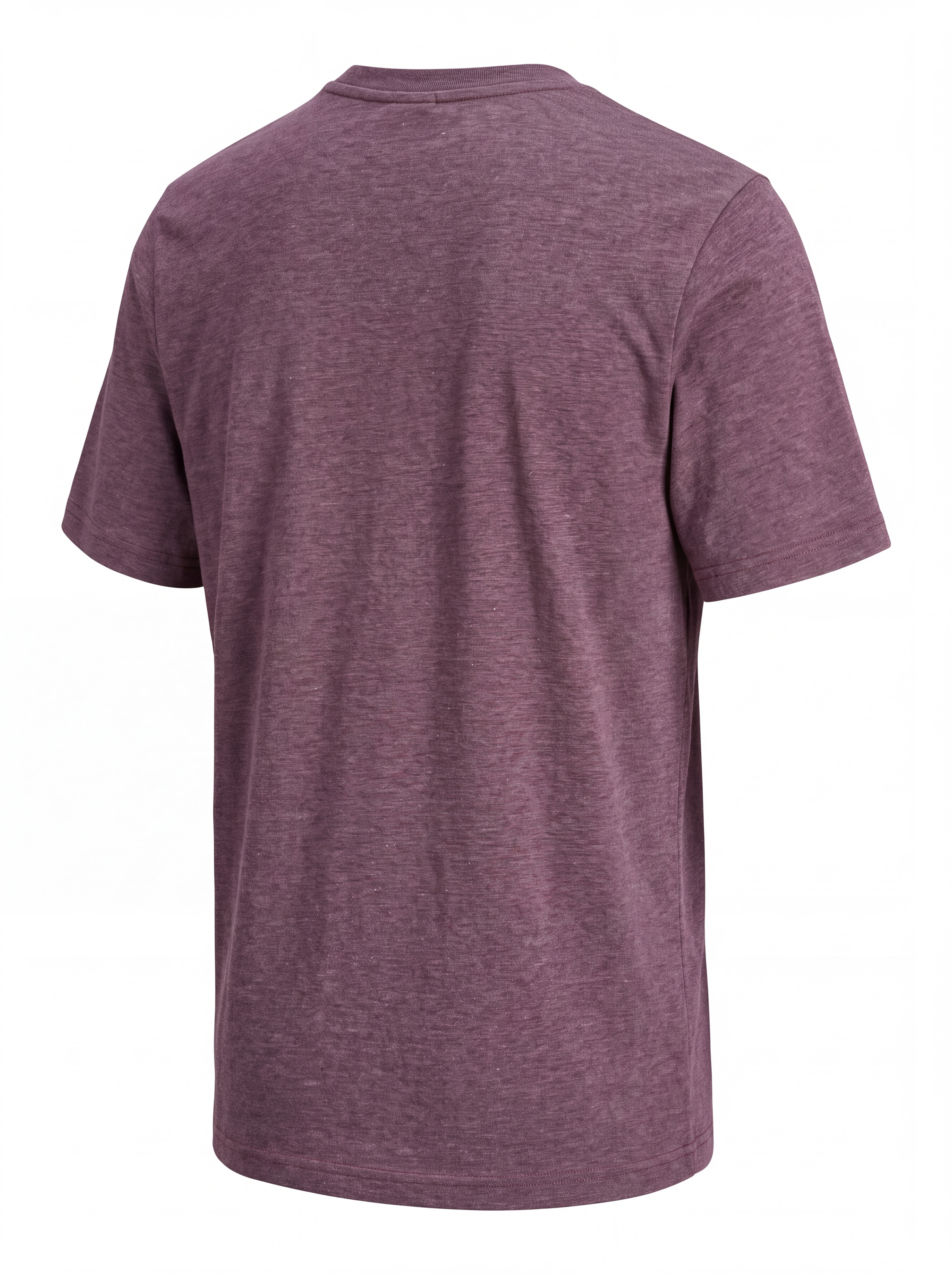
Generate AI-powered top mockups and patterns in minutes—iterate fast and export visuals for review.

