














Step 1
Input
Add your product name, key benefits, target audience, and a call-to-action. Upload a logo or reference image to keep branding consistent across ads and video frames.
Create high-converting ads and short promo videos with AI. Generate scripts, visuals, and variants fast for social, web, and ecommerce. Try it now.
How to use יוצר פרסומות כולל וידאו
This quick tutorial shows how to generate ad copy, visuals, and video variations with AI. Add your product info, choose a style and format, then export polished creatives for your channels.
Step 1
Add your product name, key benefits, target audience, and a call-to-action. Upload a logo or reference image to keep branding consistent across ads and video frames.

Step 2
Choose platform presets, aspect ratio, and tone. Generate AI ad copy, headline variations, visuals, and short video cuts, then refine with prompts and quick edits.

Step 3
Preview all versions and select the best performers. Download assets in web-ready formats for social, ecommerce, and paid ads, plus text files for easy publishing.
Features
Generate complete advertising creatives from one brief: ad copy, images, and short video promos. Use AI to produce multiple variants, match platform specs, and keep messaging consistent. Iterate quickly with prompt-based editing, brand-friendly styling, and export-ready formats for publishing across channels.
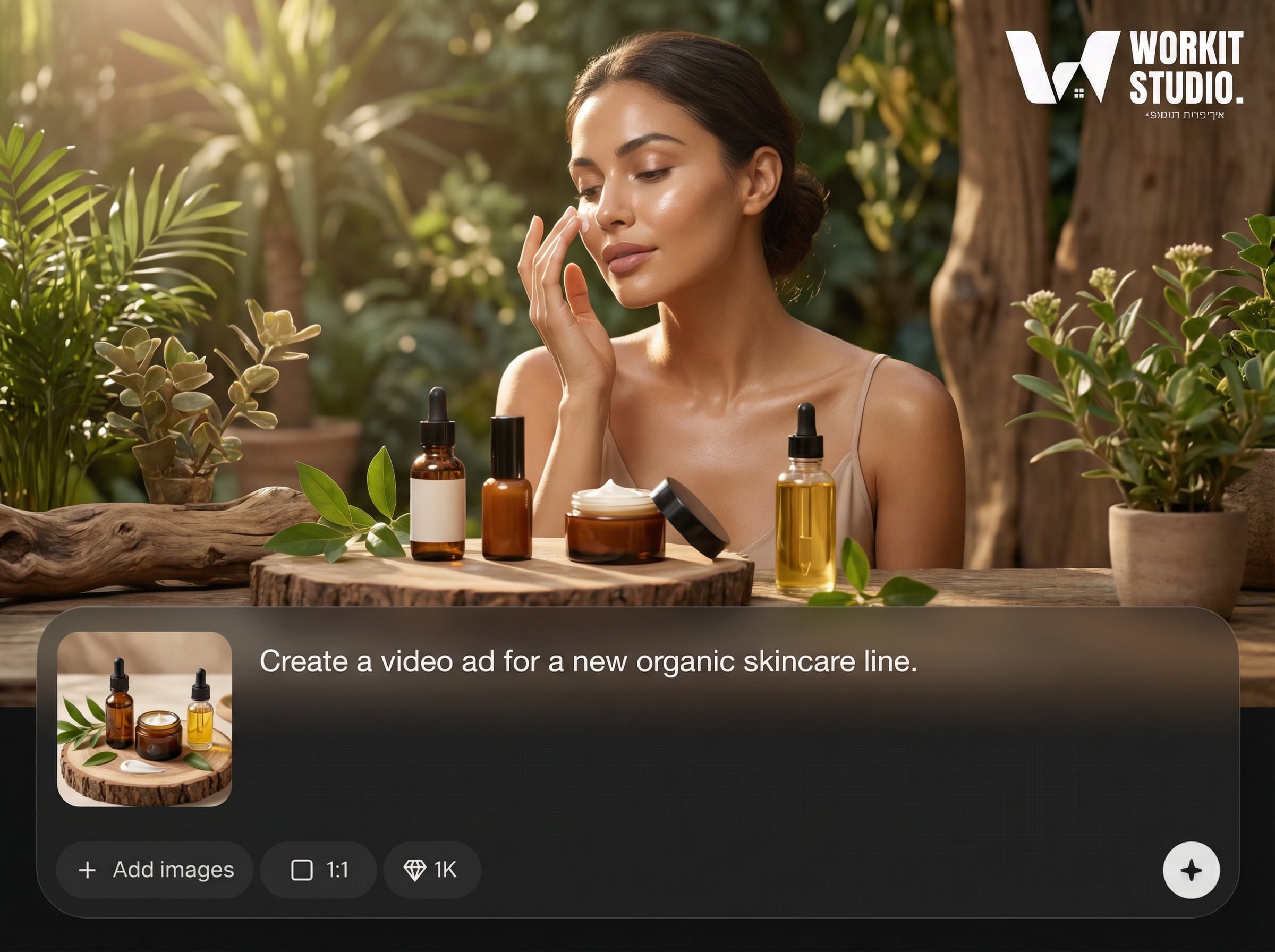
Create headlines, primary text, and matching visuals from a single input. Generate multiple angles and A/B options automatically, then tweak wording and style to fit your brand voice.
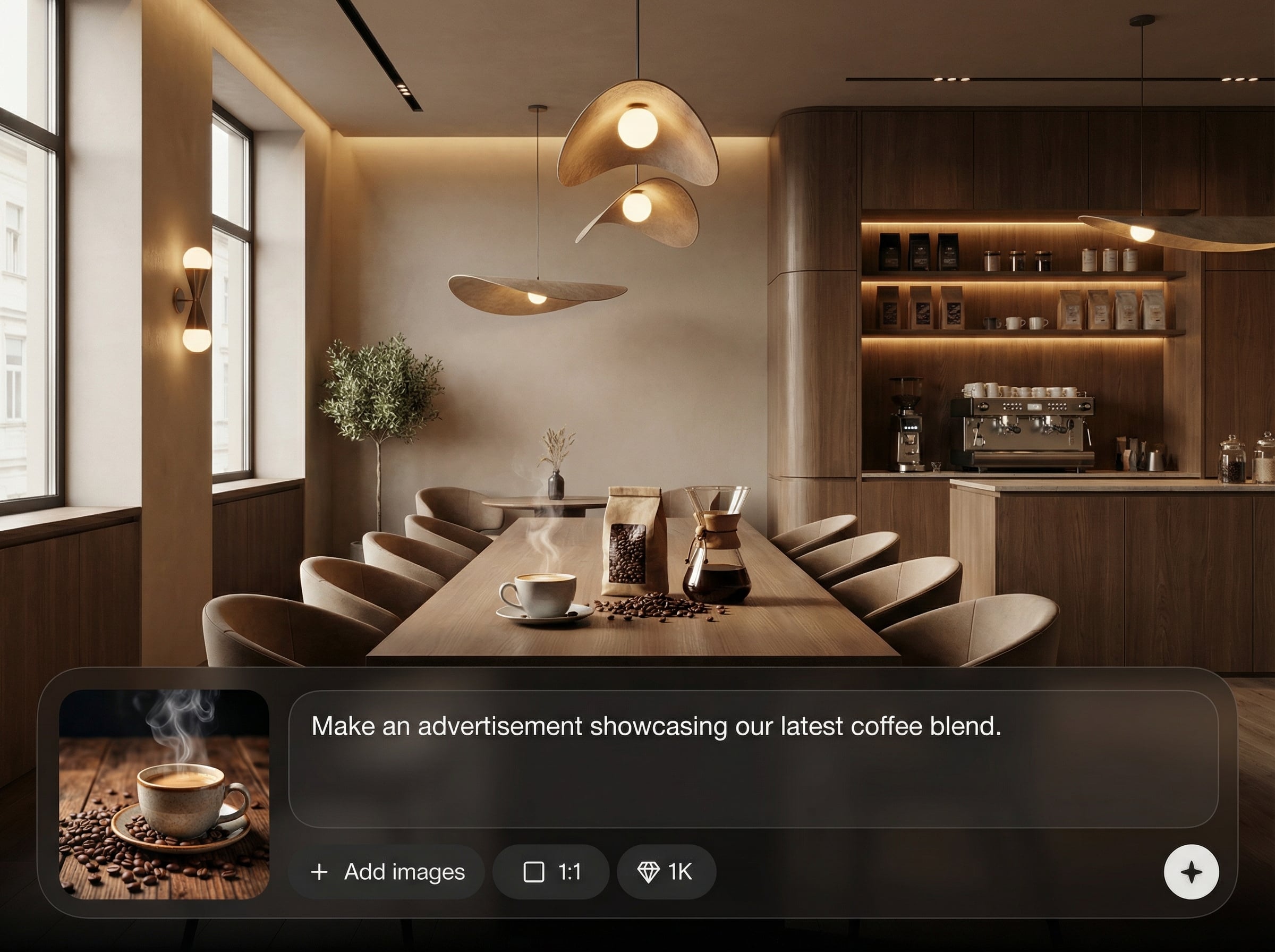
Turn your message into short promo videos with consistent frames and pacing. Produce platform-ready cuts, adjust length and format, and regenerate scenes without starting over.
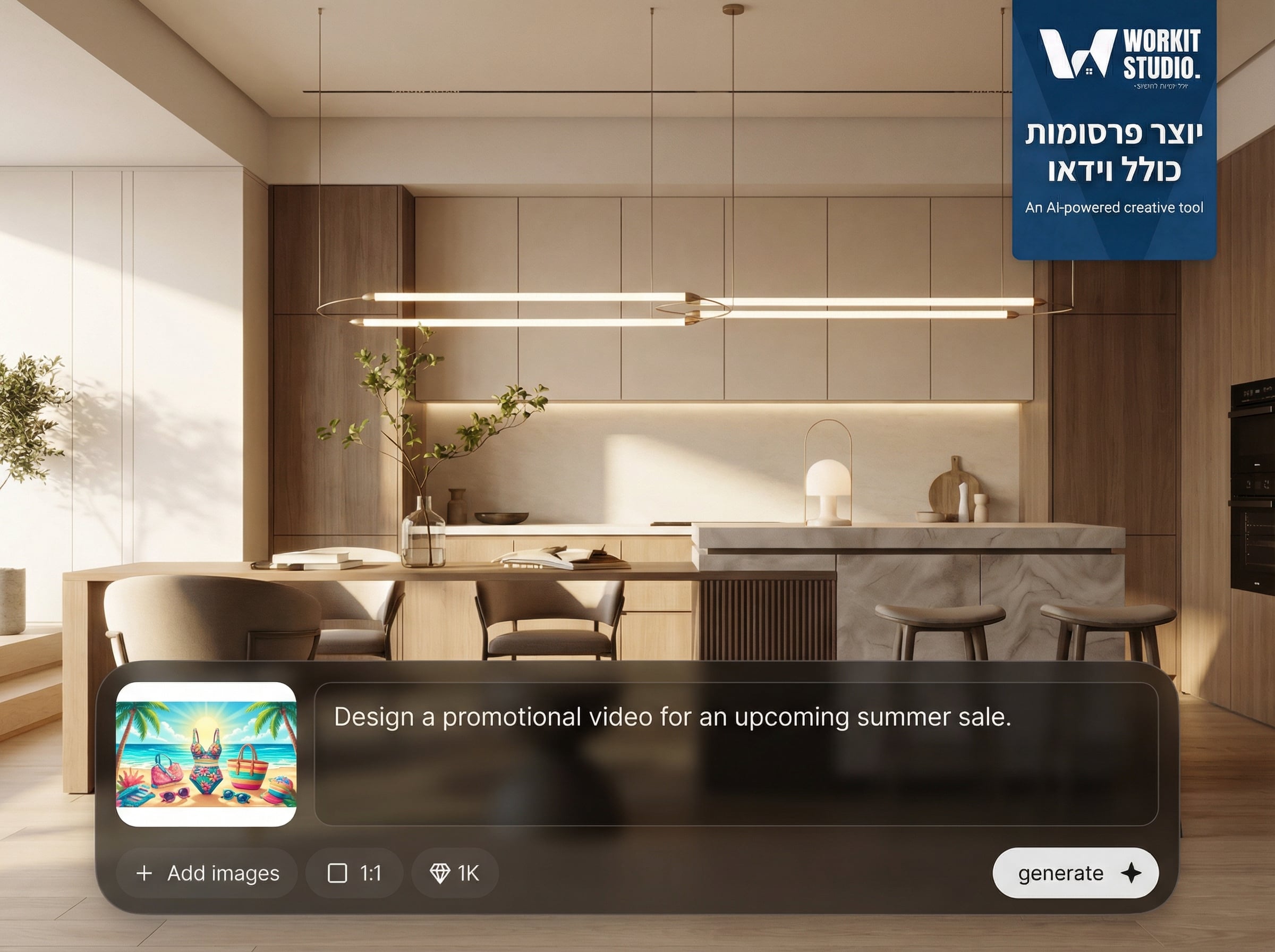
Get creatives sized for common placements, from feeds to stories. Export image, video, and copy bundles in shareable formats to move from idea to launch faster.
About
יוצר פרסומות כולל וידאו is an AI ads and video generator that turns your product details into ready-to-run campaigns. Create ad copy, visuals, and short promotional videos in minutes, with multiple versions optimized for different platforms. Save time on concepting, keep branding consistent, and iterate faster with smart AI suggestions and reusable templates.
Get faster creative iteration without sacrificing quality. Generate multiple ad angles, consistent visuals, and short video promos from one brief, then refine with simple prompt edits. Platform-ready exports and reusable templates help you keep campaigns moving and testing continuously.
Enter your product details and goal, pick a style and platform format, and generate variants instantly. Preview results, refine copy or visuals with prompts, then export creatives ready for publishing.
Use cases
Discover how different creators use this app in their workflow.
Generate scroll-stopping image and video ads with platform-friendly ratios and punchy copy, ready for organic posts or paid social testing.
Create product-focused creatives featuring benefits, pricing hooks, and clear CTAs. Produce multiple variants quickly to improve click-through and conversions.
Build ads that communicate value fast with strong headlines and concise messaging. Generate versions for different audiences and offers, then test efficiently.
Krea is one of the world's leading generative AI platforms. See what others say.
Real reviews on TrustpilotSo many AI tools out there but I always come back to Krea. It's really the one AI platform that 'just works'.

FYN
Krea's interfaces are still the best in the industry. Everything looks and feels so clean and easy to use! Imo the easiest to use gen AI website.

Lynn
Ultra fast generations. Extremely simple to use. All the latest AI models.

Daniel
KREA is the only AI subscription I have right now besides ChatGPT.

Sophia M.
Common questions about using AI to generate ads and video creatives.
It generates ad copy, image creatives, and short promotional video variations from your brief. You can create multiple options for different tones, formats, and platforms, then export the assets for publishing.
Yes. Choose aspect ratios and preset formats for major social platforms. The tool generates creative variants optimized for each placement, including short video cuts and matching captions or headlines.
Provide brand cues like a logo, colors, and reference images, plus your preferred tone. The AI uses these inputs to keep visuals and messaging aligned across generated images and video frames.
No. You can generate video ads from text inputs and simple settings like length and style. Make quick changes by regenerating scenes, adjusting copy, and selecting the best variants.
Export web-ready images and videos suitable for common ad placements, along with downloadable copy. This makes it easy to upload to ad managers, ecommerce listings, or social scheduling tools.


Generate ad copy, visuals, and short promo videos in minutes—ready to test, iterate, and launch.

