














Step 1
Upload & order
Add four images, then arrange them in the best narrative order. The tool analyzes content and suggests a sequence that improves pacing and visual continuity.
Turn four images into a cohesive AI storyboard with captions and pacing. Generate share-ready story sequences fast with smart layout controls—try it now.
How to use 4 IMG story 2
Build a complete visual story from four images using AI composition, captions, and ordering. Follow these steps to generate a clean storyboard and export a share-ready sequence quickly.
Step 1
Add four images, then arrange them in the best narrative order. The tool analyzes content and suggests a sequence that improves pacing and visual continuity.

Step 2
Pick a layout style, tone, and caption length. Adjust prompts or keywords to guide the story beat, transitions, and on-screen text for each panel.

Step 3
Generate the storyboard, review the sequence, and refine captions or timing. Export as a single image strip or individual panels for posts, slides, or edits.
Features
4 IMG story 2 converts four photos into a cohesive storyboard with smart ordering, layout, and AI-written captions. Control tone, pacing, and formatting to match your channel or brand. Export consistent panels for social posts, product narratives, and quick visual explainers—without complex design tools.
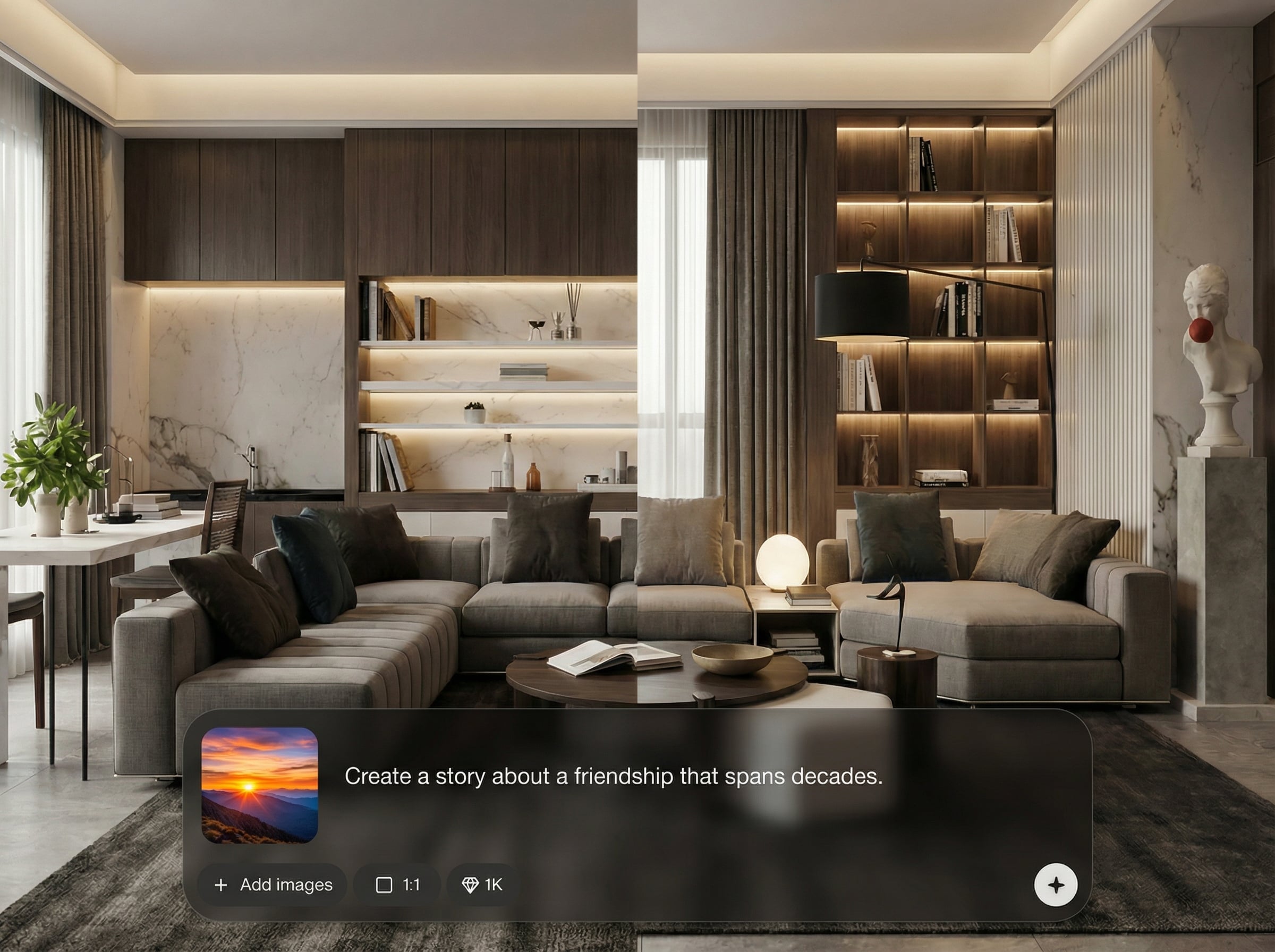
Automatically analyzes your images to suggest the strongest narrative order. Improve continuity and pacing with scene-aware sequencing that keeps the story readable and visually coherent.
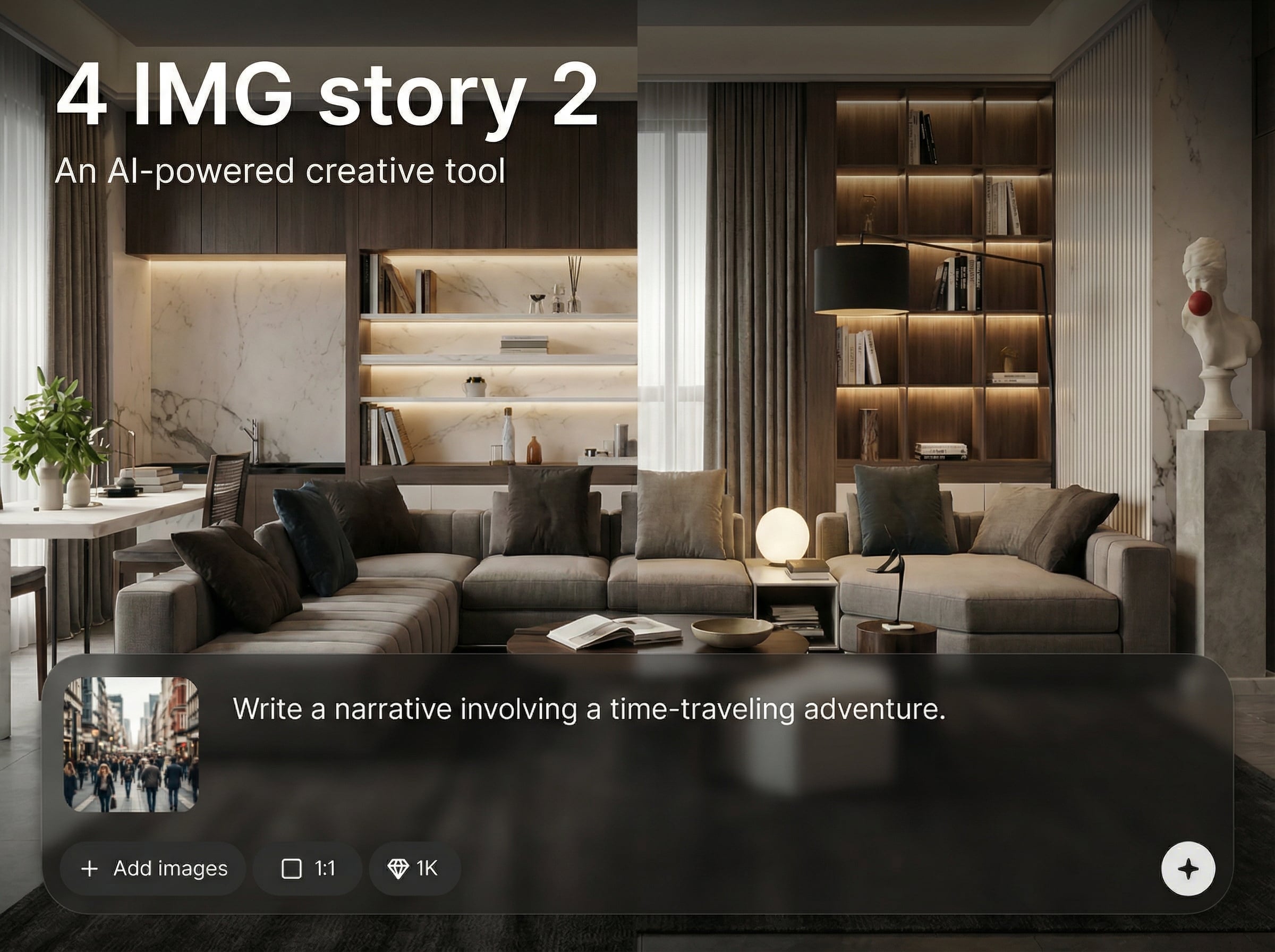
Generate captions per panel with adjustable tone, length, and keywords. Fine-tune transitions and story beats so each image lands with clear context and purpose.
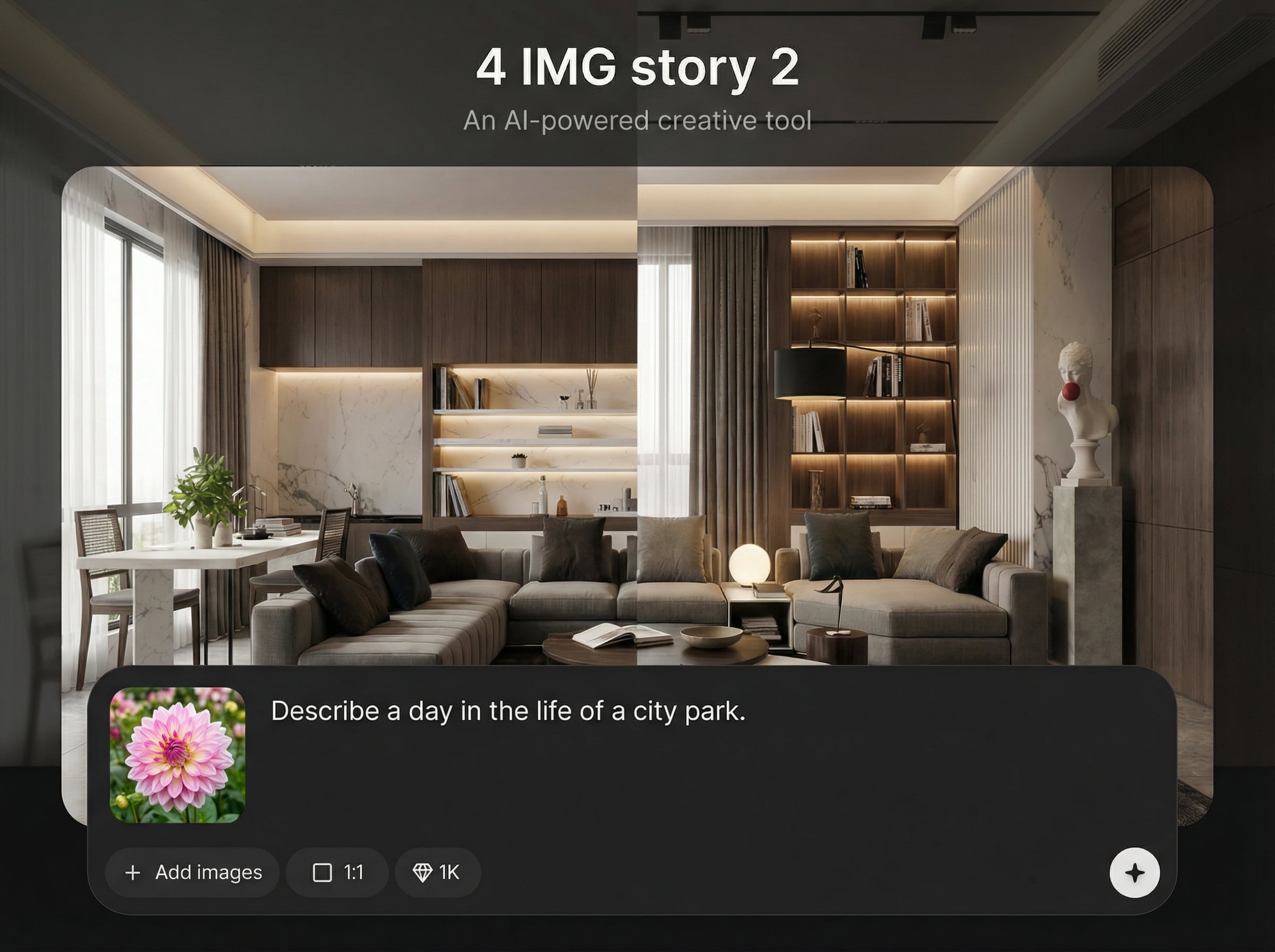
Produce clean storyboard layouts optimized for sharing. Export panels or a combined strip with consistent spacing and typography, ready for social media, slides, or further editing.
About
4 IMG story 2 turns four images into a structured AI storyboard with clear pacing, captions, and consistent visual flow. Upload your images, choose a style, and generate a ready-to-share sequence in seconds. Perfect for quick narratives, product explainers, and social story posts—without manual layout work.
4 IMG story 2 focuses on clarity: strong sequencing, clean layout, and captions that match your tone. Get consistent, share-ready results quickly with simple controls for story beats and formatting. It’s built for fast iteration—generate, adjust, and export without friction.
Add four images, choose a layout and caption style, then generate your storyboard. Review the sequence, tweak text or order, and export a strip or individual panels for publishing.
Use cases
Discover how different creators use this app in their workflow.
Turn four photos into a tight narrative sequence with captions and pacing, optimized for fast publishing across social platforms and short-form channels.
Create a simple four-step visual walkthrough from product images—ideal for features, before/after stories, and quick how-it-works sequences.
Generate consistent panels for decks and landing pages. Keep layout and messaging aligned while building a clear visual storyline from existing images.
Krea is one of the world's leading generative AI platforms. See what others say.
Real reviews on TrustpilotSo many AI tools out there but I always come back to Krea. It's really the one AI platform that 'just works'.

FYN
Krea's interfaces are still the best in the industry. Everything looks and feels so clean and easy to use! Imo the easiest to use gen AI website.

Lynn
Ultra fast generations. Extremely simple to use. All the latest AI models.

Daniel
KREA is the only AI subscription I have right now besides ChatGPT.

Sophia M.
Answers to common questions about 4-image AI storytelling, storyboards, and exporting layouts.
It turns your four images into an AI-generated storyboard by suggesting an order, creating a consistent layout, and generating captions or short text beats for each panel.
Yes. Choose layout options, set tone and caption length, and add keywords or prompts. You can regenerate, edit captions, and refine pacing until it matches your intent.
Export as a combined storyboard strip or as individual panels for flexible posting and editing. This helps you reuse the sequence across posts, carousels, and presentations.
No. The tool handles layout and sequencing automatically, while you keep control over edits. You can generate a clean, readable storyboard without manual grid building.
It’s an image-to-story tool powered by AI. It uses your existing images, then applies machine learning to sequence them, add structure, and generate captions for storytelling.
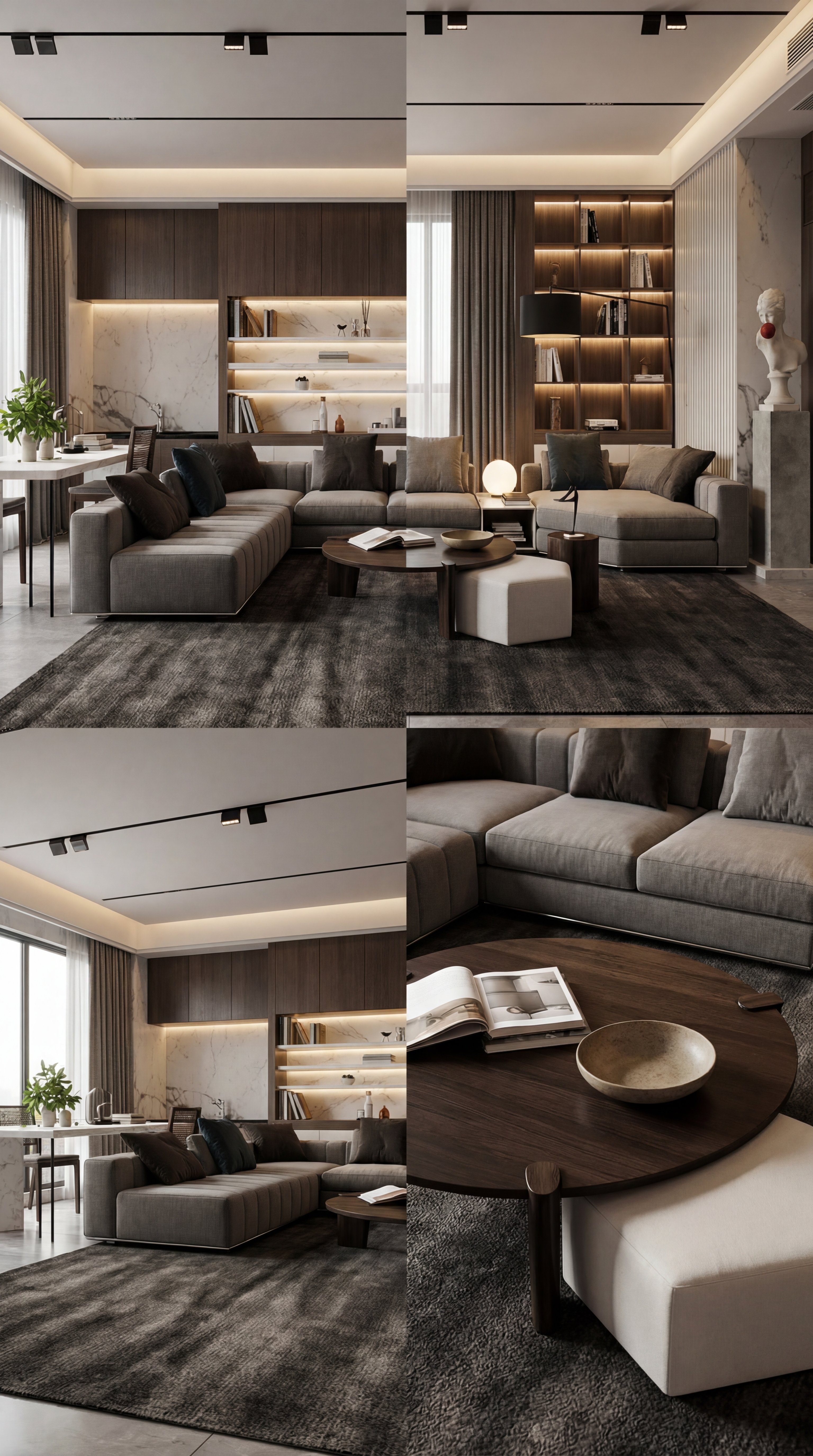
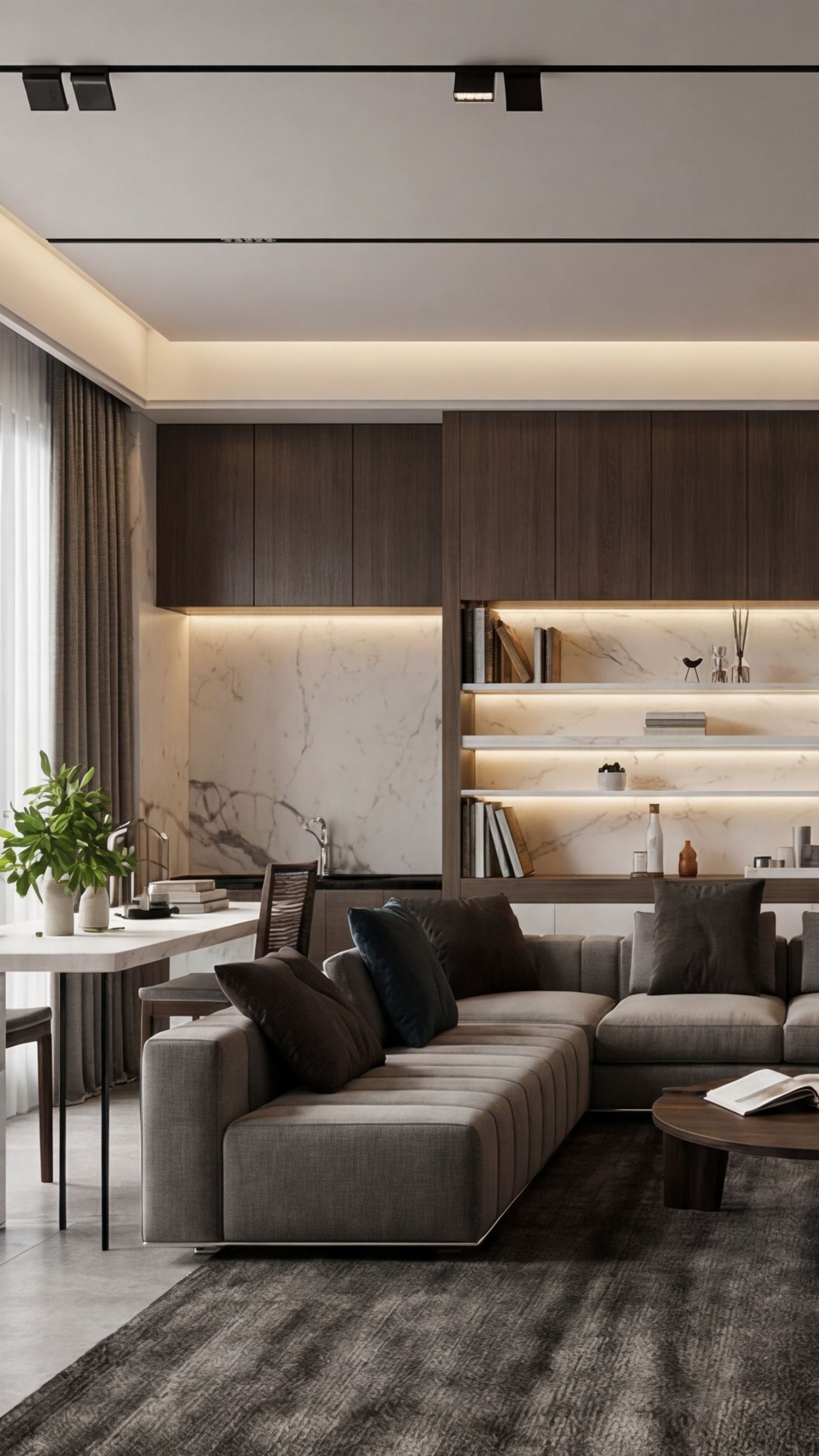
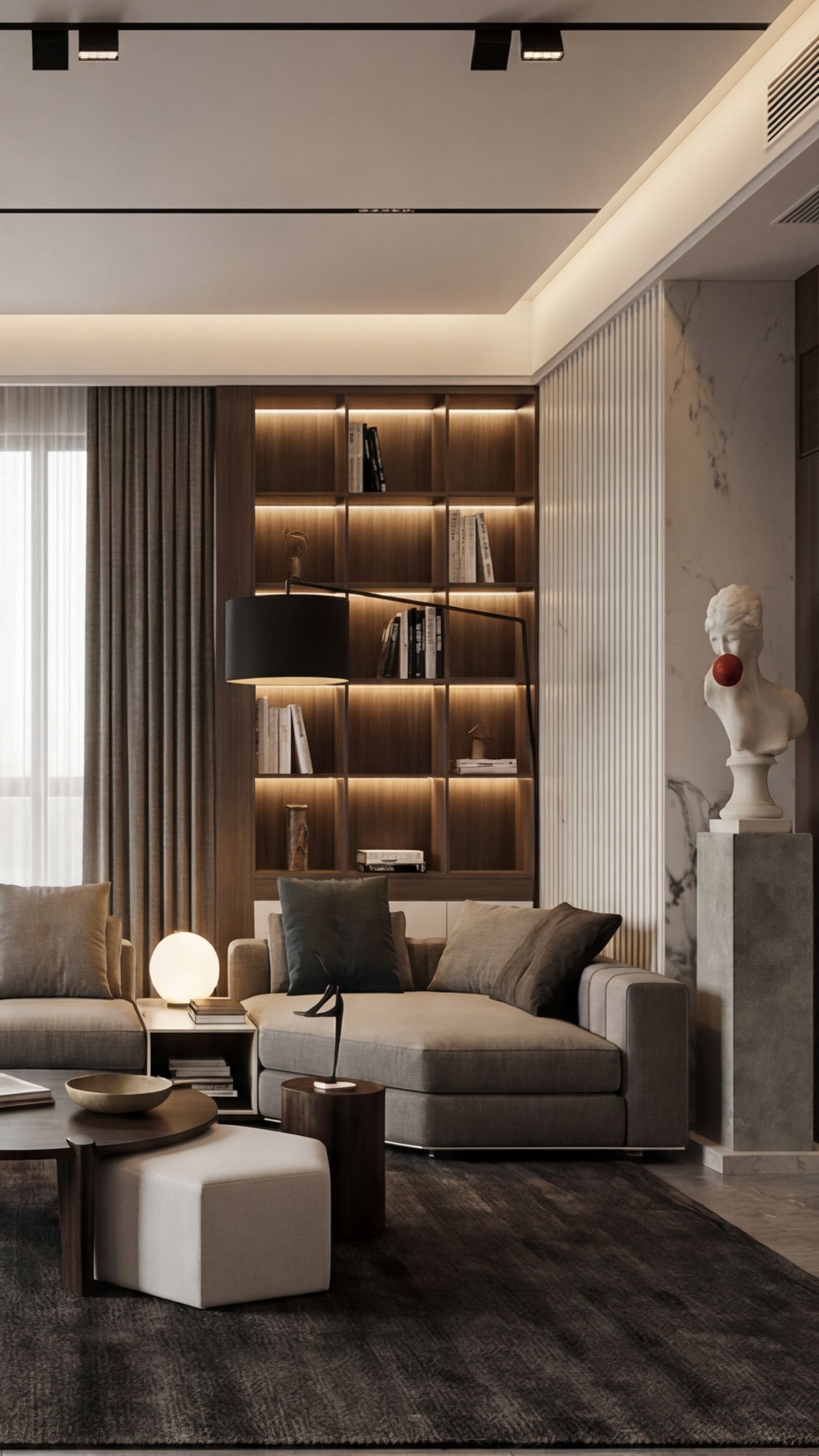
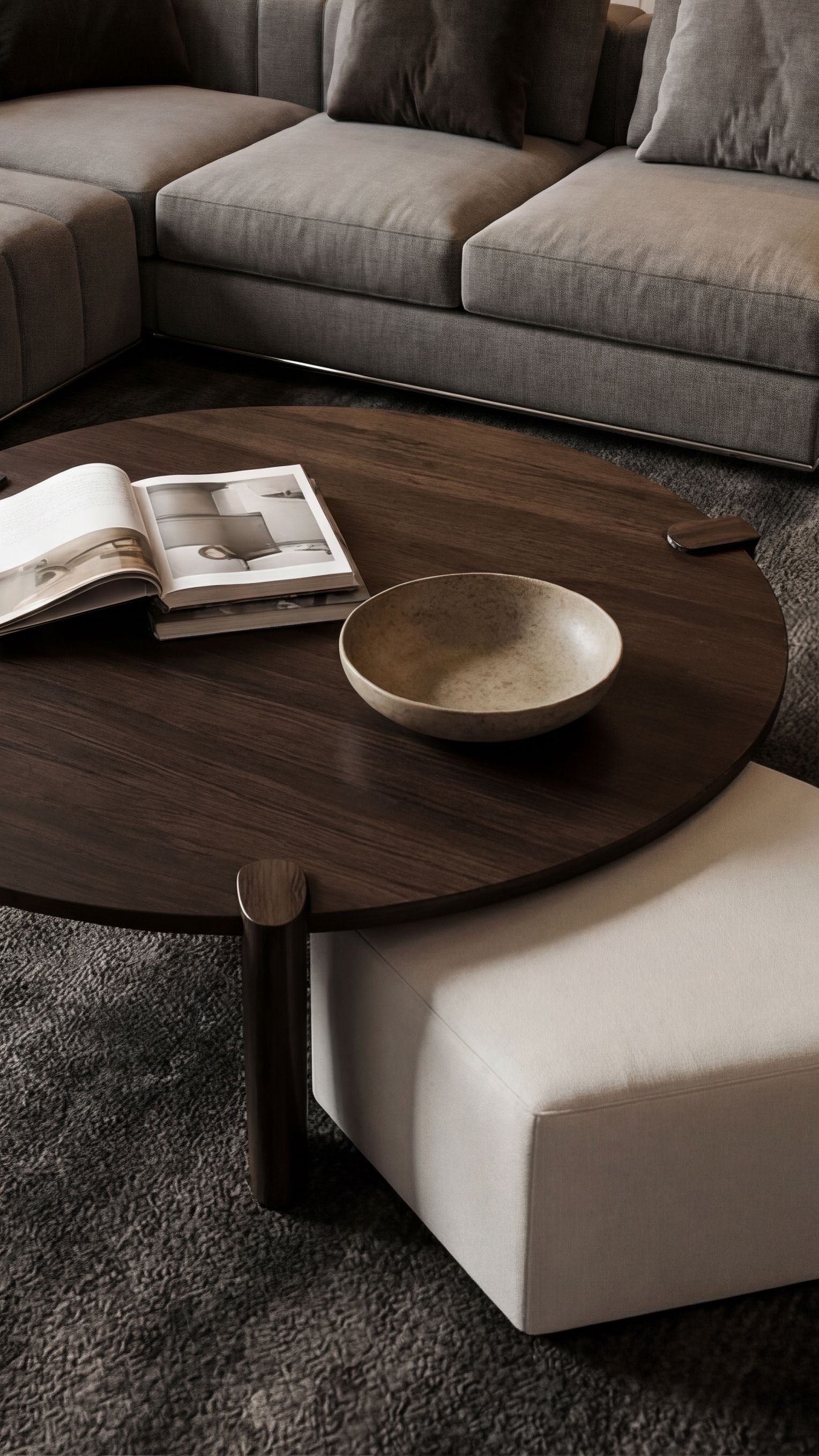
Upload four images and generate a polished AI storyboard with captions, pacing, and export-ready layouts in minutes.

