














Step 1
Upload
Upload your product image or cutout, then pick a room template or describe the interior you want. Set aspect ratio and output size for your channel.
Create realistic product photos with an AI model in room generator. Place products into styled interiors, control lighting, and export fast—try it now.
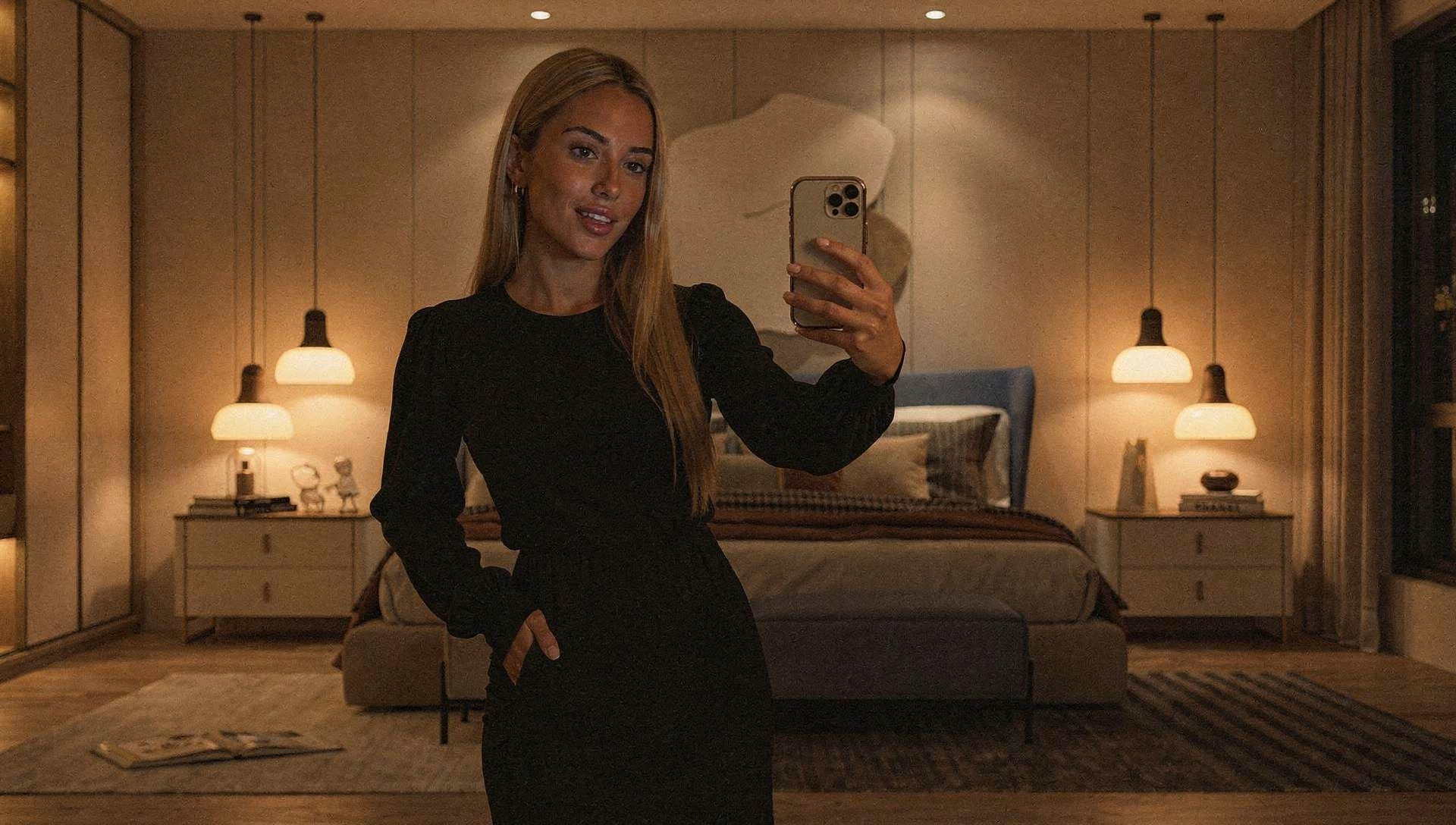
How to use model in room
Use model in room to place a product into realistic interior environments with AI. Follow these steps to upload your asset, refine the scene, and export high-quality images for marketing or e-commerce.
Step 1
Upload your product image or cutout, then pick a room template or describe the interior you want. Set aspect ratio and output size for your channel.

Step 2
Adjust placement, scale, and camera angle to match the room perspective. Tune lighting, shadows, and style settings so the product blends naturally into the scene.

Step 3
Generate multiple variations to compare layouts and aesthetics. Select the best result, then export high-resolution images ready for listings, ads, and social posts.
Features
Model in room is an AI image tool for virtual staging and lifestyle product mockups. It places your product into believable interiors, matches lighting and perspective, and generates consistent variations for faster creative testing. Create polished visuals for e-commerce, ads, and catalogs without time-consuming photoshoots.
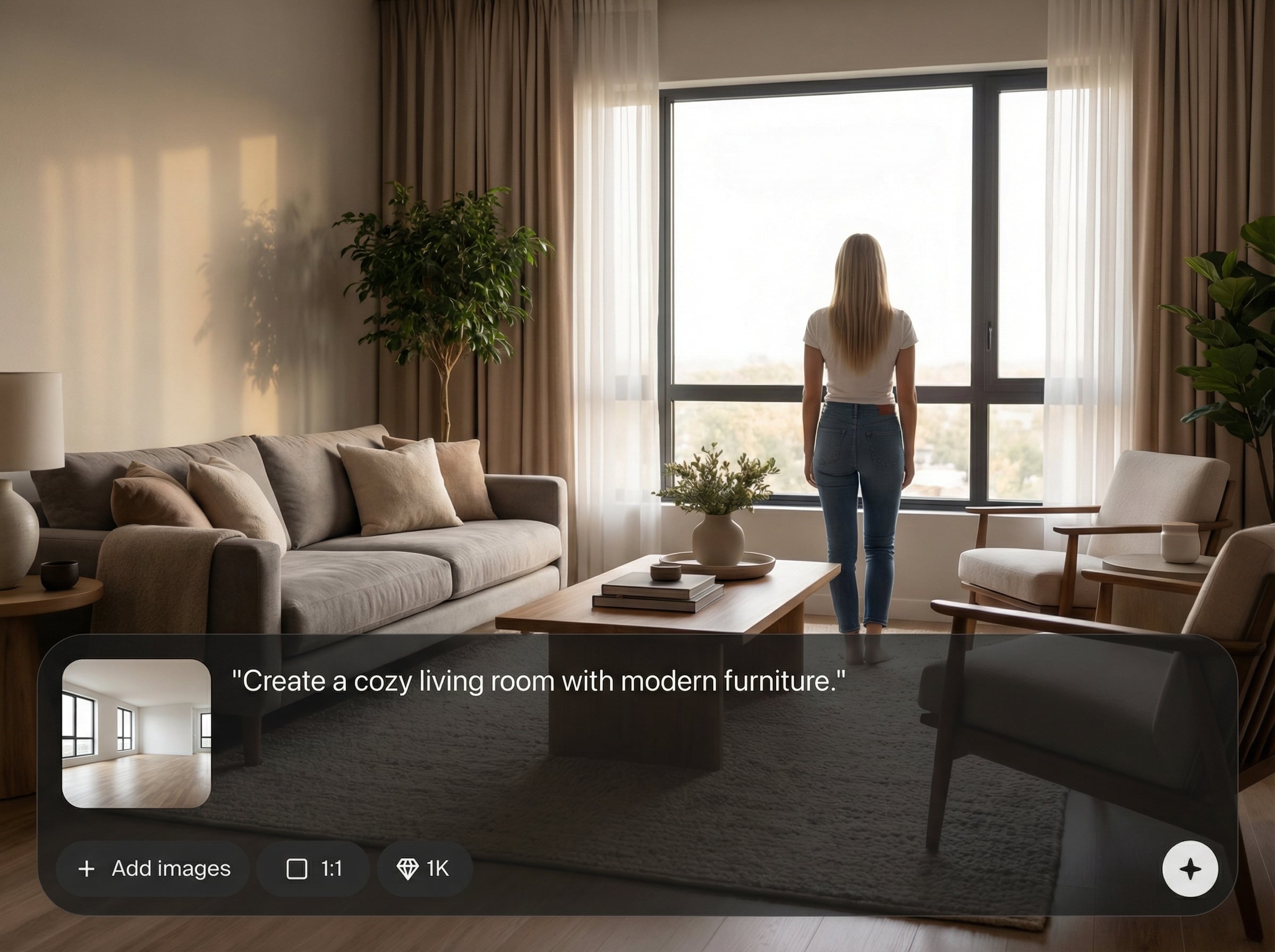
Automatically composites your product into an interior scene with natural perspective. Create believable lifestyle product photos that look staged in real rooms, not pasted on backgrounds.
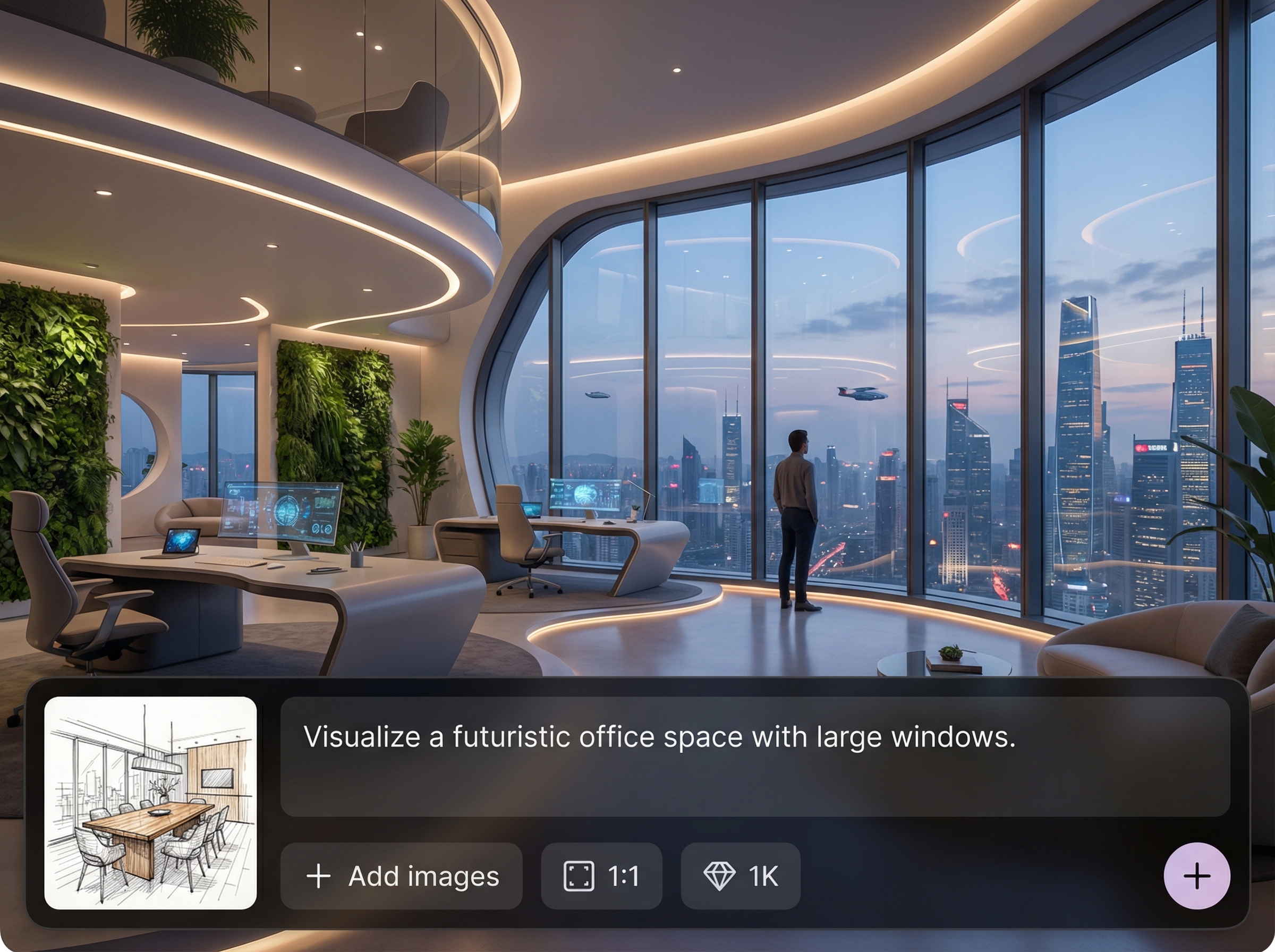
Fine-tune ambience, direction, and softness so your product matches the environment. Generate images with cohesive shadows and consistent mood for professional marketing output.
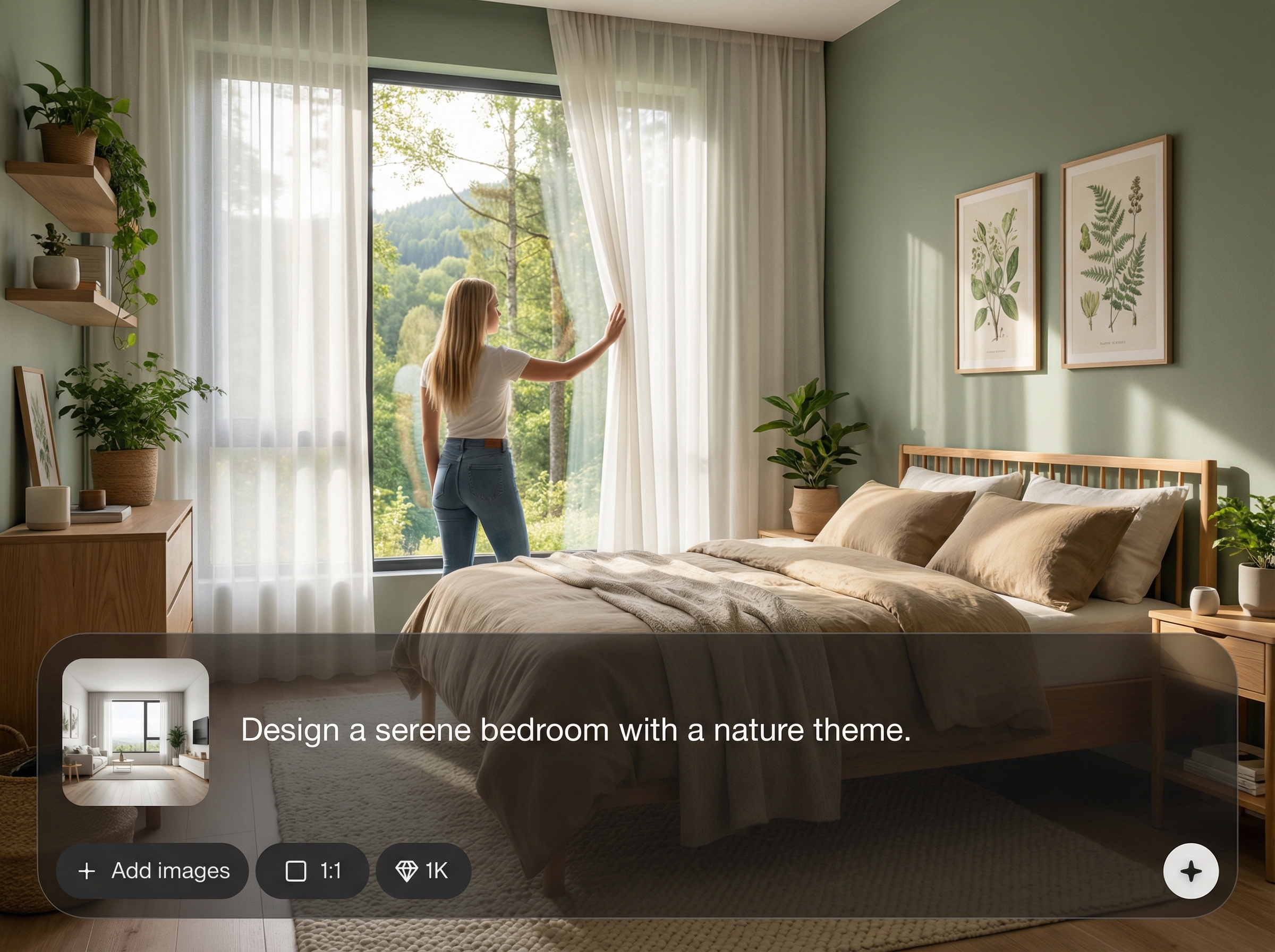
Create multiple room styles and compositions in minutes. Quickly A/B test backgrounds, layouts, and branding aesthetics to improve click-through and conversion on campaigns.
About
Model in room lets you generate realistic lifestyle product images by placing your product into curated room interiors with AI. Upload a product, choose a room style, and adjust lighting and perspective for a natural fit. Create consistent, studio-quality visuals for e-commerce, ads, and catalogs in minutes—no reshoots or complex editing required.
Model in room streamlines virtual staging with realistic interior scenes, controllable lighting, and fast variation generation. Create consistent, brand-ready visuals without complex editing workflows. Produce polished product mockups for e-commerce and advertising while saving time and production costs.
Start by uploading a product image, selecting a room template, and generating a few variations. Refine placement and lighting, then export high-resolution results for your store, ads, or catalog.
Use cases
Discover how different creators use this app in their workflow.
Generate clean, consistent lifestyle imagery for marketplaces and storefronts. Show products in context with realistic room scenes to increase buyer confidence and clarity.
Produce scroll-stopping room-based creatives for paid ads and social posts. Iterate styles quickly to match seasonal campaigns, audiences, and brand guidelines.
Build cohesive product collections with matching interiors and lighting. Export high-resolution scenes for catalogs, landing pages, and product launches without reshoots.
Krea is one of the world's leading generative AI platforms. See what others say.
Real reviews on TrustpilotSo many AI tools out there but I always come back to Krea. It's really the one AI platform that 'just works'.

FYN
Krea's interfaces are still the best in the industry. Everything looks and feels so clean and easy to use! Imo the easiest to use gen AI website.

Lynn
Ultra fast generations. Extremely simple to use. All the latest AI models.

Daniel
KREA is the only AI subscription I have right now besides ChatGPT.

Sophia M.
Answers to common questions about model in room and AI room staging.
Model in room is an AI image generator for virtual staging. It places a product into realistic room interiors, matching perspective and lighting to create lifestyle product photos quickly.
A transparent PNG works best for clean edges, but you can also upload standard product photos. The tool helps integrate the product into the room scene for a natural look.
Yes. Choose room templates or describe an interior style, then adjust lighting, shadows, and composition. Generate multiple variations until the product looks consistent and on-brand.
Use outputs for e-commerce listings, ads, social media, catalogs, and landing pages. Export high-resolution images to maintain detail and visual quality across platforms.
Generation typically takes moments, depending on image size and variation count. Create multiple scene options quickly to speed up creative iteration and reduce production time.
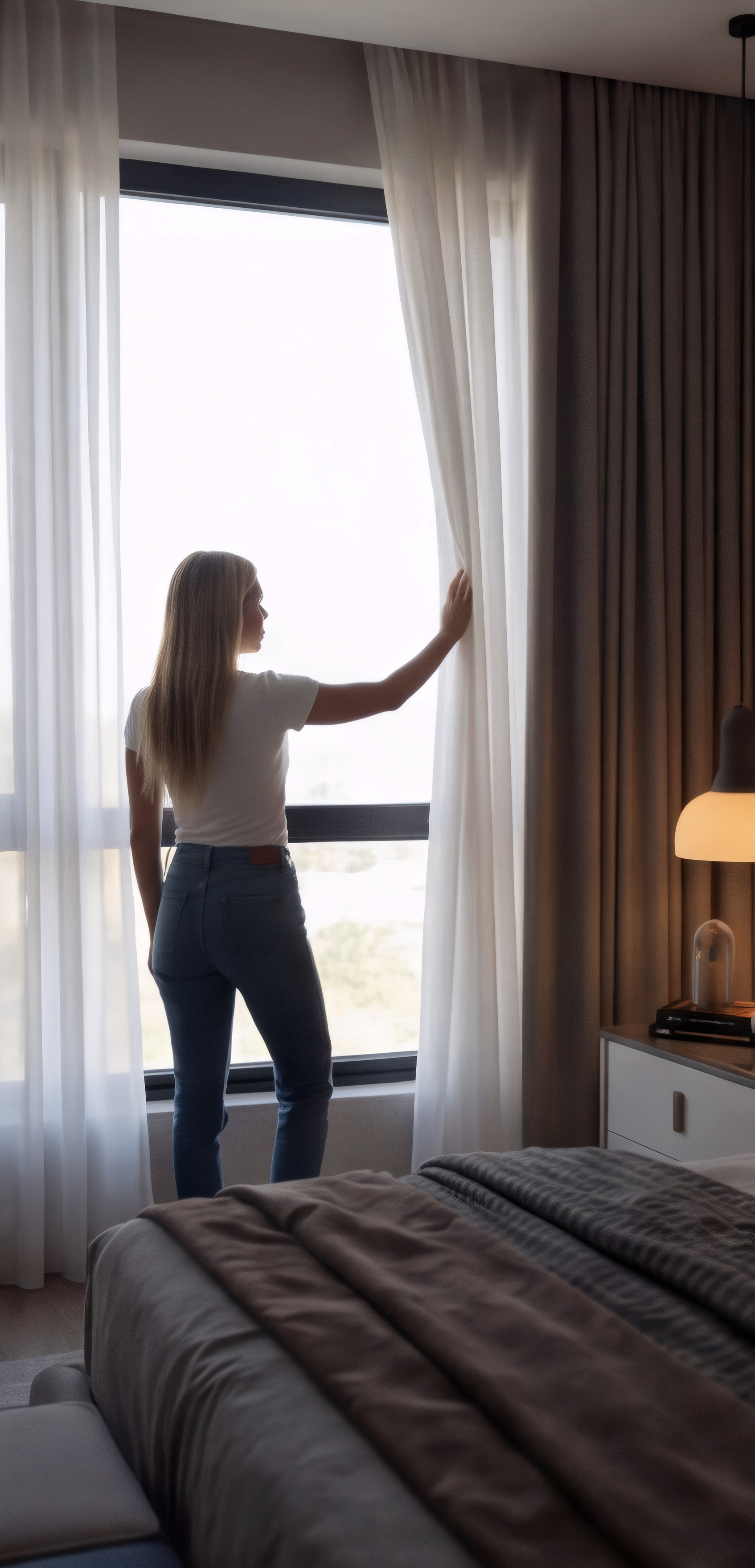
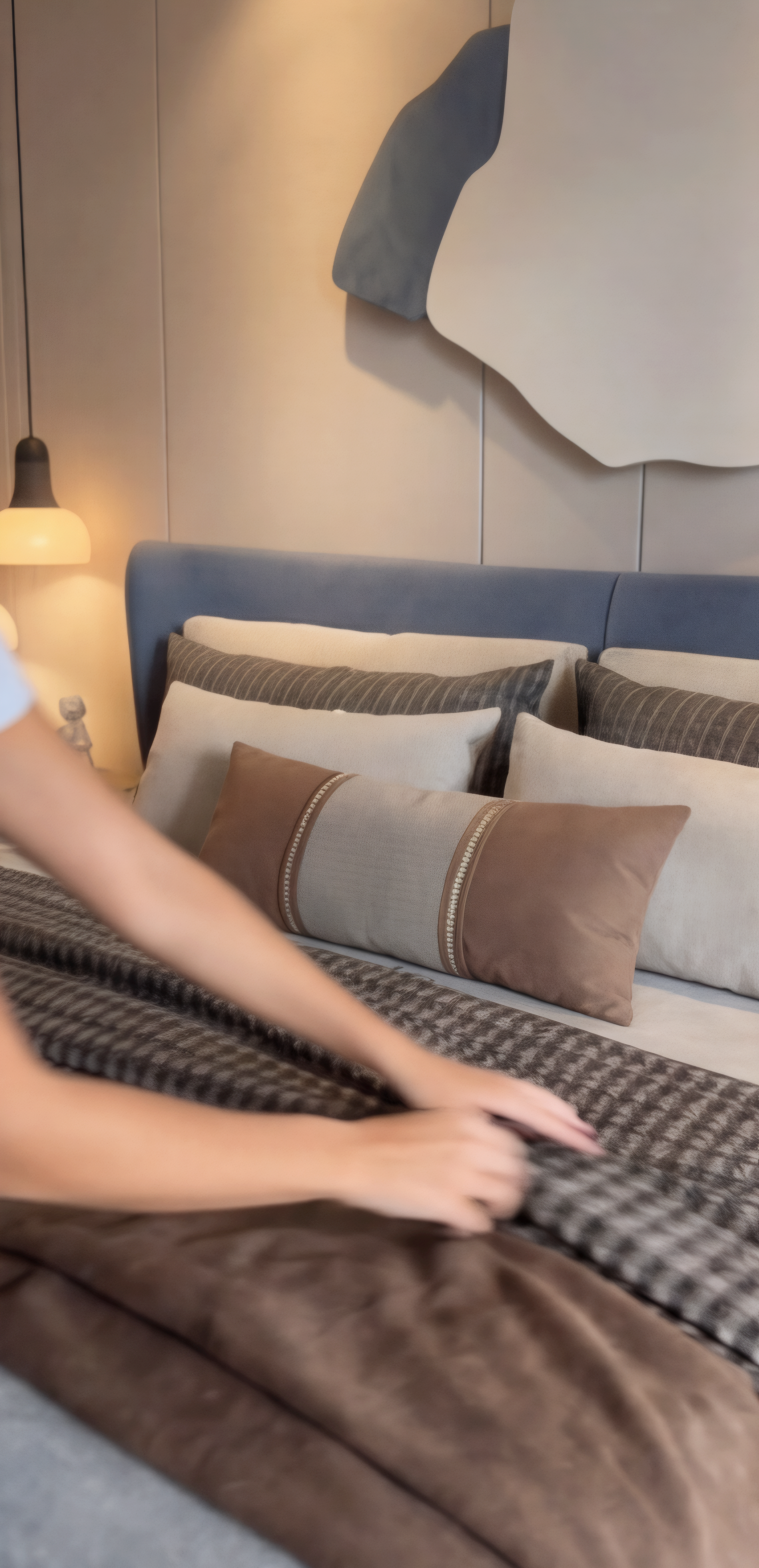
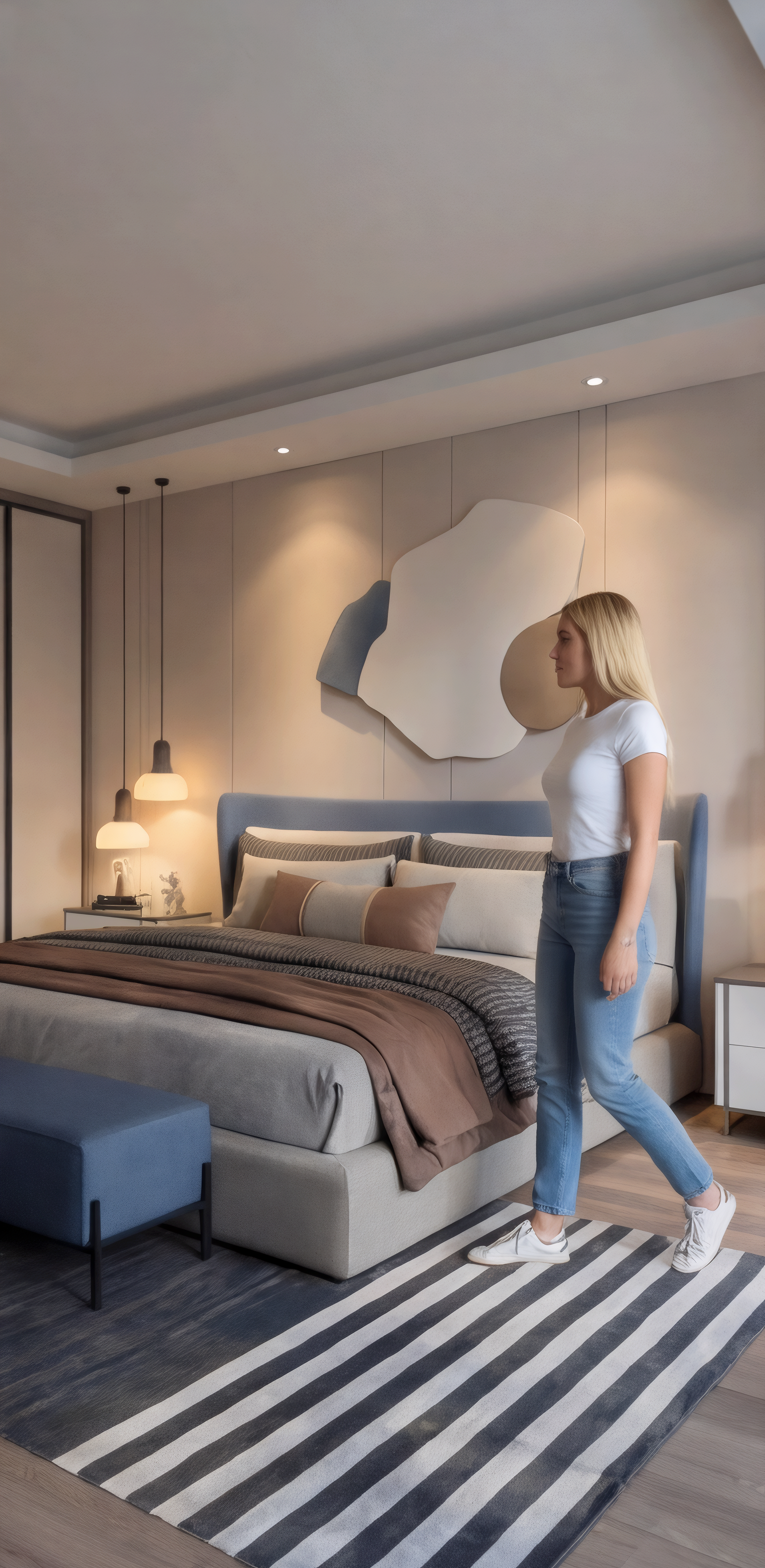
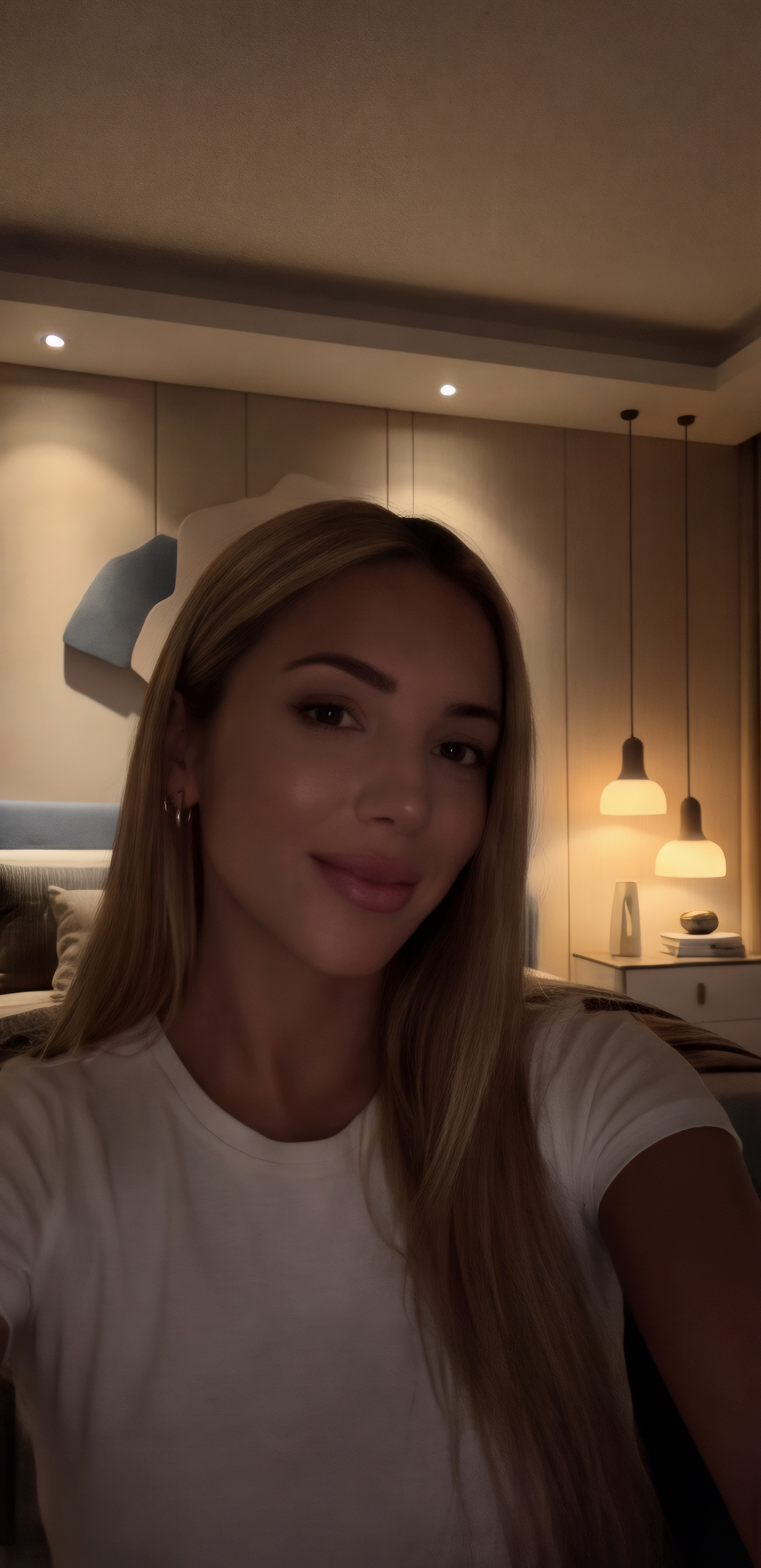
Upload your product, choose a room style, and generate realistic lifestyle images in minutes.

