














Step 1
Upload
Add a room photo or interior render, then select your target framing. Start with clear lighting and a visible floor plan for the most accurate AI blending.
Use model in room 2 to place a virtual model into any room scene with AI. Generate realistic interior mockups fast—upload a photo and export in seconds.
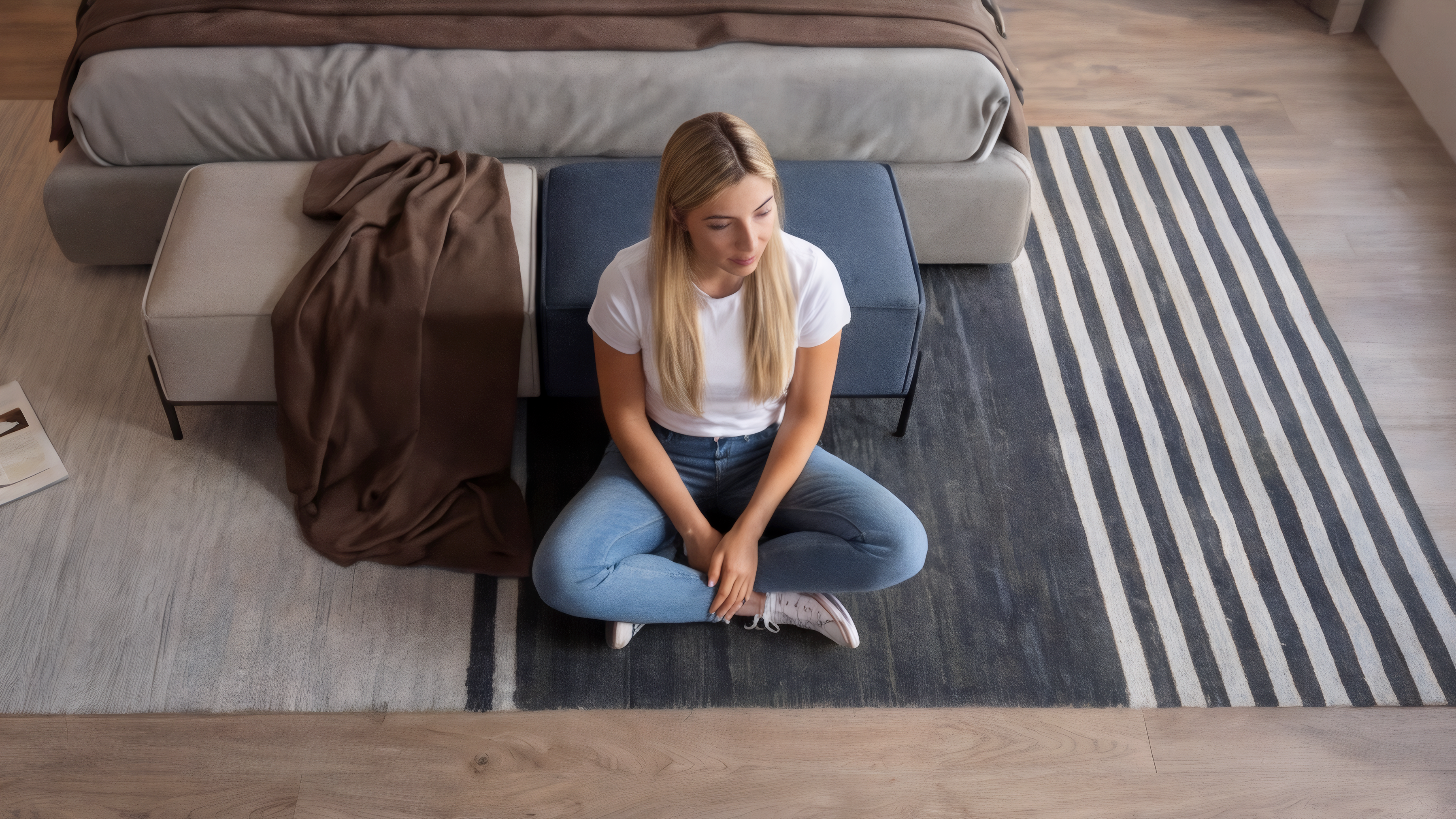
How to use model in room 2
This quick walkthrough shows how to upload a room photo, configure model placement, and generate realistic results. Use AI settings to match lighting, scale, and perspective for clean, share-ready visuals.
Step 1
Add a room photo or interior render, then select your target framing. Start with clear lighting and a visible floor plan for the most accurate AI blending.

Step 2
Set model position, scale, and style prompts to match your scene. Adjust realism and composition controls so the output fits your brand and layout.

Step 3
Run the AI generator to composite the model into the room with natural shadows and perspective. Review variations, then download high-quality mockups for web or print.
Features
model in room 2 uses machine learning to composite a model into real room photos with believable scale, perspective, and lighting. Generate multiple variations quickly for different layouts and styles. Export clean, high-resolution results for ecommerce, real estate, marketing, and design presentations—without manual masking or complex retouching.
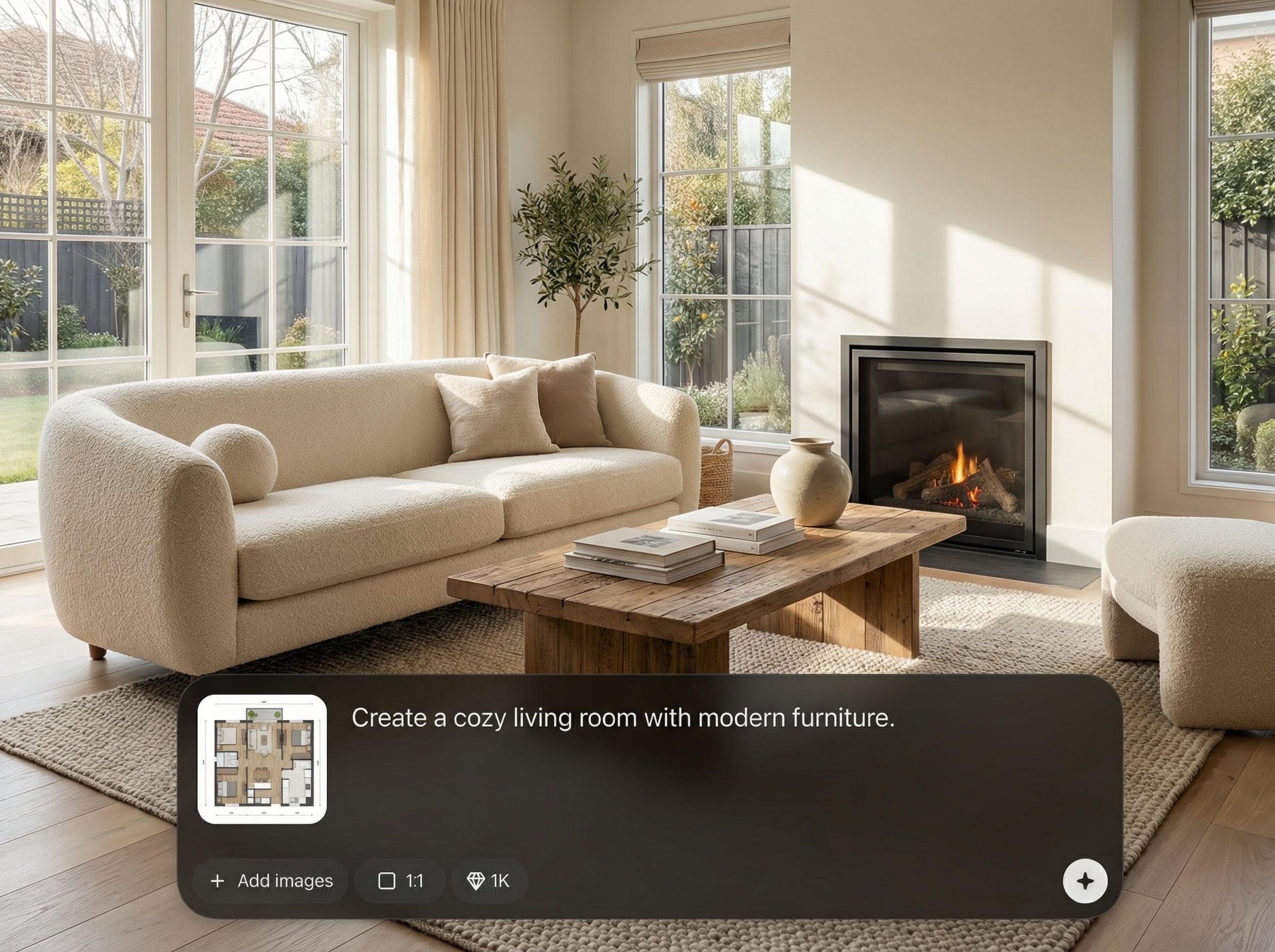
Blend a model into your room scene with consistent perspective, natural shadows, and balanced lighting. Get polished interior visuals that look cohesive and camera-real in fewer steps.
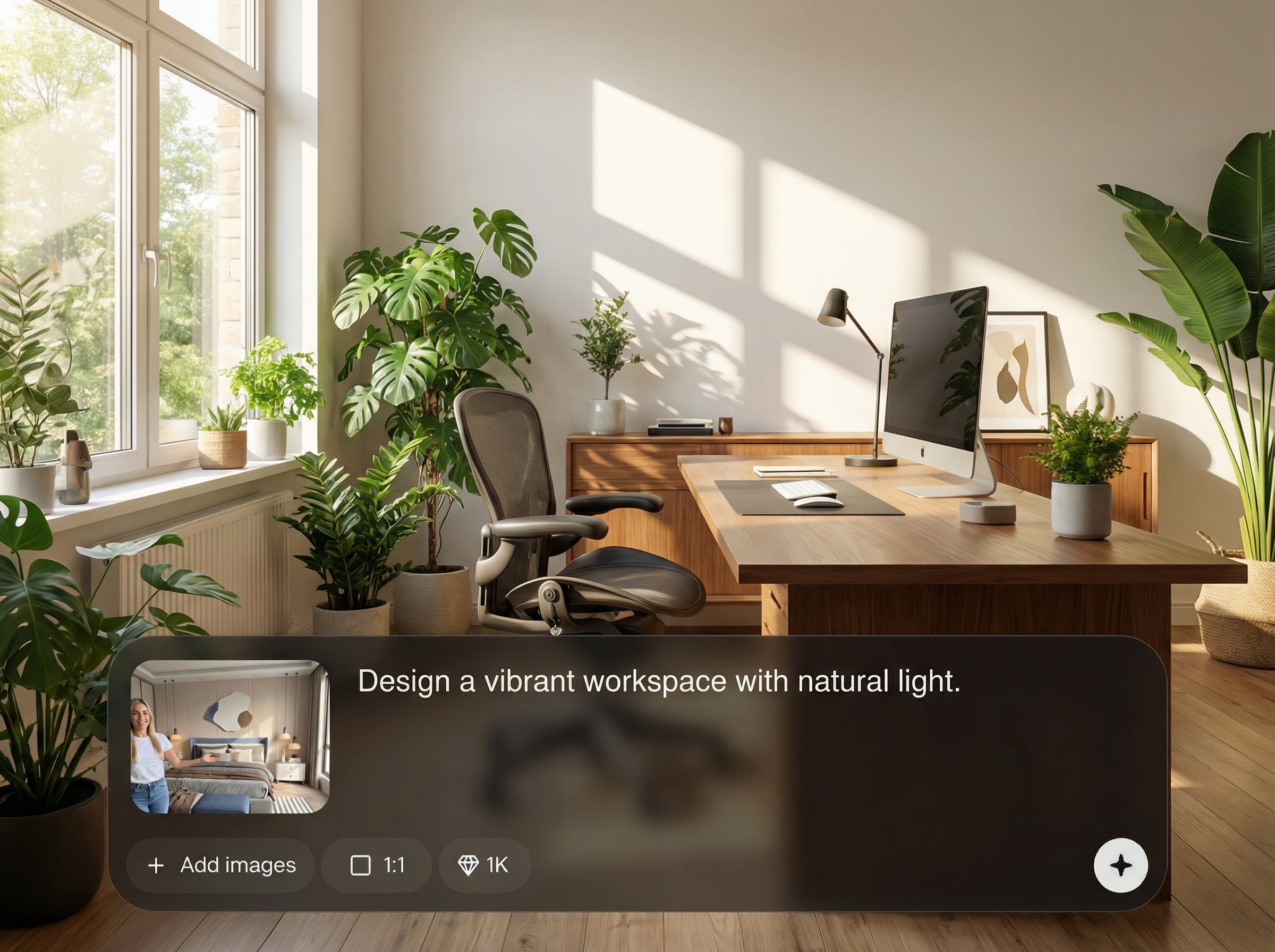
Create multiple room mockup options from one photo by changing placement, styling, and prompts. Compare results side-by-side to pick the best composition for your use case.
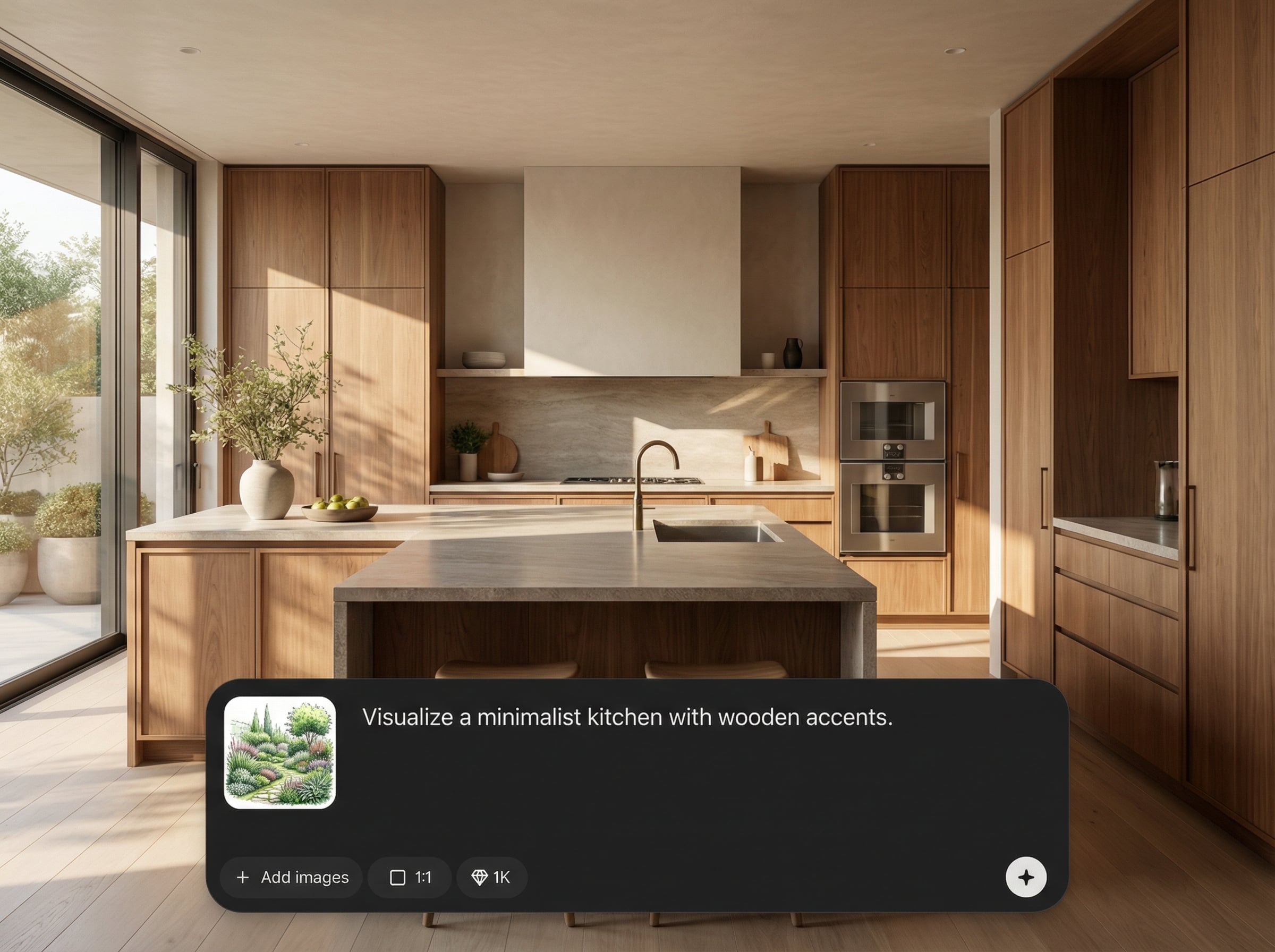
Fine-tune scale, position, and overall realism to match your interior context. Keep your staging aligned to brand guidelines while reducing time spent on manual photo editing.
About
model in room 2 is an AI room model generator that places a realistic model into your interior photos for instant staging and mockups. Upload a room image, choose style and placement, and let artificial intelligence blend lighting, perspective, and scale. Create consistent visuals for listings, lookbooks, and product scenes in minutes—no complex editing required.
model in room 2 focuses on realistic interior compositing: accurate scale, coherent lighting, and clean scene integration. Generate variations fast to test layouts and styling. Reduce time spent on manual masking and retouching while keeping outputs consistent for professional use.
Start by uploading a clear room photo, then set model placement and scale. Add a short style prompt, generate a few variations, and export the best result in high resolution.
Use cases
Discover how different creators use this app in their workflow.
Generate lifestyle room mockups that feature a model in realistic interiors. Create consistent visuals for catalogs, ads, and landing pages without photoshoots.
Enhance listings with AI-staged room images that feel lived-in and well-composed. Produce multiple looks to match different audiences and room types.
Visualize concepts by placing a model into room renders or photos. Communicate scale, flow, and ambiance clearly with fast, high-quality variations.
Krea is one of the world's leading generative AI platforms. See what others say.
Real reviews on TrustpilotSo many AI tools out there but I always come back to Krea. It's really the one AI platform that 'just works'.

FYN
Krea's interfaces are still the best in the industry. Everything looks and feels so clean and easy to use! Imo the easiest to use gen AI website.

Lynn
Ultra fast generations. Extremely simple to use. All the latest AI models.

Daniel
KREA is the only AI subscription I have right now besides ChatGPT.

Sophia M.
Common questions about AI room mockups, model placement, and exports.
model in room 2 is an AI tool that places a realistic model into a room photo or render. It uses artificial intelligence to match perspective, lighting, and scale for clean, believable mockups.
Use sharp room photos with clear lighting and visible depth lines (walls, floor, furniture edges). Higher resolution and minimal motion blur help the AI generator produce more accurate compositing results.
Yes. Adjust position and scale to fit your room layout, and use prompts to guide styling and realism. Generate multiple variations to quickly choose the best interior composition.
Generation is designed to be quick, producing staged room mockups in moments depending on image size and settings. You can iterate rapidly by reusing the same room photo with new prompts.
Export high-quality images suitable for web, presentations, and print workflows. Use the downloaded outputs directly for listings, ads, or design decks without additional photo editing steps.
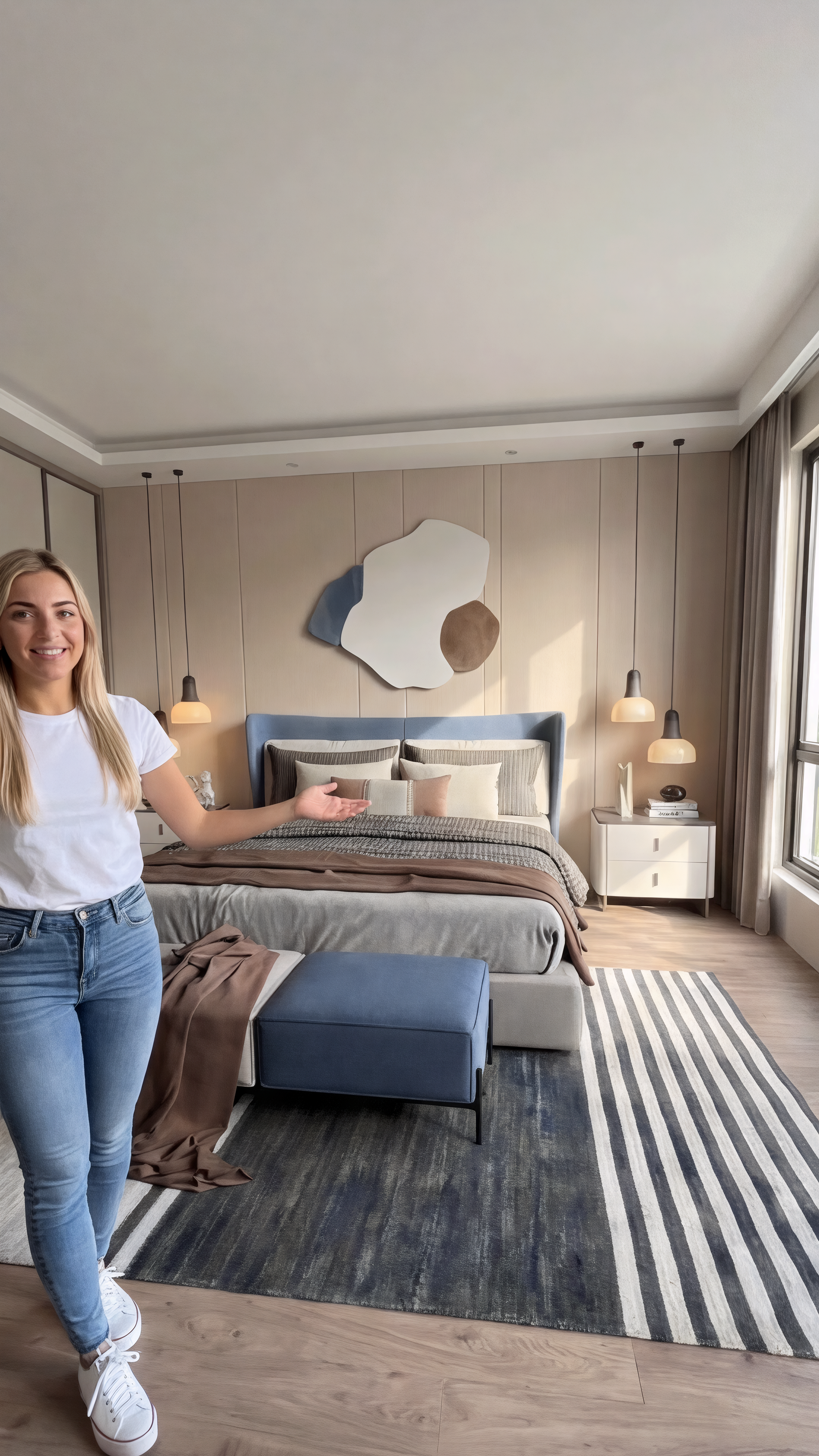
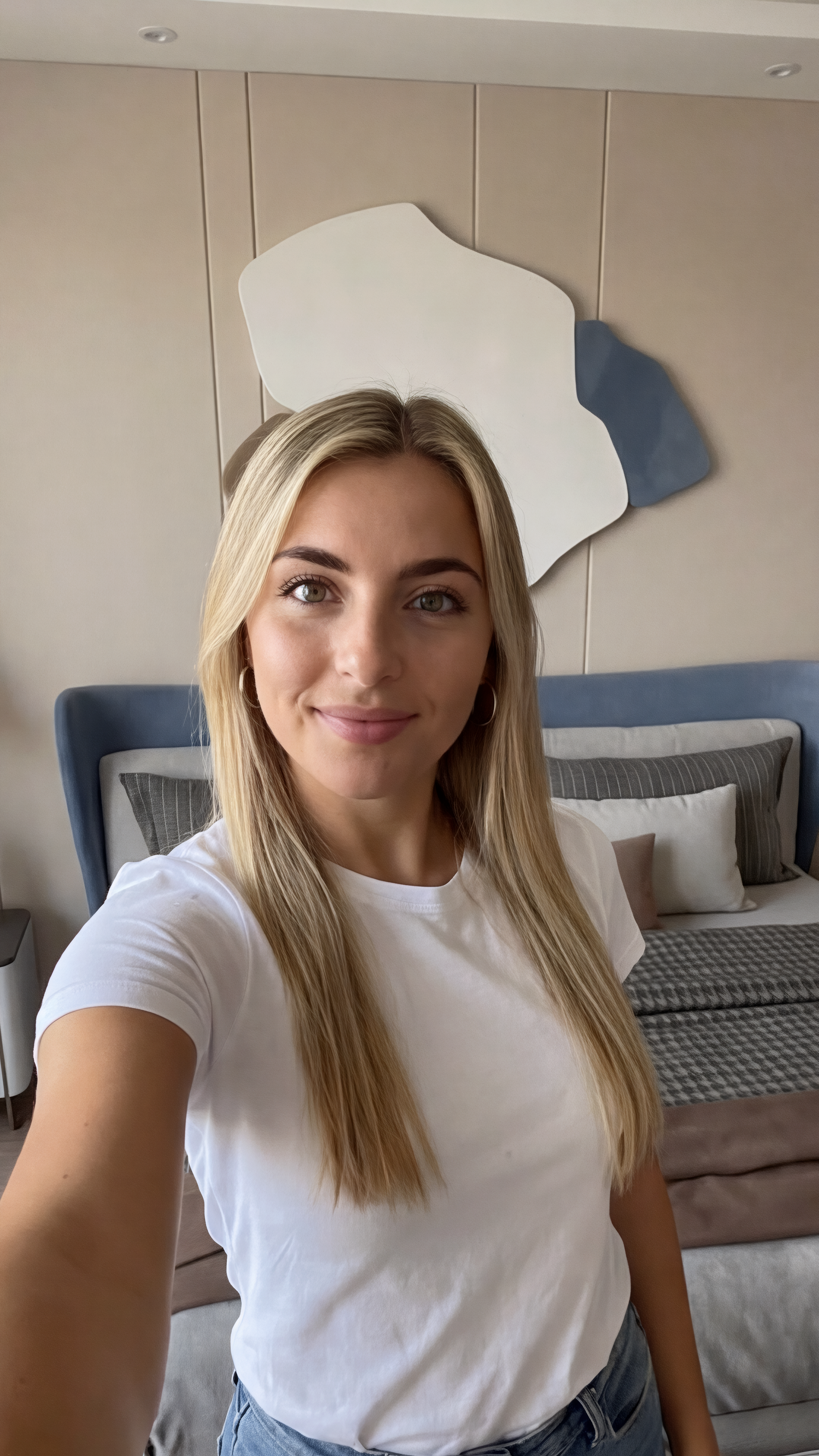
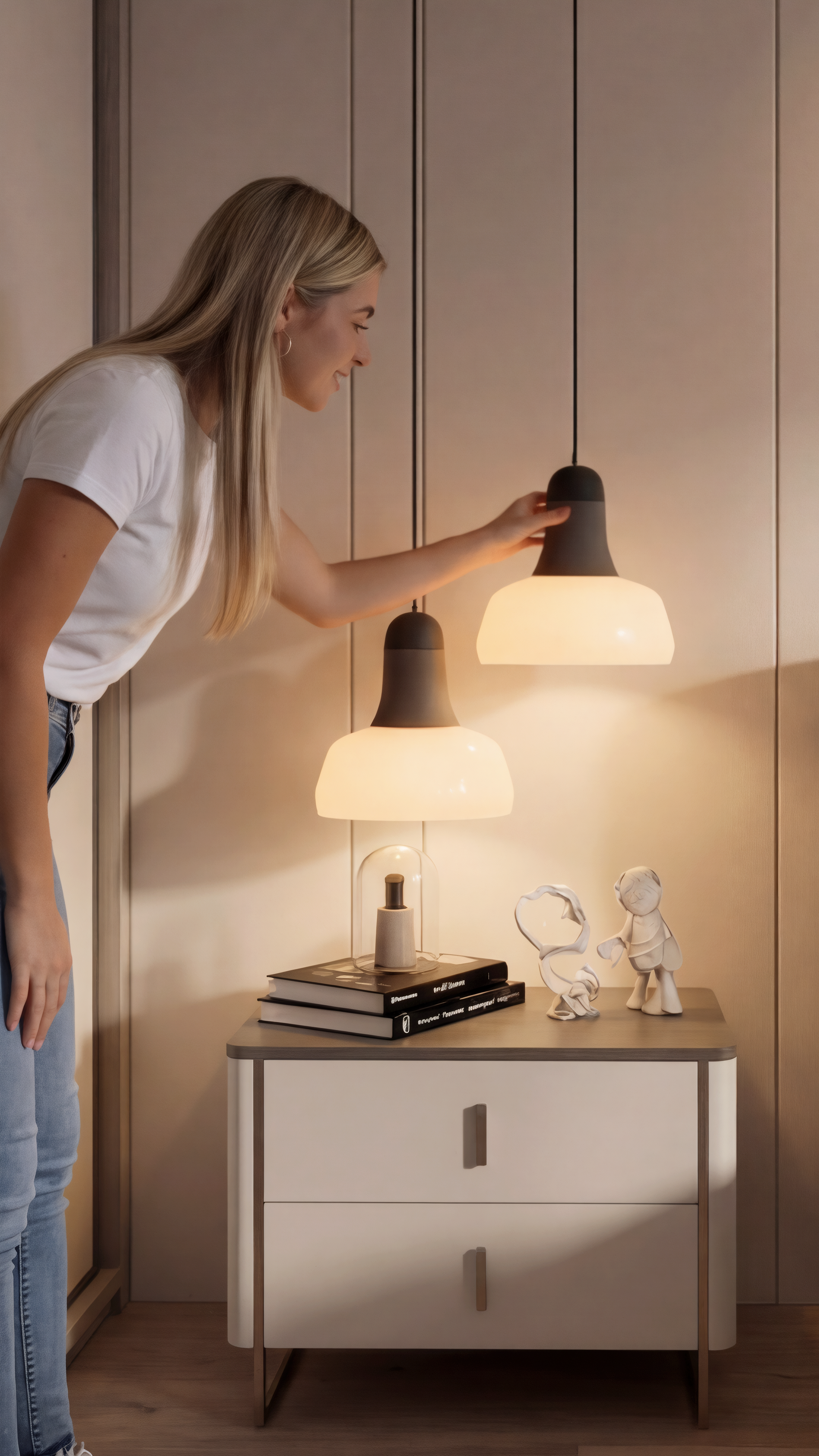
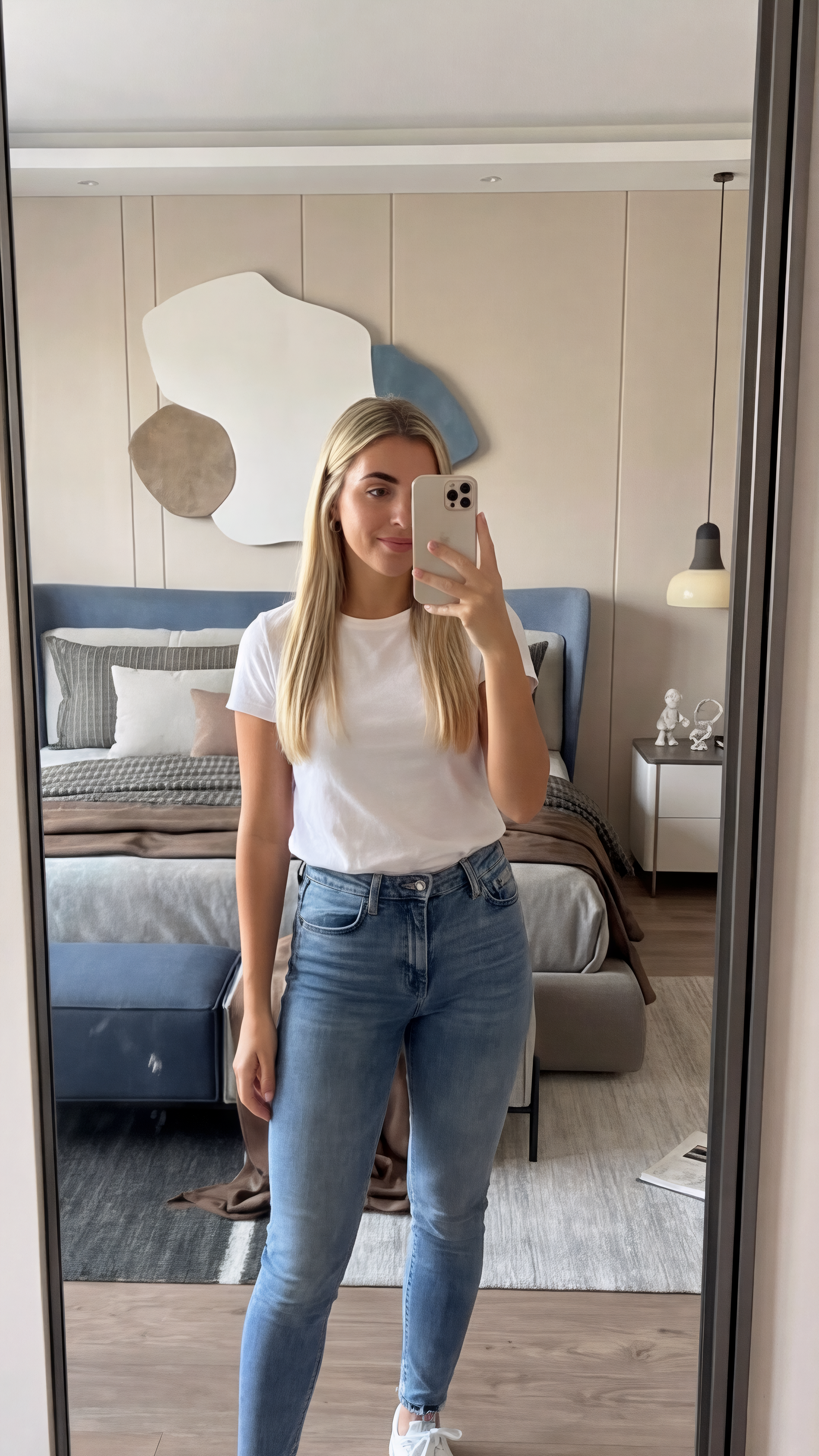
Upload a room image, set placement, and generate realistic AI-staged mockups for marketing, listings, and presentations.

