














Step 1
Set your prompt
Enter a premise, genre, and desired length. Add characters, setting details, and tone keywords so the AI story generator produces consistent plot and voice.
Use nano banana 2 story to generate polished stories with AI. Choose a genre, set characters, and export scenes fast. Try the AI story tool now.
How to use nano banana 2 story
Learn how to generate a complete story with nano banana 2 story using a simple prompt and a few settings. Follow these steps to draft scenes, refine the output, and export your final text.
Step 1
Enter a premise, genre, and desired length. Add characters, setting details, and tone keywords so the AI story generator produces consistent plot and voice.

Step 2
Create the first draft, then iterate with rewrites. Adjust pacing, dialogue, POV, or scene order using targeted instructions until the story reads clean and coherent.

Step 3
Copy or download your story text for editing and publishing. Save multiple versions to compare directions, and reuse settings to keep a consistent series style.
Features
nano banana 2 story helps you create structured narratives with controllable genre, tone, and length. Generate outlines, scenes, and dialogue from a single prompt, then refine with fast rewrites. Keep continuity with character notes and consistent style, so your drafts stay clear, readable, and ready for editing.
Generate stories as clear scenes with beginnings, turns, and endings. Use prompts to control pacing and stakes, and expand or compress sections without losing narrative flow.
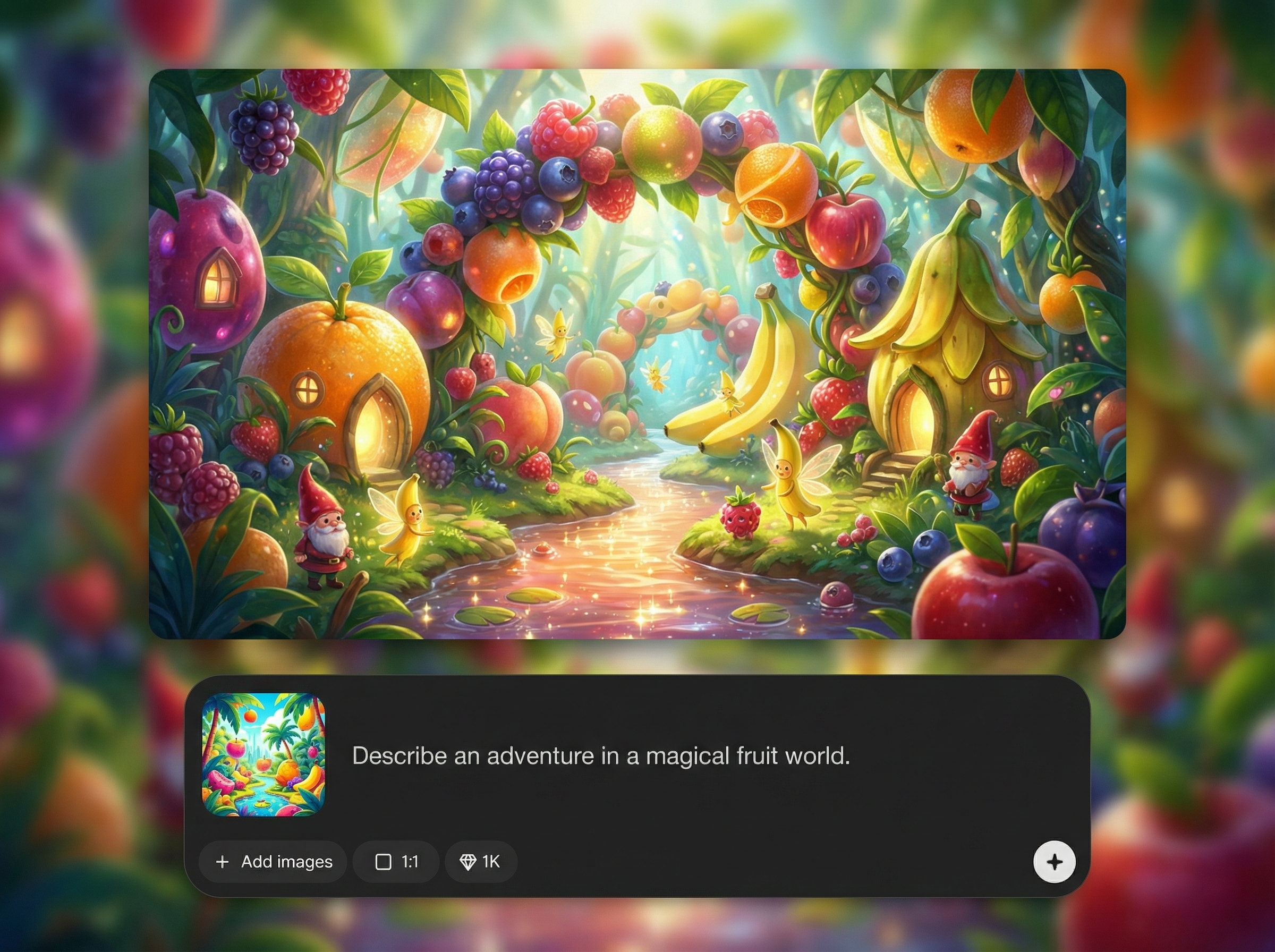
Rewrite paragraphs for tone, clarity, or stronger dialogue in seconds. Keep the same plot while improving voice, fixing repetition, and tightening structure across the draft.
Define character traits, goals, and relationships so the AI maintains consistency. Reuse notes across chapters to keep names, motivations, and world details aligned.
About
nano banana 2 story is an AI story generator that turns prompts into structured scenes, dialogue, and plot beats in minutes. Pick a genre, define characters, and steer tone, pacing, and length with simple controls. Generate drafts fast, then refine with instant rewrites for clear, consistent storytelling ready to export.
nano banana 2 story focuses on controllable storytelling: structured scenes, consistent character notes, and fast iteration. Generate drafts quickly, then refine with precise rewrite prompts to match tone and pacing. It’s built for clear outputs that are easy to edit, export, and reuse for ongoing series.
Type a premise, choose genre and length, and add character details. Generate a draft, then use short rewrite instructions to refine voice, dialogue, and structure until it fits your final vision.
Use cases
Discover how different creators use this app in their workflow.
Generate complete short stories from a single idea, then refine voice and pacing with quick rewrites for a clean, publish-ready draft.
Draft scenes with dialogue and beats for video, audio, or comics. Control length and tone while keeping the plot moving forward.
Create outlines, arcs, and episode summaries fast. Maintain continuity with saved character notes and reusable settings for a consistent series style.
Krea is one of the world's leading generative AI platforms. See what others say.
Real reviews on TrustpilotSo many AI tools out there but I always come back to Krea. It's really the one AI platform that 'just works'.

FYN
Krea's interfaces are still the best in the industry. Everything looks and feels so clean and easy to use! Imo the easiest to use gen AI website.

Lynn
Ultra fast generations. Extremely simple to use. All the latest AI models.

Daniel
KREA is the only AI subscription I have right now besides ChatGPT.

Sophia M.
Find quick answers about using nano banana 2 story and its AI writing features.
nano banana 2 story is an AI story generator that creates outlines, scenes, and dialogue from your prompt. You can control genre, tone, POV, and length, then refine results with targeted rewrites.
Use a specific premise plus 3–5 details: setting, main goal, conflict, tone, and ending style. Add character notes and constraints like “no romance” or “fast pacing” for better consistency.
Yes. Start with an outline or beat sheet, then generate chapter drafts scene-by-scene. Keep the same character notes and style settings to maintain continuity across the full story.
It supports common genres like fantasy, sci-fi, romance, horror, and comedy, plus custom tones. You can request concise or descriptive prose, more dialogue, or a specific narrative voice.
Yes. After generating, you can rewrite sections, adjust structure, and copy or download the text. Save versions to compare edits and keep multiple directions for the same concept.




Turn a prompt into scenes, dialogue, and polished drafts with controllable style and fast rewrites.

