














Step 1
Set your prompt
Enter your concept, audience, and goal. Choose tone, format, and target length so the AI generates a story structure that fits your video style.
Turn ideas into video-ready stories fast. Use video gen story to generate scripts, scenes, and voiceover lines with AI—then export and edit.
How to use video gen story
Create a complete video narrative from a simple idea. Follow these steps to set your style, generate scenes and dialogue, then refine the output into a ready-to-film script.
Step 1
Enter your concept, audience, and goal. Choose tone, format, and target length so the AI generates a story structure that fits your video style.

Step 2
Create a full story outline with scene-by-scene beats, dialogue, and voiceover. Regenerate sections to explore variations without losing continuity or pacing.

Step 3
Edit lines, tighten timing, and adjust calls-to-action. Export the script and scene plan for storyboarding, shooting, or editing in your preferred workflow.
Features
video gen story helps you move from concept to script with less friction. Use AI to generate narrative arcs, scene breakdowns, dialogue, and voiceover optimized for video timing. Keep consistency across episodes or campaigns with reusable styles, quick revisions, and flexible formats for social, ads, or long-form.
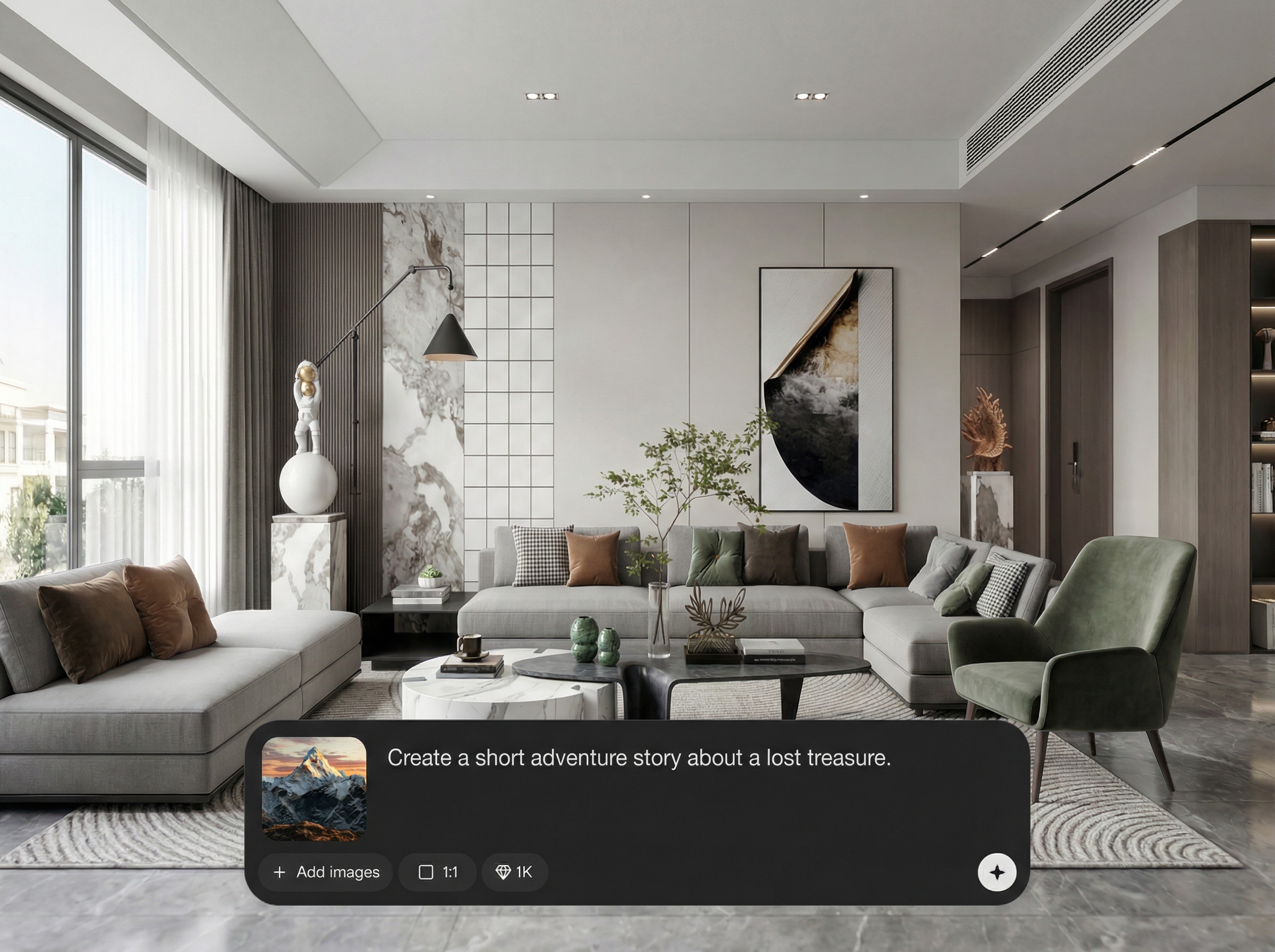
Automatically builds a clear beginning, middle, and end with beats per scene. Get shot-friendly descriptions, transitions, and pacing that make storyboarding and editing faster.
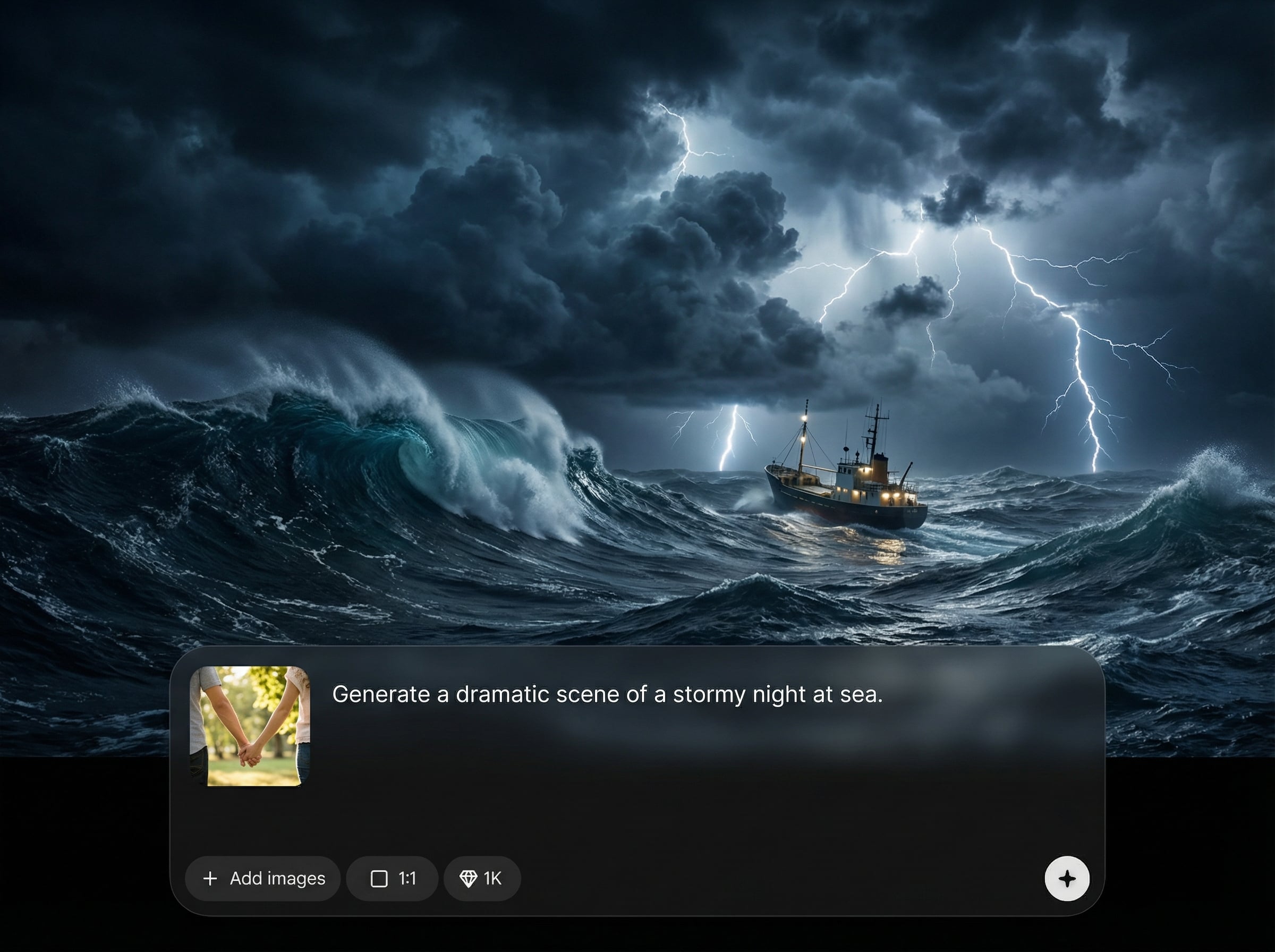
Generate multiple takes for hooks, dialogue, and endings in seconds. Compare options, keep what works, and iterate quickly without rewriting the entire script.
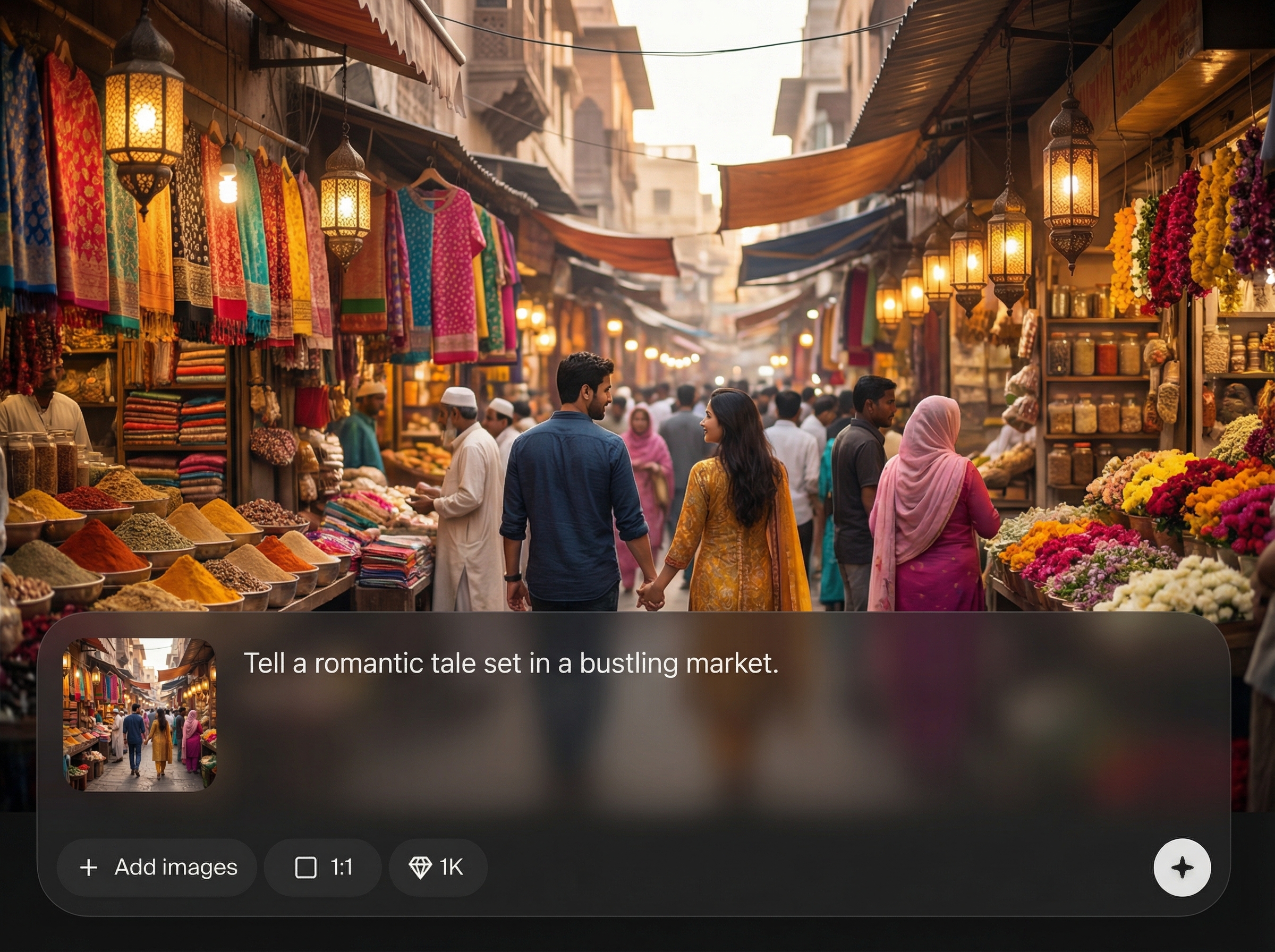
Create voiceover lines that match tone and duration, with natural phrasing for narration. Ideal for explainers, ads, and short-form videos that need tight timing.
About
video gen story turns a prompt into a structured, video-ready story in minutes. Generate scripts, scene beats, dialogue, and voiceover lines with AI to speed up pre-production. Perfect for planning reels, ads, explainers, and narrative videos while keeping tone, pacing, and length consistent from start to finish.
video gen story streamlines pre-production by turning ideas into structured scripts you can film or animate. Get consistent scene logic, faster iteration, and voiceover-ready writing that reduces rewrites and keeps projects moving from concept to edit.
Type a prompt, choose tone and length, and generate your first scene plan instantly. Edit any section, regenerate alternatives, and export a clean script ready for storyboards, shoots, or timelines.
Use cases
Discover how different creators use this app in their workflow.
Generate hooks, scene beats, and punchy voiceover for reels and shorts. Keep pacing tight and deliver a clear message within strict time limits.
Create benefit-led narratives with strong CTAs. Produce multiple angles for campaigns, test different openings, and maintain consistent brand tone across variations.
Turn complex topics into clear, step-by-step stories. Get structured narration, examples, and smooth transitions to support visuals and on-screen text.
Krea is one of the world's leading generative AI platforms. See what others say.
Real reviews on TrustpilotSo many AI tools out there but I always come back to Krea. It's really the one AI platform that 'just works'.

FYN
Krea's interfaces are still the best in the industry. Everything looks and feels so clean and easy to use! Imo the easiest to use gen AI website.

Lynn
Ultra fast generations. Extremely simple to use. All the latest AI models.

Daniel
KREA is the only AI subscription I have right now besides ChatGPT.

Sophia M.
Answers to common questions about video gen story and AI video script generation.
It generates video-ready stories including outlines, scene breakdowns, dialogue, and voiceover scripts. You can tailor tone, length, and format to match ads, shorts, explainers, or narrative videos.
Yes. Set tone, target duration, and structure upfront, then refine sections as needed. Regenerate specific scenes or lines to keep pacing consistent without starting over.
Absolutely. It’s designed to produce tight hooks, concise beats, and voiceover-friendly lines that fit shorts and reels. You can quickly test multiple variants for performance-driven edits.
Use the scene list as a storyboard guide and the script as narration or dialogue. Copy or export the text into your planning doc, shot list, or editing timeline for production.
Yes. Choose the format and goal, and the AI adapts structure accordingly—CTA-first for ads, clarity-first for explainers, and arc-driven beats for narrative storytelling across scenes.




Generate video scripts, scenes, and voiceover in minutes—then refine and export for production.

