















Step 1
Upload
Drop in your droplet can files and select the packaging specs you need. The tool ingests artwork, layers, and dimensions to prepare a flat layout.
Turn droplet can designs into print-ready packaging flats fast. Upload your files, generate accurate dieline-aligned flats, and export for production.
How to use Jefs thing
Create packaging flats from droplet can designs with a simple upload-to-export workflow. Follow these steps to align artwork to dielines, validate layout accuracy, and output files ready for print production.
Step 1
Drop in your droplet can files and select the packaging specs you need. The tool ingests artwork, layers, and dimensions to prepare a flat layout.

Step 2
Run the AI conversion to map your can design into a dieline-aligned flat. Review key panels, seams, and bleed areas for correct placement.

Step 3
Download print-ready flats in your preferred format for prepress and production. Share with your printer or team with consistent, repeatable outputs.
Features
Jefs thing automates the conversion from droplet can designs to production-friendly flats. Generate dieline-aligned layouts, reduce manual rework, and keep artwork consistent across revisions. Export reliable files that support a smoother handoff to print and packaging workflows.
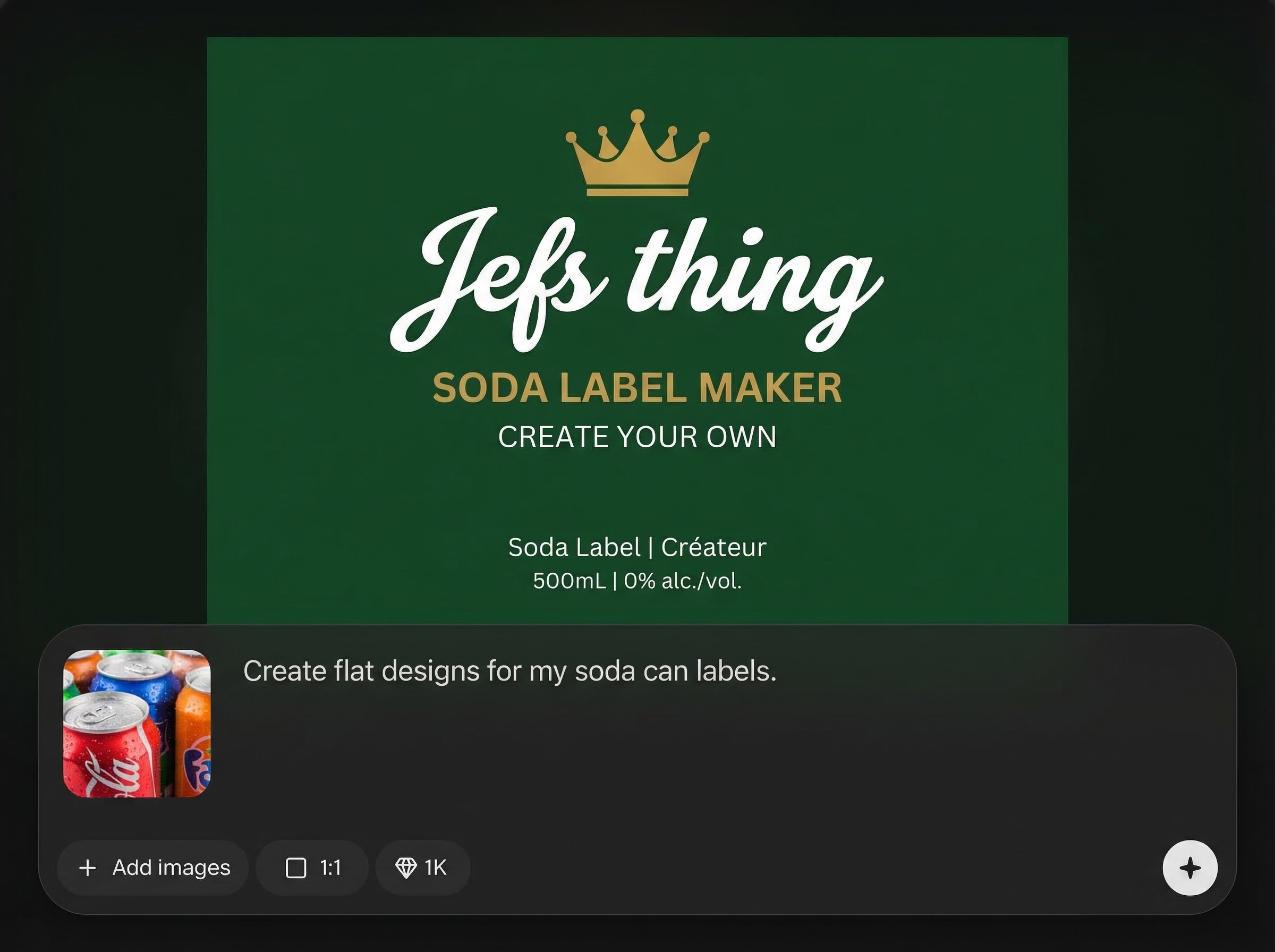
Turn droplet can designs into flat packaging layouts automatically. The system maps artwork to panels and seams so you get a clean, print-ready result with less manual setup.
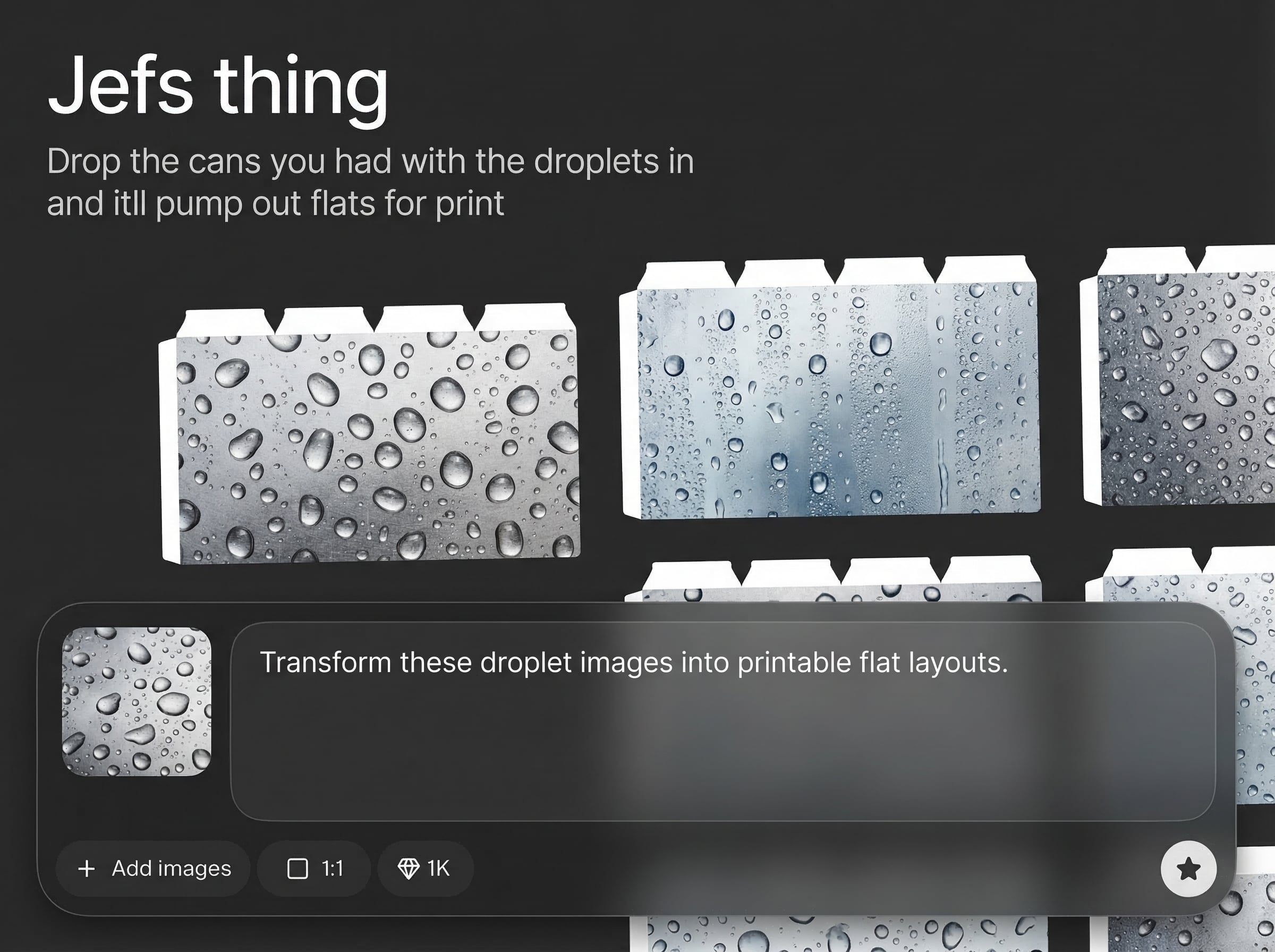
Create flats aligned to dielines with attention to bleed, trim, and key panel placement. Catch layout issues earlier and keep production files consistent across exports and updates.
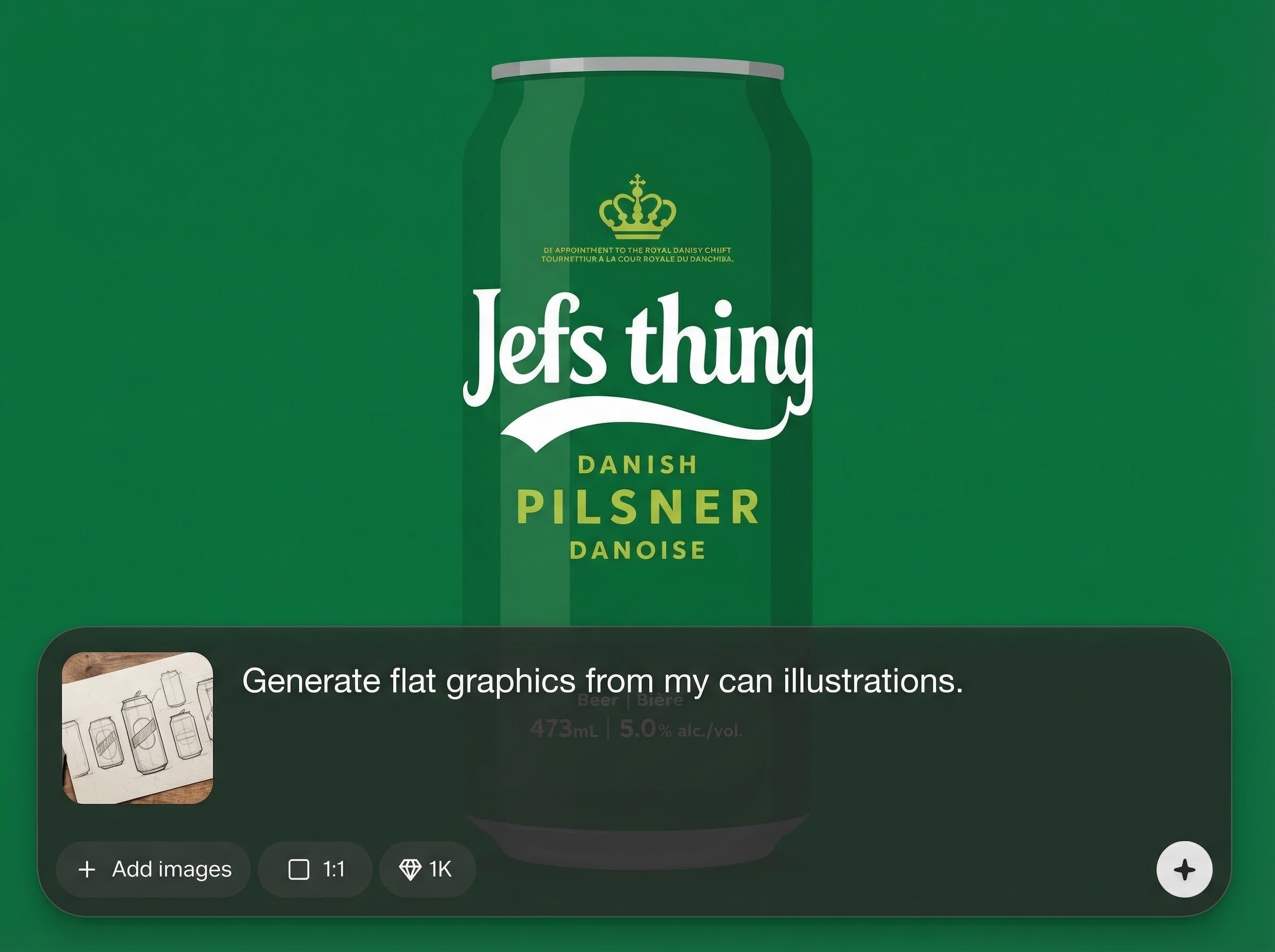
Speed up prepress by generating flats in minutes instead of rebuilding layouts by hand. Iterate quickly, export again, and keep projects moving from design to print without delays.
About
Jefs thing converts droplet can designs into accurate, print-ready flats for packaging production. Upload your can files, and the AI maps artwork into dieline-aligned flat layouts for faster prepress. Export high-quality flats that are consistent, clean, and ready to send to print.
Get a focused AI workflow for turning droplet can designs into packaging flats without the usual manual layout work. Produce consistent, dieline-aware outputs, reduce prepress bottlenecks, and generate export-ready files that support smoother print handoffs.
Open Jefs thing, drop in your droplet can files, and choose the packaging specs. Generate the flat, review panel alignment and bleed, then export a print-ready file in minutes.
Use cases
Discover how different creators use this app in their workflow.
Convert can artwork into flats for print handoff, reducing repetitive prepress tasks and keeping dieline placement consistent across SKUs and revisions.
Generate reliable, print-ready flats with clear panel mapping and bleed awareness, helping streamline proofing and minimizing costly alignment errors.
Update droplet can artwork and regenerate flats quickly to compare versions, validate layout changes, and deliver production files on tighter timelines.
Krea is one of the world's leading generative AI platforms. See what others say.
Real reviews on TrustpilotSo many AI tools out there but I always come back to Krea. It's really the one AI platform that 'just works'.

FYN
Krea's interfaces are still the best in the industry. Everything looks and feels so clean and easy to use! Imo the easiest to use gen AI website.

Lynn
Ultra fast generations. Extremely simple to use. All the latest AI models.

Daniel
KREA is the only AI subscription I have right now besides ChatGPT.

Sophia M.
Common questions about generating print-ready flats from droplet can designs using AI.
It converts droplet can designs into flat, print-ready packaging layouts. You upload your can files, and the tool outputs dieline-aligned flats suitable for prepress review and production export.
You’ll get the best results when you provide or select the correct packaging specs. The AI uses dimensions and layout rules to align panels, seams, and bleed for print-ready flats.
Yes. After generating and reviewing the flat layout, you can export a production-friendly file to share with prepress or your printer, helping reduce manual rebuilding and errors.
Accuracy depends on the input artwork and selected specs, but the tool is designed to keep panel placement and alignment consistent. Always review critical areas like seams, trim, and bleed before printing.
Yes. Jefs thing supports quick iteration by letting you re-upload updated artwork and regenerate flats fast. This helps maintain consistency across versions and speeds up production cycles.
Upload droplet can designs and export dieline-aligned flats faster for prepress and print production.

