














Step 1
Upload
Add a clear portrait photo where the nose is visible. The AI detects facial landmarks to place the Strippy effect accurately and keep proportions consistent.
Apply Strippy on Nose with AI for fast, realistic nose stripe edits. Upload a photo, adjust style, and export in seconds. Try it online now.
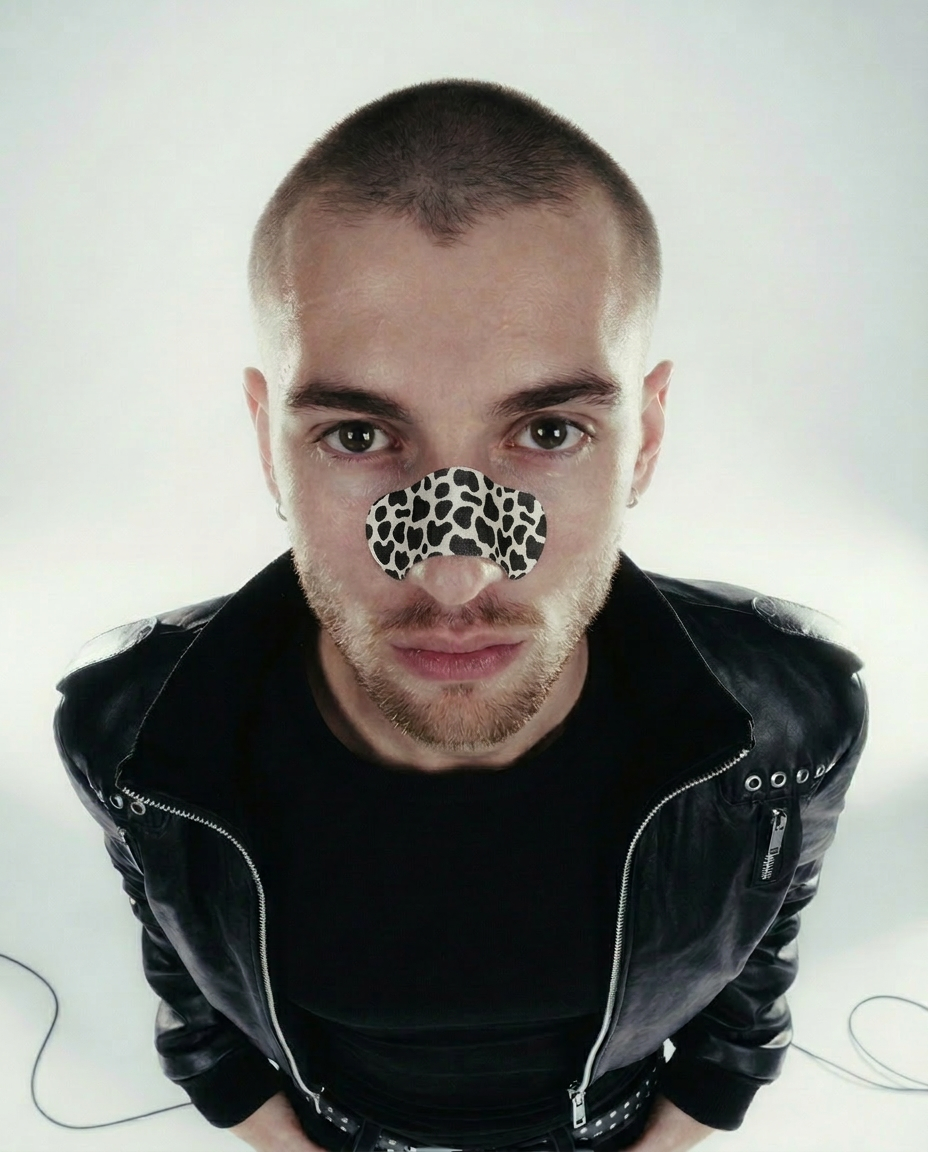
How to use Apply Strippy on Nose
This quick tutorial shows how to apply Strippy on Nose using AI. Upload a portrait, customize stripe style and placement, then export a high-quality image ready for sharing or further editing.
Step 1
Add a clear portrait photo where the nose is visible. The AI detects facial landmarks to place the Strippy effect accurately and keep proportions consistent.

Step 2
Choose stripe style, thickness, color, and opacity. Drag to fine-tune position and angle so the stripes align naturally with your nose and lighting.

Step 3
Preview the result, then download in high quality. Save versions for different looks, or re-edit anytime to quickly iterate on stripe designs.
Features
Apply Strippy on Nose uses AI facial alignment to place nose stripes with accurate scale and perspective. Fine-tune thickness, color, opacity, and angle for a natural blend. Get consistent results across portraits, export high-resolution images, and iterate quickly without time-consuming manual masking or retouching.
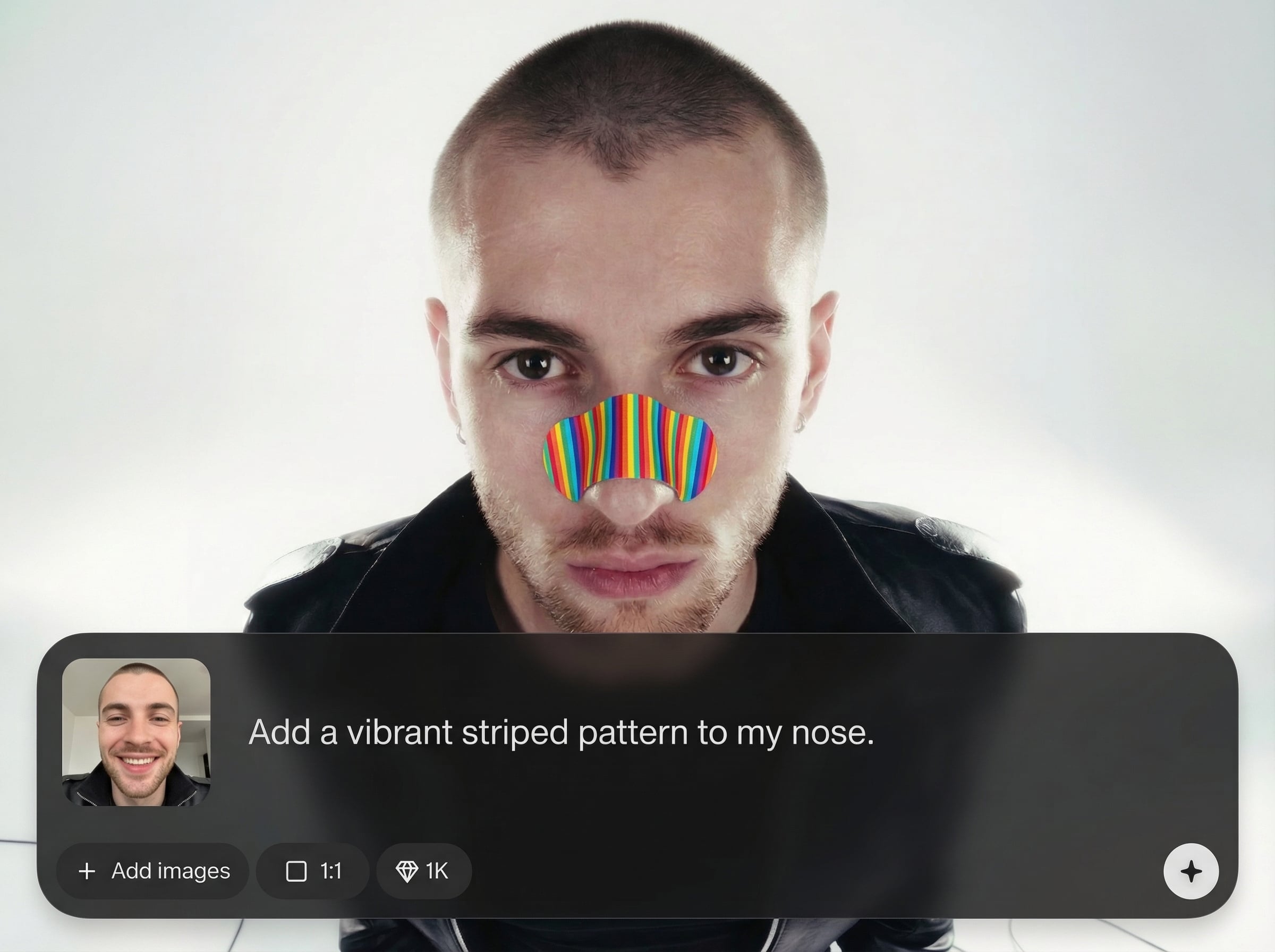
Automatic landmark detection positions nose stripes with realistic perspective. The effect follows facial geometry for clean placement, even when the face is slightly turned or cropped.
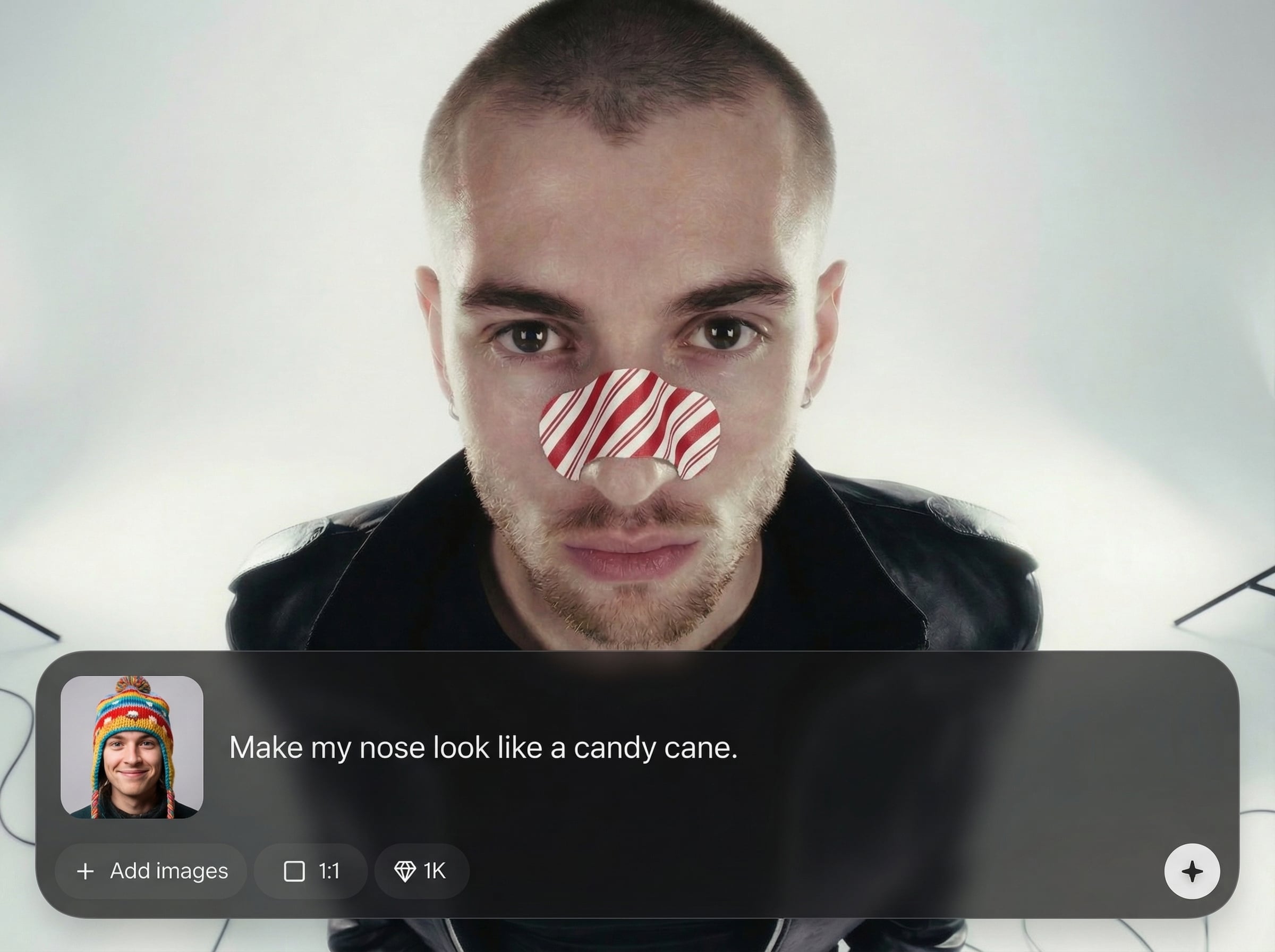
Adjust stripe thickness, spacing, color, opacity, and rotation in seconds. Dial in subtle accents or bold graphic looks while keeping edges crisp and blends natural.
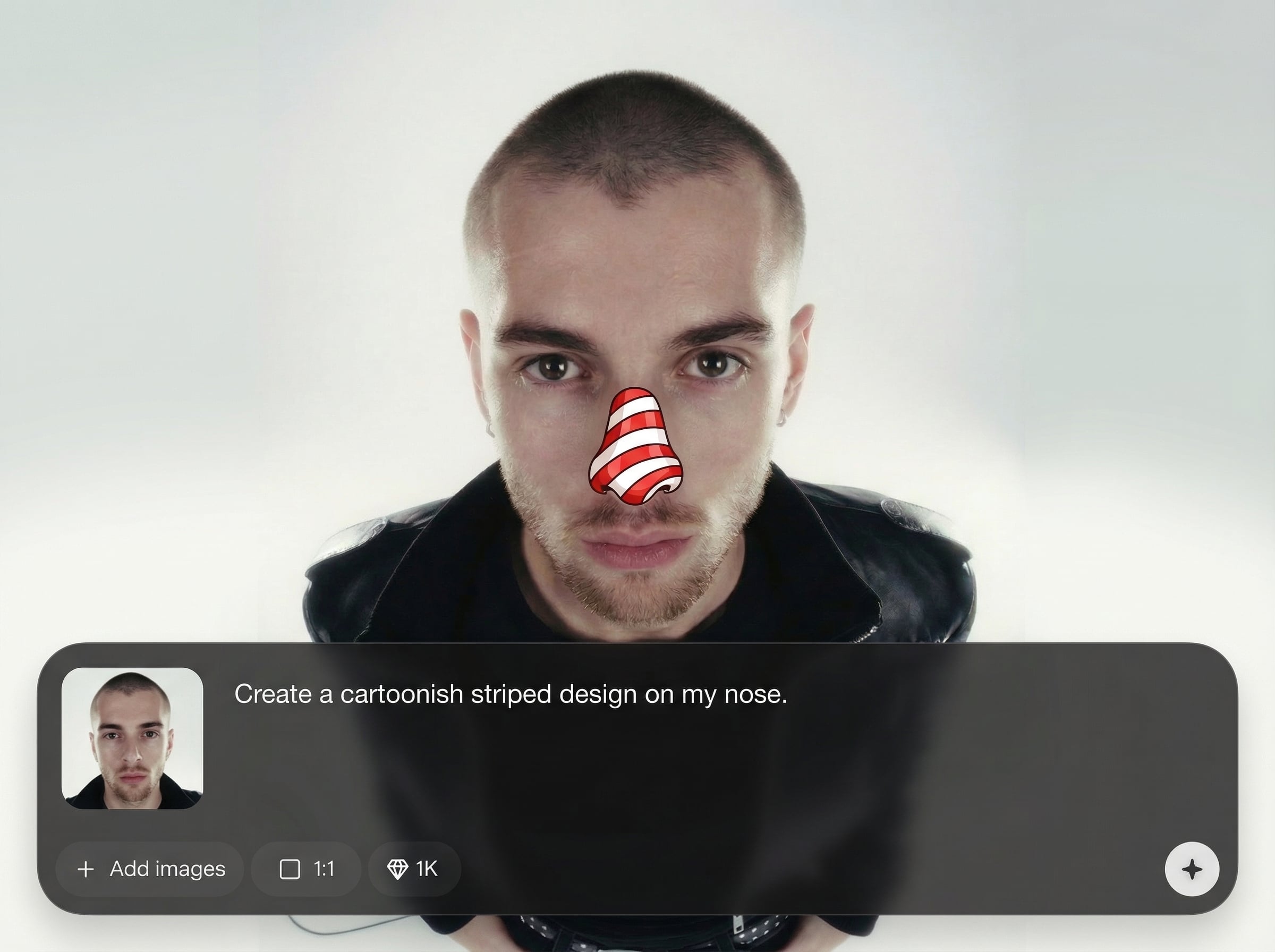
Generate quick previews as you tweak settings, then export high-quality results. Save time on repetitive edits and produce consistent outputs for multiple photos.
About
Apply Strippy on Nose is an AI photo editing tool that adds clean, realistic nose stripes to portraits in seconds. Upload a selfie, choose stripe style, size, and placement, then preview results instantly. Designed for quick edits with natural blending, it helps you create consistent looks for social posts, profile photos, and creative concepts without complex manual retouching.
Get consistent nose stripe placement with AI facial alignment, plus precise controls for style and blending. Fast previews help you iterate quickly, while high-quality export keeps details sharp. The workflow is simple, reliable, and optimized for quick portrait edits online.
Open the tool, upload a clear portrait, and let AI place the stripes. Adjust thickness, color, and angle, then download the final image in high quality within minutes.
Use cases
Discover how different creators use this app in their workflow.
Add a distinctive nose stripe look to selfies and profile photos quickly. Keep the effect consistent across multiple shots with repeatable settings and fast exports.
Test stripe variations for characters, cosplay concepts, or themed portraits. Iterate on placement, angle, and color without repainting or manual layer masking.
Create multiple stripe styles for posts, thumbnails, and stories. Produce clean, on-brand variants quickly while maintaining realistic alignment and blending.
Krea is one of the world's leading generative AI platforms. See what others say.
Real reviews on TrustpilotSo many AI tools out there but I always come back to Krea. It's really the one AI platform that 'just works'.

FYN
Krea's interfaces are still the best in the industry. Everything looks and feels so clean and easy to use! Imo the easiest to use gen AI website.

Lynn
Ultra fast generations. Extremely simple to use. All the latest AI models.

Daniel
KREA is the only AI subscription I have right now besides ChatGPT.

Sophia M.
Common questions about applying Strippy on Nose with AI quickly and accurately.
It’s an AI photo editing tool that adds customizable nose stripes to portraits. Upload an image, pick a stripe style, adjust placement and opacity, then export a realistic, clean result.
Yes. The tool uses AI facial landmark alignment to match scale and perspective. You can also rotate and reposition the stripes for better fit on angled or partially turned faces.
You can customize color, thickness, spacing, rotation, and opacity. This lets you create subtle accents or bold graphic stripes while maintaining crisp edges and smooth blending.
Use clear, well-lit portraits where the nose is visible and not heavily obstructed. Higher resolution images generally produce cleaner alignment and sharper stripe edges in the final export.
Yes. It runs online in your browser, so you can edit from desktop or mobile without installing software. Upload, generate, and download your result in just a few steps.
Upload a portrait, customize stripe style, and export a clean, realistic edit instantly.

