














Step 1
Upload
Drop in your printscreen or paste an image. Celerina analyzes the screenshot and prepares it for AI rendering with smart defaults for clarity and composition.
Turn any screenshot into a polished render with celerina. Use AI to enhance clarity, lighting, and style in seconds—upload, refine, export fast.
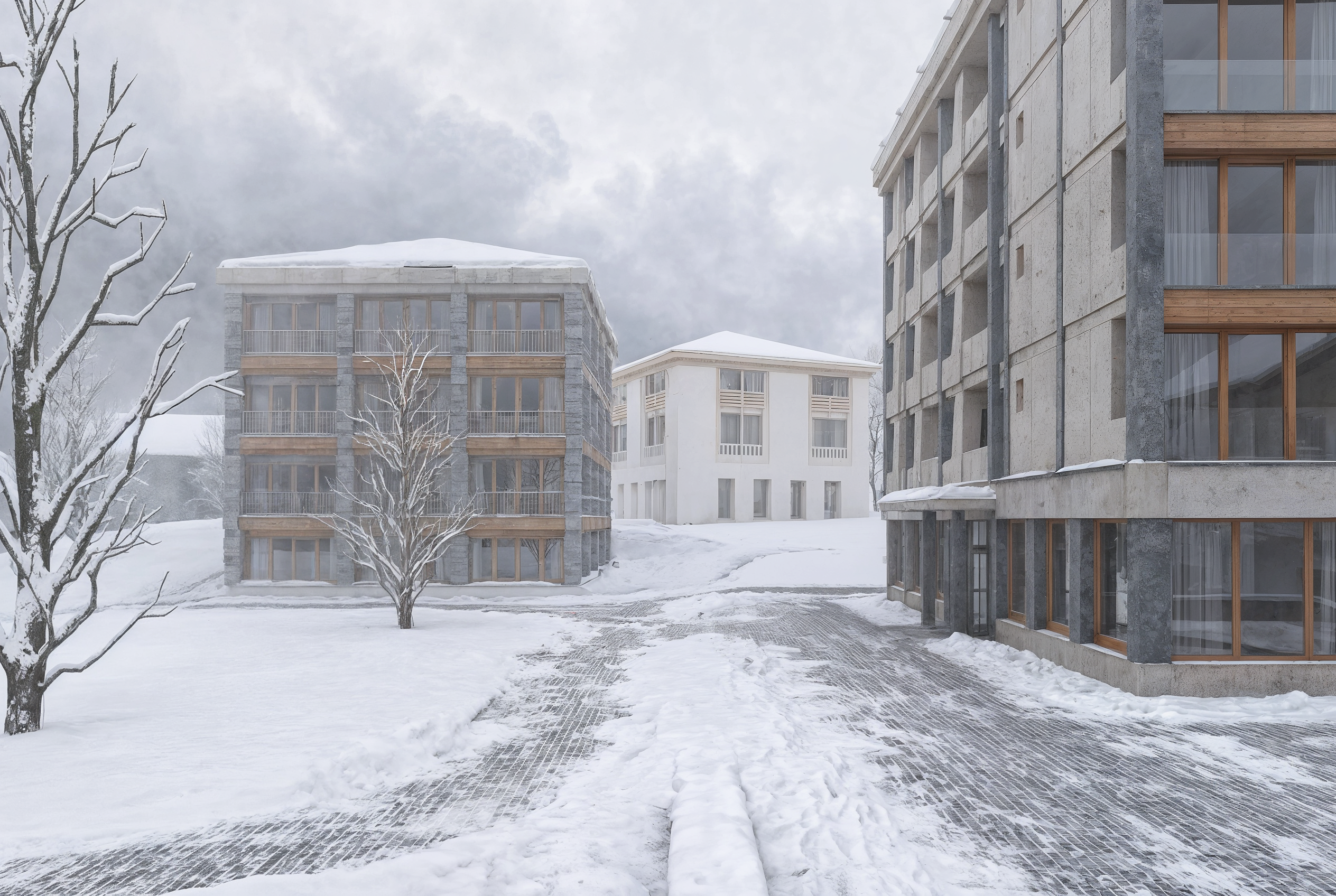
How to use celerina
This quick tutorial shows how to turn a screenshot into a professional render with celerina. Upload your printscreen, choose a render style, then refine details before exporting a crisp final image.
Step 1
Drop in your printscreen or paste an image. Celerina analyzes the screenshot and prepares it for AI rendering with smart defaults for clarity and composition.

Step 2
Select a render look and adjust strength, lighting, and detail. Generate variations to compare outputs and keep the most accurate, polished version.

Step 3
Download your final render in high resolution. Use it in decks, listings, or prototypes, or iterate quickly by re-rendering with new settings.
Features
Celerina converts screenshots into refined renders with consistent lighting, cleaner edges, and improved materials. Use machine learning to upscale details, reduce artifacts, and standardize style across images. Generate multiple render variations quickly, then export high-resolution outputs ready for presentations, product pages, and prototypes.
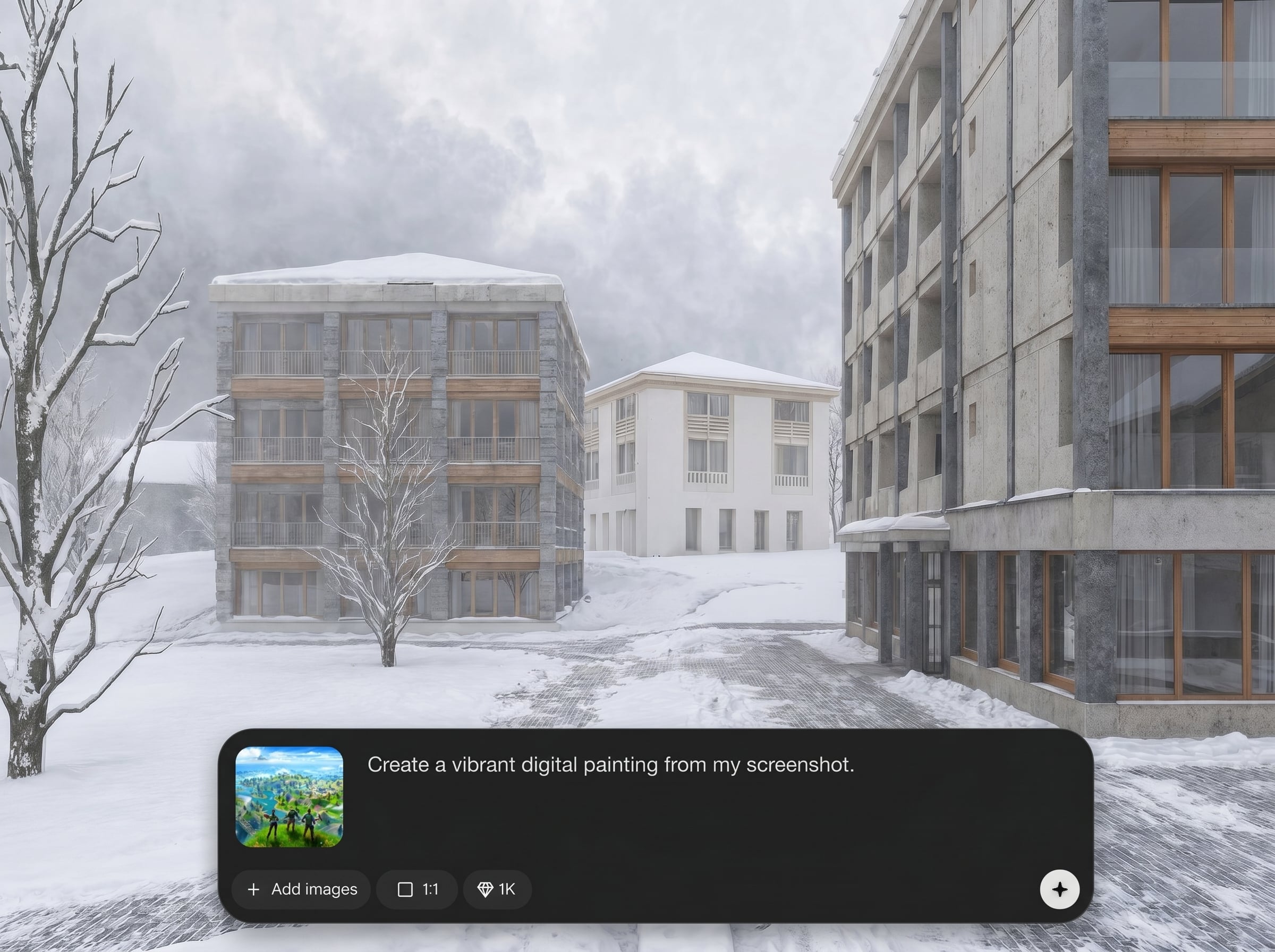
Transform a raw screenshot into a polished render with AI that improves depth, contrast, and surface detail. Great for making flat captures look like intentional, studio-grade visuals.
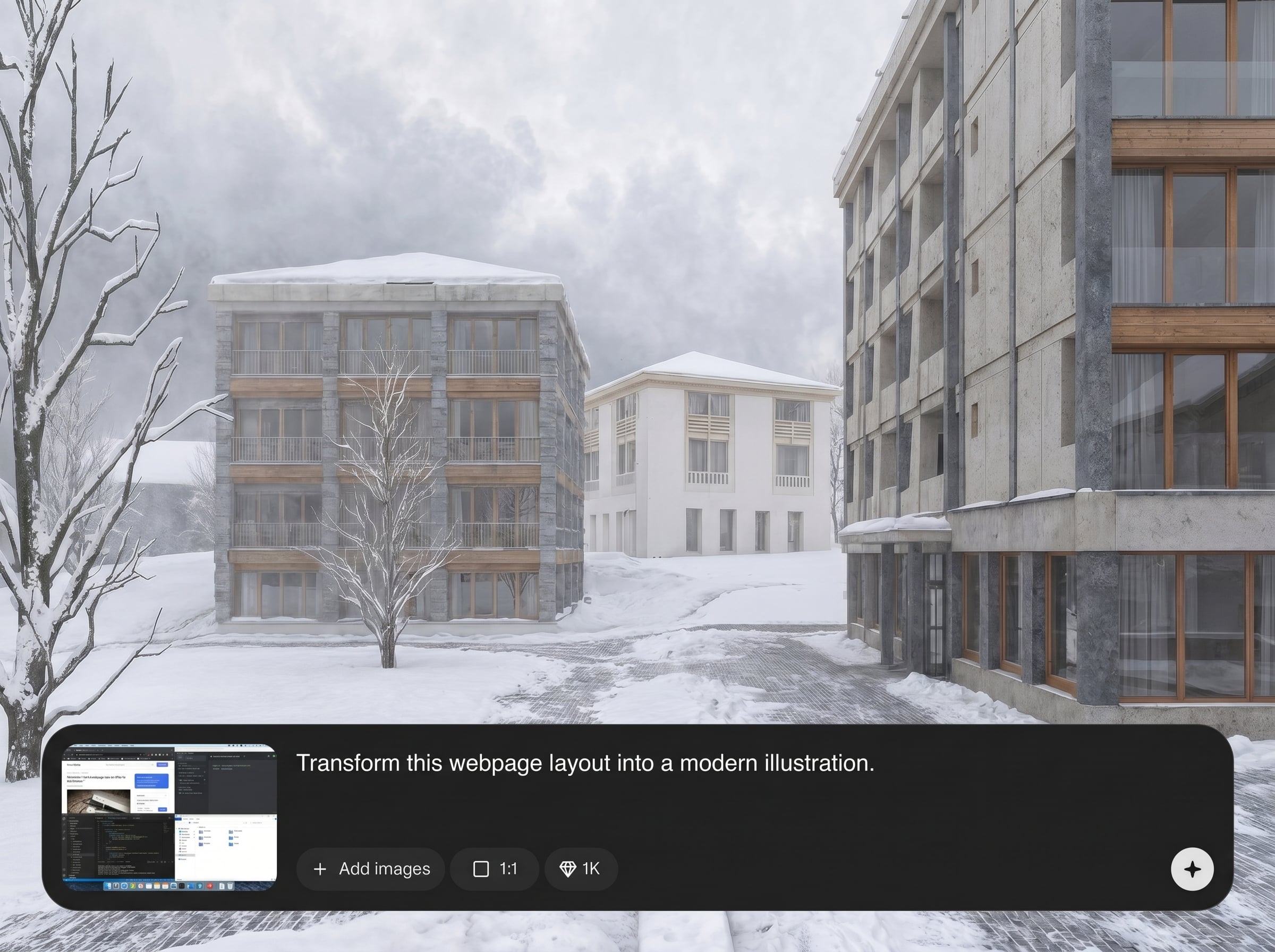
Generate multiple render options in seconds to test lighting, style, and realism. Quickly iterate without manual repainting, so you can reach the best look with fewer steps.
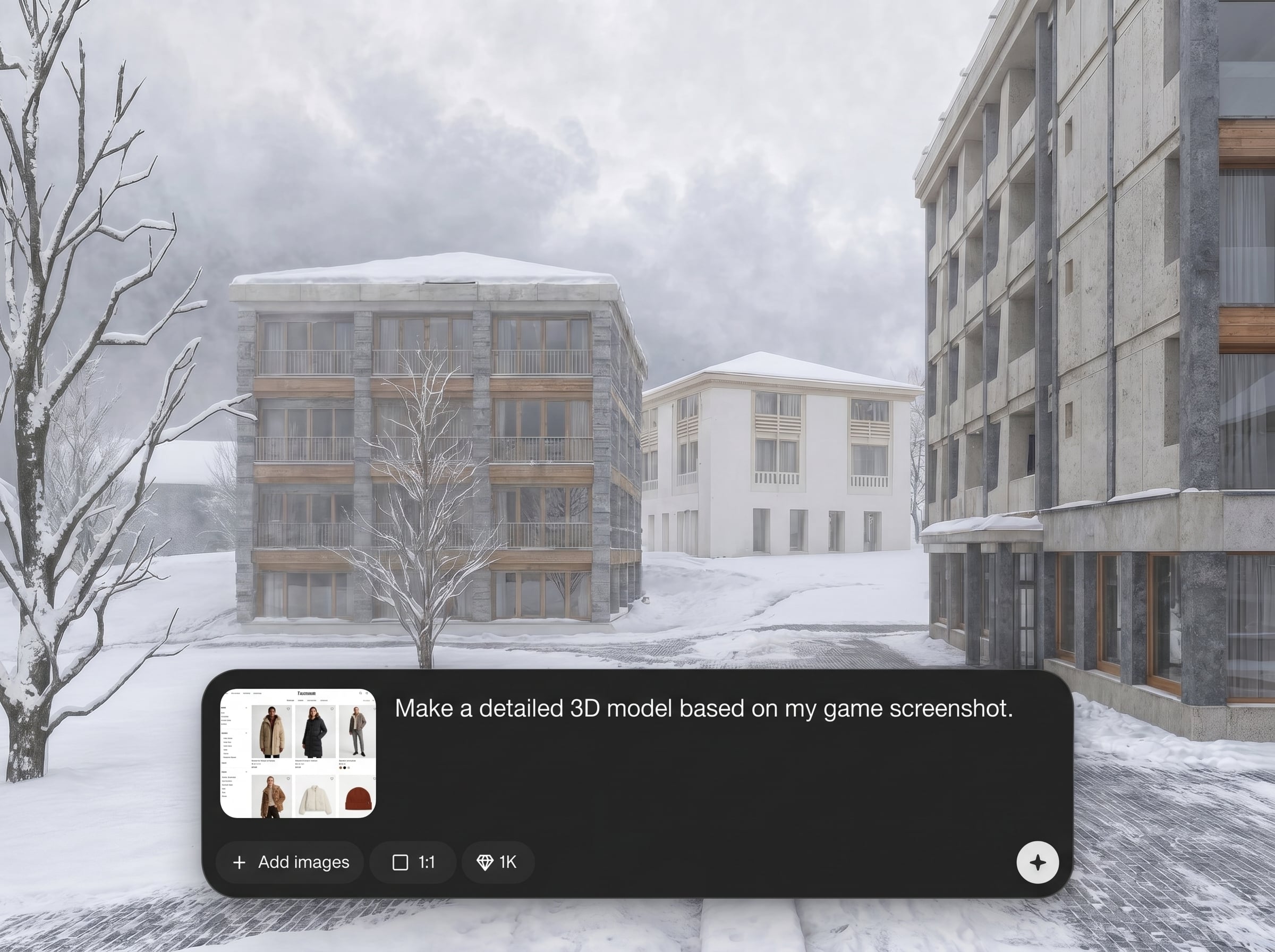
Upscale and clean artifacts for crisp edges and readable details. Export high-resolution renders that stay sharp on slides, marketplaces, and UI previews.
About
Celerina turns a printscreen into a clean, high-quality render using AI. Upload any screenshot and instantly enhance lighting, materials, clarity, and overall presentation for a polished, export-ready image. Ideal for UI previews, product shots, and concept visuals when you need results fast and consistent across multiple renders.
Celerina is built for fast, reliable screenshot-to-render conversion with AI. It improves clarity, lighting, and material detail while keeping important shapes readable. Generate consistent variations, reduce manual cleanup, and export high-resolution renders that look professional across presentations and product surfaces.
Open celerina, upload a screenshot, and choose your preferred render style. Tweak lighting and detail, generate a few variations, then export the best result in high resolution.
Use cases
Discover how different creators use this app in their workflow.
Turn app screenshots into clean renders for landing pages, release notes, and pitch decks with consistent lighting and presentation-ready styling.
Convert quick captures into polished product visuals. Improve clarity and materials to create render-like images that fit marketplace standards.
Create rapid visual directions from a printscreen. Generate variations to explore realism, mood, and finish before committing to a final design.
Krea is one of the world's leading generative AI platforms. See what others say.
Real reviews on TrustpilotSo many AI tools out there but I always come back to Krea. It's really the one AI platform that 'just works'.

FYN
Krea's interfaces are still the best in the industry. Everything looks and feels so clean and easy to use! Imo the easiest to use gen AI website.

Lynn
Ultra fast generations. Extremely simple to use. All the latest AI models.

Daniel
KREA is the only AI subscription I have right now besides ChatGPT.

Sophia M.
Answers to common questions about celerina and AI screenshot-to-render conversion.
Celerina converts a screenshot into a refined render by enhancing lighting, cleaning artifacts, and boosting detail with AI. Upload a printscreen, choose a look, and export a polished image quickly.
Clear screenshots with good resolution and minimal compression work best. UI captures, product images, and concept frames render well, especially when key shapes and edges are visible.
Yes. Adjust render strength, lighting feel, and detail to balance realism and stylization. Generate variations to compare outcomes and keep the version that matches your intended look.
Celerina uses machine learning to improve sharpness, reduce blocky artifacts, and enhance edges. The result is a cleaner, higher-resolution render that reads well at large sizes.
Most renders generate in seconds, depending on image size and settings. You can iterate quickly by changing parameters and producing new variations without starting over.
Upload a printscreen and generate a polished, export-ready render with AI in seconds.

