














Step 1
Upload
Add a clear photo of your living room or bedroom with the TV area visible. Crop to focus on the wall, floor line, and main furniture for best results.
Revamp TV to Living & Bedroom uses AI to visualize TV wall and room layouts in seconds. Try style presets, compare options, and export results online.
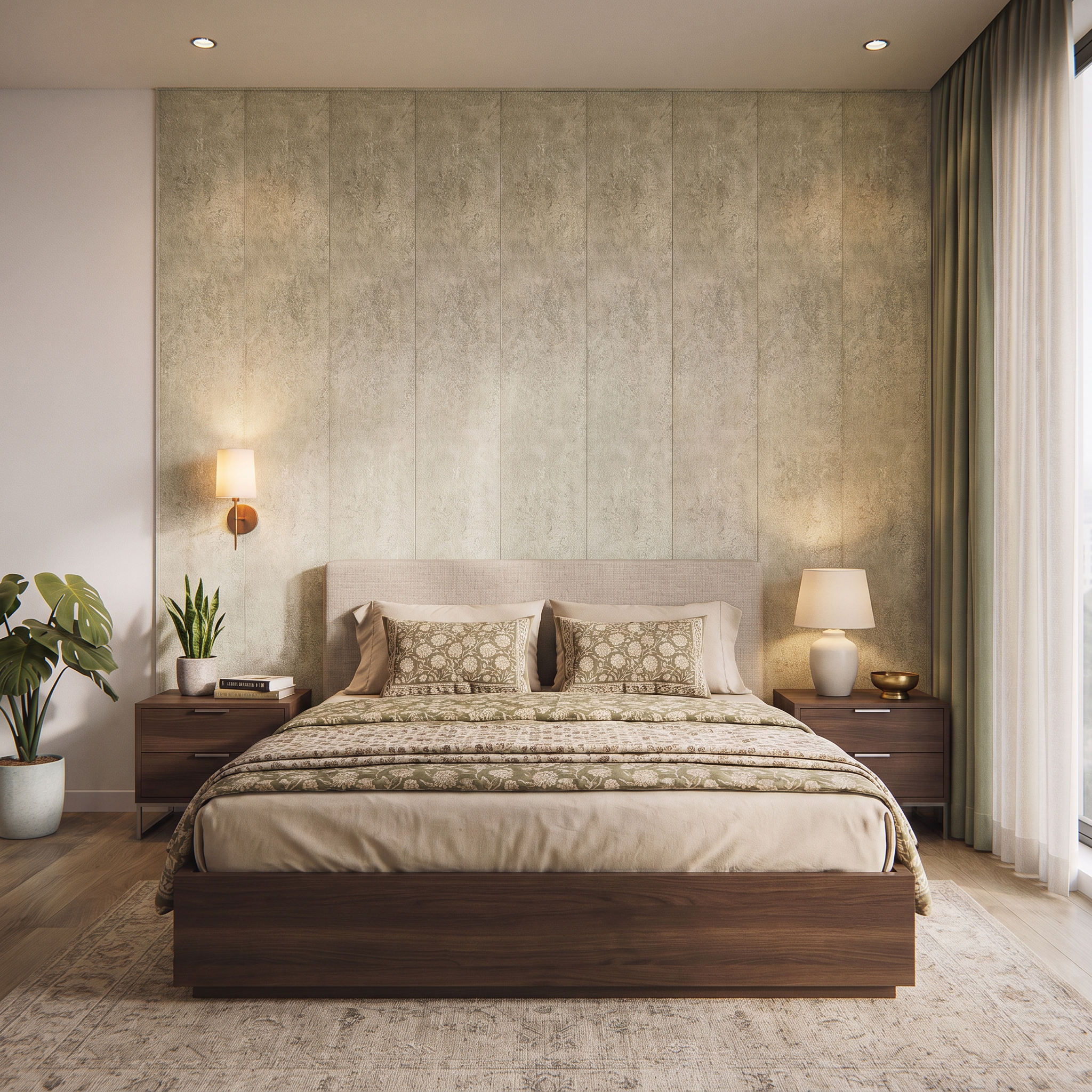
How to use Revamp TV to Living & Bedroom
Use Revamp TV to Living & Bedroom to turn a simple room photo into multiple TV wall and furniture layout concepts. Pick a style, set room intent, then generate and refine results until the design fits.
Step 1
Add a clear photo of your living room or bedroom with the TV area visible. Crop to focus on the wall, floor line, and main furniture for best results.

Step 2
Select a design style and set the room type—living or bedroom. Adjust constraints like TV wall center, storage needs, and color tone to guide generation.

Step 3
Generate multiple layout variations, then iterate with quick tweaks for spacing and décor. Download your favorite result to share, compare, or use as a renovation reference.
Features
Revamp TV to Living & Bedroom turns room photos into realistic TV wall and layout proposals using AI. Generate multiple styles, improve furniture placement, and maintain natural perspective for believable results. Iterate quickly with guided edits, then export crisp visuals for planning, approvals, or shopping lists.
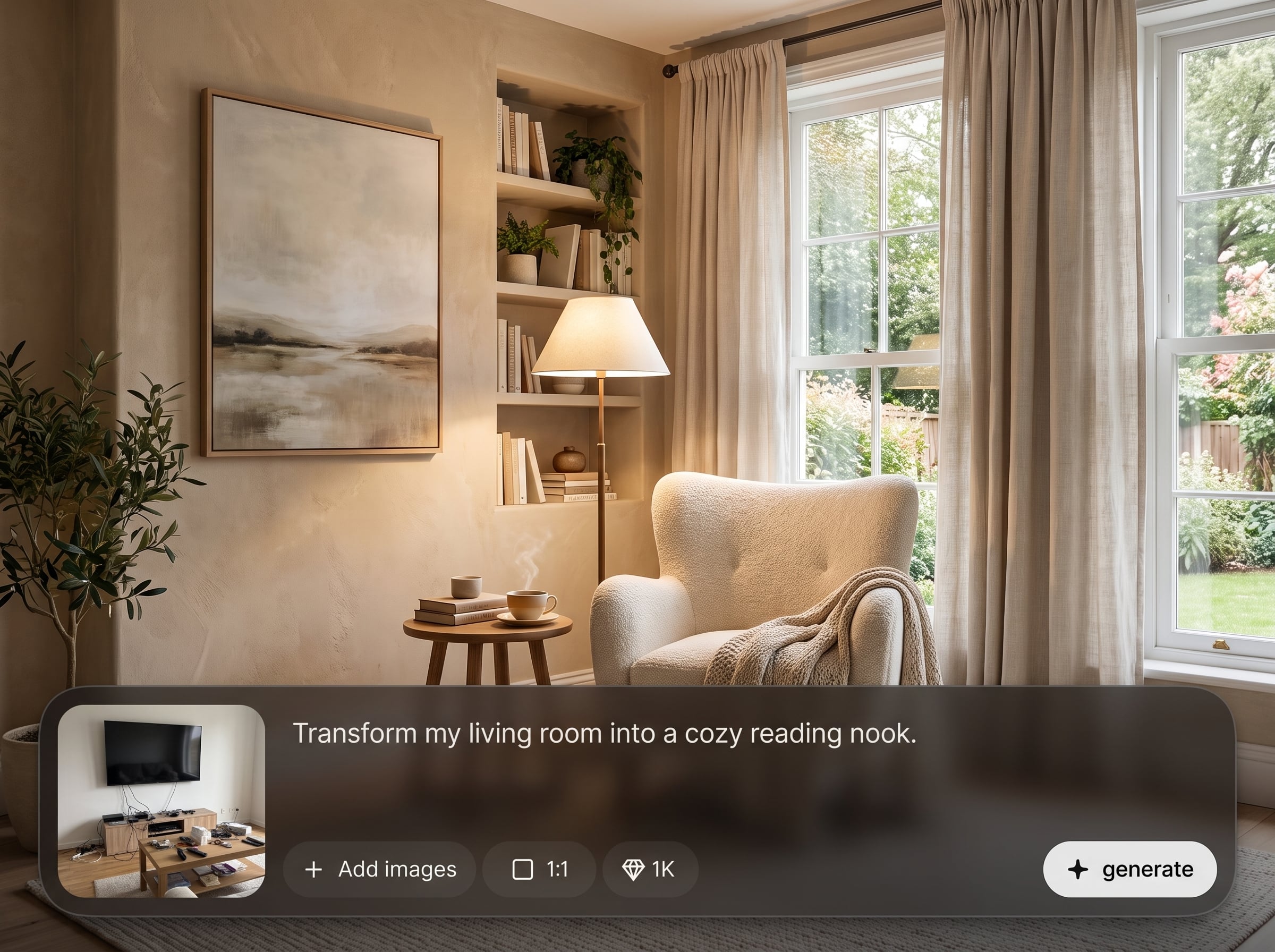
Upload a room image and generate TV wall and furniture layout concepts that respect perspective and scale. Get variations for living rooms or bedrooms without manual drawing or complex tools.
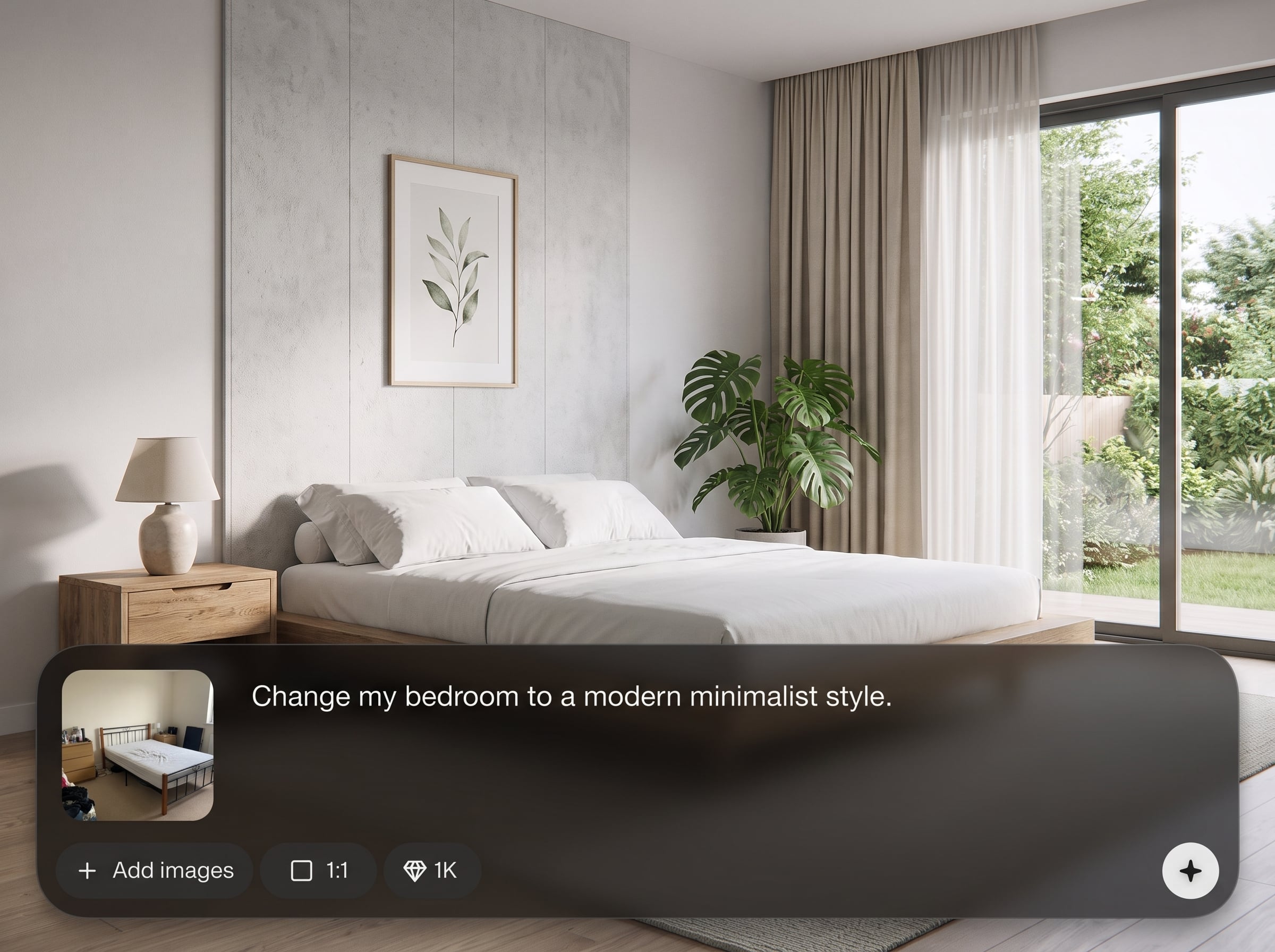
Explore modern, minimal, cozy, or luxe looks in seconds. Compare multiple AI-generated options to find the right TV unit, lighting mood, and décor balance for your space.
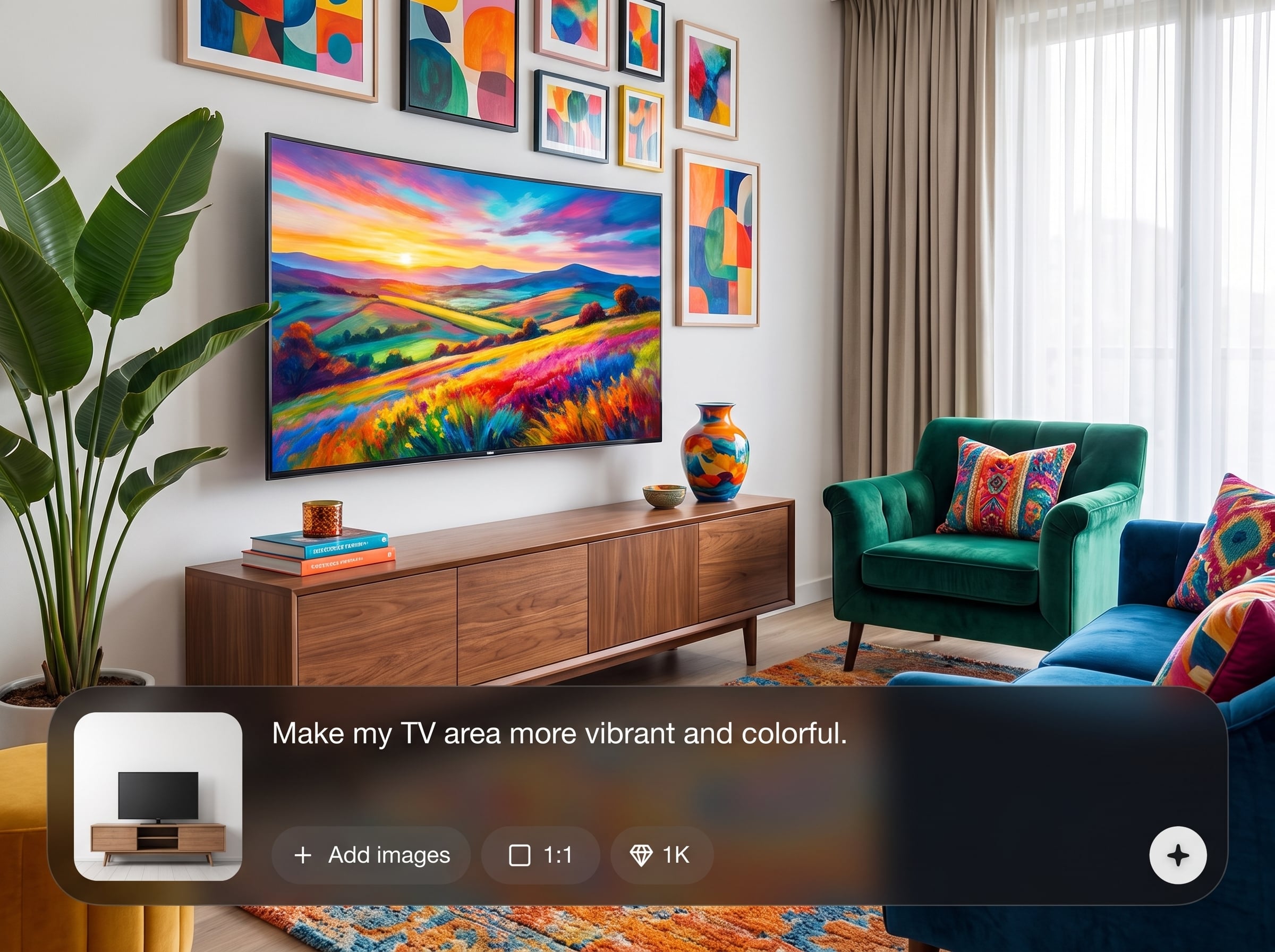
Control key decisions like storage, wall panels, color palette, and bedroom vs living priorities. Keep what works, revise what doesn’t, and converge on a clear, usable design direction.
About
Revamp TV to Living & Bedroom is an AI room visualizer that redesigns TV areas for living rooms and bedrooms in minutes. Upload a photo, choose a style, and generate realistic layout options with better proportions, lighting, and furniture placement. Compare variations, refine details, and export a clean concept to guide your next update or renovation—fast, accurate, and easy to iterate.
Revamp TV to Living & Bedroom delivers fast, realistic TV wall and room layout concepts from a single photo. AI-driven variations help you compare styles, improve furniture placement, and reduce guesswork. Iterate quickly, keep perspective consistent, and export clean visuals for planning and decisions.
Upload a well-lit photo, select living room or bedroom, and choose a style preset. Generate several options, refine layout details, then download your best result to guide your next update.
Use cases
Discover how different creators use this app in their workflow.
Generate better TV wall layouts with balanced seating distance, storage, and lighting. Quickly test media units, accent walls, and clean cable-friendly compositions.
Visualize bedroom TV positioning with wardrobes, beds, and nightstands in mind. Create calmer palettes and space-saving layouts that feel comfortable and uncluttered.
Create appealing, realistic TV-area redesigns for listings or refresh projects. Produce multiple options fast, then export a clear before/after concept for decision-making.
Krea is one of the world's leading generative AI platforms. See what others say.
Real reviews on TrustpilotSo many AI tools out there but I always come back to Krea. It's really the one AI platform that 'just works'.

FYN
Krea's interfaces are still the best in the industry. Everything looks and feels so clean and easy to use! Imo the easiest to use gen AI website.

Lynn
Ultra fast generations. Extremely simple to use. All the latest AI models.

Daniel
KREA is the only AI subscription I have right now besides ChatGPT.

Sophia M.
Answers to common questions about AI TV wall design and room layout generation.
It uses AI to generate redesigned TV wall and room layout concepts from a photo. You can create options for a living room or bedroom, compare styles, and export a chosen design.
No. A clear photo is enough to generate layout ideas. Providing a wider shot with the TV wall and key furniture helps the AI keep proportions and perspective more consistent.
Yes. Choose whether you’re revamping a living room or bedroom, then generate variations tailored to typical needs like seating zones, storage, bedside space, and calmer styling.
Results are designed to look realistic and maintain room perspective, but accuracy depends on photo quality and angle. For best results, use well-lit images with straight walls and visible floor lines.
Yes. Use style presets and constraints to guide outputs—such as floating media units, built-in storage, wall panels, or minimal shelves—then iterate until the layout matches your goal.
It can preserve the room structure while suggesting improved placements and décor, but outputs may replace or reinterpret items for better composition. Use iterative refinements to keep key elements consistent.
Use high-resolution photos with good lighting and minimal motion blur. Include the full TV wall and nearby furniture edges so the AI can infer spacing and generate more coherent designs.
Yes. Export your favorite variations to share with family, contractors, or for planning. Downloads make it easy to compare options and align on a direction before buying or renovating.
You can typically start generating designs quickly and evaluate results before committing further. Available usage limits and export options depend on your current plan and selected output settings.
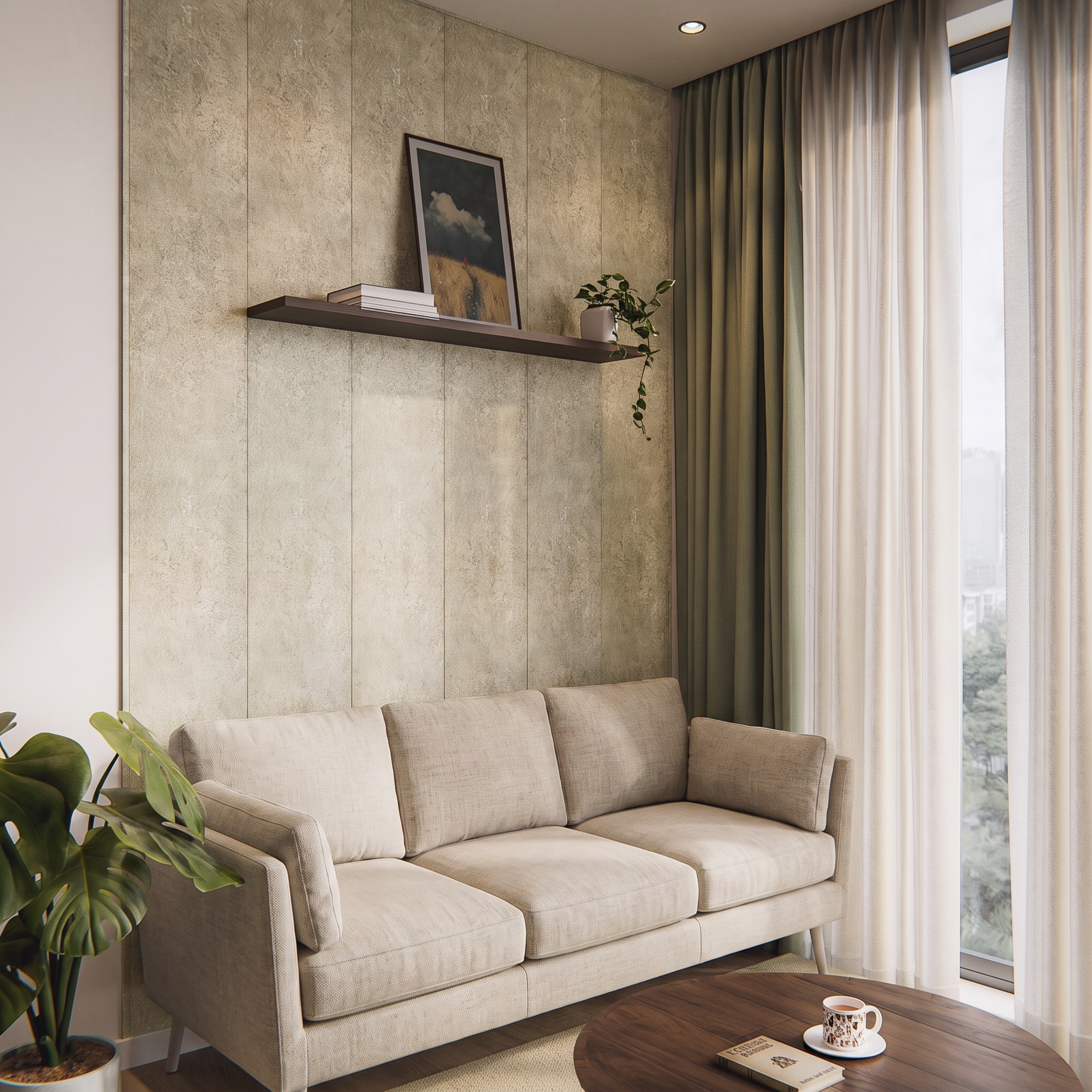
Upload a room photo, generate TV wall layouts, and export a design direction in minutes.

