














Step 1
Upload
Drop in a photo or artwork as your source image. Choose a clear subject for best results, and crop if needed to focus the isometric scene.
 App by umiros
Turn any photo into a clean isometric 3D render with 3D Iso. Fast AI conversion, controllable style and depth—generate isometric visuals online now.
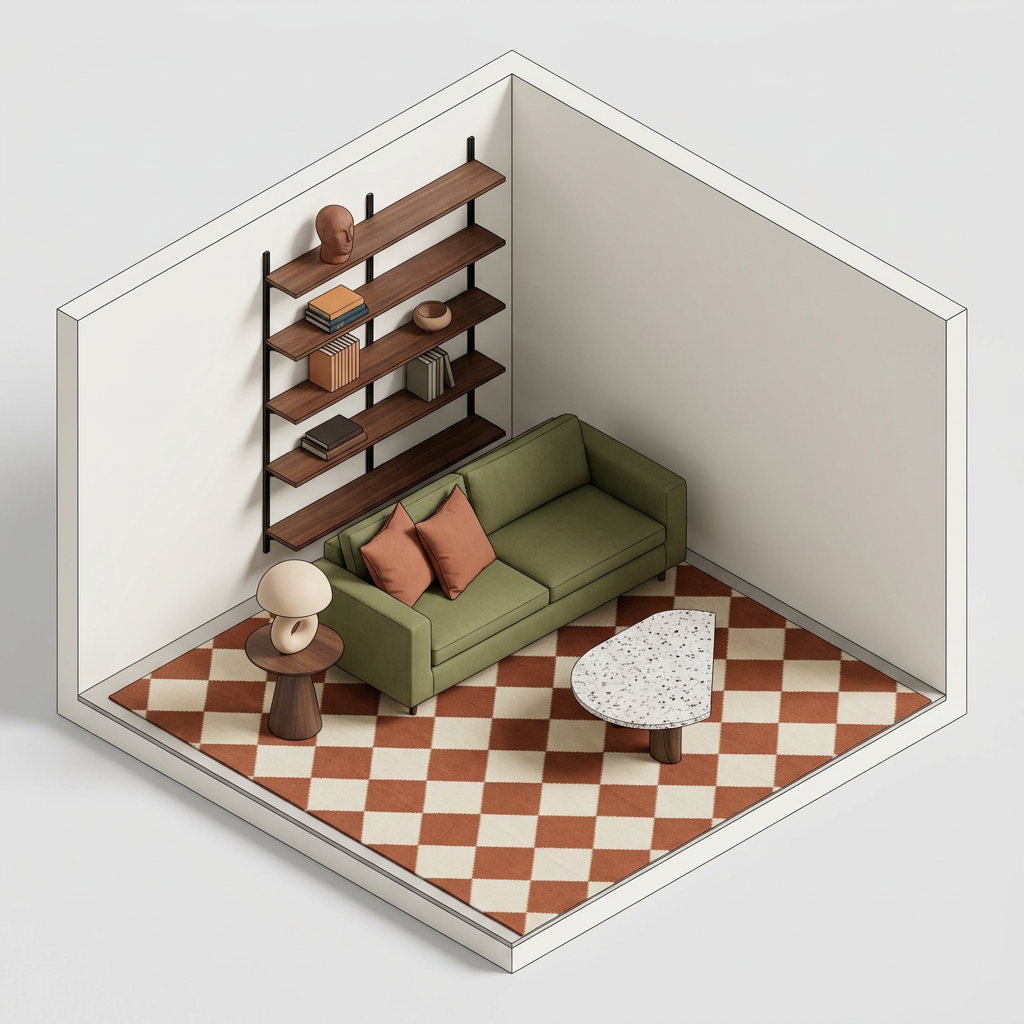
How to use 3D Iso
Use 3D Iso to convert an image into an isometric 3D render with AI. Upload your source, adjust style and depth, then generate a clean isometric view ready to export and reuse.
Step 1
Drop in a photo or artwork as your source image. Choose a clear subject for best results, and crop if needed to focus the isometric scene.

Step 2
Set the isometric style, lighting, and depth strength. Fine-tune edge clarity and background options to match product, map, or architectural visualization needs.

Step 3
Run the AI render to create your isometric 3D output. Review results, iterate with small tweaks, then download the final image for presentations or design workflows.
Features
3D Iso converts images into consistent isometric 3D renders using AI and machine learning. Maintain clean angles, readable geometry, and styled lighting without manual modeling. Iterate quickly with configurable depth and visual presets, then export high-quality renders for product mockups, maps, UI scenes, and architecture visualization.
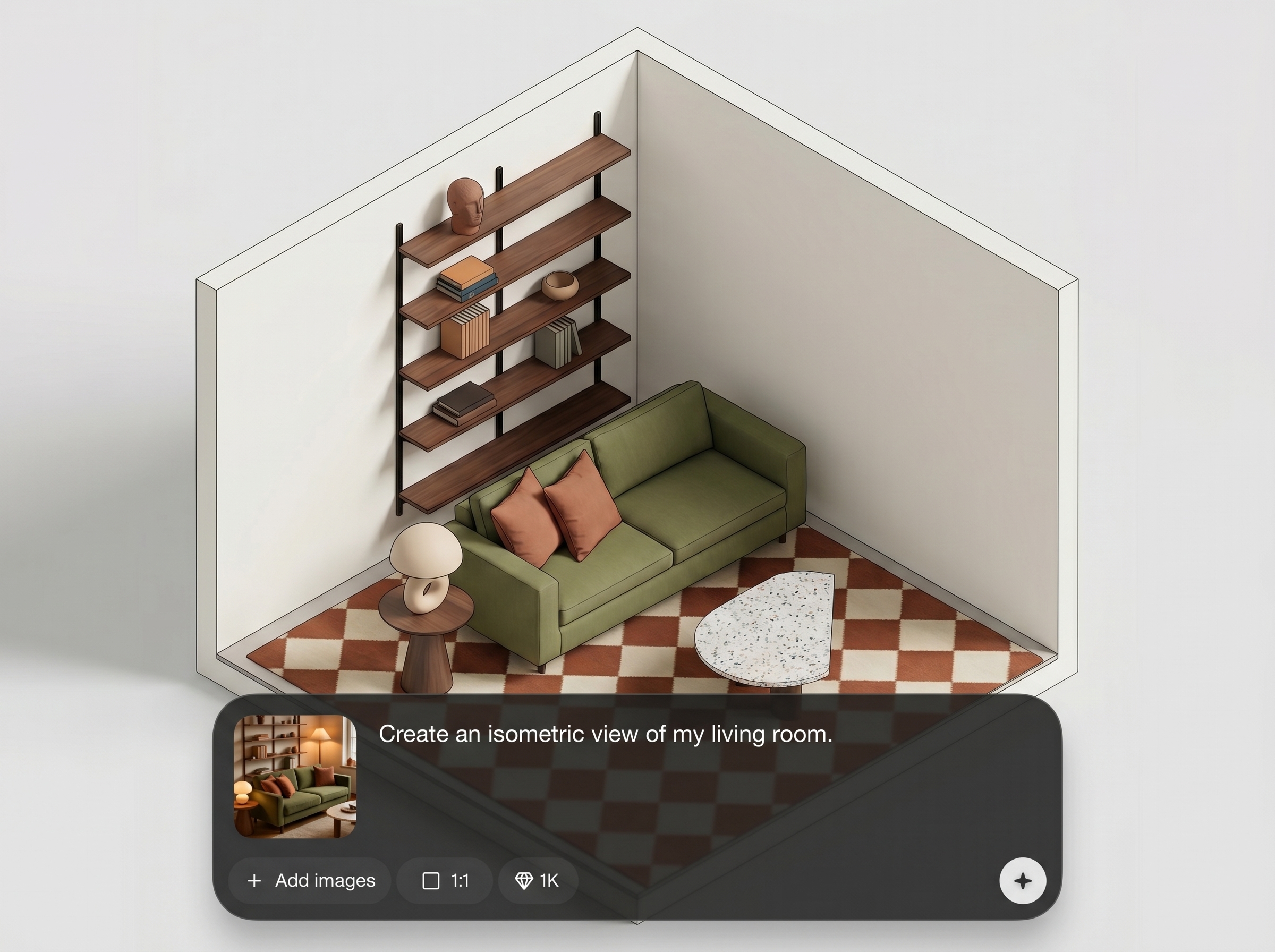
Upload an image and generate an isometric 3D render with consistent perspective. The AI helps preserve key shapes while creating a clean, presentation-ready isometric look.
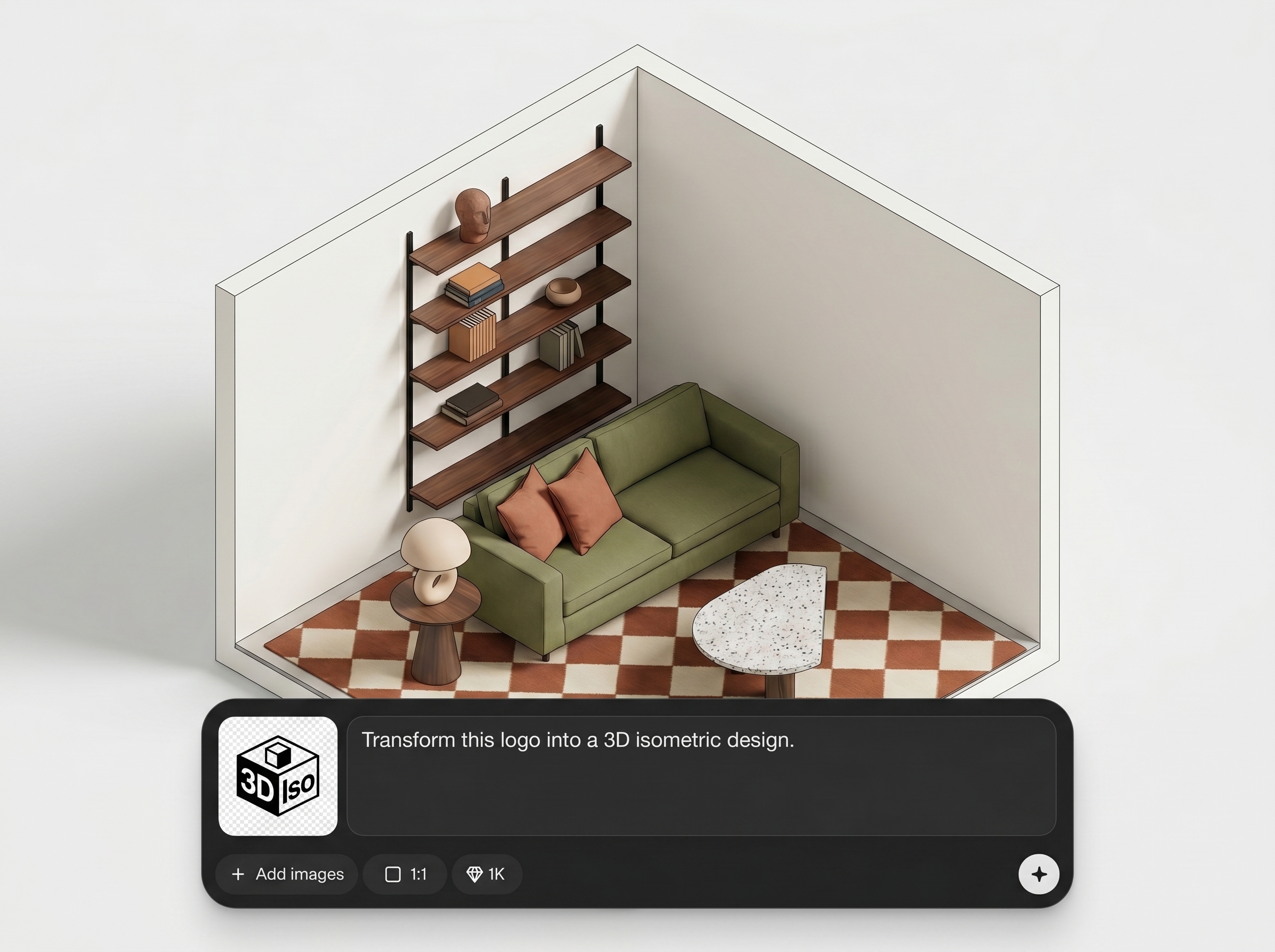
Adjust depth intensity, contrast, and lighting feel to match your style. Create flatter diagram-like renders or more dimensional 3D visuals with clearer separation and shadows.
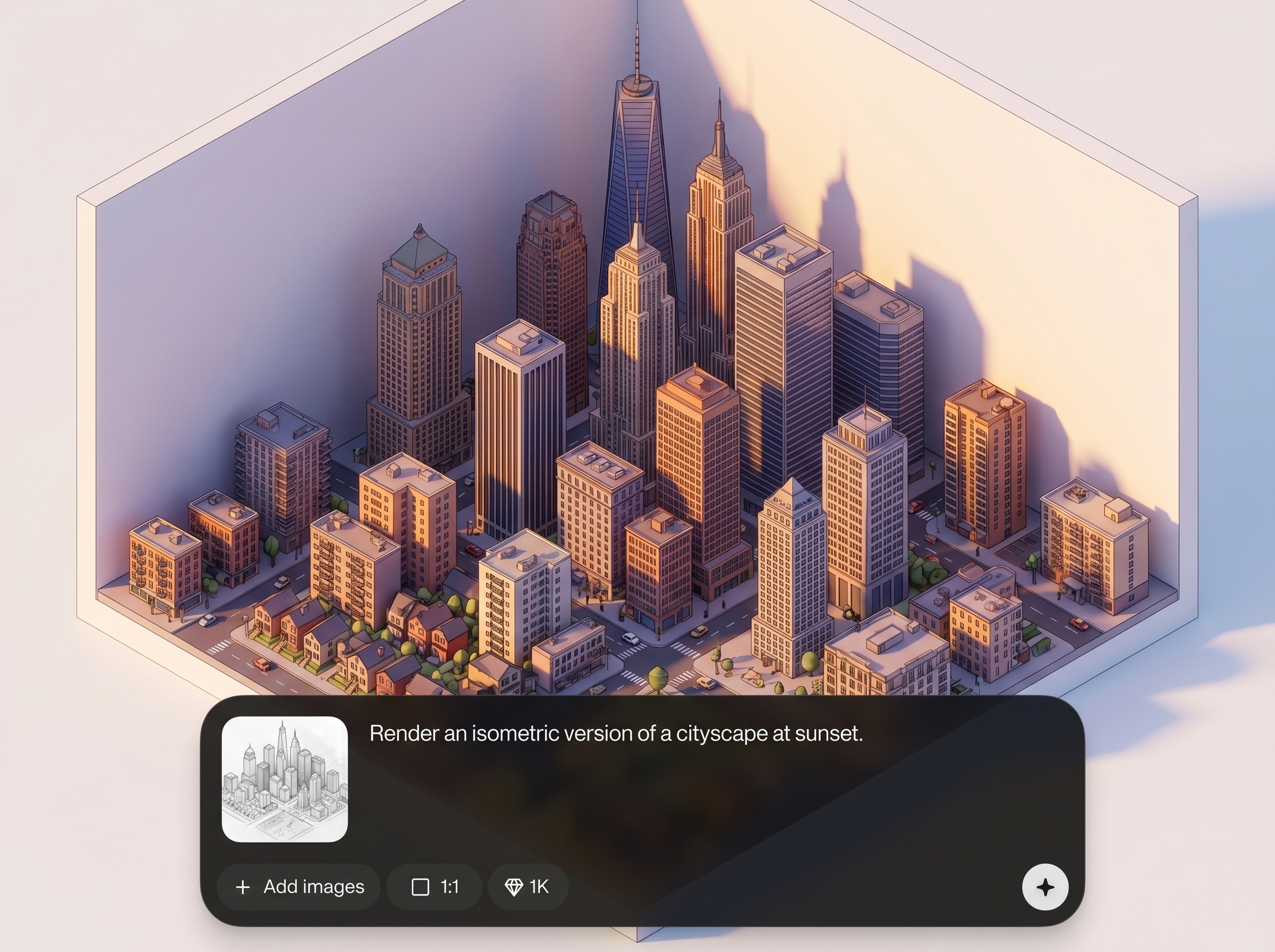
Generate multiple variations quickly to compare styles and compositions. Save time on revisions and produce consistent isometric assets for decks, mockups, and documentation.
About
3D Iso turns a single image into a polished isometric 3D render in seconds. Upload a photo, pick an isometric style, and generate consistent angles with clean depth and lighting. Ideal for product shots, UI scenes, maps, and architectural visuals—no manual modeling required, just fast AI rendering you can iterate and export.
3D Iso delivers fast, consistent isometric rendering from a single image, with controls for depth and lighting that keep outputs clean and readable. Iterate quickly to compare styles, reduce production time, and produce polished isometric visuals for product, architecture, and diagram workflows.
Open 3D Iso, upload your image, and select an isometric style. Adjust depth and lighting, generate a few variations, then download the best render for your project.
Use cases
Discover how different creators use this app in their workflow.
Turn product photos into isometric 3D renders for landing pages, ads, and decks. Keep a consistent angle across variations for a unified visual system.
Convert reference images into isometric visuals for layouts, interiors, and concept views. Communicate structure and depth clearly without heavy 3D modeling work.
Generate isometric assets for maps, game-like scenes, and UI illustrations. Quickly produce readable perspectives that work well in presentations and documentation.
Krea is one of the world's leading generative AI platforms. See what others say.
Real reviews on TrustpilotSo many AI tools out there but I always come back to Krea. It's really the one AI platform that 'just works'.

FYN
Krea's interfaces are still the best in the industry. Everything looks and feels so clean and easy to use! Imo the easiest to use gen AI website.

Lynn
Ultra fast generations. Extremely simple to use. All the latest AI models.

Daniel
KREA is the only AI subscription I have right now besides ChatGPT.

Sophia M.
Answers to common questions about AI isometric rendering with 3D Iso.
3D Iso is an AI tool that converts a single image into an isometric 3D render. It generates consistent angles and styled depth so you can export clean isometric visuals quickly.
Use a clear image with strong edges and minimal clutter. Crop to the main subject, then adjust depth and lighting settings to improve separation and make the isometric perspective more readable.
Yes. You can tune depth strength, lighting feel, and overall style to match diagram-like or more dimensional 3D looks. Small adjustments help stabilize geometry and improve clarity.
It works well for product mockups by turning photos into consistent isometric renders. Generate multiple versions with similar angles, then choose the best style for marketing pages, ads, or pitch decks.
No manual modeling is required. The AI handles the isometric render generation from your image, letting you focus on style choices and quick iterations instead of building full 3D scenes.
Export options depend on the workspace settings, but you can typically download high-quality image outputs suitable for web, slides, and design tools. Use higher resolution for print or close-up crops.
Yes. Create variations by changing depth, lighting, and style presets, then regenerate. This is useful for exploring different looks while keeping the same source image and composition.
Yes. 3D Iso uses artificial intelligence and machine learning to infer depth and produce an isometric 3D render from an image. This helps generate consistent, stylized visuals quickly online.
Upload an image, tune depth and style, and export a clean isometric render in minutes.

