














Step 1
Upload
Import a room photo or interior render. The AI analyzes geometry and existing light sources to prepare realistic relighting that preserves materials and details.
 App by umiros
Change Lighting uses AI to relight rooms, adjust brightness, and set mood in seconds. Transform interiors with natural shadows and color. Try it online now.
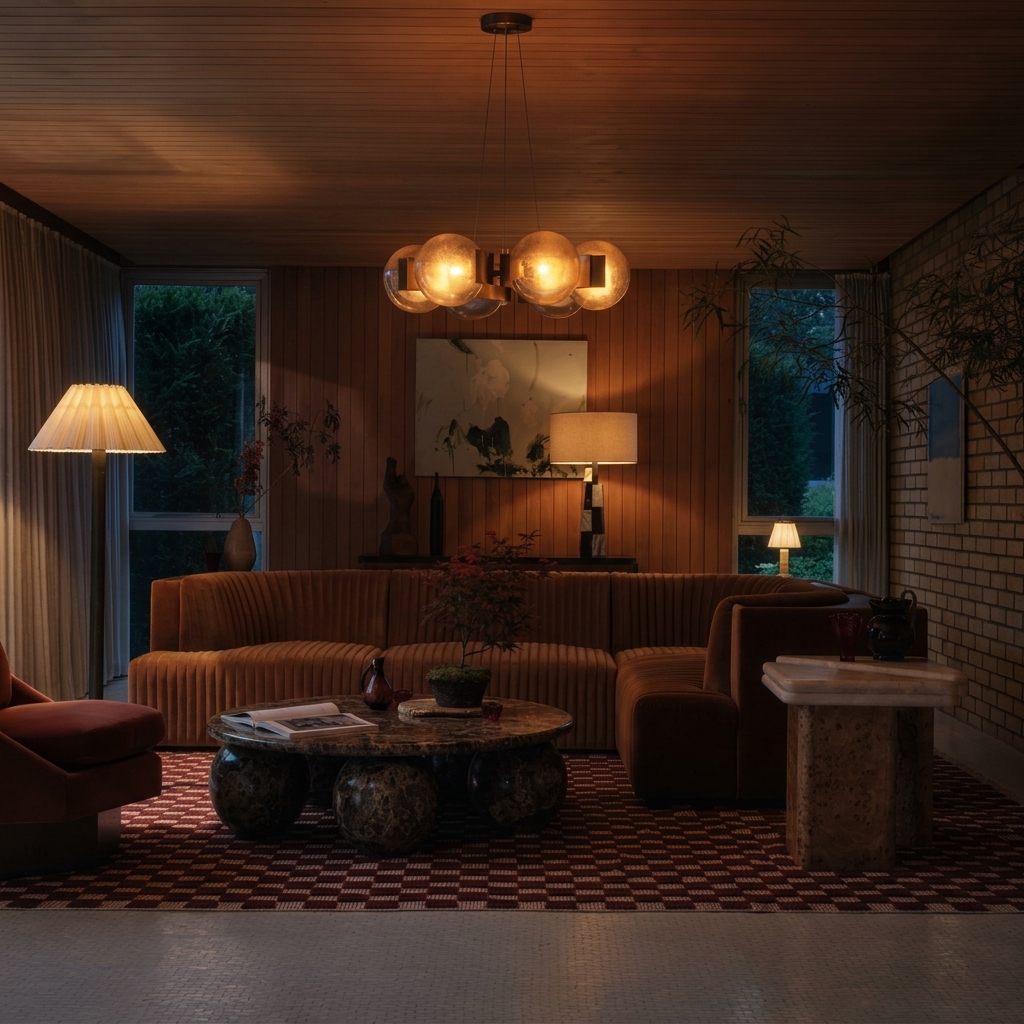
How to use Change Lighting
Learn how to relight interiors with Change Lighting in a few quick steps. Upload an image, choose a lighting style, and fine-tune intensity and color temperature for a natural, consistent ambiance.
Step 1
Import a room photo or interior render. The AI analyzes geometry and existing light sources to prepare realistic relighting that preserves materials and details.

Step 2
Pick a target mood like daylight, warm evening, or dramatic studio light. Adjust direction, brightness, and color temperature to match your desired ambiance.

Step 3
Tweak shadows and highlights for a balanced look, then export your relit image. Download high-quality results for listings, presentations, or design reviews.
Features
Change Lighting helps you transform lighting conditions in spaces with AI precision. Relight interiors to simulate time of day, warmer or cooler tones, and more dramatic contrast while keeping textures and geometry believable. Get consistent ambiance across multiple images fast, without tedious manual adjustments.
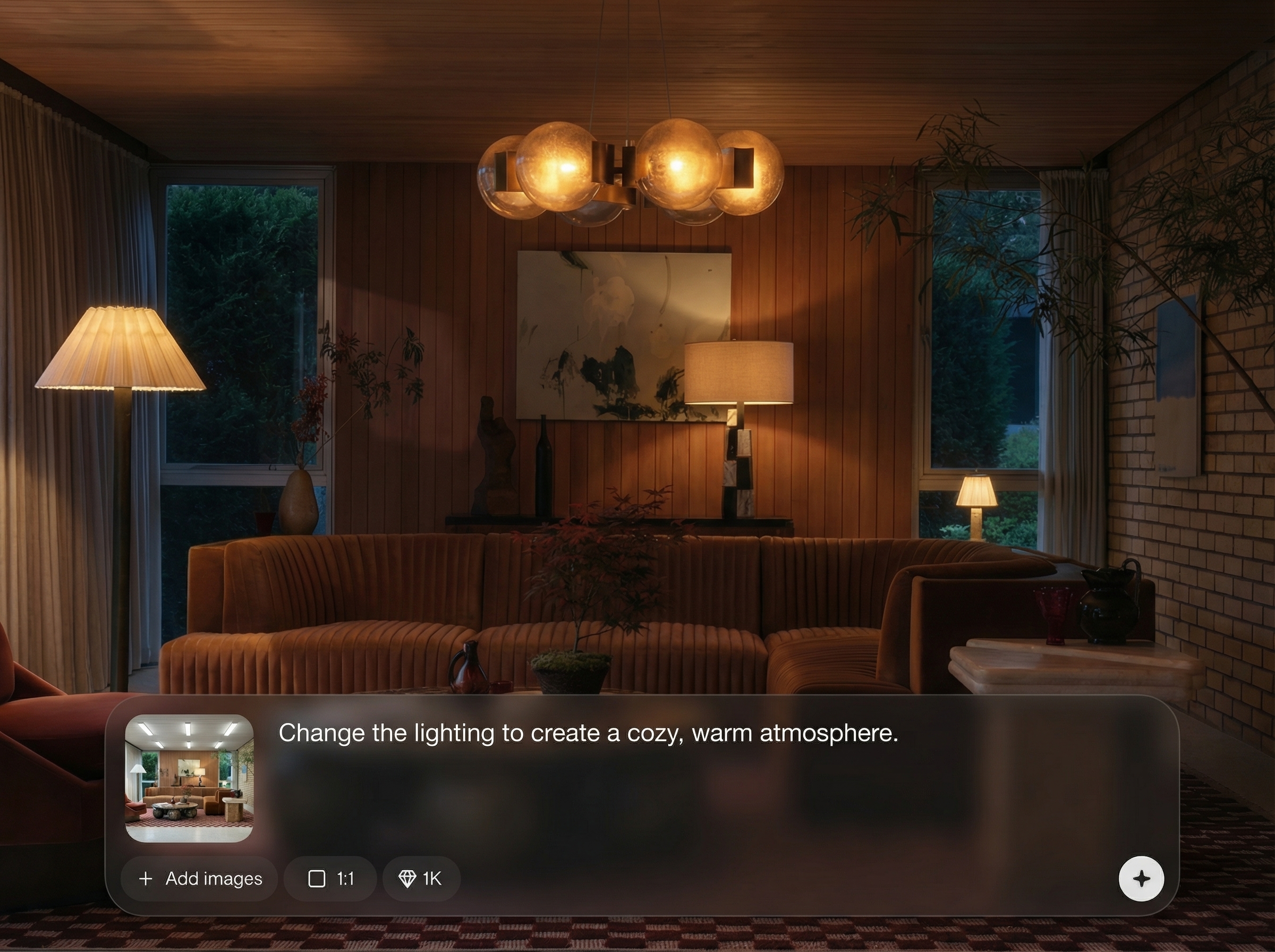
Generate natural-looking illumination with believable shadows and highlights. The AI preserves surface detail and depth so rooms stay realistic while the mood changes dramatically.
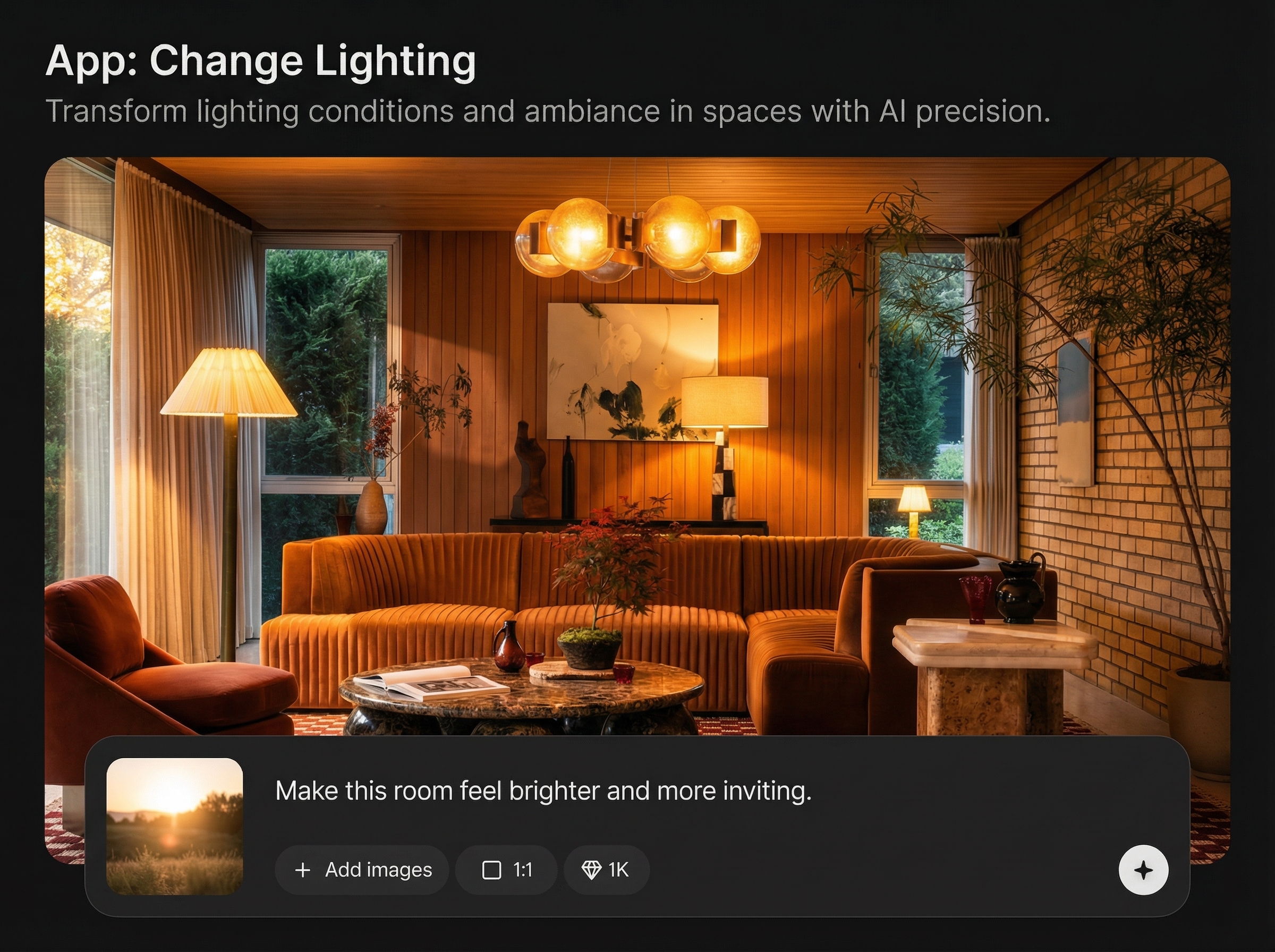
Create multiple lighting looks in seconds for approvals and A/B testing. Switch between daylight, warm tungsten, or cinematic contrast without re-editing from scratch.
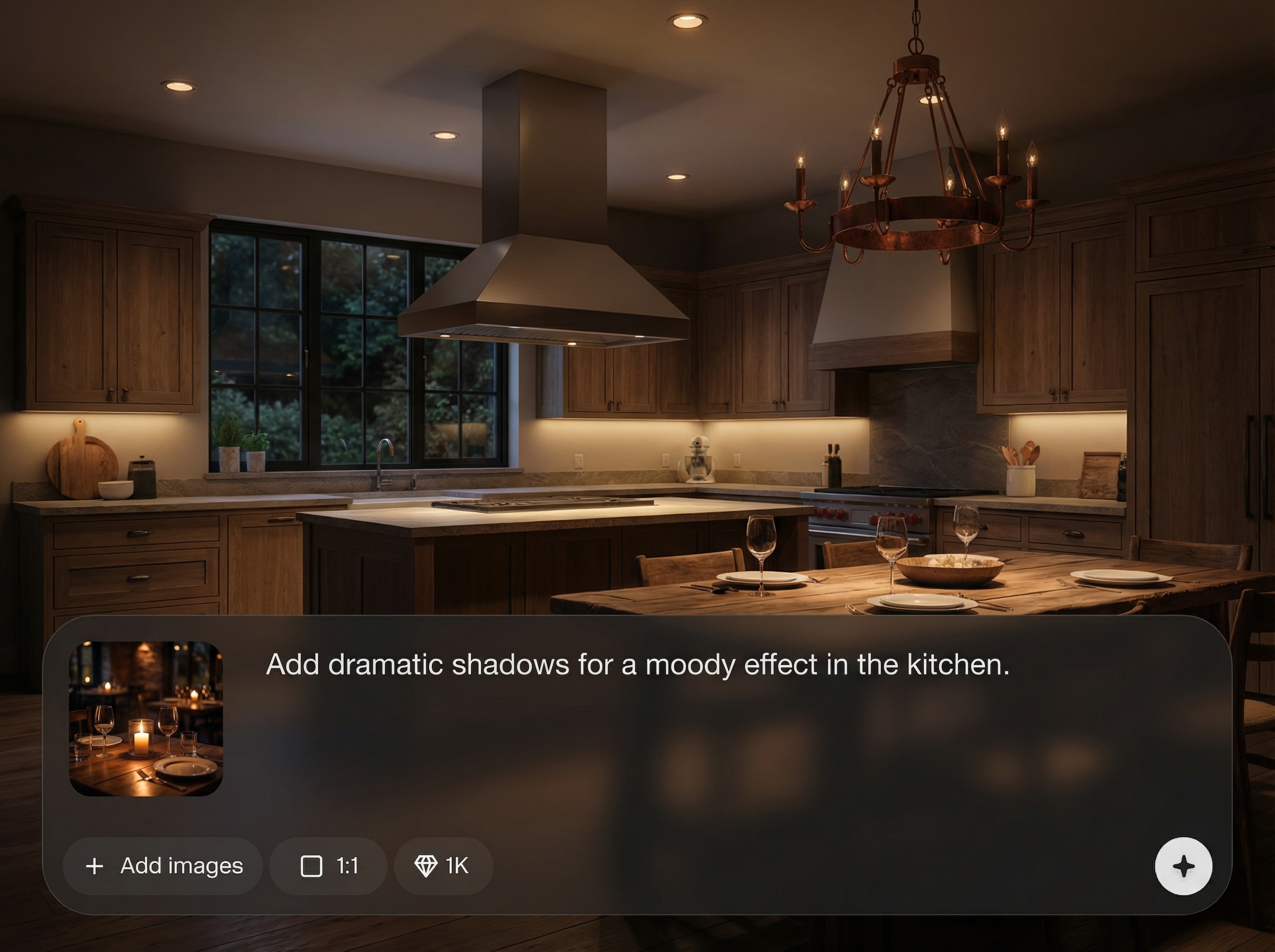
Dial in brightness, direction, and color temperature for consistent ambiance. Match a brand style or listing standard with controlled, repeatable AI lighting edits.
About
Change Lighting is an AI lighting generator that transforms the mood of any interior with realistic illumination. Instantly adjust brightness, direction, shadows, and color temperature to match daylight, golden hour, or cinematic scenes. Use it to relight photos and renders with AI precision for cleaner, more consistent results—without manual masking or complex editing.
Change Lighting delivers fast, realistic AI relighting with intuitive controls for brightness, direction, and color temperature. Create consistent ambiance across sets of images, reduce manual editing, and generate multiple lighting options for faster decisions and cleaner presentations.
Upload a room photo or render, choose a lighting style, and fine-tune intensity and temperature. Export high-quality relit images in minutes for listings, decks, or design reviews.
Use cases
Discover how different creators use this app in their workflow.
Brighten dark rooms, balance window light, and create inviting ambiance. Produce consistent lighting across property photos to improve clarity and presentation.
Test lighting scenarios before decisions are finalized. Simulate morning sun, warm evening glow, or neutral studio light to evaluate materials and color.
Relight renders quickly for different times of day and moods. Deliver multiple variants for reviews while keeping shadows and highlights cohesive.
Krea is one of the world's leading generative AI platforms. See what others say.
Real reviews on TrustpilotSo many AI tools out there but I always come back to Krea. It's really the one AI platform that 'just works'.

FYN
Krea's interfaces are still the best in the industry. Everything looks and feels so clean and easy to use! Imo the easiest to use gen AI website.

Lynn
Ultra fast generations. Extremely simple to use. All the latest AI models.

Daniel
KREA is the only AI subscription I have right now besides ChatGPT.

Sophia M.
Answers to common questions about AI relighting, image quality, and best results with Change Lighting.
Change Lighting is an AI tool that adjusts illumination, shadows, and color temperature in interior images. It analyzes the scene and applies realistic light changes to create a new ambiance without manual relighting.
Yes. You can simulate different lighting conditions such as daylight, golden hour, or evening warmth by adjusting brightness and color temperature, producing consistent mood shifts across a space.
The AI is designed to preserve surface detail while shifting light and shadow. For best realism, use clear images with visible depth and avoid extreme overexposure or heavy compression.
Interior photos and architectural renders with good resolution work best. Scenes with clear walls, floors, and furniture edges help the model infer depth and produce more natural highlights and shadows.
Yes. Create and compare multiple AI lighting edits to explore different moods. This is useful for listings, design options, and presentations that require consistent, repeatable variations.
Relight any room instantly—adjust mood, warmth, and shadows for realistic, presentation-ready images.

