














Step 1
Upload
Drop in a photo or choose a file from your device. Pick the subject you want to convert, then confirm the crop for the best sketch framing.
 App by umiros
Turn any photo into a rough sketch with Photo vers rough. Use AI to create gritty linework fast, adjust texture, and export instantly—try it now.

How to use Photo vers rough
Use Photo vers rough to transform any image into a rough sketch with AI. Follow these quick steps to upload your photo, adjust the sketch style, and export a clean result.
Step 1
Drop in a photo or choose a file from your device. Pick the subject you want to convert, then confirm the crop for the best sketch framing.

Step 2
Set roughness, line strength, contrast, and texture to control the sketch look. Preview changes instantly until the drawing matches your desired style.

Step 3
Download your rough sketch in high quality for reuse in design, painting, or presentations. Save variations to compare styles and iterate faster.
Features
Photo vers rough is an AI photo-to-rough-sketch tool built for fast stylization. Convert images into gritty linework with controllable texture, contrast, and edge strength. Get consistent results for references, ideation, and drafts, then export high-resolution sketches ready for editing or sharing online.
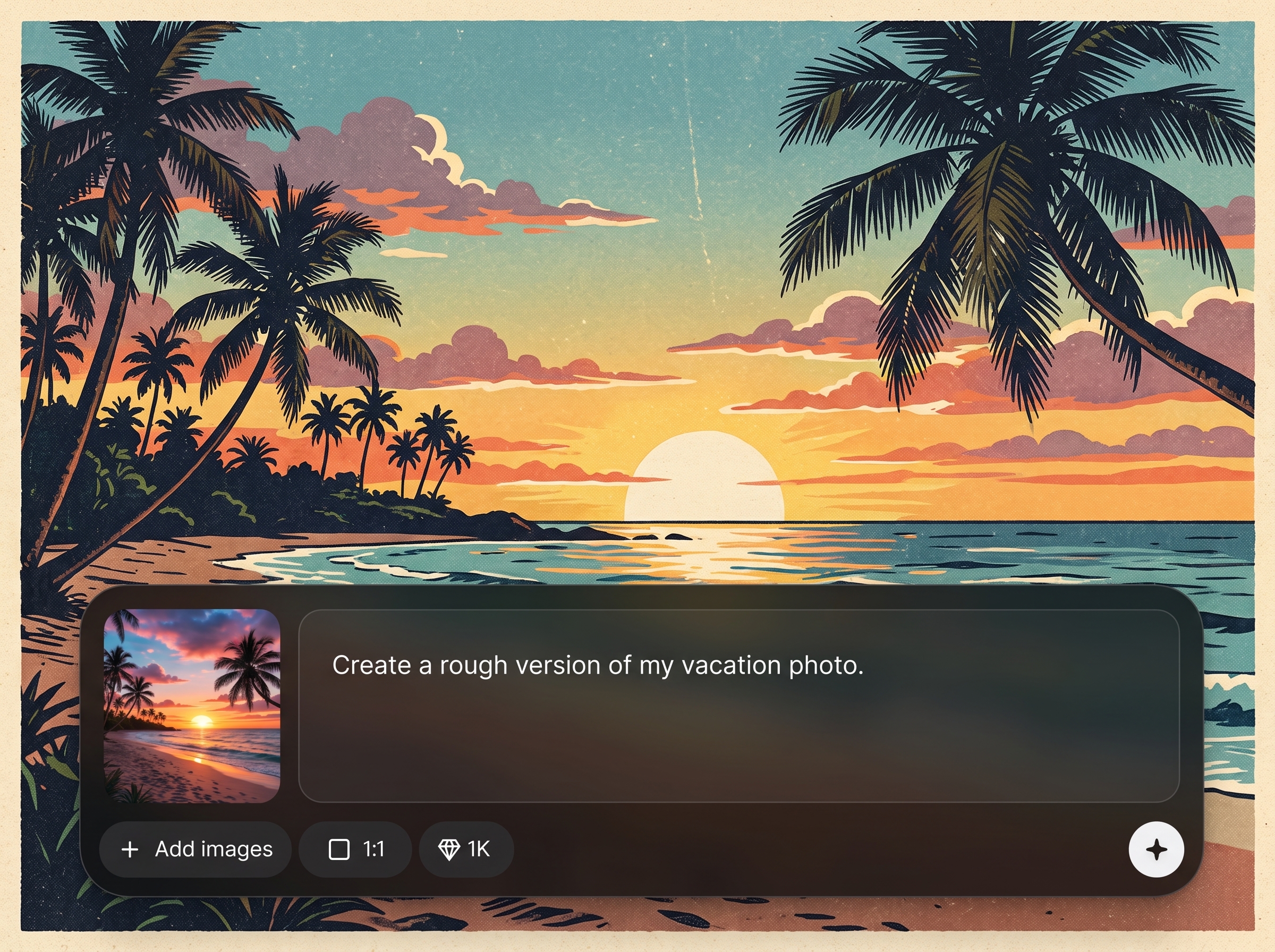
Transform photos into rough drawings with natural-looking edges and simplified forms. The AI emphasizes structure while keeping a sketchy, hand-drawn feel for quick exploration.
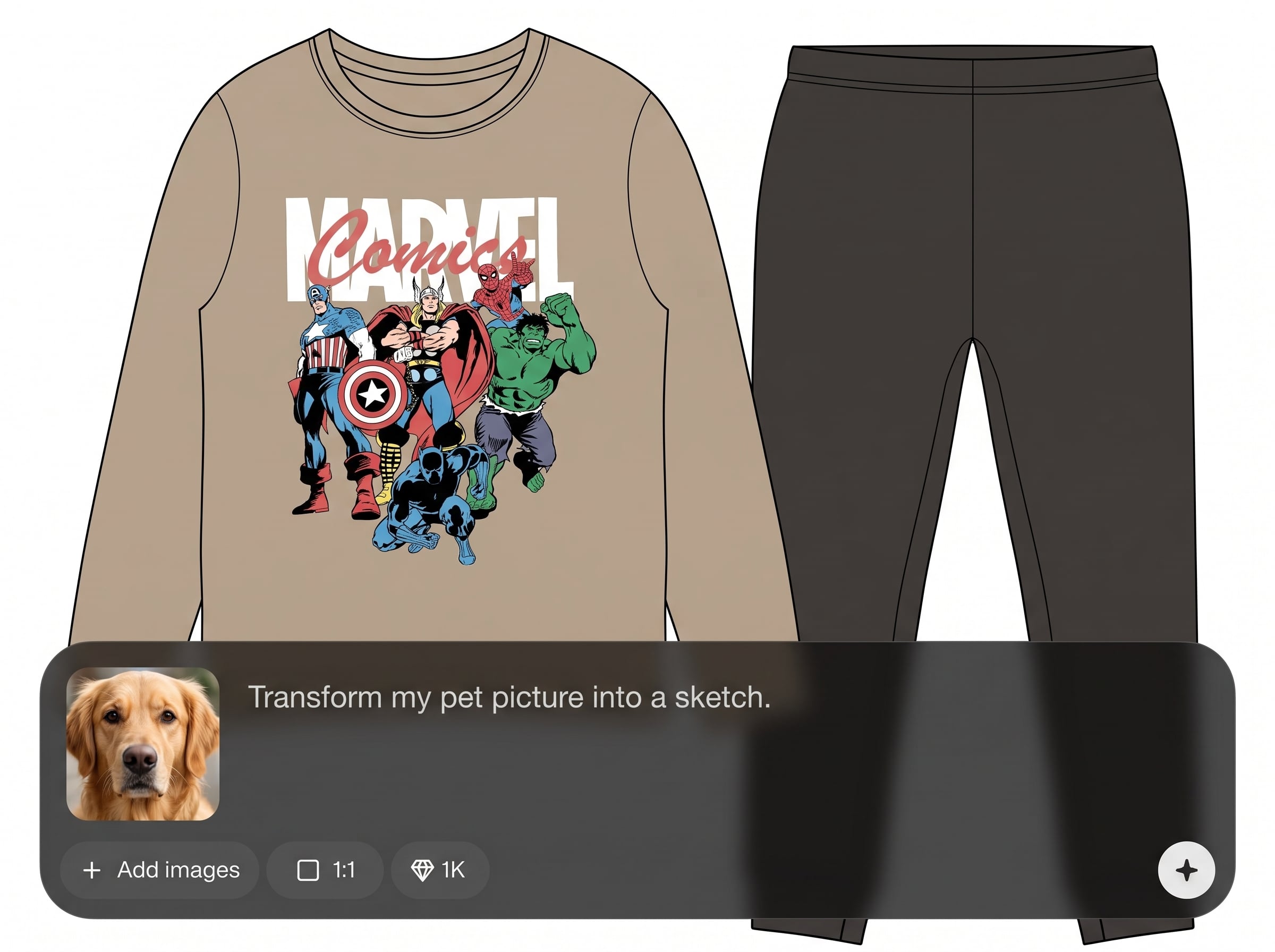
Dial in roughness, line weight, contrast, and grain to match your workflow. Create lighter drafts, gritty thumbnails, or bold outline sketches with predictable results.
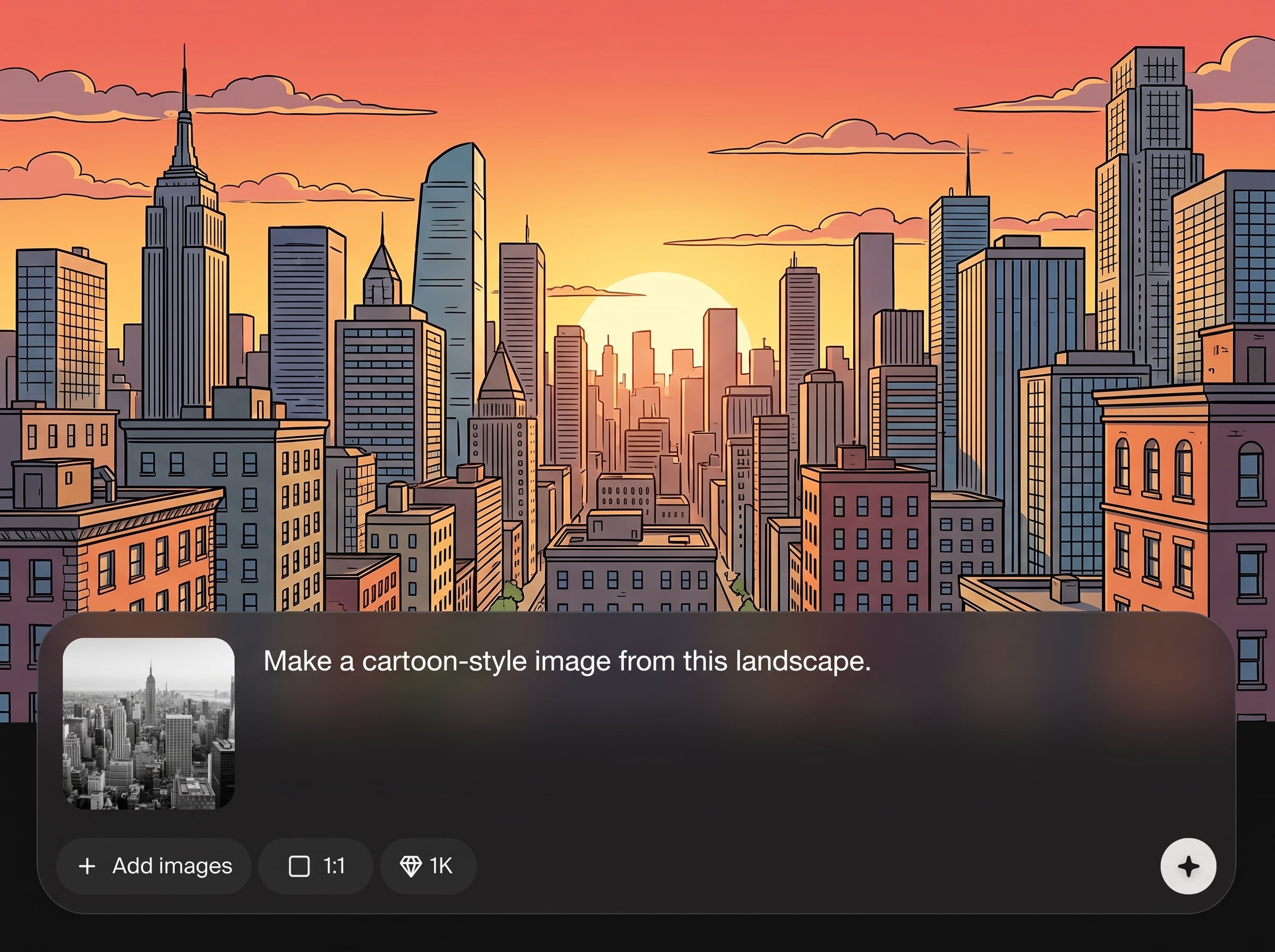
Generate and compare variations quickly without breaking focus. Export crisp, high-quality outputs that work well in presentations, editing pipelines, or as reference for redraws.
About
Photo vers rough turns your photos into rough, sketchy drawings in seconds using AI. Create gritty linework, simplified shapes, and textured shading that’s perfect for concepting, storyboards, and visual exploration. Upload an image, tune the roughness and contrast, and export a ready-to-use sketch for your next project.
Photo vers rough delivers fast, controllable photo-to-sketch results with a clean, sketchy aesthetic. Fine-tune roughness, line strength, and texture to match your workflow, then export consistent outputs for ideation, planning, or presentation-ready drafts.
Open Photo vers rough, upload a photo, and choose your sketch settings. Preview changes in real time, iterate with variations, then download a high-quality rough sketch ready to use.
Use cases
Discover how different creators use this app in their workflow.
Turn reference photos into rough sketches to explore silhouettes, shapes, and values quickly. Ideal for thumbnails, mood boards, and early-stage visual direction.
Convert scene photos into sketch frames for rapid planning. Keep the look loose and readable while maintaining key forms and composition for clear sequencing.
Create sketch-style visuals from product or location photos for presentations. Use adjustable texture and contrast to match a hand-drawn, exploratory aesthetic.
Krea is one of the world's leading generative AI platforms. See what others say.
Real reviews on TrustpilotSo many AI tools out there but I always come back to Krea. It's really the one AI platform that 'just works'.

FYN
Krea's interfaces are still the best in the industry. Everything looks and feels so clean and easy to use! Imo the easiest to use gen AI website.

Lynn
Ultra fast generations. Extremely simple to use. All the latest AI models.

Daniel
KREA is the only AI subscription I have right now besides ChatGPT.

Sophia M.
Find quick answers about Photo vers rough, AI sketch settings, exports, and best results.
Photo vers rough is an AI tool that converts a photo into a rough sketch style. It produces simplified linework and textured shading, with controls to adjust roughness, contrast, and edge strength.
The artificial intelligence analyzes edges, shapes, and tonal areas, then stylizes them into sketch-like strokes. You can refine the output by tweaking roughness, line intensity, and grain for different looks.
Use sharp, well-lit photos with clear subjects and good contrast. Simple backgrounds help the AI detect edges cleanly, producing more readable linework and less visual noise in the sketch result.
Yes. Adjust roughness, contrast, and edge strength to control how bold or subtle the lines appear. You can also add or reduce texture to get a cleaner draft or grittier sketch.
It’s ideal for creating quick sketch references from photos. The output simplifies forms and preserves composition, making it useful for thumbnails, paint-overs, redraws, and rapid ideation workflows.
Yes. Create several versions by changing settings like roughness and contrast. Saving variations helps compare styles and pick the best sketch for your project or presentation.
Export options depend on the app settings, but outputs are designed for easy reuse in common image workflows. Download high-quality results suitable for editing, sharing, or adding into documents and slides.
It’s a speed tool for drafts and exploration, not a replacement for craftsmanship. Use the rough sketch output as a starting point for refining details, adjusting anatomy, or developing a final illustration.
Upload an image, tune roughness and texture, and export a sketch in seconds with AI.

