














Step 1
Set up
Select T-shirt, hoodie, or sweatshirt and choose lighting, background, and pose. Add prompt details like vibe, color palette, and framing for consistent results.
Generate realistic male apparel moodshots and close-ups for printed T-shirts, hoodies, and sweatshirts. Create print-ready mockups fast—try it now.
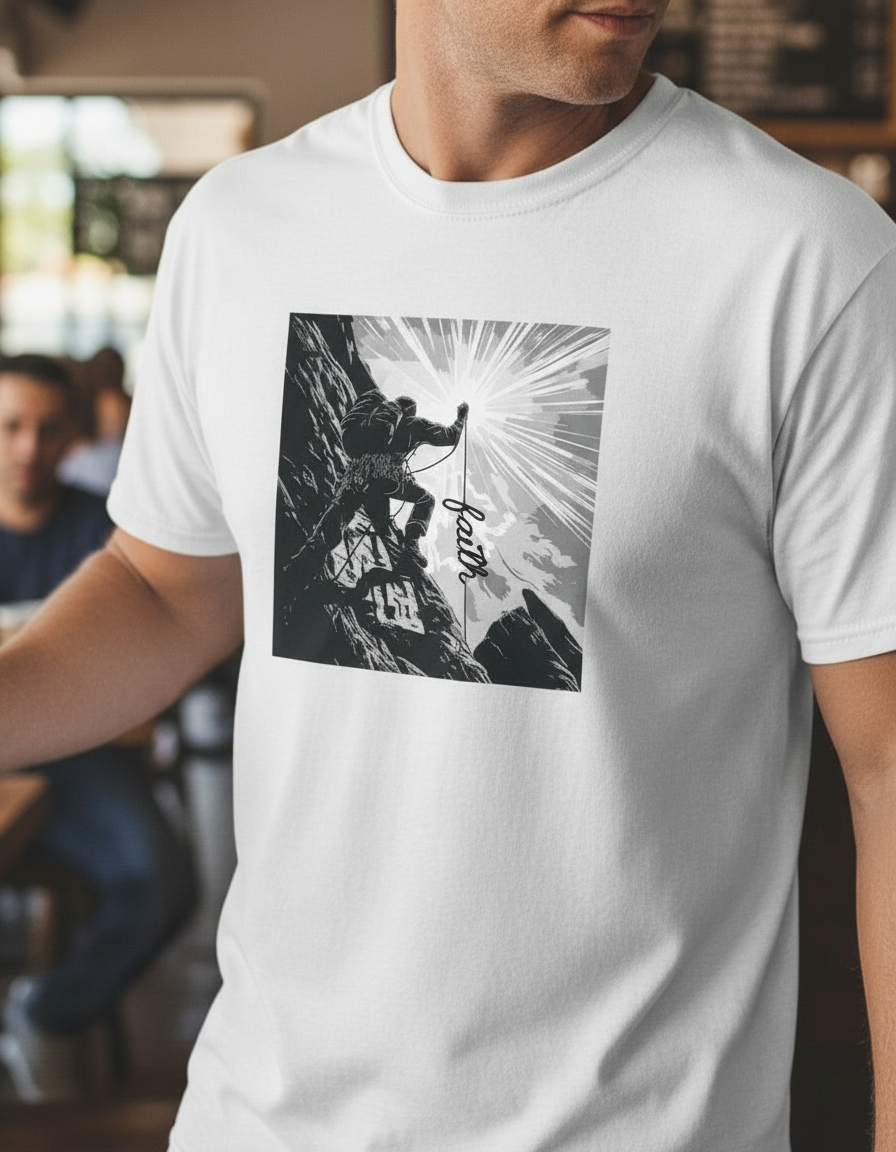
How to use Male Printed Product Moodhsot v2
Create professional printed apparel mockups with a simple workflow. Choose garment type and scene, upload your print, then generate moodshots and close-ups optimized for ecommerce and marketing use.
Step 1
Select T-shirt, hoodie, or sweatshirt and choose lighting, background, and pose. Add prompt details like vibe, color palette, and framing for consistent results.

Step 2
Upload your artwork and set placement and scale. Enable close-up focus to highlight texture, stitching, and ink detail for realistic printed product shots.

Step 3
Generate multiple variations, then pick the best moodshot and close-up. Export high-resolution images for product pages, ads, and social posts.
Features
Generate on-model male product moodshots and detailed close-ups for printed garments. Control scene, lighting, and framing while keeping print placement accurate. The AI pipeline creates consistent, ecommerce-ready images that reduce reshoots and accelerate listing production for multiple SKUs and colorways.
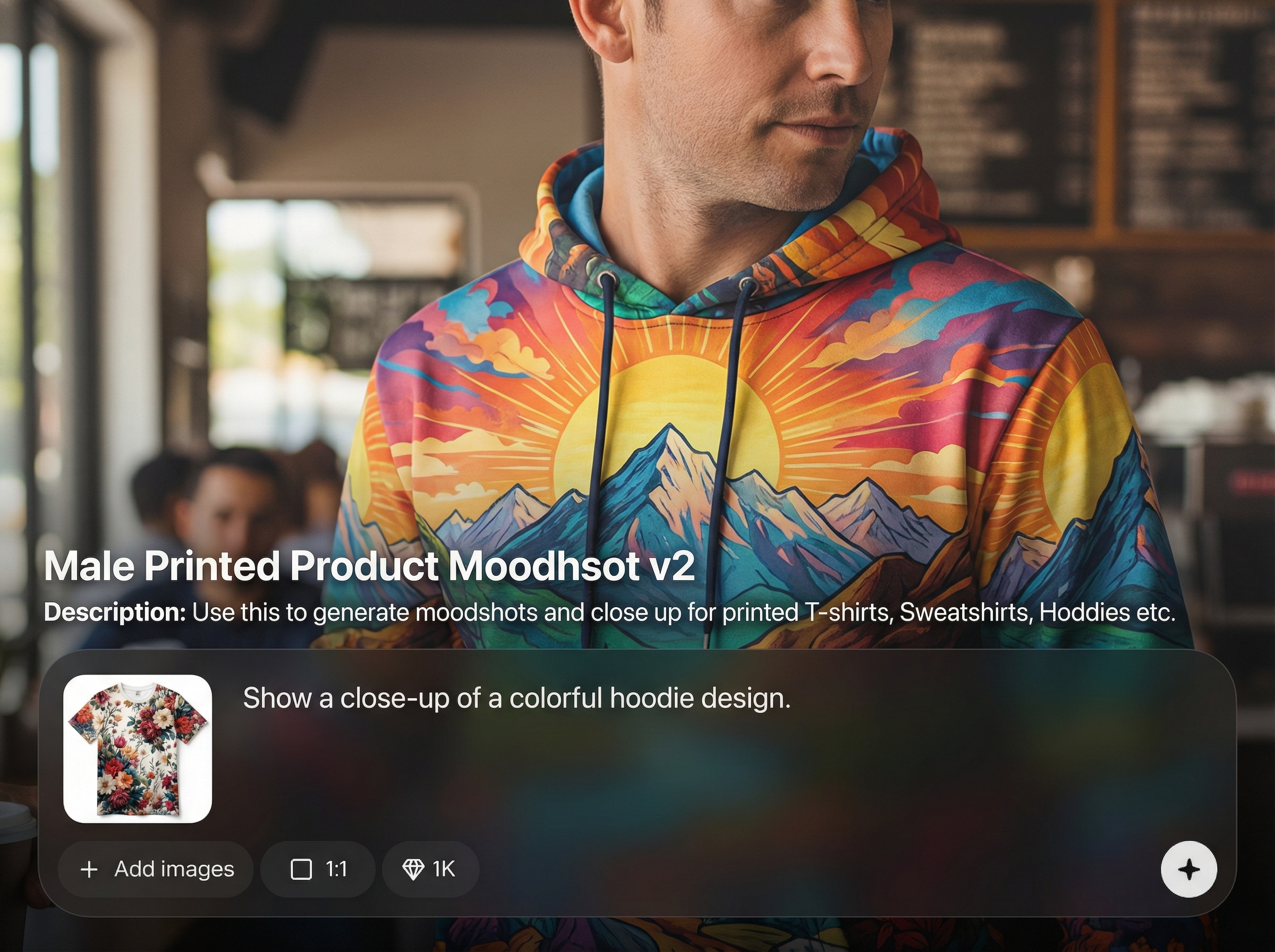
Create lifestyle moodshots plus tight detail crops that show fabric texture and print clarity. Ideal for showcasing DTG, screen print, or heat transfer designs with convincing realism.
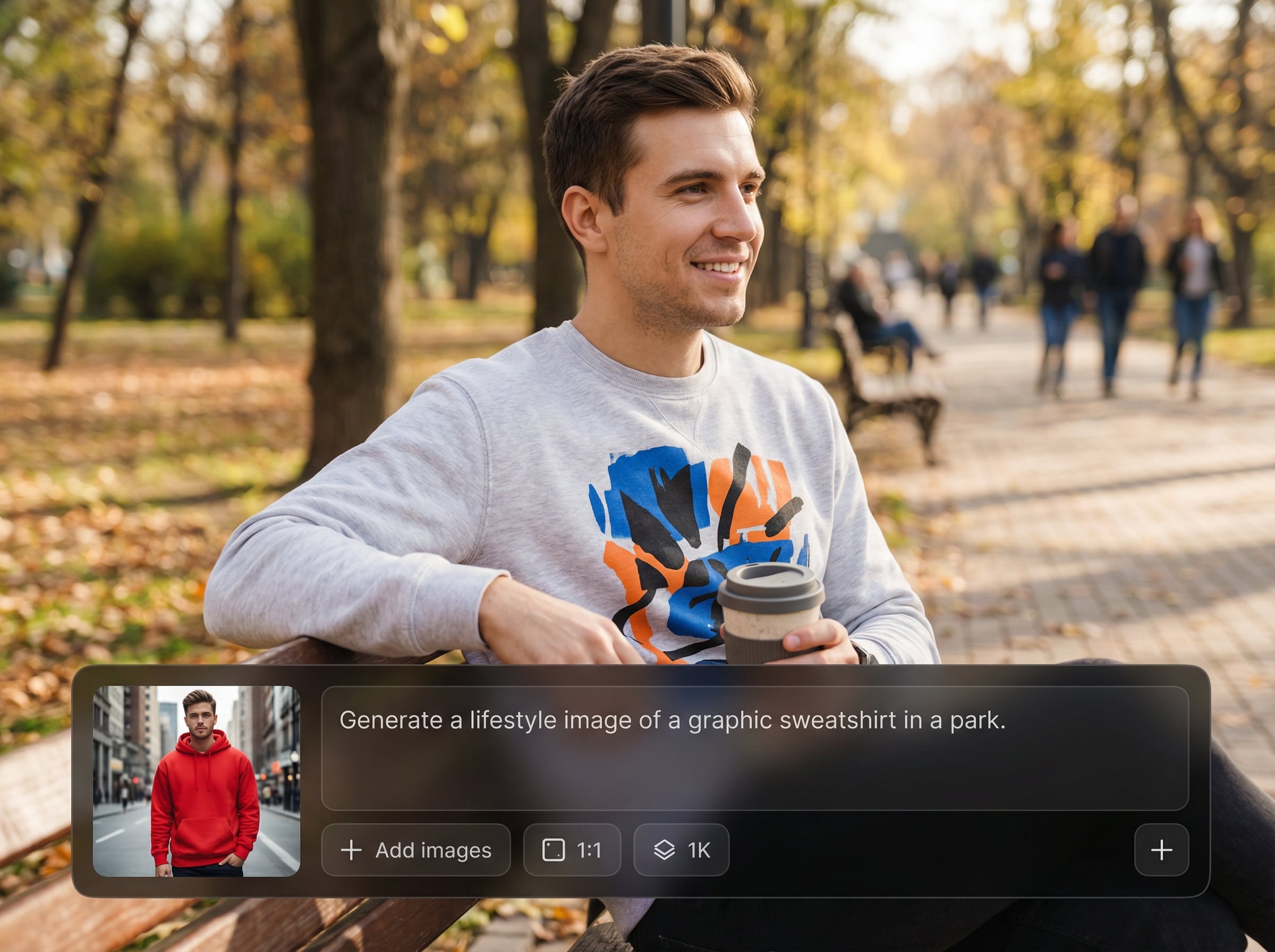
Generate multiple scenes, poses, and crops quickly to cover product listings and ad formats. Keep a consistent look across collections while reducing manual editing and reshoots.
Tune background, lighting, color mood, and framing to match your storefront. Maintain repeatable visual direction across launches, seasonal drops, and marketplace requirements.
About
Male Printed Product Moodhsot v2 generates realistic male apparel moodshots and tight close-ups for printed T-shirts, hoodies, and sweatshirts. Create studio-style scenes, fabric texture, and print detail in minutes for listings, ads, and lookbooks. Export consistent, high-quality mockups that match your brand style and save hours of manual photoshoots.
Get fast, realistic AI product photography without complex setup. Generate moodshots and close-ups that highlight print placement, texture, and garment detail. Create consistent visuals across SKUs and campaigns while reducing time spent on manual mockups and reshoots.
Choose a garment type, set your scene and framing, then upload your print artwork. Generate multiple options, refine the look with prompts, and export high-resolution images for ecommerce and ads.
Use cases
Discover how different creators use this app in their workflow.
Create clean, consistent mockups for Shopify, Etsy, and marketplaces. Add moodshots and close-ups that increase clarity around print detail and garment texture.
Generate attention-grabbing lifestyle shots and cropped details sized for feeds, stories, and banners. Test multiple visual angles without scheduling a photoshoot.
Build cohesive collections with matching lighting and styling. Produce hero images and detail panels that showcase each design across colorways and fits.
Krea is one of the world's leading generative AI platforms. See what others say.
Real reviews on TrustpilotSo many AI tools out there but I always come back to Krea. It's really the one AI platform that 'just works'.

FYN
Krea's interfaces are still the best in the industry. Everything looks and feels so clean and easy to use! Imo the easiest to use gen AI website.

Lynn
Ultra fast generations. Extremely simple to use. All the latest AI models.

Daniel
KREA is the only AI subscription I have right now besides ChatGPT.

Sophia M.
Answers to common questions about AI apparel moodshots, print mockups, and close-up product images.
It generates realistic male apparel moodshots and close-ups for printed T-shirts, hoodies, and sweatshirts. Outputs are designed to look like product photography with clear print placement and detail.
Yes. Use close-up framing to emphasize fabric texture, seams, and print edges. This is useful for product pages where customers need to evaluate ink detail and material quality.
Yes. Choose between common printed apparel categories like T-shirts, hoodies, and sweatshirts. Generate consistent sets across variations to support different SKUs and marketing formats.
Reuse the same scene settings, lighting direction, and prompt style across generations. This helps maintain brand consistency while still producing enough variety for ads and listings.
High-resolution PNGs with transparent backgrounds typically work best for clean placement. Use sharp artwork and avoid heavy compression to keep edges crisp in both moodshots and close-ups.
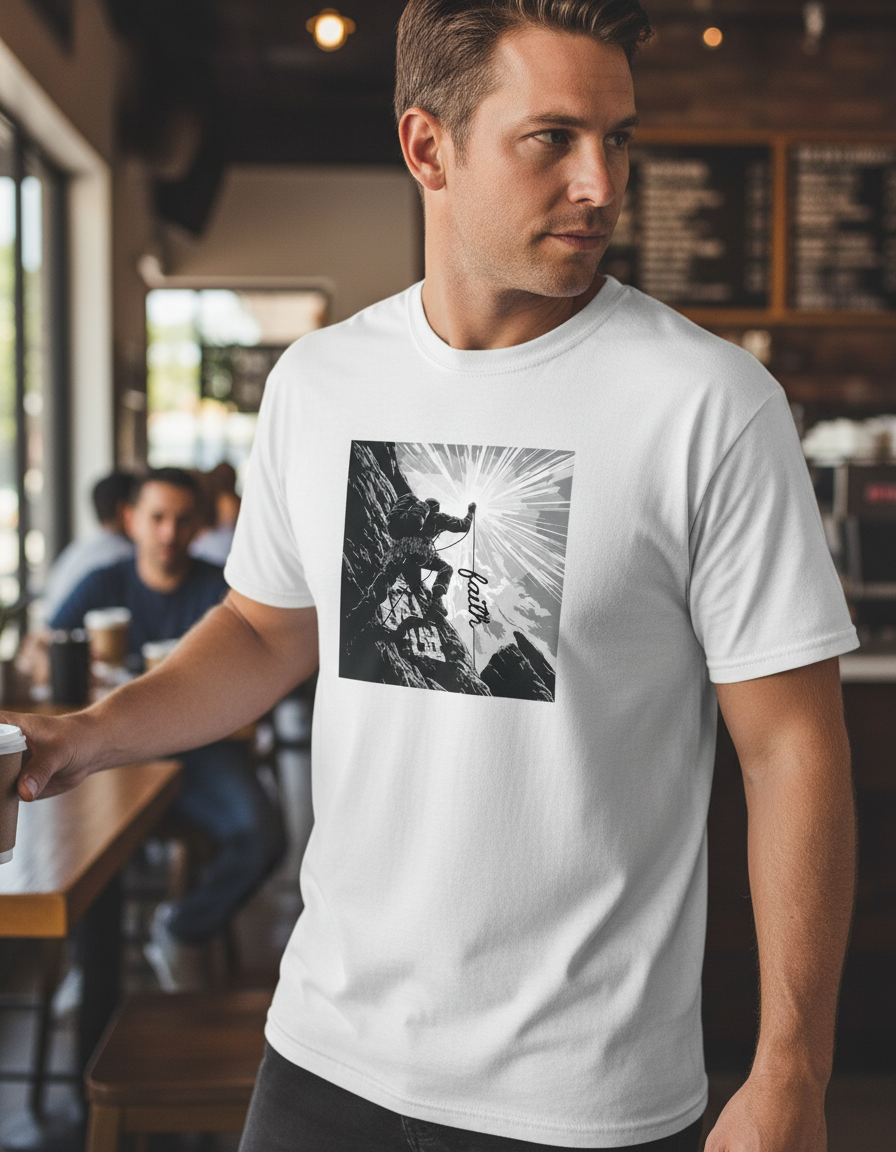
Generate realistic male T-shirt, hoodie, and sweatshirt mockups with sharp print close-ups in minutes.

